All guides
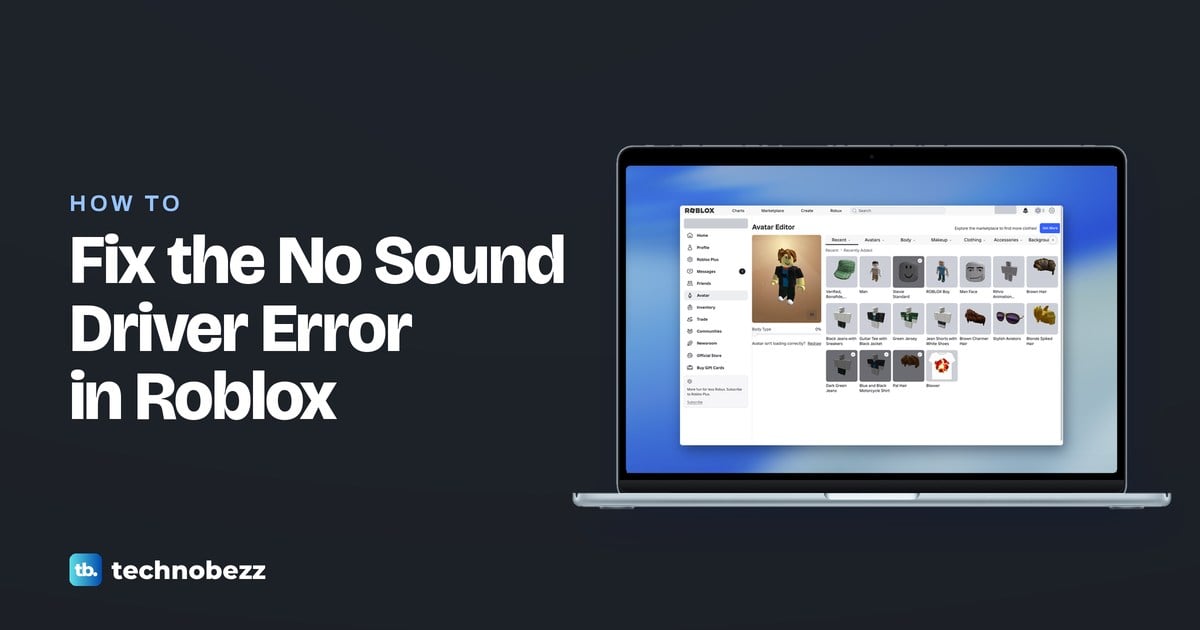
How to Fix the No Sound Driver Error in Roblox
Fix the no sound driver Roblox error by selecting the right audio output, checking Windows device detection, and updating your audio driver.
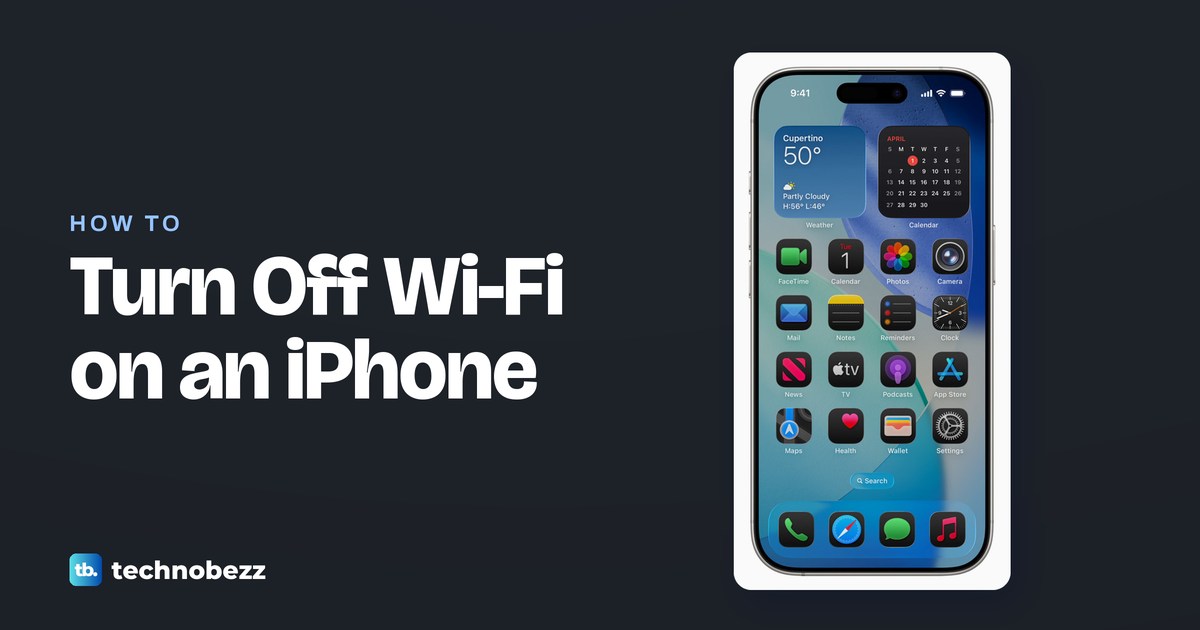
How to Turn Off WiFi Completely on an iPhone
To make your iPhone turn off WiFi completely, use Settings. Learn the Control Center difference and the other ways to reach the switch.
Fix Xbox Not Connecting to WiFi With the Correct Password
If your Xbox won't connect to WiFi with the correct password, forget the saved network, restart your equipment, and check the connection error.
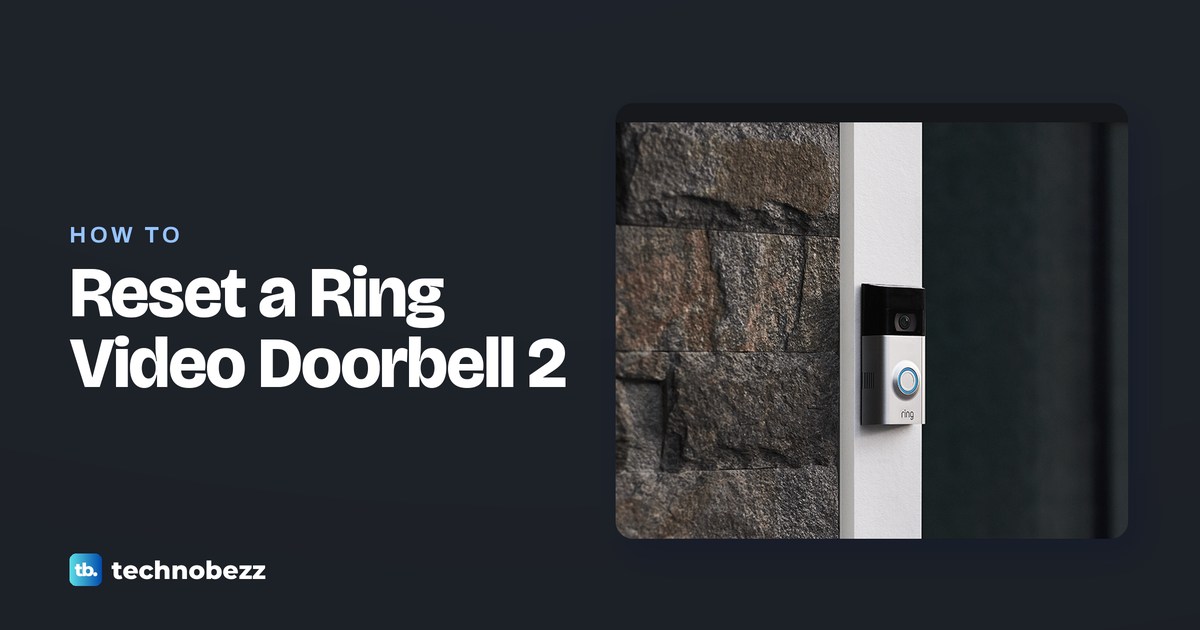
How to Reset a Ring Video Doorbell 2
Learn how to reset Ring Doorbell 2 by holding its setup button for 20 seconds, then reconnect it to Wi-Fi and finish setup in the Ring app.
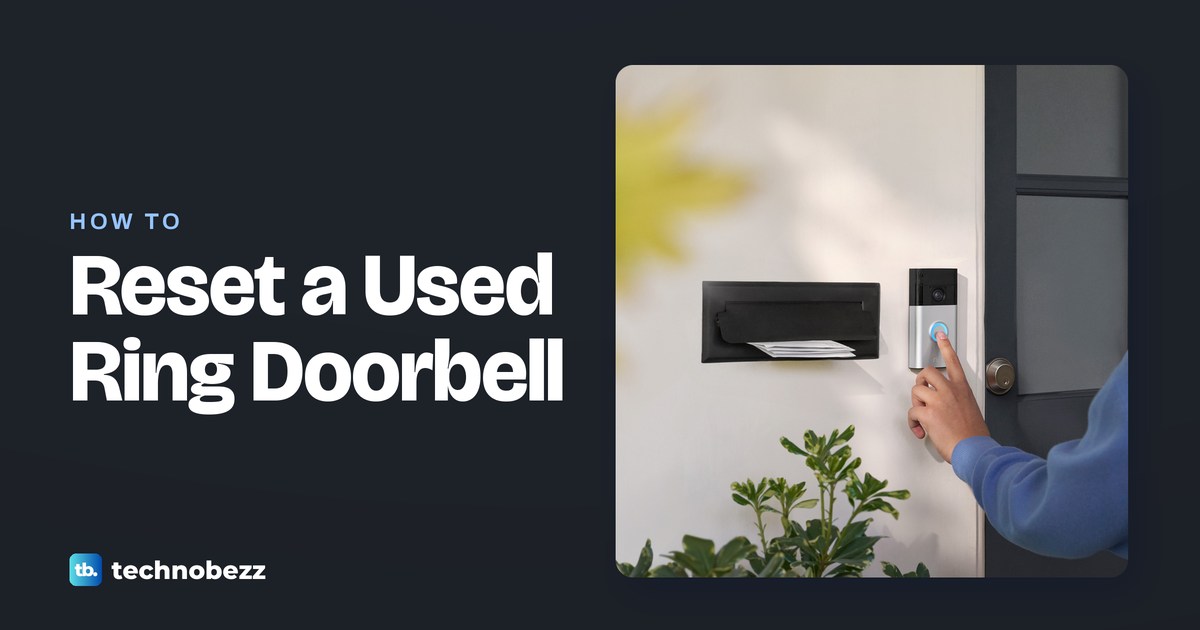
How to Reset a Used Ring Doorbell and Request an Ownership Transfer
Learn how to factory reset Ring doorbell without previous owner access, request ownership in the Ring app, and finish setup after release.
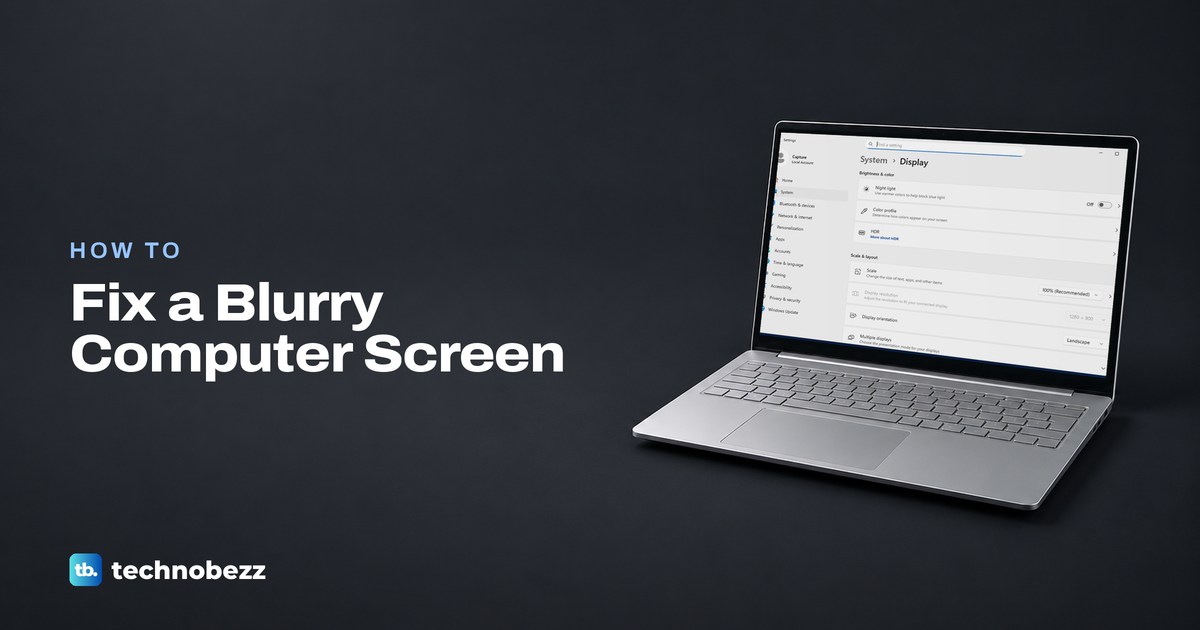
How to Fix a Blurry Computer Screen
Learn how to fix a blurry computer screen by restoring its native resolution, correcting scaling, tuning text, and checking cables.
How to Fix a Failed GeForce Game Ready Driver Installation
If your GeForce Game Ready driver installation failed, restart Windows, check compatibility, and run a fresh manual clean install.
How to Change Your Starlink Password
To change Starlink password settings, use the app for Wi-Fi or the account recovery page for your login, then reconnect or sign in.
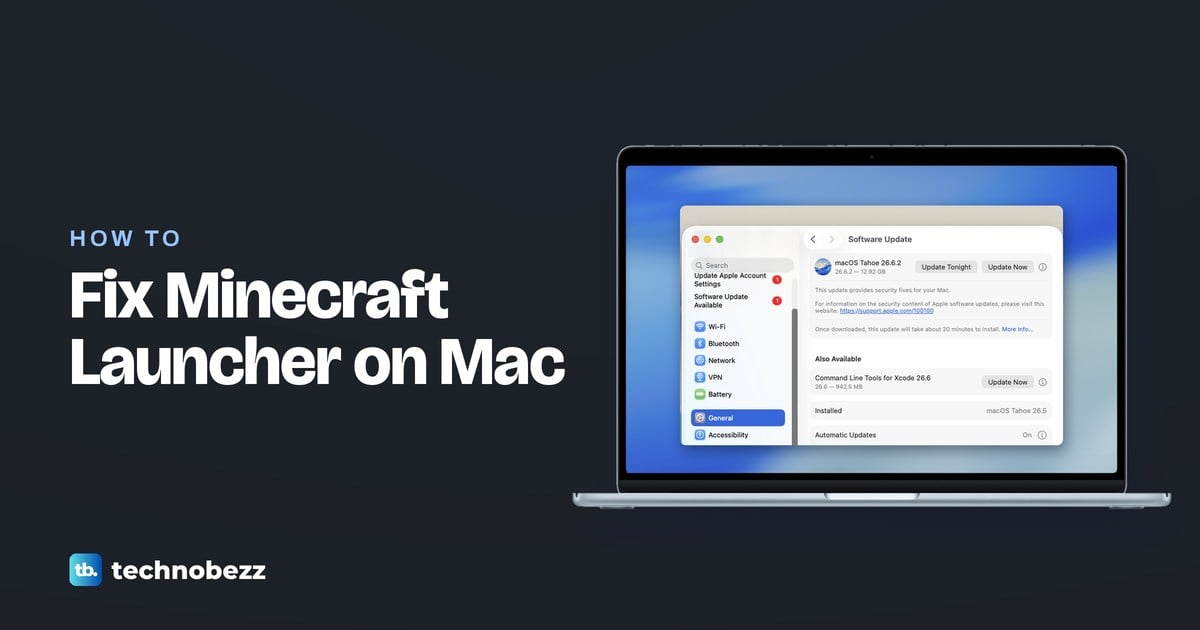
How to Fix Minecraft Launcher Update Errors on Mac
Fix “minecraft unable to update the launcher mac” problems with restart and reinstall steps, plus checks for macOS and connection issues.
How to Check a Game's Player Count on Steam
Learn how to check player count on Steam through Community Hub, the Most Played chart, or trackers with current counts and history.
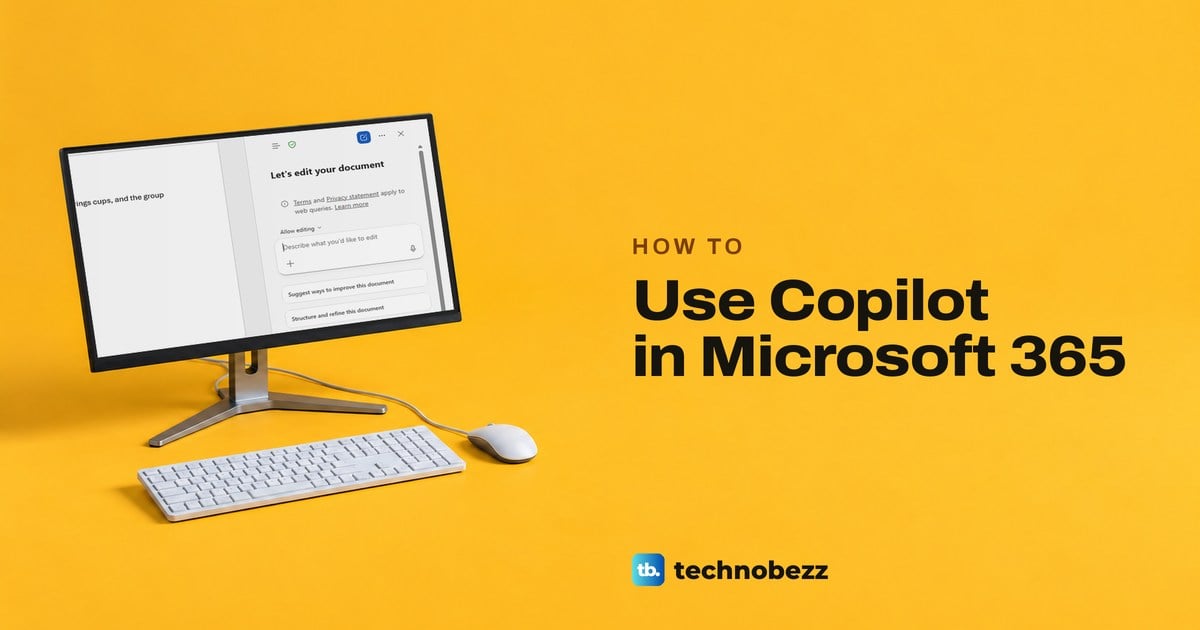
How to Use Copilot in Microsoft 365 and Fix Common Problems
Use Copilot in Word, Excel and PowerPoint from the round button at the lower right, write prompts it can act on, and fix a missing button or licence.
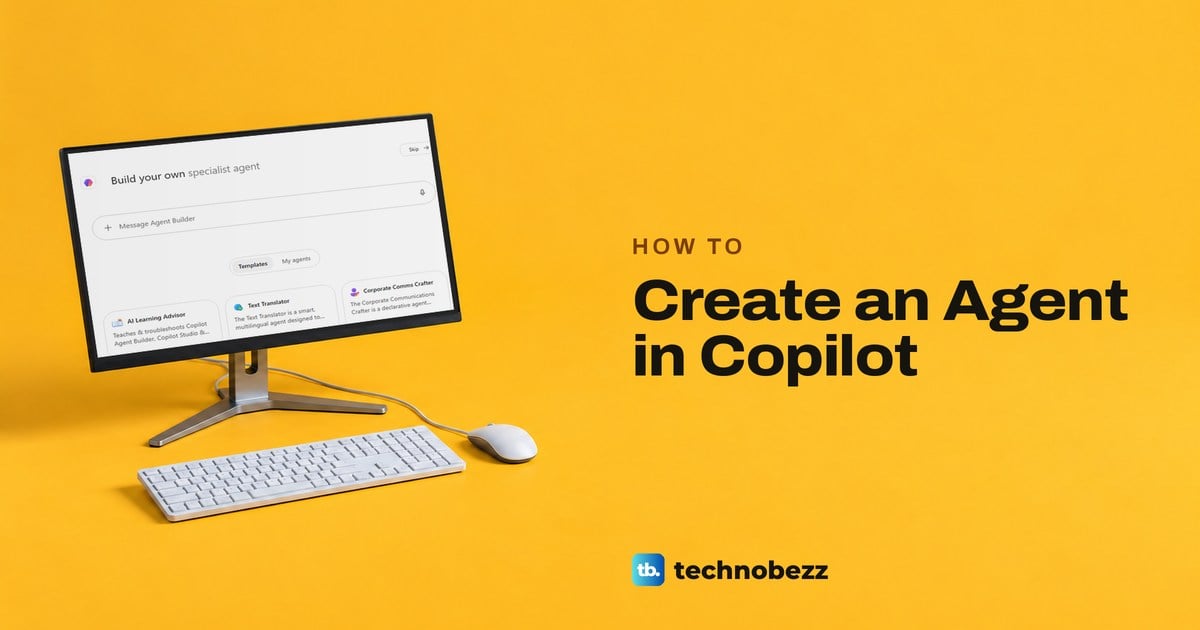
How to Create an Agent in Copilot and Test It
Create a custom agent in Microsoft 365 Copilot with a prompt, a blank form or a template. Preview its answers, then create it privately and find it again.
How to Use OneDrive to Save and Share Files
Open OneDrive on your PC or in a browser, add and find files, share them with the right permissions, save space, and restore mistakes.
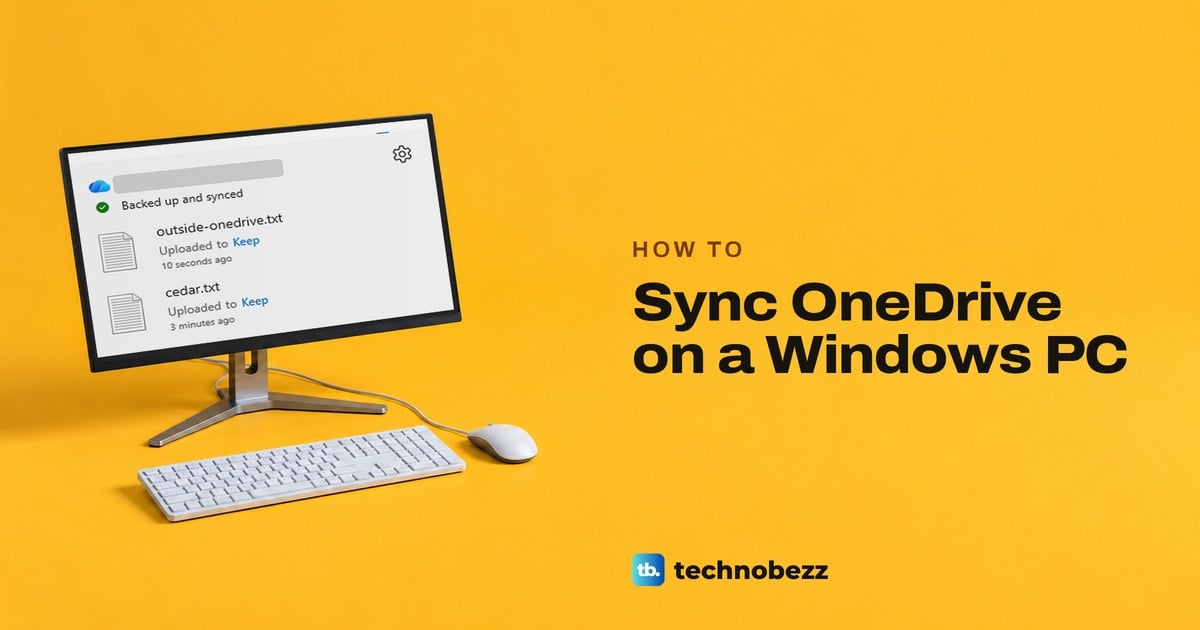
How to Sync OneDrive Files on a Windows PC
Sync OneDrive on Windows by setting up the OneDrive app, saving or copying files into its folder in File Explorer and checking that each one has uploaded.
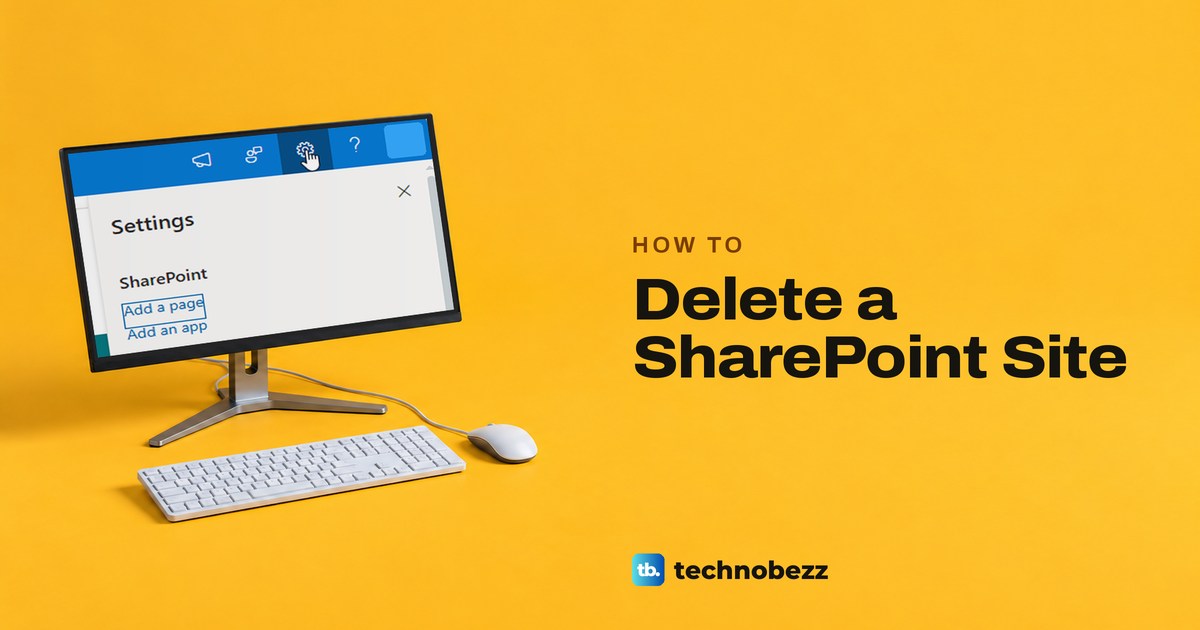
How to Delete a SharePoint Site and Restore It
Delete a SharePoint site from Site information, see when a team site also deletes its Microsoft 365 group, and learn how to restore either one.
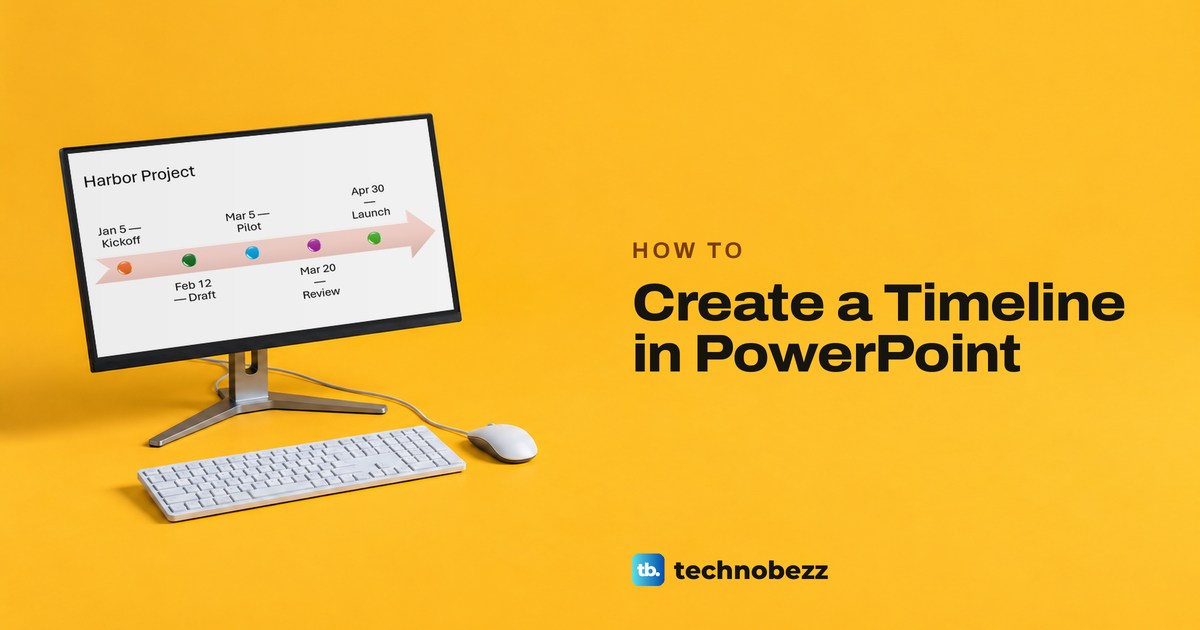
How to Create a Timeline in PowerPoint Step by Step
To create a timeline in PowerPoint, choose Insert > SmartArt > Basic Timeline and type your dates. Plus templates, shapes, Designer and the web app.
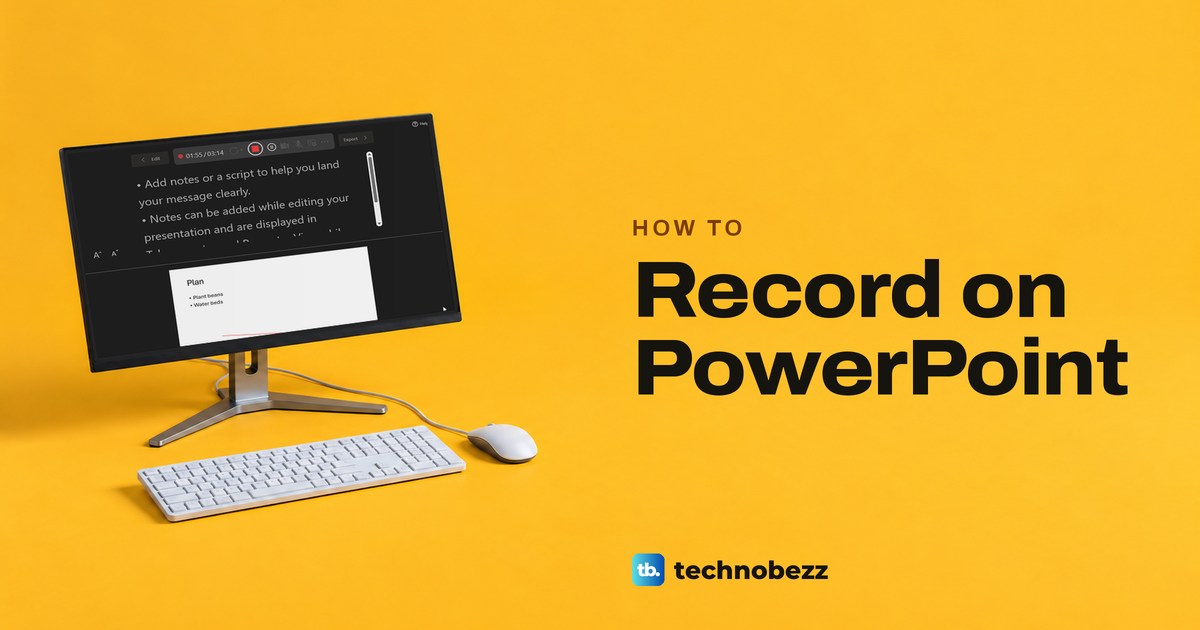
How to Record on PowerPoint With Audio and Video
Record a PowerPoint presentation with narration, slide timings, ink, or camera video. Review each slide, then save the deck or export an MP4.
How to Create a Group in Teams for Private Chat
Select New message in Teams, add at least two other people in To, type a group name with the arrow beside it, then send a first message to start the chat.
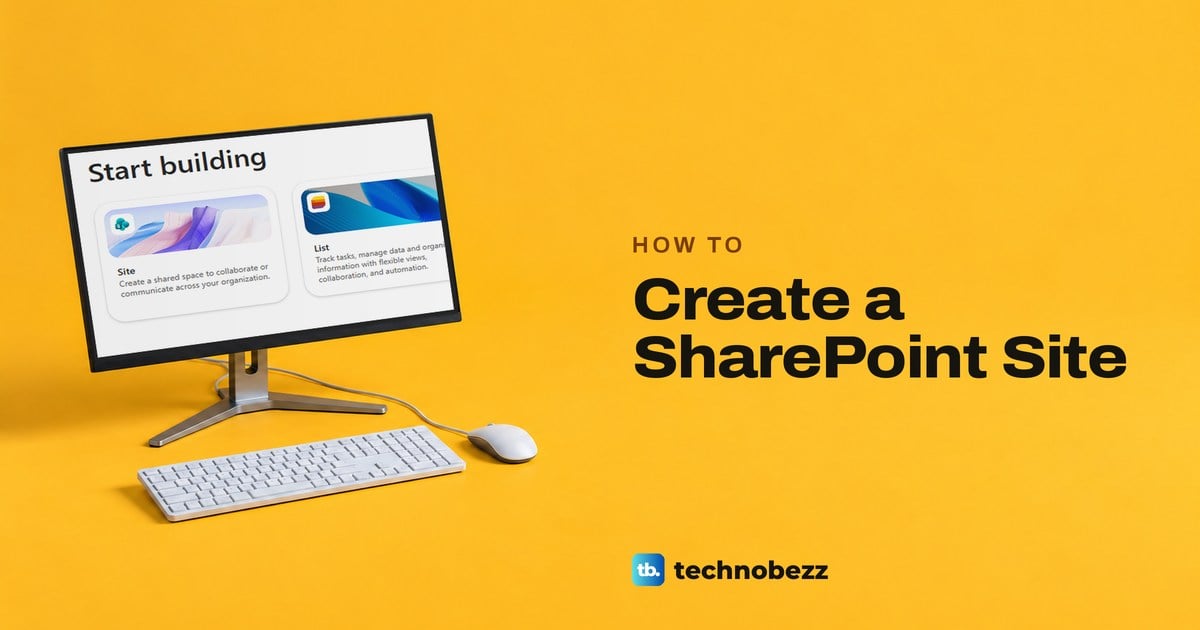
How to Create a SharePoint Site Step by Step
To create a SharePoint site, select Build and then Site, pick Team site or Communication site, name it, check its address and select Create site.
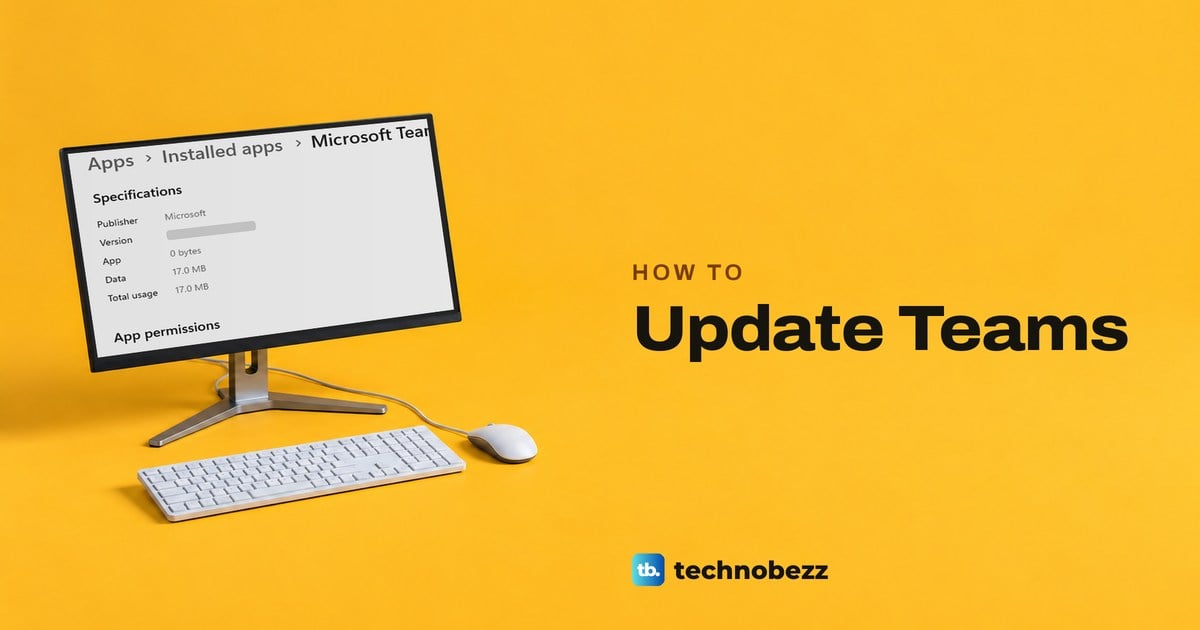
How to Update Teams on Windows, Mac and Mobile
Update Teams on Windows from the Update notice or About Teams, on a Mac with Microsoft AutoUpdate, and on phones from the App Store or Google Play.
How to Curve Text in PowerPoint Into an Arc or Circle
Curve text in PowerPoint with WordArt or an existing text box. Use Text Effects and Transform for an arch or circle, then resize or remove it.
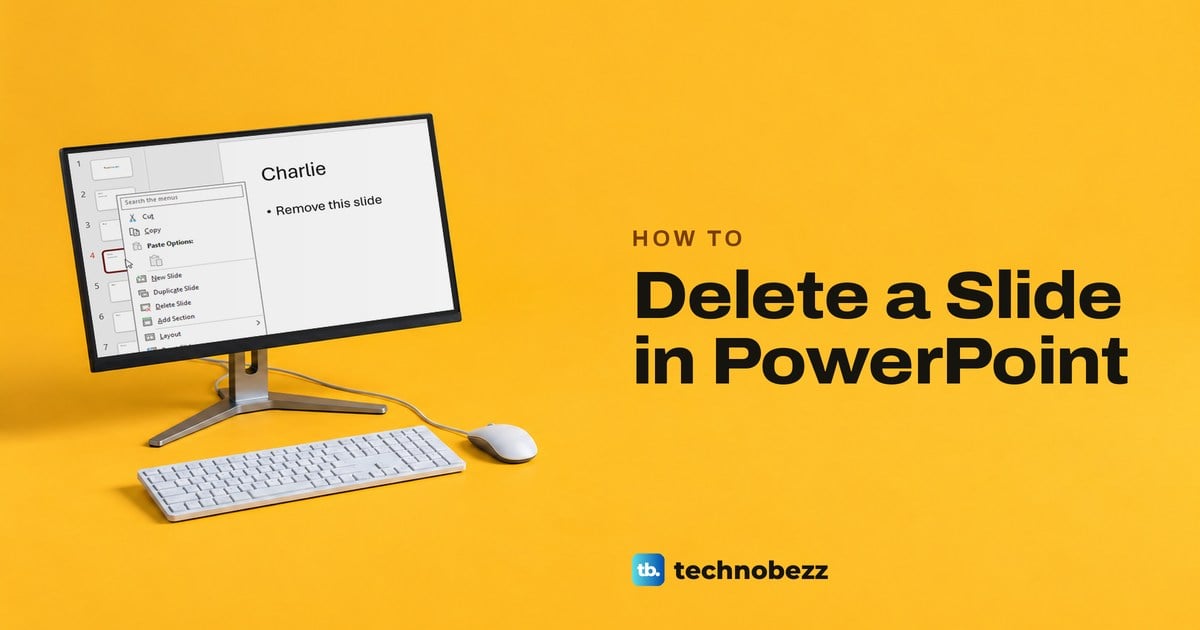
How to Delete a Slide in PowerPoint and Undo It
Right-click a slide thumbnail in PowerPoint and choose Delete Slide. Select several with Ctrl or Shift, or press Delete. Undo a mistake with Ctrl+Z.
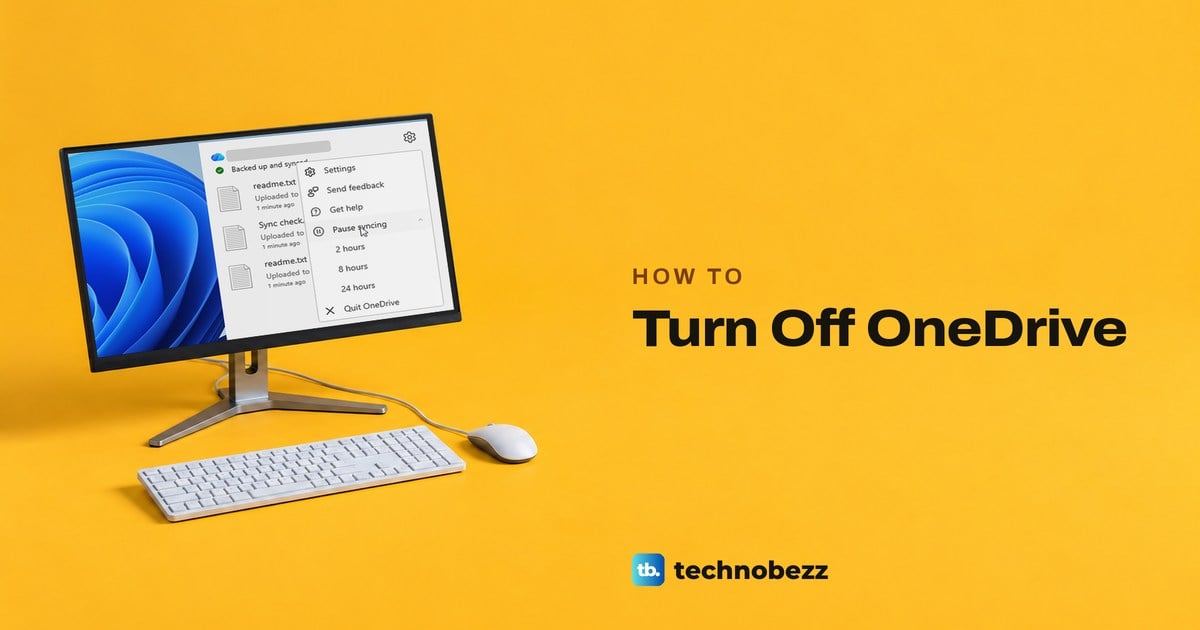
How to Turn Off OneDrive Without Losing Your Files
Turn off OneDrive by quitting it, pausing sync, switching off its startup entry, unlinking this PC or uninstalling it, and keep the files you need.
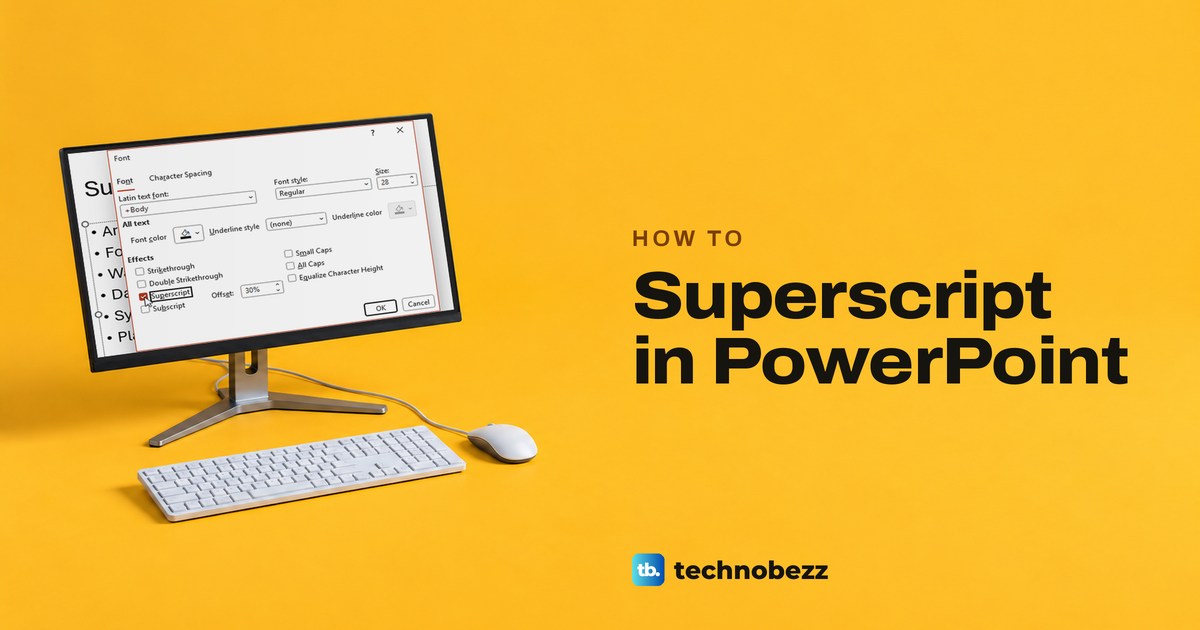
How to Superscript in PowerPoint for Text and Math
Select the character and press Ctrl + Shift + = to superscript in PowerPoint. Plus the Font dialog, symbols, equations, subscript, the web and Mac.