All guides
Samsung TV Lagging? How to Fix a Slow Samsung TV
A lagging Samsung TV is often low on memory. Hold Power to restart it, run Device Care, clear the slow app's cache, update, and use Game Mode for games.
Samsung TV Turns On by Itself or Keeps Turning Off
Samsung TV turns on by itself? It is usually an HDMI device, your phone or a timer. If it turns off by itself, check Auto Power Off and the timers.
How to Delete Apps on a Samsung TV (and Reinstall Them)
Press Home, open Apps, choose App Settings (or hold Select on the app), then Delete twice. Built-in apps, often Netflix, can be hidden but not deleted.
Samsung TV Netflix Not Working? Fixes and Error Codes
Unplug the TV, press its power button and wait a minute. Then use Netflix's Get Help menu to check your network, reload Netflix, or sign out and back in.
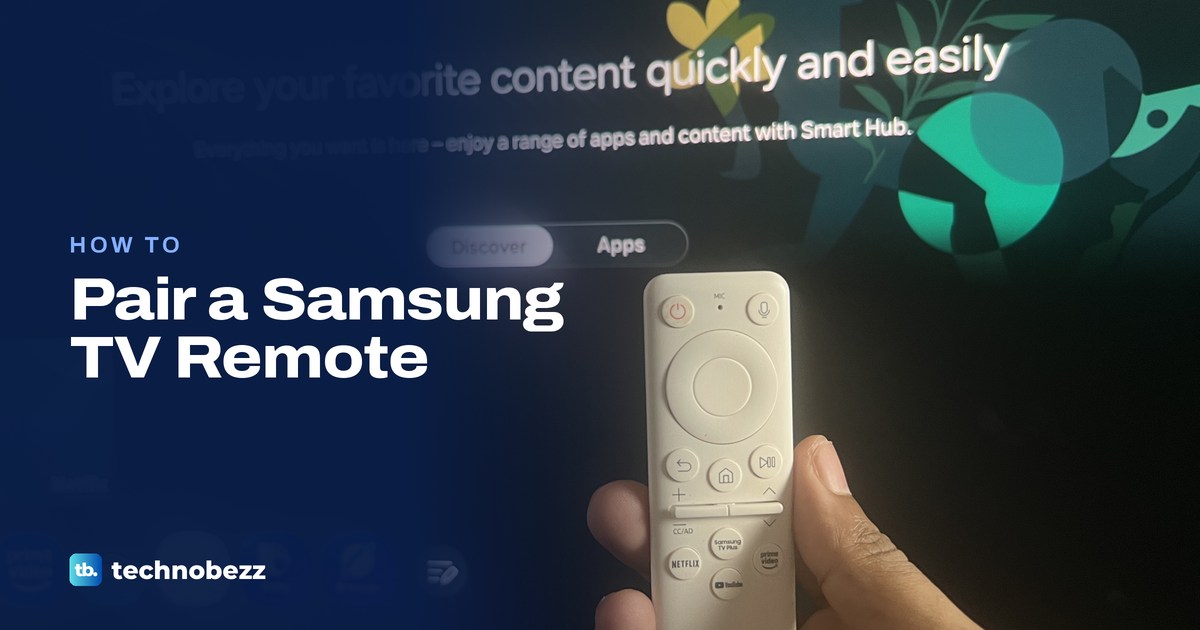
How to Pair a Samsung TV Remote and Fix Connection Issues
Point the Samsung Smart Remote at the TV and hold Return and Play/Pause for 3 seconds. Won't pair? Charge it and hold both for 5 seconds up close.
Samsung TV Volume Not Working? How to Fix It
Tilt a Samsung Smart Remote's Volume button instead of pressing it, check Sound Output for a soundbar or Bluetooth device, then check Auto Volume.
Samsung TV No Sound? Find and Fix the Cause
Check every volume and Sound Output, then run Samsung's Sound Test to see whether the TV, an HDMI ARC soundbar, Bluetooth or one app is silent.
How to Turn On a Samsung TV Without a Remote
Press the Controller button under your Samsung TV's bottom edge near the red standby light or behind the lower right corner, or use SmartThings if set up.
Samsung TV Buffering Fixes for Streaming Pauses
Fix Samsung TV buffering by testing speed on the TV, comparing it with the service's figure, then fixing Wi-Fi, router traffic or the one app that pauses.
Samsung TV Apps Not Working? How to Fix Them
Samsung TV apps not loading? Try a second app, cold boot the TV, check the network, update the TV software, then reinstall the app or reset Smart Hub.
Samsung TV Not Connecting to WiFi and How to Fix It
Samsung TV not connecting to WiFi? Run Network Status to see which link failed, then fix the password, router, signal or TV settings in order.
How to Use VLOOKUP in Excel Across Sheets and Workbooks
Type =VLOOKUP(what to find, where to look, column number, FALSE) and press Enter. Worked examples for other sheets, other workbooks and Excel for the web.
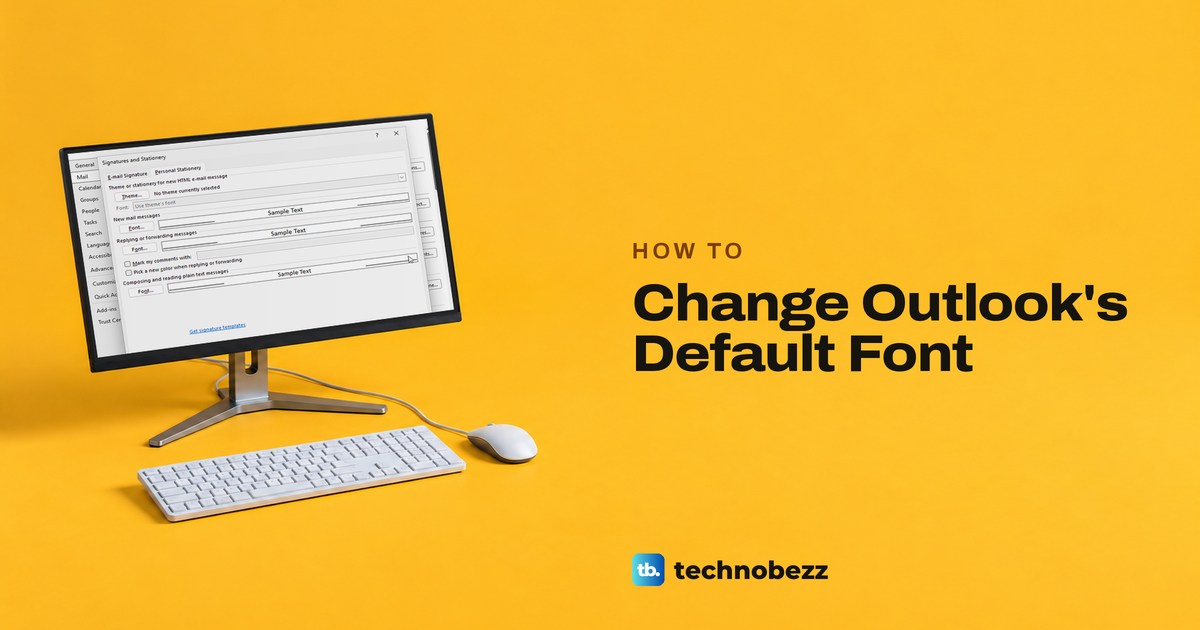
How to Change the Default Font and Size in Outlook
In classic Outlook, open File > Options > Mail > Stationery and Fonts. On the web and in new Outlook, use Settings > Mail > Compose, then Save.
How to Convert PDF to Excel Without a Converter
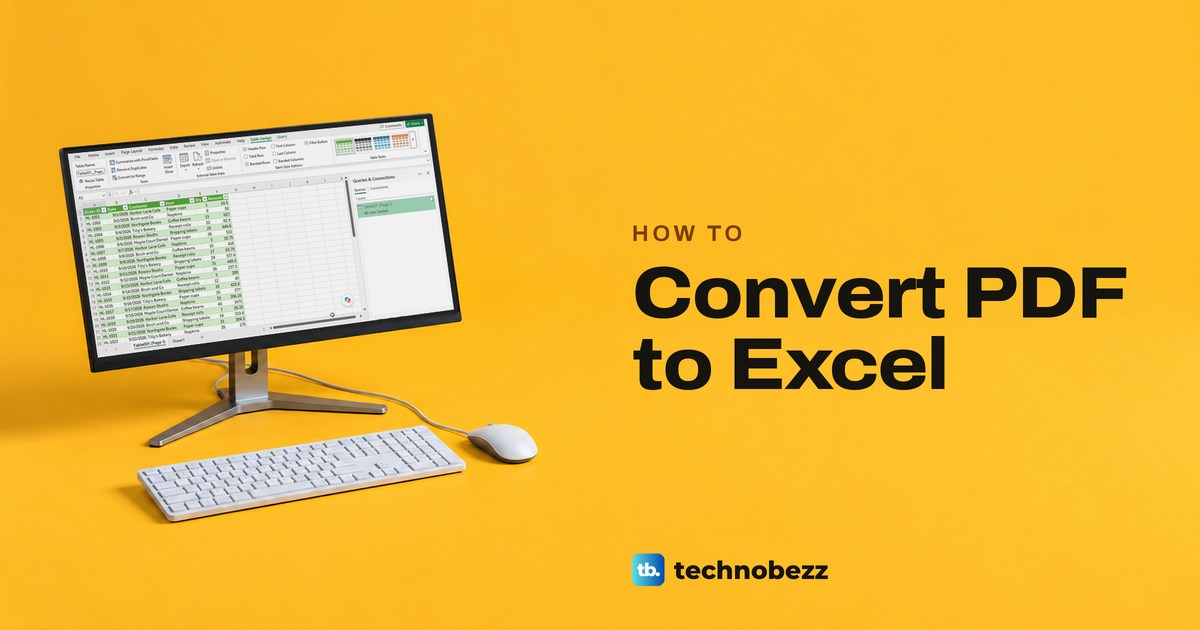
In Excel for Microsoft 365 on Windows, select Data > Get Data > From File > From PDF, pick the table in the Navigator and select Load. No upload needed.
Samsung TV Flickering Screen and How to Fix It
Samsung TV screen flickering? See where it shows, run the Picture Test, then check the HDMI cable and port, automatic brightness and the game output.
Why Is My Samsung TV So Dark and How to Fix It
Samsung TV too dark? Turn off Brightness Optimization and Energy Saving Solution, raise Brightness, then run Picture Test if one half or a band stays dark.
How to Unlock iPhone When You Forgot the Passcode
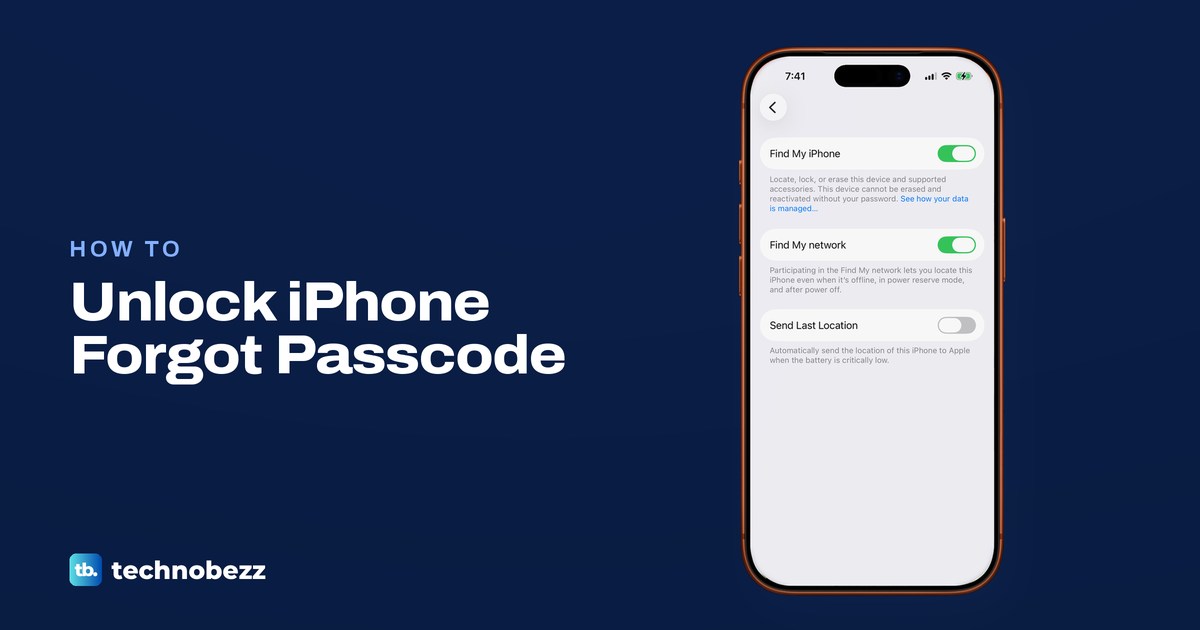
Forgot your iPhone passcode? On iOS 17 or later, try the old code within 72 hours. If not, erase via Forgot Passcode, Find My or a computer, then restore.
How to Scan a QR Code on a Phone or Computer
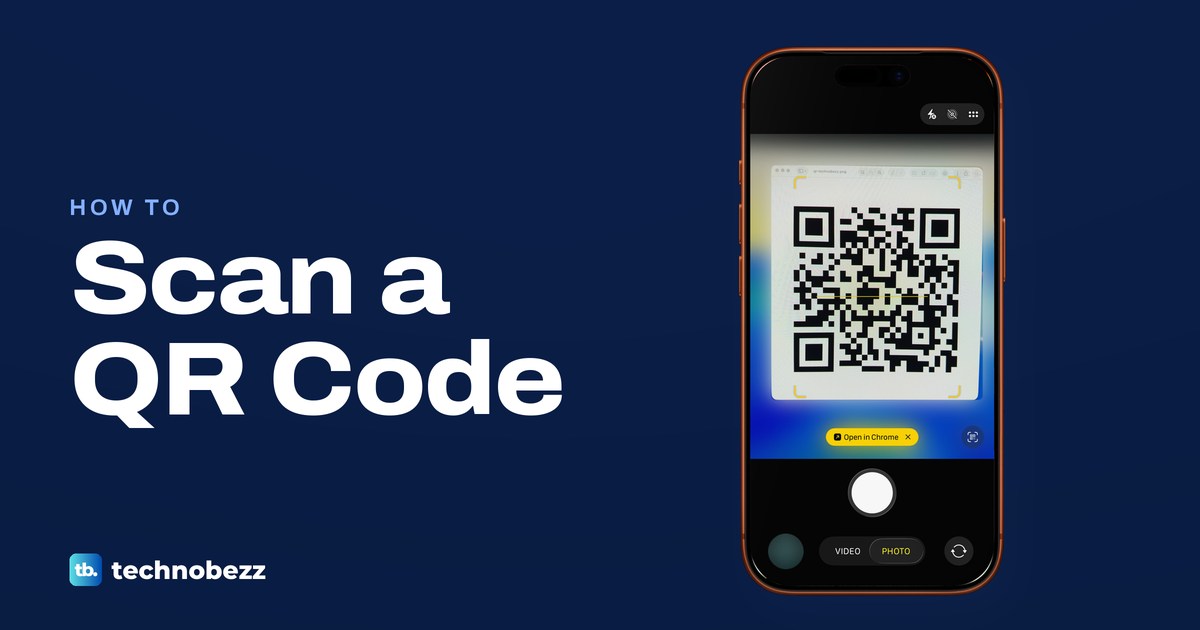
Open Camera, point it at the QR code and tap the link or prompt that appears. Here is how to read a code on your own screen, on Android, Windows and a Mac.
How to See Deleted Messages on iPhone and Recover Them
In Messages, tap Filters, then Recently Deleted to recover texts within 30 days (Edit on iOS 16 to 18). Older texts need a copy elsewhere, like a backup.
How to Recover Deleted Photos From iPhone and iCloud
Open Photos, tap Collections, then Recently Deleted, and tap Recover within 30 days. Not there? Check Hidden, Shared Library, iCloud.com and backups.
How to Mute Apple Watch Sounds and Alerts
Press the side button, then tap the bell in Control Center to mute Apple Watch. Wrist taps can go on, and alarms and timers still sound while it charges.
Samsung TV Flashing Red Light and How to Fix It
Unplug a Samsung TV with a flashing red light for 30 seconds, then try a working wall outlet. Learn what each light state means and when to seek service.
Samsung TV Black Screen? How to Get the Picture Back
Samsung TV screen black? Press Home first. A menu means the TV is on, so check the source and HDMI cable, then run Picture Test. No menu points to power.
Samsung TV Color Problems and How to Fix Them
Samsung TV colors yellow, washed out or tinted? Set Picture Mode to Standard, turn off EyeComfort, check the source, then run the Picture Test.