All guides
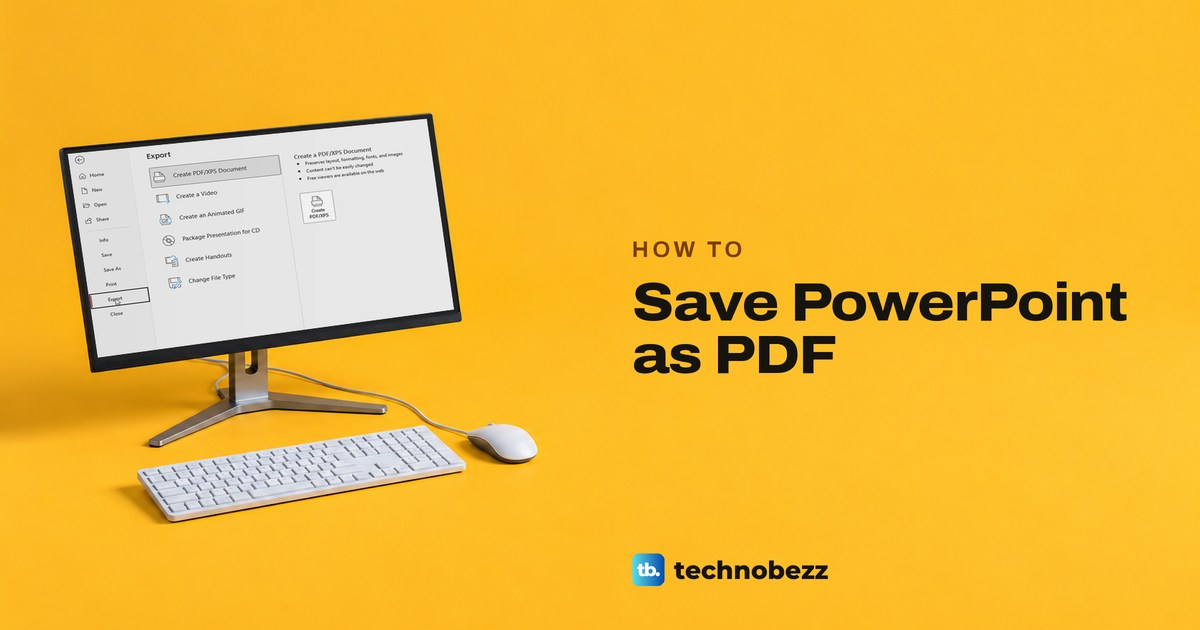
How to Save PowerPoint as PDF With Slides or Notes
In PowerPoint, choose File, Export, Create PDF/XPS, then Publish. Options adds one slide, handouts or notes pages, and the web app has Download as PDF.
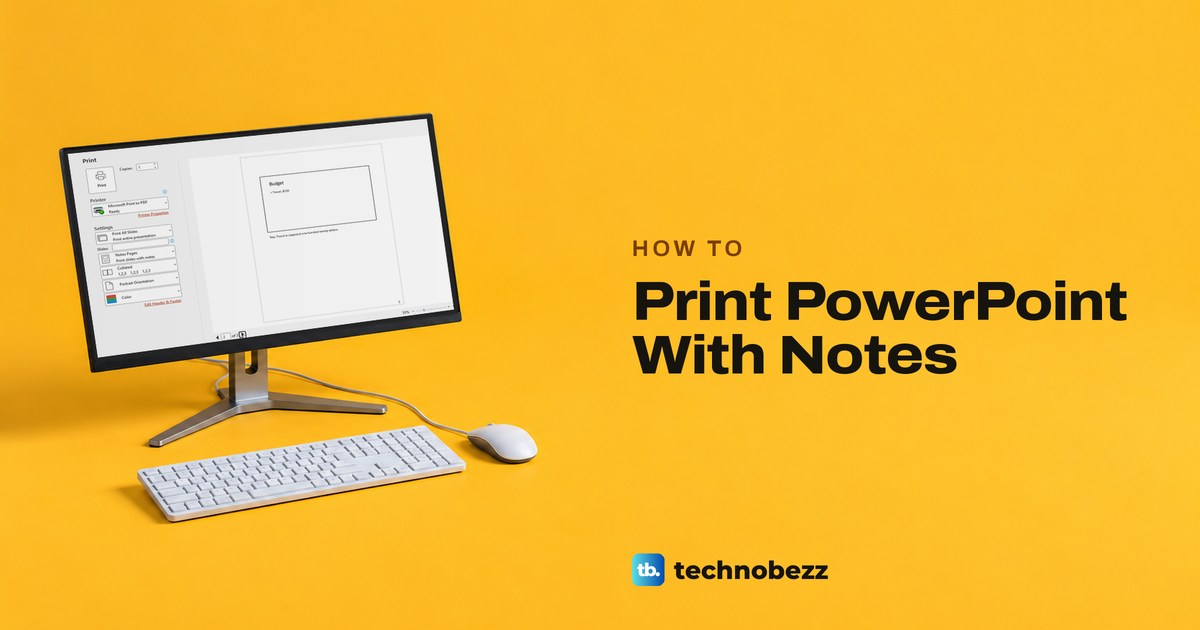
How to Print PowerPoint With Notes on Every Page
Open File > Print, choose Notes Pages instead of Full Page Slides, then print or save a PDF with each slide and its speaker notes underneath.
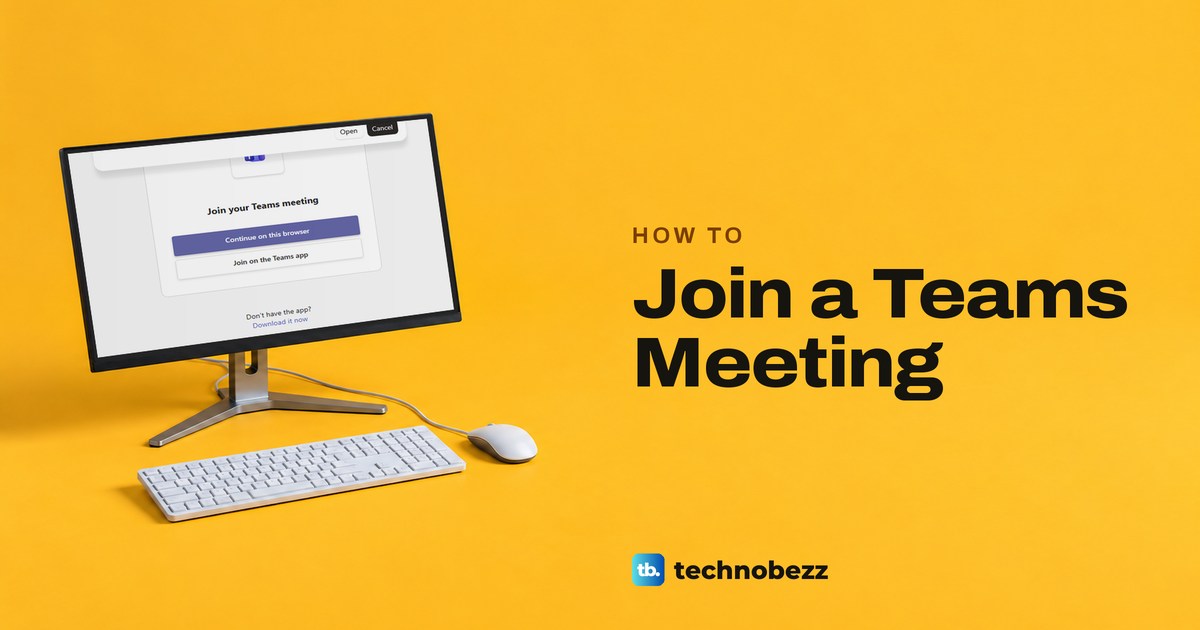
How to Join a Teams Meeting by Link or ID
Join a Teams meeting from a link, Outlook or a meeting ID. Choose audio and video before you enter, then handle the lobby or a blocked join.
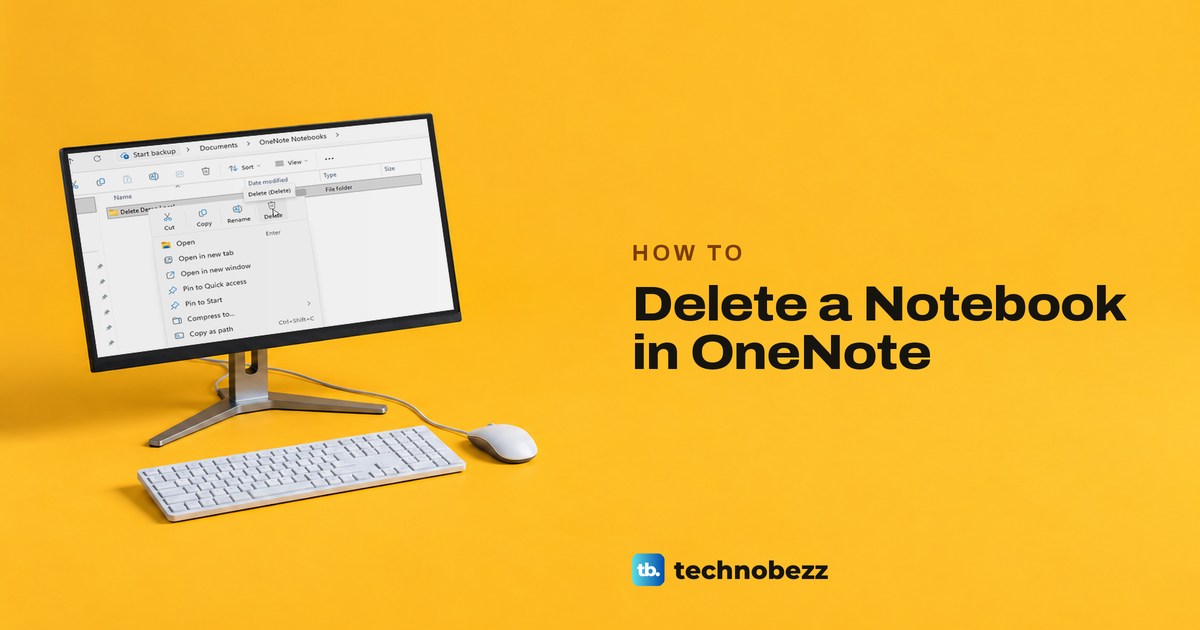
How to Delete a Notebook in OneNote Completely
Delete a OneNote notebook in OneDrive or its folder on your PC. Close This Notebook only hides it. A deleted notebook can come back from the Recycle bin.
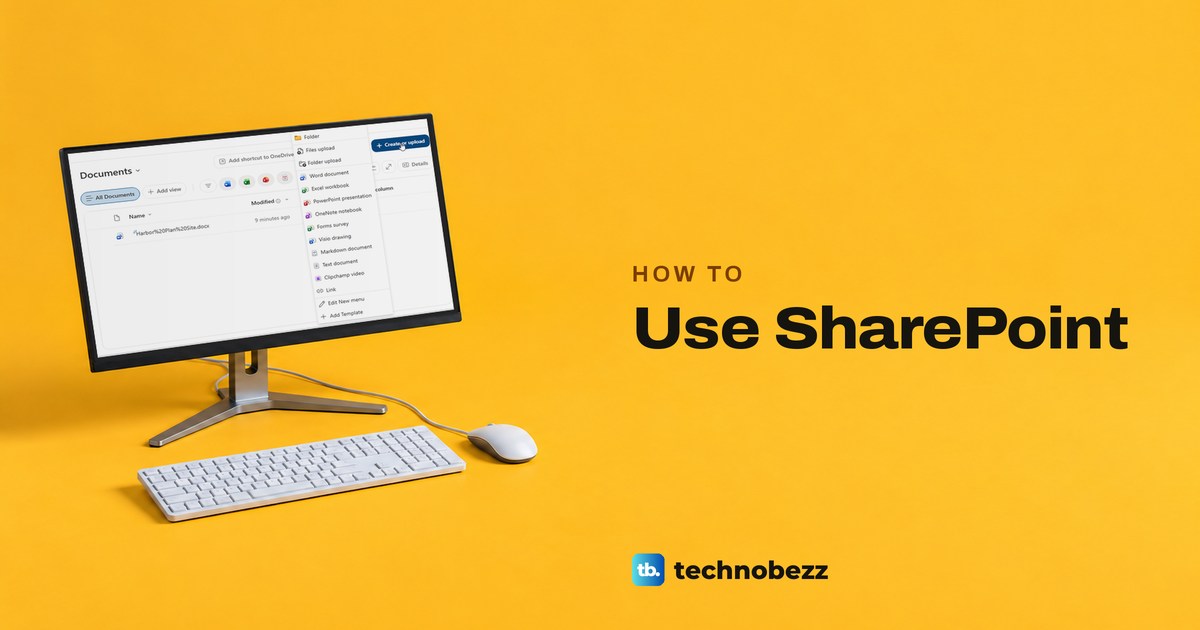
How to Use SharePoint for Files and Team Sites
Open your SharePoint site, save and upload files, share with the right people, restore earlier versions, and build a list or page in Microsoft 365.
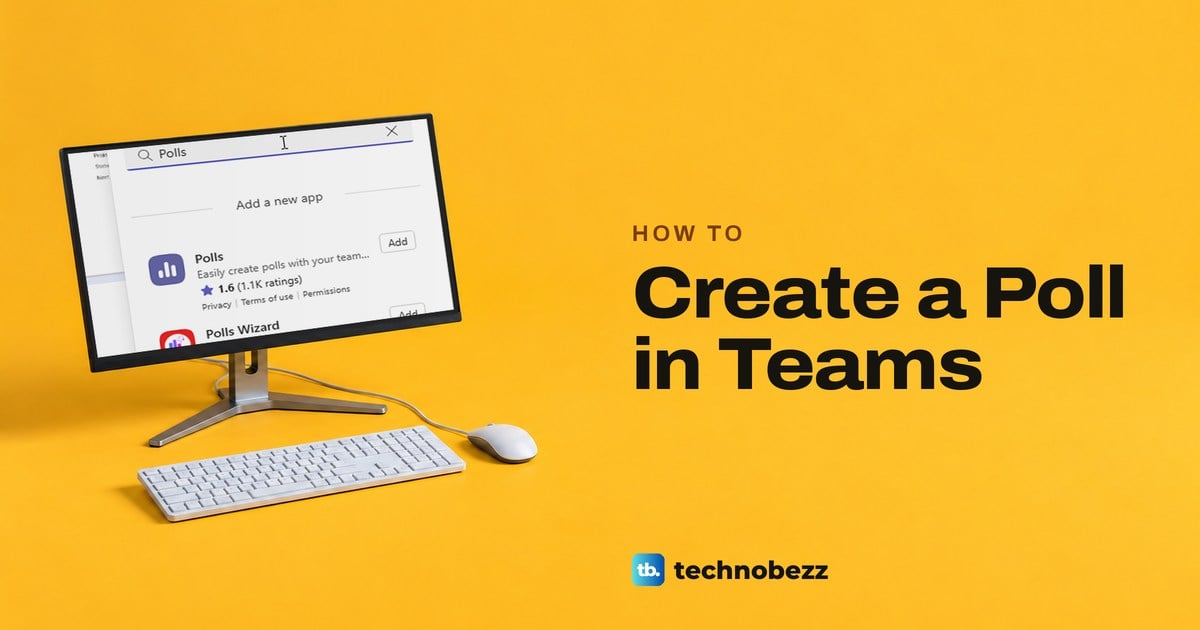
How to Create a Poll in Teams Chats and Meetings
Create a Teams poll from the chat or channel Actions and apps menu, or add Polls to a meeting. Set the choices, pick who sees results, then send or launch.
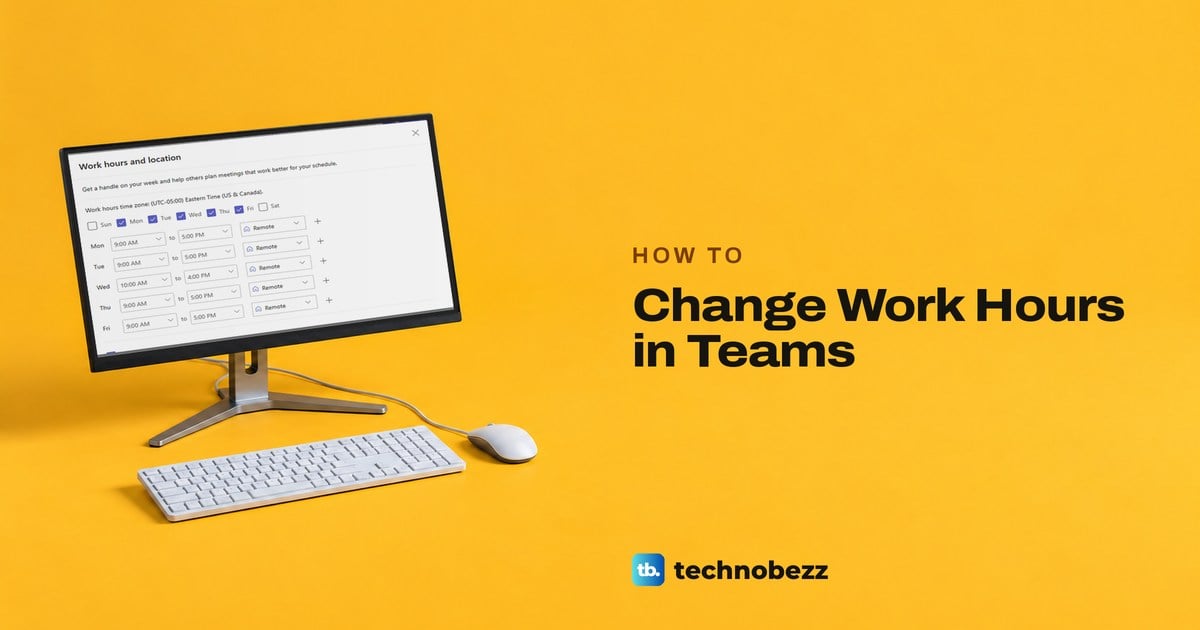
How to Change Work Hours in Teams for Each Workday
Change work hours in Teams from Calendar settings, set the times for each workday, add a split day if you need one, and save a plan Outlook also uses.
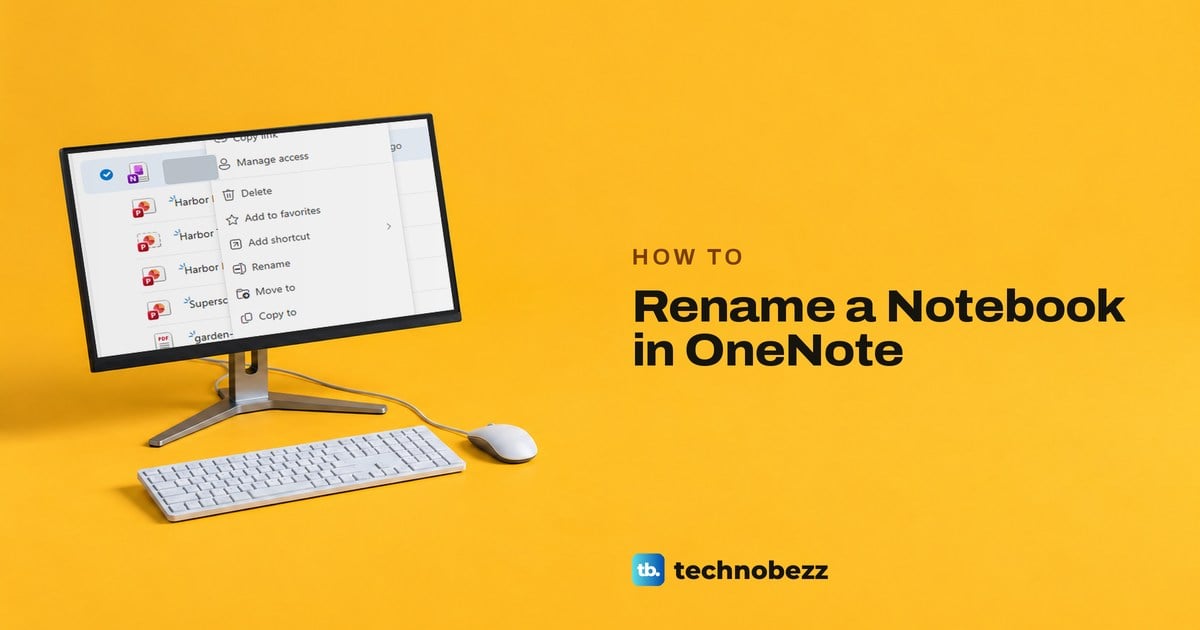
How to Rename a Notebook in OneNote on Windows and Web
Rename a OneNote notebook in OneDrive or SharePoint. In OneNote for Windows, Properties changes only the display name and the stored name stays.
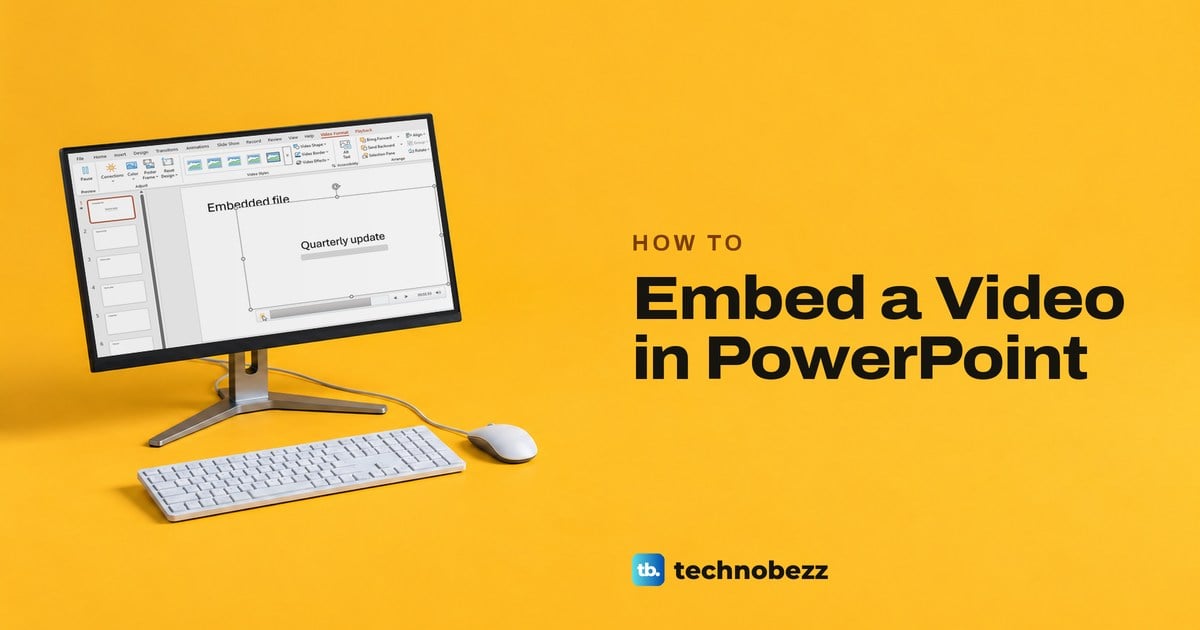
How to Embed a Video in PowerPoint and Play It
To embed a video in PowerPoint, choose Insert > Video > This Device, or Online Videos for YouTube. Desktop and web steps, plus fixes when it won't play.
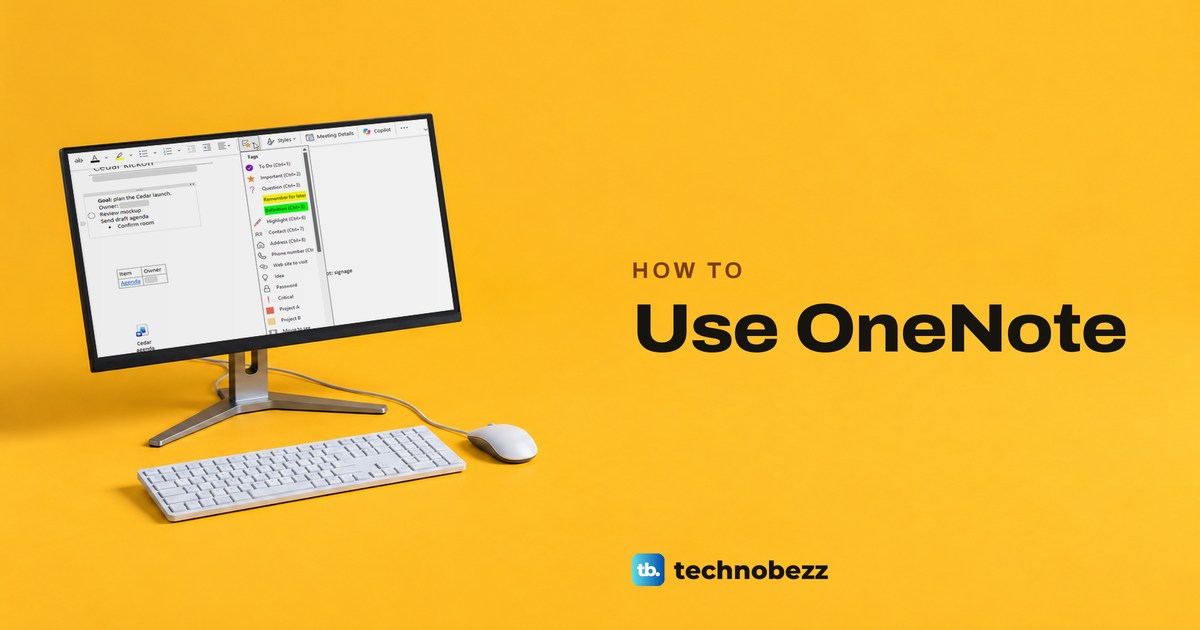
How to Use OneNote for Notes and Organization
Use OneNote by creating a notebook on OneDrive, adding sections and pages, tagging action items, searching your notes, then checking sync and sharing.
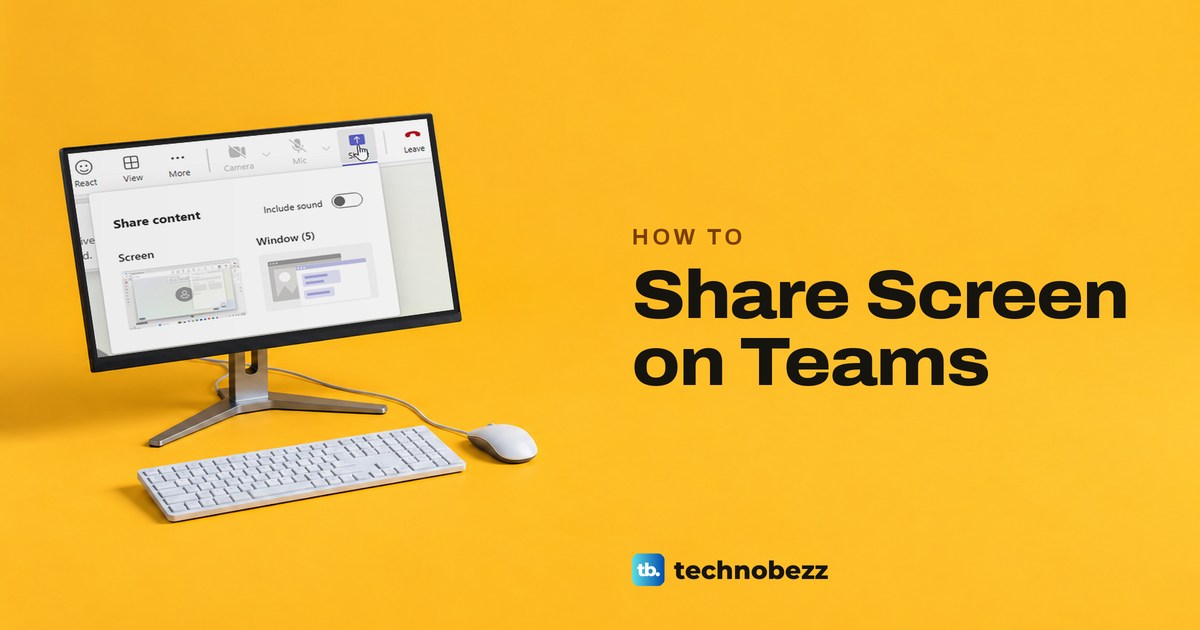
How to Share Screen on Teams and Choose What Shows
In a Teams meeting, select Share, then choose Screen to show everything or Window to show one app. Steps for desktop and web, sound and stopping.
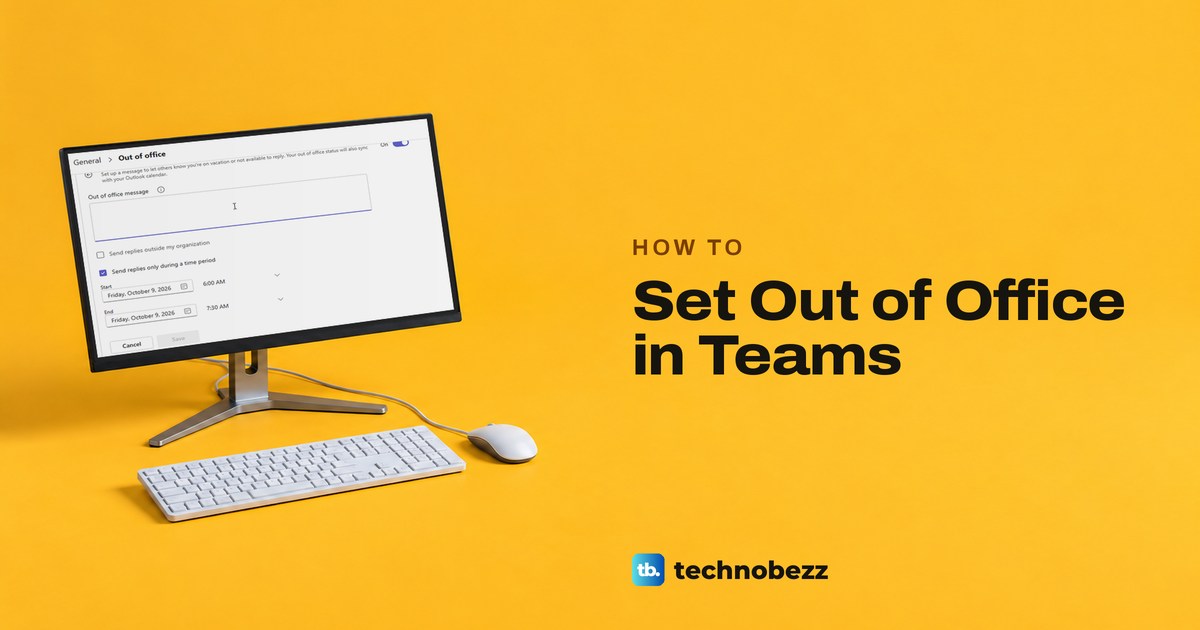
How to Set Out of Office in Teams With a Message
Set out of office in Teams from Set status message: turn on automatic replies, replace any older message, pick your dates and outside senders, then Save.
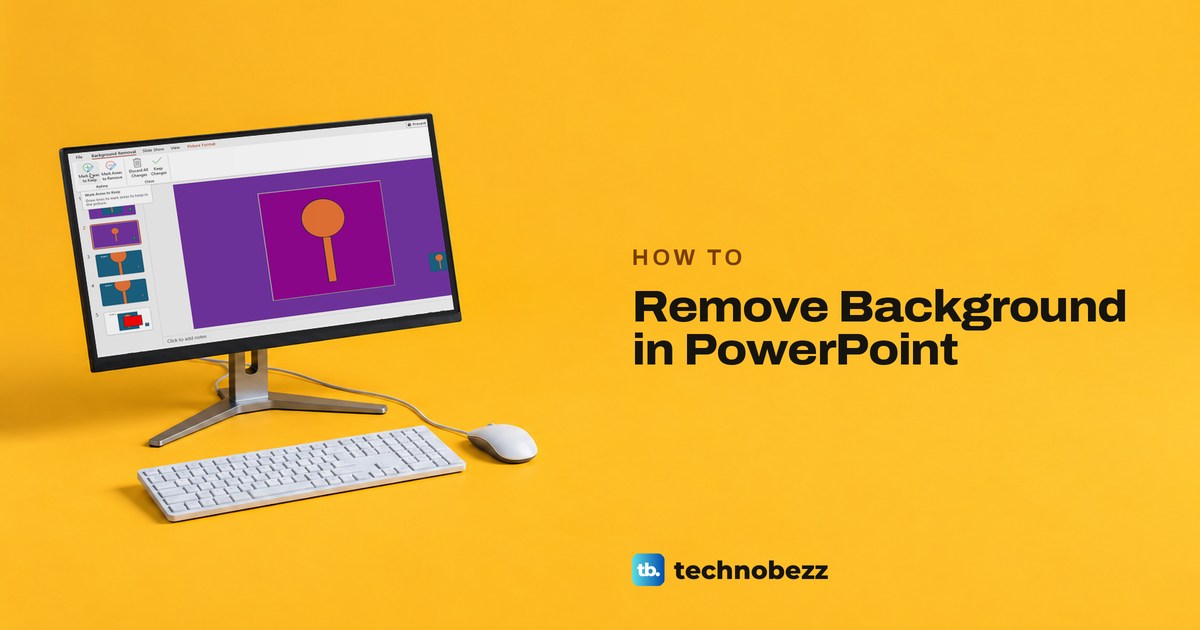
How to Remove Background in PowerPoint Step by Step
Remove a picture background in PowerPoint or replace a slide background with white. Follow desktop and web steps and save a transparent PNG.
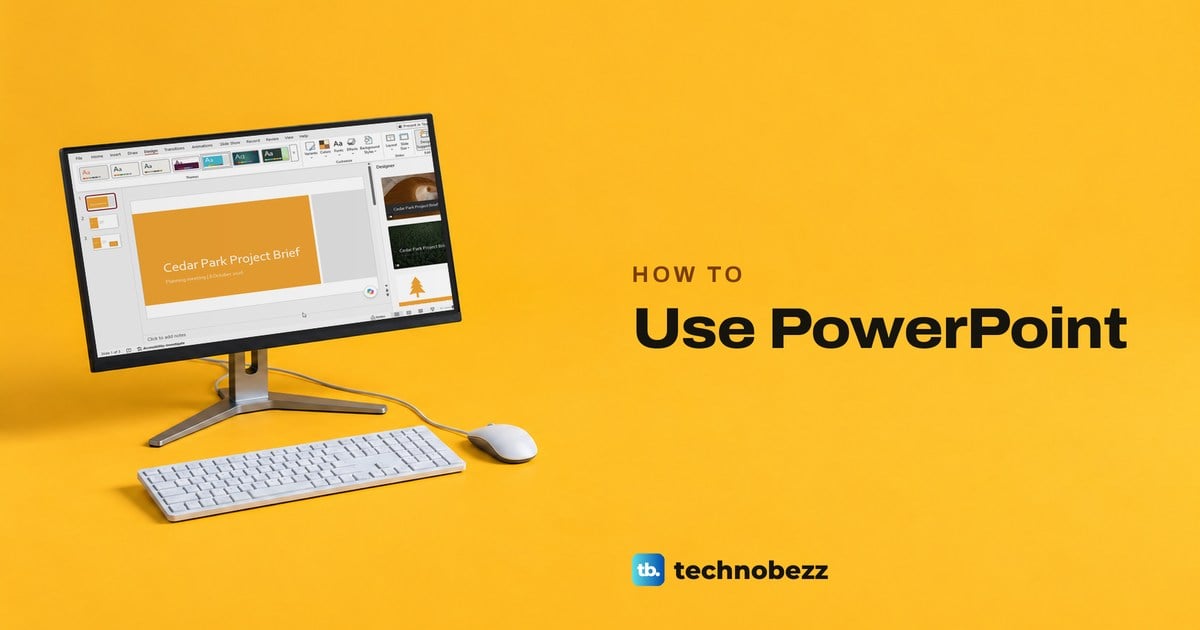
How to Use PowerPoint to Make Your First Presentation
Open PowerPoint, choose Blank Presentation, add slides from Home > New Slide, pick a theme, then present, save and share. Desktop and web steps.
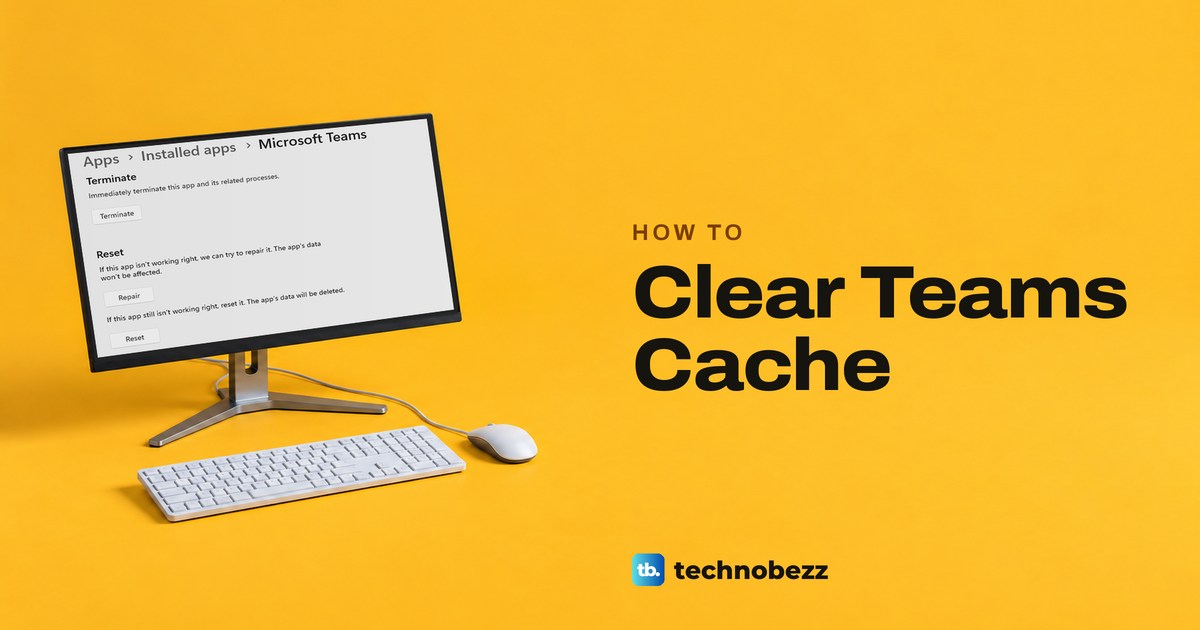
How to Clear Teams Cache on Windows, Mac and Web
Clear Teams cache on Windows by emptying the MSTeams folder or using Reset, run Microsoft's Mac commands, and clear Teams for the web in Edge.
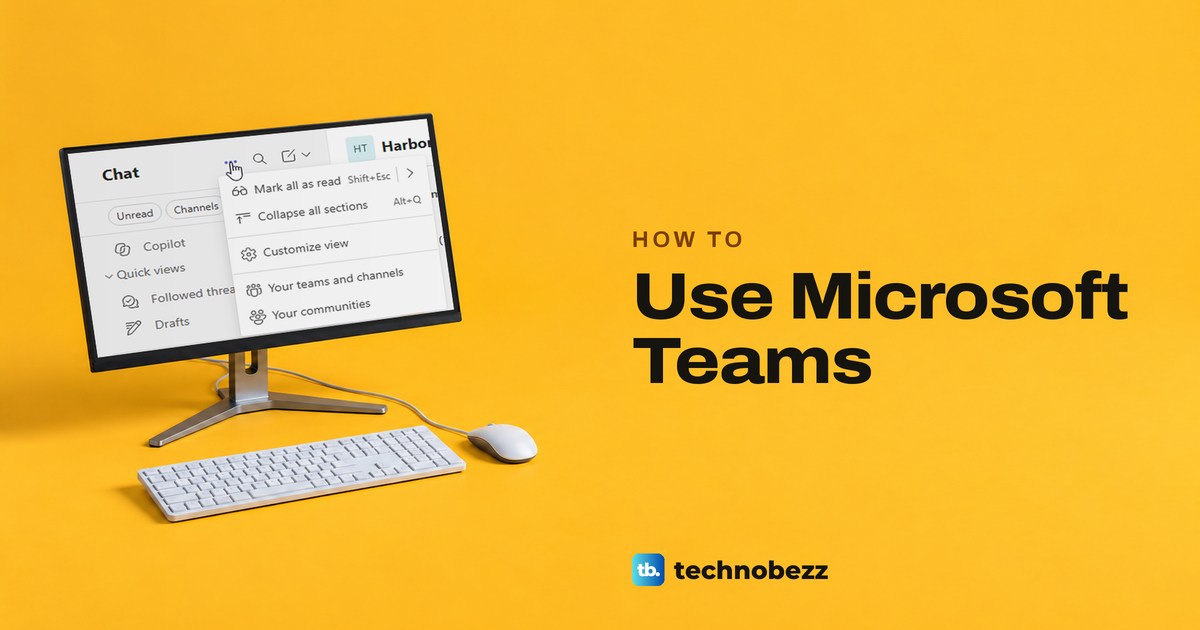
How to Use Microsoft Teams for Chats and Meetings
Use Microsoft Teams for work by finding chats and channels, sending messages, sharing files with the right people, and scheduling and joining meetings.
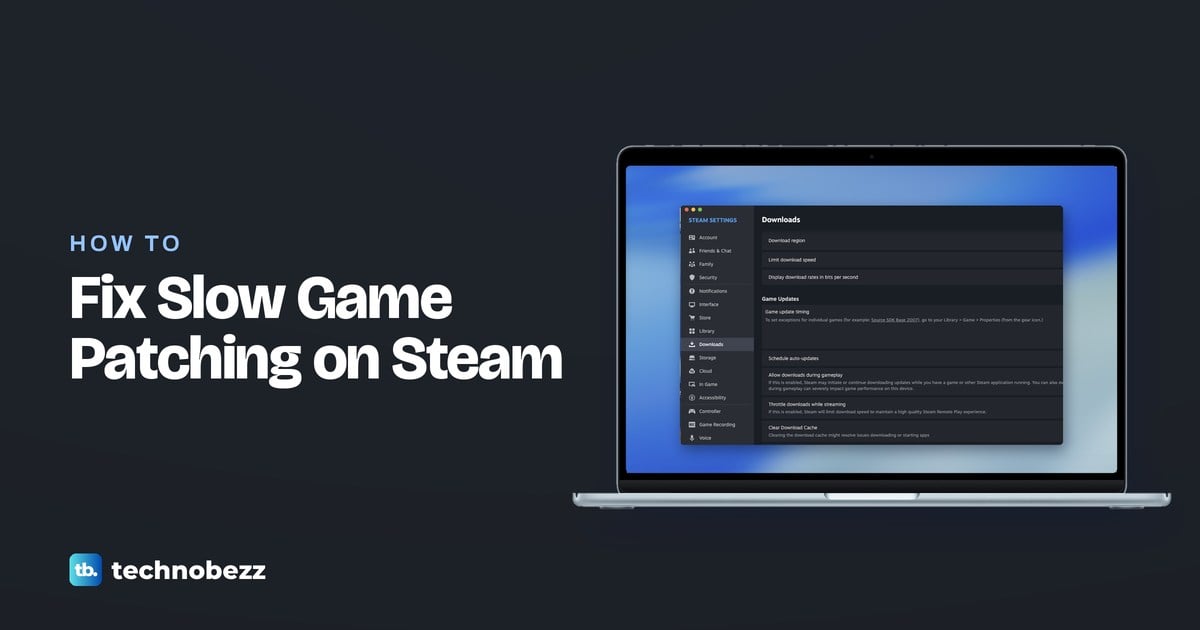
How to Fix Slow Game Patching on Steam
Learn how to fix slow game patching on Steam by checking disk progress, freeing working space, and fixing stalled downloads or damaged files.
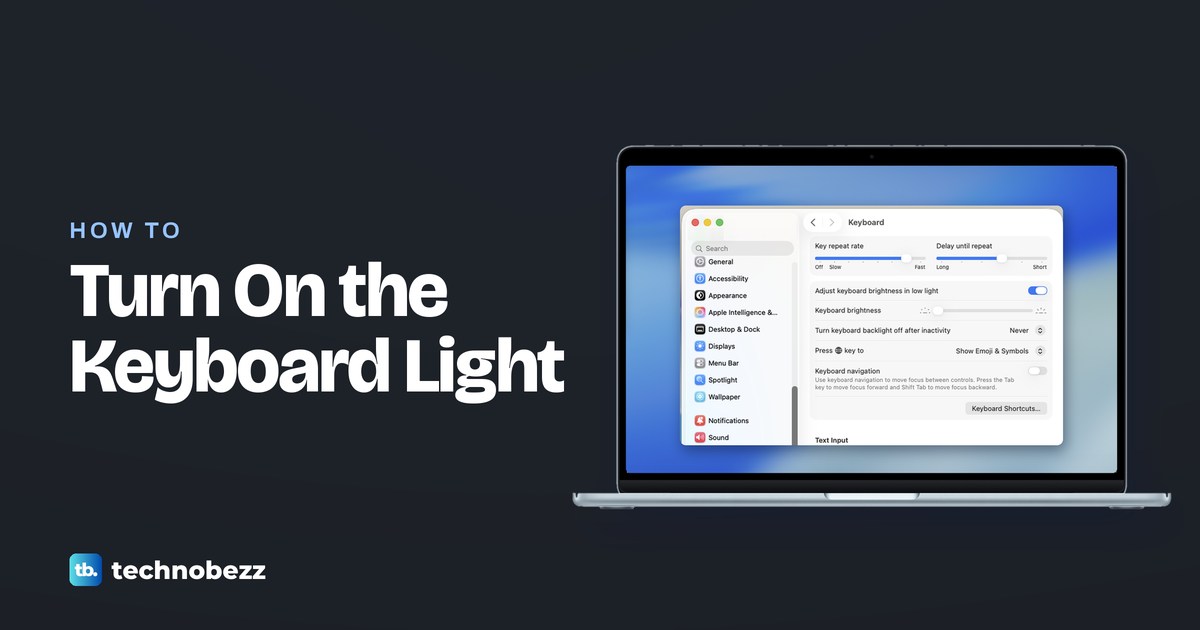
How to Turn On the Keyboard Light on MacBook Air
How to turn on keyboard light on MacBook Air: open System Settings, choose Keyboard, then move the Keyboard brightness slider right.
How to Turn Off iCloud Music Library on iPhone
How to turn off iCloud Music Library on iPhone: open Settings, select Apps, then Music, and switch off Sync Library without canceling Apple Music.
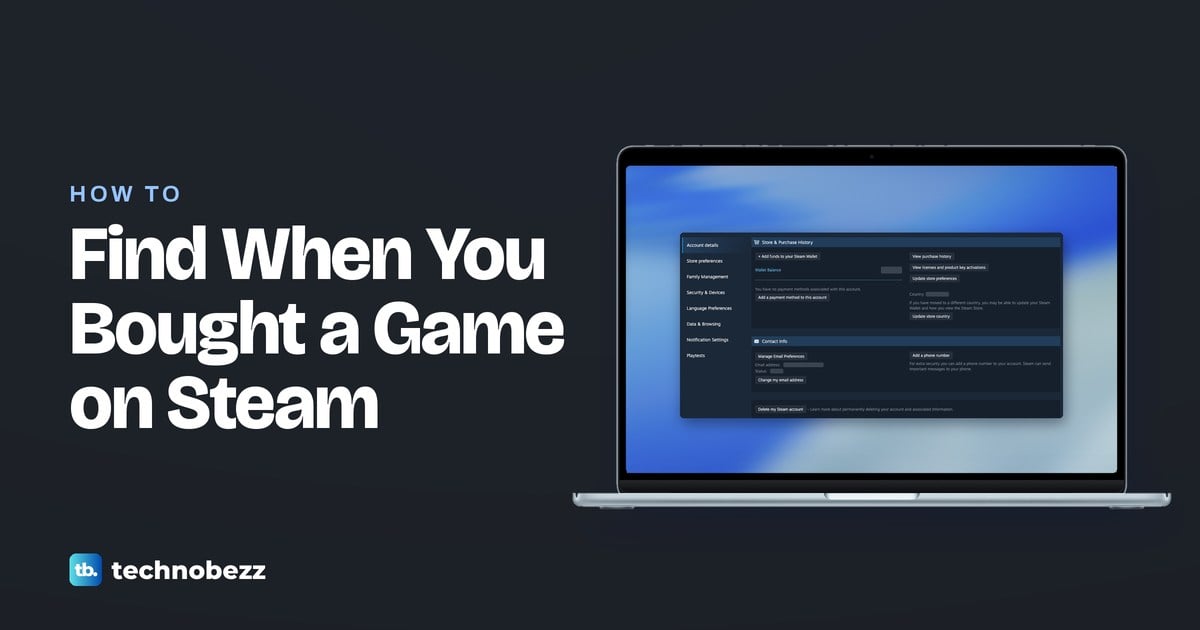
How to Find When You Bought a Game on Steam
Learn how to see when you bought a game on Steam using purchase history, email receipts, gift records, or your retailer’s receipt.
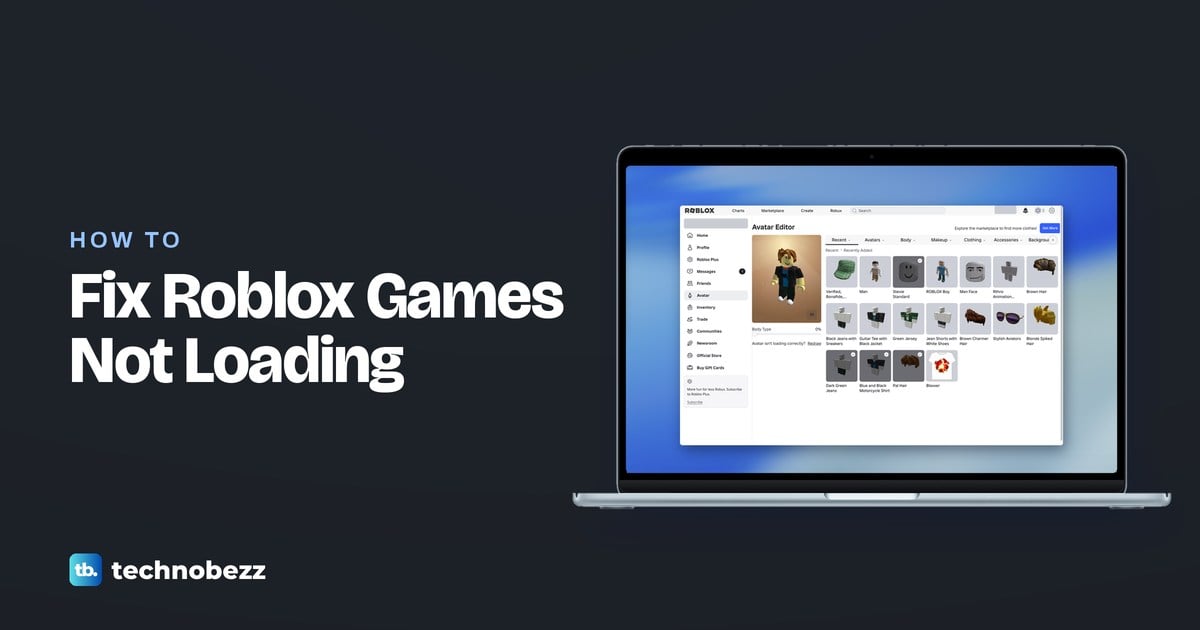
How to Fix Roblox Games Not Loading
Fix Roblox games not loading by checking for outages, trying another game, restarting the app, and repairing your connection or installation.
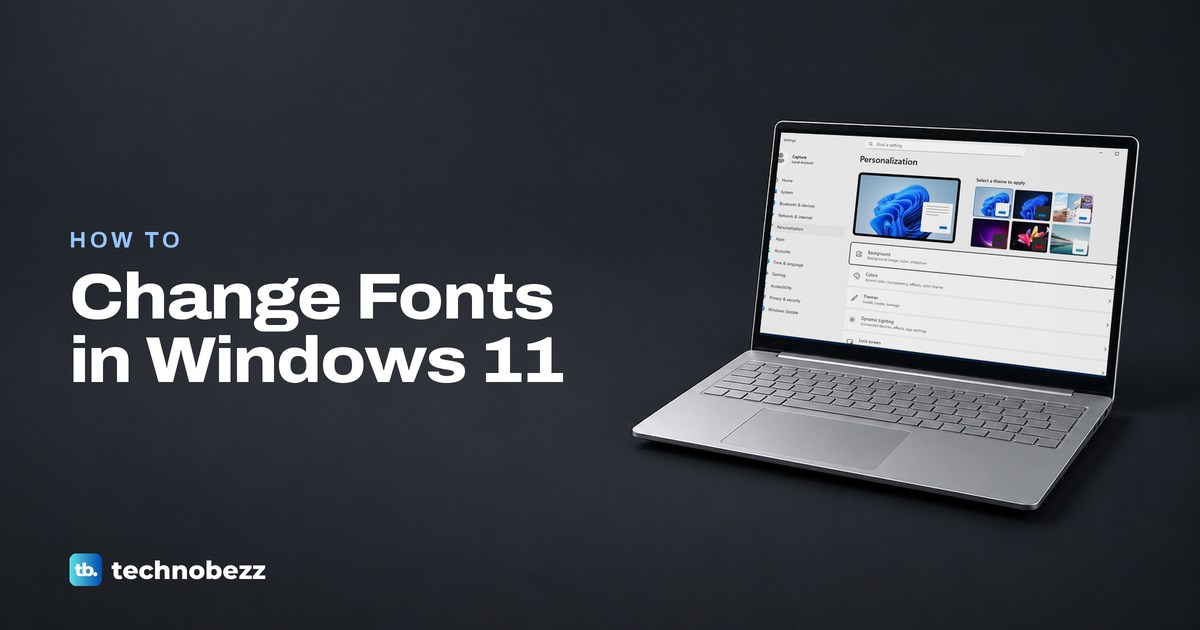
How to Change Fonts in Windows 11
Learn how to change font on Windows 11 by installing fonts and choosing them in apps, or use Text size to make Windows text easier to read.
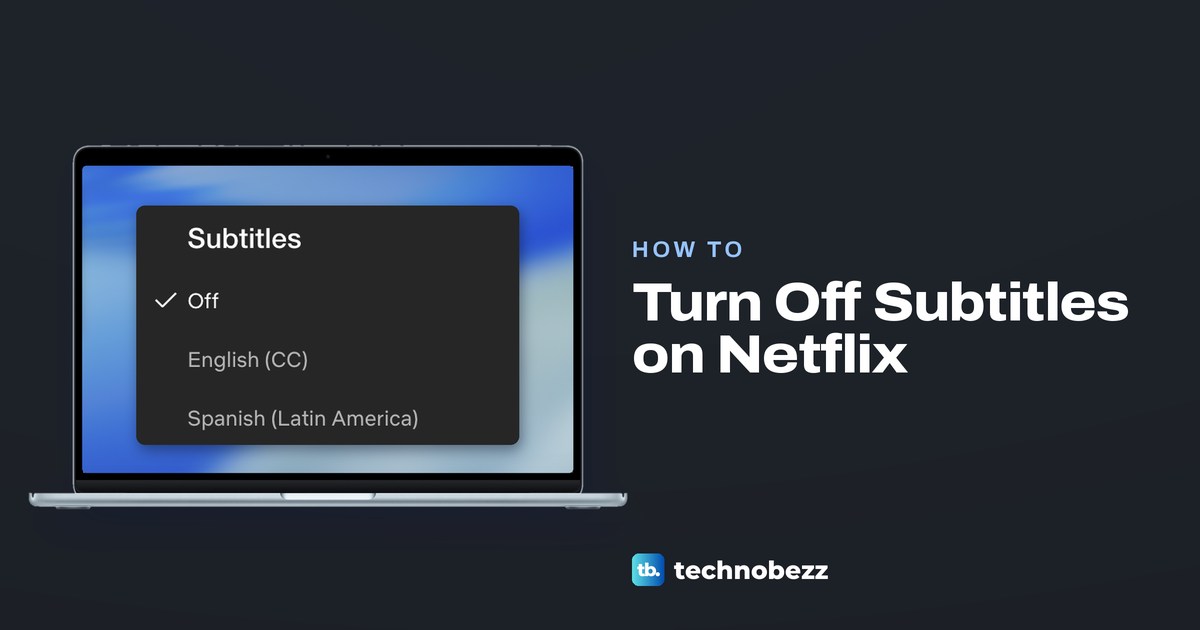
How to Turn Off Subtitles on Netflix on Any Device
Turn off subtitles on Netflix with Audio & Subtitles in the player on a TV, phone or browser, and stop captions coming back on Kids shows or other apps.
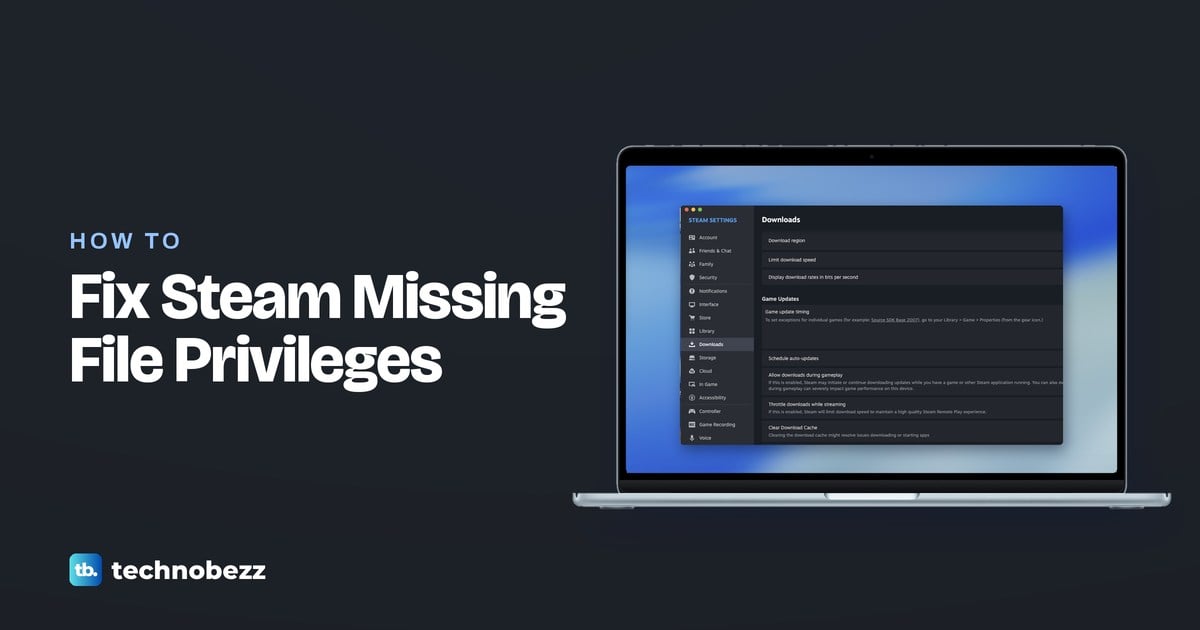
How to Fix the Steam Missing File Privileges Error
Fix the Steam missing file privileges error by repairing your library, verifying game files, and correcting blocked access to your game folder.