All guides
How to Add a Shared Mailbox in Outlook and Send Mail
Your admin grants Full Access first. Then restart Outlook, and if the mailbox is missing, add it by hand in classic or new Outlook, the web, Mac or phone.
How to Change Background in Teams for Any Meeting
Change your Teams background before joining or during a meeting. Blur your room, pick a Teams image, upload your own picture or switch it to None.
How to Create a Group in Outlook for Email and Sharing
Make a contact group in Outlook from People > New Contact, a contact list on the web, or a Microsoft 365 Group for a shared inbox, calendar and files.
How to Add Bcc in Outlook and Hide Recipients
To add Bcc in Outlook, open a new message and turn on the Bcc line. Use Options in classic or new Outlook, or the Bcc link beside To on the web.
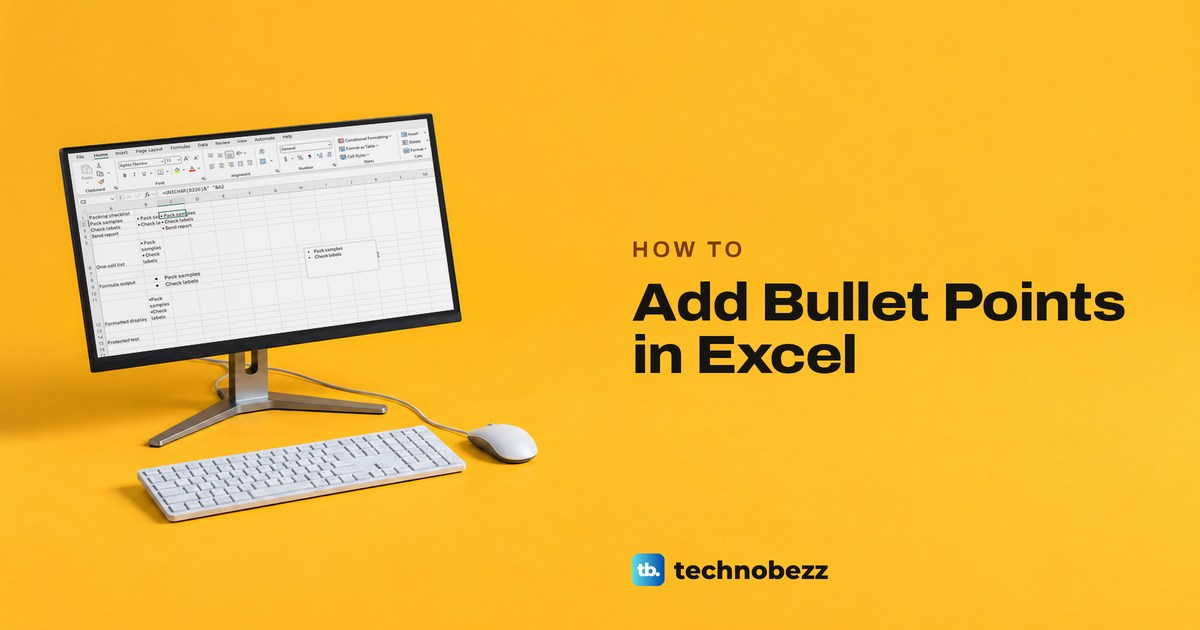
How to Add Bullet Points in Excel Cells and Lists
Add a bullet with Insert > Symbol and code 2022 or Alt and keypad 7, stack bullets in one cell with Alt + Enter, or bullet a whole column with a format.
How to Level Up Your Steam Account and Profile
Learn how to level up on Steam by crafting badges, completing Community tasks, and redeeming Steam Points, with account requirements explained.
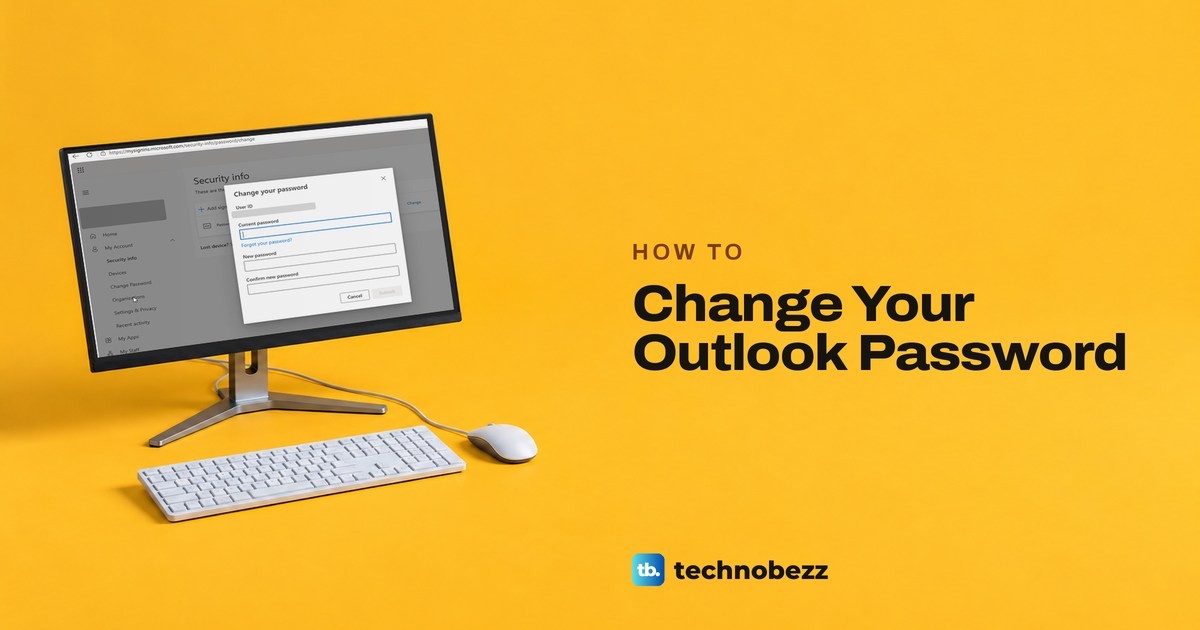
How to Change Outlook Password for Any Account
Change your Outlook password with your email provider, then enter it when Outlook asks. Steps for Microsoft 365 work accounts, Outlook.com and Gmail.
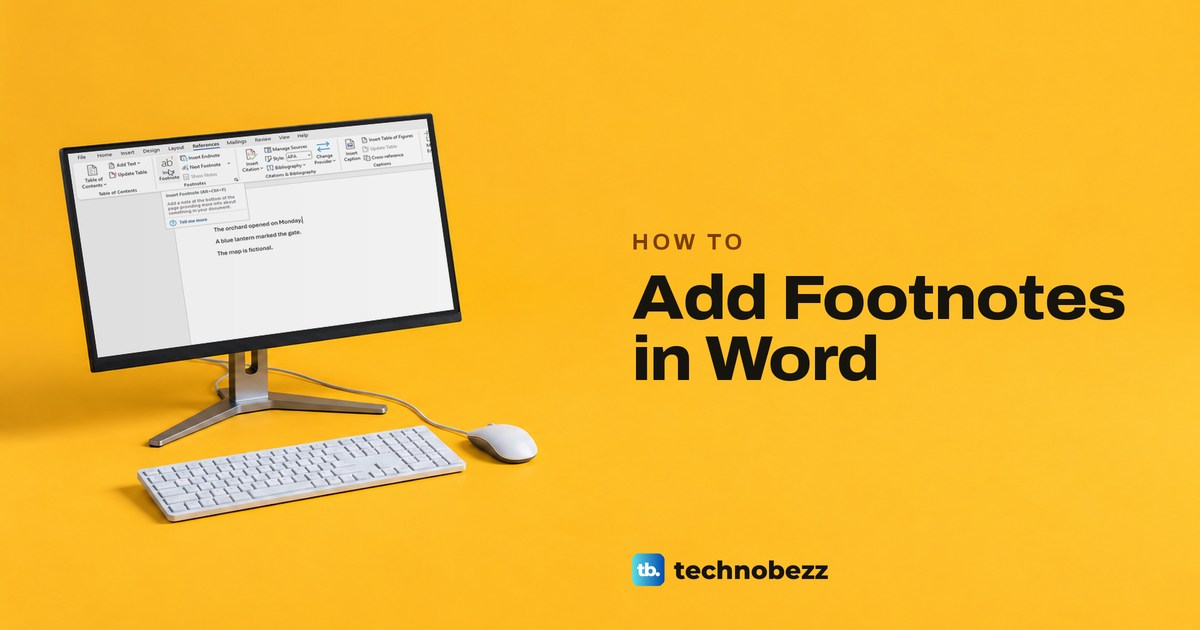
How to Add Footnotes in Word and Format Them
Click after the text, choose References > Insert Footnote and type your note. See how to number, format, convert and remove footnotes in Word.
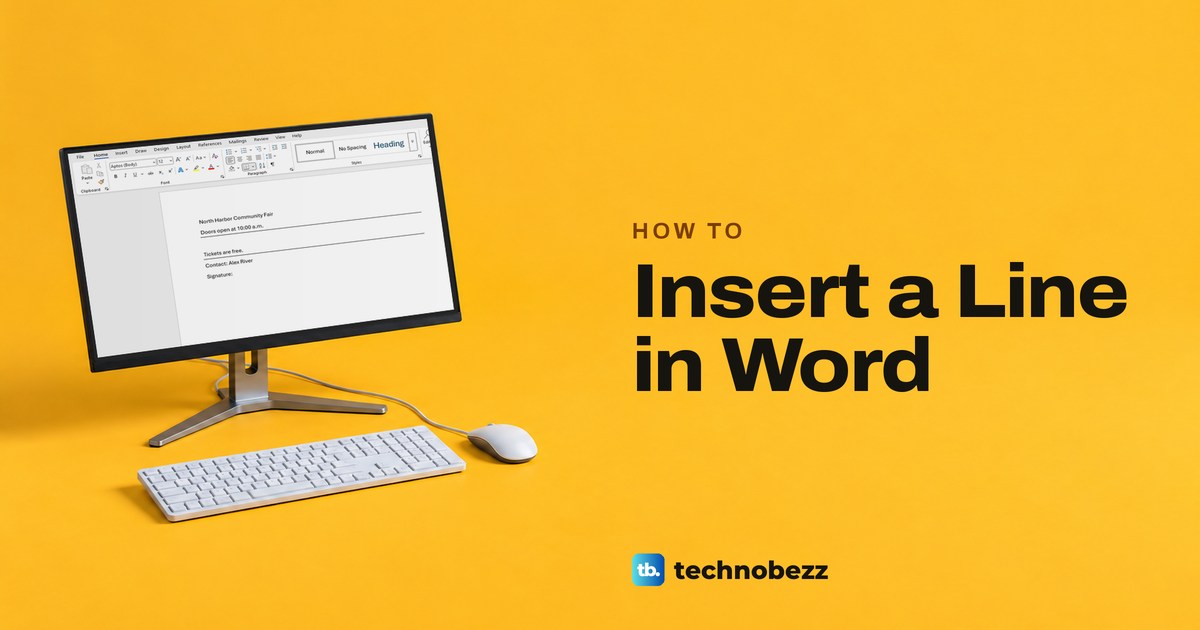
How to Insert a Line in Word for Dividers and Forms
Type three hyphens and press Enter for a divider in Word. Use a border under text, a shape you can move, or a table cell for a line to type on.
How to Make a Table of Contents in Word That Updates
Make a table of contents in Word from heading styles, then update entries and page numbers, adjust its look, and fix missing headings on desktop or web.
How to Hide Columns in Excel Without Losing Data
Right-click a column letter and choose Hide, and the data stays put. We also cover Ctrl+0, the Home tab, zero width, groups and Excel for the web.
How to Combine Two Columns in Excel With a Space
Combine two Excel columns with a space using &, CONCAT or TEXTJOIN, then fill down. See Flash Fill, Power Query, and fixes for blanks and lost formatting.
How to Add a Signature in Word With Pictures or Ink
Add a handwritten signature to Word as a picture, draw it with a pen, make a signing line, or add a certificate-backed digital signature.
How to Strikethrough in Excel on Desktop and Web
On Windows, press Ctrl+5 to cross out text in Excel, or use Format Cells. Covers one word in a cell, a Done rule, Excel for the web and stale formulas.
How to Pin a Row in Excel and Freeze Rows or Columns
To pin a row in Excel, go to View > Freeze Panes > Freeze Top Row. For more rows or columns, select the cell below and right of them, then Freeze Panes.
How to Calculate Standard Deviation in Excel
Calculate standard deviation in Excel with =STDEV.S for a sample or =STDEV.P for a whole population, plus PivotTable groups and fixes for common errors.
How to Encrypt Email in Outlook and Send It Securely
To encrypt email in Outlook, choose Options, Encrypt, then Encrypt or Do Not Forward. No Encrypt button? Use S/MIME certificates or ask your IT team.
How to Split Cells in Excel and Separate Names
Split cells in Excel with Text to Columns, Flash Fill or TEXTSPLIT, separate first and last names, and keep the original data safe while you do it.
How to Subtract in Excel Across Rows and Columns
To subtract in Excel, type =A2-B2 or =10-5 and press Enter. Fill it down a column, take one number off every row, or use Paste Special.
How to Remove Duplicates in Excel and Find Them First
Choose Data > Remove Duplicates, tick the columns that define a repeat and select OK. Excel keeps the first copy. To find duplicates first, highlight them.
How to Add or Change Your Signature in Outlook
Open File > Options > Mail > Signatures in classic Outlook, or Settings > Account > Signatures on the web, then pick one for new messages and for replies.
How to Recall an Email in Outlook (or Unsend It)
Open the sent email from Sent Items and choose Recall This Message, or select Undo before the delay ends. Recall needs a work or school account.
How to Use Emotes in Roblox
Learn how to use emotes in Roblox with chat commands, the emote wheel, and device controls, then equip more animations for your avatar.
How to Use a MacBook Air for Beginners
Learn how to operate MacBook Air with simple steps for setup, trackpad controls, apps, internet access, file management, and backups.