All guides
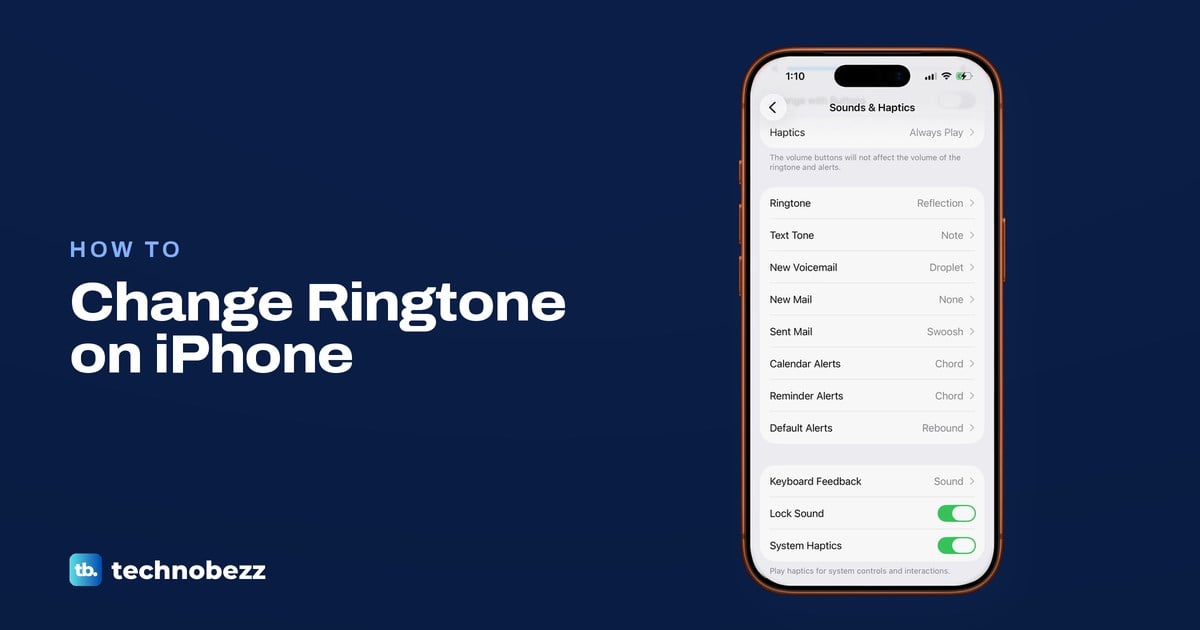
How to Change Ringtone on iPhone and Add a Song
Change your iPhone ringtone in Settings > Sounds & Haptics > Ringtone, make a song your ringtone with GarageBand, and fix a ringtone that stays silent.
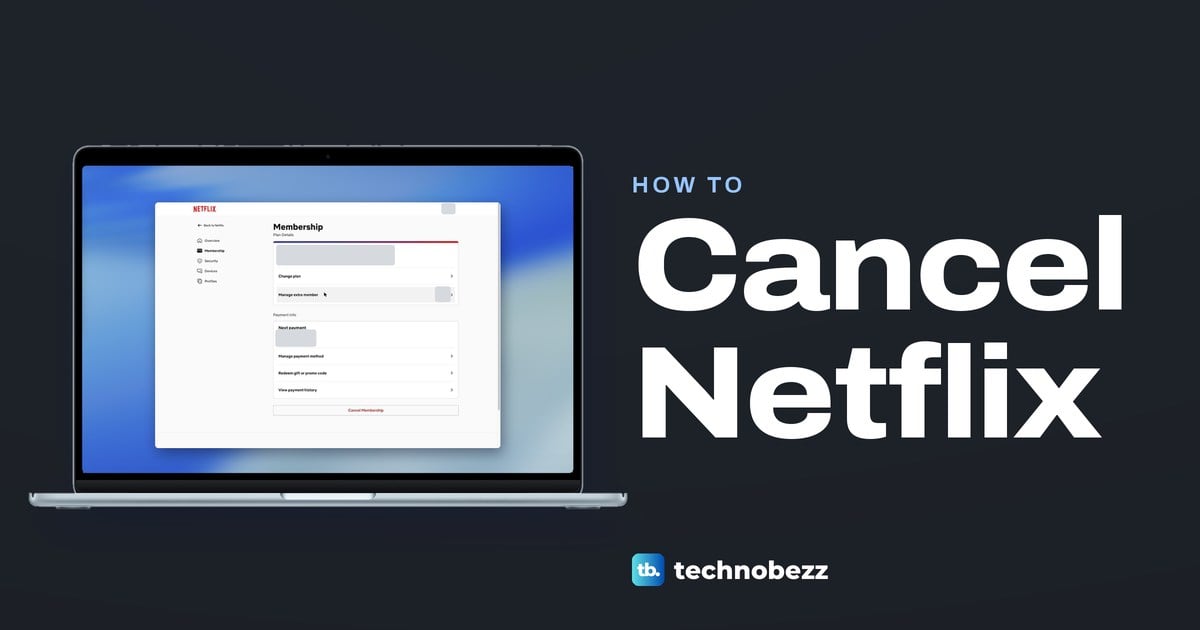
How to Cancel Netflix and Stop the Next Charge
If Netflix bills you, go to netflix.com/cancelplan, open Cancel and press Finish Cancellation. If not, Membership names who to cancel with instead.
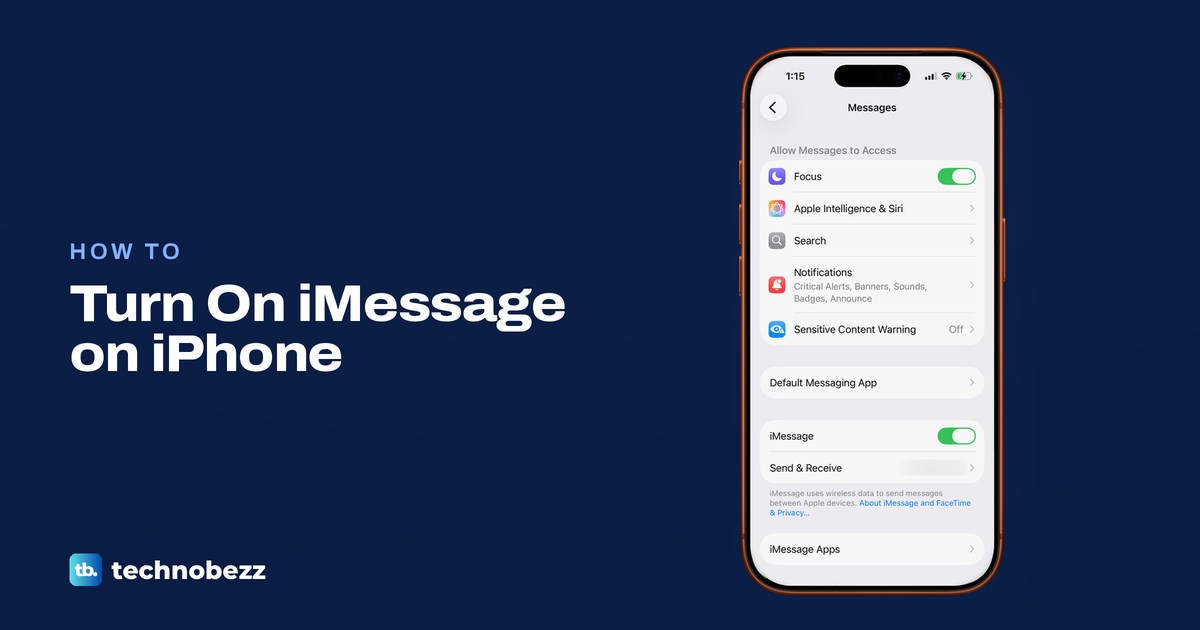
How to Enable iMessage on iPhone and Fix Activation
Turn on iMessage in Settings > Apps > Messages, pick your number in Send & Receive, learn the bubble colours and fix a number stuck waiting for activation.
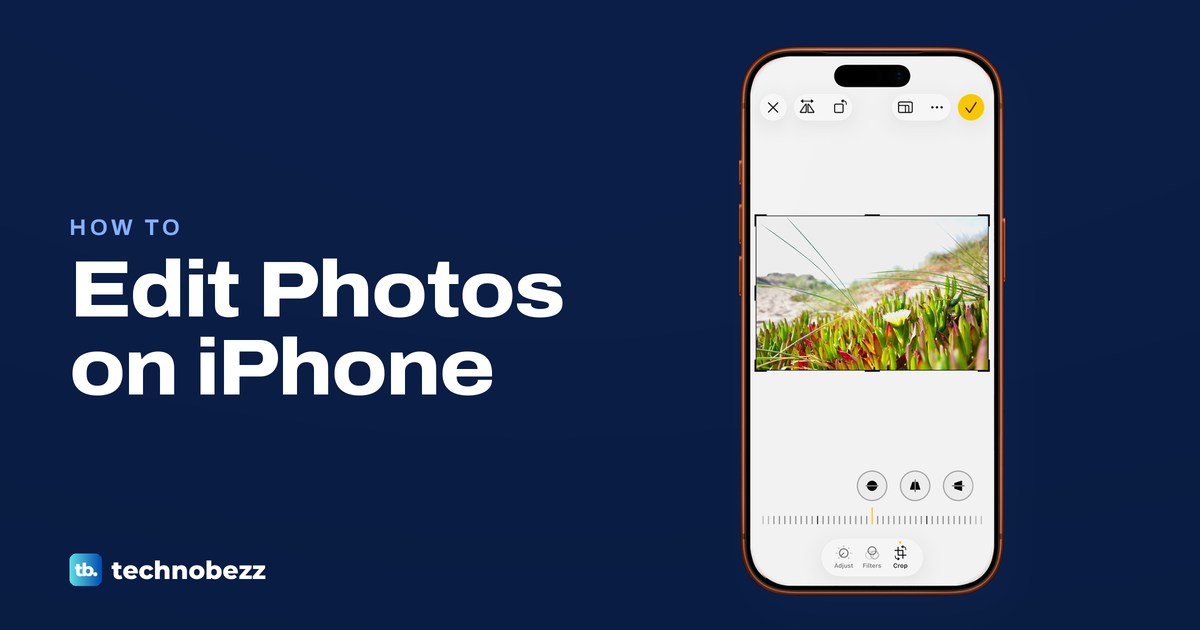
How to Edit Photos on iPhone With the Photos App
Open a photo in Photos, tap Edit, then use Adjust, Filters and Crop, with Markup under More. Tap Done to save, or Revert to Original to undo it.
How to Find Passwords on iPhone and See Saved Logins
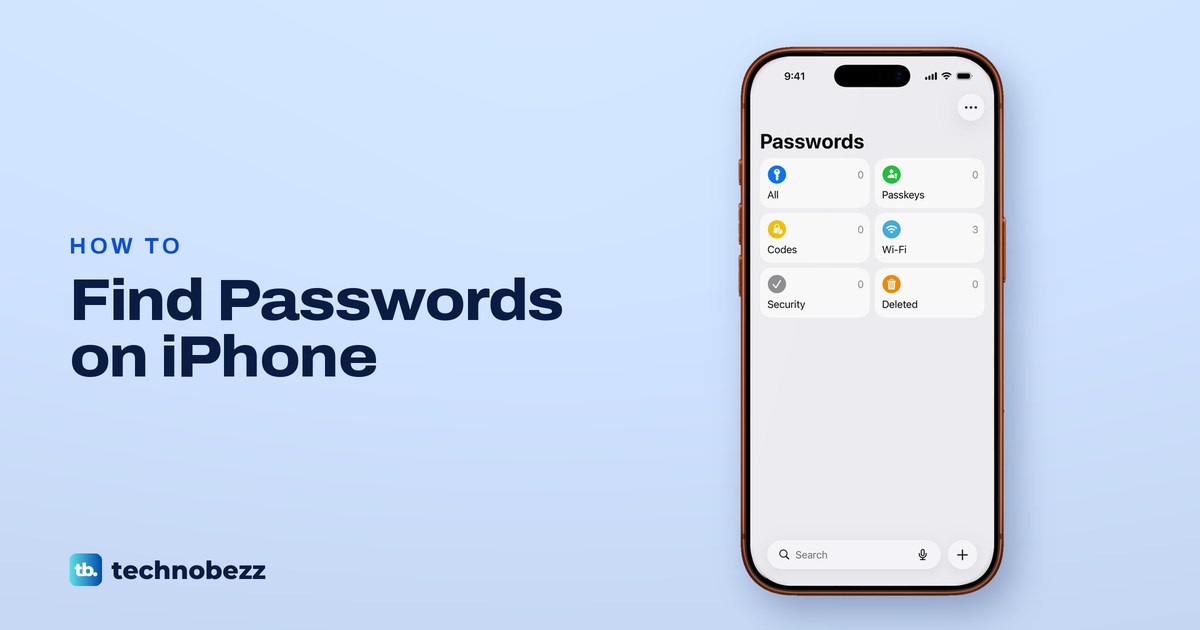
Open the Passwords app, use Face ID, Touch ID or your passcode and tap All. Wi-Fi has its own tile. On iOS 17 or earlier, use Settings > Passwords.
How to Get More Storage on iPhone by Freeing Space
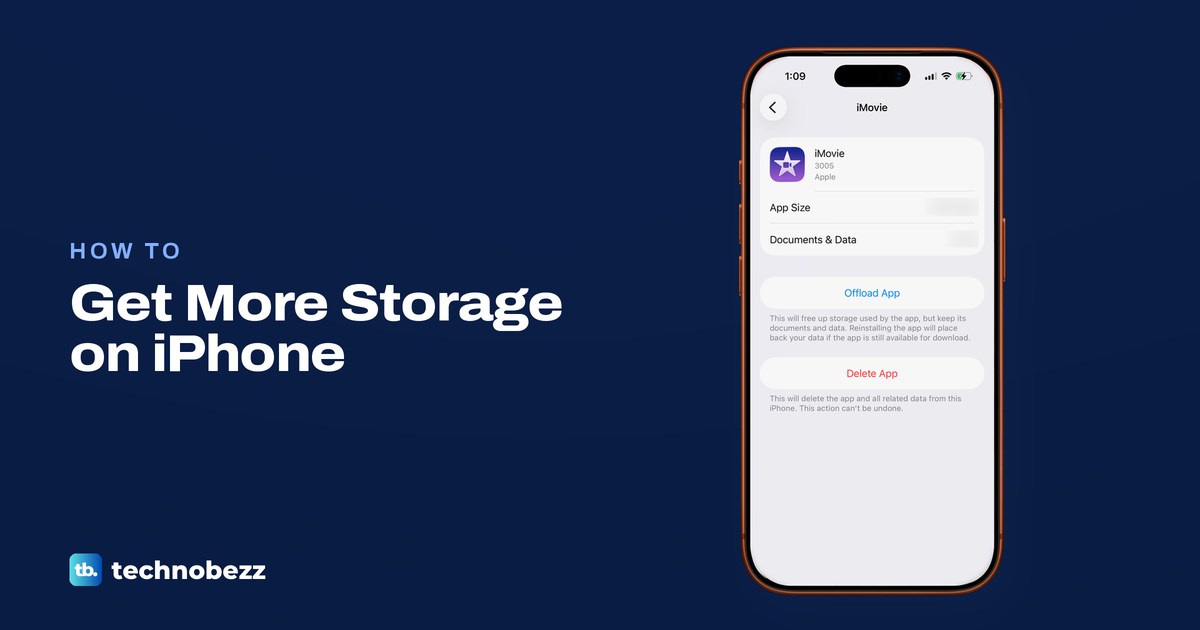
Open Settings > General > iPhone Storage, then offload unused apps, optimize iCloud Photos and remove downloads. iCloud+ adds cloud space, not phone space.
How to Print From iPhone With or Without AirPrint
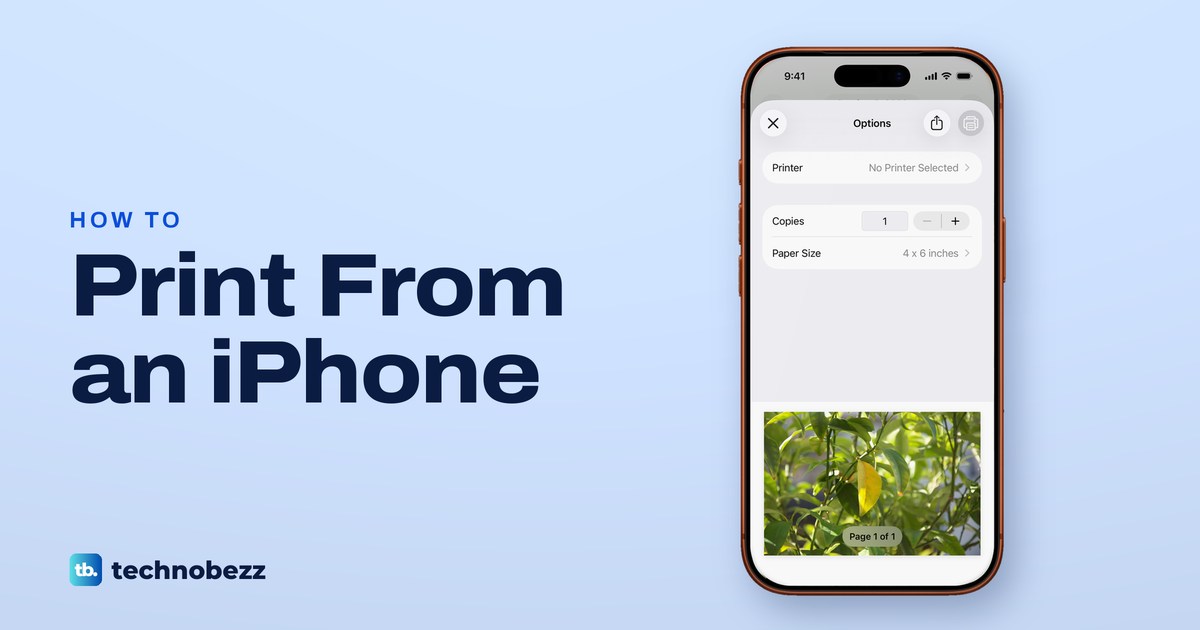
Print photos, web pages, emails and PDFs from iPhone with AirPrint, fix No AirPrint Printers Found, or try the maker's app if your printer lacks AirPrint.
How to AirDrop Photos and Files on iPhone and Mac
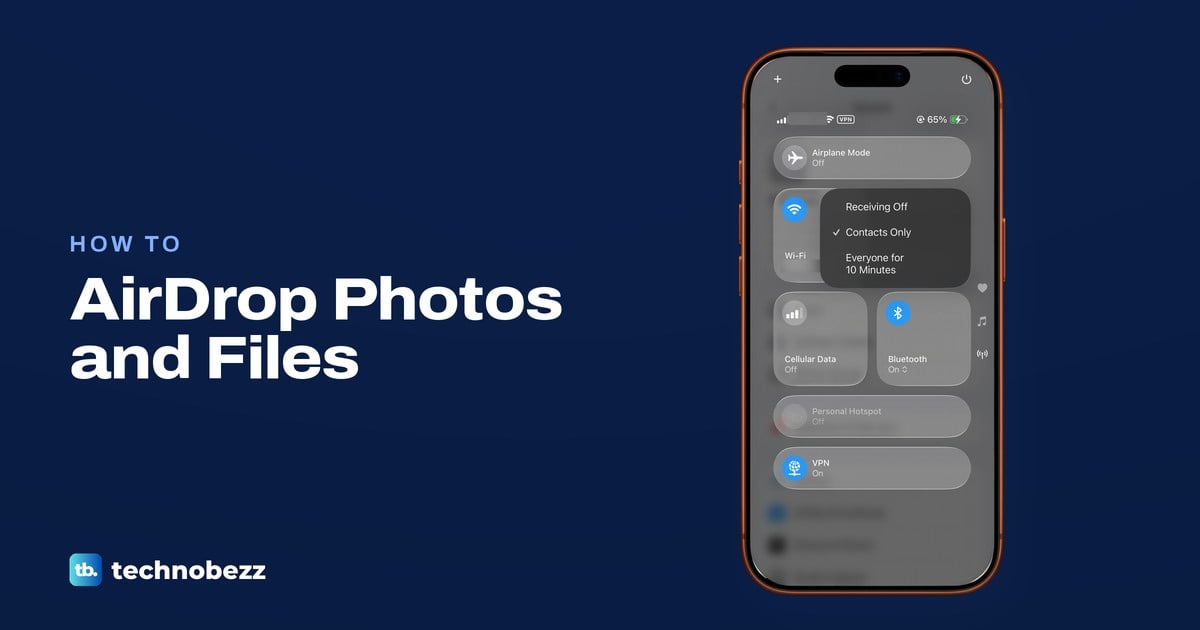
To AirDrop, turn on Wi-Fi and Bluetooth, set Contacts Only or Everyone for 10 Minutes, then tap Share, AirDrop and the person. Mac steps and fixes too.
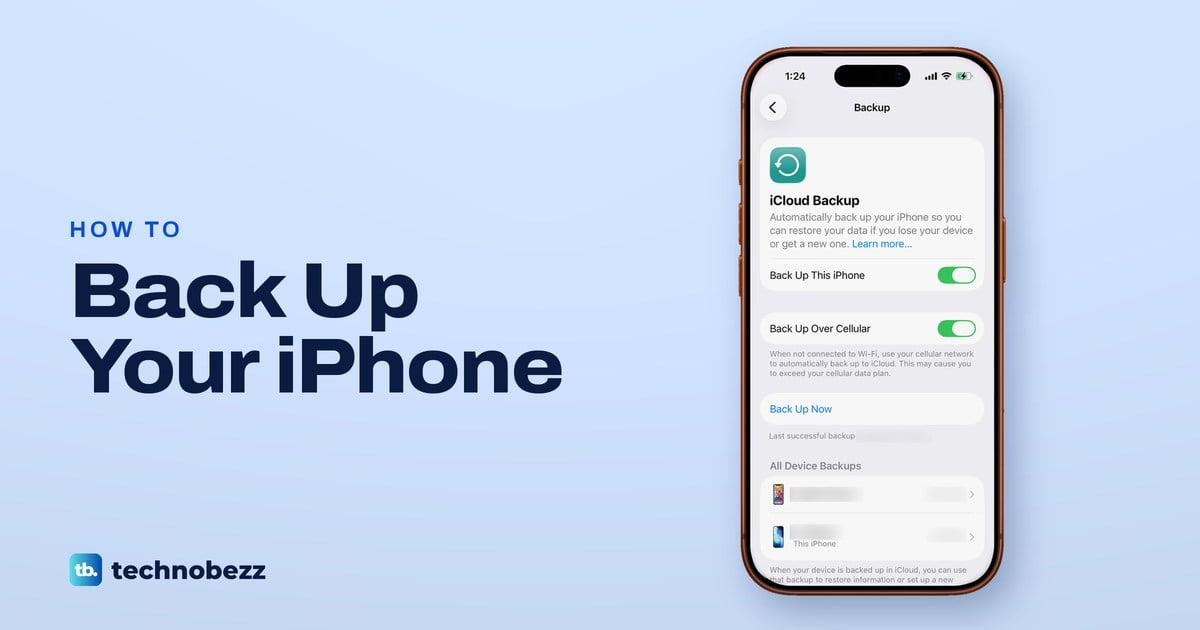
How to Back Up iPhone to iCloud or a Computer
Turn on iCloud Backup in Settings and tap Back Up Now, or back up by cable in Finder or Apple Devices. See what each backup keeps and how to check it.
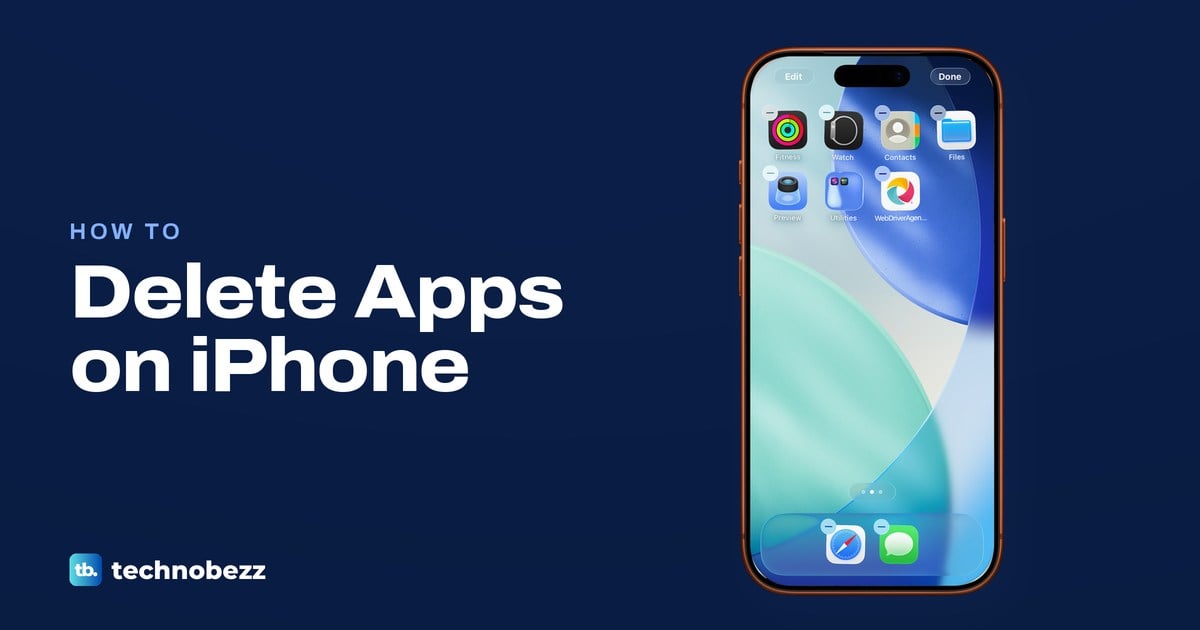
How to Delete Apps on iPhone and What Gets Removed
Touch and hold the app, tap Remove App, then Delete App and Delete. Offload keeps its data, and deleting an app does not cancel its subscription.
How to Teleport in Minecraft With Commands or Items
Type /tp with three coordinates or a player's name to teleport in Minecraft. Turn on commands in Java or cheats in Bedrock, or throw an ender pearl.
How to Make Concrete in Minecraft With Water
Put four sand, four gravel and one dye in a crafting table for eight concrete powder, then place it against water and break the concrete with a pickaxe.
How to Make Obsidian in Minecraft and Mine It
Pour water onto a lava source block to make obsidian in Minecraft. Use a diamond or netherite pickaxe to collect it, or cast a portal in place.
How to Make Smooth Stone in Minecraft With a Furnace
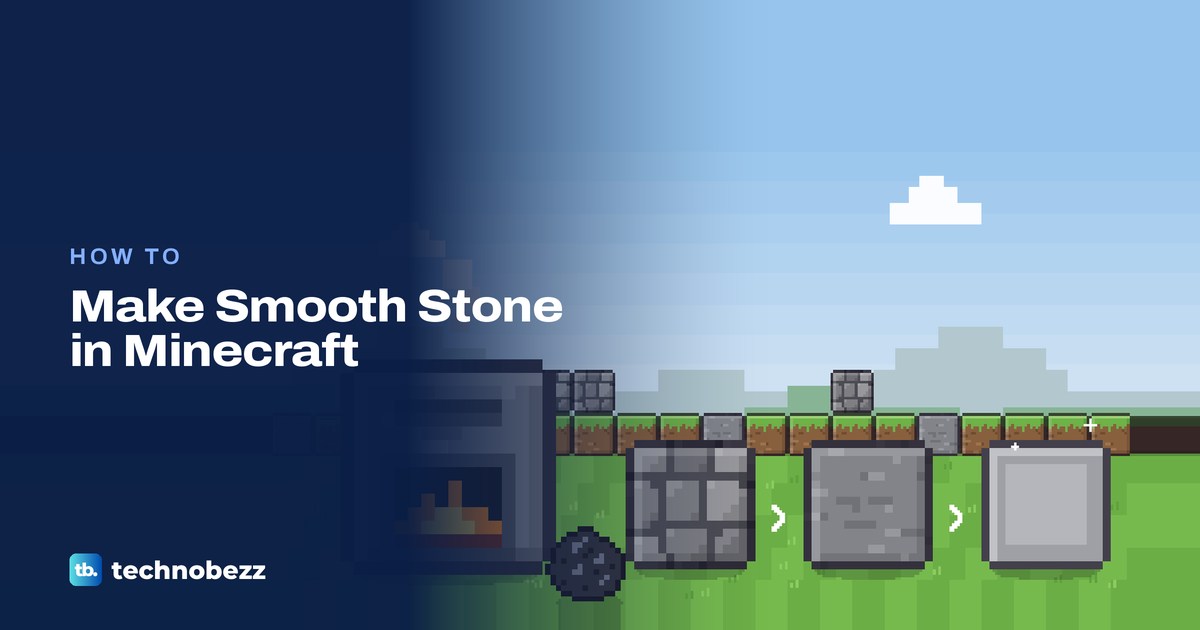
Smelt cobblestone into stone in a regular furnace, then smelt the stone again to make smooth stone. Plus the fuel you need and how to make slabs.
How to Breed Horses in Minecraft and Raise Foals
Tame two adult horses, then feed each one a golden carrot or golden apple to get a foal. Here is the wait between foals, foal care and how to make a mule.
How to Make Paper in Minecraft With Sugar Cane
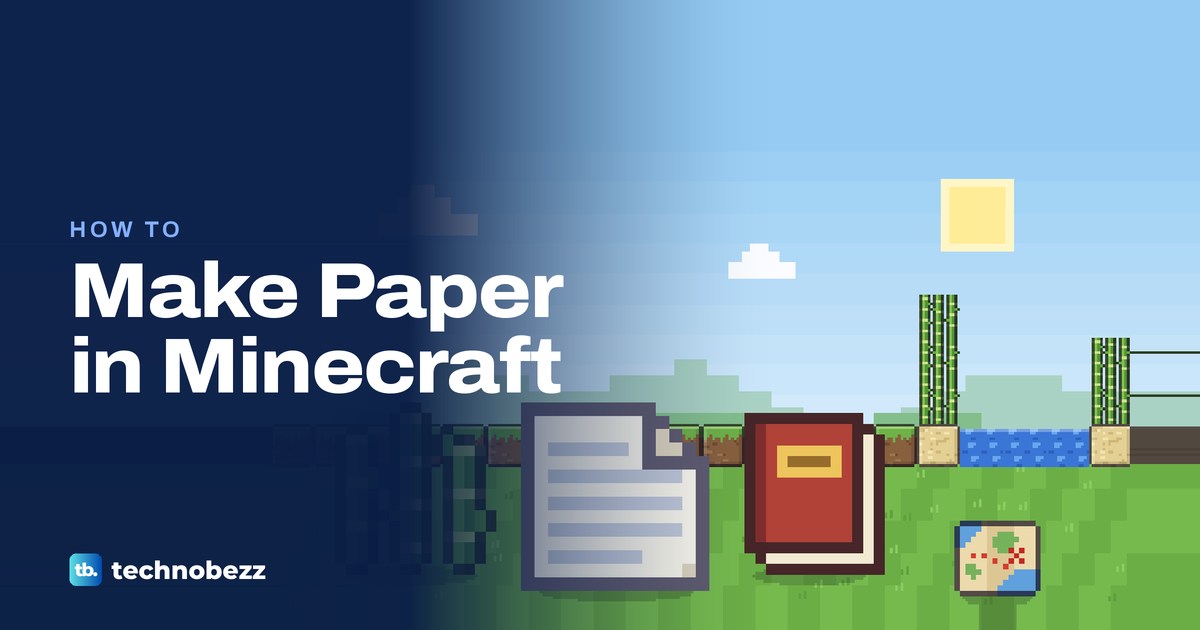
Put three sugar cane in one row of a crafting table to get three paper. Find cane by water, farm it for more, then make books, maps and fireworks.
How to Mute Someone on Instagram and Unmute Them
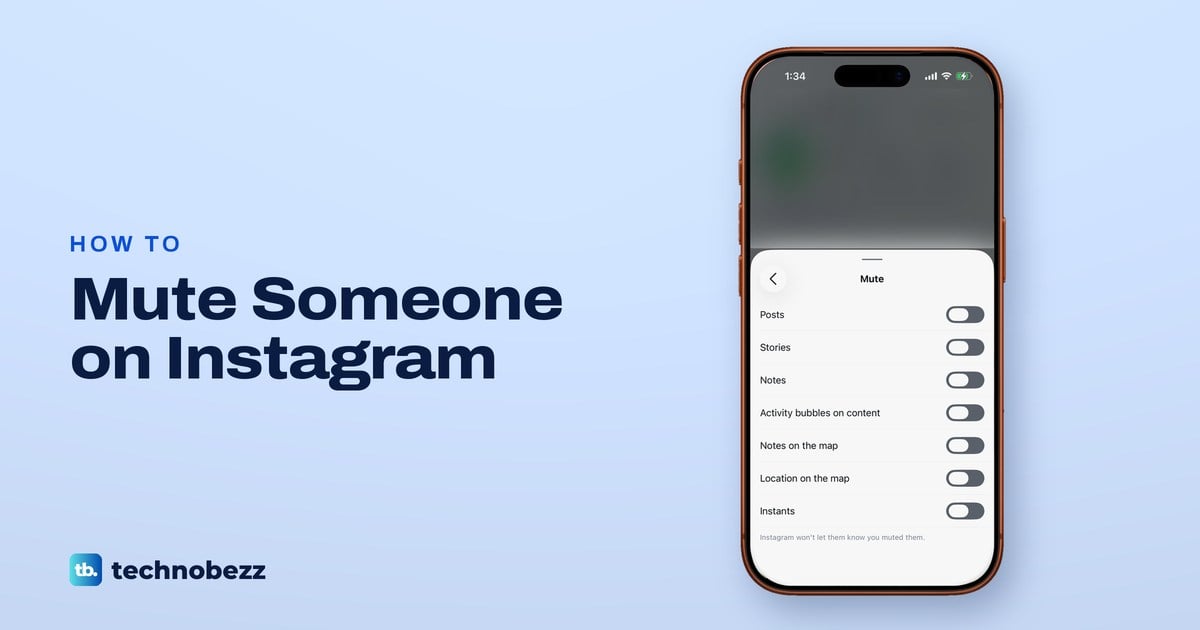
Open their Instagram profile, tap Following, then Mute, and switch on Posts, Stories or Notes. Mute chats from the chat, and switch off to unmute.
How to Repost on Instagram (Posts, Reels and Stories)
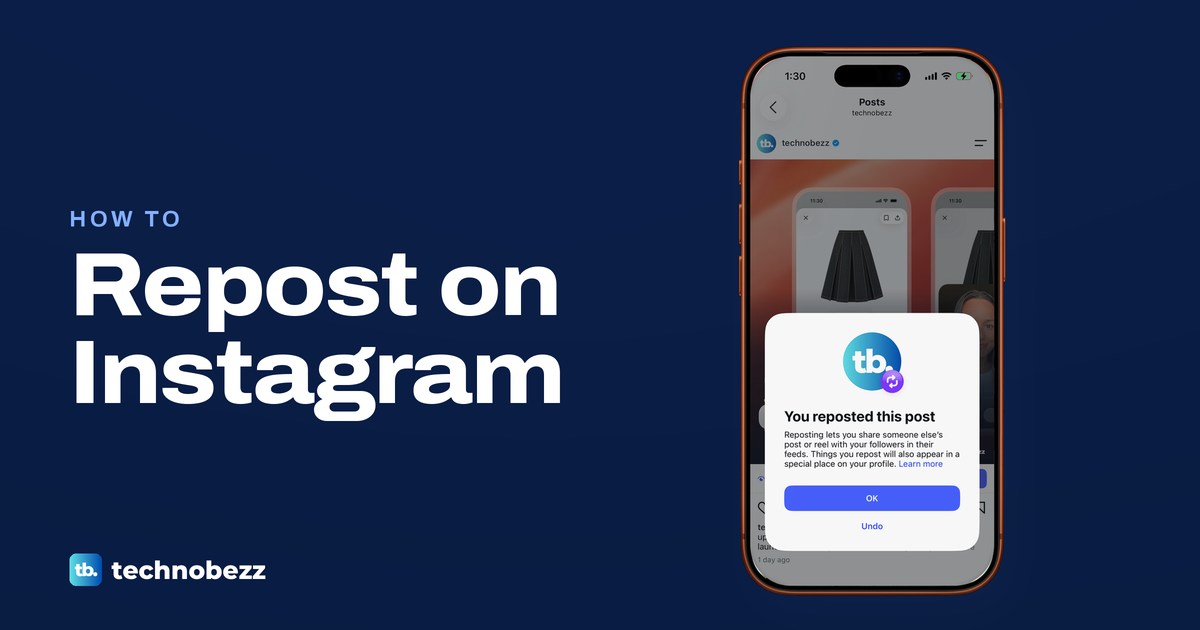
Tap the two-arrow Repost icon under a public post or reel and it is reposted at once. For a Story, tap the paper plane and look for Add to story instead.
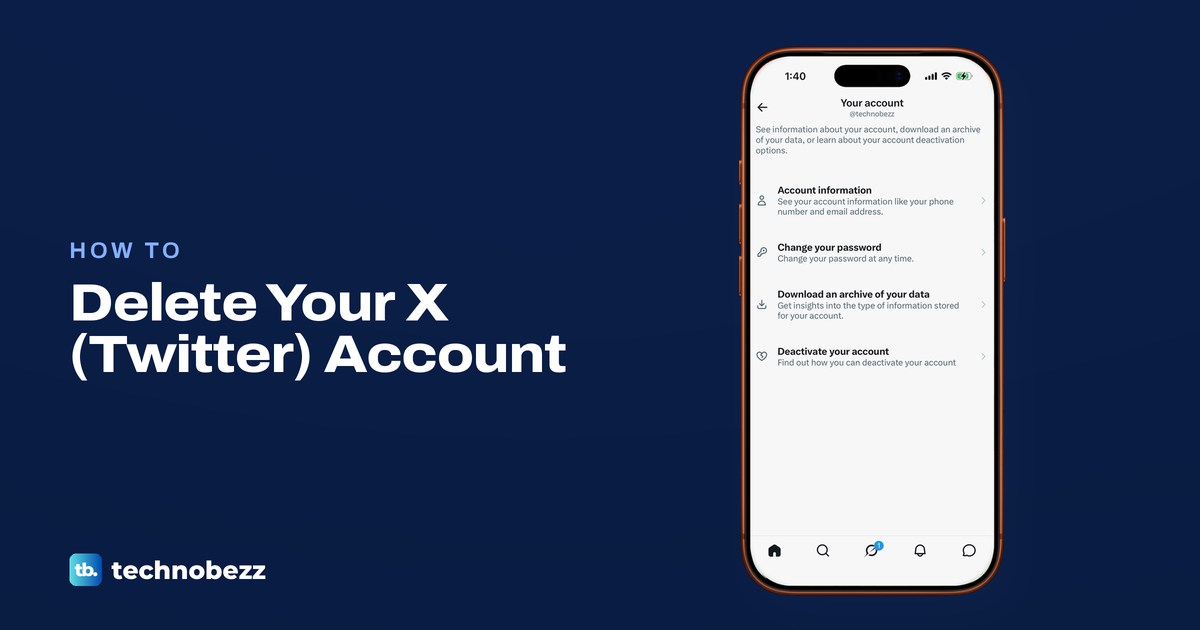
How to Delete Your Twitter Account on X Permanently
To delete a Twitter account, deactivate it in Settings and privacy, then stay signed out for 30 days. Save your archive and check X Premium billing first.
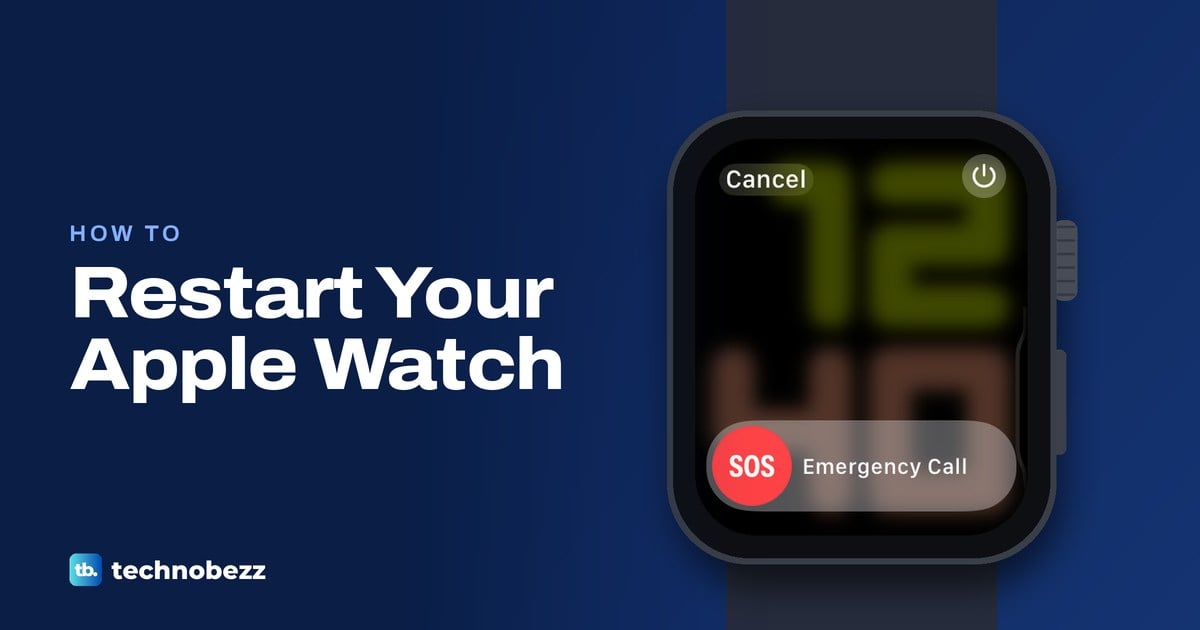
How to Restart Apple Watch or Force Restart It
Hold the side button, tap the power icon and drag Power Off, then hold the side button to turn it on. Frozen? Hold the side button and Digital Crown.
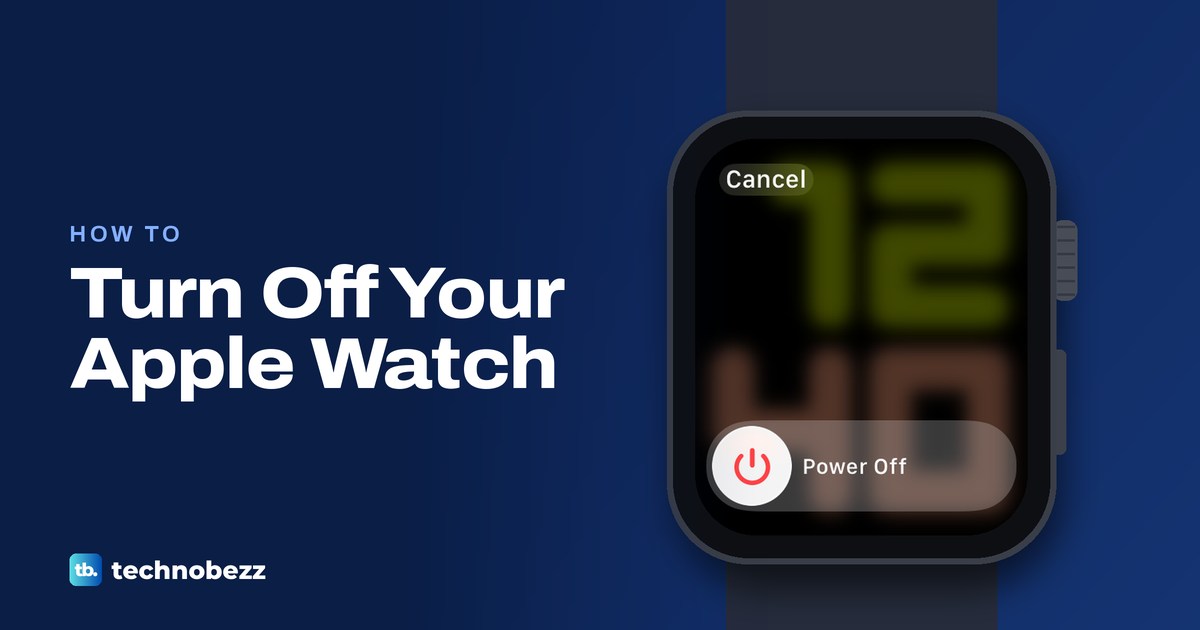
How to Turn Off Apple Watch and Turn It Back On
Take Apple Watch off its charger, hold the side button, tap the power button at the top right, then drag Power Off. Hold the side button to turn it on.
How to Restart or Close an App on a Samsung TV
To restart an app on a Samsung TV, hold Return for at least a second so it closes, then open it again. Still stuck? Clear its cache or restart the TV.
How to Factory Reset a Samsung TV (and Reset the PIN)
Go to Settings > All Settings > General & Privacy > Factory data reset (Reset on many 2022 to 2024 TVs) and enter your PIN. Forgot it? Reset it to 0000.
How to Restart a Samsung TV With or Without the Remote
To restart a Samsung TV, hold the remote's Power button until the Samsung logo appears, about 5 seconds. A quick press won't do it. No remote? Unplug it.