All guides
How to Pair an Xbox Controller
Find out how to link xbox controller to an Xbox, Windows PC, phone or TV, with pairing steps, USB options and fixes for connection problems.
How to Change the Date and Time on Your MacBook
Learn how to change time on MacBook, set the date and time zone, restore automatic updates, and customize your clock display.
How to Turn Off Live Photos on Your iPhone
On your iPhone, turn off Live Photo capture and keep it off, make existing pictures still, or stop motion in Photos and FaceTime.
How to Turn Off iPhone Mirroring on a Mac
To turn off iPhone Mirroring on Mac, choose Revoke iPhone Access in the app’s settings, or quit the app to end only the current session.
How to Stop Your Mac From Ringing for iPhone Calls
Learn how to stop your Mac from ringing for iPhone calls using iPhone or FaceTime settings, or silence calls temporarily with Do Not Disturb.
How to Restart Steam Completely
Learn how to restart Steam completely on Windows, Mac, Linux, and Steam Deck, including how to close frozen apps and leftover processes.
How to Open and Test the Camera on Your Mac
Learn how to open camera on Mac with Photo Booth, test a live preview or recording, choose a webcam, and fix camera access problems.
How to Fix iPhone Volume Controls That Aren’t Working
Fix volume control iPhone not working by checking playback, button obstructions, sound settings and audio output before trying software fixes.
How to Delete Calendars on Your iPhone
Learn how to delete calendars on iPhone using Calendar, unsubscribe from unwanted calendars, or hide calendars you want to keep.
How to Connect a MacBook to an External Monitor
Learn how to connect MacBook to monitor using HDMI, USB-C or Thunderbolt, then extend your desktop, arrange screens and fix connection problems.
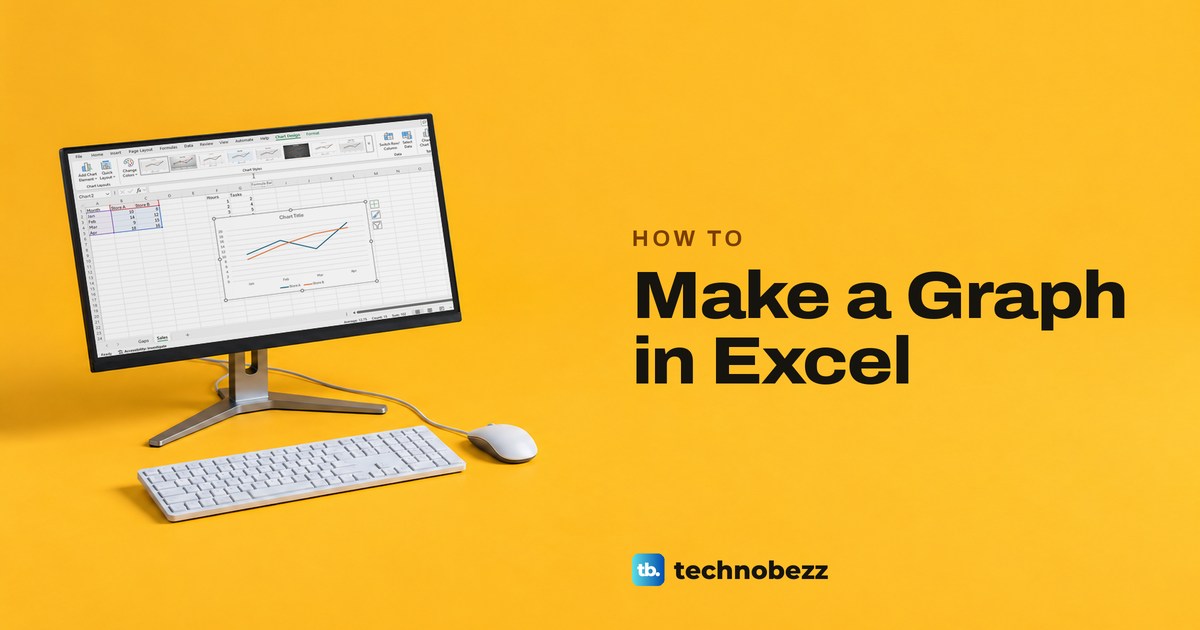
How to Make a Graph in Excel and Fix Its Labels
Select your data, choose Insert > Recommended Charts and OK. Then pick the right chart type, add labels and fix a missing series or gaps, desktop or web.
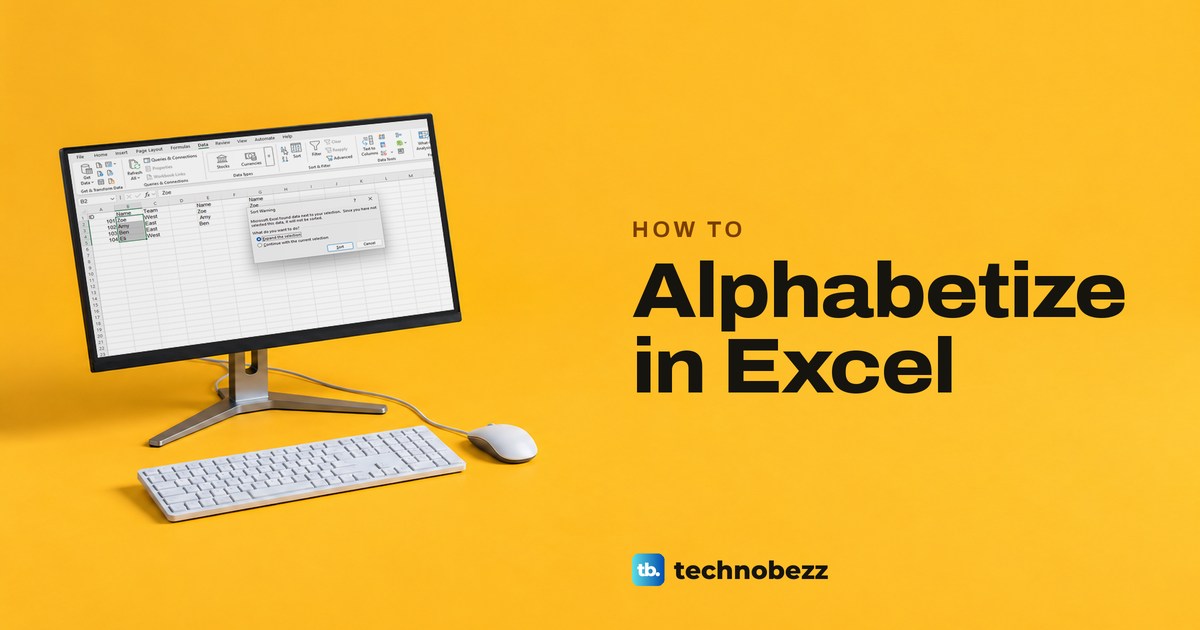
How to Alphabetize in Excel Without Breaking Rows
Click one cell in the column, then Data > Sort A to Z, and Excel keeps each row together. Plus two-column sorts, tables, SORT and Excel for the web.
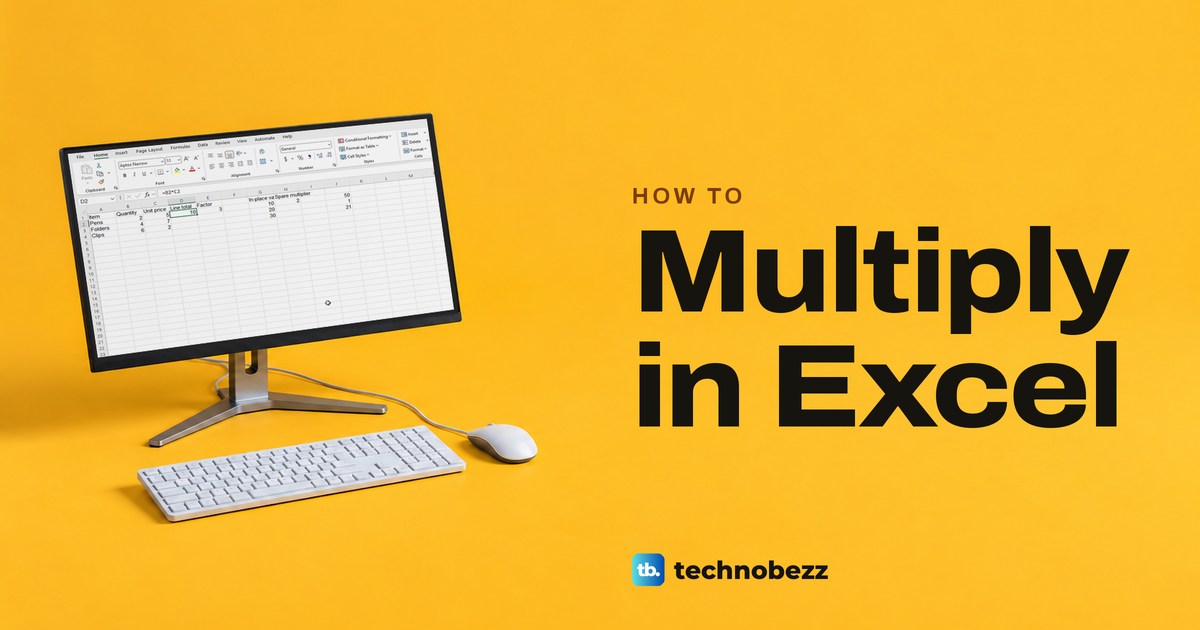
How to Multiply in Excel With Formulas and Cells
Multiply numbers, cells, and columns in Excel with the asterisk, PRODUCT, or Paste Special. See which method updates and how to fix wrong results.
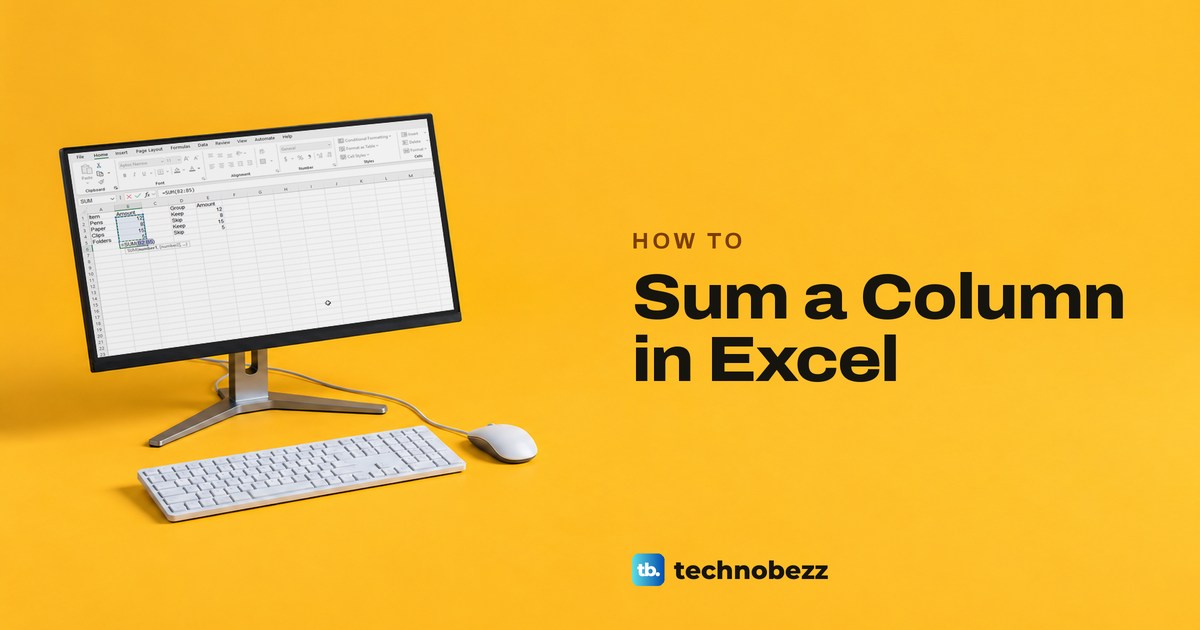
How to Sum a Column in Excel With AutoSum and SUM
To sum a column in Excel, click the empty cell below the numbers, select AutoSum, check the range and press Enter. Plus SUM, filters and wrong totals.
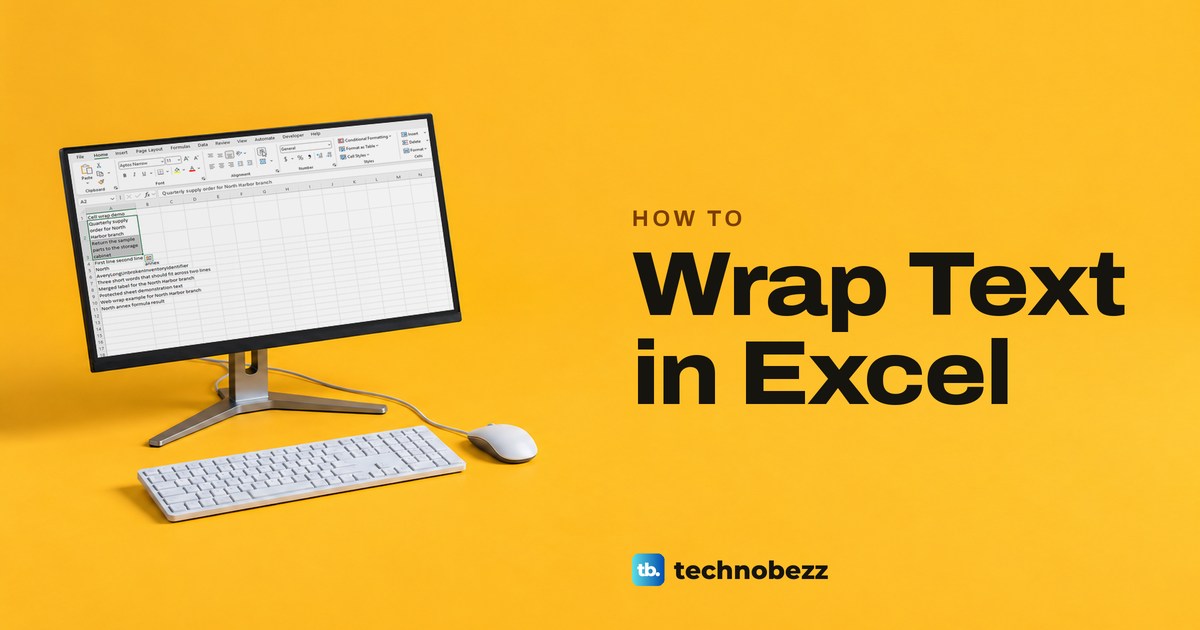
How to Wrap Text in Excel and Show Every Line
To wrap text in Excel, select the cells and choose Home > Wrap Text. Use Alt + Enter for your own break, and AutoFit or drag the row if lines are hidden.
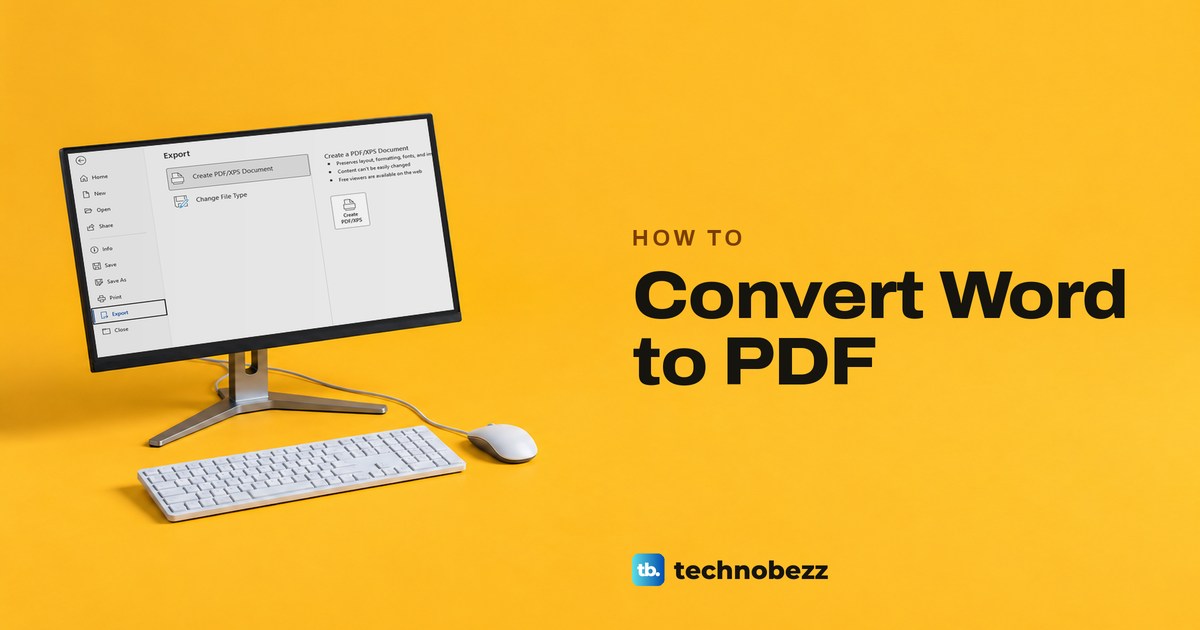
How to Convert Word to PDF and Check the Result
Convert Word to PDF with Save As or Export in desktop Word, or Download as PDF in Word for the web, and keep comments out of the copy you share.
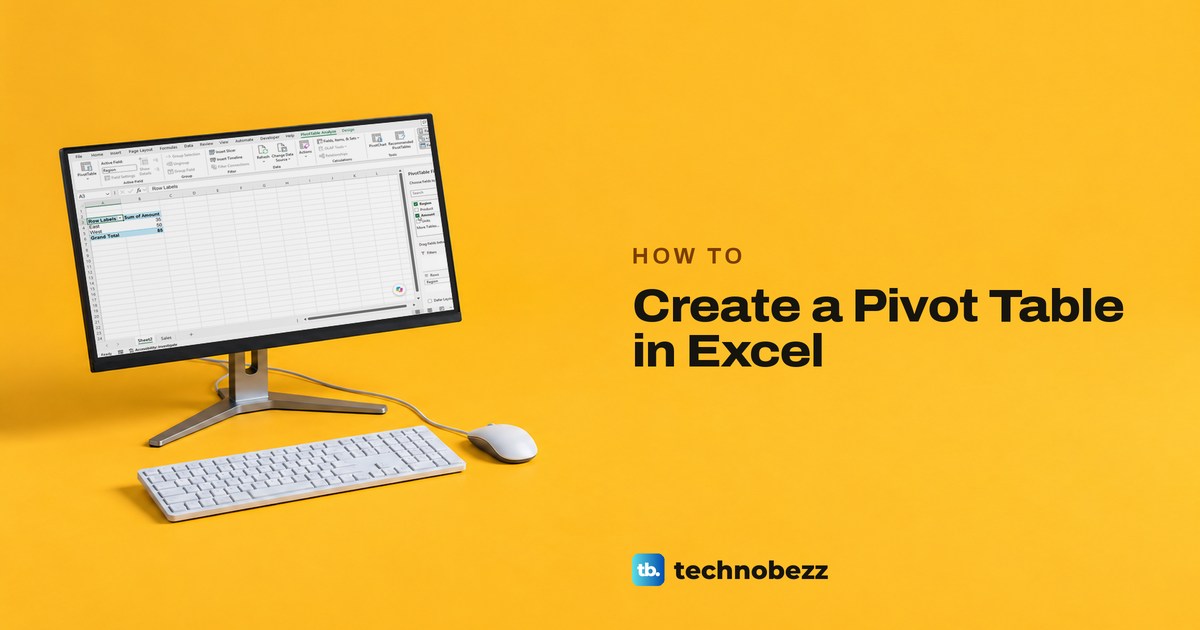
How to Create a Pivot Table in Excel Step by Step
Select your list, choose Insert > PivotTable > From Table/Range and click OK, then tick a category for Rows and a number column for Values.
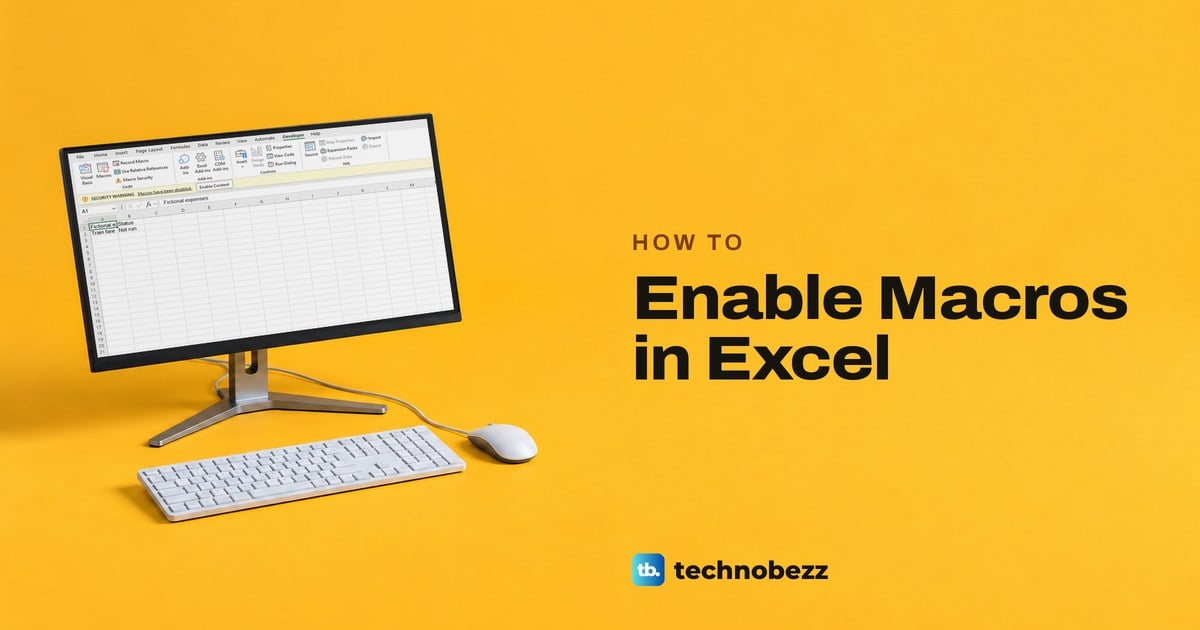
How to Enable Macros in Excel for Trusted Files
Select Enable Content on the yellow bar only if you trust the source and know what the macros do. A red Security Risk bar needs Unblock in Properties.
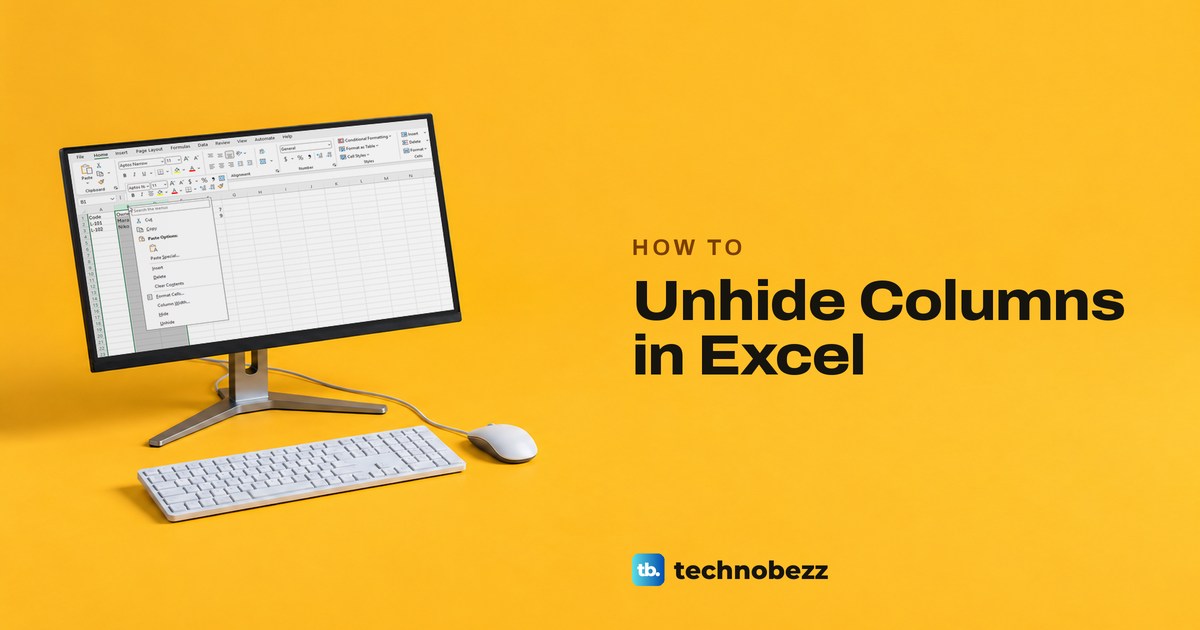
How to Unhide Columns in Excel Including Column A
Select the column letters on both sides of the gap, right-click and choose Unhide. Tested fixes for all columns, column A, greyed out commands and the web.
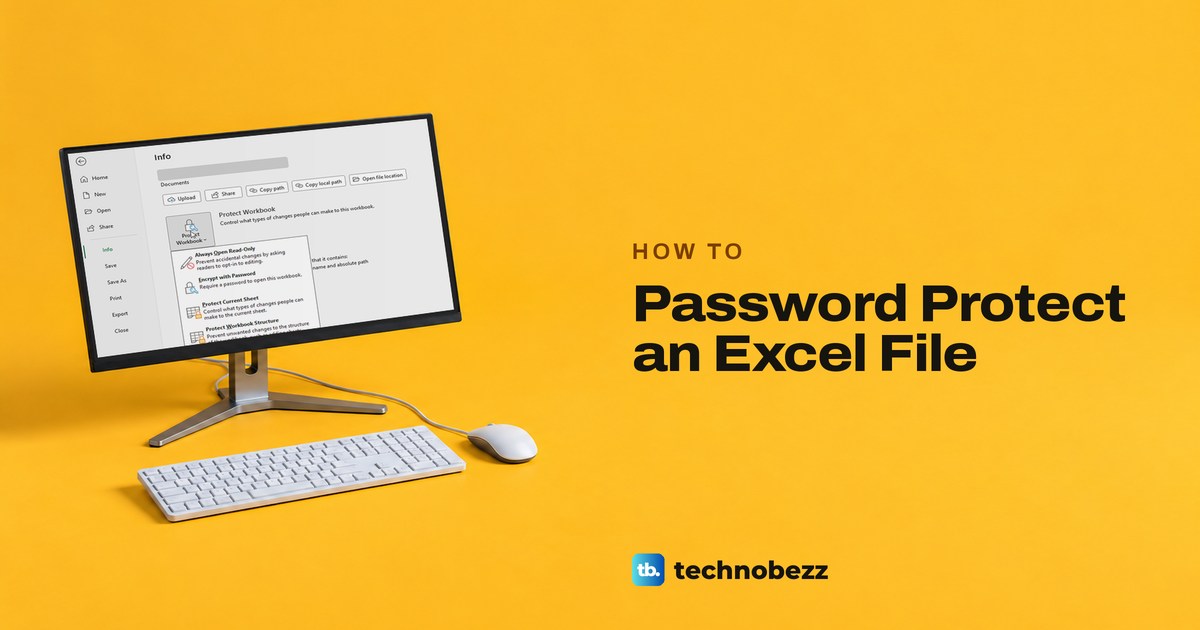
How to Password Protect an Excel File in Microsoft 365
Make an Excel file require a password before it opens. In Excel on Windows, use File > Info > Protect Workbook > Encrypt with Password, then save.
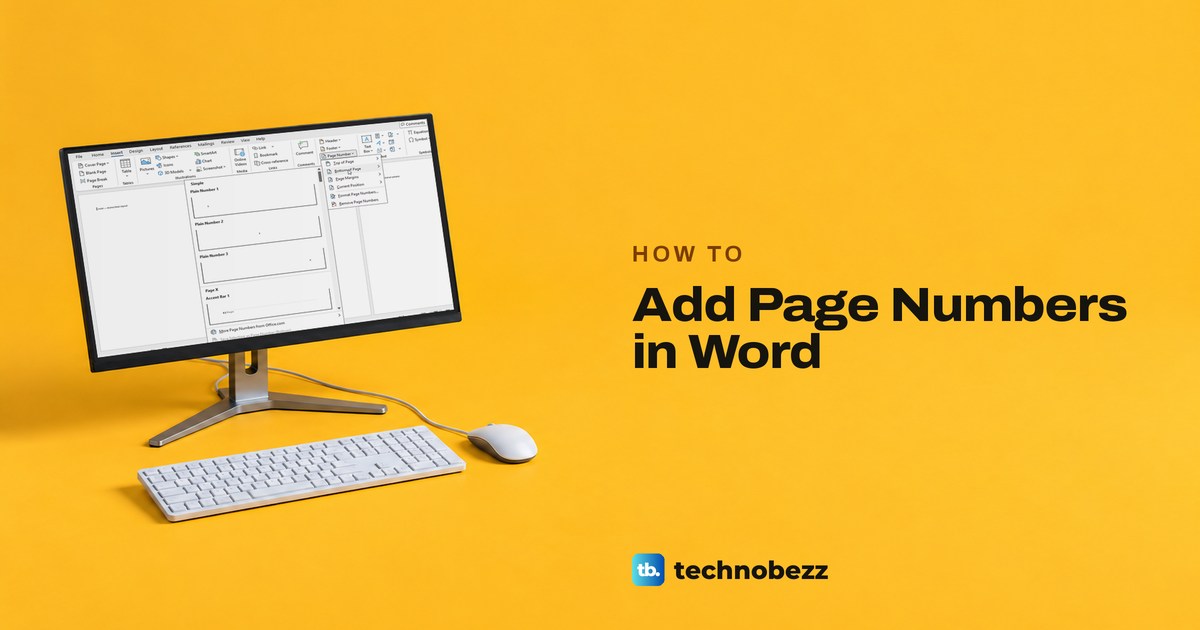
How to Add Page Numbers in Word From Any Page
Select Insert > Page Number in Word and pick a style. Then hide the cover number, start later pages at 1, show Page 1 of 3 or fix stubborn numbers.
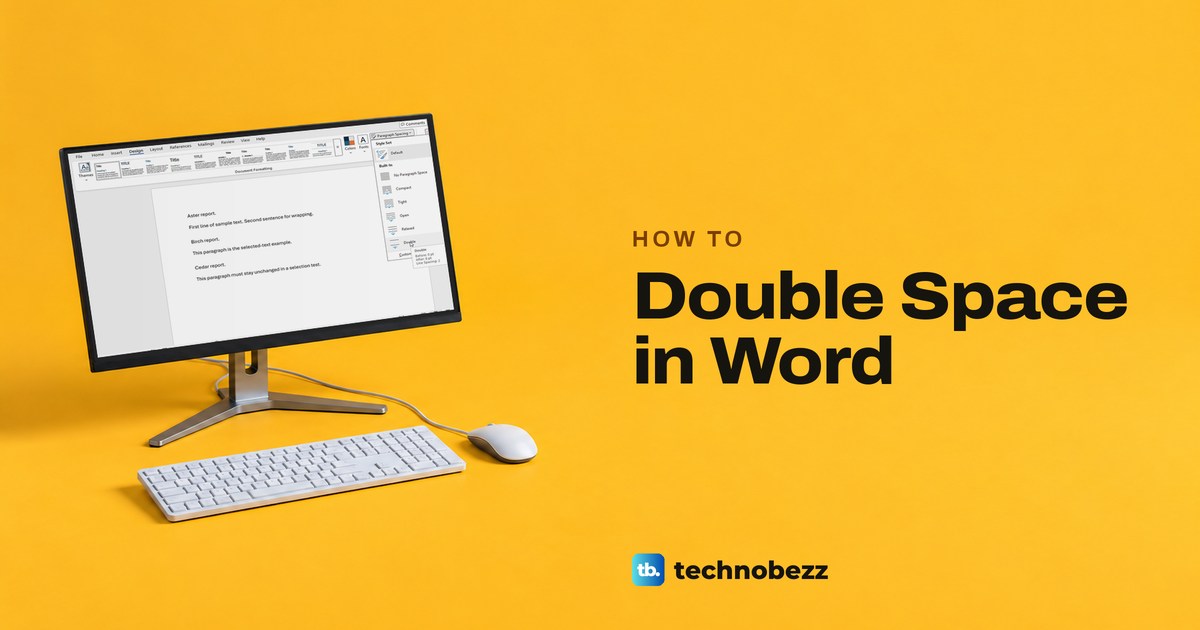
How to Double Space in Word for Any Document
Double space a whole Word document or selected paragraphs with the ribbon or Ctrl+2. Fix extra paragraph gaps and set spacing for new files.
How to Screen Mirror on Mac to a TV or Display
Learn how to screen mirror on Mac using AirPlay, HDMI, or Chrome casting, plus how to connect another Mac or iPad and fix missing displays.
How to Log Out of Disney Plus on TV and All Devices
On your TV, open the Disney+ menu on the left and look for Log Out. Away from it, use Manage Devices for one screen or MyDisney to log out everywhere.