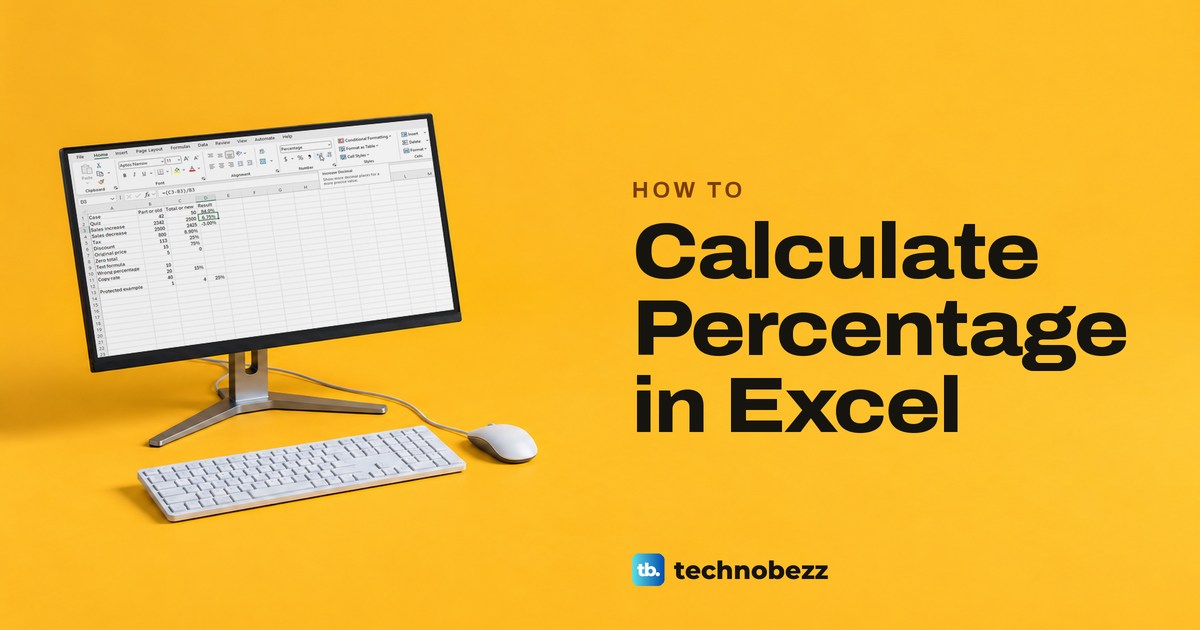
Divide the part by the total, as in =B2/C2, then select Percent Style. Plus formulas for tax, discounts, percentage change and fixes for wrong results.
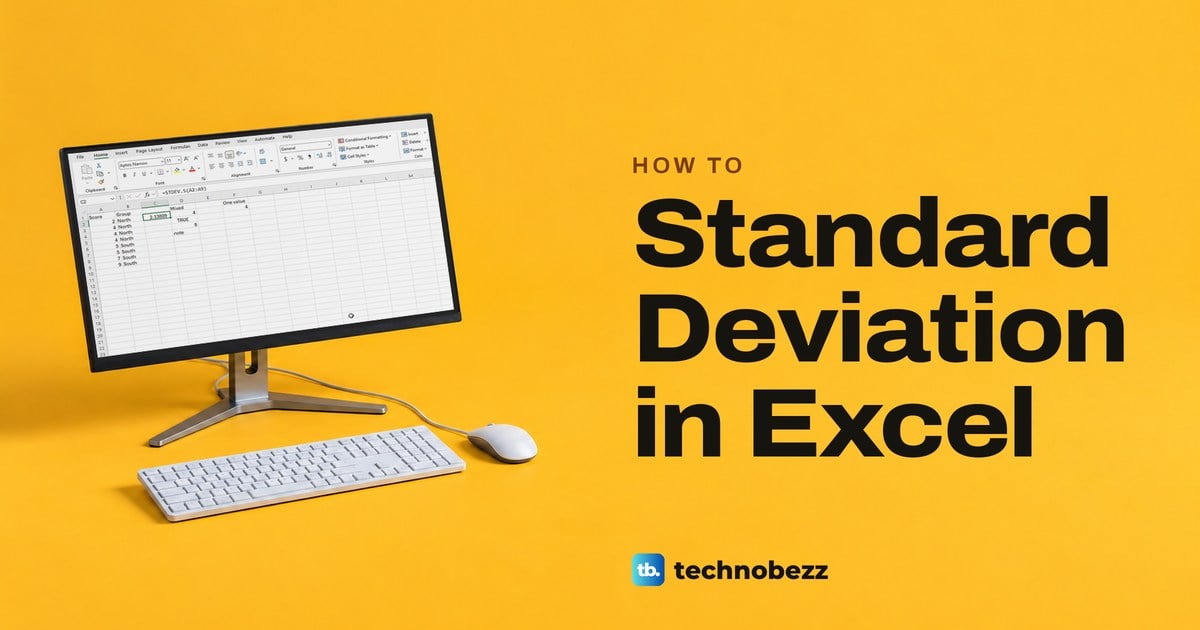
Calculate standard deviation in Excel with =STDEV.S for a sample or =STDEV.P for a whole population, plus PivotTable groups and fixes for common errors.
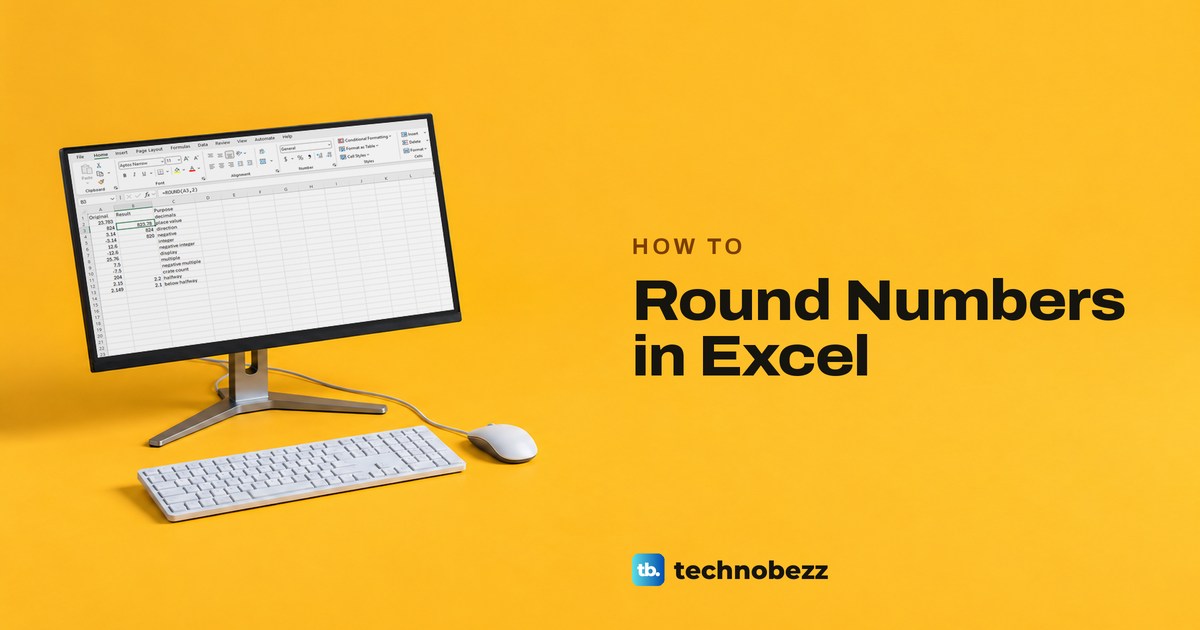
Click Decrease Decimal to make a number look rounded, or enter =ROUND(A2,2) in another cell for a rounded value. Plus round up, round down and multiples.
Type =IF(test, result if true, result if false) and press Enter. Worked examples for AND, OR, nested IF, Excel for the web and the common formula errors.
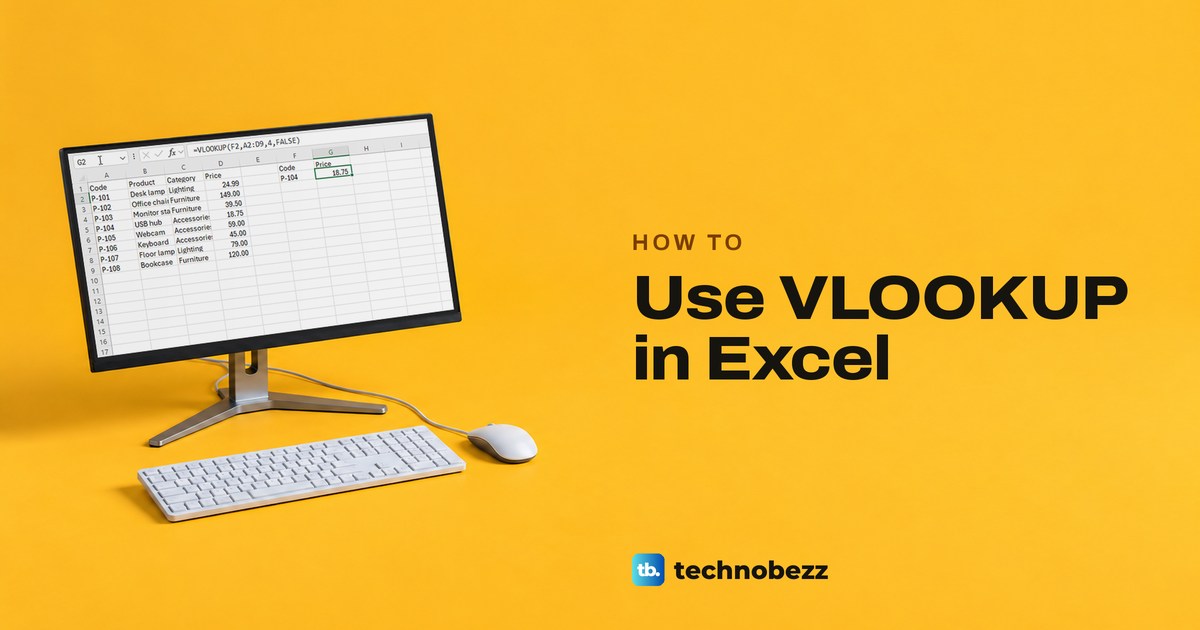
Type =VLOOKUP(what to find, where to look, column number, FALSE) and press Enter. Worked examples for other sheets, other workbooks and Excel for the web.
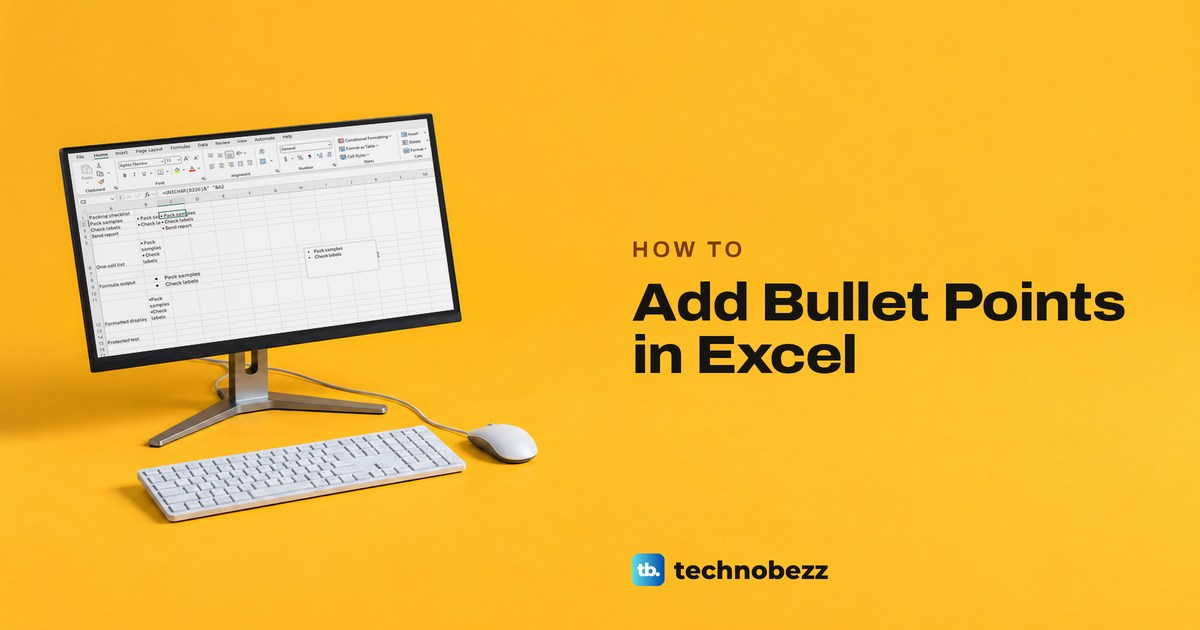
Add a bullet with Insert > Symbol and code 2022 or Alt and keypad 7, stack bullets in one cell with Alt + Enter, or bullet a whole column with a format.
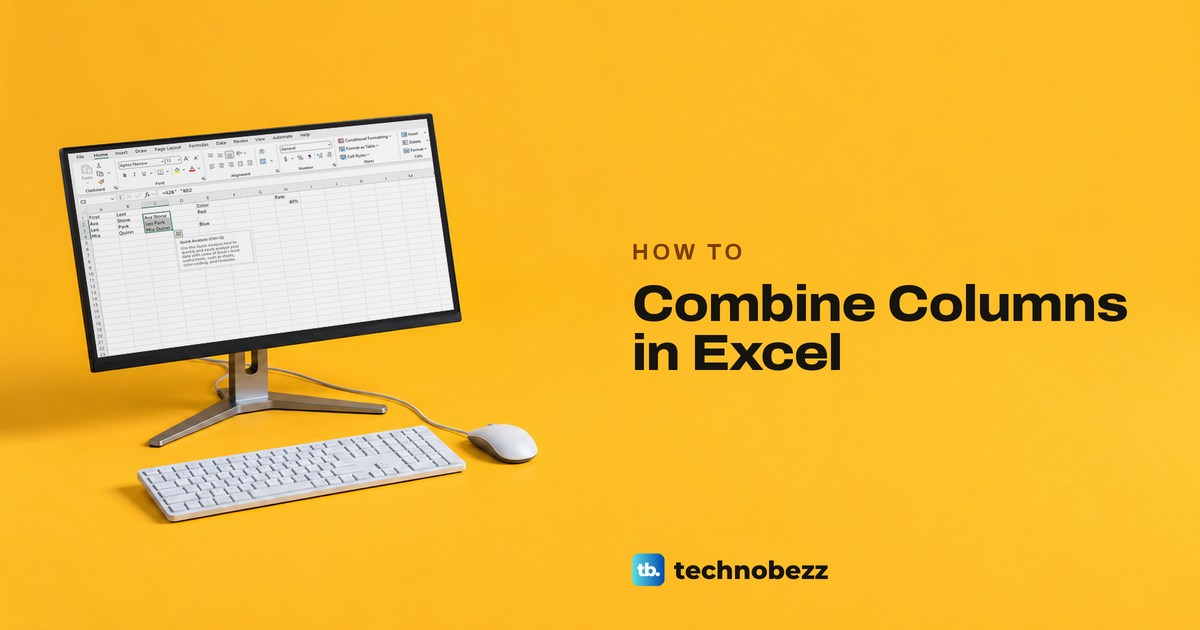
Combine two Excel columns with a space using &, CONCAT or TEXTJOIN, then fill down. See Flash Fill, Power Query, and fixes for blanks and lost formatting.
Select the cells, then Home > Merge & Center. Excel keeps only the upper-left value, so here is how to keep the rest or center a title without merging.
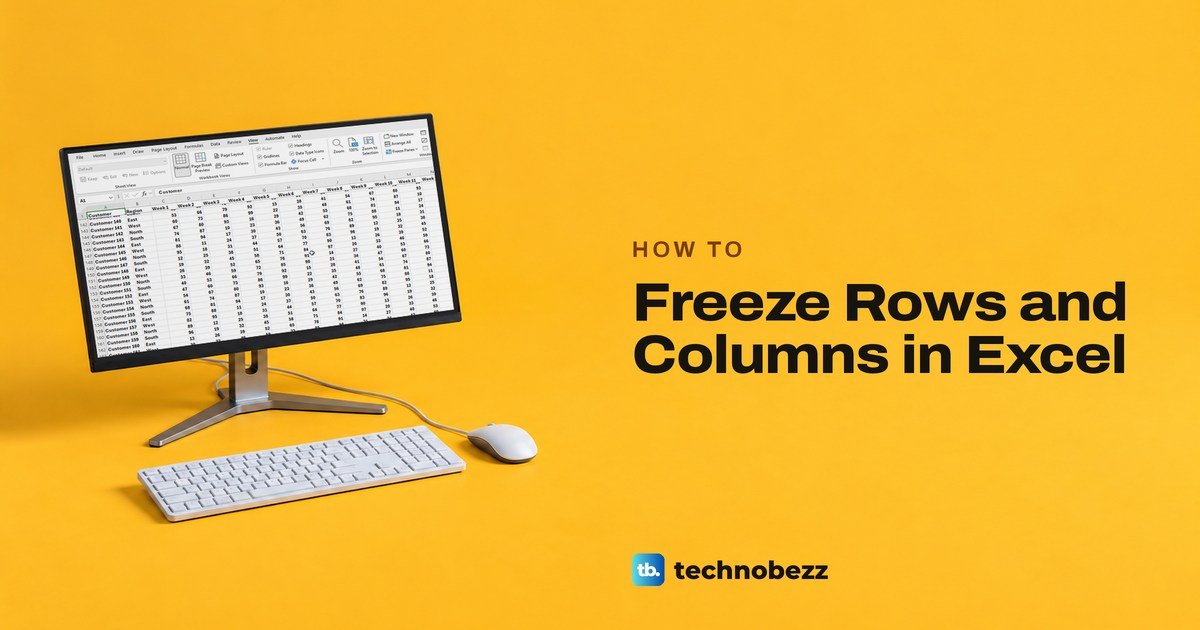
To pin a row in Excel, go to View > Freeze Panes > Freeze Top Row. For more rows or columns, select the cell below and right of them, then Freeze Panes.
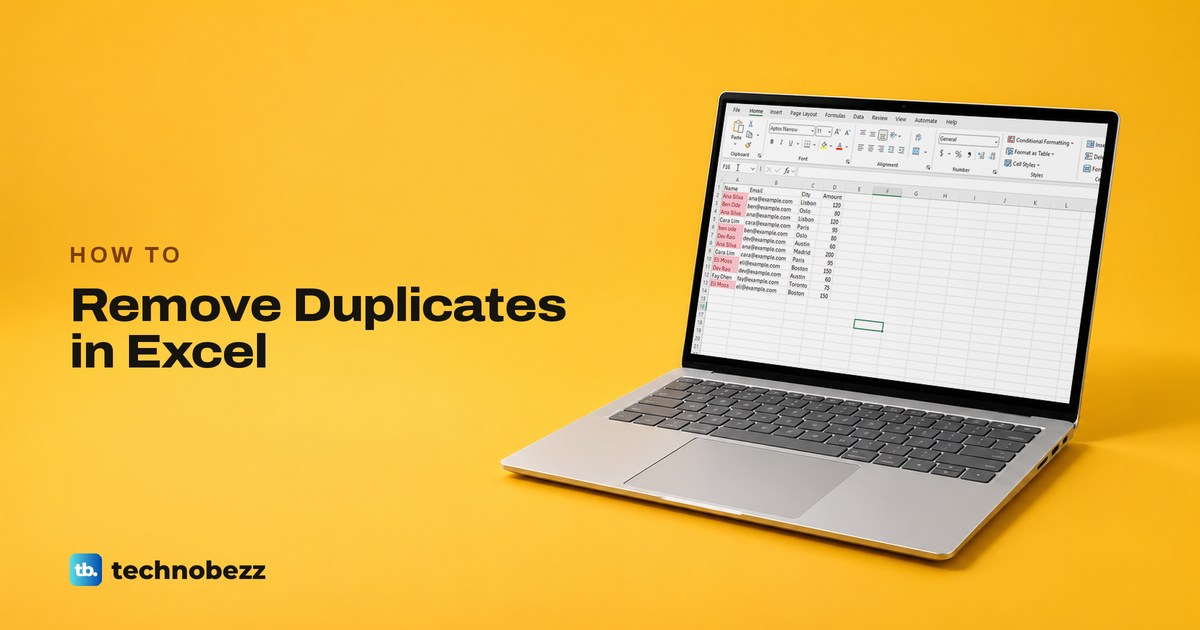
Choose Data > Remove Duplicates, tick the columns that define a repeat and select OK. Excel keeps the first copy. To find duplicates first, highlight them.
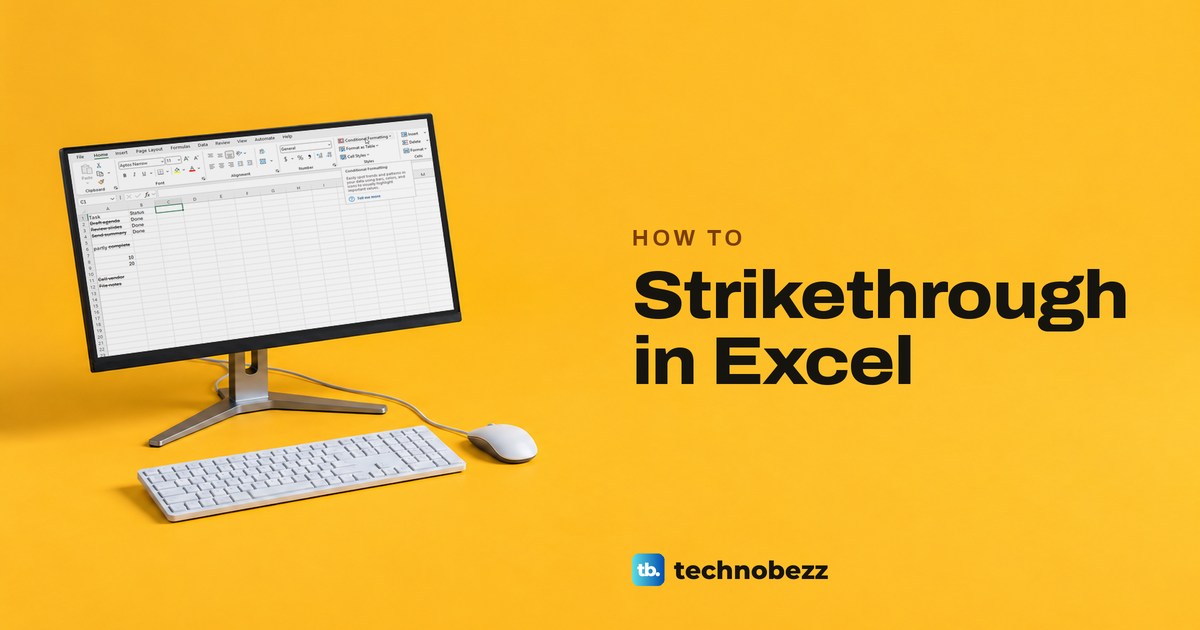
On Windows, press Ctrl+5 to cross out text in Excel, or use Format Cells. Covers one word in a cell, a Done rule, Excel for the web and stale formulas.
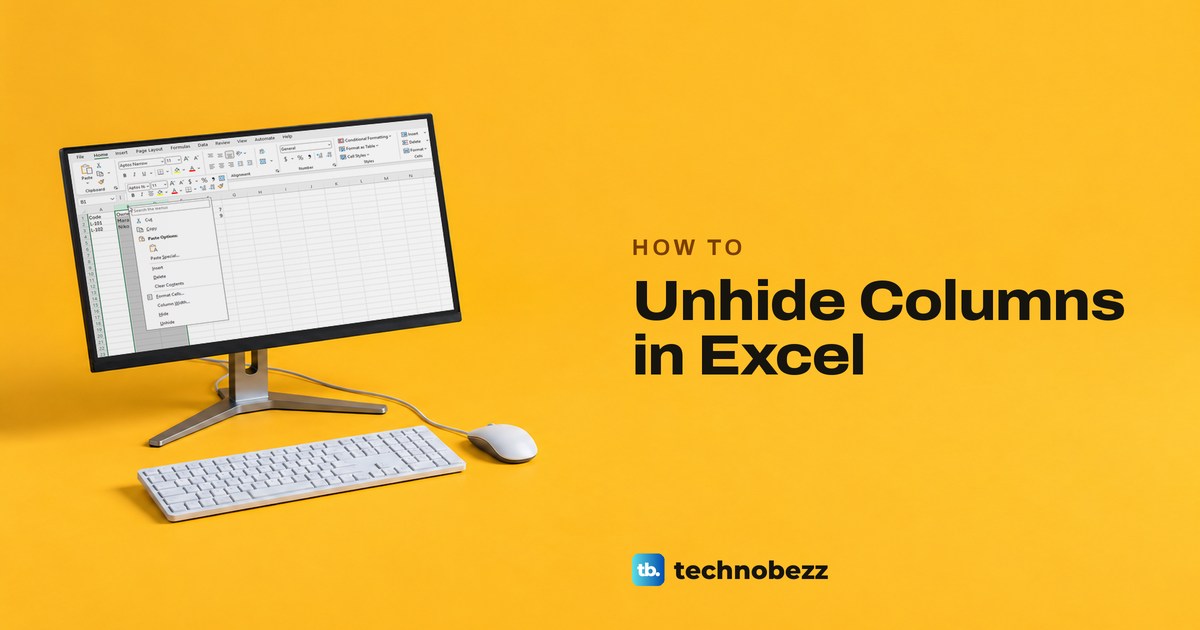
Select the column letters on both sides of the gap, right-click and choose Unhide. Tested fixes for all columns, column A, greyed out commands and the web.
To wrap text in Excel, select the cells and choose Home > Wrap Text. Use Alt + Enter for your own break, and AutoFit or drag the row if lines are hidden.
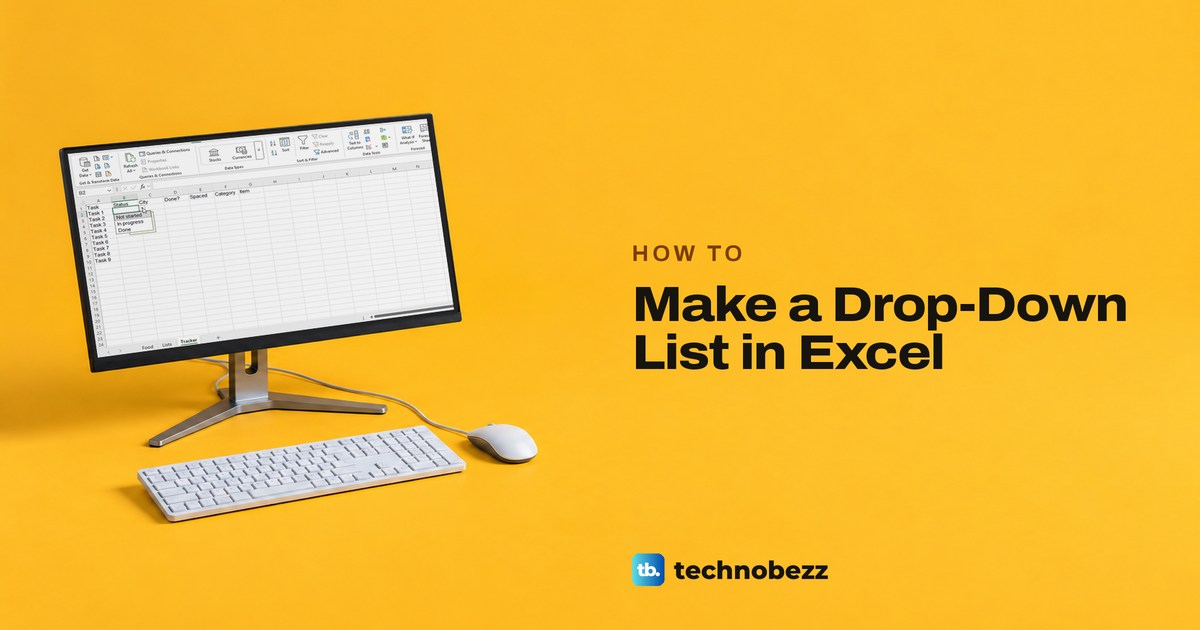
Select the cells, open Data > Data Validation, set Allow to List and fill in Source. Steps for Excel on Windows, Mac and the web, and how to edit the list.
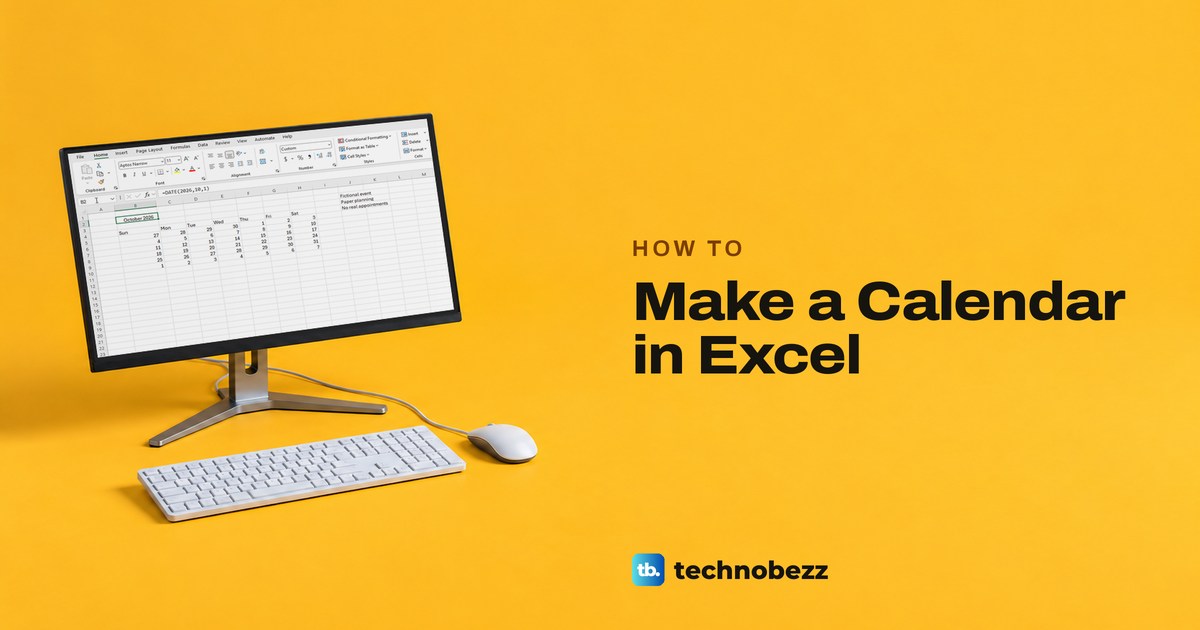
Make a monthly calendar in Excel from a Microsoft template or a blank sheet. Change the month with one date cell, then preview and print it on one page.
Select your data, choose Insert > Recommended Charts and OK. Then pick the right chart type, add labels and fix a missing series or gaps, desktop or web.
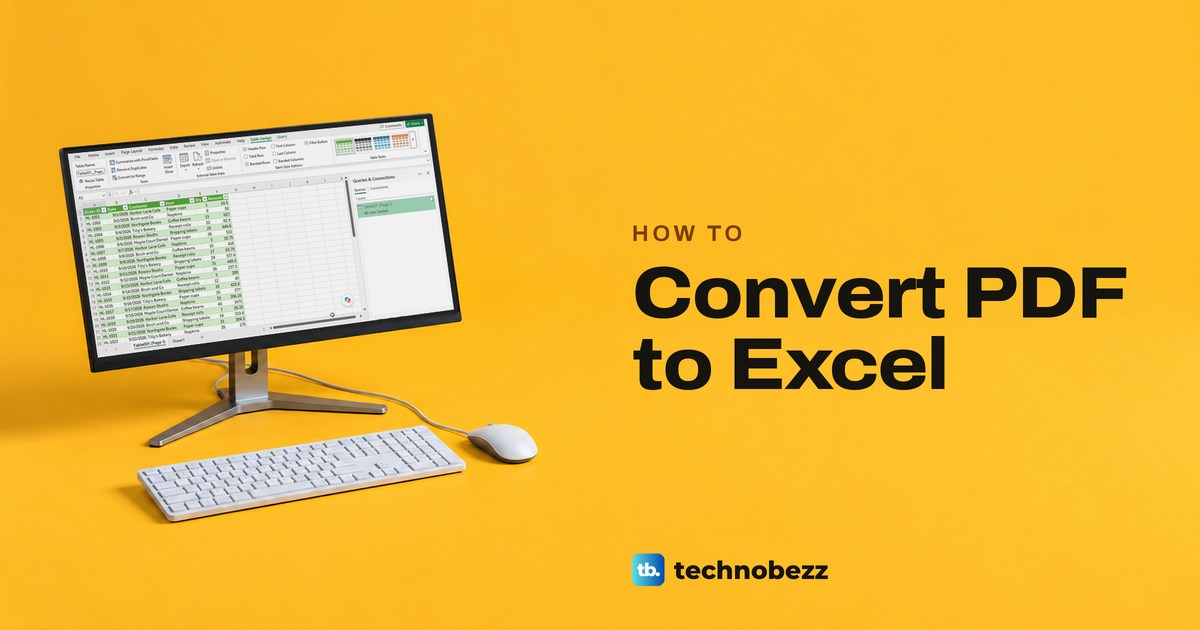
In Excel for Microsoft 365 on Windows, select Data > Get Data > From File > From PDF, pick the table in the Navigator and select Load. No upload needed.