All guides
192.168.1.1 Admin Login and Password Help
Fix 192.168.1.1 admin login problems, find your router address, sign in by brand, and reset router access when needed.
How to Log In to 192.168.0.1 Router Settings
Use 192.168.0.1 login to open your router settings, find the right gateway, and fix access problems.
Microphone Not Working? How to Fix It (2026)
Microphone not working on your computer? Fix mic permissions, input selection, browser access, app settings, and Windows driver issues.
Bluetooth Not Working on Windows 11? 11 Ways to Fix It
Bluetooth not working on Windows 11? Try these 11 fixes, from checking settings and pairing devices to updating or reinstalling drivers.
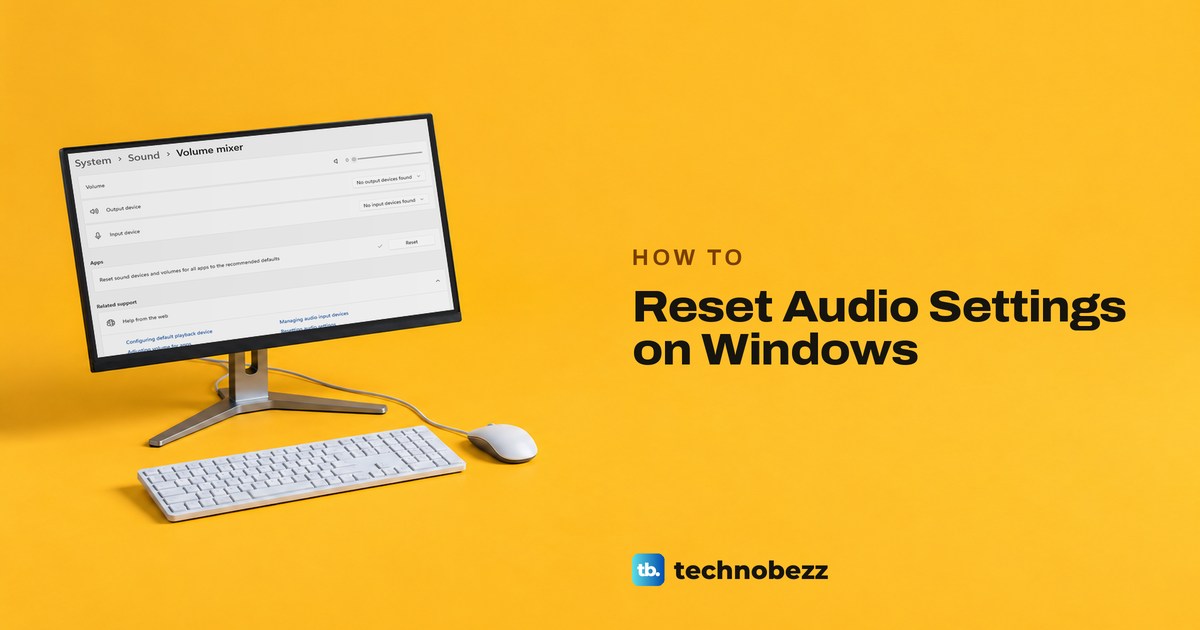
How to Reset Audio Settings on Windows
Reset audio settings on Windows 11 with current paths for volume, output devices, enhancements, Bluetooth, apps, and drivers.
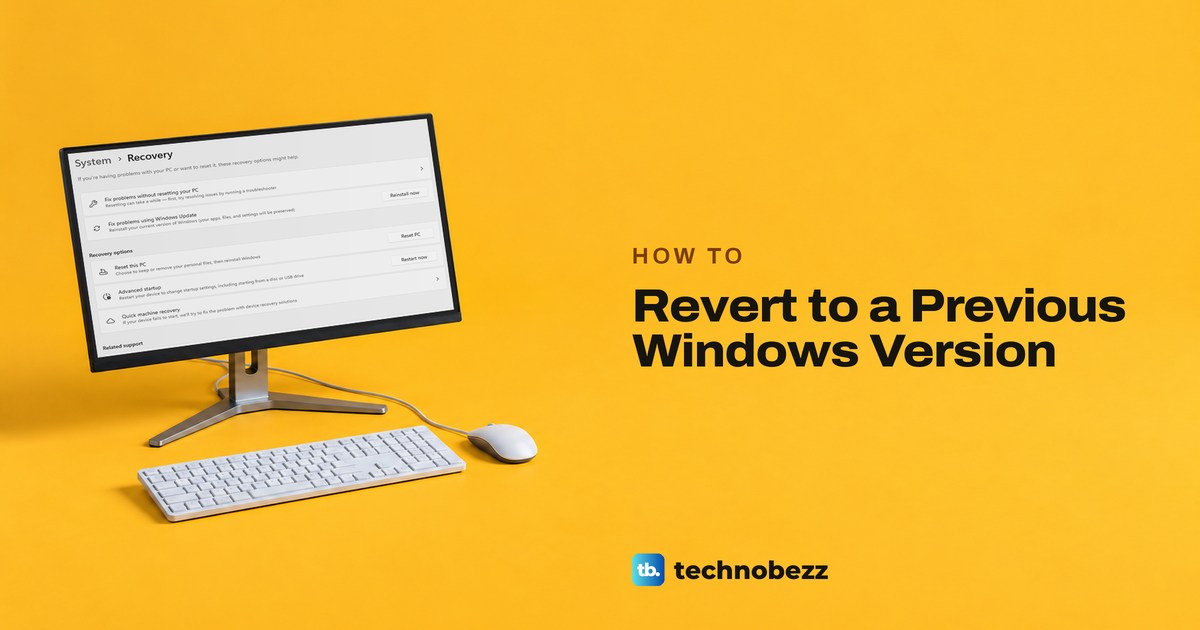
How to Revert to a Previous Windows Version Easily
How to revert to previous Windows version using Go back, update uninstall, recovery tools, or official reinstall media.
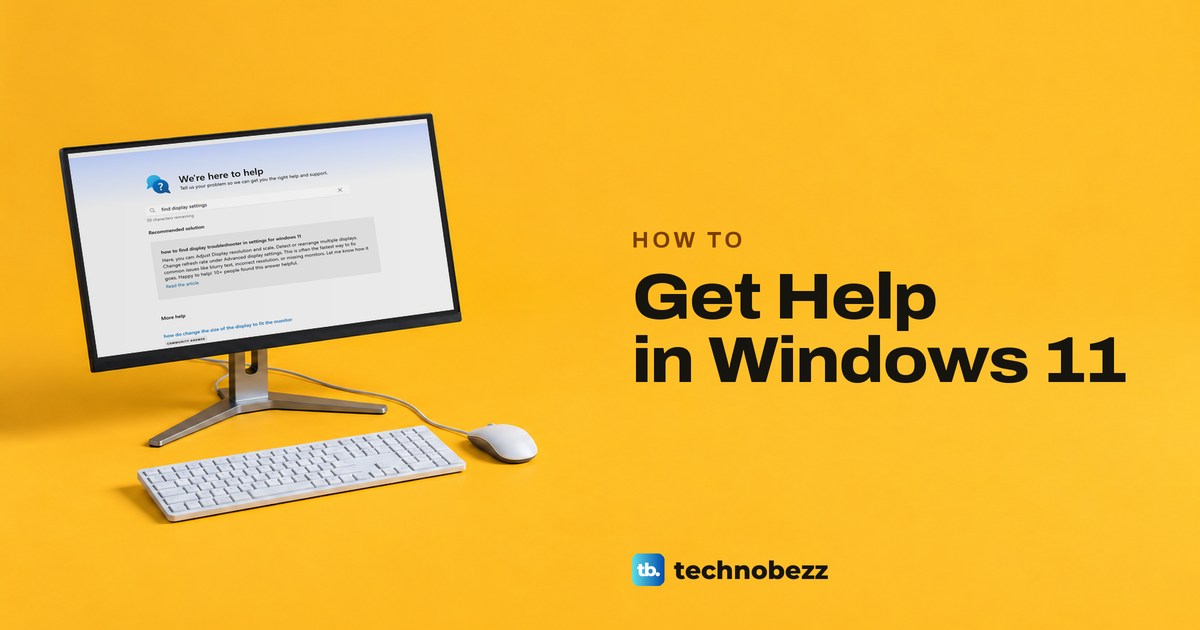
How to Get Help in Windows 11
How to get help in Windows 11 using Search, Get Help, Microsoft Support, Quick Assist, and recovery tools.
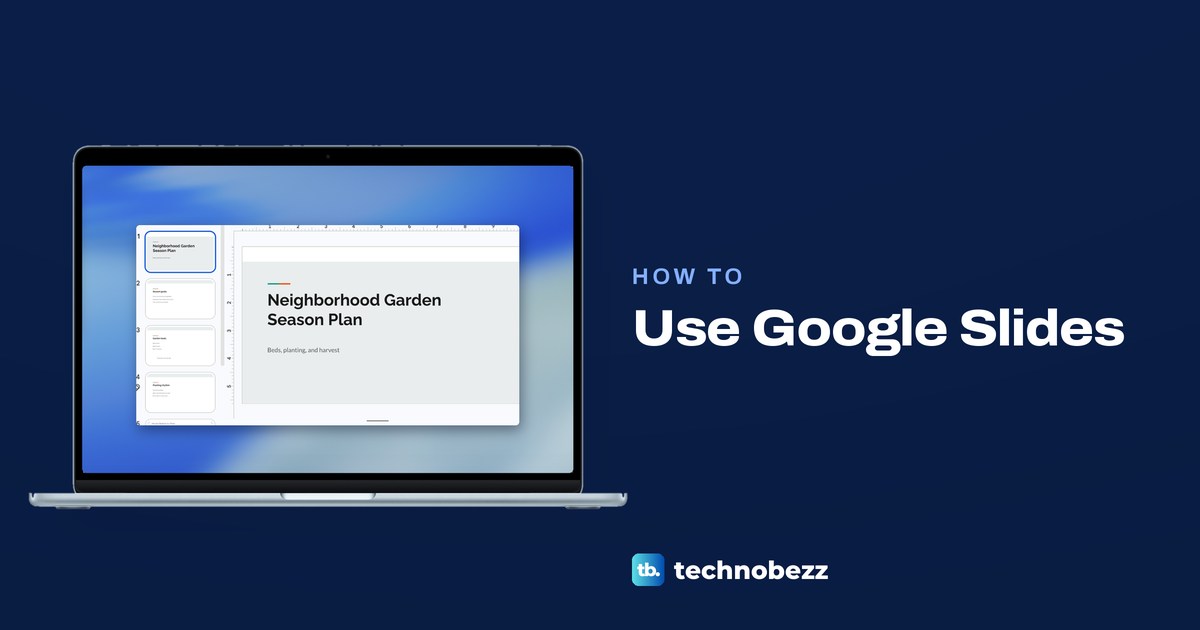
How to Use Google Slides to Make Your First Deck
Open slides.google.com, name the file, add slides, a theme and a chart from Sheets, then click Slideshow to present or Share. Phone steps included.
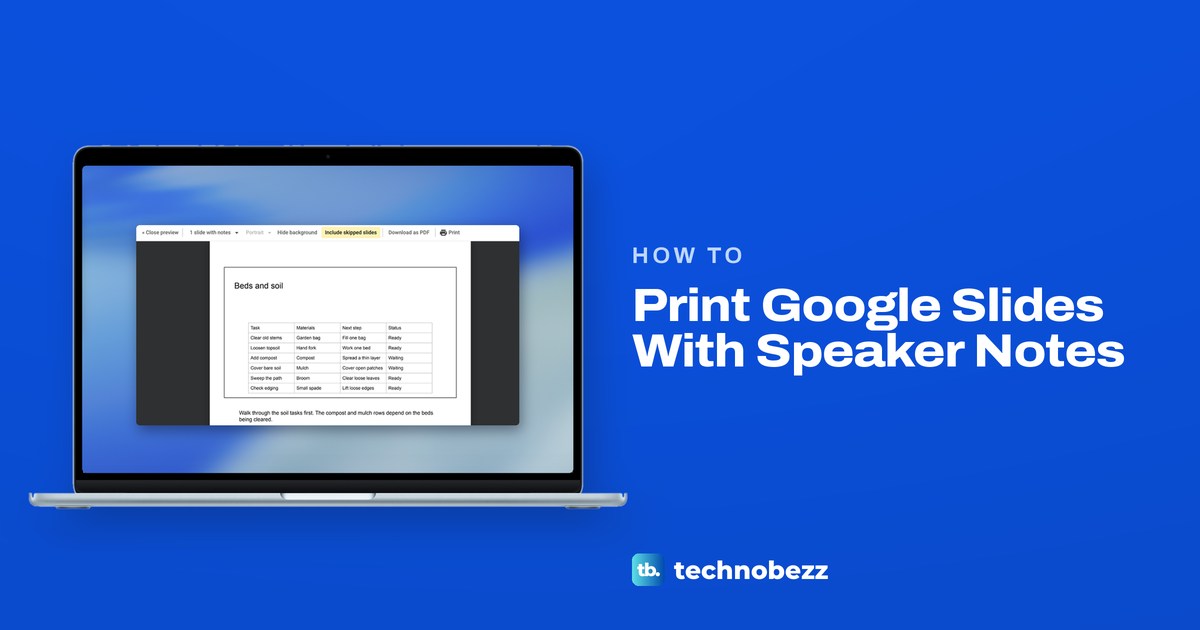
How to Print Google Slides With Speaker Notes
Open File > Print preview in Google Slides, set the layout to 1 slide with notes and click Print. Each page shows a slide with its own note under it.
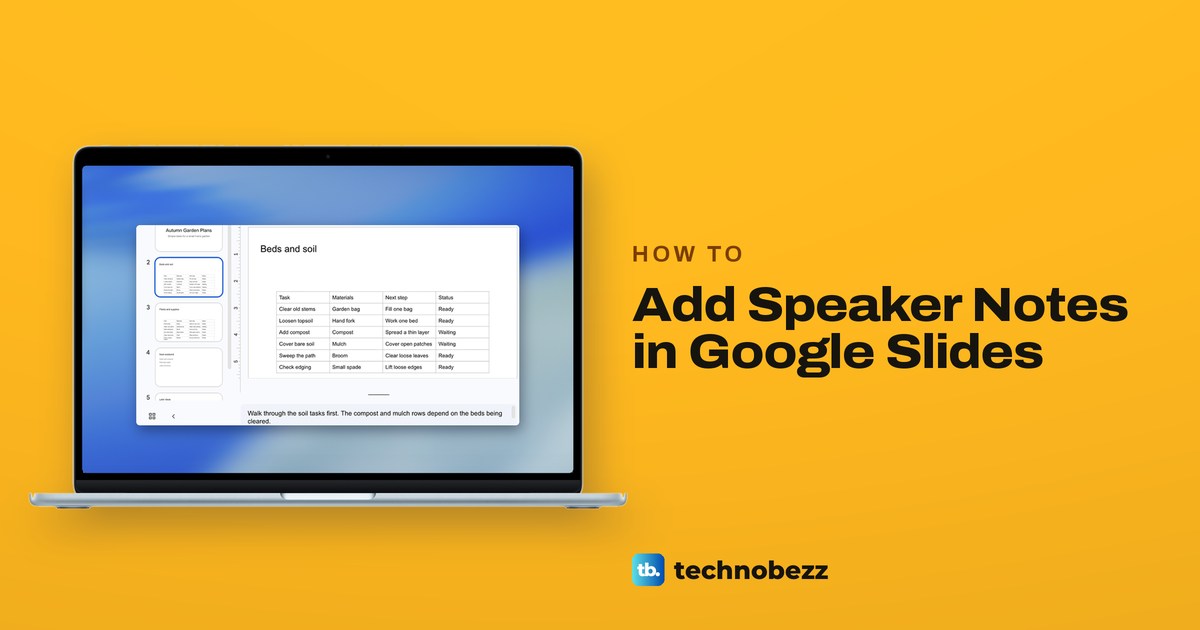
How to Add Speaker Notes in Google Slides
Click a slide, then click Click to add speaker notes under it and type. Use Presenter view to read notes while presenting, or print 1 slide with notes.
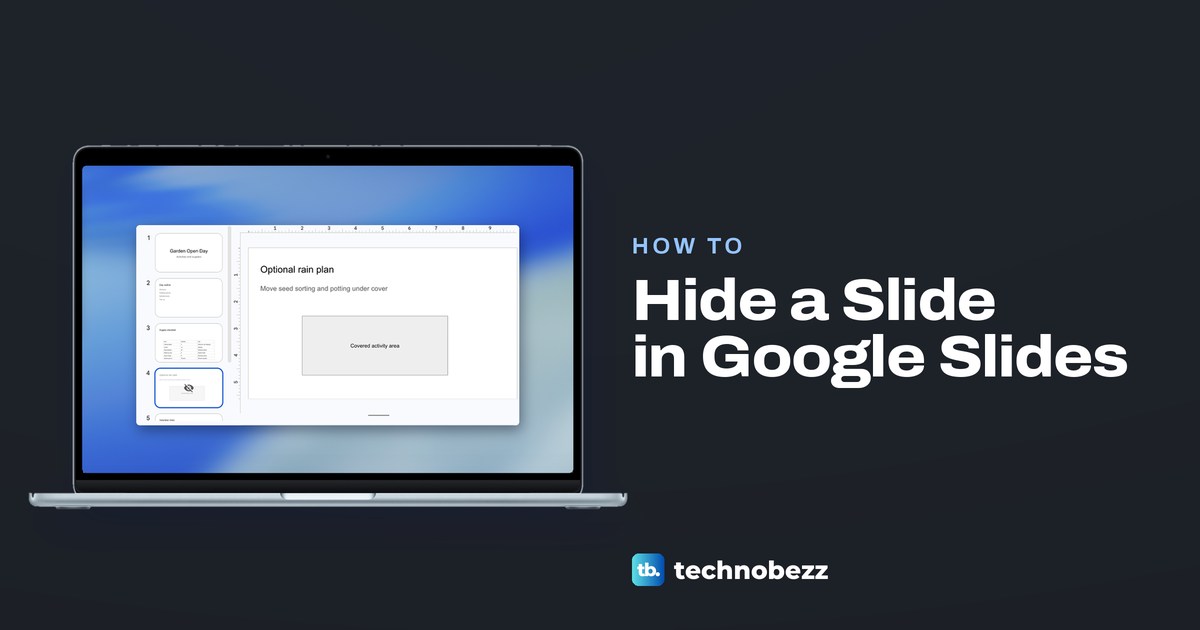
How to Hide a Slide in Google Slides Without Deleting It
Right-click the slide's thumbnail and choose Skip slide. It stays in the file while the slideshow passes over it, and Unskip slide brings it back.
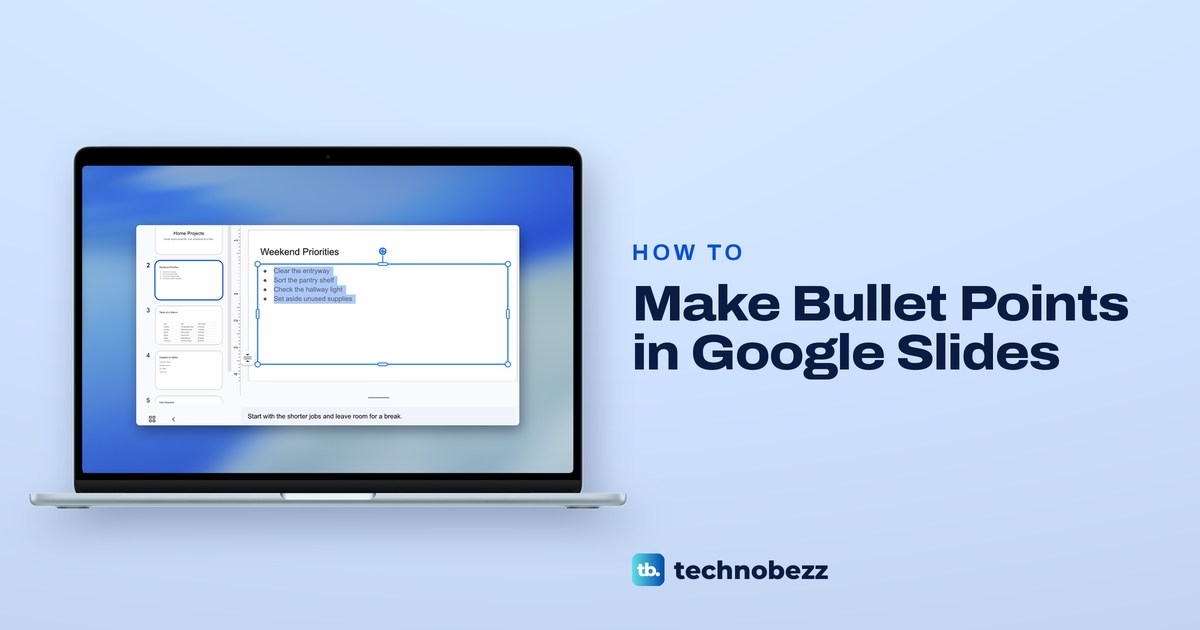
How to Make Bullet Points in Google Slides
Click Bulleted list or press Ctrl + Shift + 8 (Command + Shift + 8 on a Mac). Tab adds a sub-bullet, and Enter on an empty bullet steps out a level.
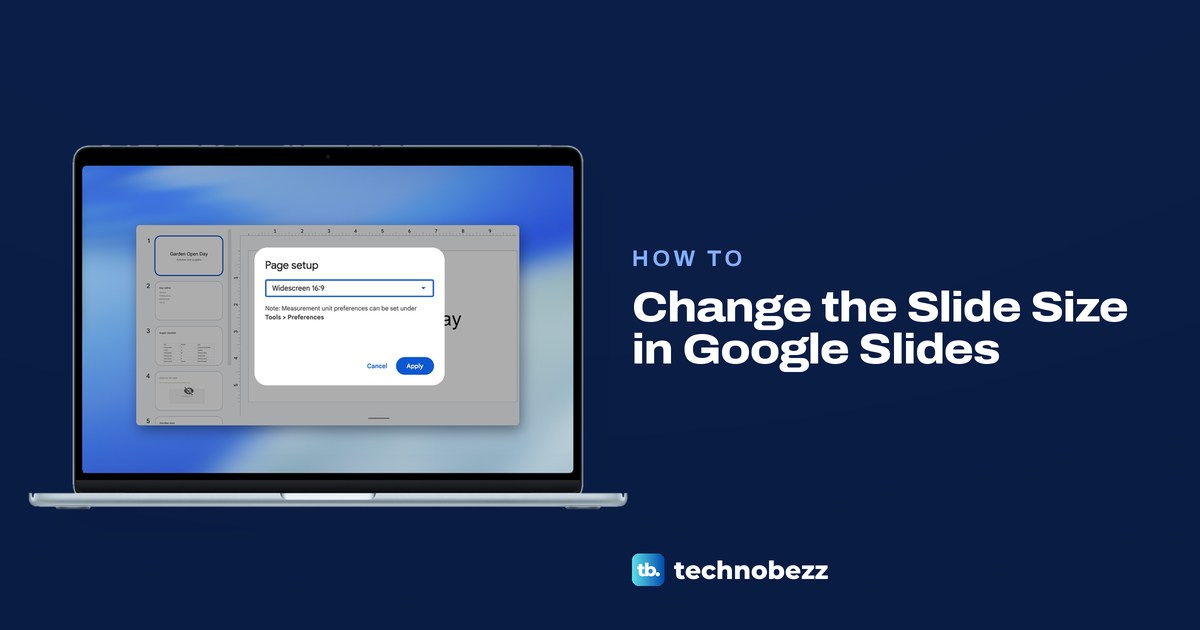
How to Change the Slide Size in Google Slides
Open File > Page setup in Google Slides, pick Standard 4:3, Widescreen 16:9 or 16:10, or Custom for your own width and height, then click Apply.
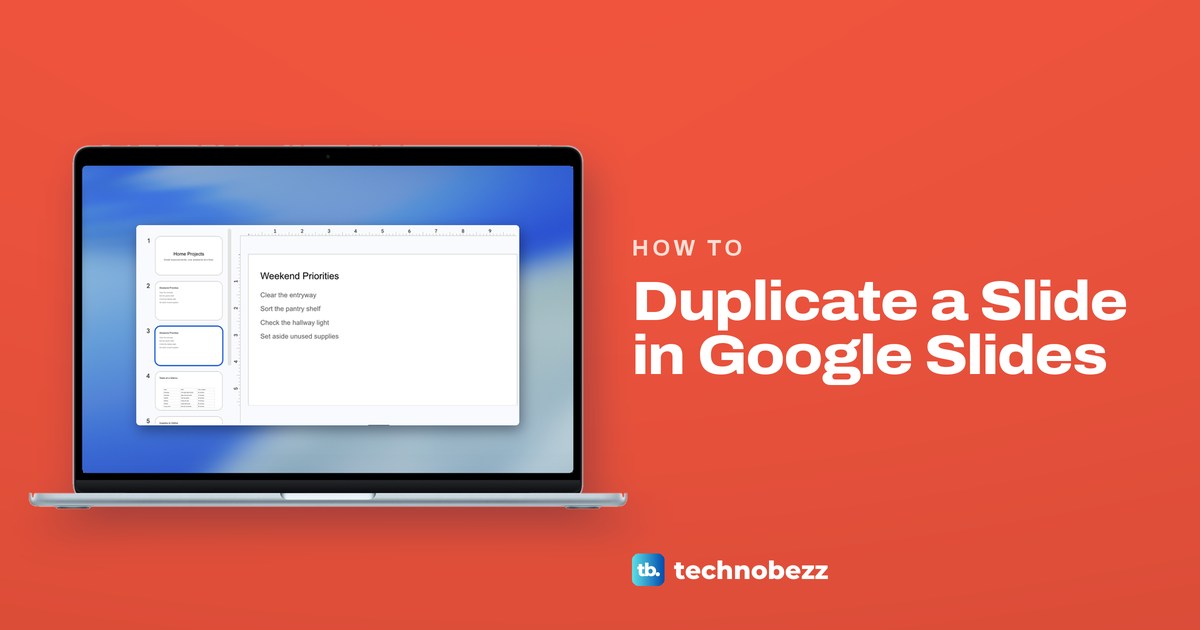
How to Duplicate a Slide in Google Slides
Right-click the slide's thumbnail and choose Duplicate slide, or select it and press Ctrl + D (Command + D on a Mac). The copy lands directly under it.
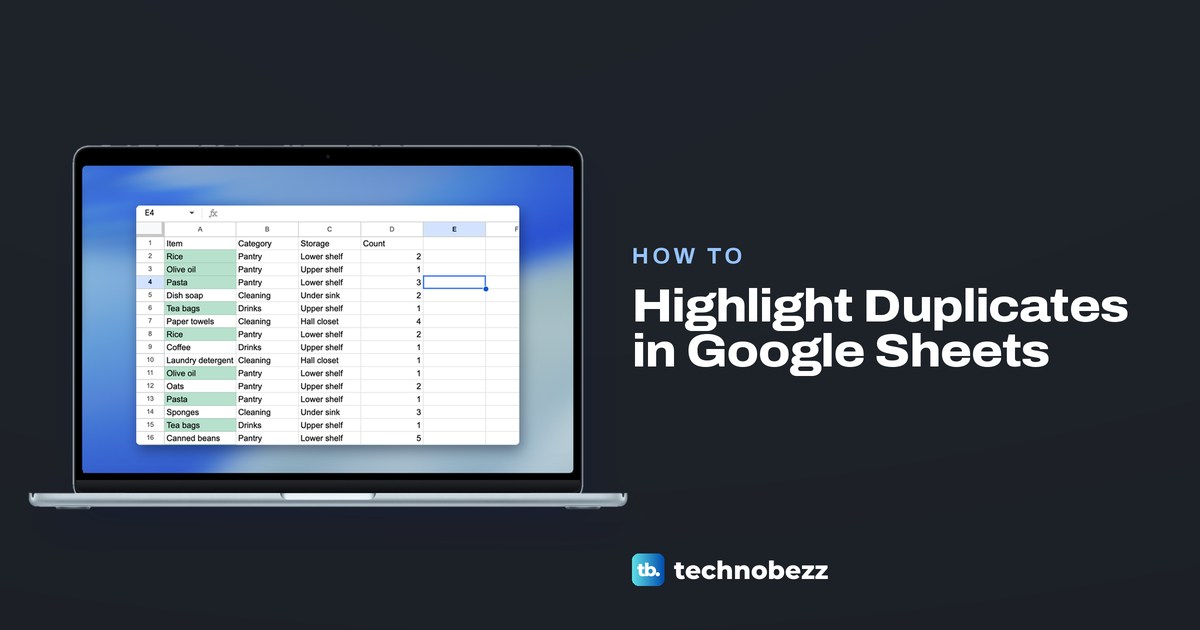
How to Highlight Duplicates in Google Sheets
Highlight duplicates in Google Sheets with a COUNTIF custom formula, color only later copies or whole rows, and filter the green rows together.
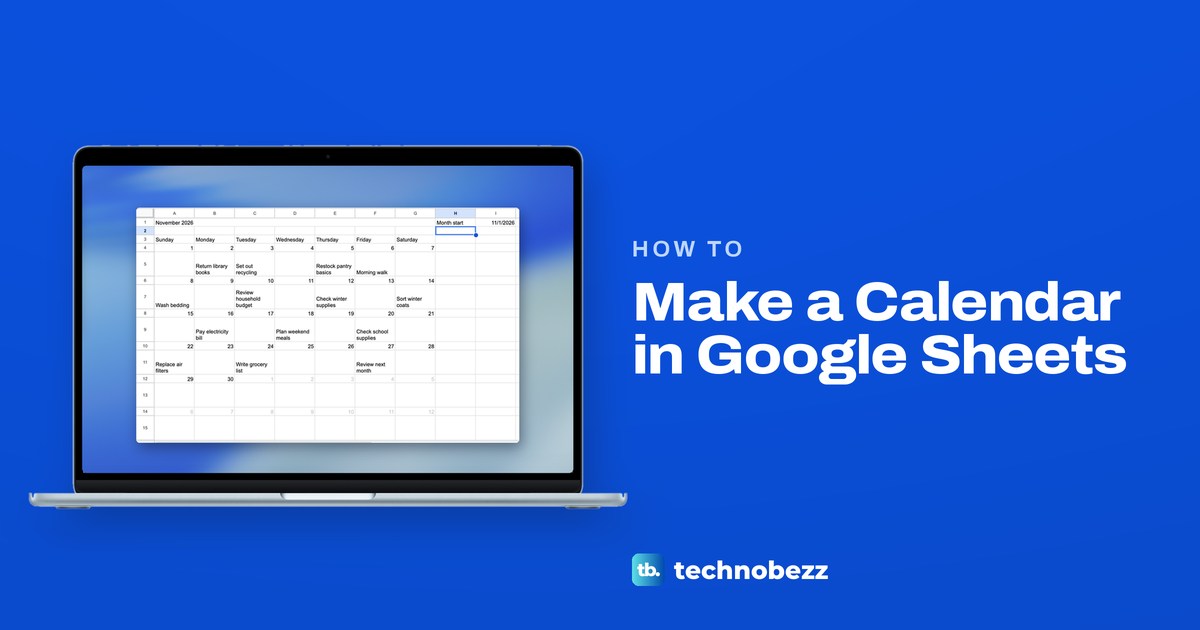
How to Make a Calendar in Google Sheets That Updates
Make a calendar in Google Sheets from one real date: a WEEKDAY formula fills six weeks, a Plans tab puts plans under dates, and it prints on one page.
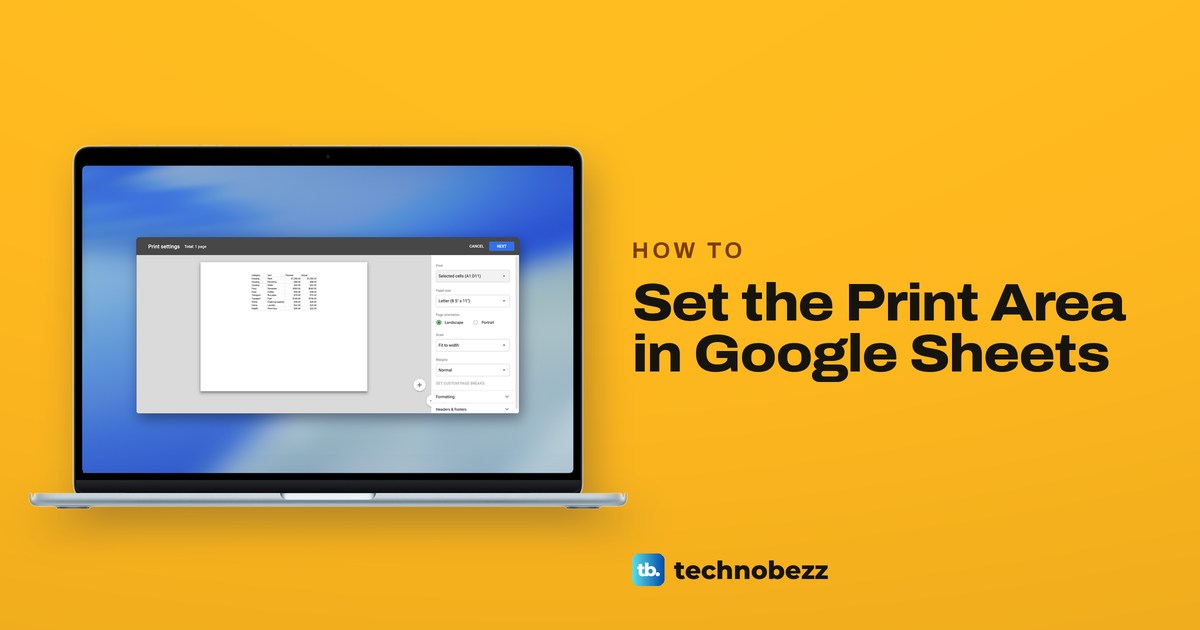
How to Set the Print Area in Google Sheets
Google Sheets has no Set Print Area command. Select the cells, choose File > Print, pick Selected cells in the Print list and check the preview.
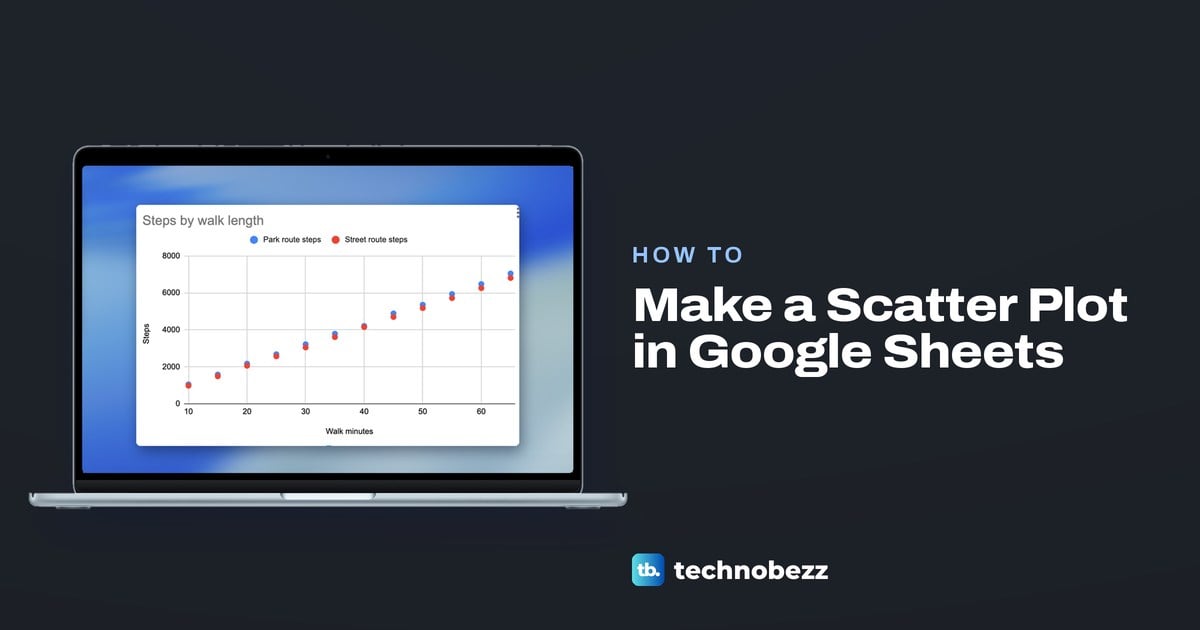
How to Make a Scatter Plot in Google Sheets
Select two number columns in Google Sheets, choose Insert > Chart, then pick Scatter chart under Chart type. Add a second series and a trendline.
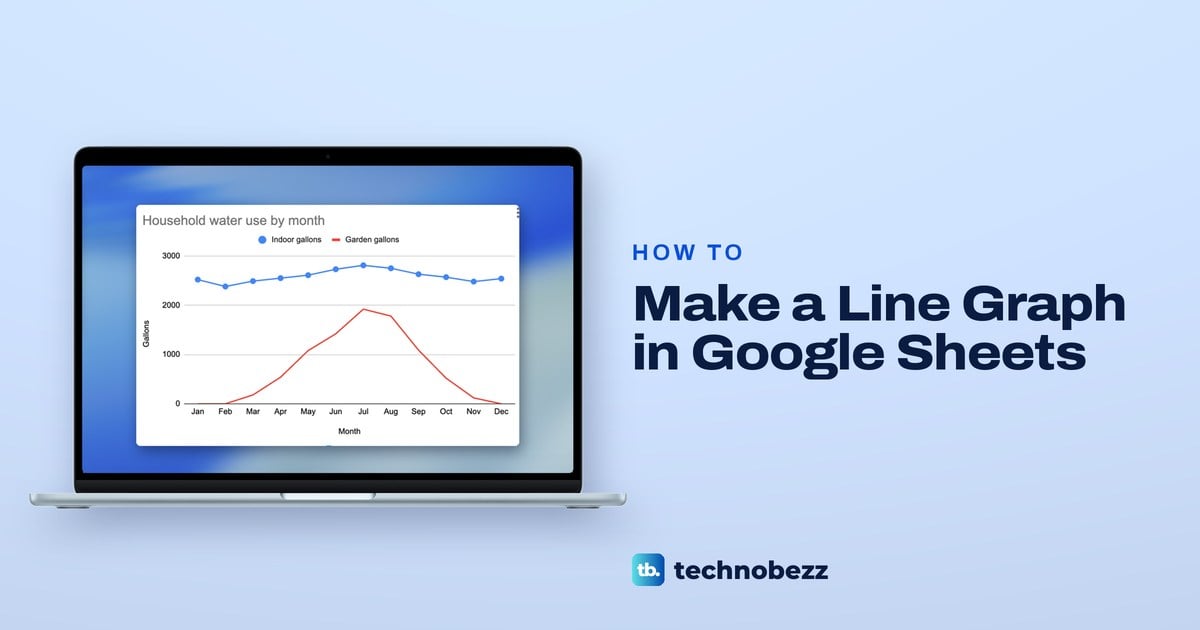
How to Make a Line Graph in Google Sheets
Select months and numbers, choose Insert > Chart and pick Line chart. Widen the range, then use Add Series for a second line, and see why gaps appear.
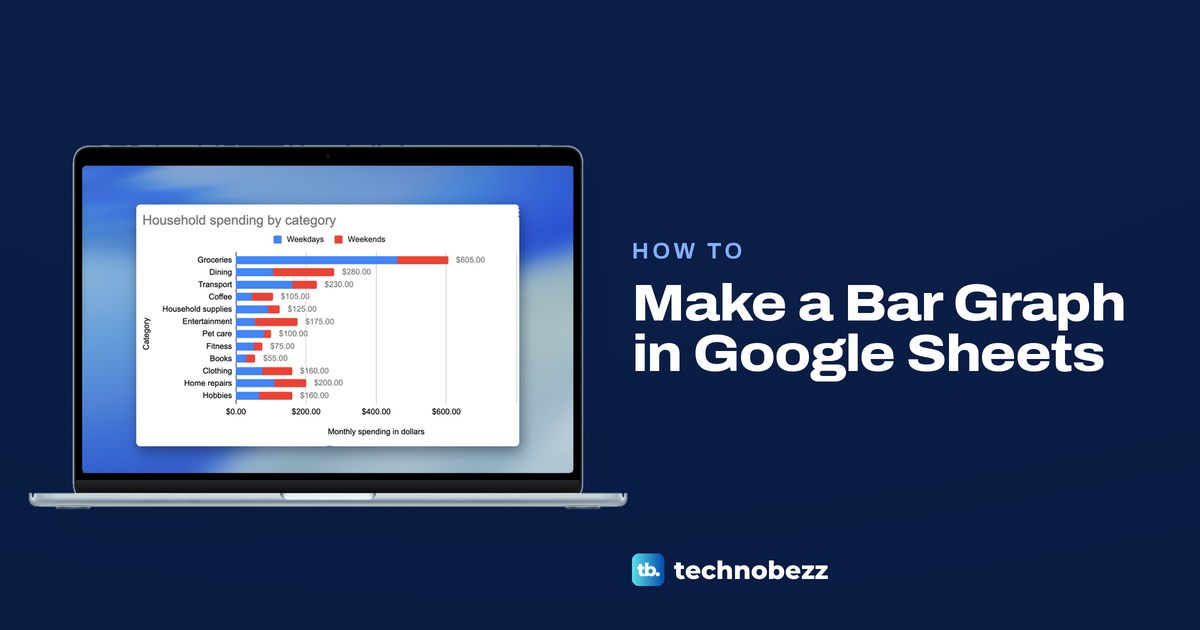
How to Make a Bar Graph in Google Sheets
Select your data in Google Sheets, choose Insert > Chart, then pick Bar chart under Chart type. Add a second series, stack the bars and label totals.
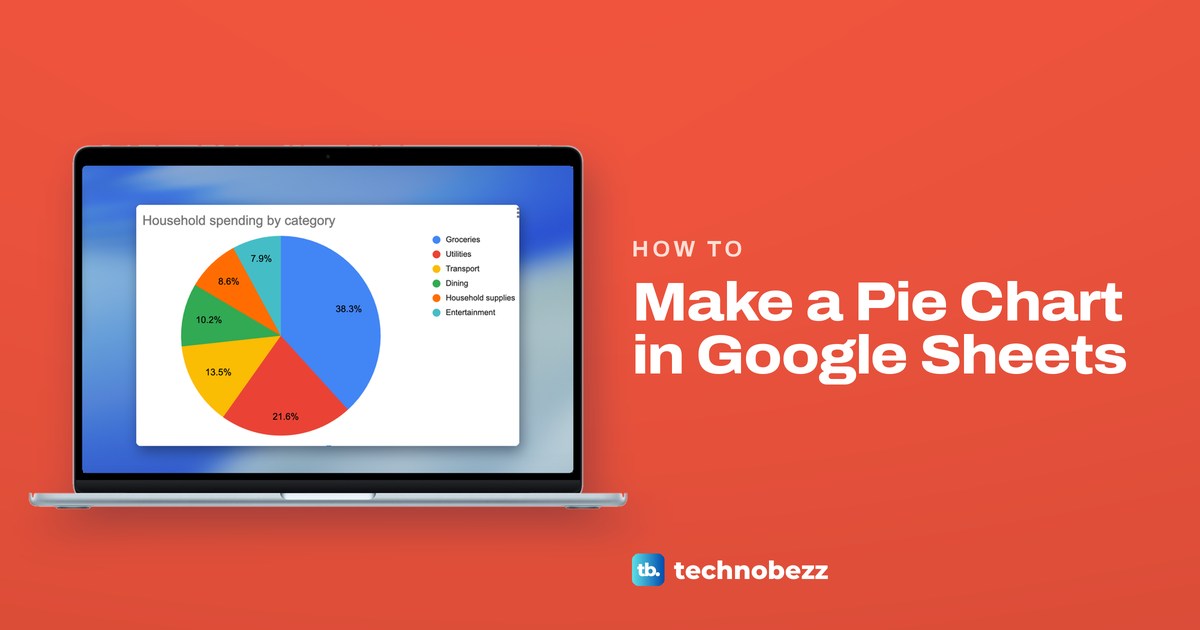
How to Make a Pie Chart in Google Sheets
Select category and amount columns, choose Insert > Chart and pick Pie chart. Tick Aggregate to combine repeated categories; set Slice label to Percentage.
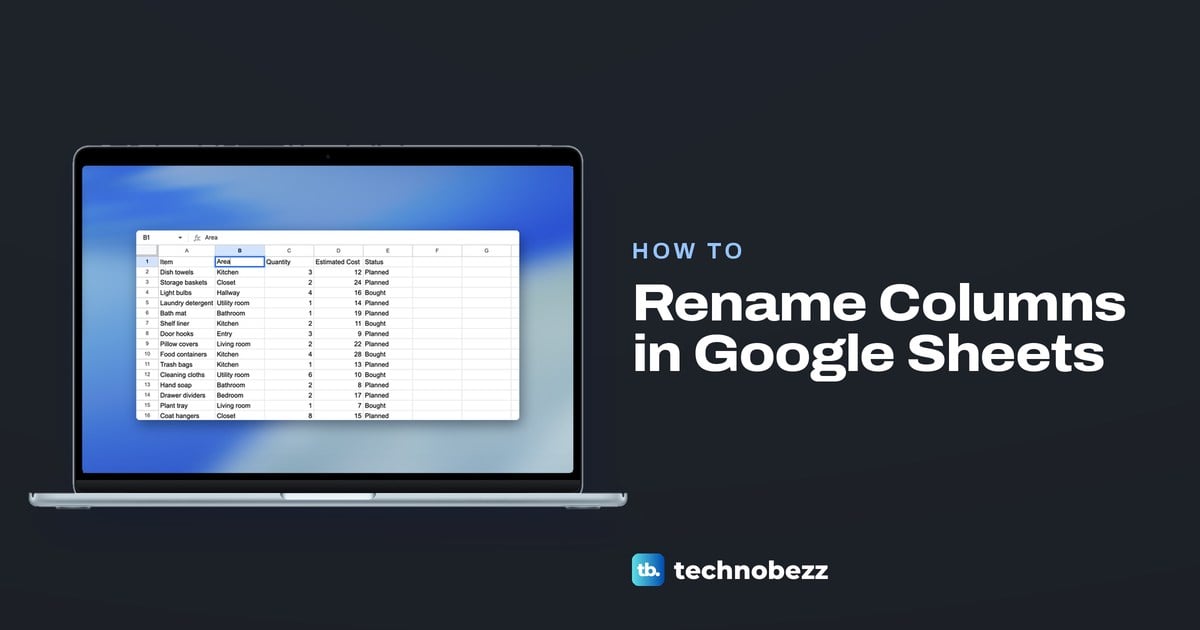
How to Rename Columns in Google Sheets and Keep Headers
Double-click a column's heading cell in row 1 to rename it in Google Sheets. The letters stay fixed, and a table or named range gives formulas a name.
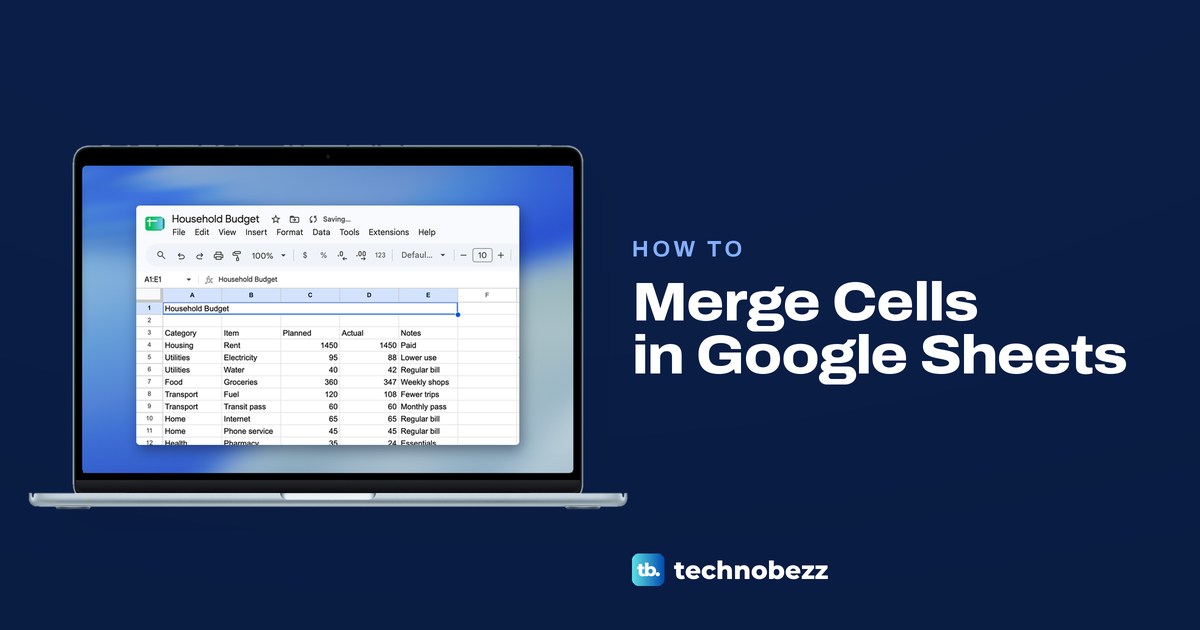
How to Merge Cells in Google Sheets and Unmerge Them
Select the cells, then choose Format > Merge cells and pick Merge all, horizontally or vertically. Plus how to unmerge and get deleted text back.
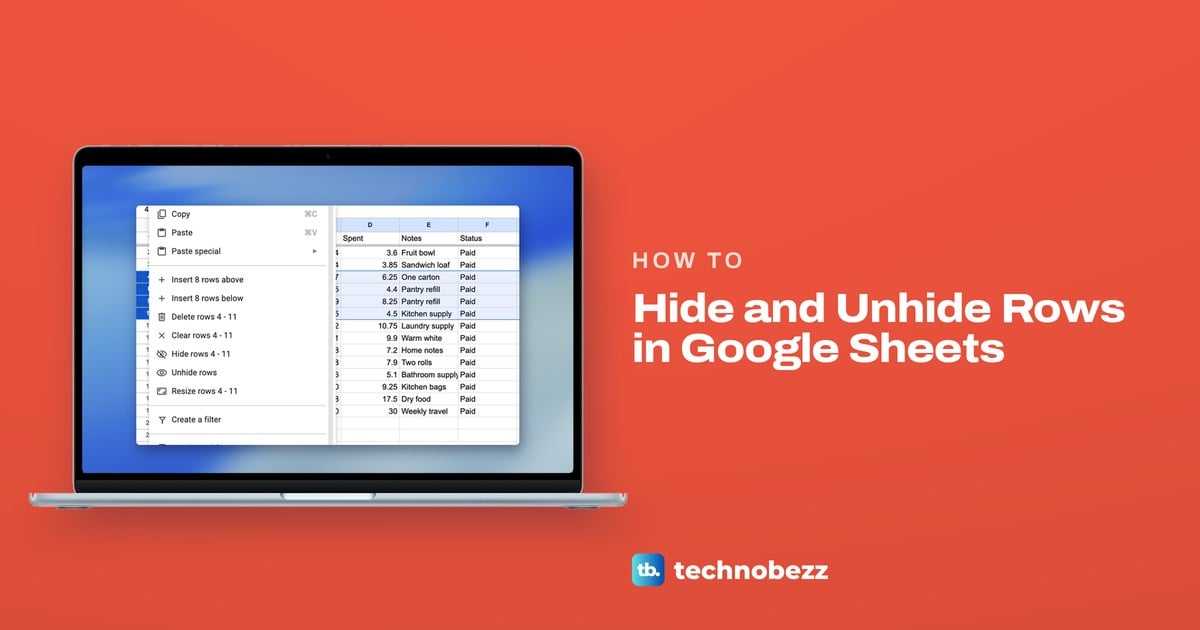
How to Hide Rows in Google Sheets and Unhide Them
Right-click the row number in Google Sheets and choose Hide row. To unhide it, click the small arrow at the gap. Columns work the same way.