All guides
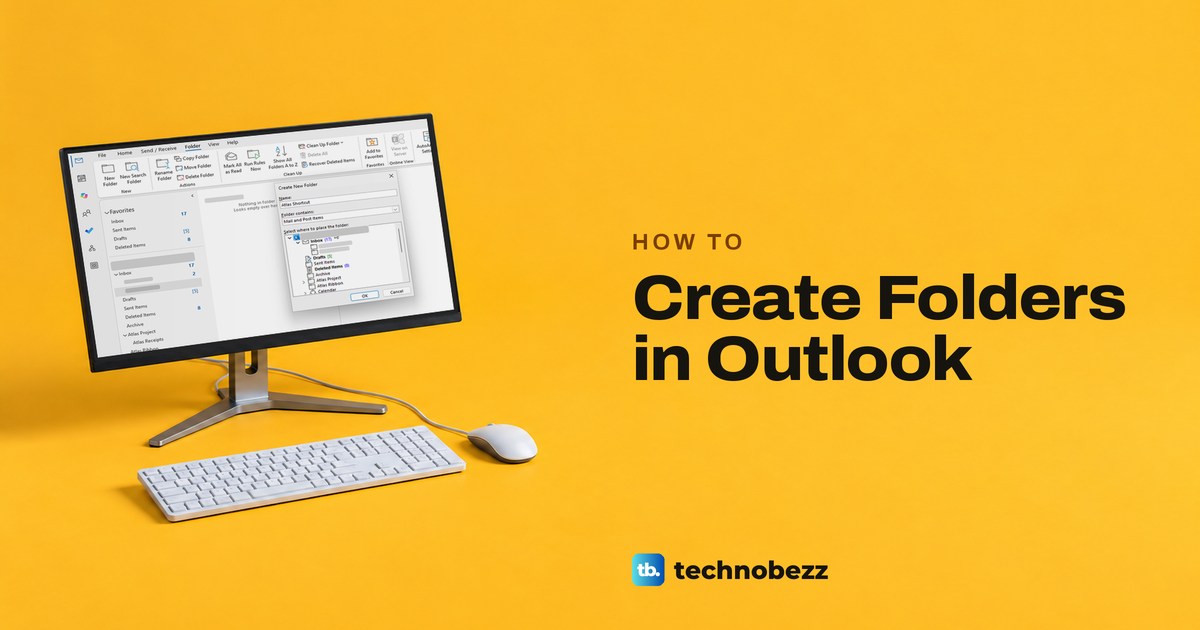
How to Create Folders in Outlook and Subfolders
Create folders in Outlook by right-clicking the top of your folder list, or a parent for a subfolder. Steps for classic, new, web, Mac and phones.
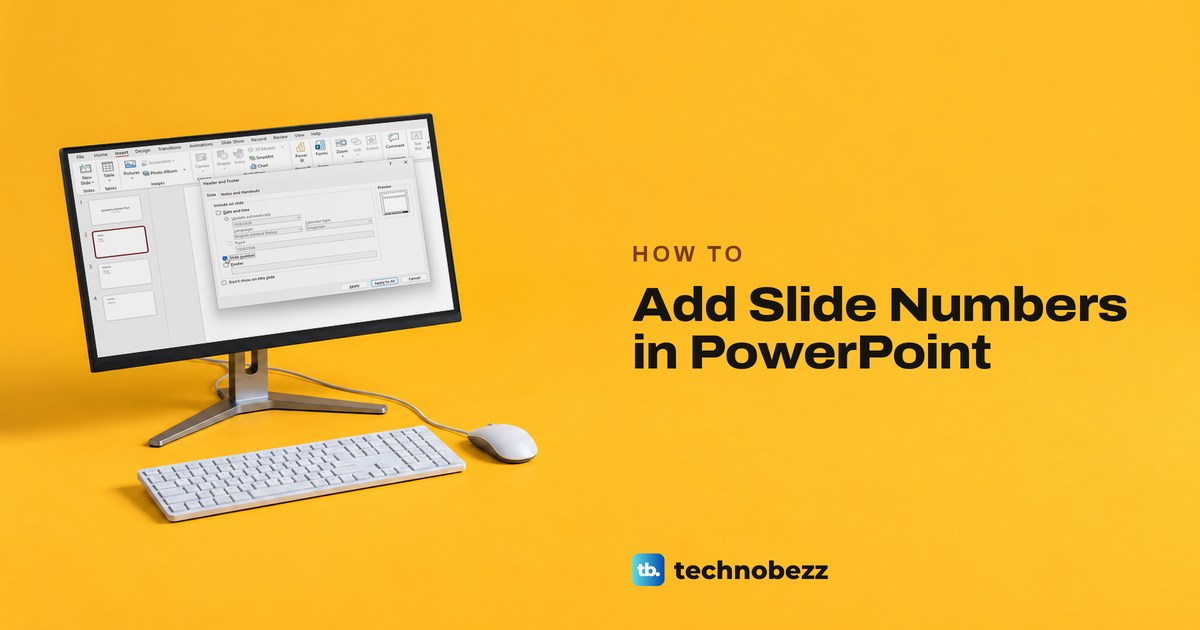
How to Add Slide Numbers in PowerPoint on Every Slide
Open Insert, choose Slide Number, tick Slide number and select Apply to All. Also skip the title slide, change the starting number and fix missing numbers.
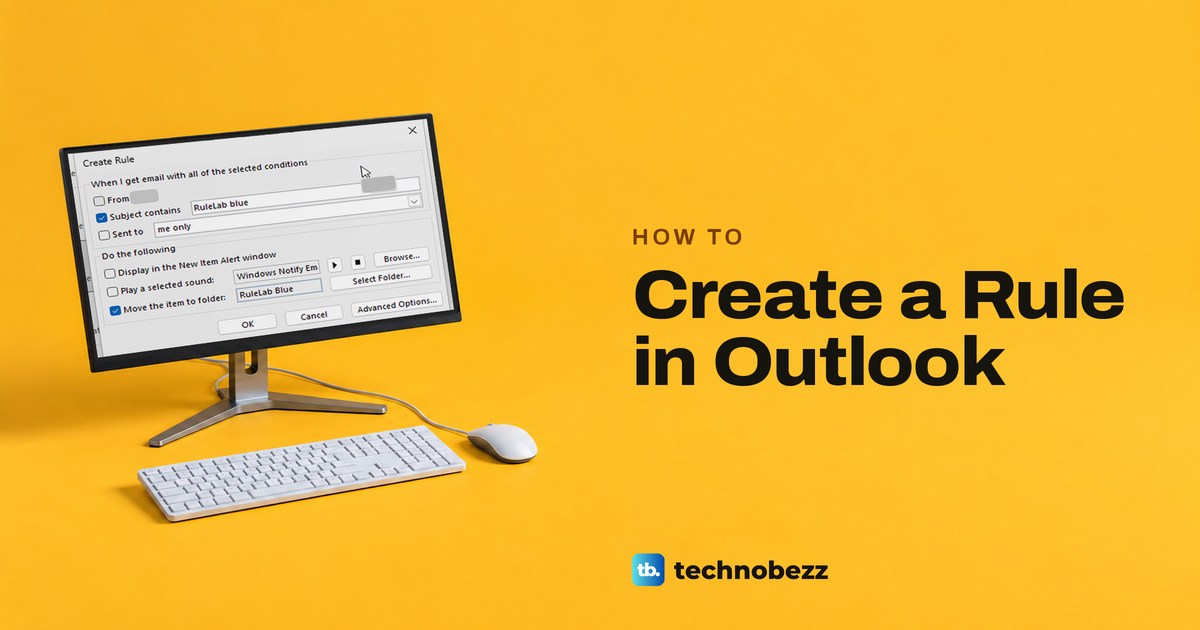
How to Create a Rule in Outlook to Organize Email
Right-click a message and choose Rules > Create Rule in classic Outlook, or use Settings > Mail > Rules > Add rule on the web, then run it on older mail.
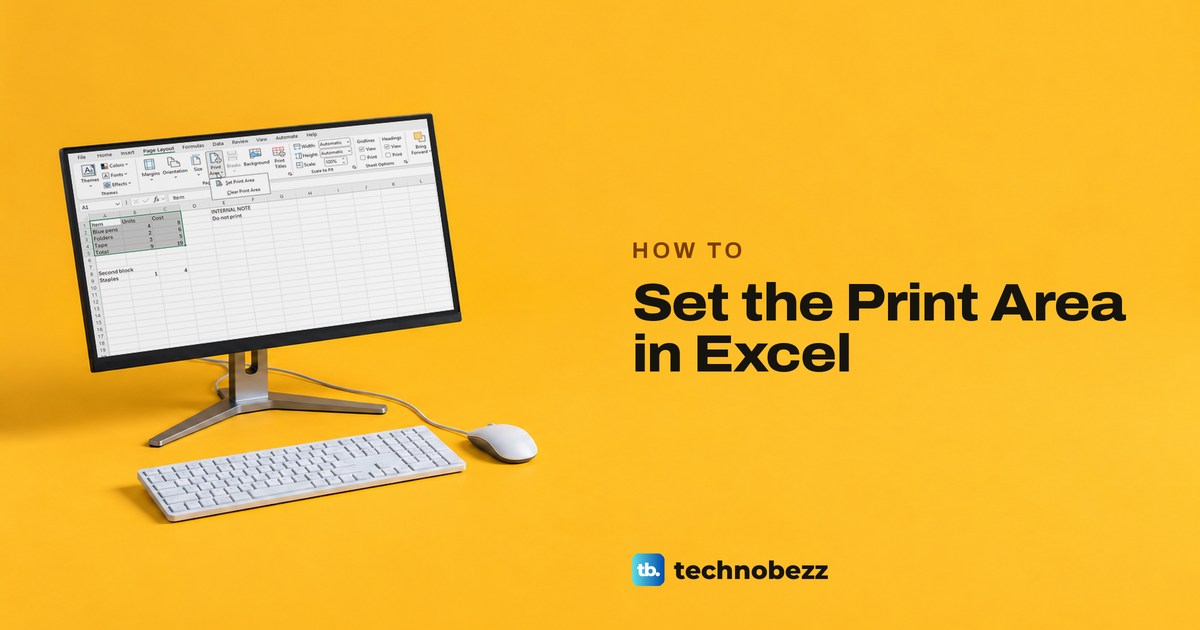
How to Set Print Area in Excel and Print Only What You Need
Select the cells you want, then choose Page Layout, Print Area, Set Print Area. Preview the result, add ranges, or clear the saved area.
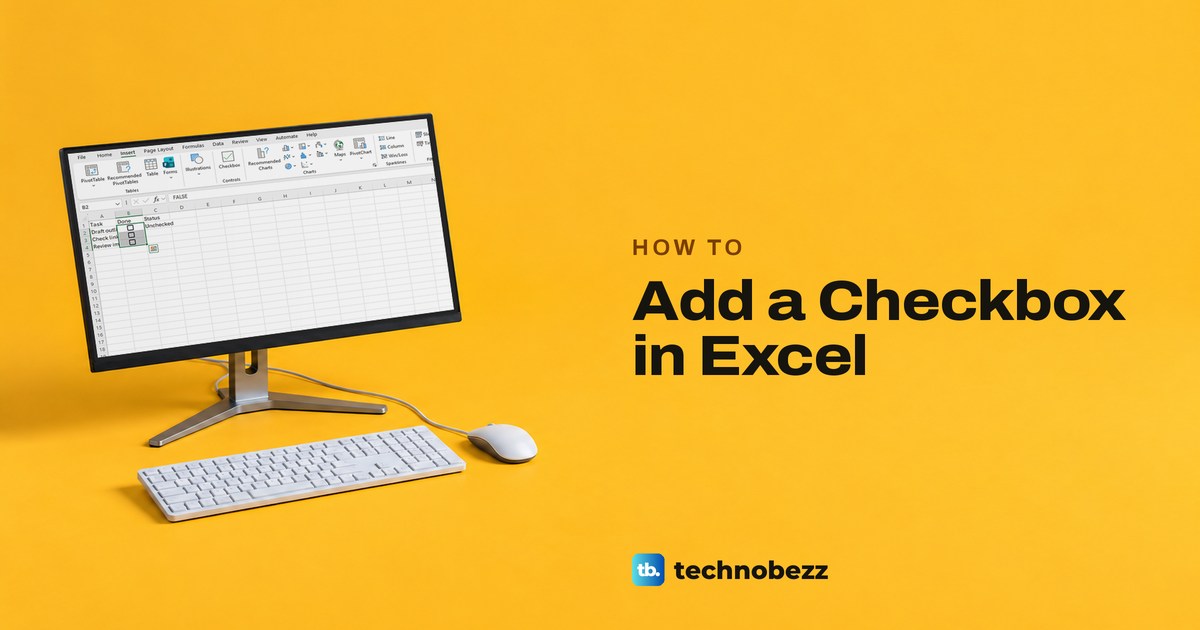
How to Add a Checkbox in Excel and Use It in a Checklist
Add a checkbox in Excel with Insert > Checkbox, tick it with a click or Spacebar, and use its TRUE or FALSE value. Form Controls and the web too.
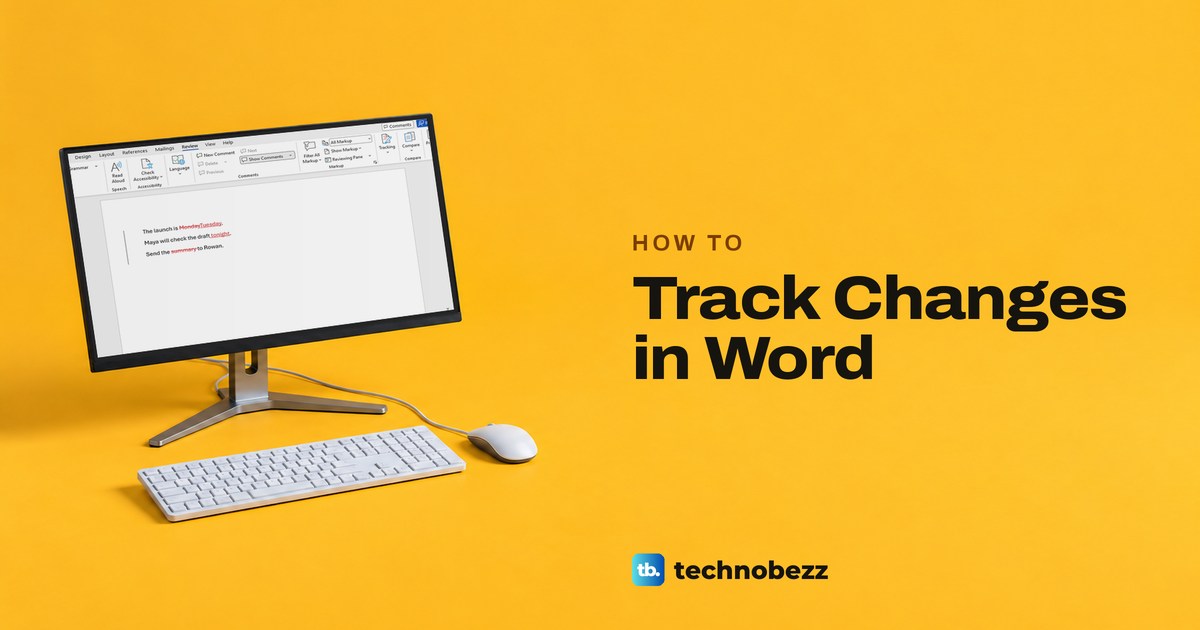
How to Track Changes in Word and Review Edits
Turn on Track Changes from Word's Review tab, show every edit in All Markup, then accept or reject suggestions and make a clean copy.
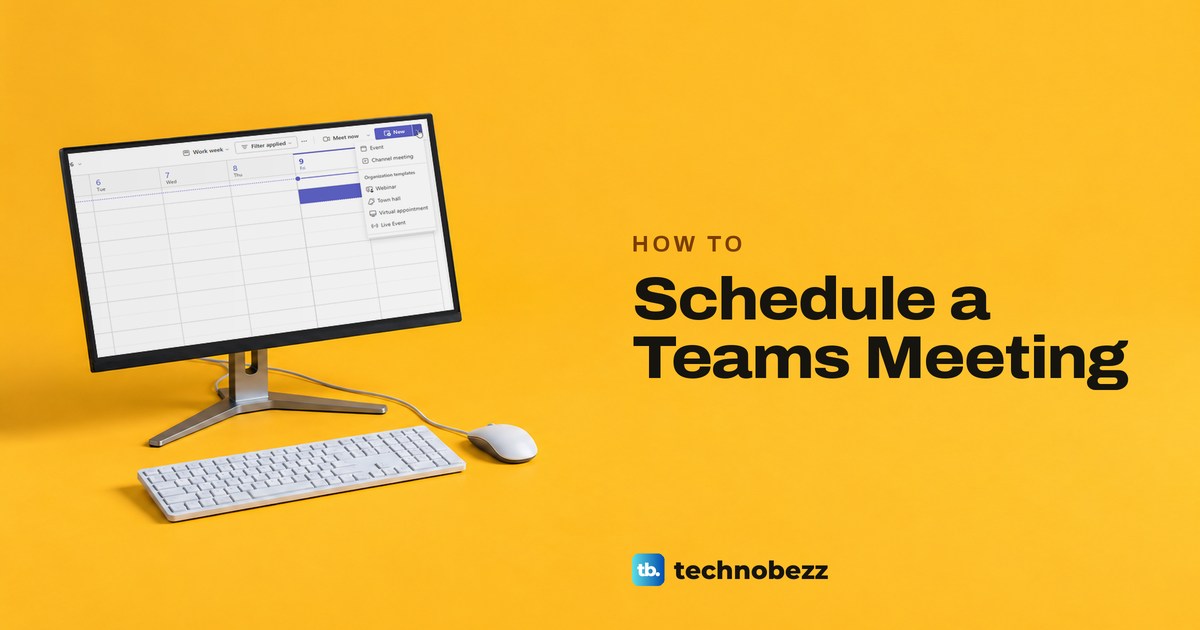
How to Schedule a Teams Meeting and Send Invites
Schedule a Teams meeting in Teams or Outlook, add attendees, and send an invitation that carries the join link, on desktop, web, or phone.
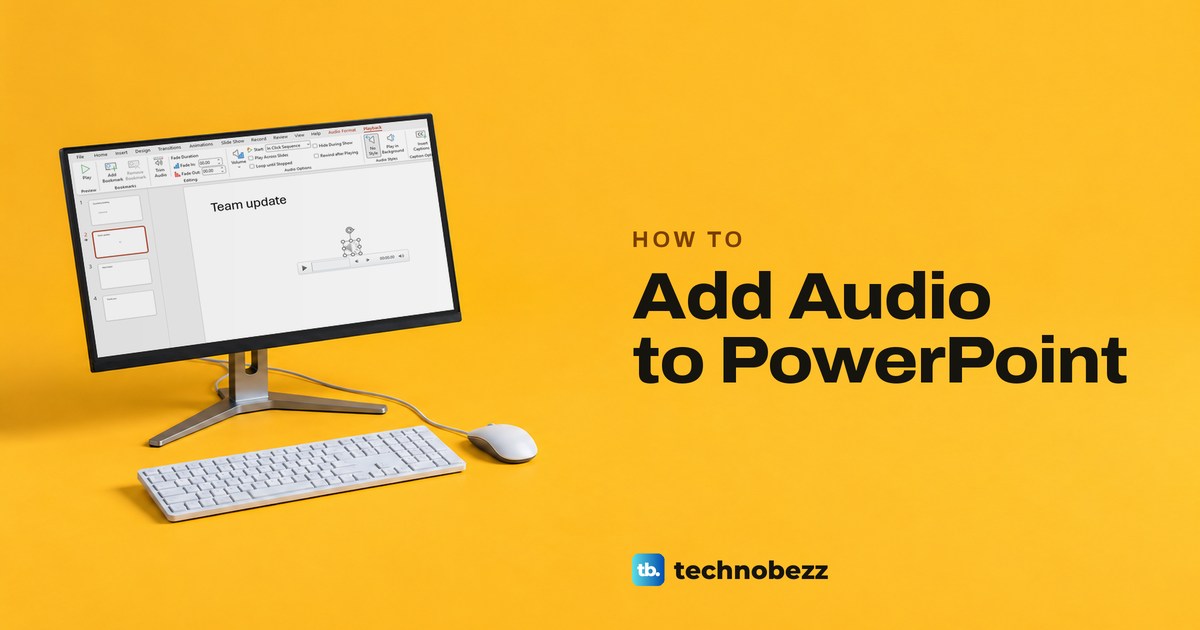
How to Add Audio to PowerPoint and Make It Play
Add an audio file or record narration in PowerPoint, then choose when it starts, play it across slides, and fix sound that will not play.
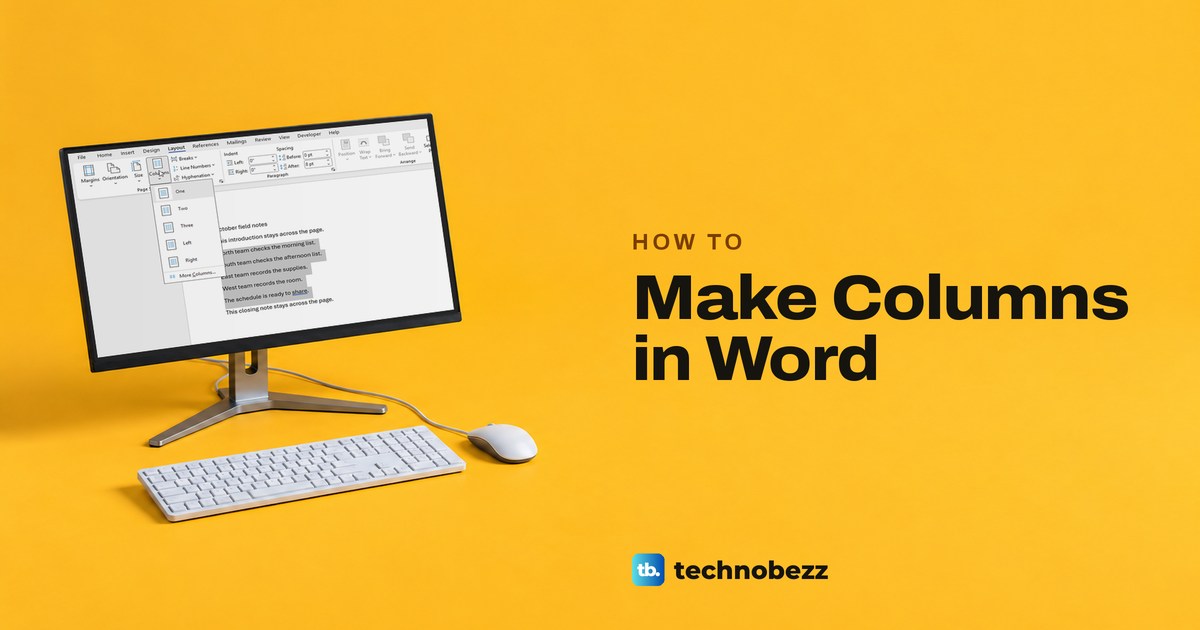
How to Make Columns in Word for Any Part of a Page
Choose Layout, Columns, Two to make columns in Word. Select paragraphs first to change only part of a page, or use More Columns for widths and a line.
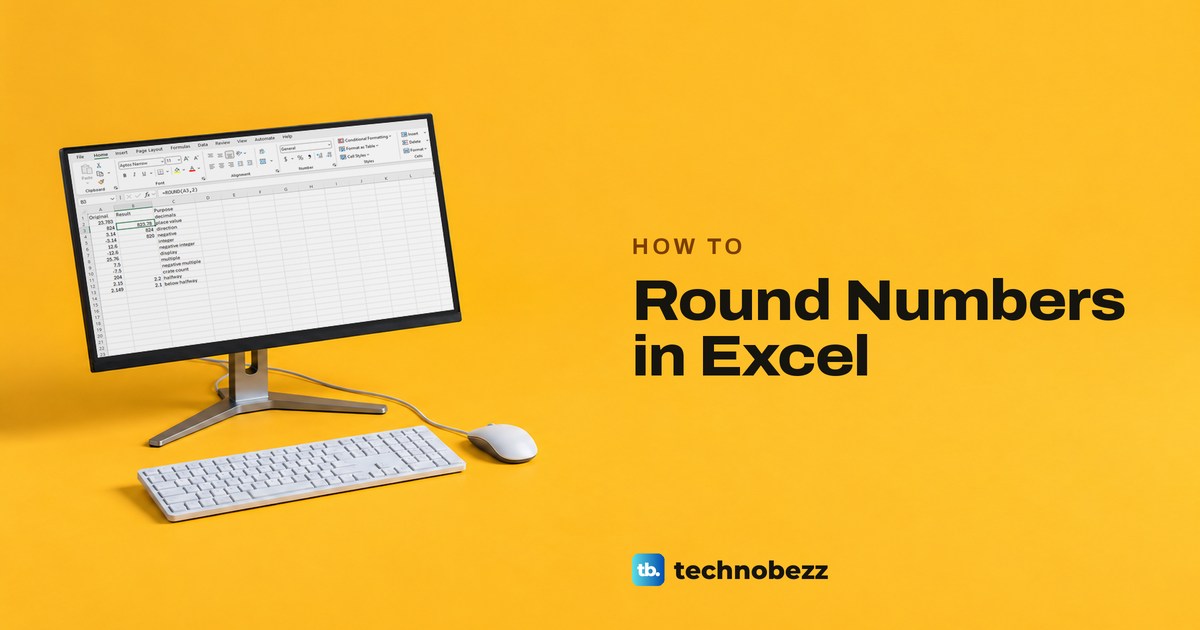
How to Round in Excel With Formulas or Formatting
Click Decrease Decimal to make a number look rounded, or enter =ROUND(A2,2) in another cell for a rounded value. Plus round up, round down and multiples.
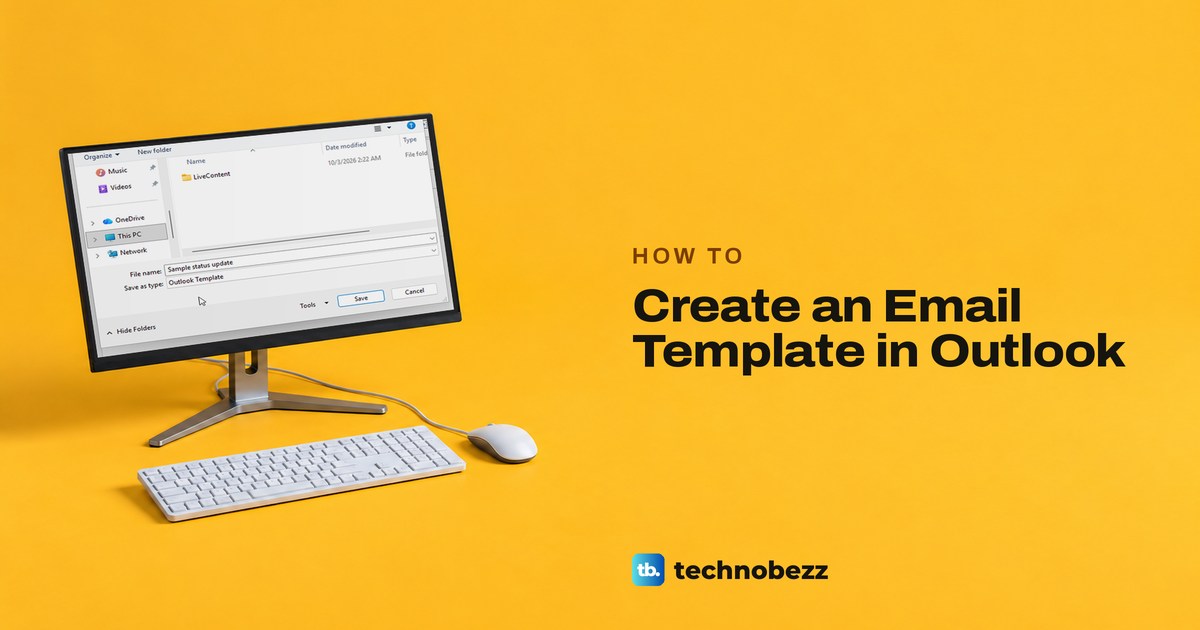
How to Create an Email Template in Outlook
Write the email, then use File > Save As > Outlook Template in classic Outlook, or Mail template > Save email as template in new Outlook and on the web.
How to Cancel Spotify Premium and Check It Worked
Open spotify.com/account, select Cancel subscription, pass two Continue to cancel screens, then Yes, cancel. A paid plan keeps Premium until the next bill.
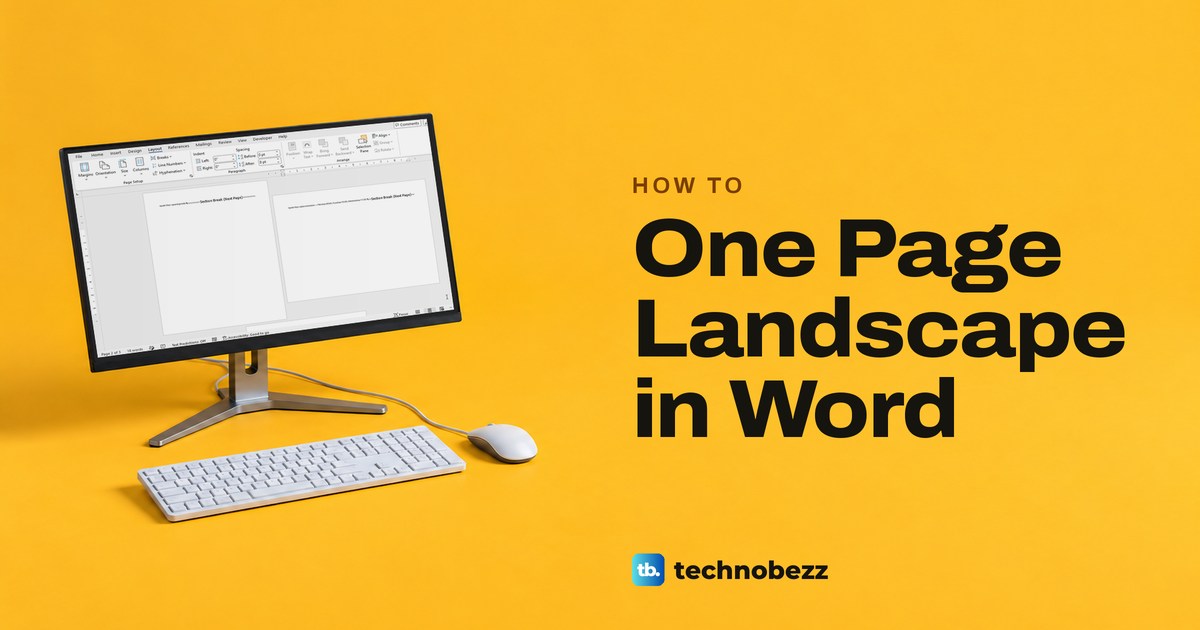
How to Make One Page Landscape in Word With Section Breaks
Select the content, open Word's Page Setup dialog, and apply Landscape to Selected text. Use section breaks when you need exact page boundaries.
How to Keep Teams Status Green While You Work
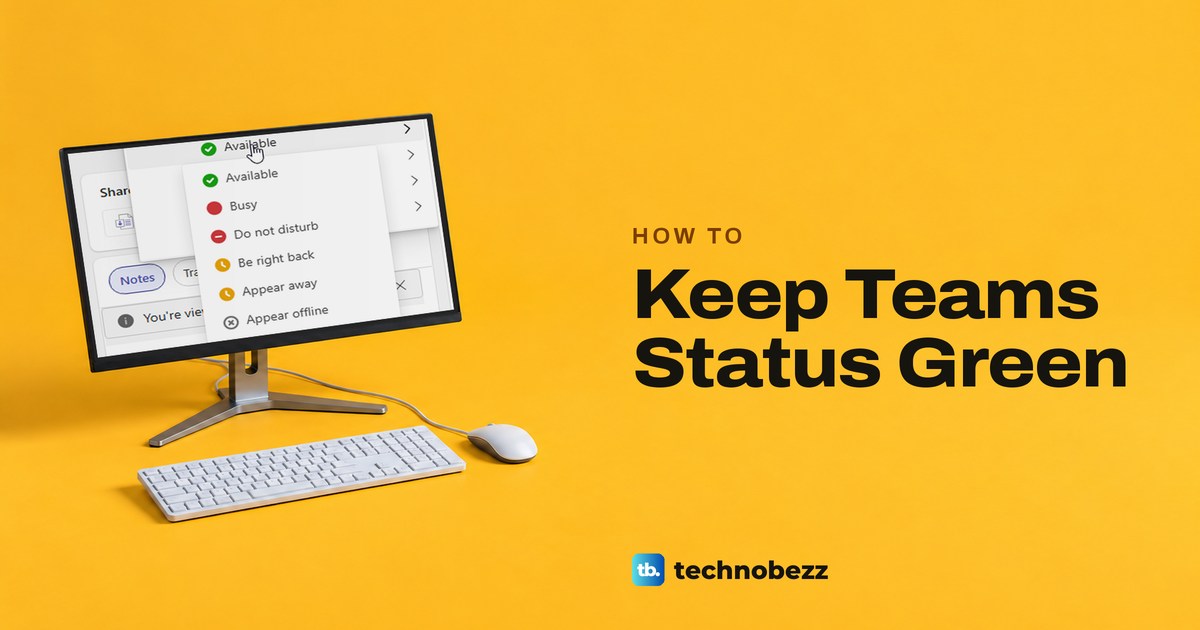
Keep Teams green while you work by choosing Available, allowing web activity detection, and checking sleep and calendar settings. See why Away can return.
How to Add Speaker Notes in PowerPoint and Use Them
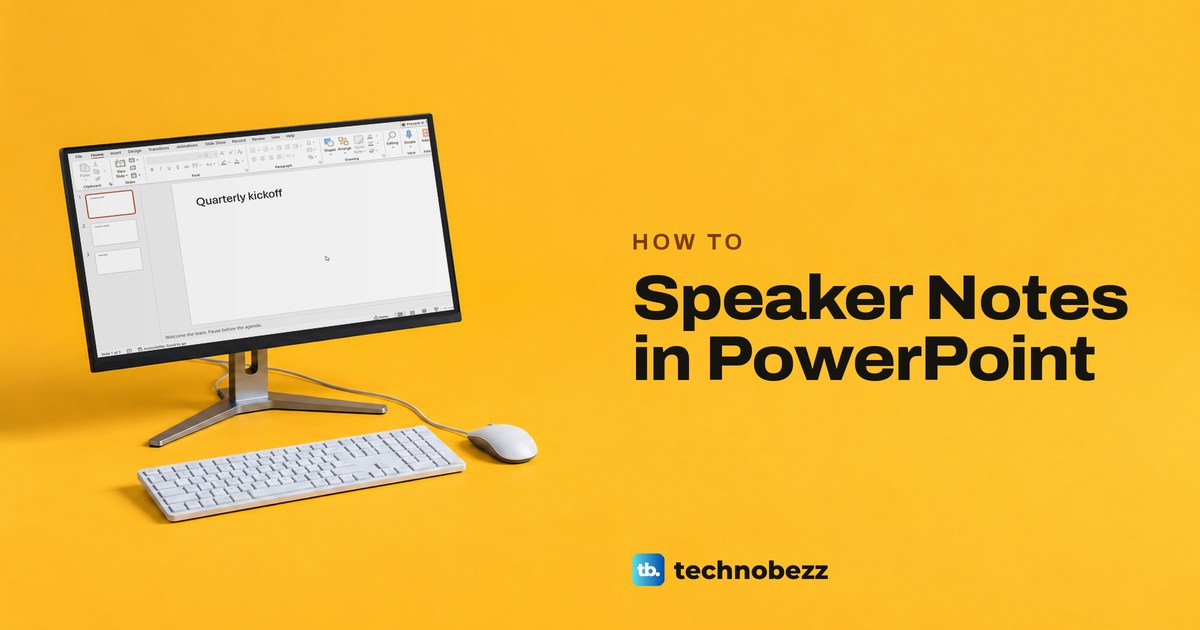
Select a slide in Normal view and type in Click to add notes below it. Show a hidden Notes pane, then read your notes while presenting in Presenter View.
How to Change Margins in Word and Set Exact Sizes
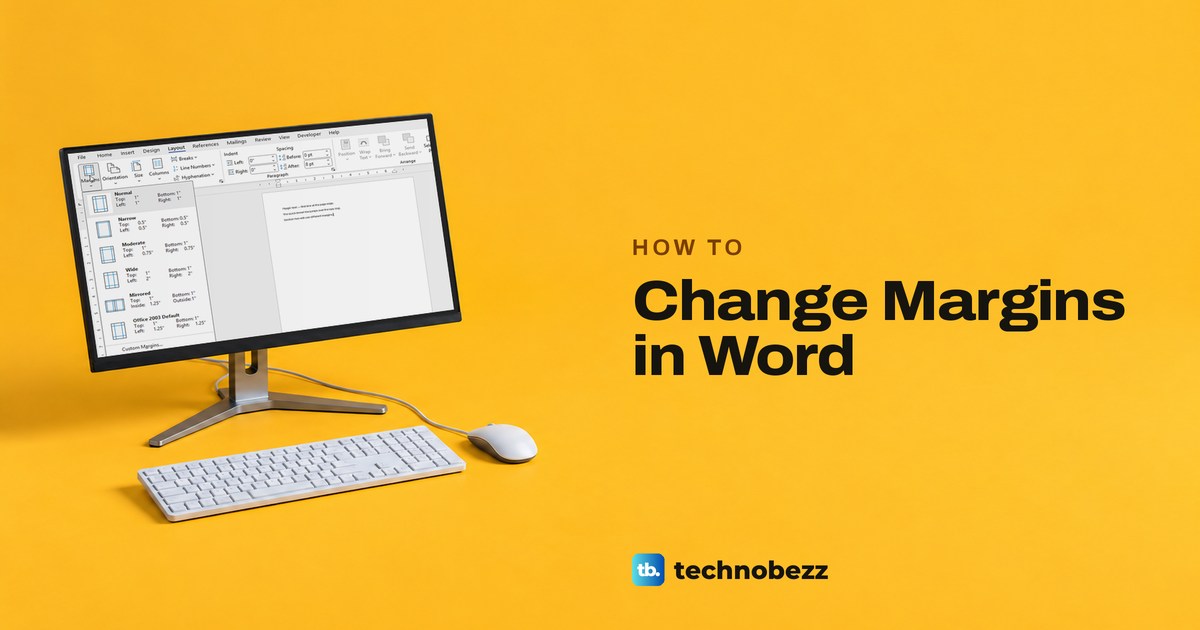
To change margins in Word, open Layout > Margins and pick a preset, or choose Custom Margins for exact sizes. Use section breaks for a single page.
How to Make a Calendar in Excel That Updates
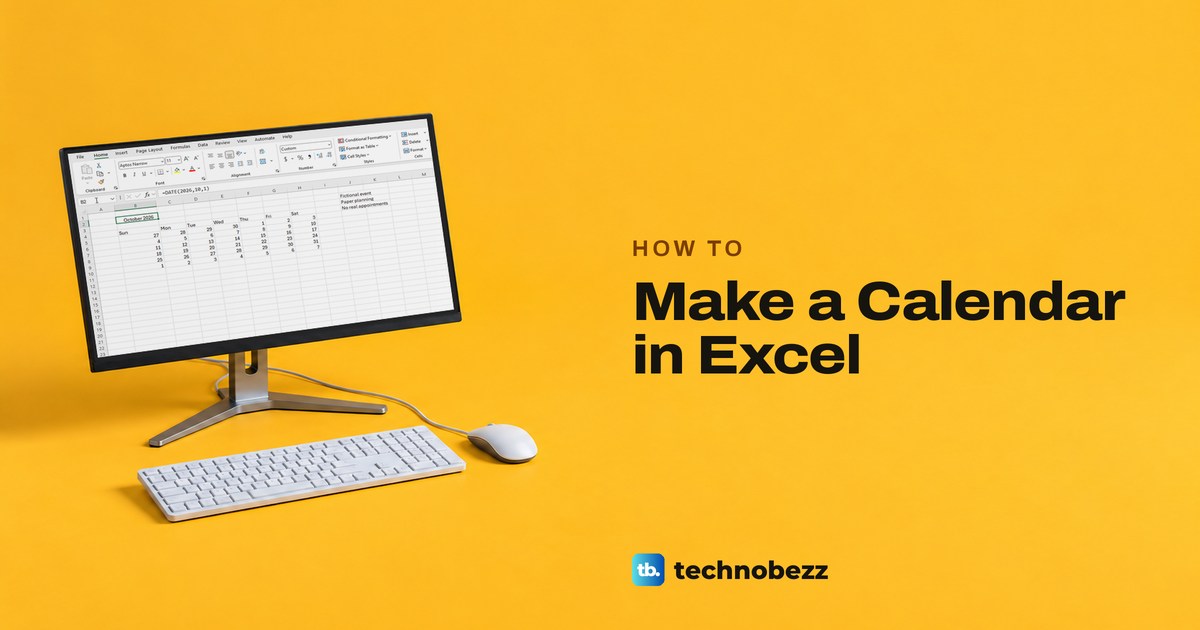
Make a monthly calendar in Excel from a Microsoft template or a blank sheet. Change the month with one date cell, then preview and print it on one page.
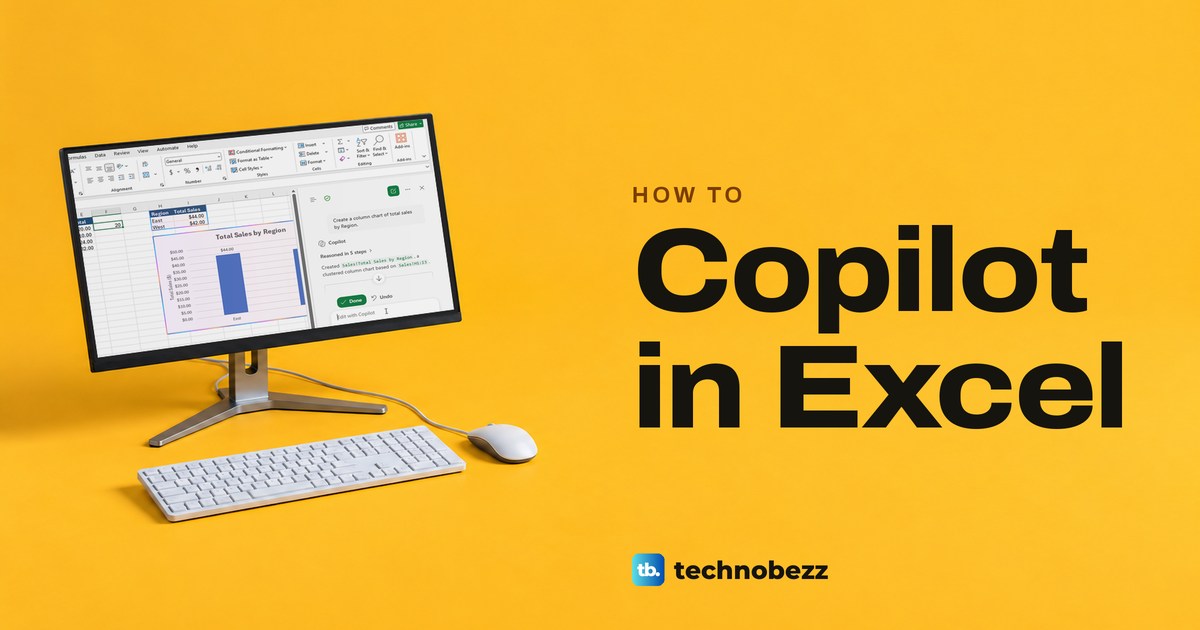
How to Use Copilot in Excel for Formulas and Charts
Select the Copilot button at the lower right of the sheet, pick Chat only, Plan or Allow editing, then ask for formulas, charts or PivotTables.
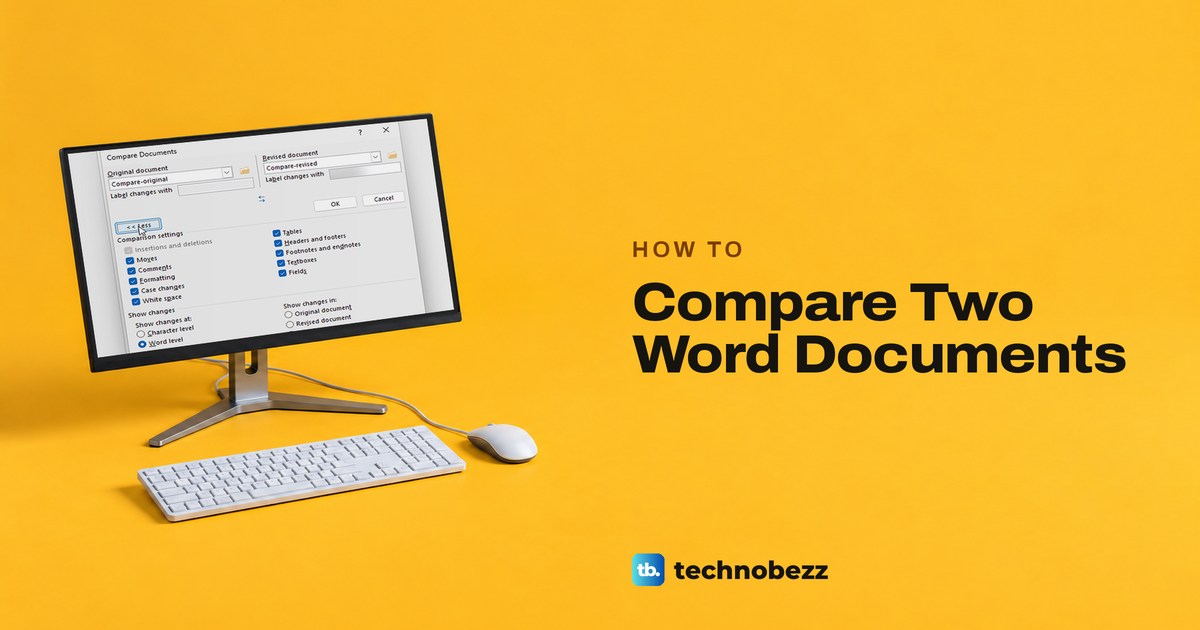
How to Compare Two Word Documents and See Changes
In Word, select Review > Compare > Compare, pick the original and revised files and select OK. Word opens a new document with the differences marked.
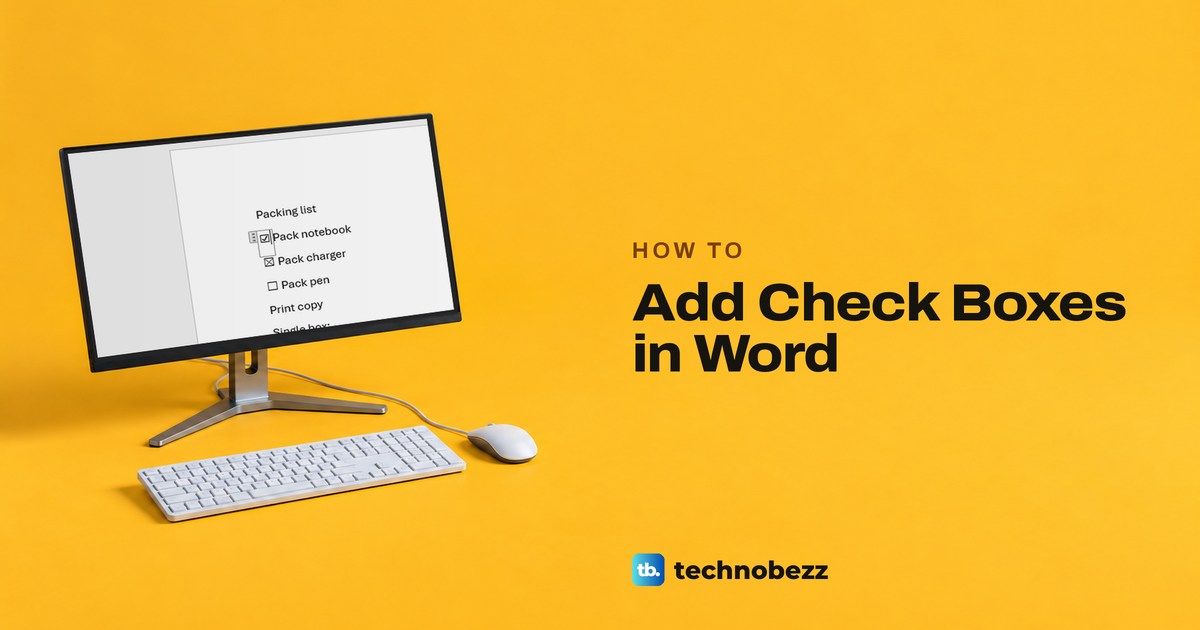
How to Add Check Boxes in Word That You Can Click
To add check boxes in Word, turn on the Developer tab and choose Check Box Content Control. For a printed list, use box bullets; online, use Checklist.
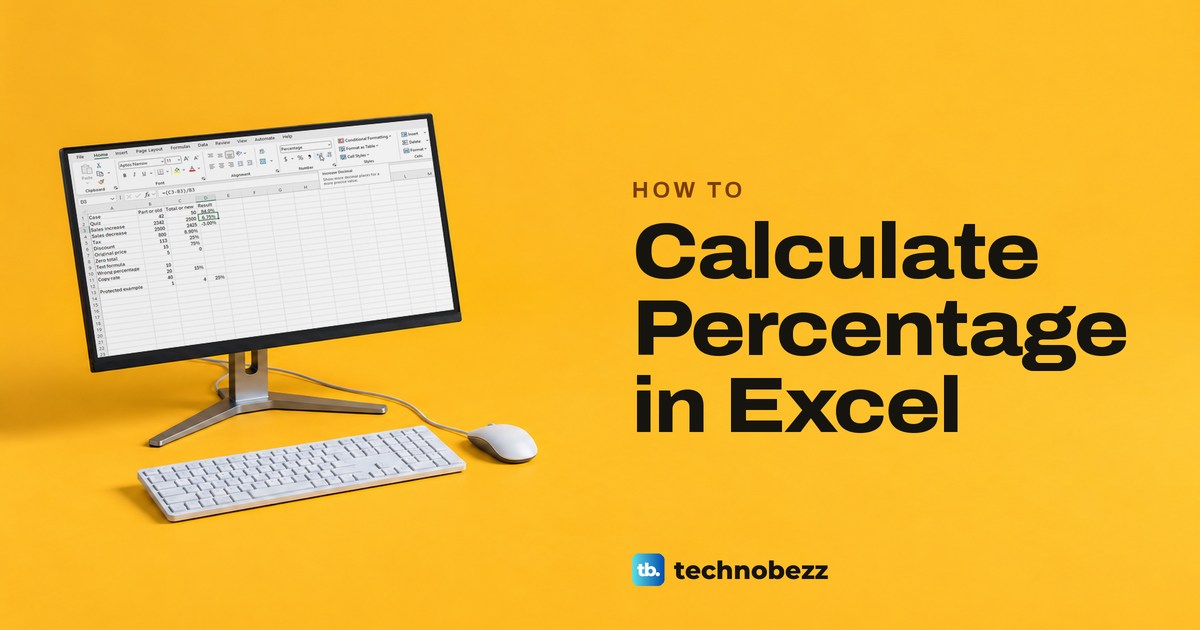
How to Calculate Percentage in Excel With Formulas
Divide the part by the total, as in =B2/C2, then select Percent Style. Plus formulas for tax, discounts, percentage change and fixes for wrong results.
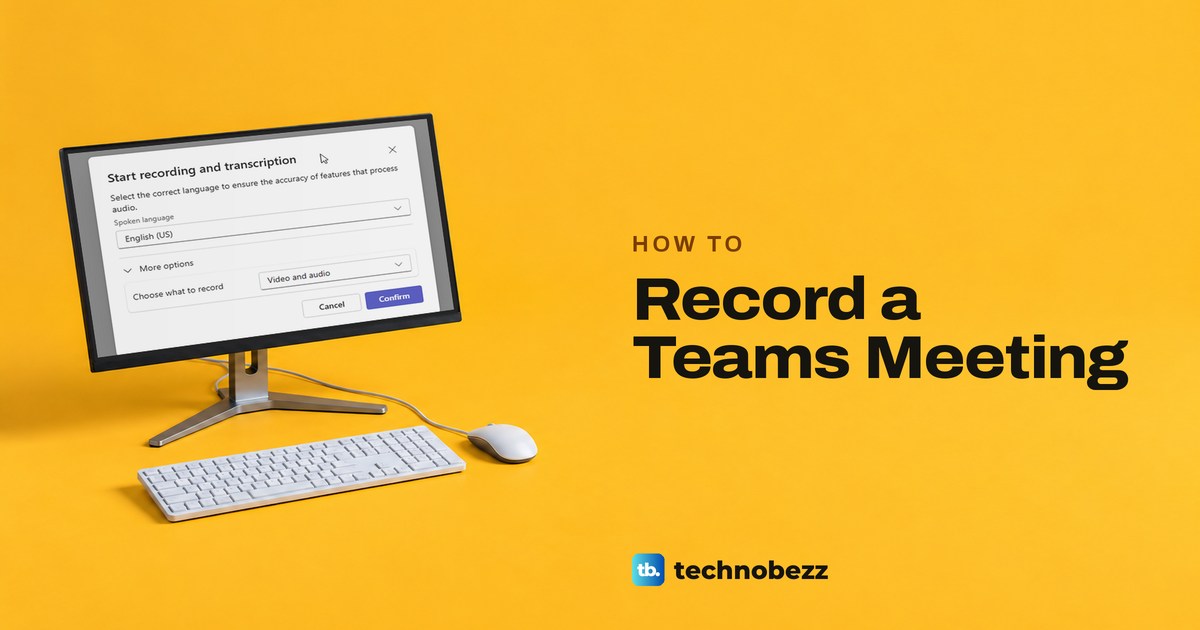
How to Record a Teams Meeting and Find the Video
Start a Teams meeting recording, choose audio only if needed, stop it safely, then find, share or download the video in the meeting chat or channel.
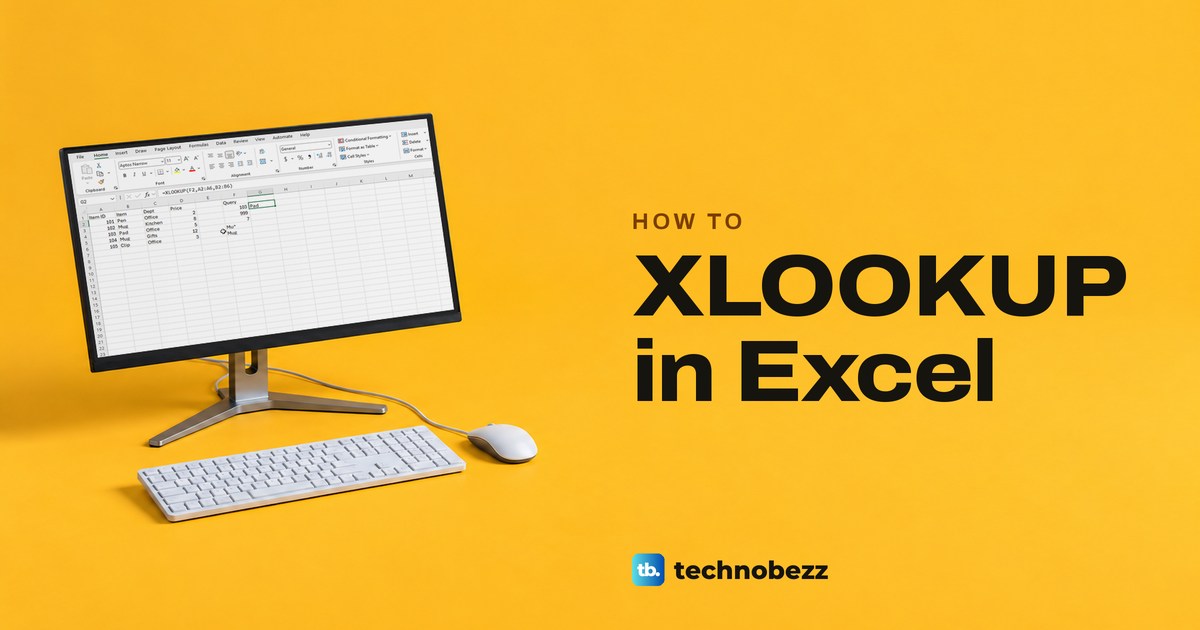
How to Use XLOOKUP in Excel and Fix Errors
Type =XLOOKUP(F2,A2:A6,B2:B6) with your own cells and press Enter. Examples for left lookups, two columns, wildcards and #N/A or #SPILL! fixes.
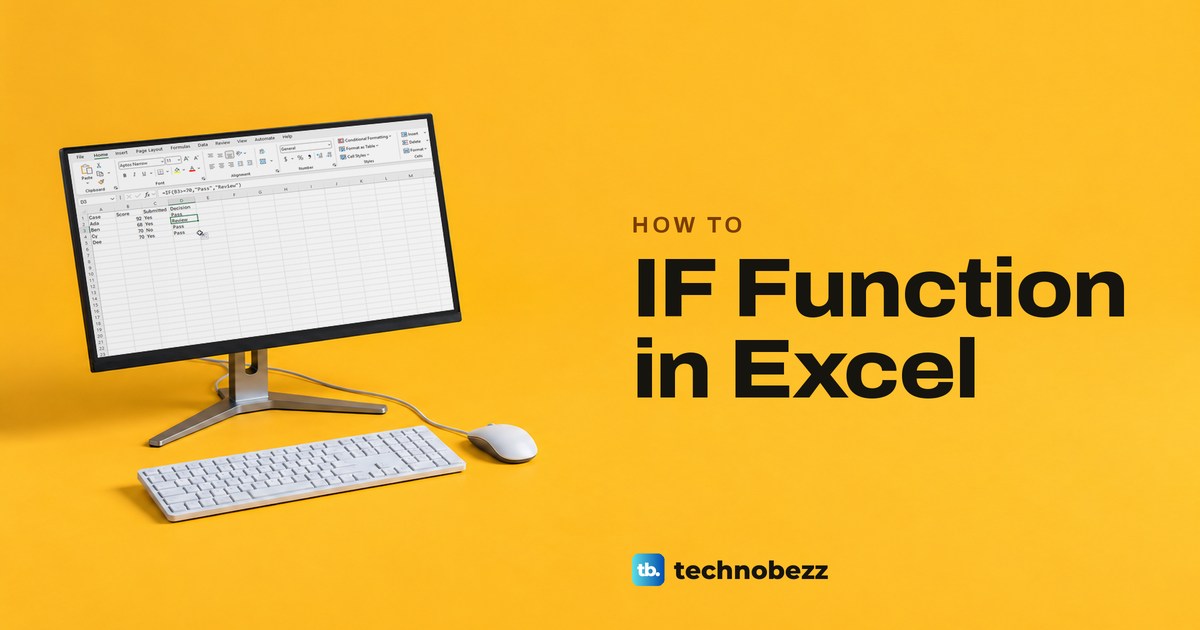
How to Use the IF Function in Excel With Examples
Type =IF(test, result if true, result if false) and press Enter. Worked examples for AND, OR, nested IF, Excel for the web and the common formula errors.