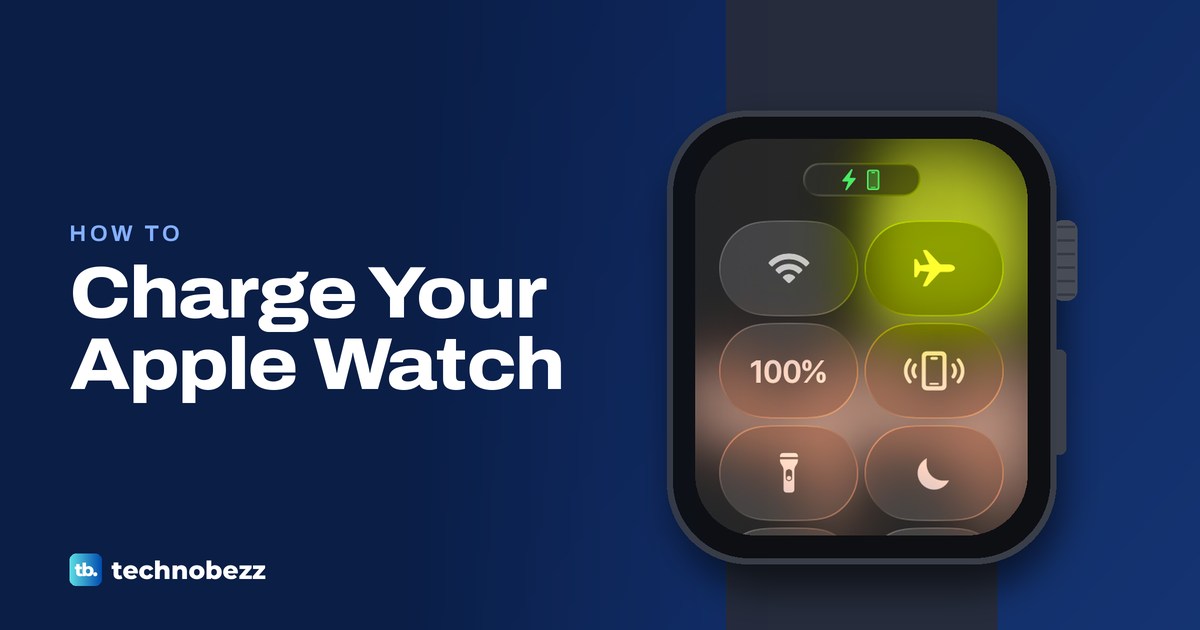
Set the back of your Apple Watch on its magnetic charger, plugged into power, and look for the charging symbol. Here are the right cables, times and fixes.
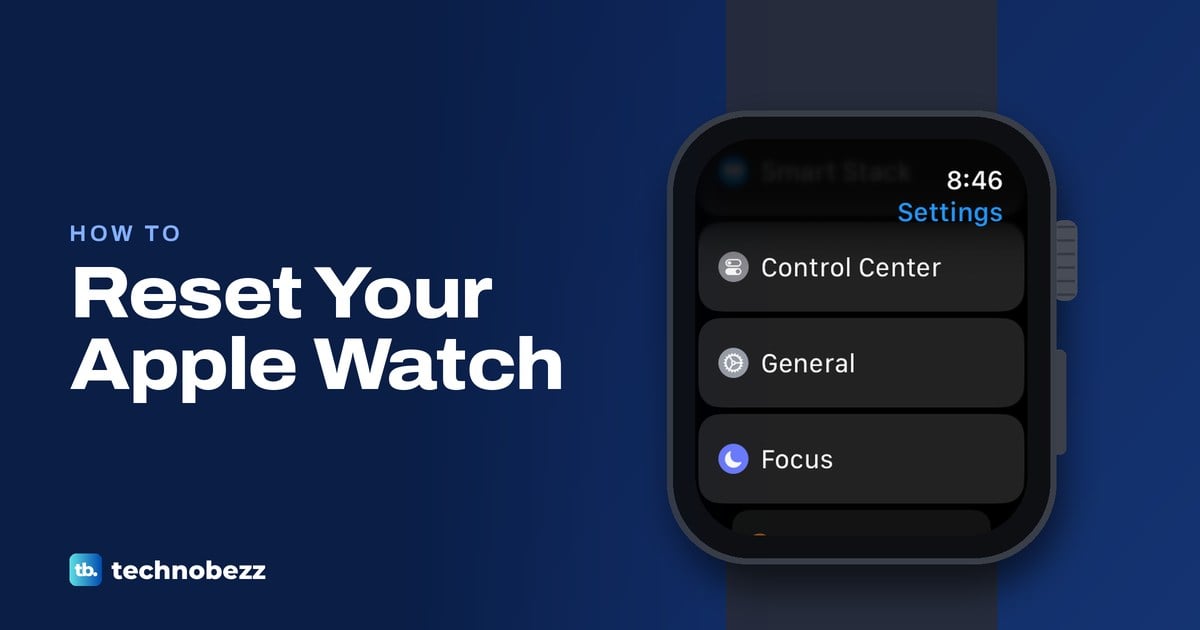
Hard reset can mean a force restart or a factory erase. Get the Apple Watch steps with or without an iPhone or passcode, plus backup and Activation Lock.
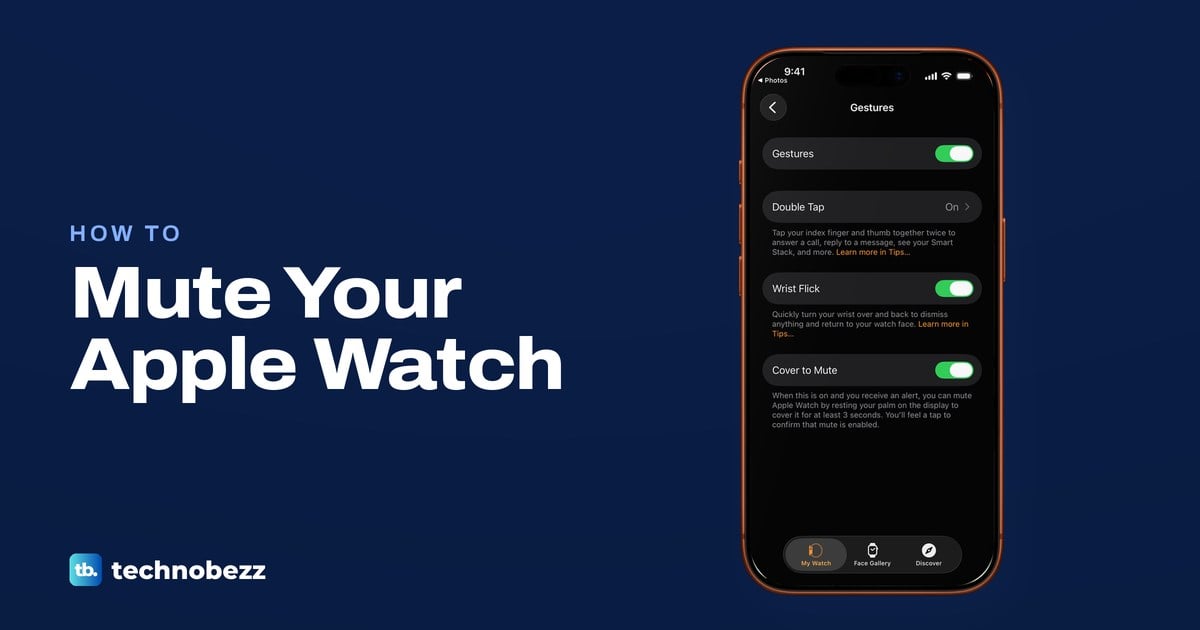
Press the side button, then tap the bell in Control Center to mute Apple Watch. Wrist taps can go on, and alarms and timers still sound while it charges.
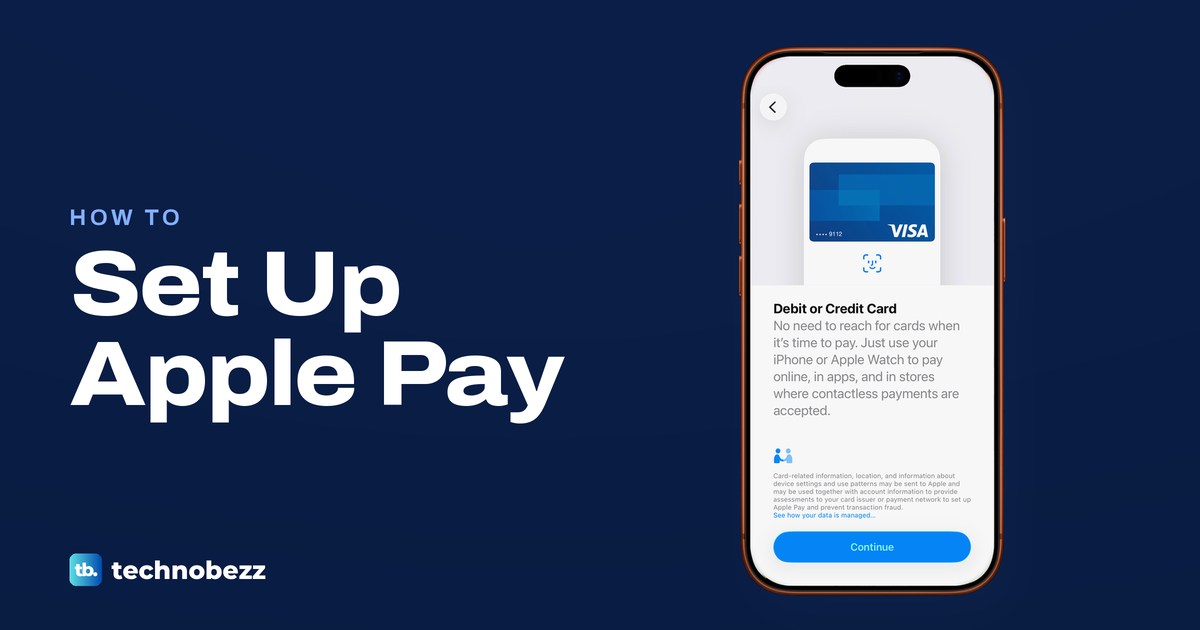
Open Wallet, tap Add Card, choose Debit or Credit Card and hold your iPhone to the card. Verify it with your bank, then pay with iPhone or Apple Watch.
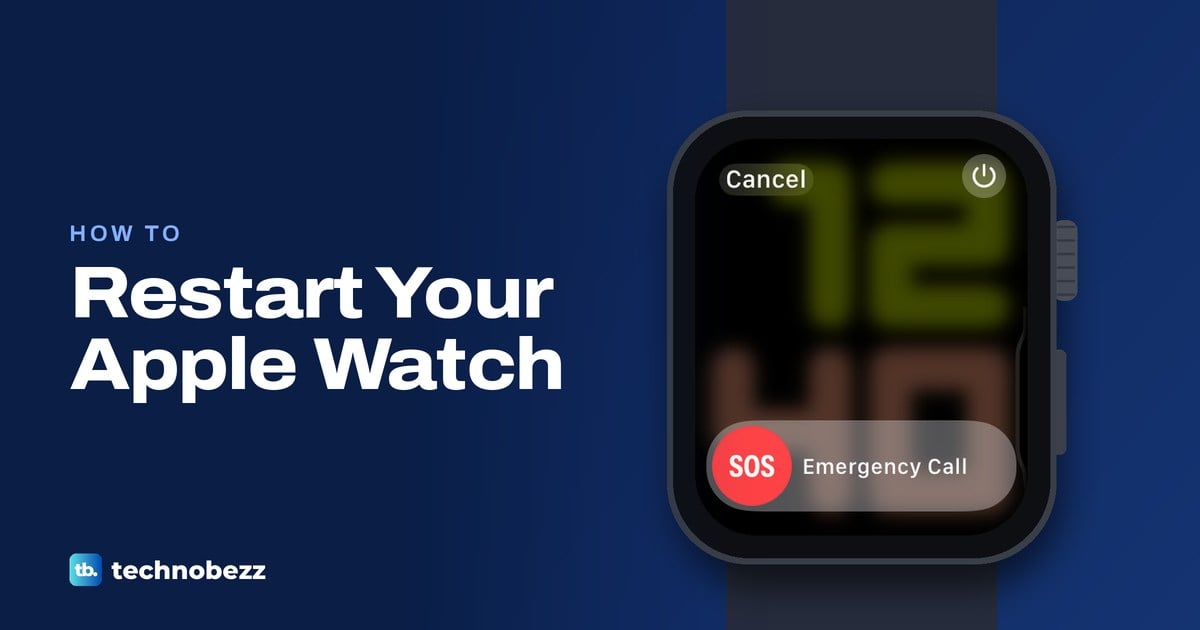
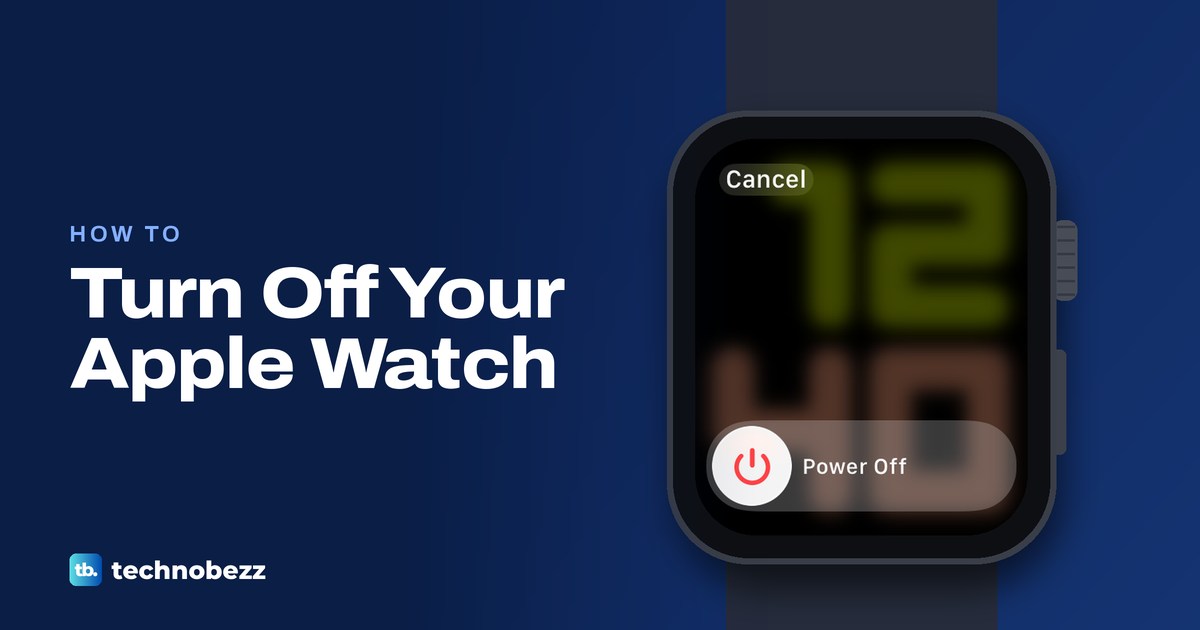
Take Apple Watch off its charger, hold the side button, tap the power button at the top right, then drag Power Off. Hold the side button to turn it on.
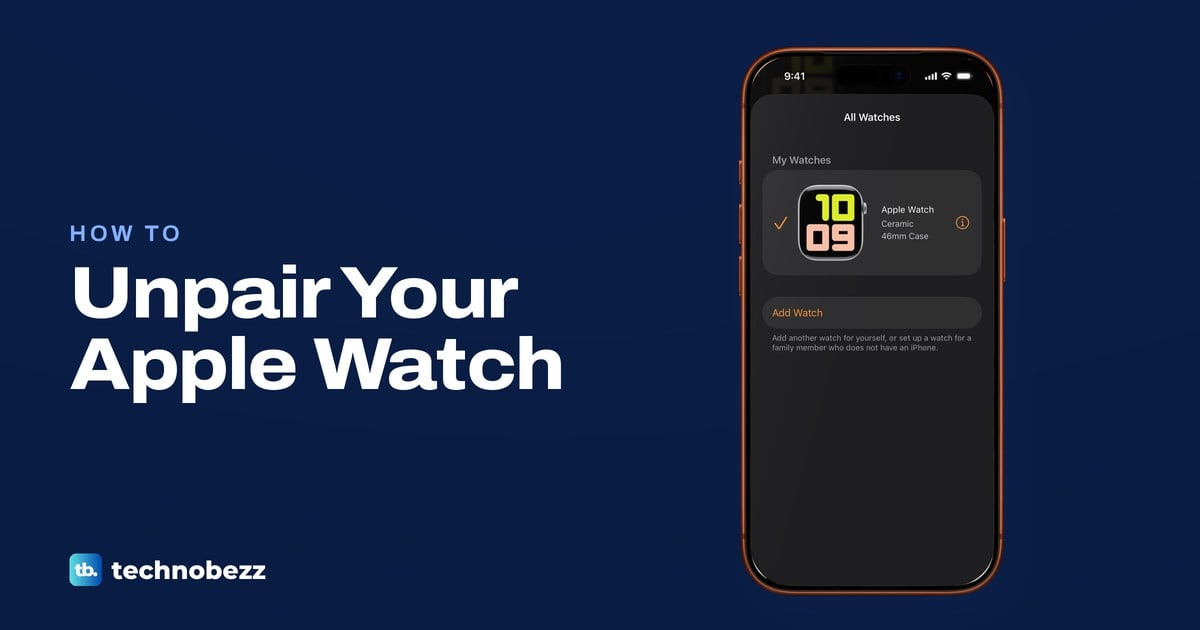
Open the Watch app on your iPhone, tap All Watches, the info button, then Unpair Apple Watch. No iPhone? Erase the watch and clear Activation Lock online.