Select New message in Teams, add at least two other people in To, type a group name with the arrow beside it, then send a first message to start the chat.
Create a Teams poll from the chat or channel Actions and apps menu, or add Polls to a meeting. Set the choices, pick who sees results, then send or launch.
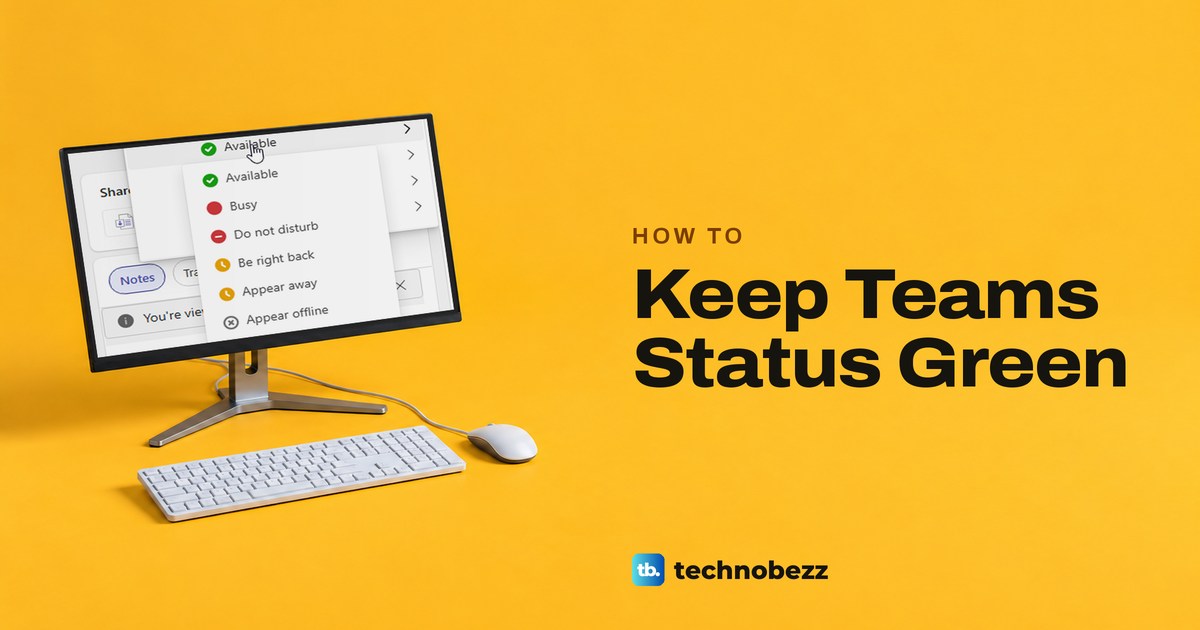
Keep Teams green while you work by choosing Available, allowing web activity detection, and checking sleep and calendar settings. See why Away can return.
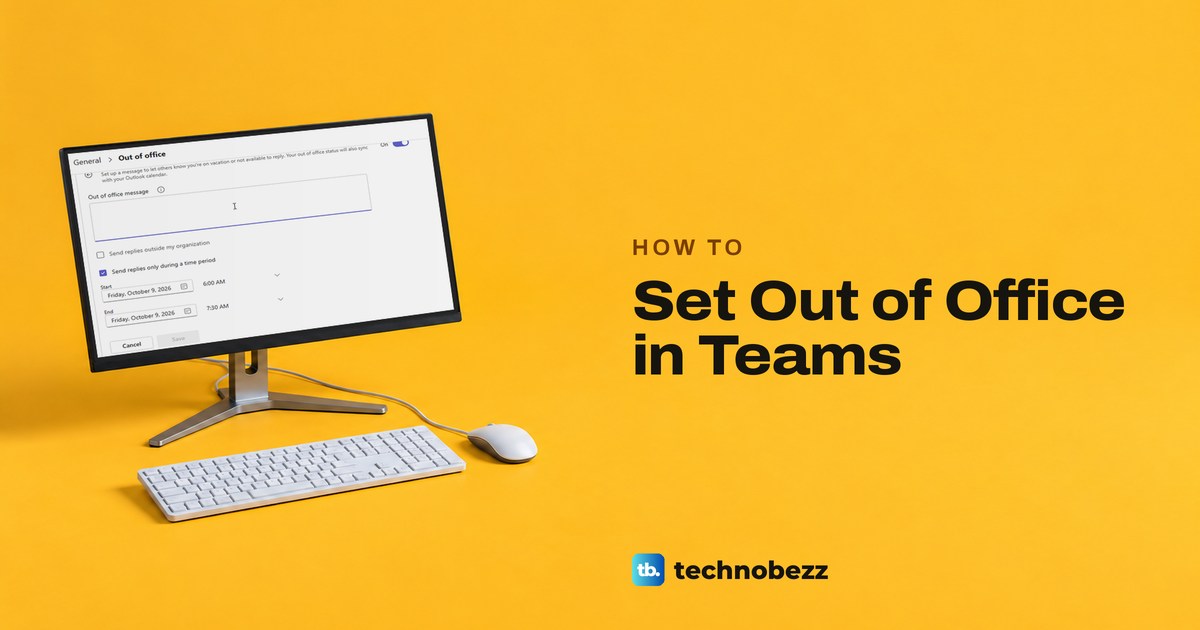
Set out of office in Teams from Set status message: turn on automatic replies, replace any older message, pick your dates and outside senders, then Save.
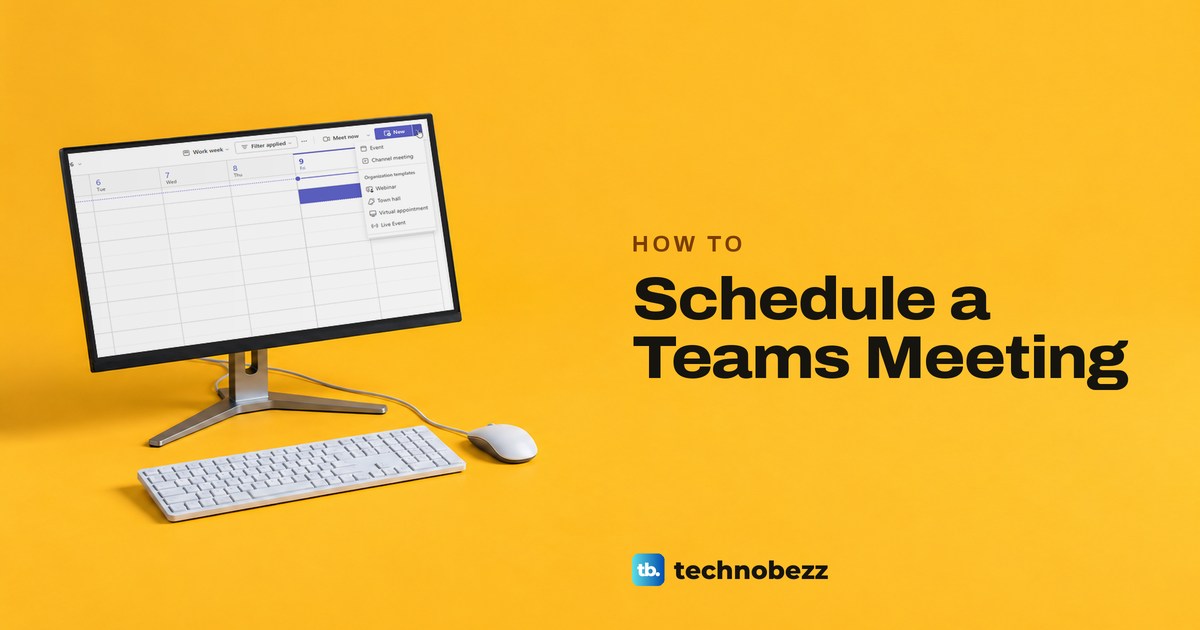
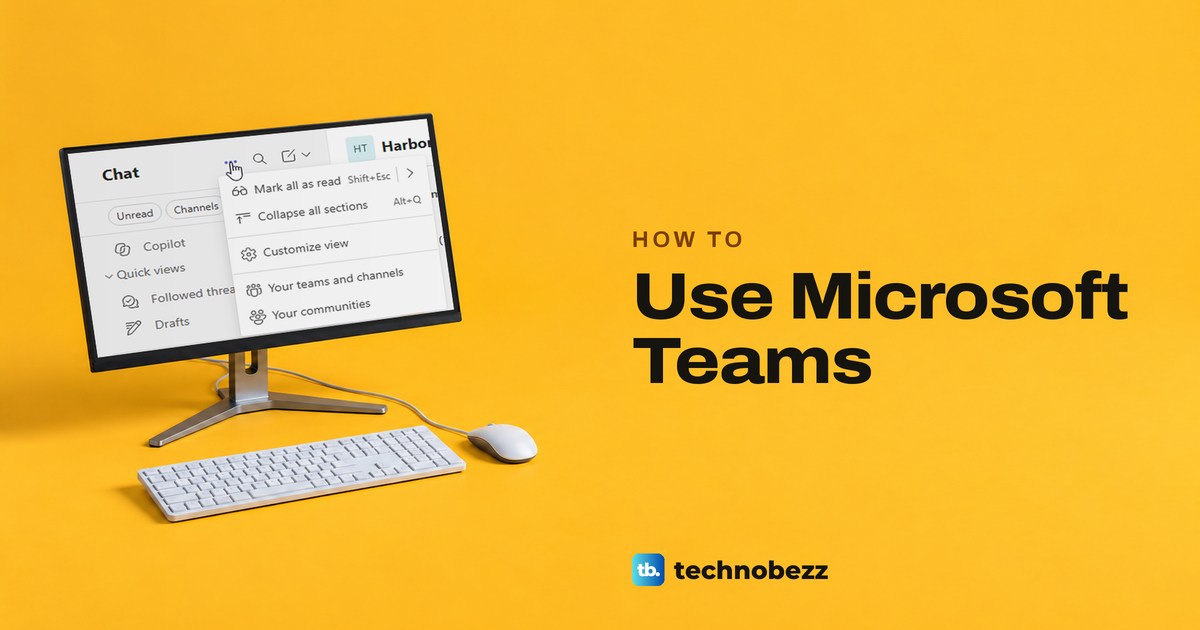
Use Microsoft Teams for work by finding chats and channels, sending messages, sharing files with the right people, and scheduling and joining meetings.