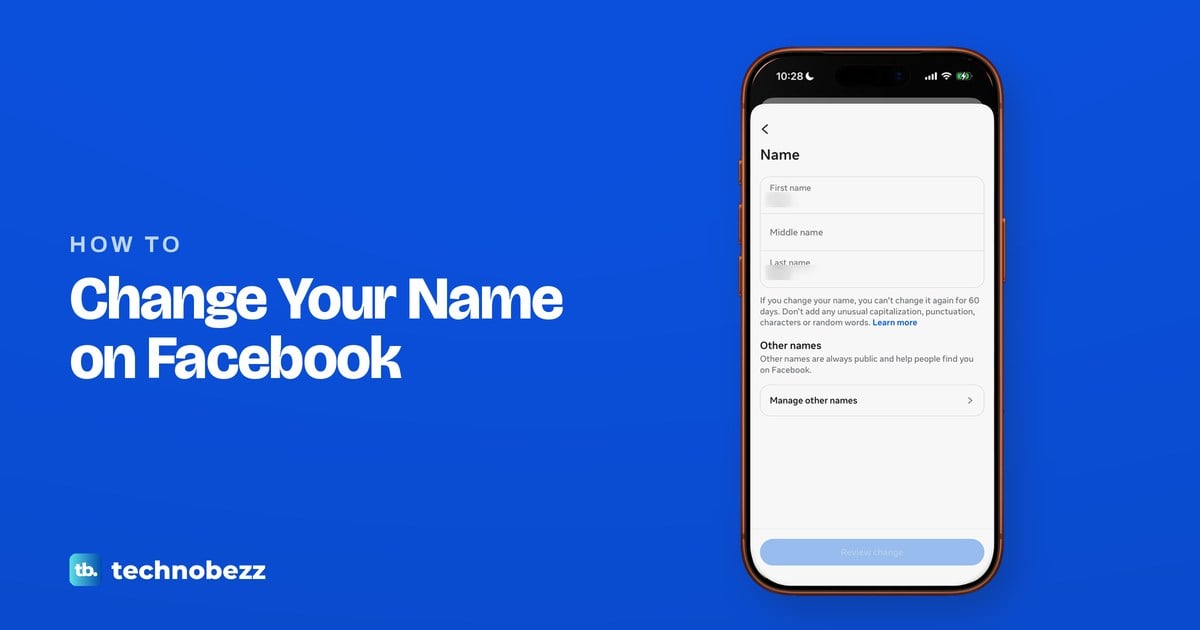
Open Meta Account or Accounts Center, tap the card that shows your profiles, pick your Facebook profile and tap Name. Meta allows one change every 60 days.
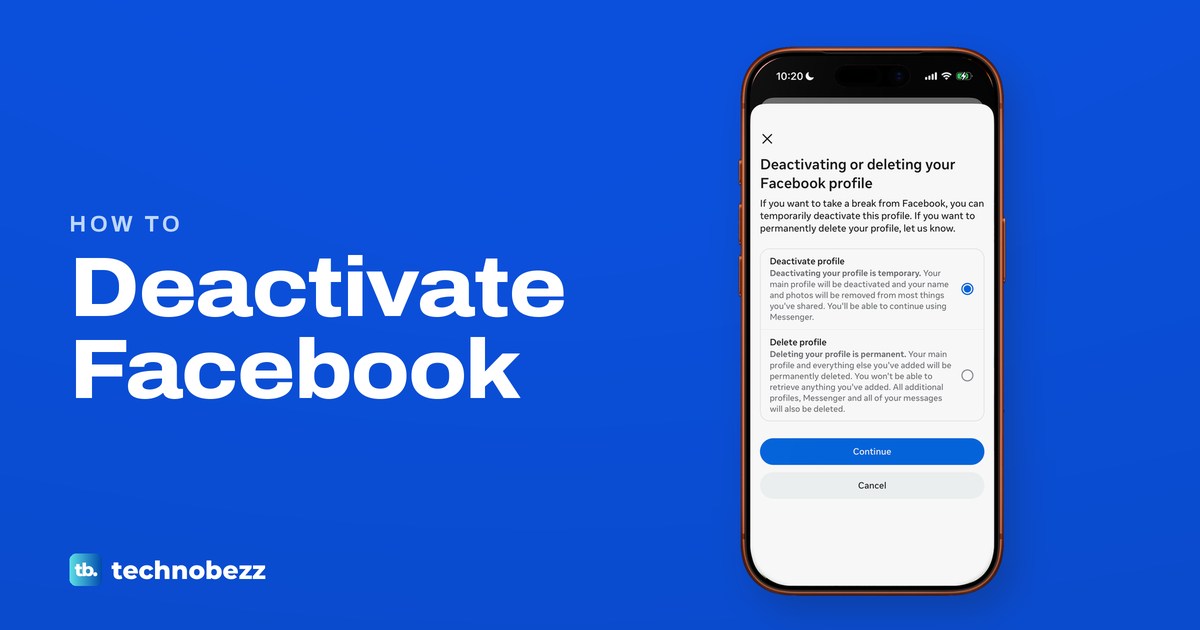
Open Settings and privacy, then Meta Account or Accounts Center, Manage account, Deactivation or deletion and Deactivate profile. Log back in to return.
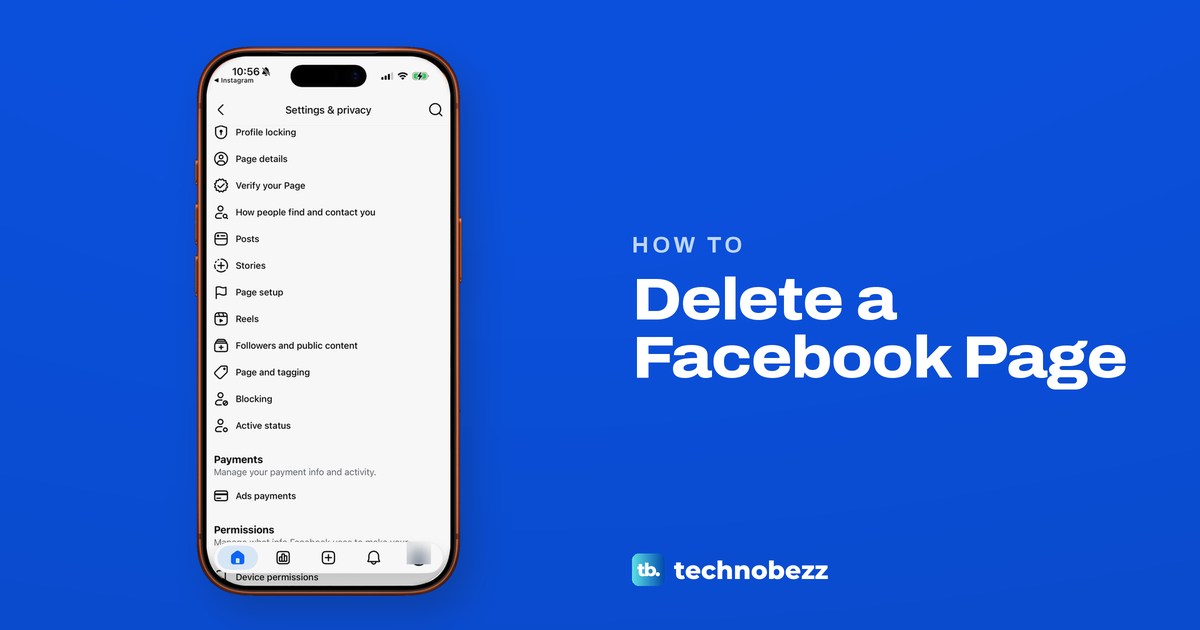
Delete Facebook in Settings under Meta Account (or Accounts Center), then Deactivation or deletion. Save a copy first. The 30-day window varies by region.
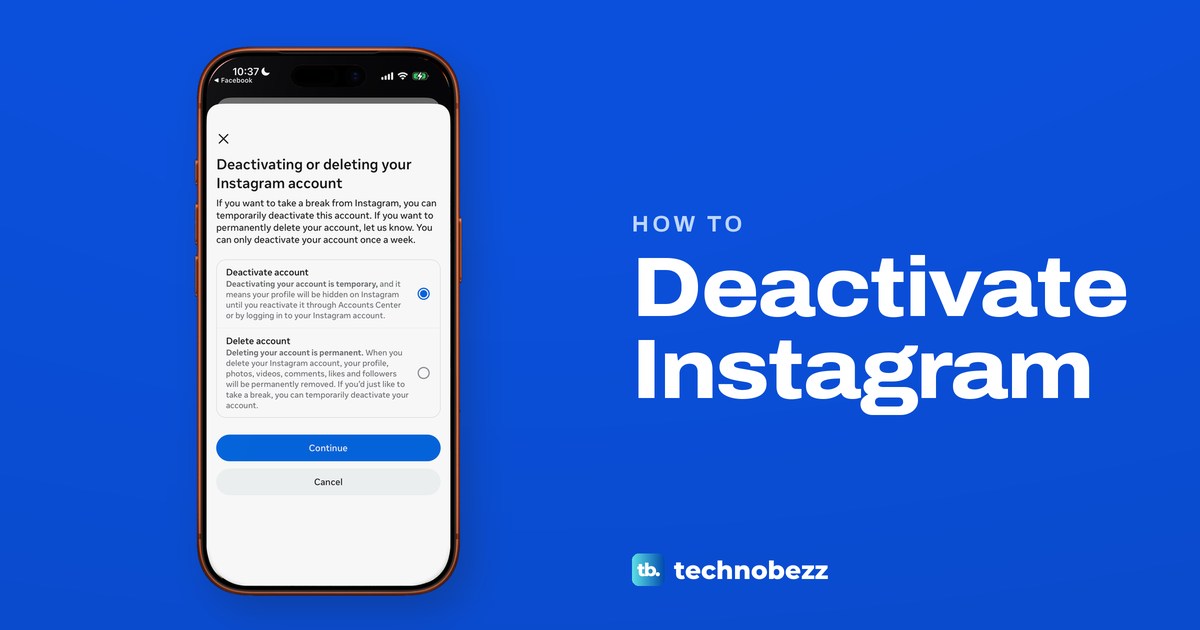
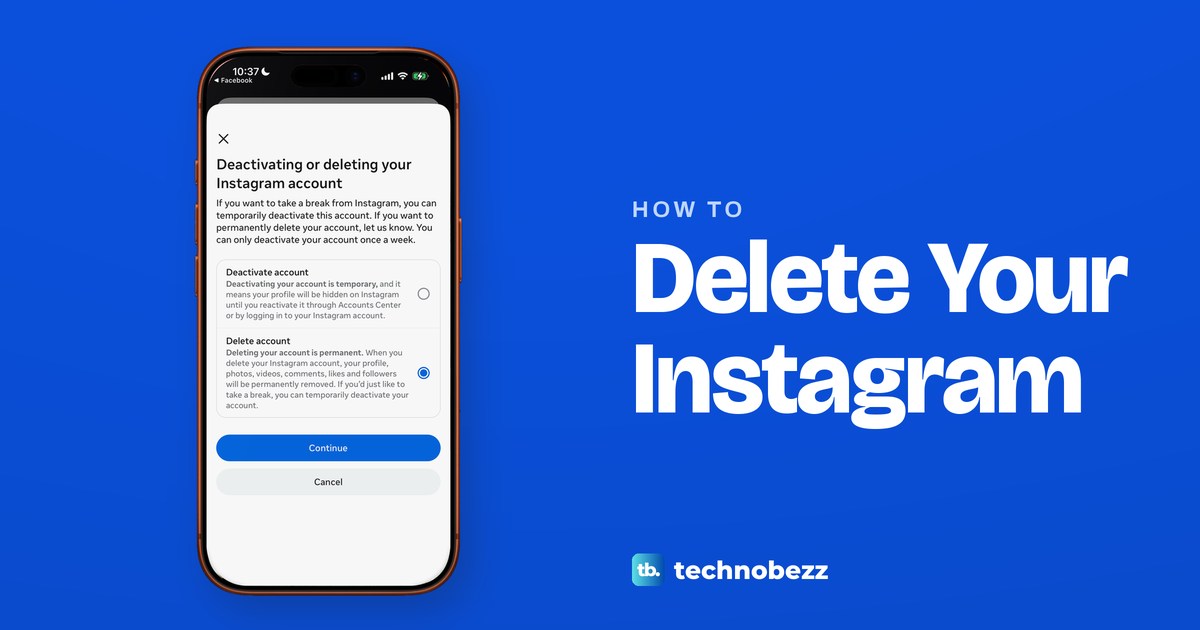
Tap Menu, Meta Account or Accounts Center, Manage account, Manage next to Instagram, Deactivation or deletion, Deactivate account. Log back in to return.
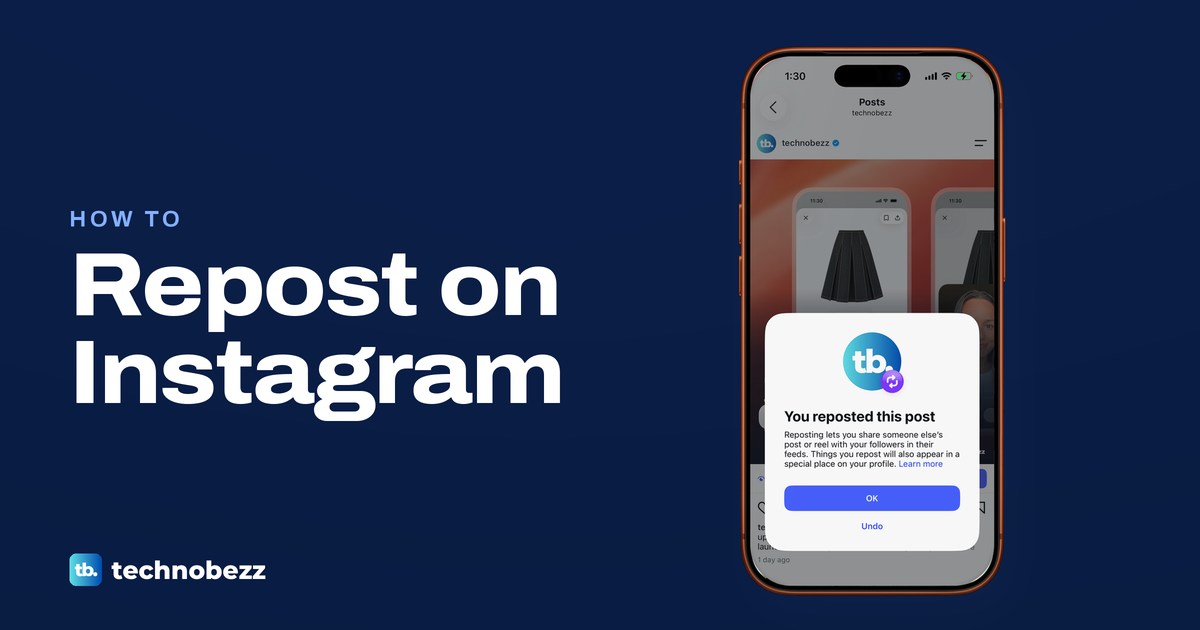
Tap the two-arrow Repost icon under a public post or reel and it is reposted at once. For a Story, tap the paper plane and look for Add to story instead.
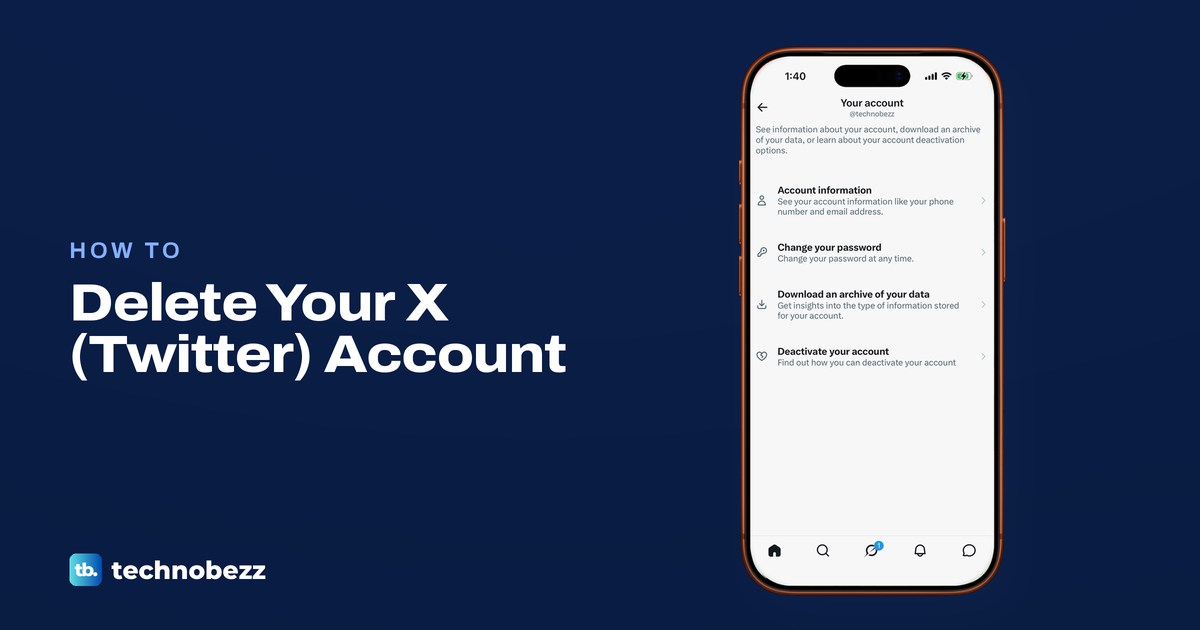
To delete a Twitter account, deactivate it in Settings and privacy, then stay signed out for 30 days. Save your archive and check X Premium billing first.