All guides
How to Hide Apps on iPhone and Lock Them With Face ID
Touch and hold the app, tap Require Face ID, then Hide and Require Face ID. It moves to a locked Hidden folder at the bottom of App Library.
How to Mirror iPhone to TV With AirPlay or a Cable
Same Wi-Fi, then Control Center, Screen Mirroring and your TV. Type any code it shows. No AirPlay? Use an HDMI adapter if your iPhone supports it.
How to Unpair Apple Watch From iPhone (or Without It)
Open the Watch app on your iPhone, tap All Watches, the info button, then Unpair Apple Watch. No iPhone? Erase the watch and clear Activation Lock online.
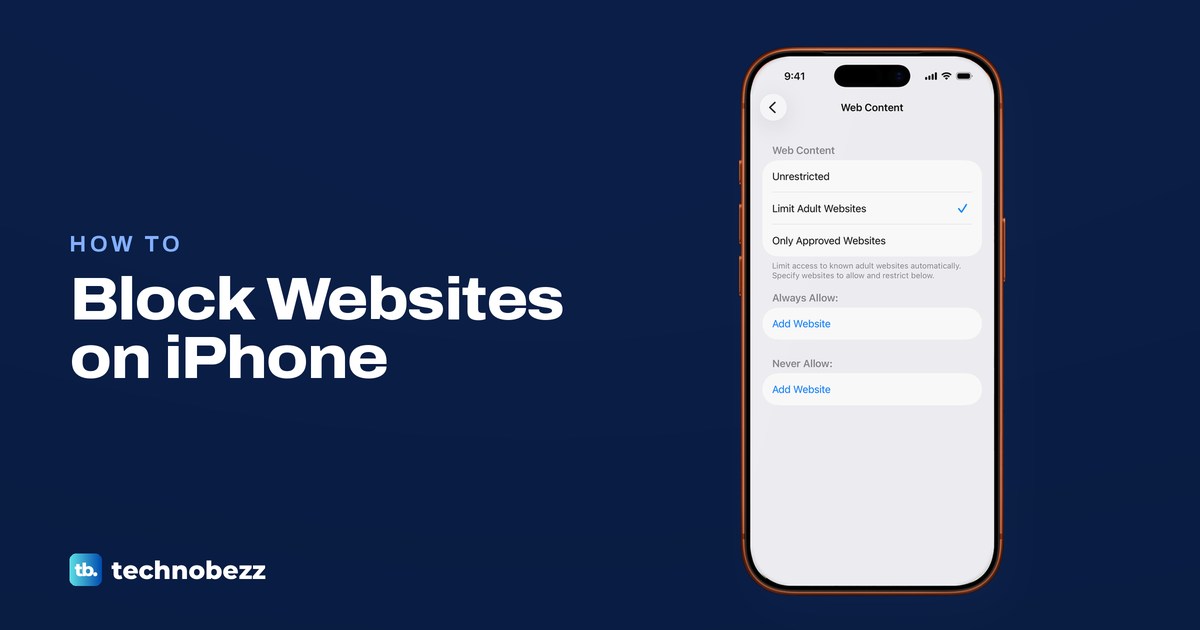
How to Block Websites on iPhone (Safari and Kids' iPhones)
Use Screen Time. Turn on Content & Privacy Restrictions, open Web Content, choose Limit Adult Websites, then add each site under Never Allow.
How to Change Your Apple Watch Face and Complications
Touch and hold your watch face, swipe to another face and tap it. Add, edit and delete faces on Apple Watch or in the Watch app on your iPhone.
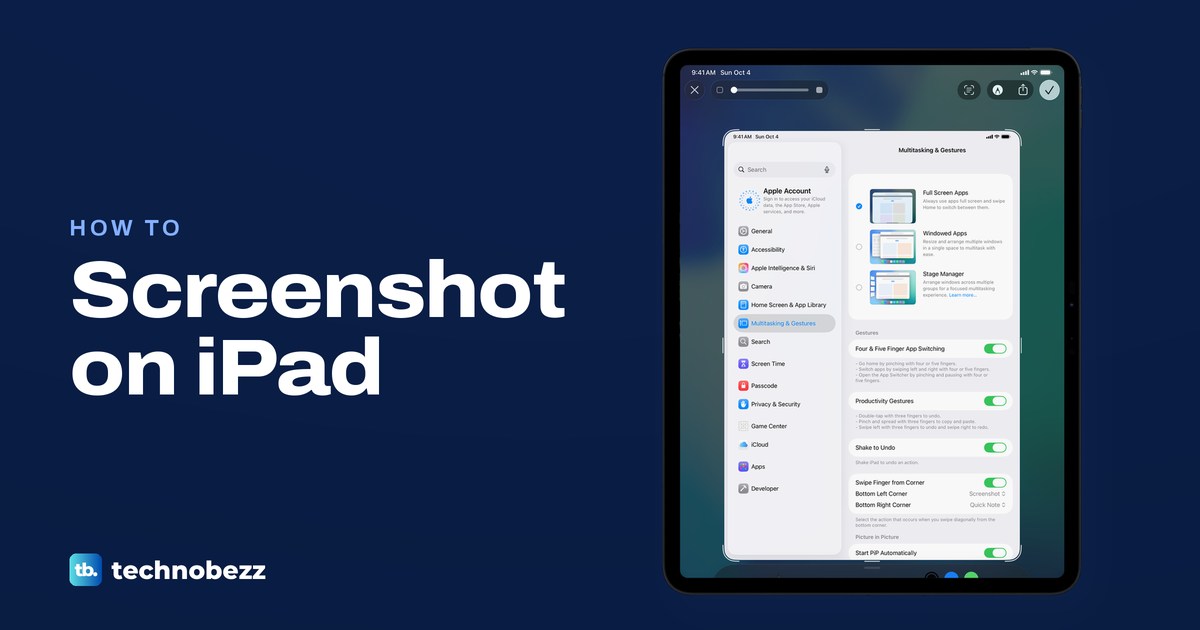
How to Screenshot on iPad (Buttons, Pencil and Keyboard)
Quickly press the top button and either volume button, or top and Home on older iPads. Apple Pencil, a corner swipe and Command-Shift-3 work too.
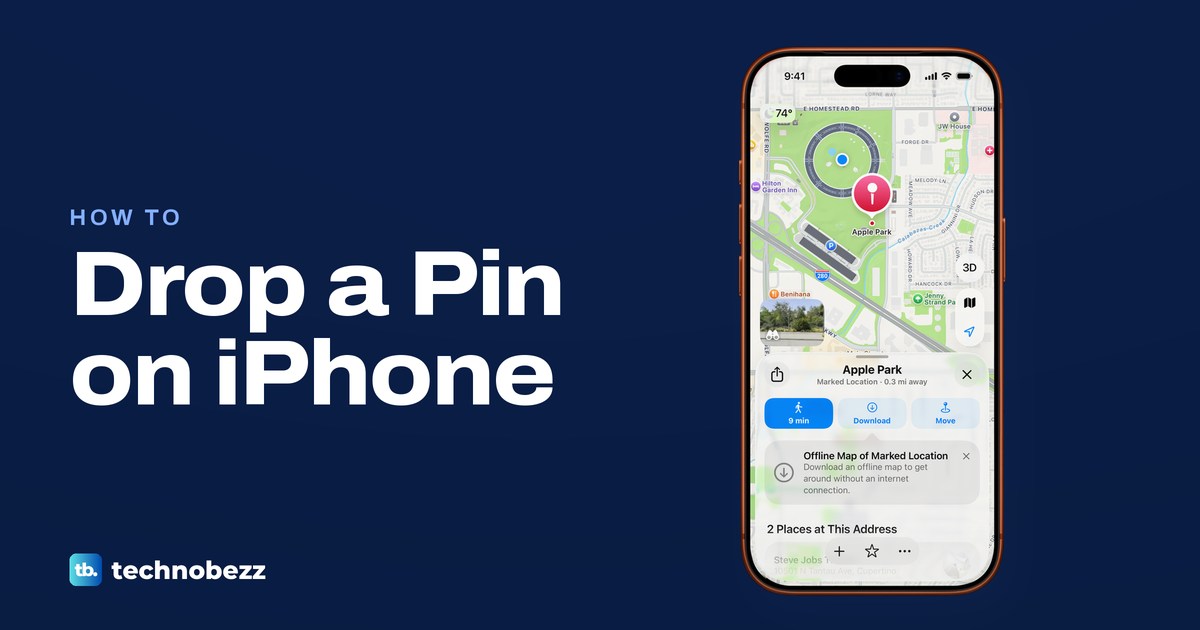
How to Drop a Pin on iPhone (Apple Maps and Google Maps)
Touch and hold the map in Apple Maps until a pin appears, then tap Pin to keep it. Share, move, save or remove it, and do the same in Google Maps.
How to Restart an iPad With or Without a Home Button
To restart an iPad, hold the top button and either volume button, drag the slider, then hold the top button. Home button iPad? Hold the top button alone.
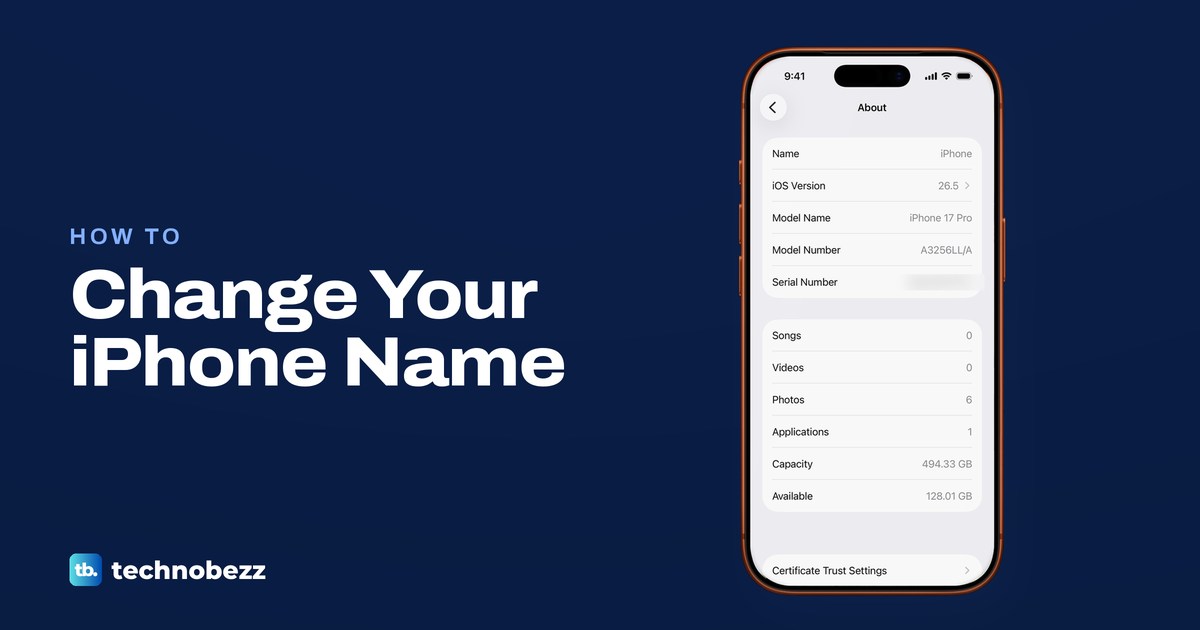
How to Change iPhone Name and Where the New Name Shows
Go to Settings, General, About, Name, tap Clear Text, type a new name and tap Done. Bluetooth and Personal Hotspot use it, and AirDrop for non-contacts.
How to Lock Cells in Excel (Windows, Mac, Web)
Clear Locked on the cells people may edit, then turn on Review > Protect Sheet. Steps for Excel on Windows, Mac and the web, plus passwords.
How to Merge Cells in Excel Without Losing Data
Select the cells, then Home > Merge & Center. Excel keeps only the upper-left value, so here is how to keep the rest or center a title without merging.
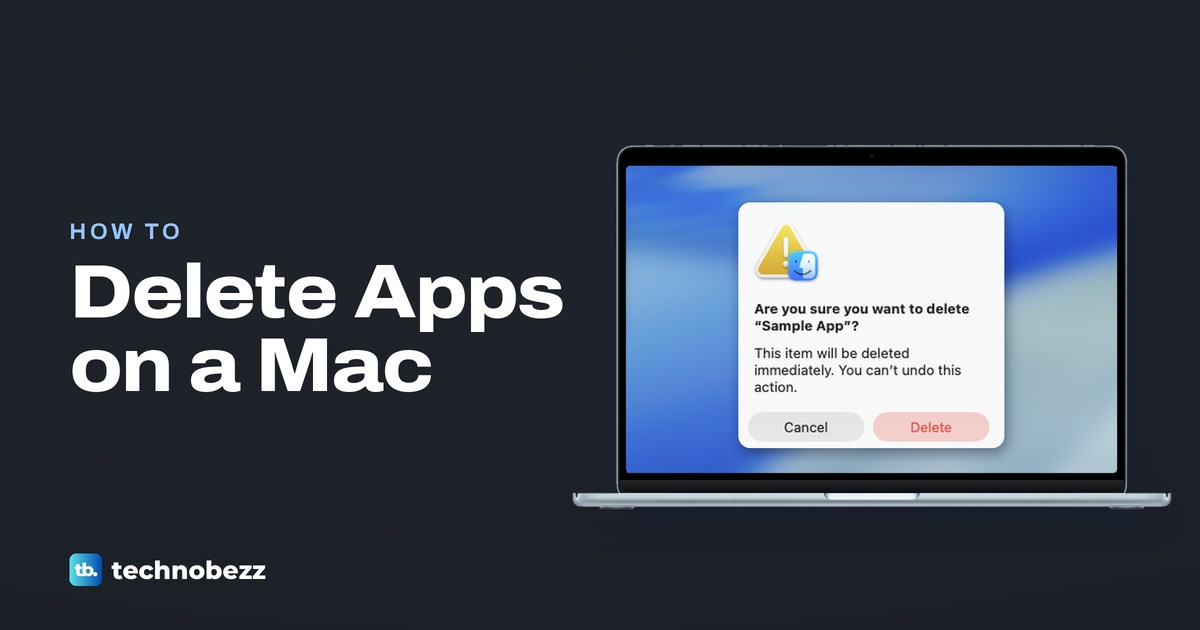
How to Remove a Program From a Mac and Uninstall Apps
If the app has its own uninstaller, run it first. Otherwise quit the app, drag it from Applications to the Trash, then empty the Trash to delete it.
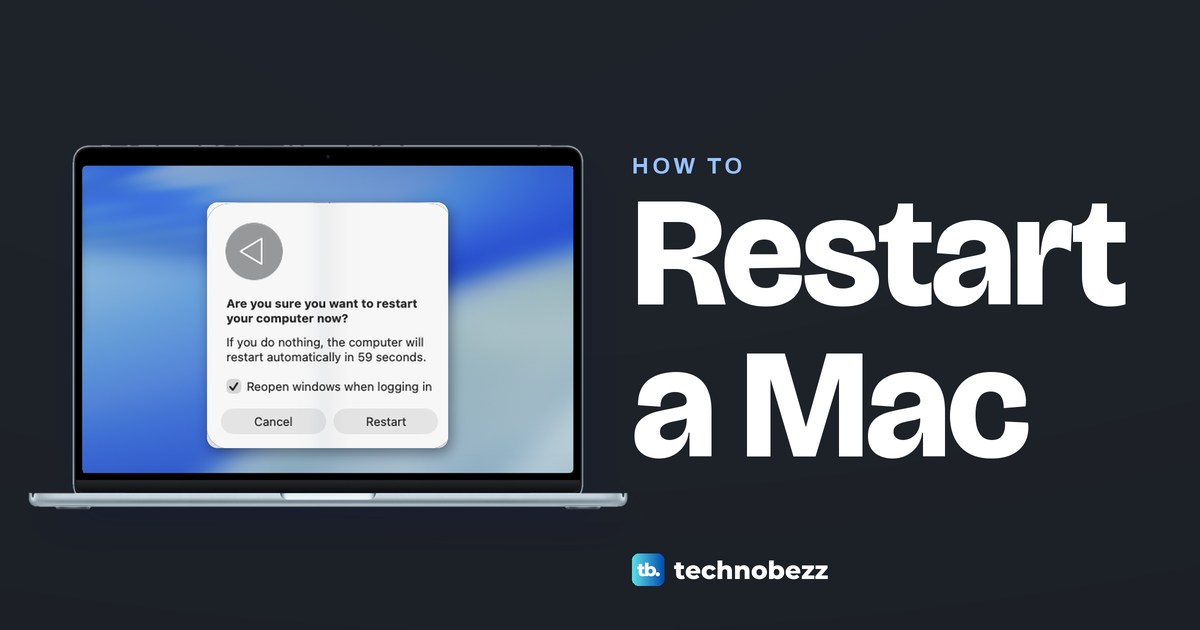
How to Restart a MacBook or Mac (Even When It Is Frozen)
Choose Apple menu > Restart to restart a MacBook. If it is frozen, hold Touch ID or the power button up to 10 seconds until it is off, then press it again.
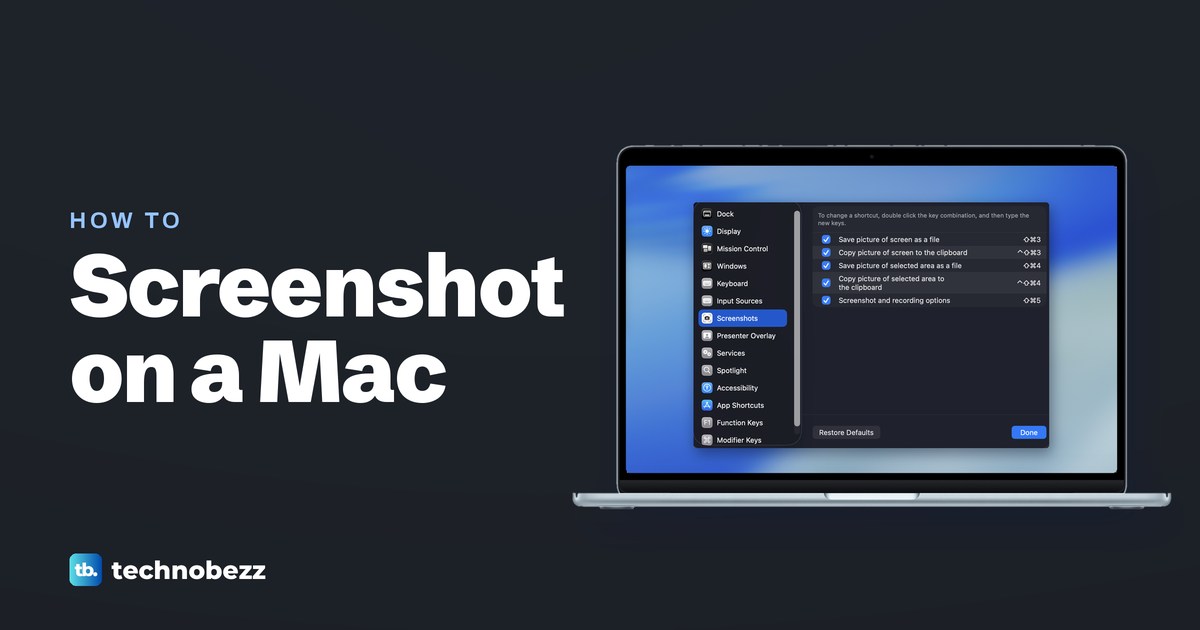
How to Screenshot on Mac (MacBook or iMac, 7 Ways)
Press Shift + Command + 3 to screenshot the whole screen on a Mac, or Shift + Command + 4 to drag over part of it. Files save to the desktop by default.
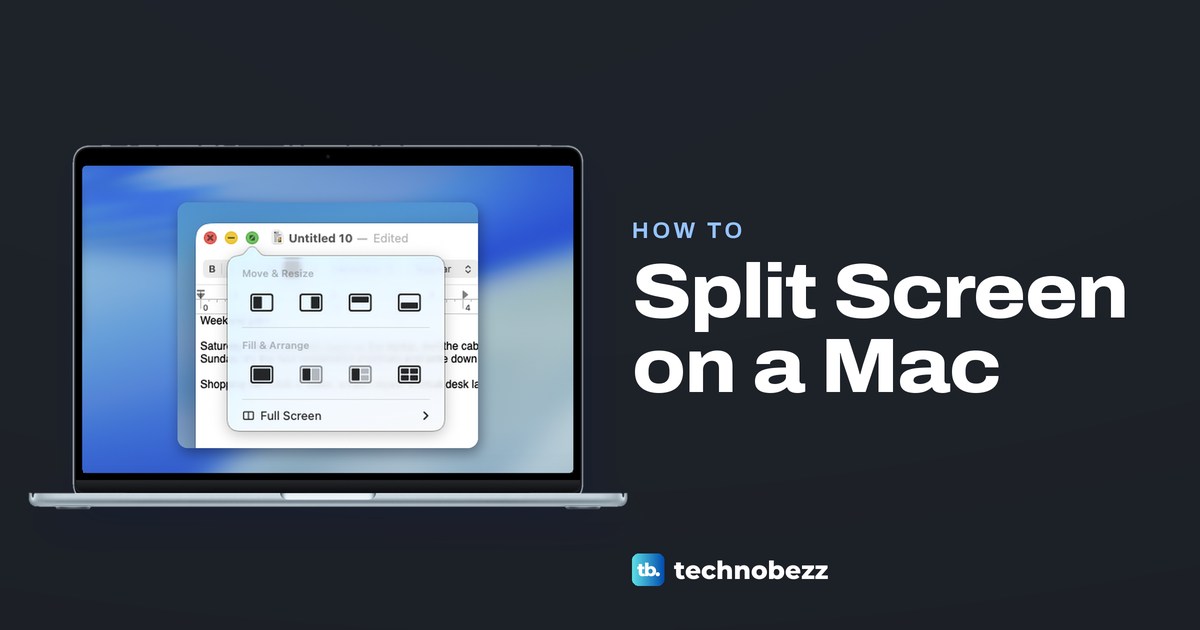
How to Split Screen on Mac (Split View, Tiling, Shortcuts)
To split screen on macOS Sequoia or later, hover over the green button, choose Full Screen, then Left of Screen, or drag a window to an edge to tile it.
How to Force Quit on Mac When an App Is Frozen
To force quit on a Mac, press Option + Command + Esc, pick the frozen app, click Force Quit and confirm. The Apple menu and Activity Monitor work too.
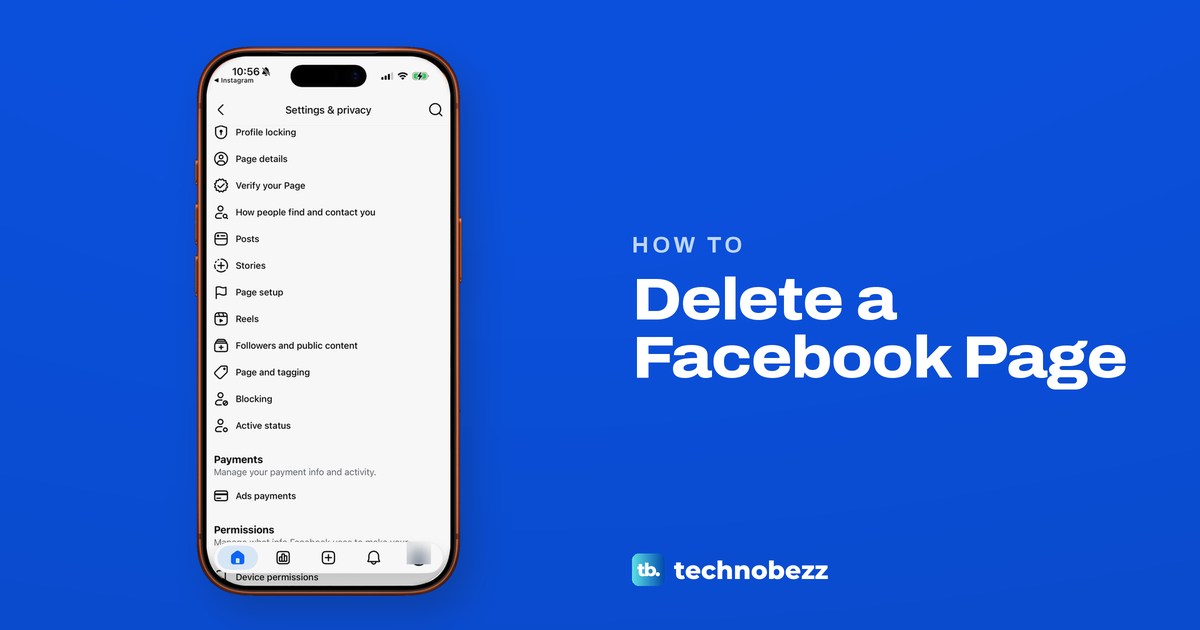
How to Delete a Facebook Page on Your Phone or Computer
Switch into the Page, open Settings, then Access and control and choose Delete Page. You need full control, and you have 14 days to change your mind.
How to Lock Your Facebook Profile and Make It Private
Lock your Facebook profile in Settings under Profile locking. No lock option? Set posts, stories and tags to Friends, then check it with View As.
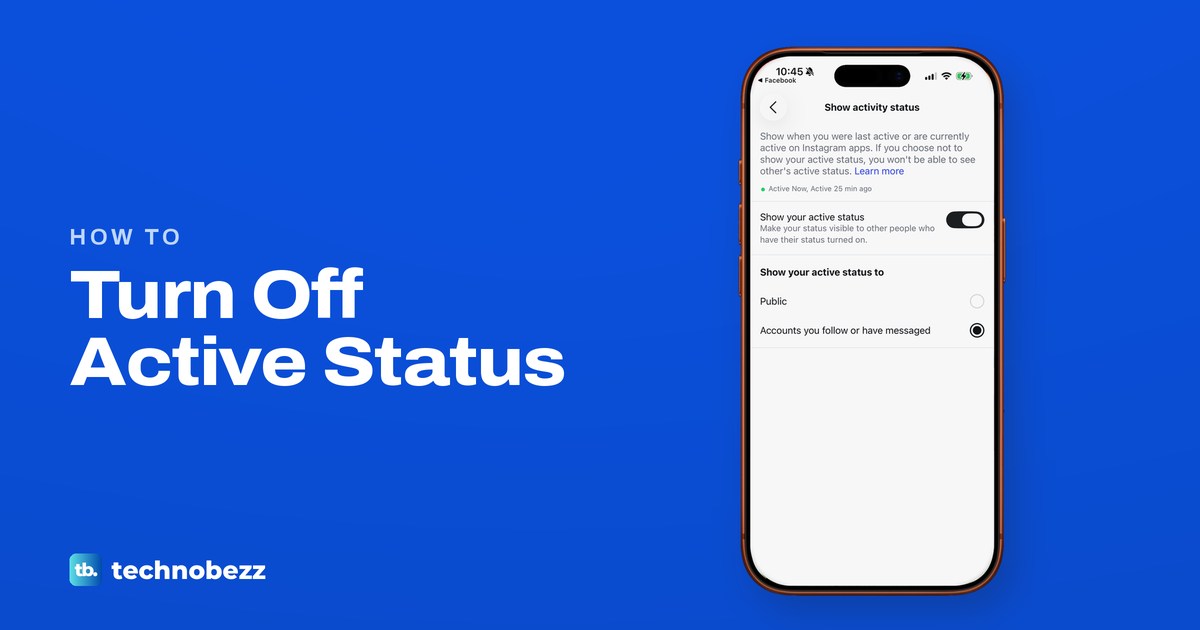
How to Turn Off Active Status and Read Receipts on Instagram
In Messages and story replies, open Show activity status and turn off Show your active status, then Show read receipts and turn off Read receipts.
How to Know if Someone Blocked You on Instagram (7 Signs)
Instagram never tells you. Here are the signs in search, profiles, DMs and tags, and how to tell a block from a deactivated or restricted account.
How to Delete a Facebook Account (Phone and Computer)
Delete Facebook in Settings under Meta Account (or Accounts Center), then Deactivation or deletion. Save a copy first. The 30-day window varies by region.
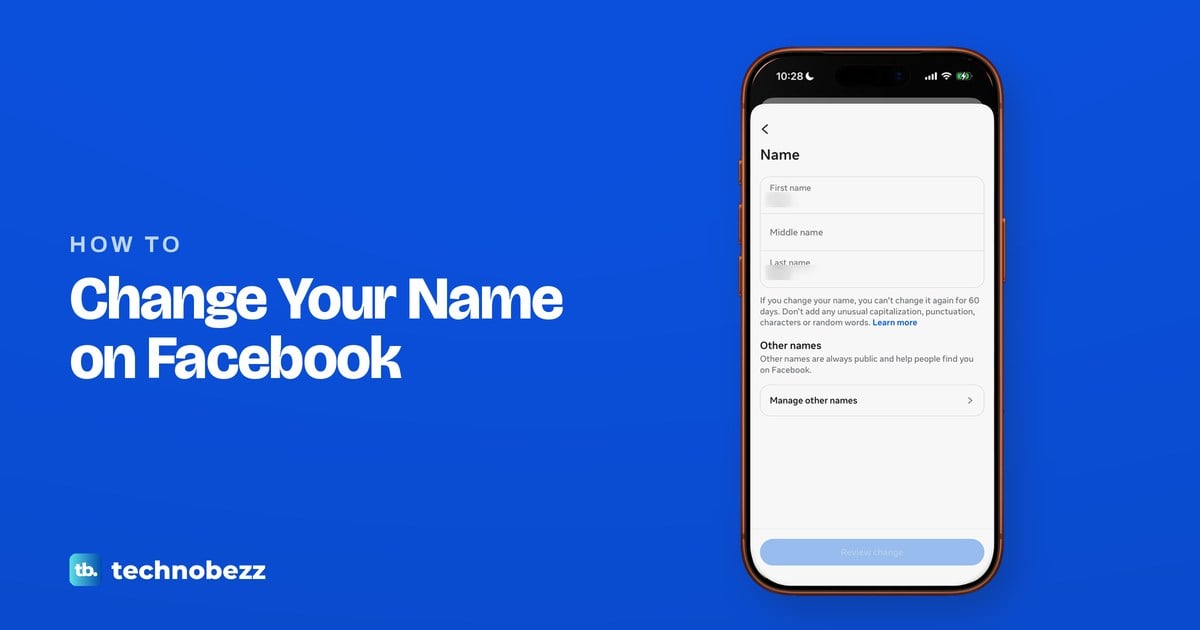
How to Change Your Name on Facebook (App and Desktop)
Open Meta Account or Accounts Center, tap the card that shows your profiles, pick your Facebook profile and tap Name. Meta allows one change every 60 days.
How to Unblock Someone on Facebook and Messenger
Tap Menu, Settings and privacy, Settings, Audience and visibility, Blocking, then Unblock. They see your public posts but are not your friend again.
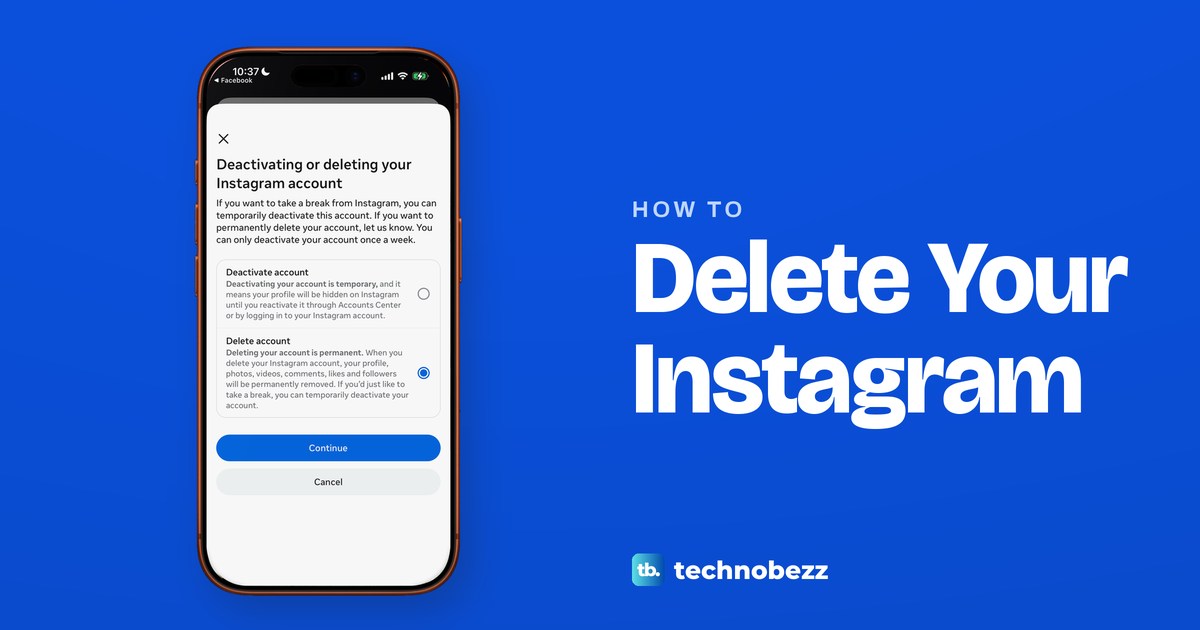
How to Delete Your Instagram Account (Phone or Computer)
To delete Instagram, open Accounts Center or Meta Account, tap Deactivation or deletion, then Delete account. Log back in within 30 days to cancel.