All guides
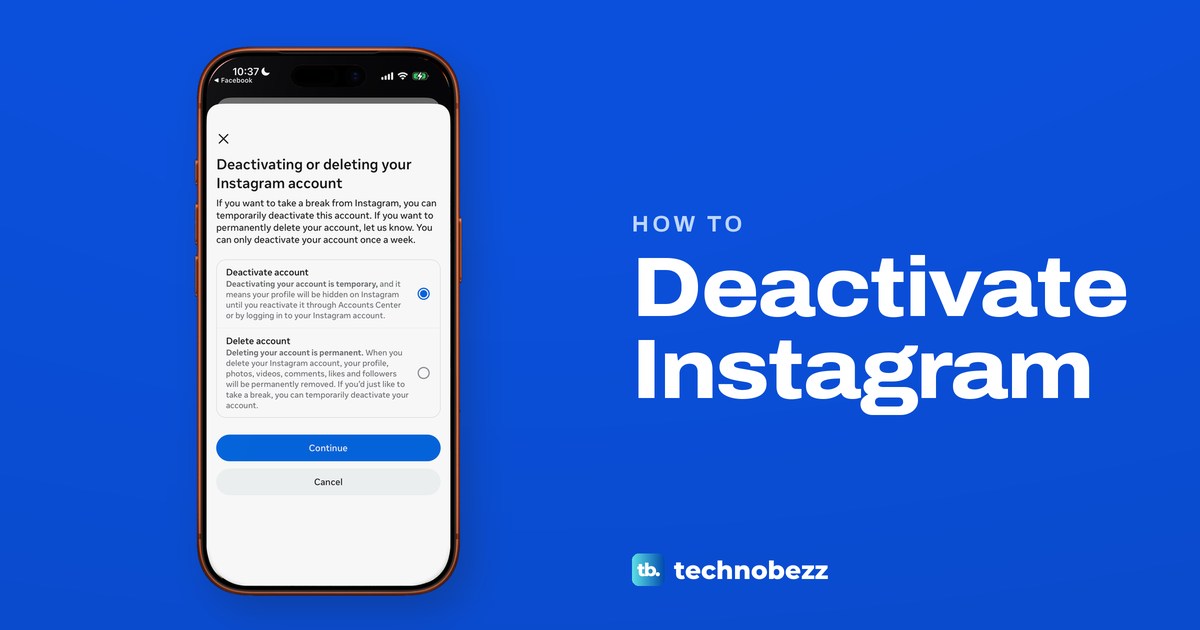
How to Deactivate Instagram in the App or on a Computer
Tap Menu, Meta Account or Accounts Center, Manage account, Manage next to Instagram, Deactivation or deletion, Deactivate account. Log back in to return.
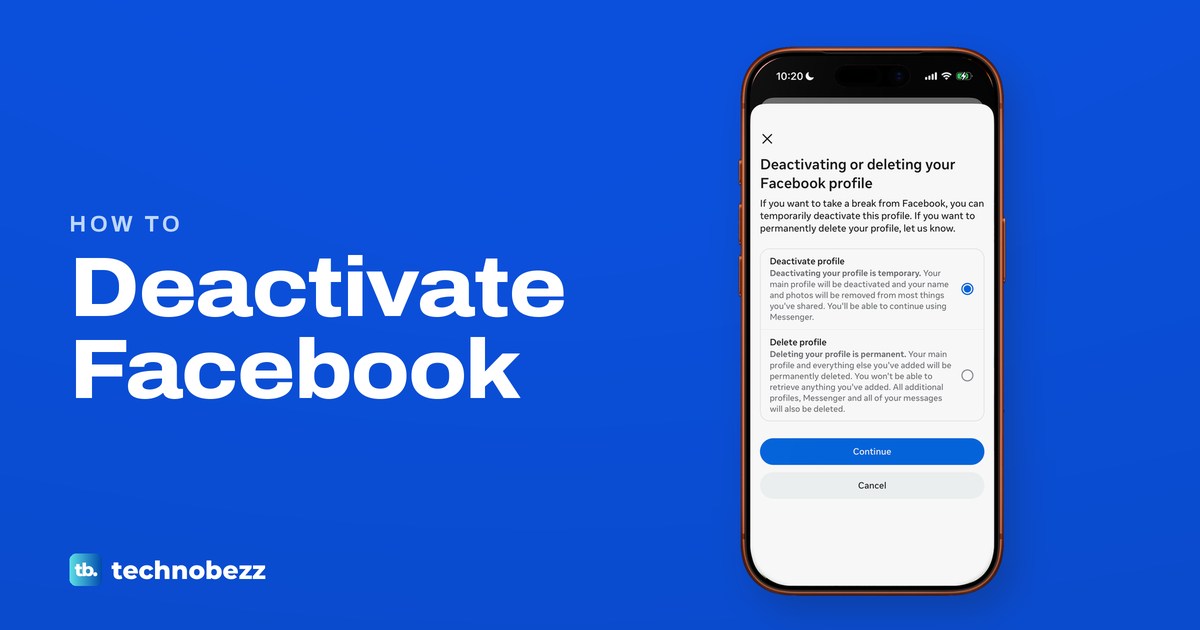
How to Deactivate Facebook and Reactivate It Later
Open Settings and privacy, then Meta Account or Accounts Center, Manage account, Deactivation or deletion and Deactivate profile. Log back in to return.
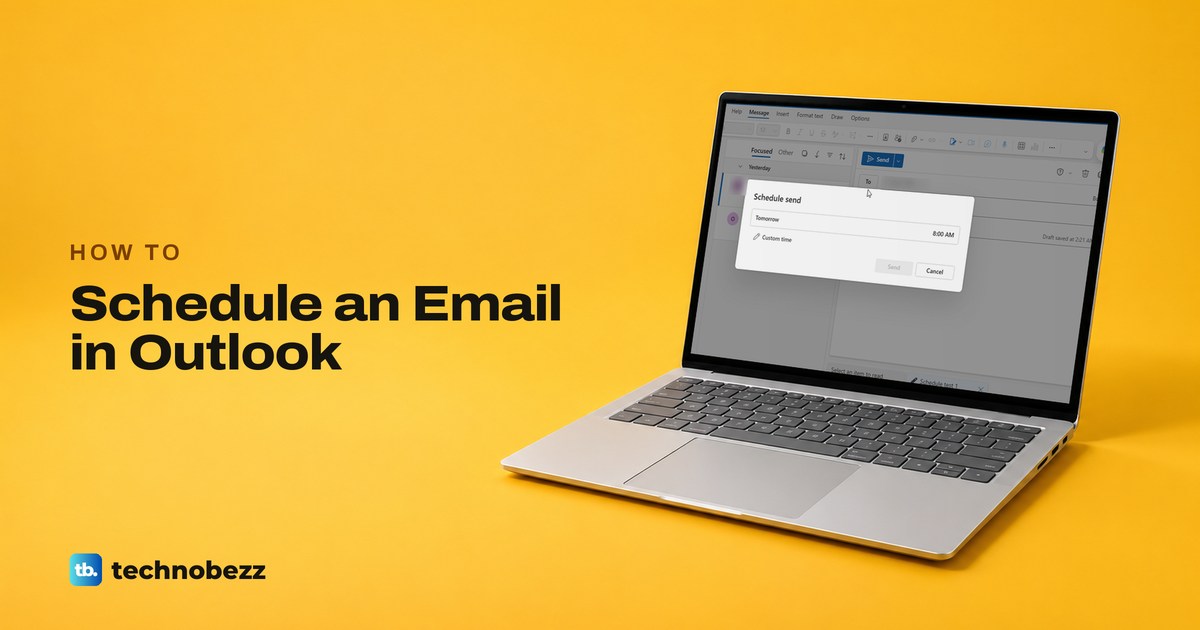
How to Schedule an Email in Outlook (Desktop and Web)
In Outlook on the web or the new Outlook, pick Schedule send from the arrow next to Send. In classic Outlook, use Delay Delivery and keep Outlook running.
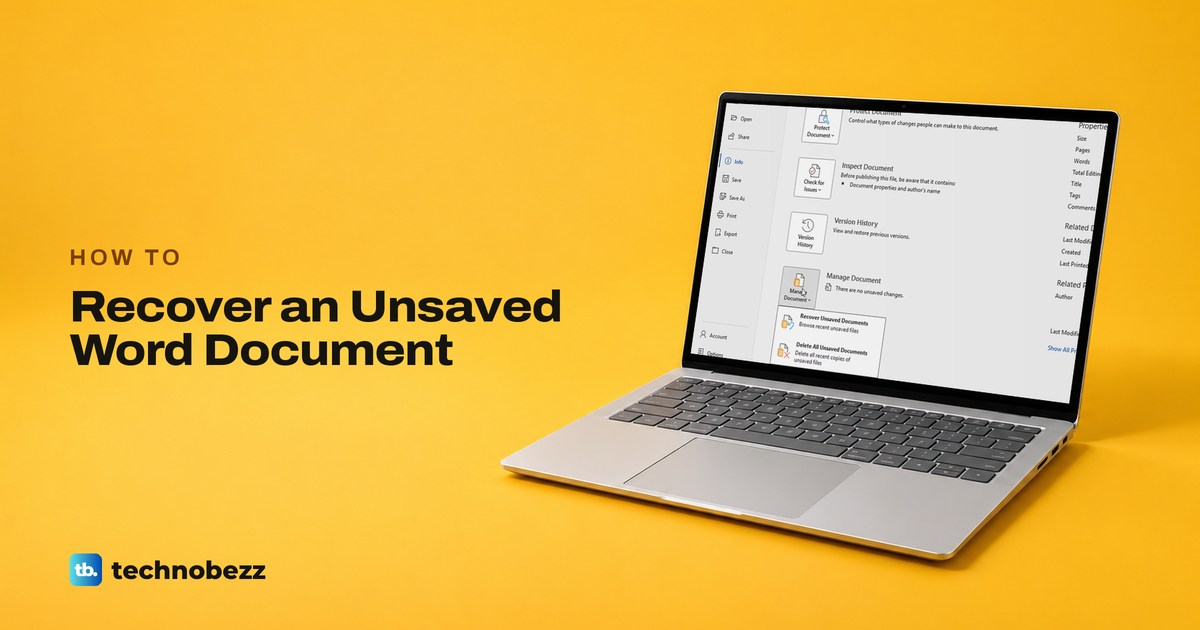
How to Recover an Unsaved Word Document (Crash or Closed)
In Word, open a blank document, then File > Info > Manage Document > Recover Unsaved Documents and Save As the newest copy. After a crash, reopen Word.
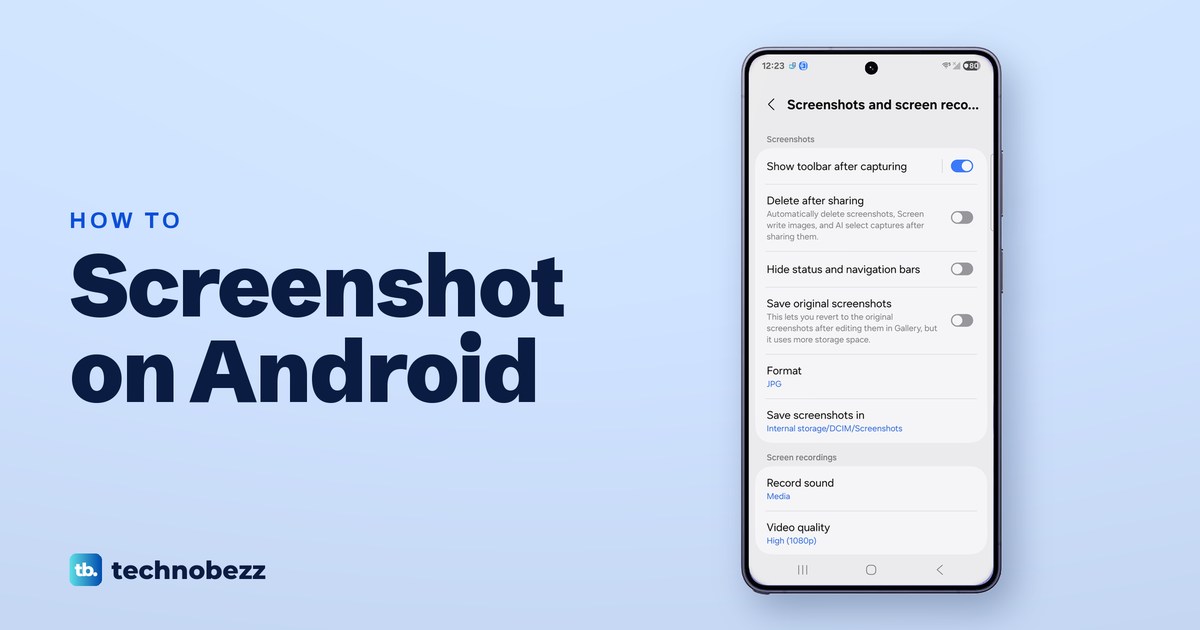
How to Screenshot on Android (Samsung and Pixel)
Press Power and Volume Down together on most Android phones. Samsung adds palm swipe and scroll capture, and Pixel adds a Screenshot button in Overview.
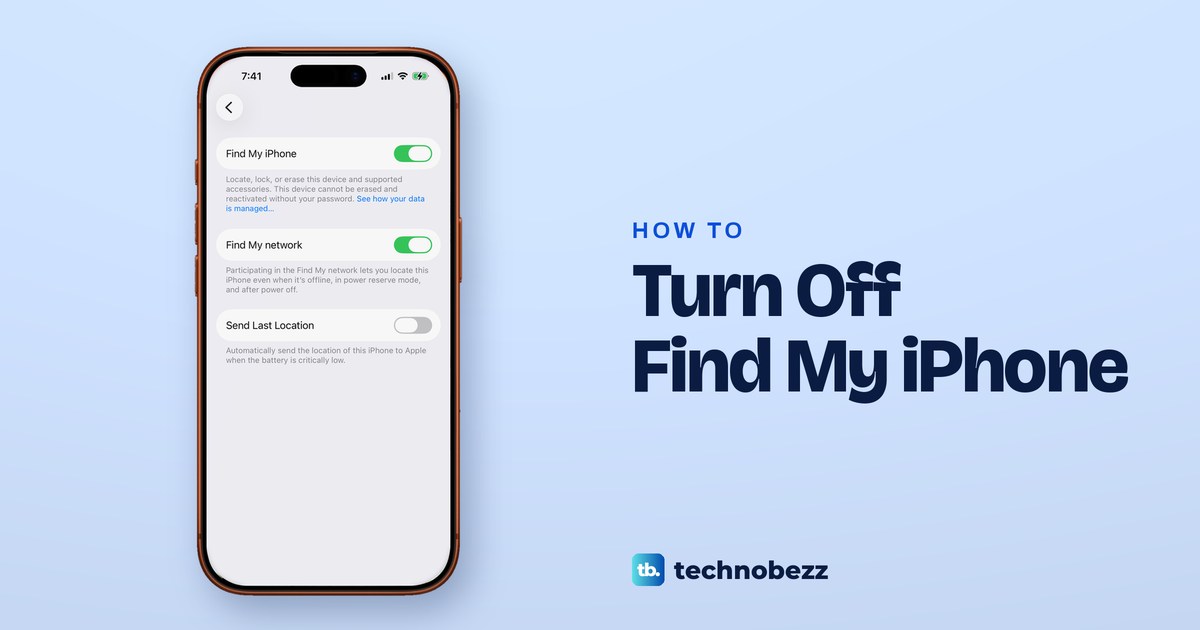
How to Turn Off Find My iPhone in Settings or iCloud
In Settings, tap your name > Find My > Find My iPhone, turn it off and enter your Apple Account password. Sold it? Erase, then remove at iCloud.com/find.
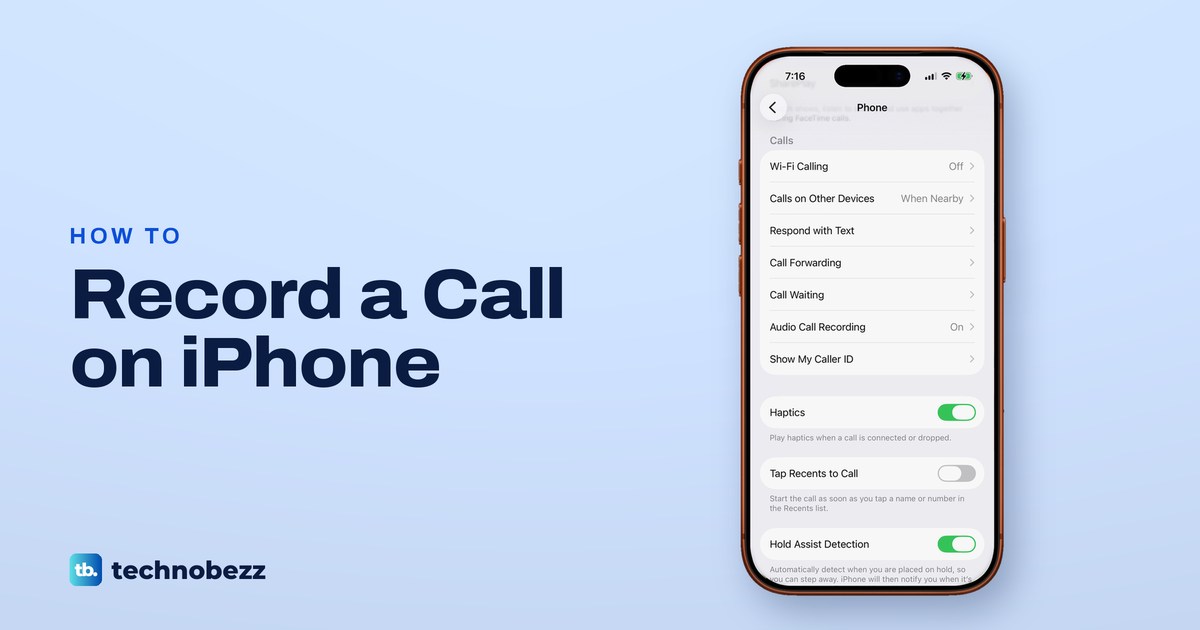
How to Record a Phone Call on iPhone and Get the Transcript
Tap More, then Call Recording during a call on iOS 26 or later. Both people hear a notice, and the recording is saved in the Notes app.
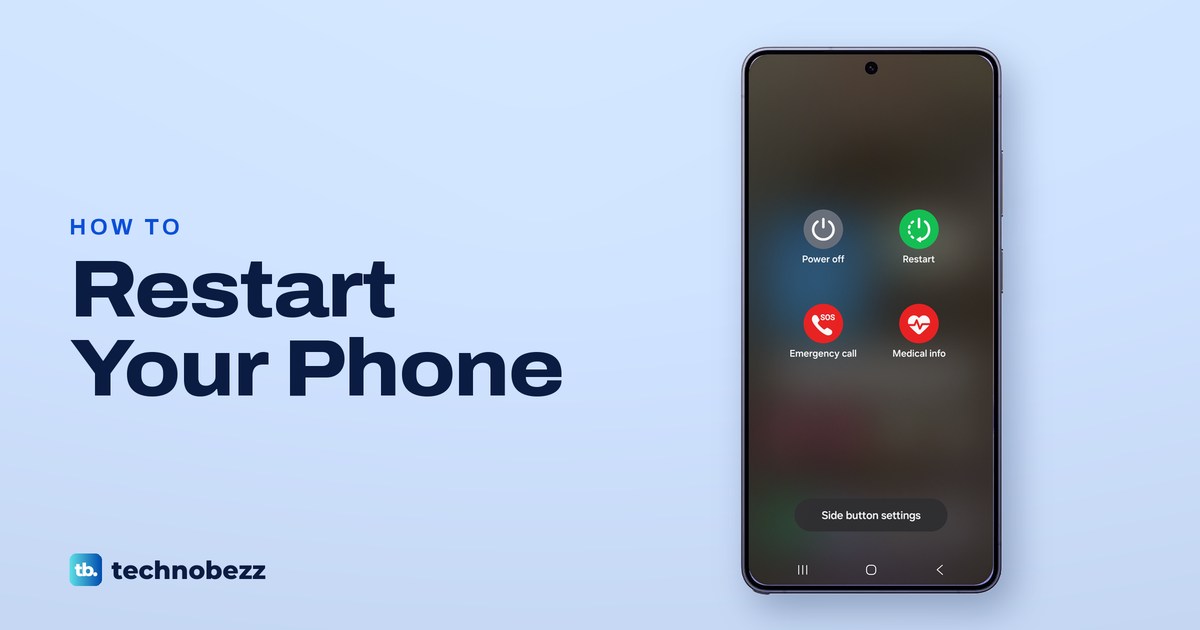
How to Restart Your Phone on Samsung, Pixel and iPhone
On a Galaxy, hold Side and Volume down, then tap Restart twice. On a Pixel 6 or later, hold Power and Volume up, then tap Restart. Frozen phones too.
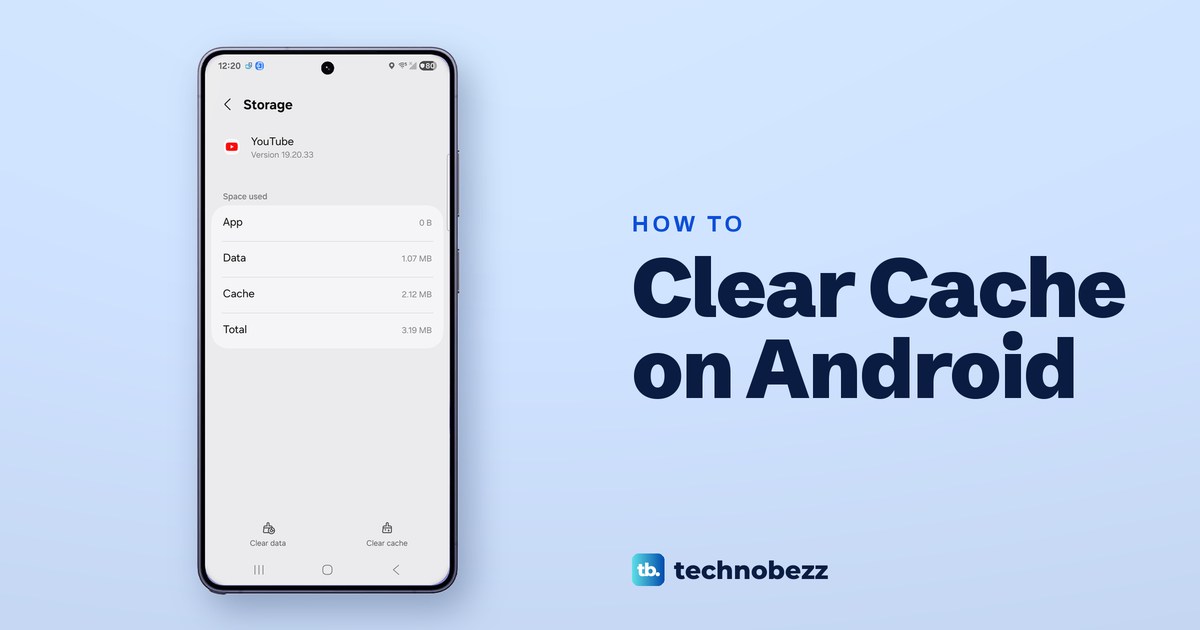
How to Clear Cache on Android (Samsung, Pixel and Chrome)
Open Settings, tap Apps, choose the app, tap Storage or Storage & cache, then Clear cache. The app keeps its data. Clear data resets the app.
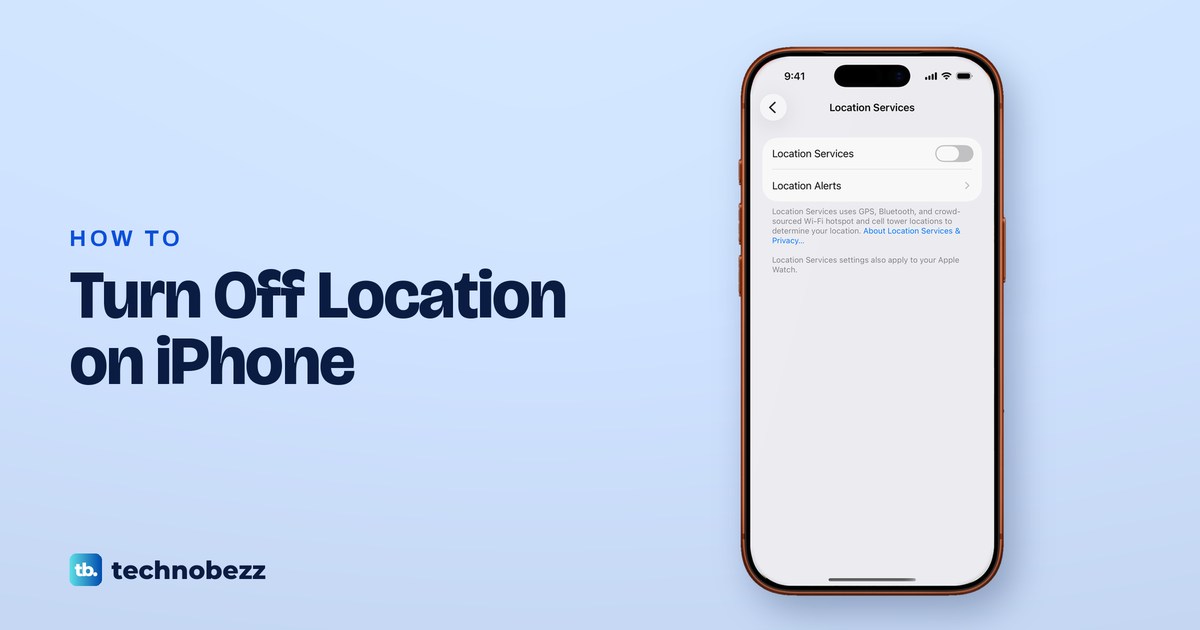
How to Turn Off Location on iPhone (All Apps or Just One)
Go to Settings > Privacy & Security > Location Services and turn it off, or set one app to Never. See what stops working and what can still find you.
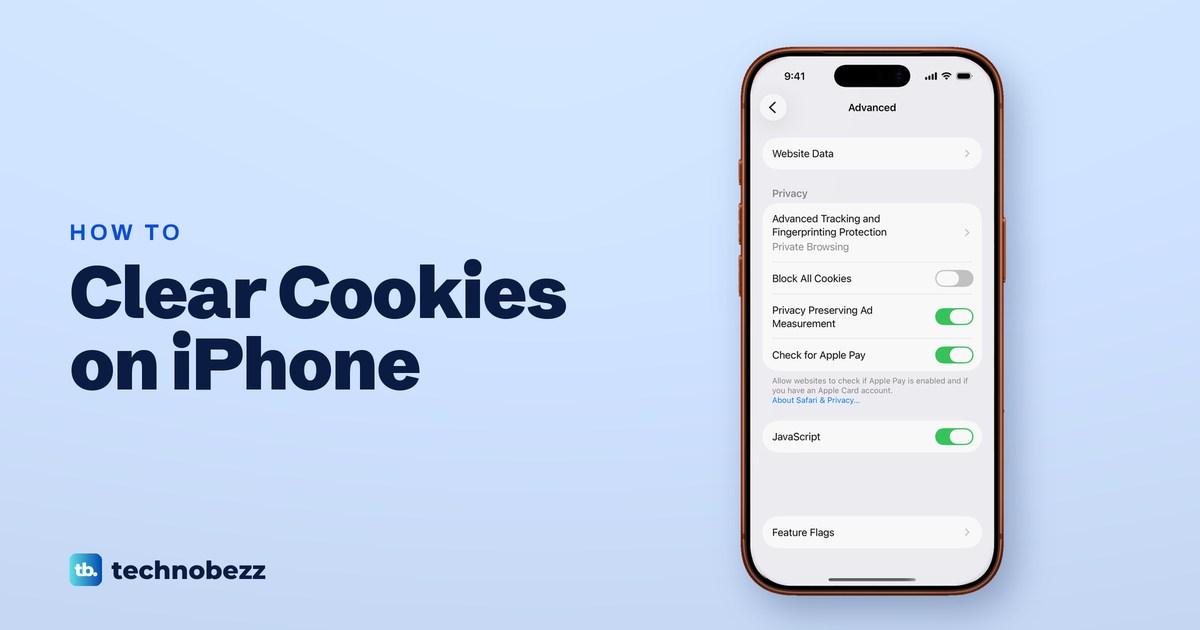
How to Clear Cookies on iPhone (Safari and Chrome)
Open Settings, Apps, Safari, Advanced, Website Data and tap Remove All Website Data to clear cookies on iPhone and keep your history. Chrome is separate.
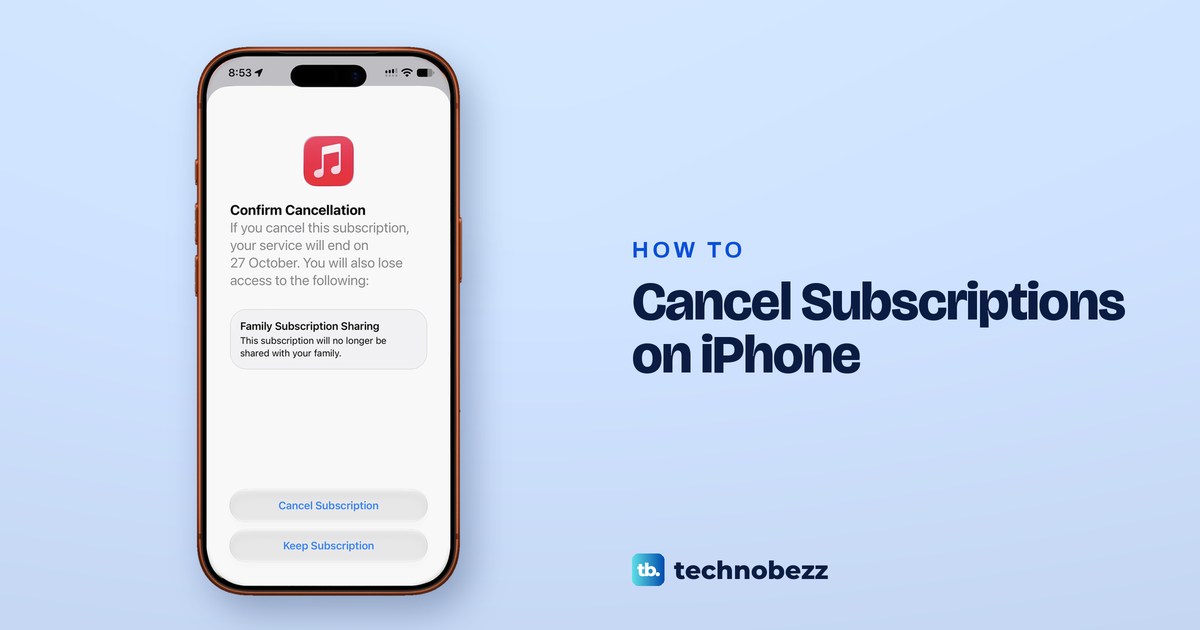
How to Cancel Subscriptions on iPhone (and Free Trials)
Open Settings, tap your name, then Subscriptions and Cancel Subscription. Cancel over 24 hours before it renews. Paid plans run to the end date.
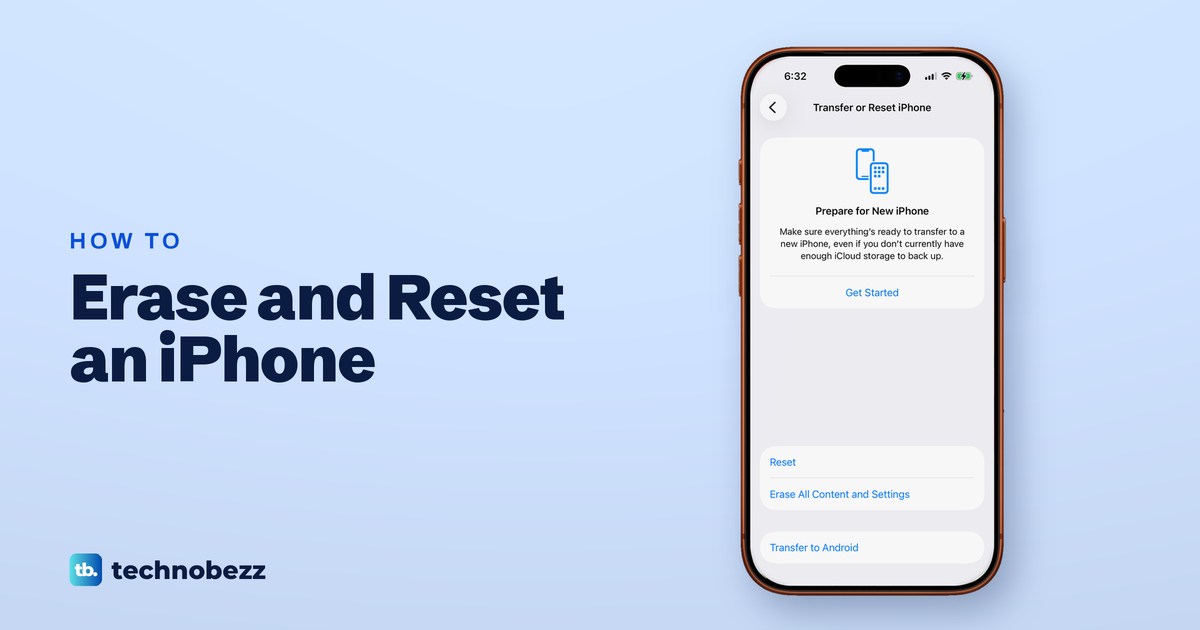
How to Erase an iPhone and Factory Reset It
Back up and sign out, then open Settings > General > Transfer or Reset iPhone > Erase All Content and Settings. Delete the eSIM if you sell it.
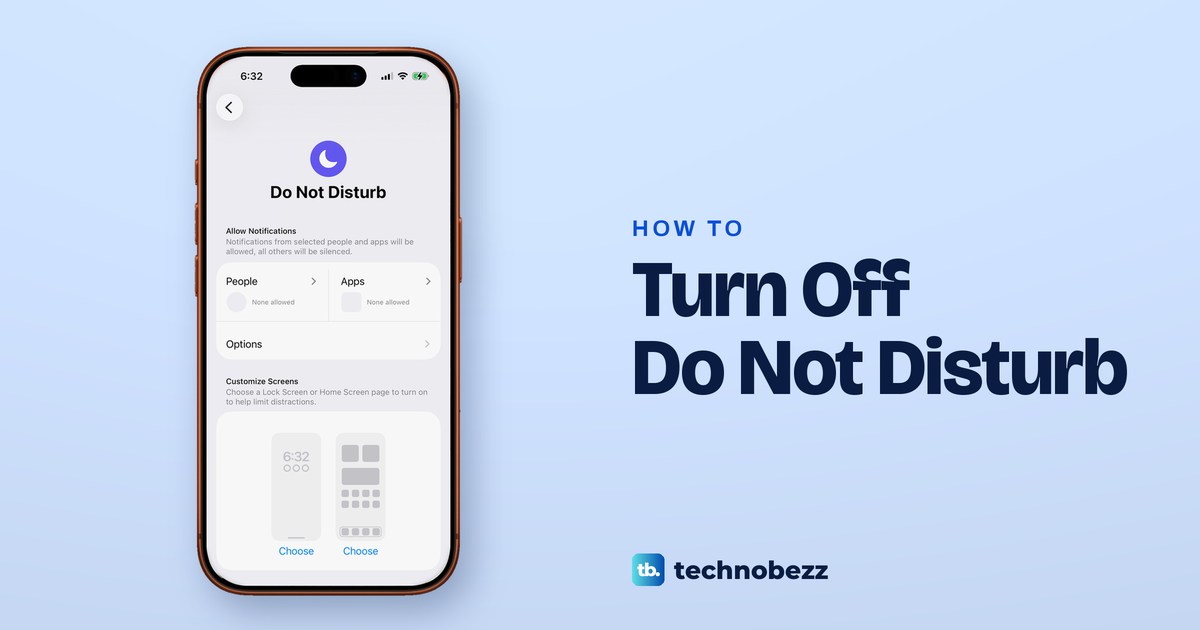
How to Turn Off Do Not Disturb on iPhone and Keep It Off
Open Control Center and tap the moon on the Focus button so it reads Focus. If it returns, something like a schedule, Sleep or Driving is switching it on.
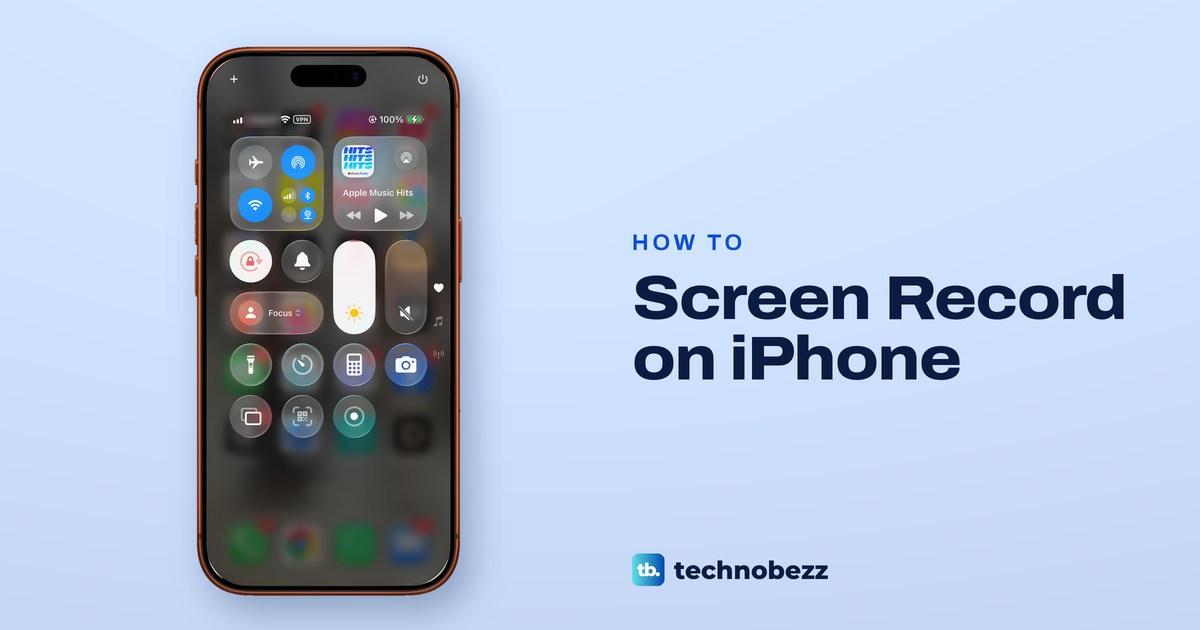
How to Record Screen on iPhone (Sound, Saving and Fixes)
Open Control Center, tap Screen Recording and wait for the countdown. Touch and hold the button to turn on the microphone. Videos save to Photos.
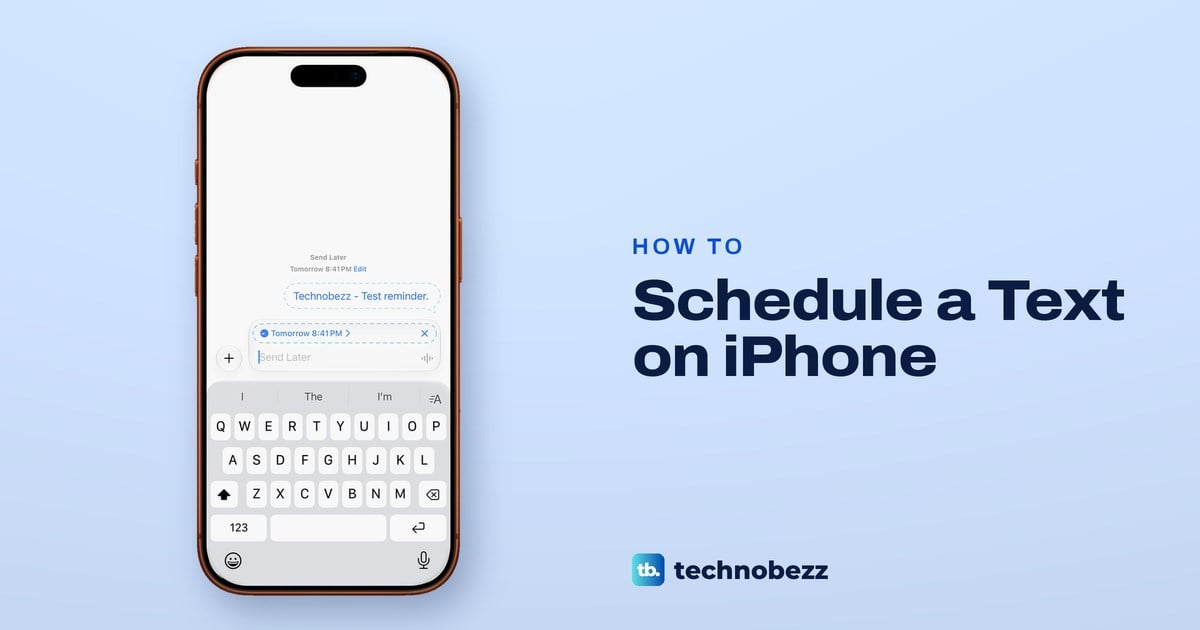
How to Schedule a Text on iPhone (iMessage and SMS)
In an iMessage chat, tap +, then Send Later and pick a time up to 14 days ahead. Apple delivers it even if your iPhone is off. Green texts need Shortcuts.
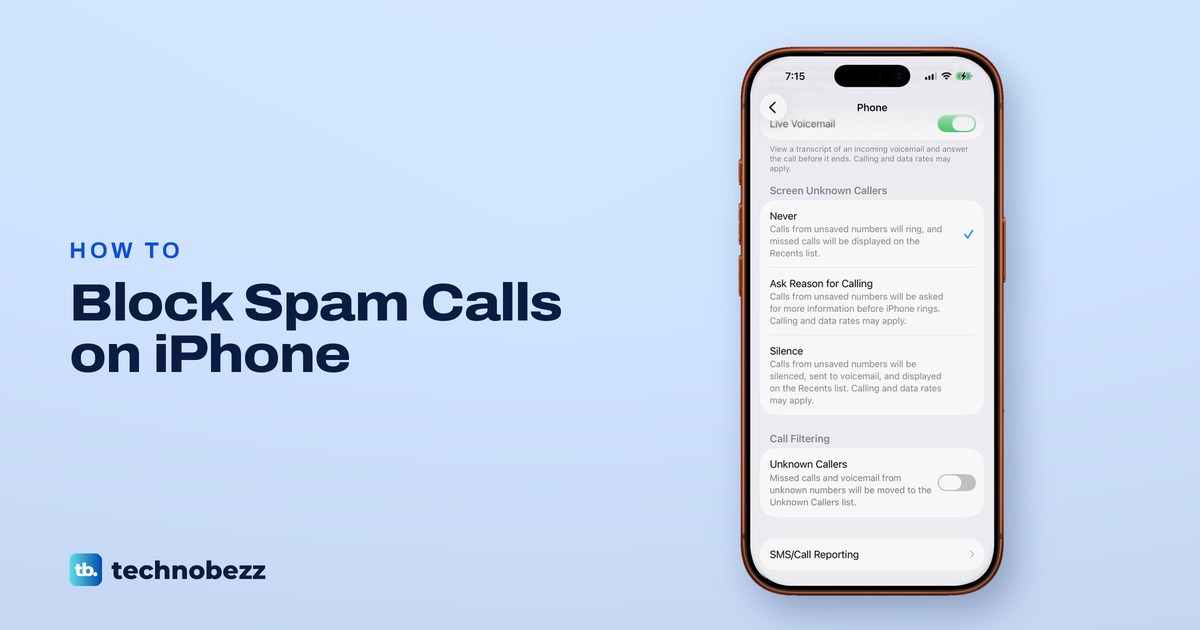
How to Block Spam Calls on iPhone and Stop Unknown Callers
In Settings > Apps > Phone, set Screen Unknown Callers to Ask Reason for Calling or Silence, then block repeat numbers and turn on your carrier's filter.
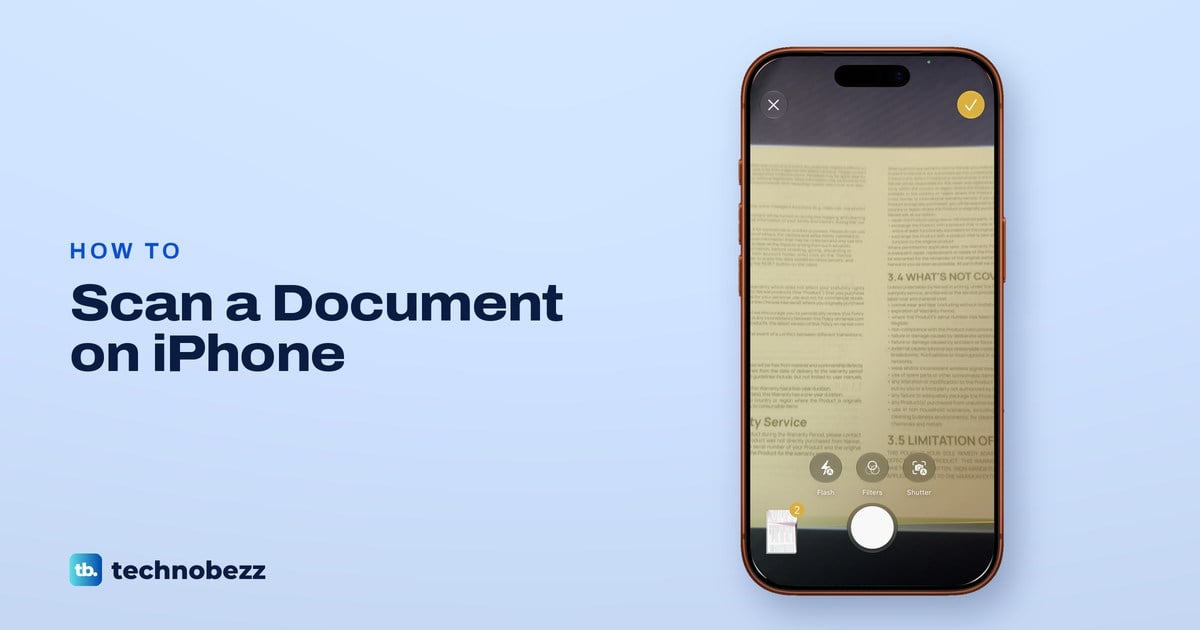
How to Scan a Document With iPhone (Notes, Files, Preview)
Open Notes, tap the paperclip, then Scan Documents. Your iPhone captures each page and saves them as one PDF you can share, sign or save to Files.
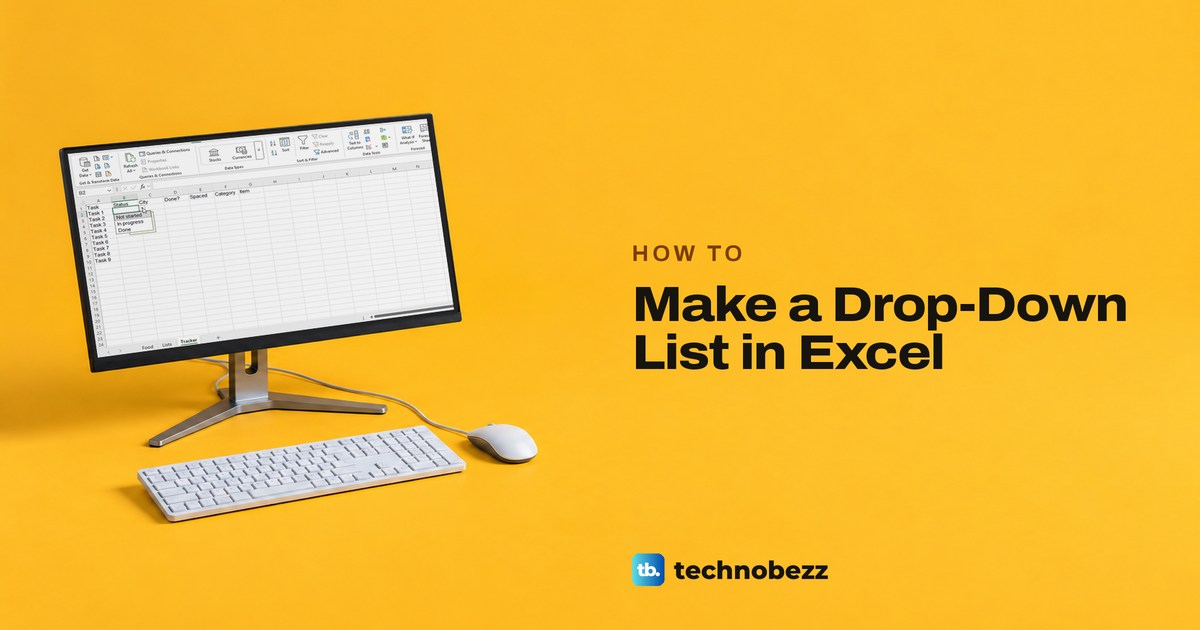
How to Create a Drop Down List in Excel (Windows, Mac, Web)
Select the cells, open Data > Data Validation, set Allow to List and fill in Source. Steps for Excel on Windows, Mac and the web, and how to edit the list.
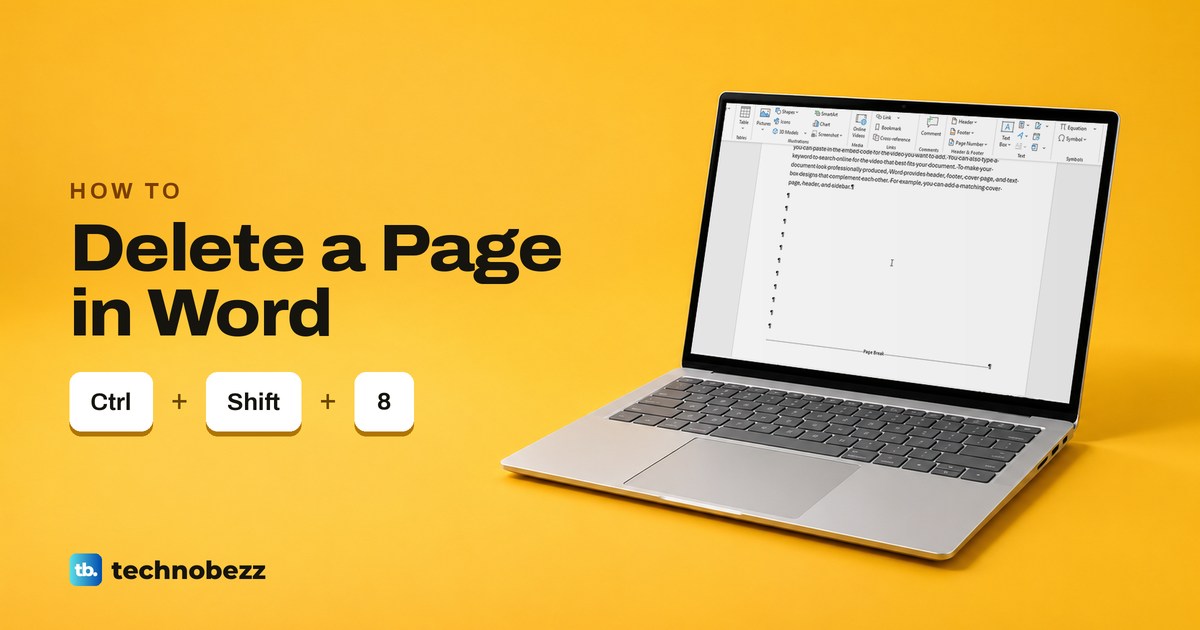
How to Delete a Page in Word, Including Blank Pages
Select everything on the page and press Delete. For a blank page, press Ctrl + Shift + 8 to show the marks, then delete the empty lines or the break.
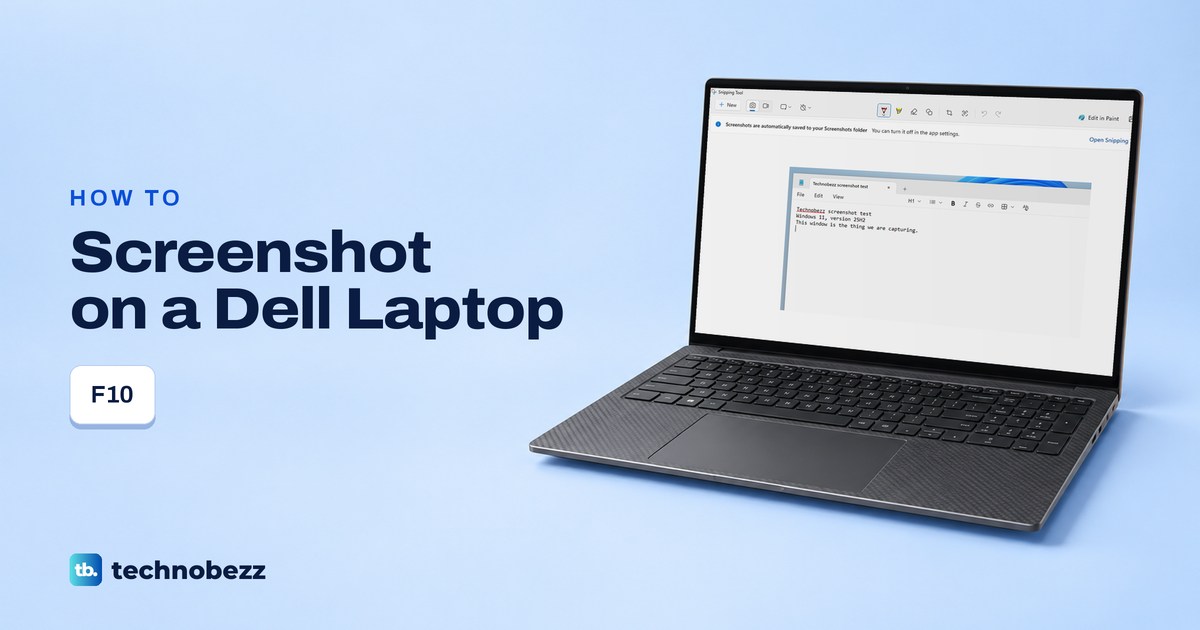
How to Screenshot on a Dell Laptop (the F10 Key Explained)
Press Windows + Shift + S to screenshot on a Dell laptop. Find the F10 Print Screen key, check Fn Lock, and choose a saved file or a window capture.
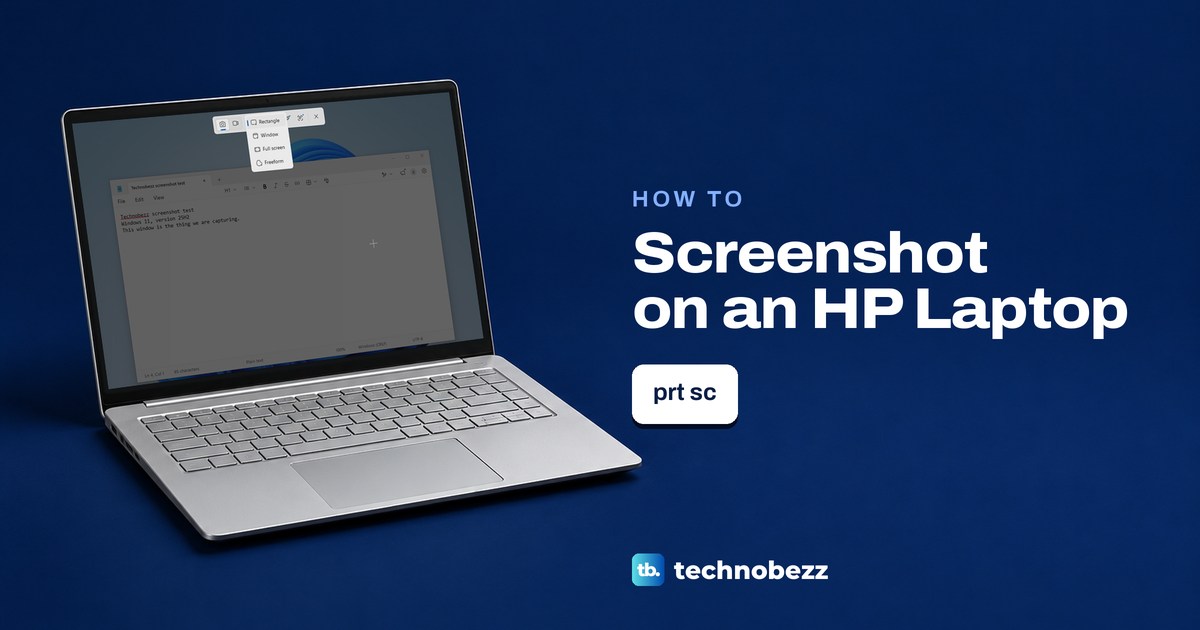
How to Screenshot on an HP Laptop (Find the Right Key)
Press Windows + Shift + S on an HP laptop running Windows, pick Rectangle and drag. Find prt sc on the top row or right Shift key.
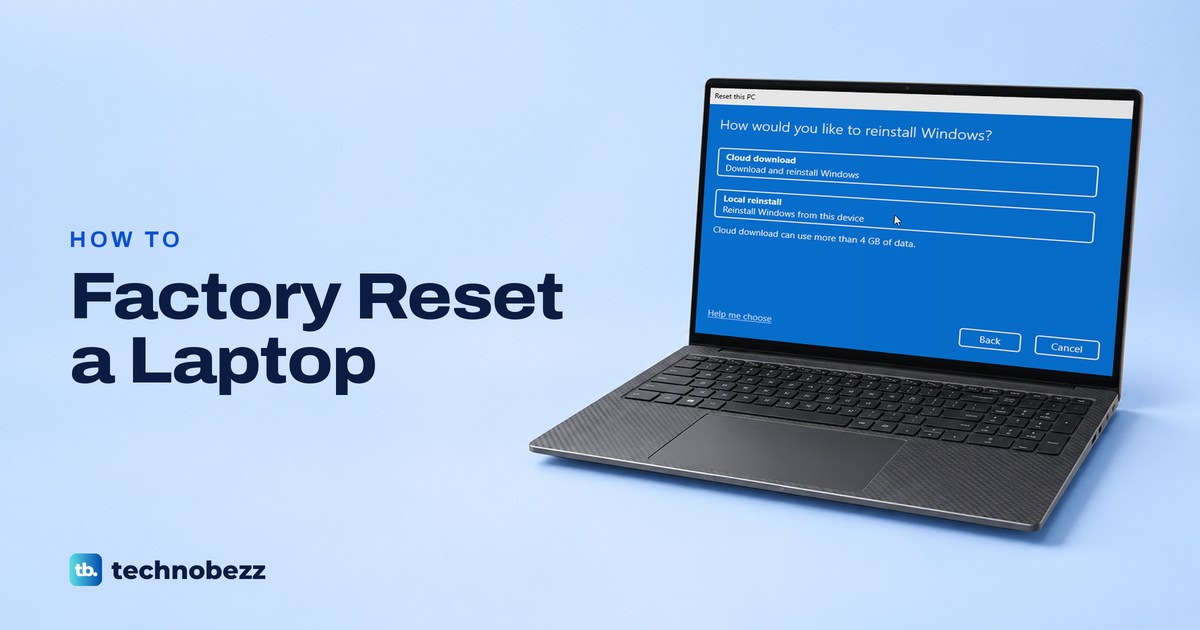
How to Factory Reset a Laptop, Even Without the Password
In Windows, open Settings > System > Recovery > Reset PC and choose Remove everything. Locked out? Hold Shift and select Restart on the sign-in screen.
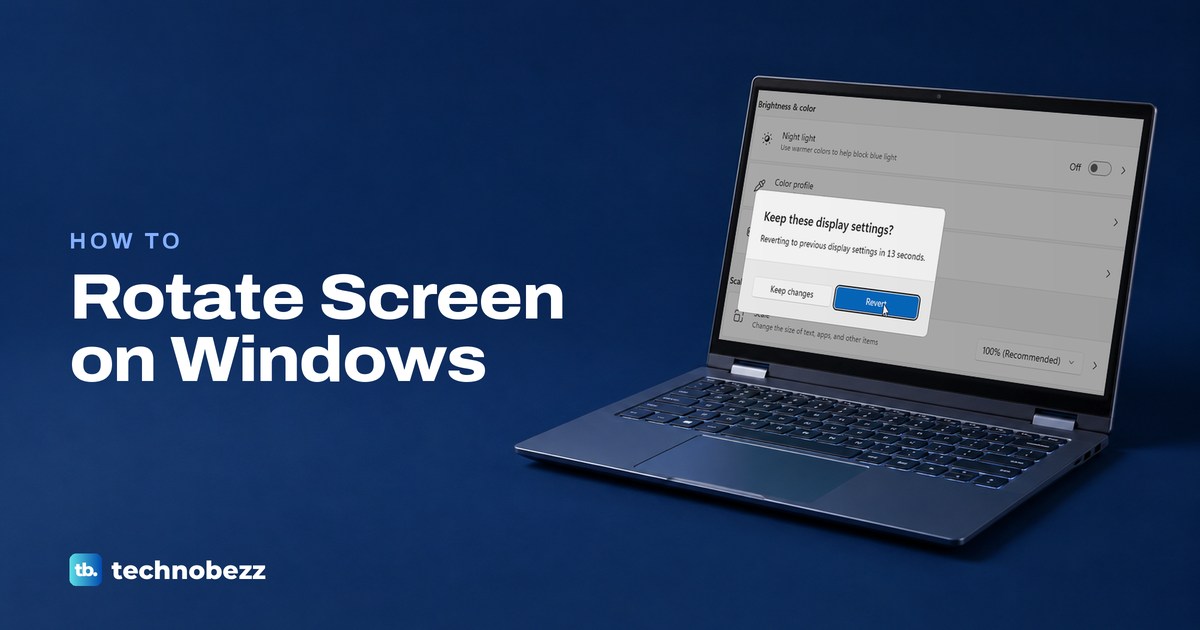
How to Rotate Screen on Windows (Portrait or Upside Down)
Open Settings > System > Display, choose a Display orientation, then select Keep changes. Ctrl + Alt + arrow is graphics software, not Windows.