All guides
How to Change Brightness on Windows 11 and Fix Dimming
Open Quick Settings with Windows + A to adjust brightness, or use Settings > System > Display and external monitor controls.
How to Delete Apps on Roku With a Remote or Phone
To delete apps on Roku, highlight an app on the Home screen, press Star and choose Remove app. You can also remove apps with your phone.
How to Factory Reset an Amazon Fire Tablet
To factory reset your Fire tablet, open Settings, then Device Options and Reset to Factory Defaults. Save needed content before erasing.
How to Turn Off Voice on a Samsung TV and Stop Narration
Hold your Samsung remote's volume button for 2 seconds or more, select Voice Guide and switch it off. Scene narration and Bixby have their own switches.
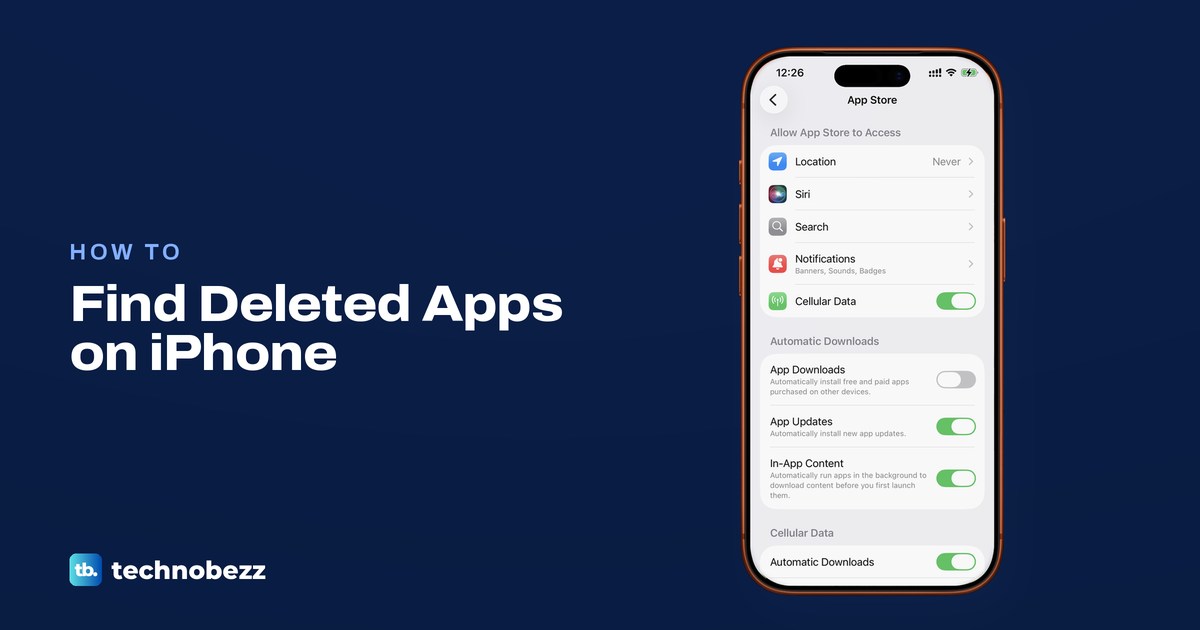
How to Recover Deleted Apps on iPhone With the App Store
Recover deleted apps on iPhone through the App Store and tap Redownload, or check App Library for an installed app with a missing icon.
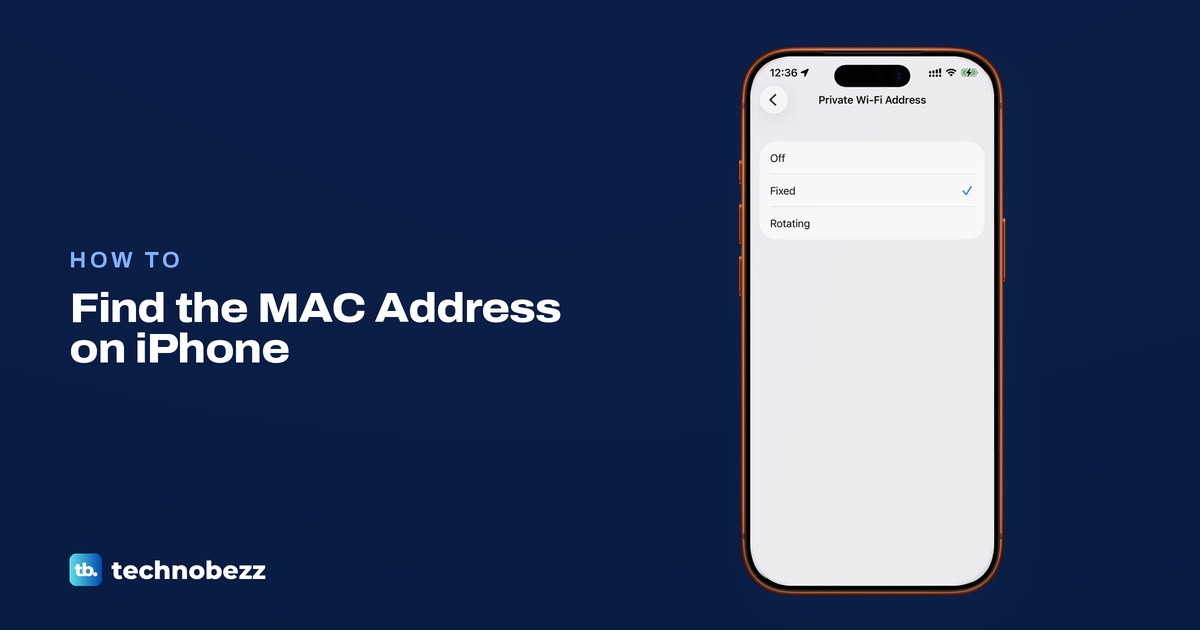
How to Look Up the MAC Address on an iPhone
Open Settings, General, About to find your iPhone's hardware MAC address, and check private addressing before matching it to a router.
How to Clear Cache on a Samsung TV and Free Up Memory
To clear cache on a Samsung TV, open Settings, All Settings, Support, Device Care, Manage Storage, pick the app, select View Details, then Clear Cache.
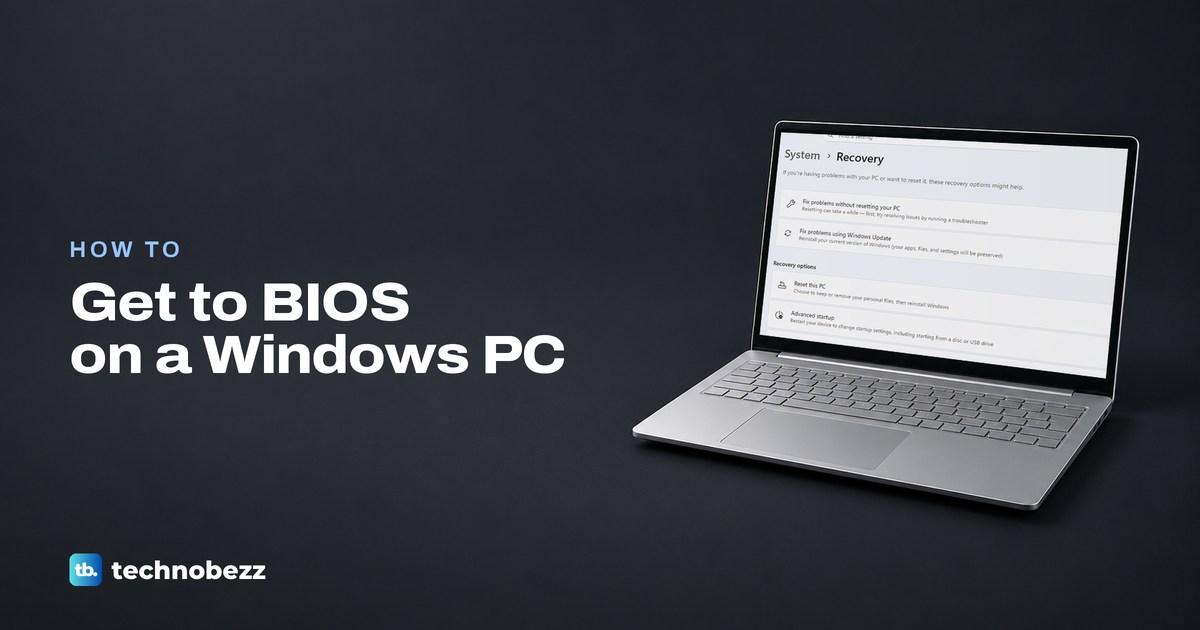
How to Enter BIOS on Windows 11 With Settings or Keys
Enter BIOS on Windows 11 through Settings > System > Recovery > Restart now, then Troubleshoot > Advanced options > UEFI Firmware Settings.
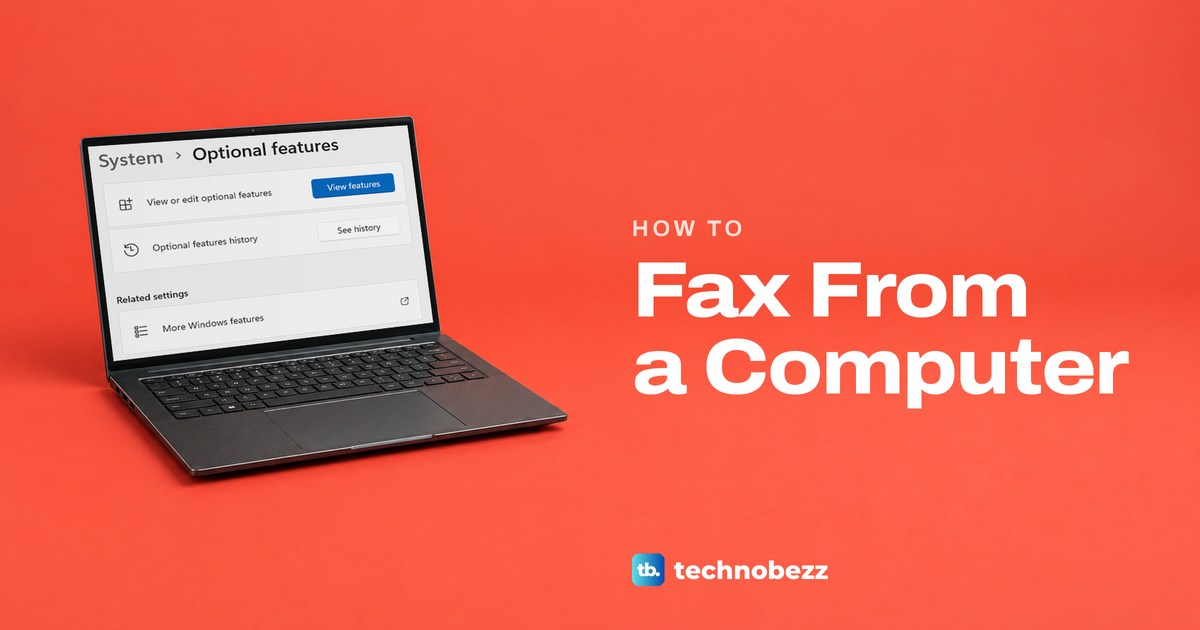
How to Fax From a Computer Without a Fax Machine
No phone line? Use an online fax service or email to fax. At home, Windows Fax and Scan needs a fax modem and landline; a Mac faxes through a printer.
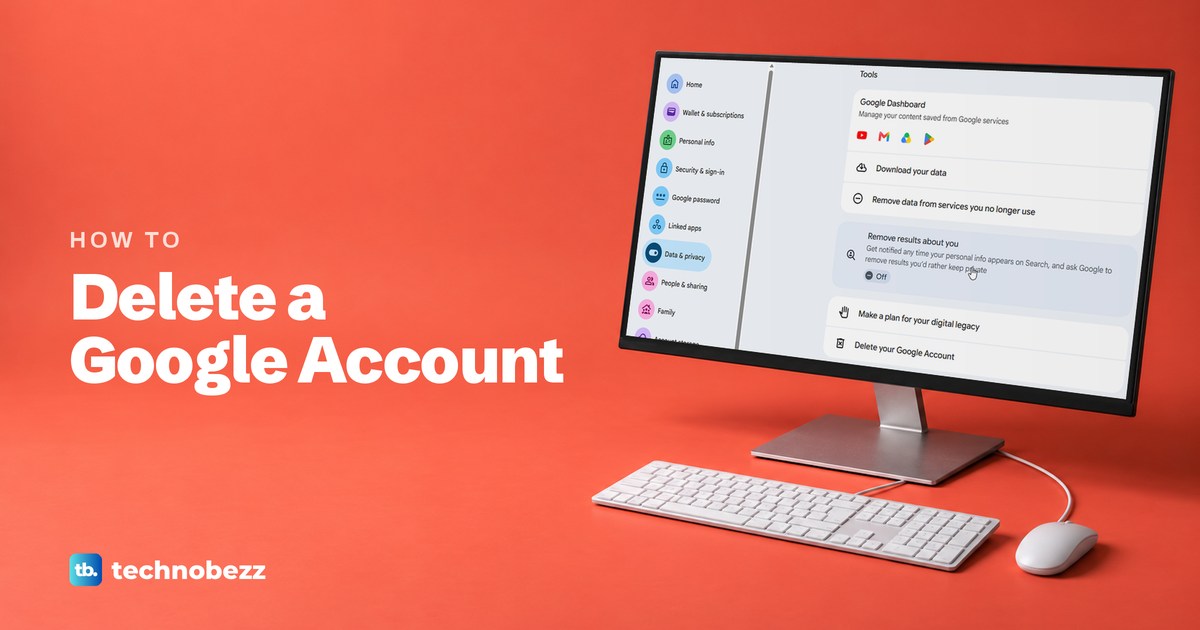
How to Delete a Google Account and Save Your Data First
Go to myaccount.google.com, open Data & privacy and select Delete your Google Account under Tools. Save your data with Google Takeout first.
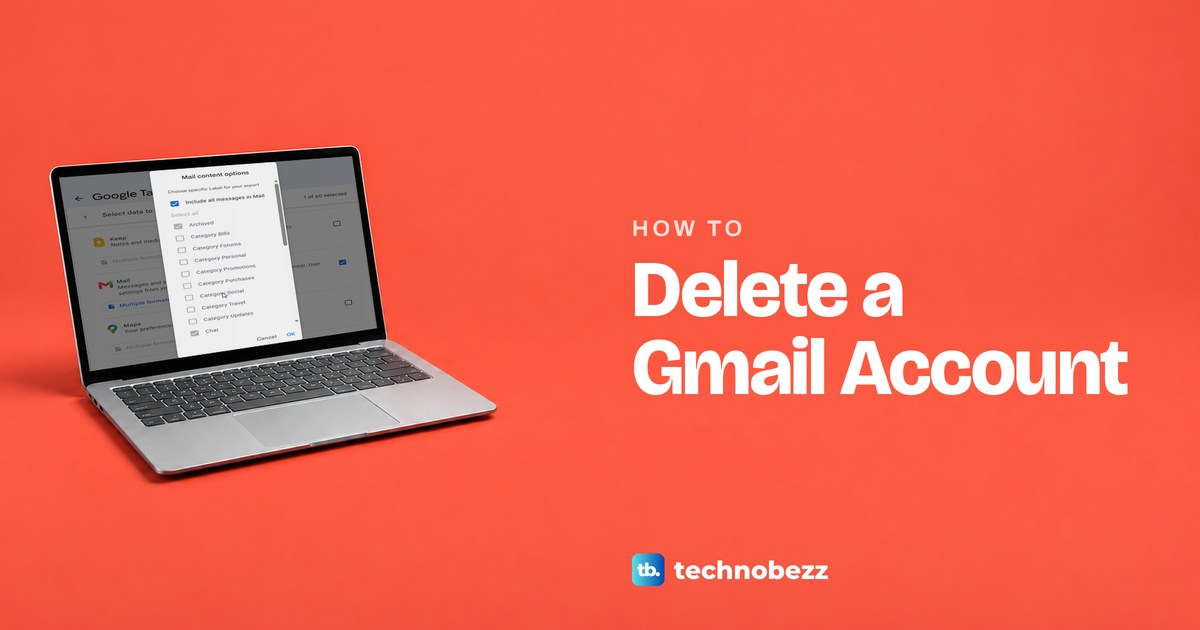
How to Delete a Gmail Account and Keep Your Google Account
Remove only Gmail and keep your Google Account. Download your mail first, then use Data & privacy in your Google Account. Mail is deleted after 30 days.
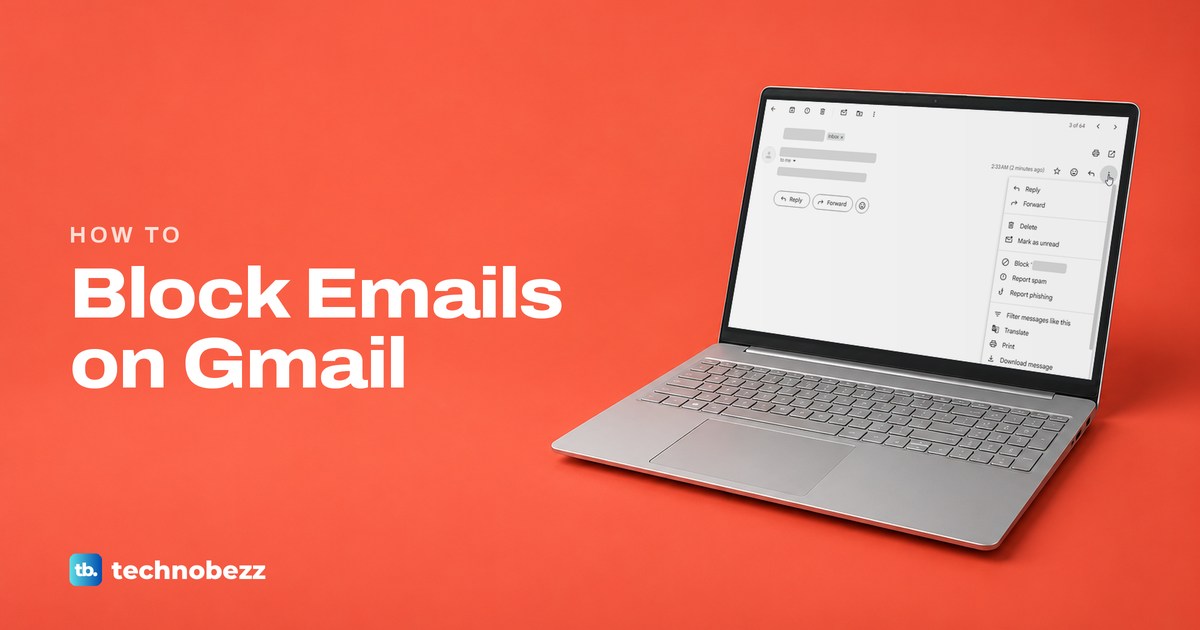
How to Block Emails on Gmail, One Sender or a Whole Domain
Open the email, select More next to Reply and choose Block. New mail from that sender goes to Spam. Use a filter to delete a whole domain.
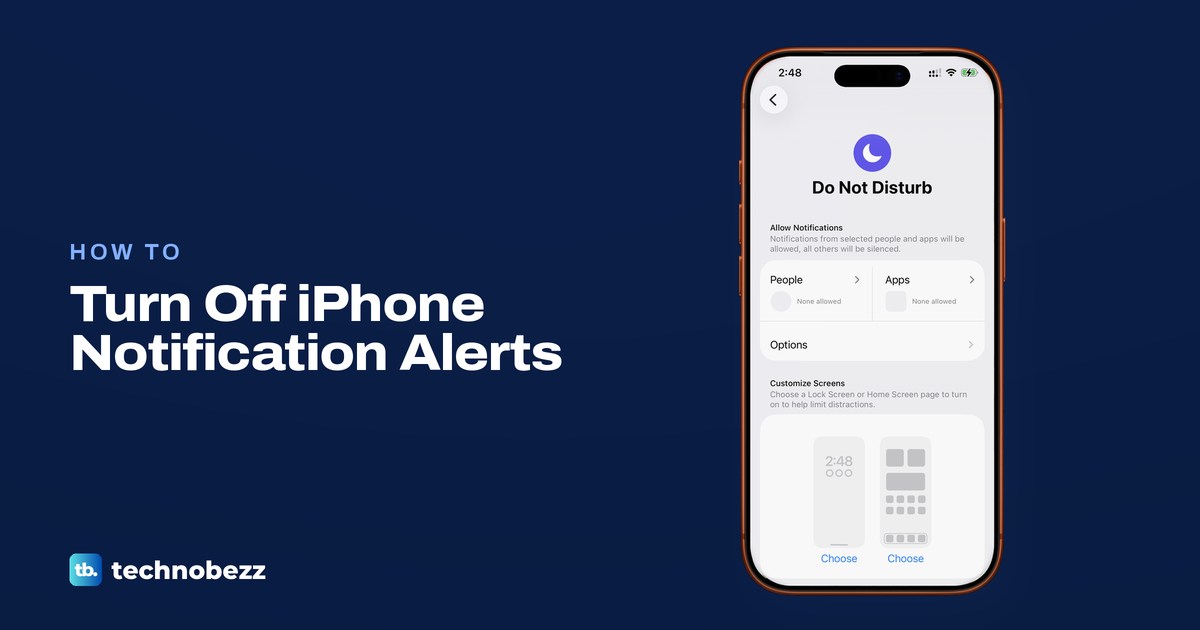
How to Silence Notifications on Your iPhone
Turn off app notifications in Settings, use Do Not Disturb for a break, or mute a Messages conversation while keeping texts.
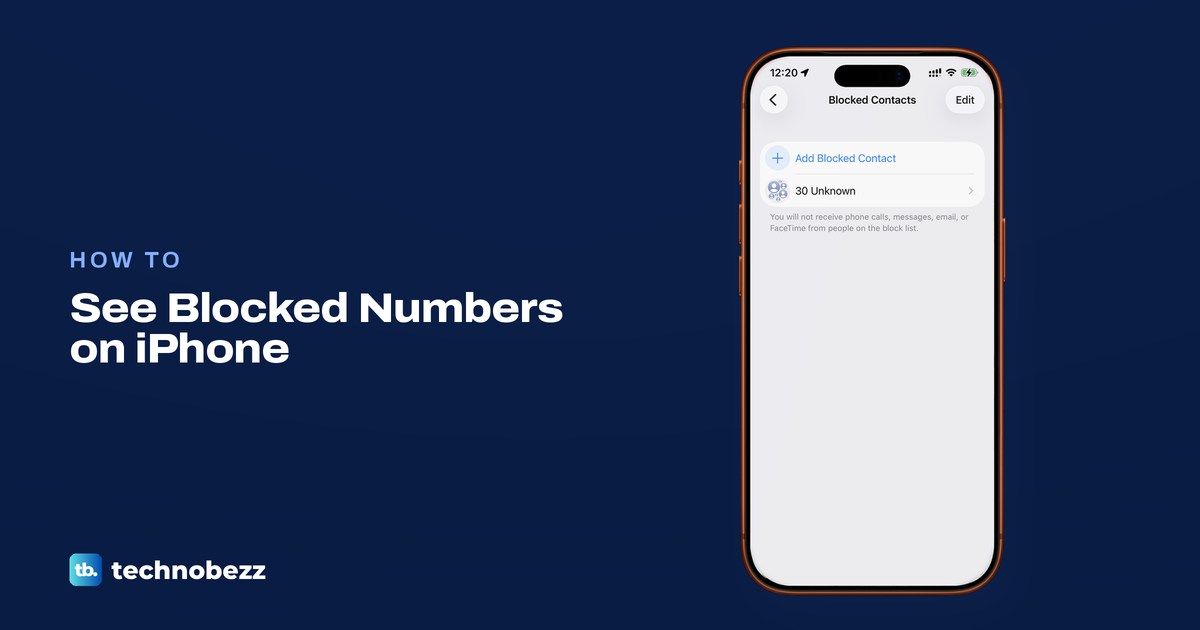
How to See Blocked Numbers on iPhone and Unblock Them
On iOS 26 or later, see blocked numbers in Settings > Privacy & Security > Blocked Contacts. Older iPhones use each app's settings.
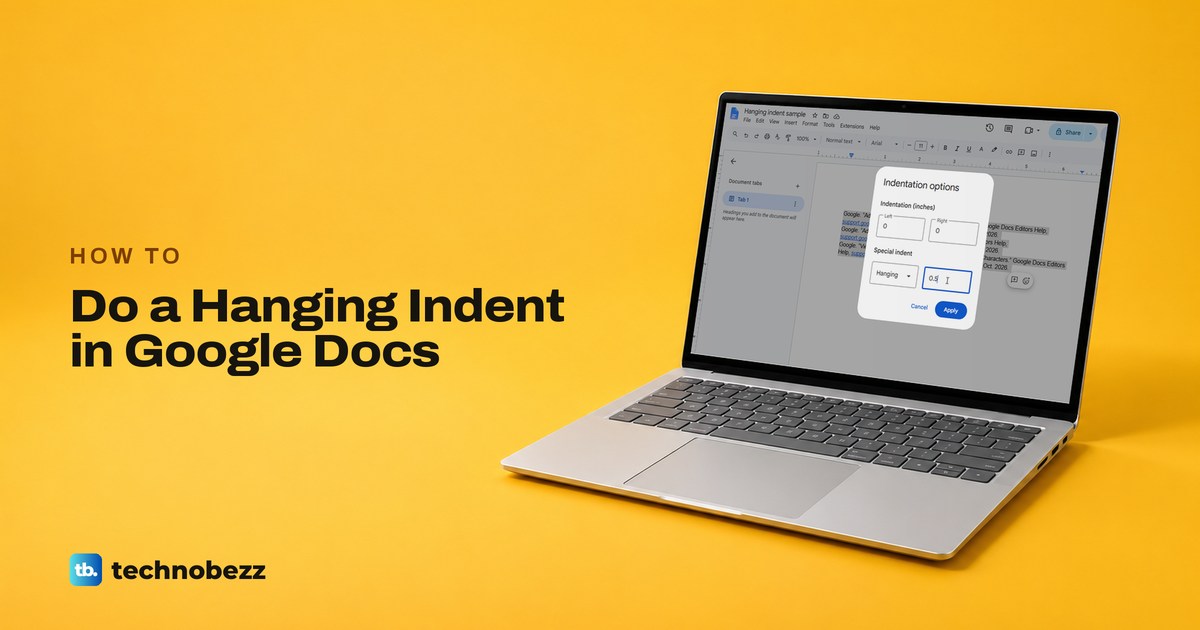
How to Do a Hanging Indent on Google Docs (MLA and APA)
To do a hanging indent on Google Docs, select the entries, open Format, Align & indent, Indentation options, choose Hanging, type 0.5 and click Apply.
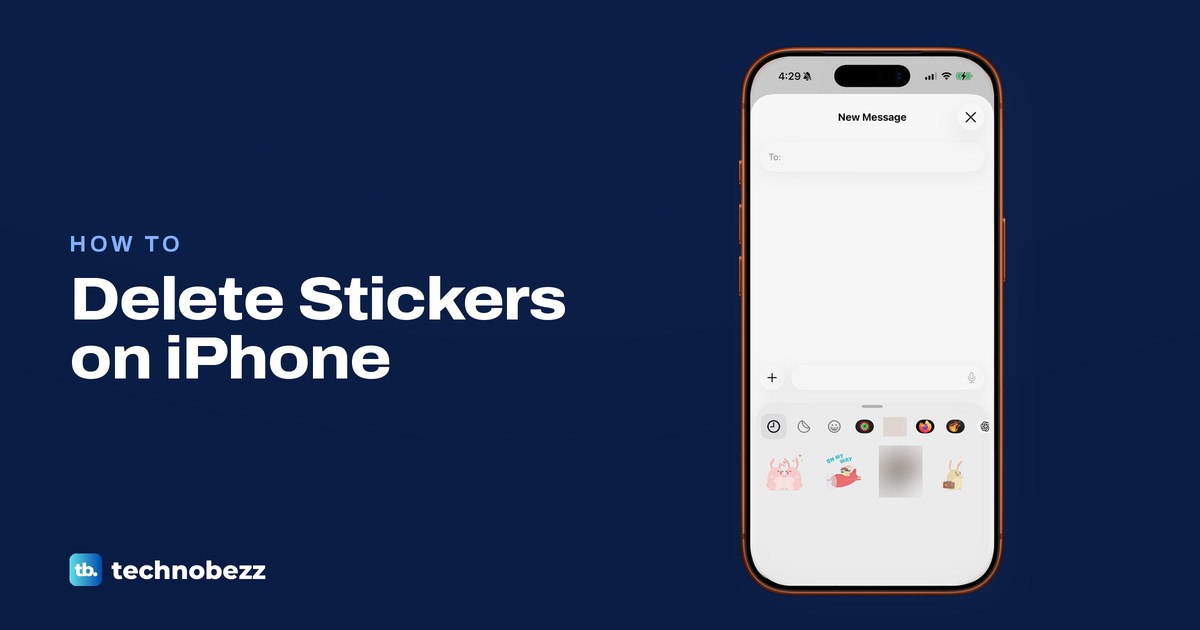
How to Delete Stickers on iPhone, Including Memoji
Delete a sticker you made from the Messages Stickers drawer or Photos Markup. Recents, sticker apps, Memoji and Genmoji each sit in their own place.
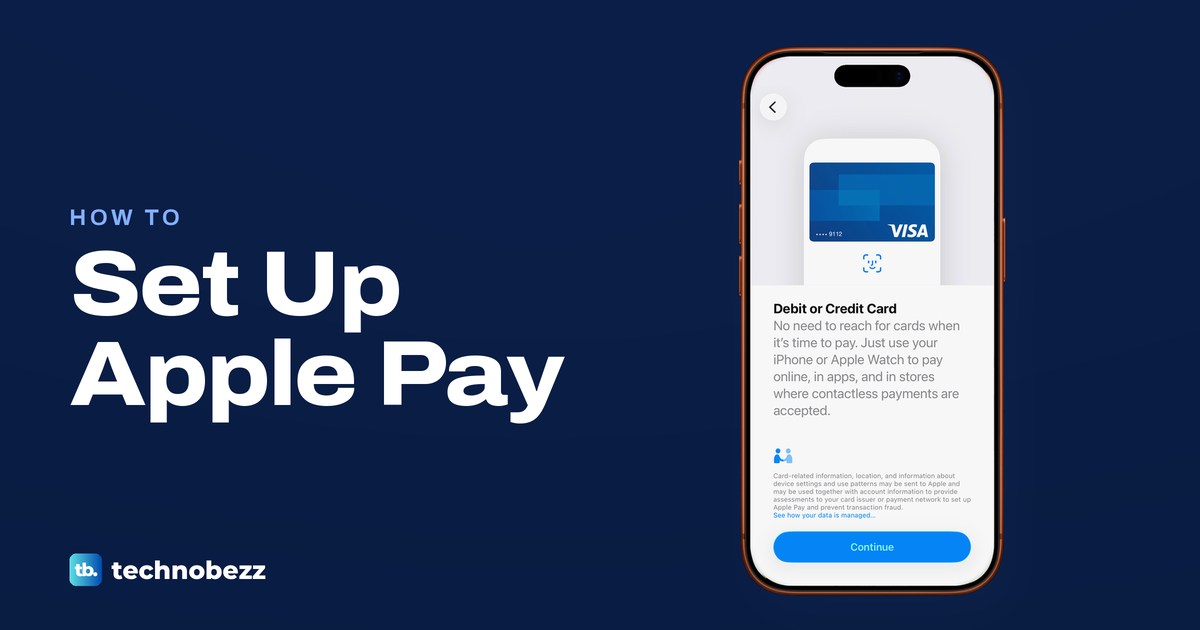
How to Set Up Apple Pay on iPhone and Apple Watch
Open Wallet, tap Add Card, choose Debit or Credit Card and hold your iPhone to the card. Verify it with your bank, then pay with iPhone or Apple Watch.
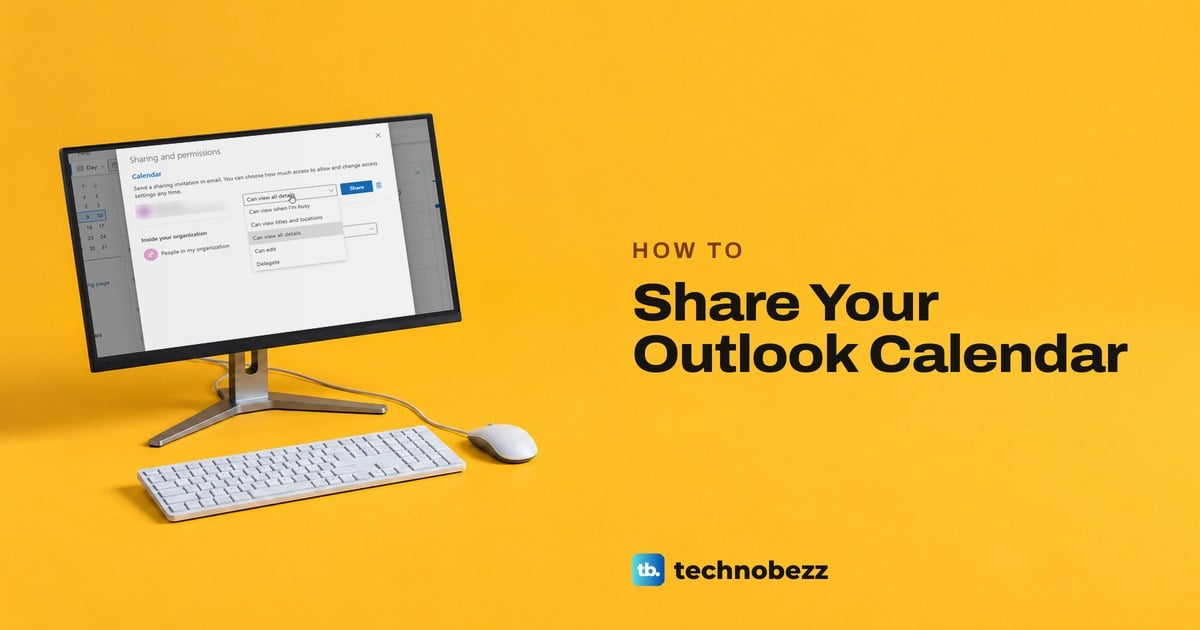
How to Share Your Outlook Calendar and Set Permissions
In Outlook, open Calendar, select Share, add the person and pick a level such as Can view all details or Can edit. They accept from an email invitation.
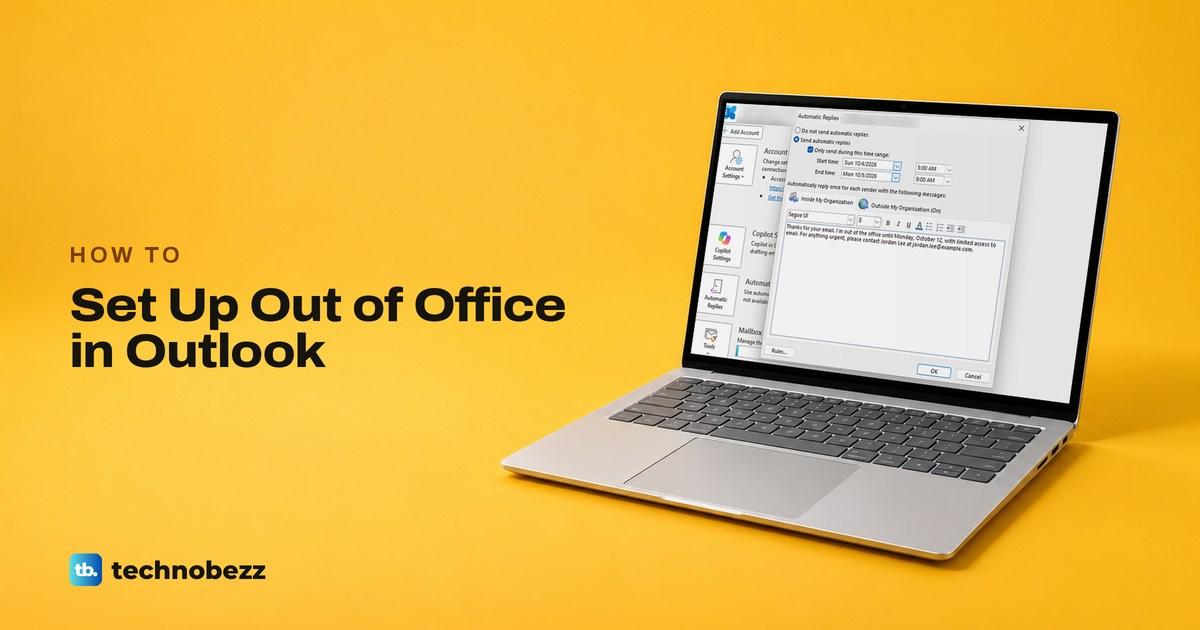
How to Set Up Out of Office in Outlook (Automatic Replies)
Choose File > Automatic Replies in classic Outlook, or Settings > Account > Automatic replies on the web. Set a time range, write the reply, then save it.
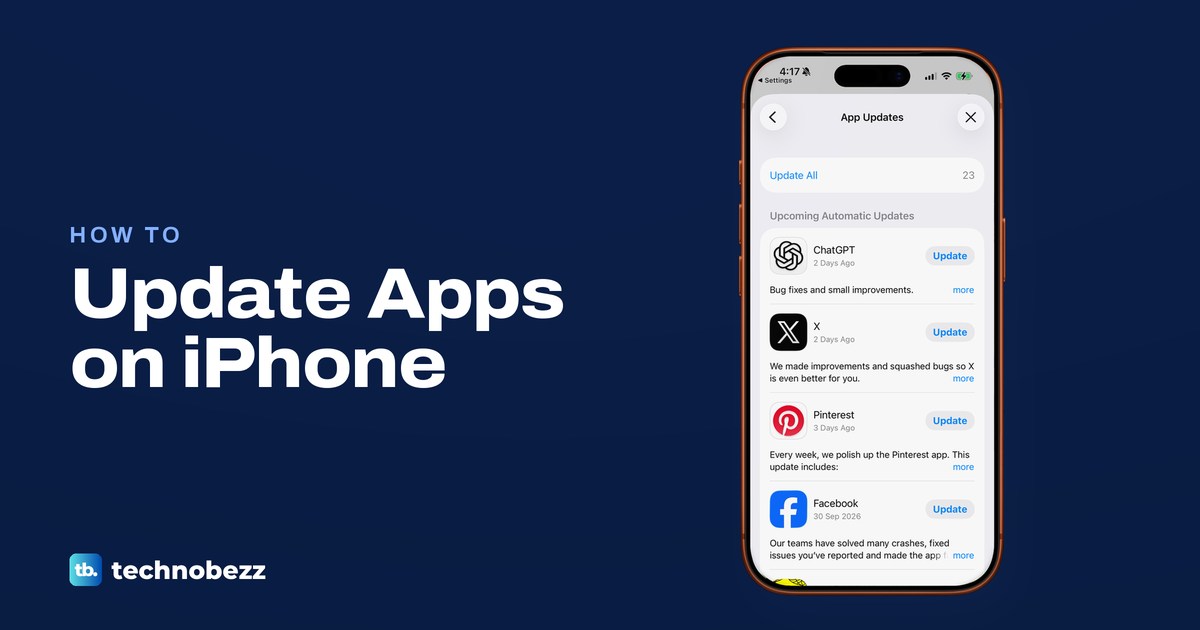
How to Update Apps on iPhone (and Fix Missing Updates)
Open the App Store, tap your picture, then App Updates and Update All. Automatic updates are in Settings > Apps > App Store, plus fixes for stuck updates.
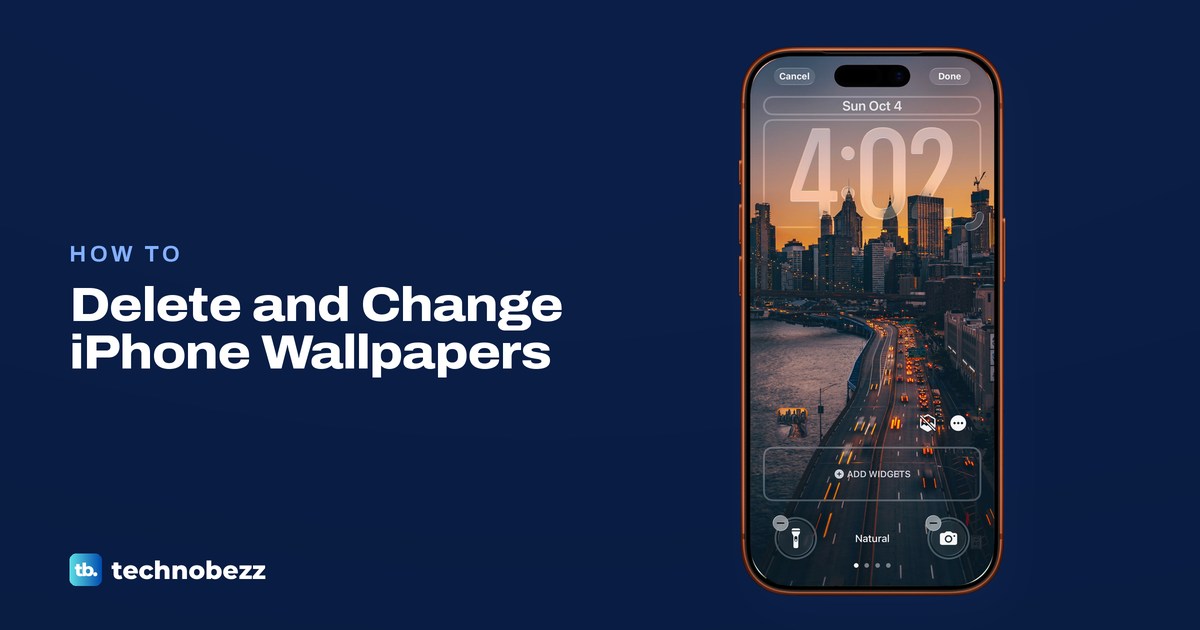
How to Delete Wallpapers on iPhone and Change Them
Touch and hold the Lock Screen, unlock, swipe up on a wallpaper, tap the trash icon, then Delete This Wallpaper. To change it, use Settings > Wallpaper.
How to Share Location on iPhone (Find My, Messages, Maps)
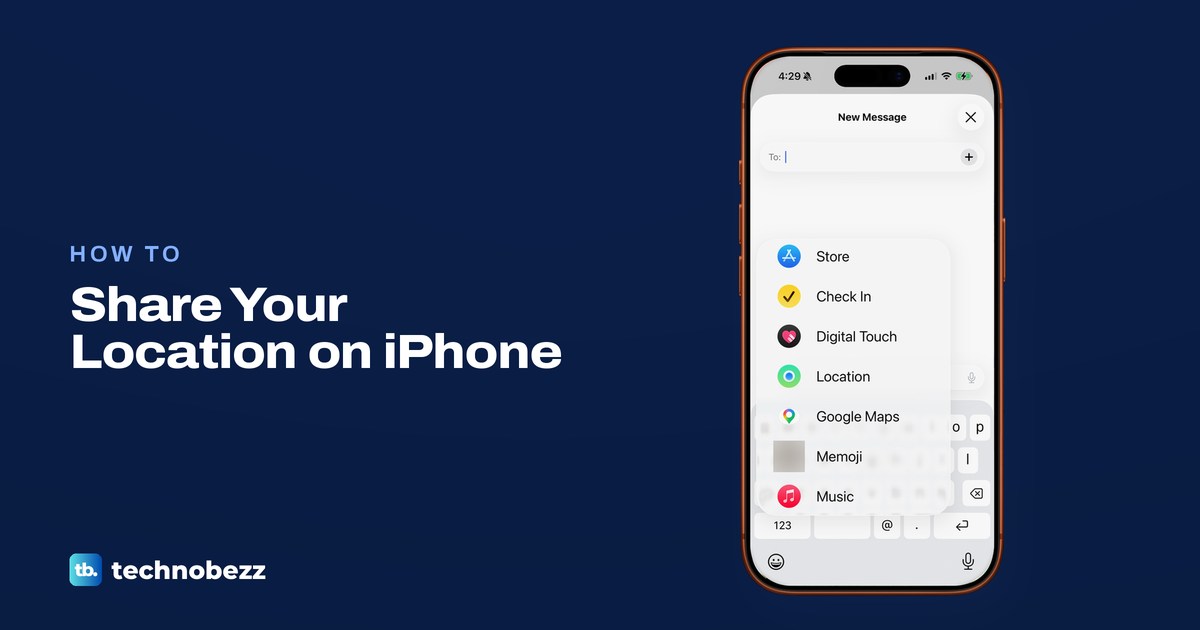
Open Find My, tap People, tap + and Share My Location, then pick a person and how long. Or in Messages tap + then Location. Maps shares your ETA.
How to Block a Number or Contact on iPhone
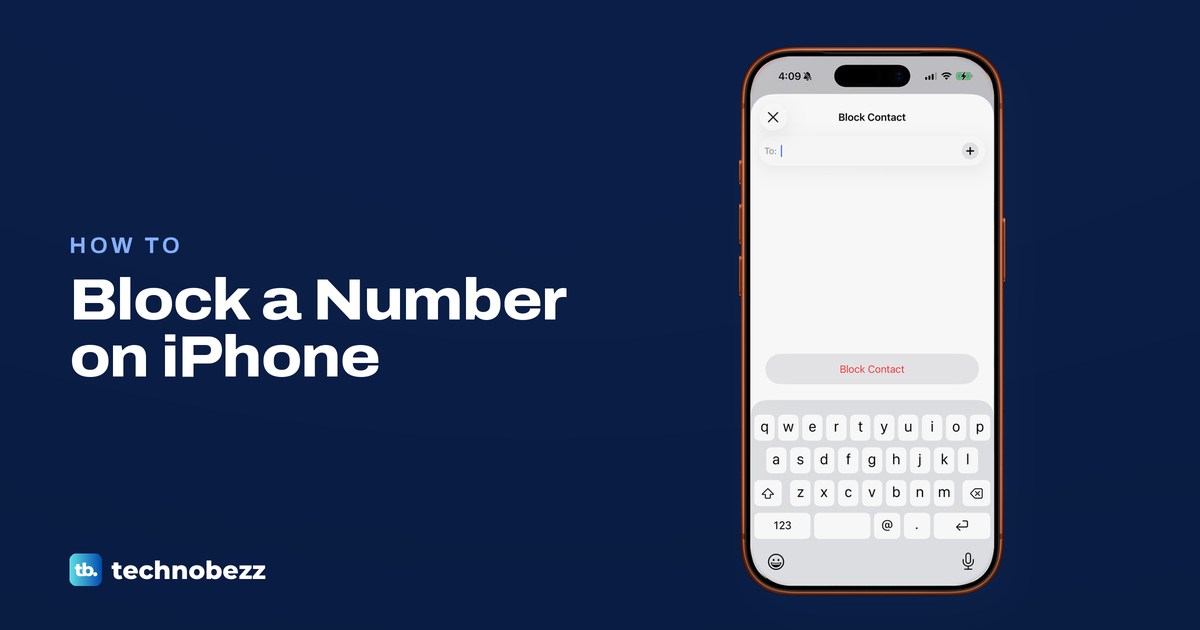
Tap a call, chat or contact, scroll down and tap Block Caller or Block Contact. Add or remove numbers in the Blocked Contacts list in Settings.
How to Unhide Apps on iPhone and Find Hidden Apps
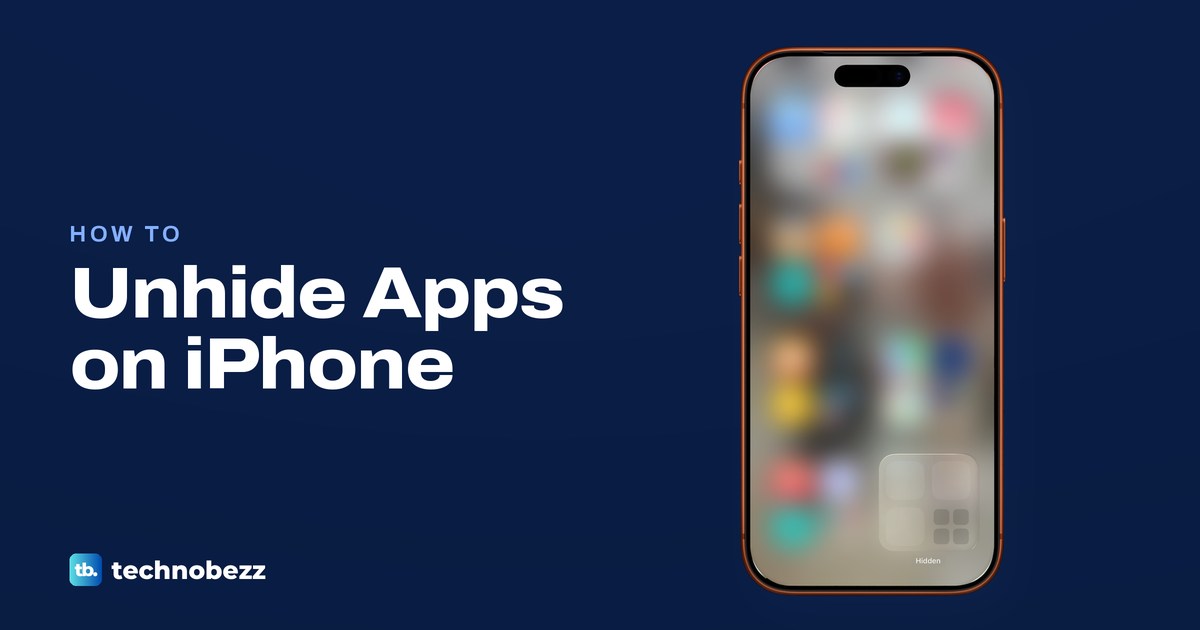
Open the Hidden folder at the bottom of App Library, touch and hold the app and tap Don't Require Face ID, then drag it back to your Home Screen.