All guides
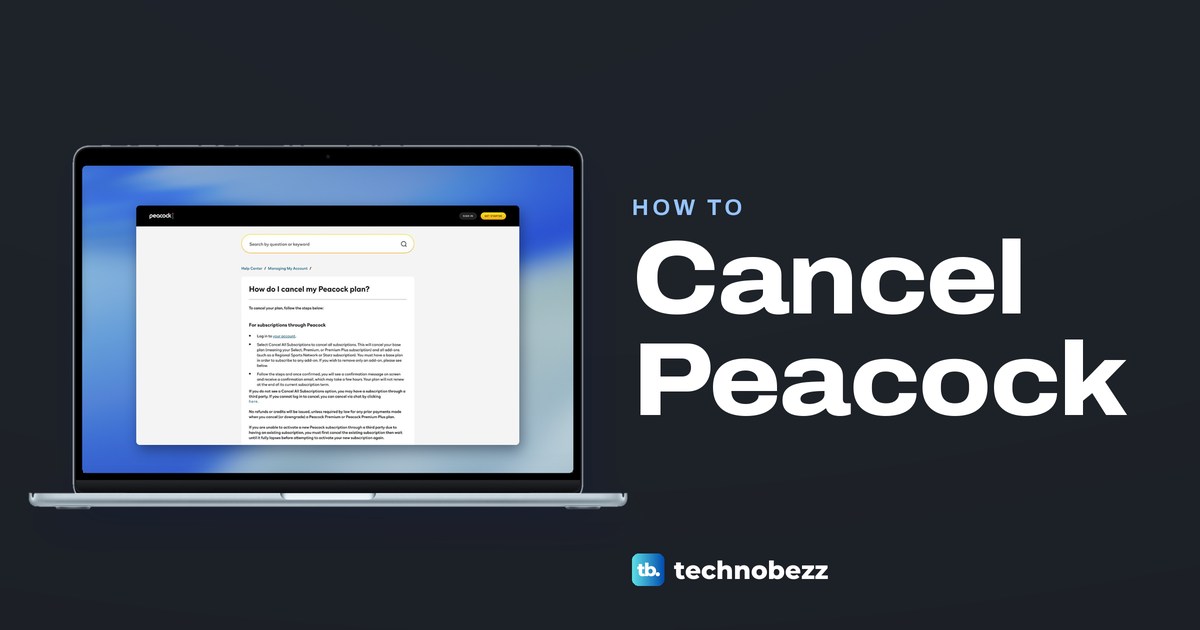
How to Cancel Peacock Subscription on Any Device
Paid Peacock directly? Sign in at peacocktv.com, open Account and select Cancel All Subscriptions. Billed by Apple, Roku or Amazon? Cancel with them.
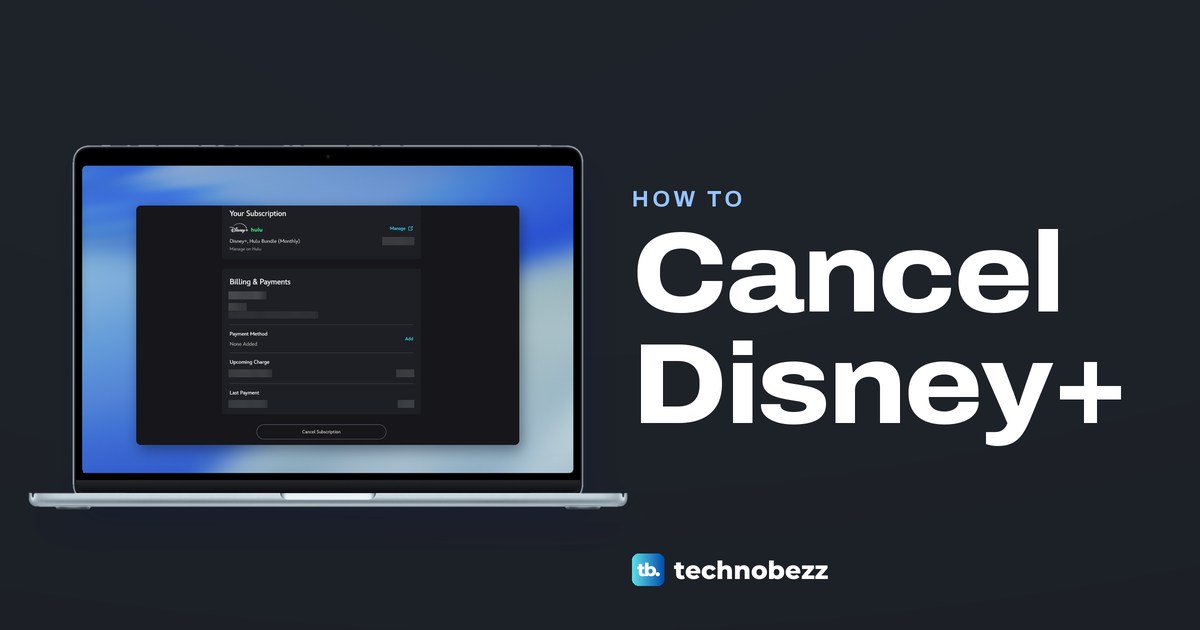
How to Cancel Disney Plus Subscription and Bundles
Cancel Disney Plus at DisneyPlus.com under Account, your subscription, Cancel Subscription. If Hulu, Apple or Google Play bills you, cancel there instead.
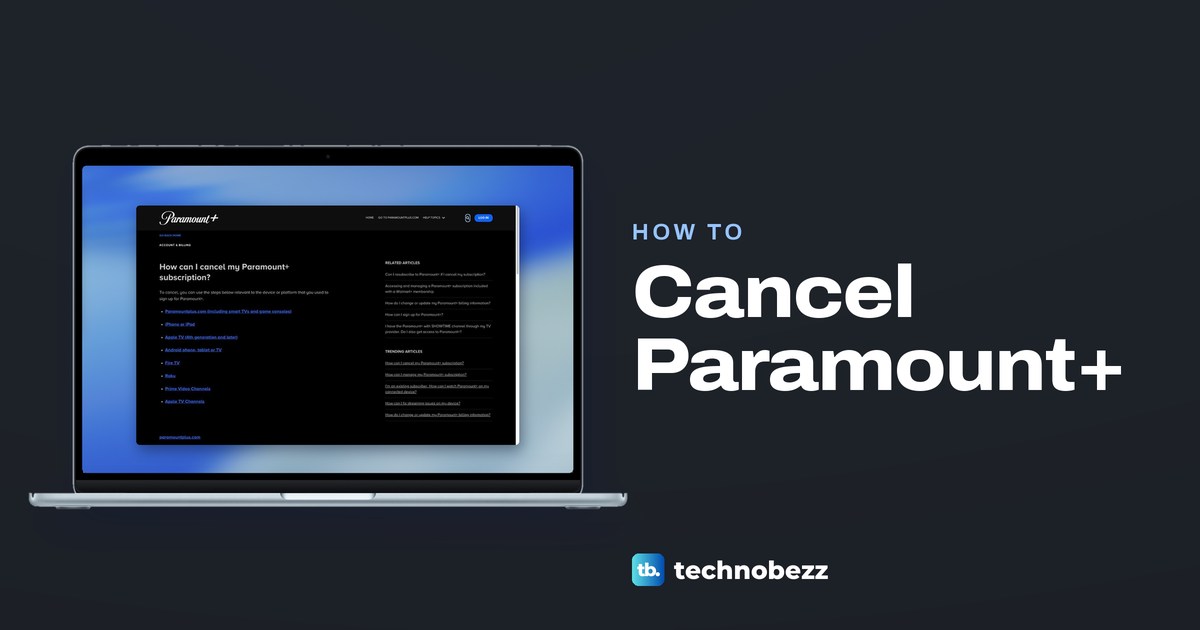
How to Cancel Paramount Plus on Any Device
Cancel Paramount Plus with whoever bills you. Paid directly? Go to paramountplus.com, then Account and Cancel subscription. Apple, Roku or Amazon differ.
How to Log Out of Netflix on TV (Samsung, LG, Roku and More)
Open Netflix, press Back, go to your profile, choose Get Help, then Sign out and Yes. Not near the TV? Sign it out from Manage Access and Devices.
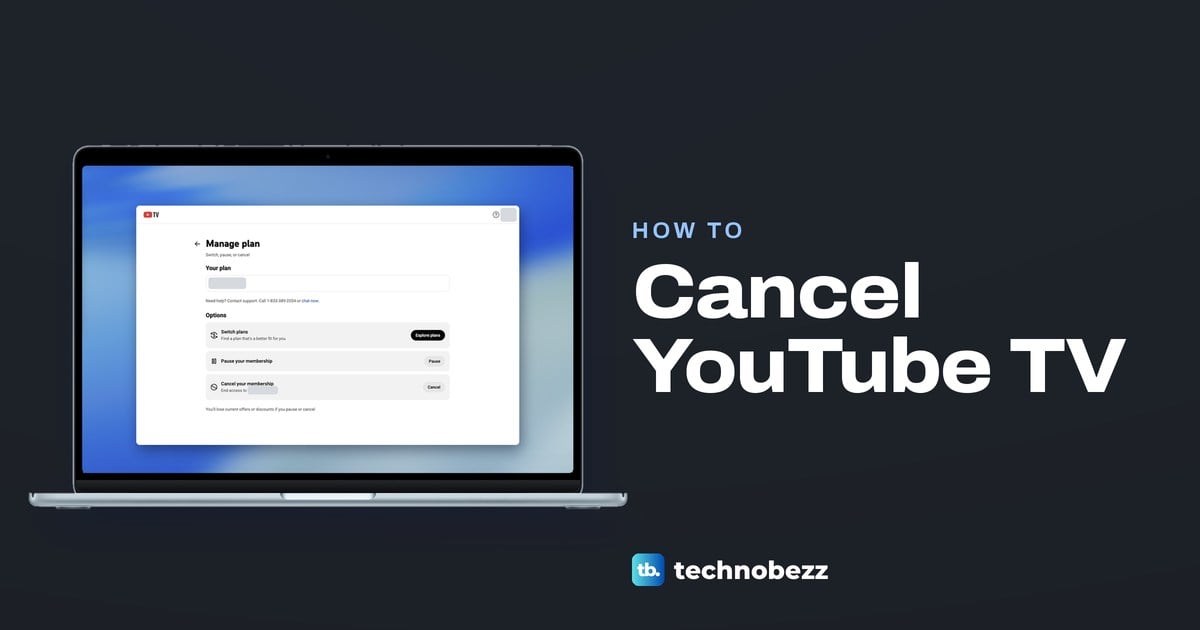
How to Cancel YouTube TV and Stop the Next Bill
Sign in at tv.youtube.com, open Settings > Membership > Manage, then select Cancel and Yes, cancel. You keep watching until the Access until date.
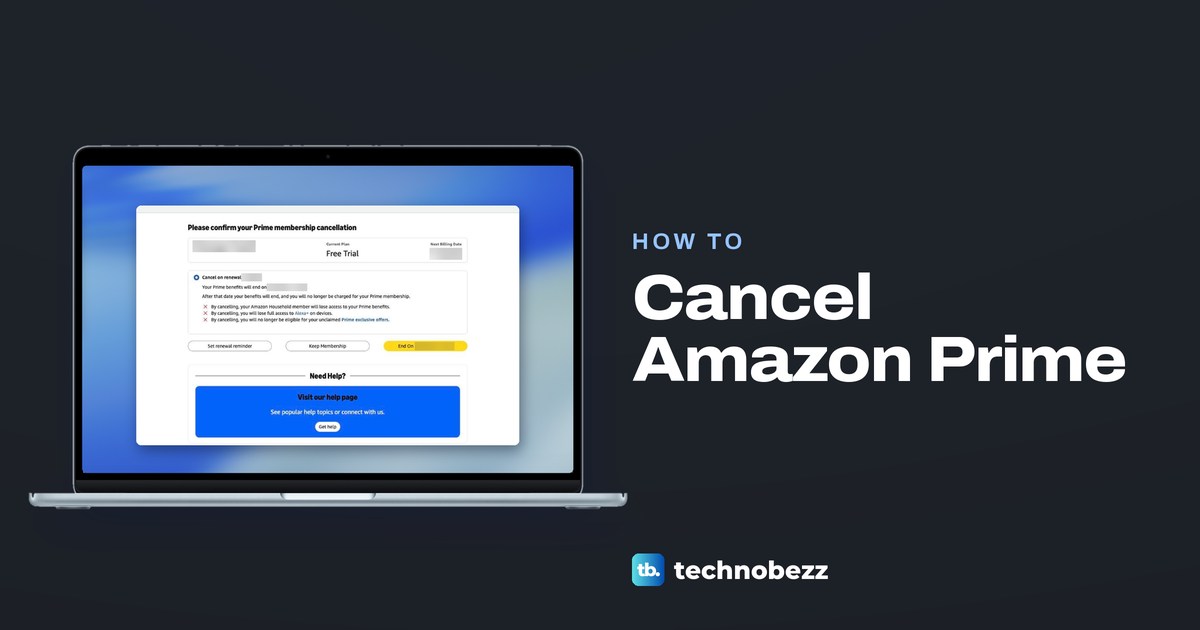
How to Cancel Amazon Prime and Prime Video Channels
Open Prime Membership, click Update, cancel and more, then Cancel membership and Continue to cancel, and press End On. Channels cancel in Prime Video.
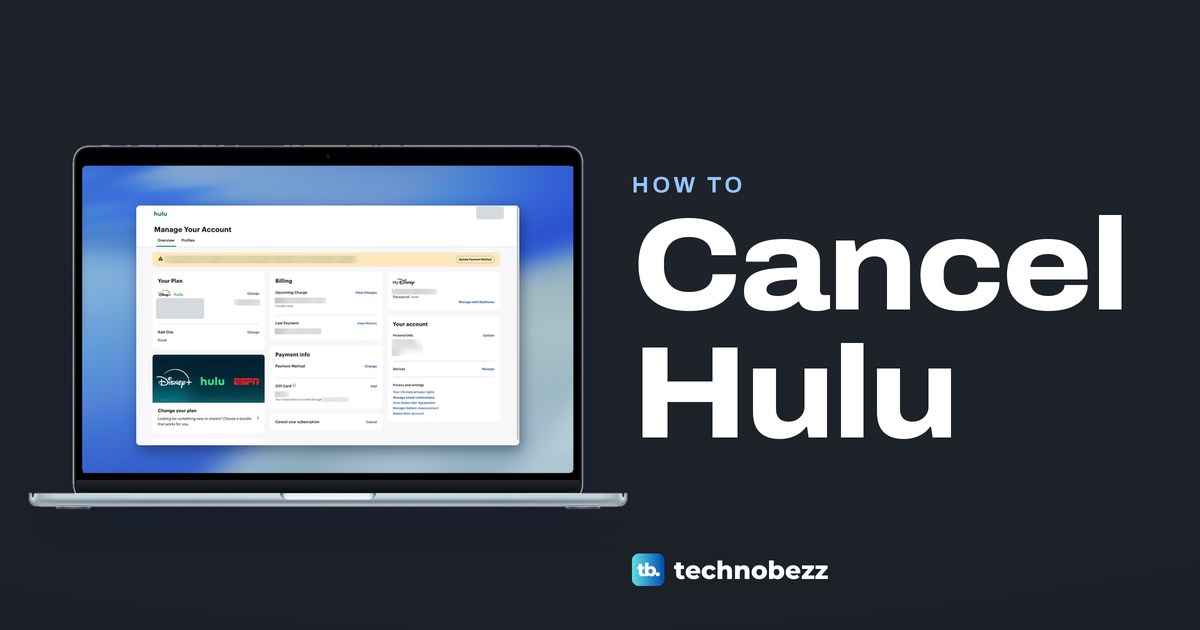
How to Cancel Hulu Subscription on Any Billing Plan
Cancel Hulu at hulu.com/account with Cancel, then Cancel Subscription. If Disney+, Apple or Google Play bills you, cancel there. Roku users contact Hulu.
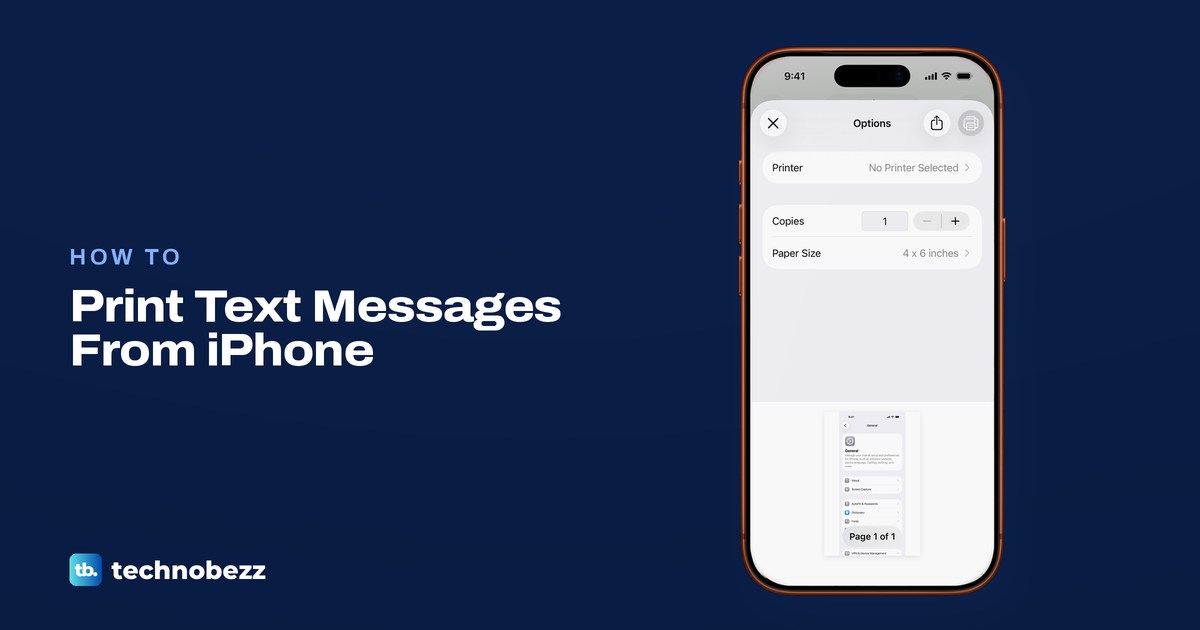
How to Print Text Messages From iPhone or Save a PDF
Show the times, screenshot the chat and print it from Photos, or save a PDF from the print screen. For a long thread, print from Messages on a Mac.
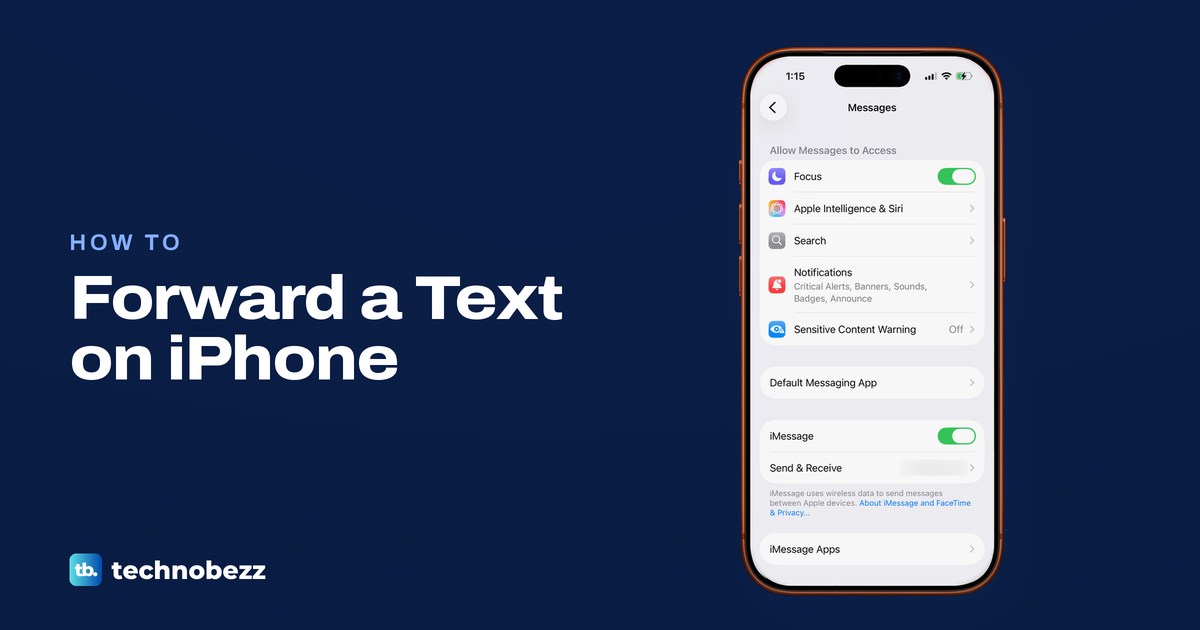
How to Forward a Text on iPhone to People and Devices
Touch and hold the bubble, tap More, select the messages and tap Forward. Plus email, screenshots, and texts on your own Mac or iPad.
How to Cast Phone to TV on iPhone and Android
To cast your phone to a TV, use Screen Mirroring on iPhone, the Cast button or Smart View on Android, or an HDMI adapter when there is no Wi-Fi.
Why Won't My Phone Charge When Plugged In and How to Fix It
Try a wall outlet, a known-good adapter and cable, and check the port. Then rule out a liquid alert, heat or an 80 percent limit on iPhone or Android.
How to Charge Apple Watch and Fix Charging Issues
Set the back of your Apple Watch on its magnetic charger, plugged into power, and look for the charging symbol. Here are the right cables, times and fixes.
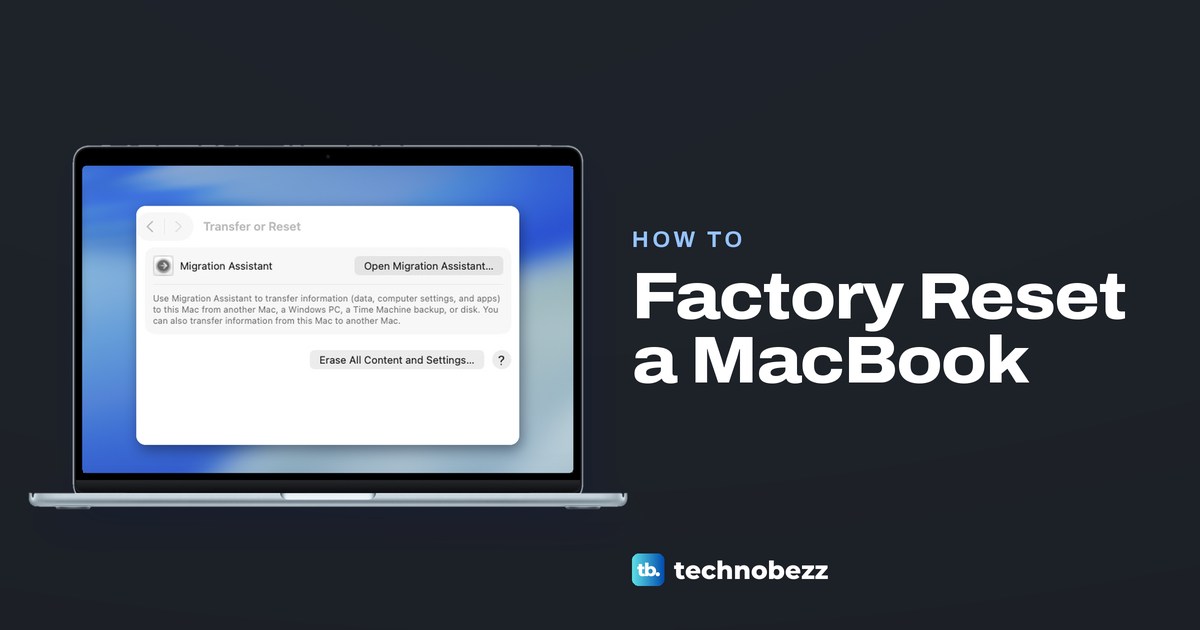
How to Factory Reset MacBook Air and MacBook Pro
Factory reset a MacBook Air or Pro with Erase All Content and Settings, or erase it from Recovery if that option is missing. Back up first.
How to Find Hidden Apps on iPhone (and Missing Ones)
Open App Library, scroll to the bottom and tap Hidden, then use Face ID or the passcode. If Search finds the app, look in folders and hidden pages instead.
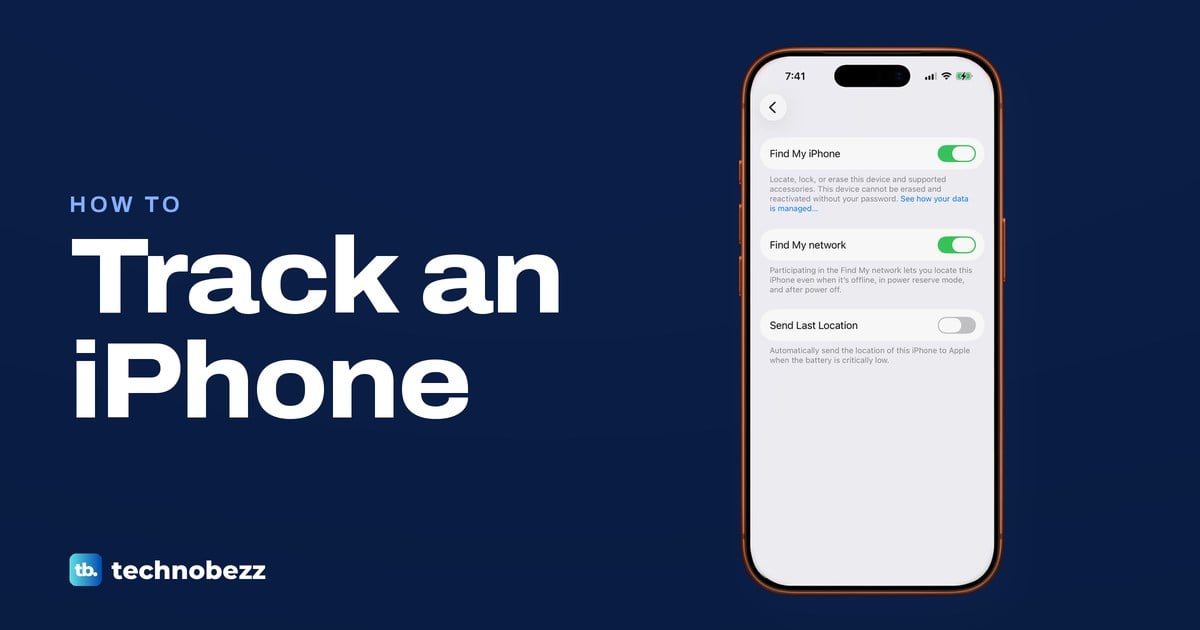
How to Track an iPhone With Find My and iCloud
Open Find My on another Apple device, or sign in at icloud.com/find in a web browser, then pick your iPhone to see it on a map, play a sound or lock it.
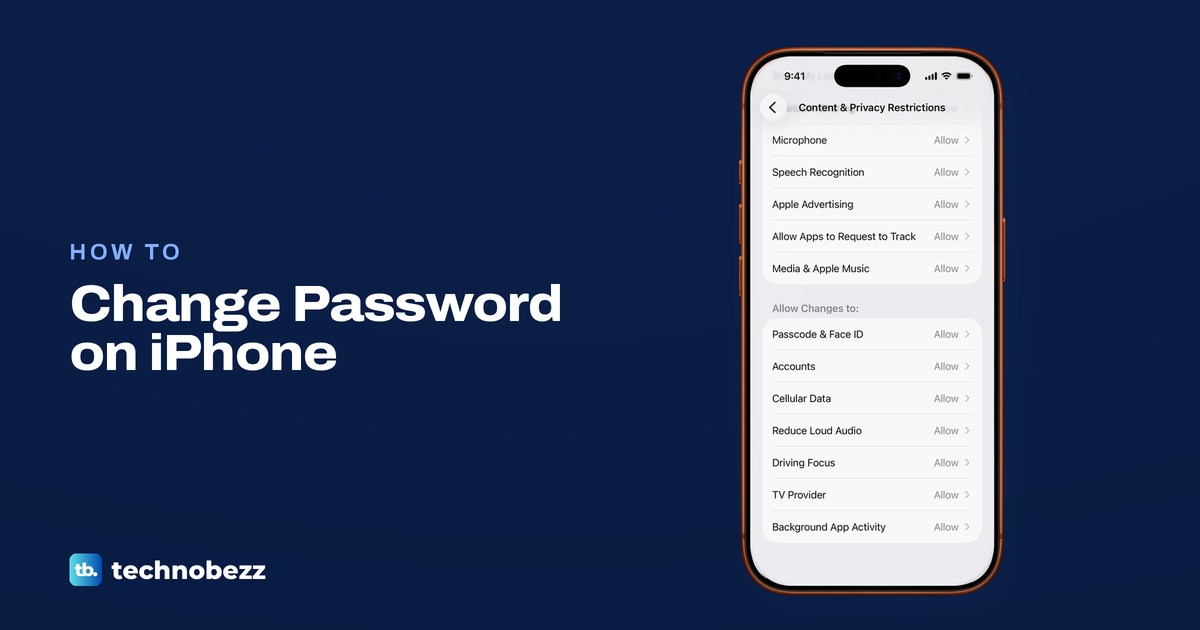
How to Change Password on iPhone (Passcode or Apple Account)
Change your iPhone passcode in Settings, Face ID & Passcode. Your Apple Account password is in Sign-In & Security, and saved logins start in Passwords.
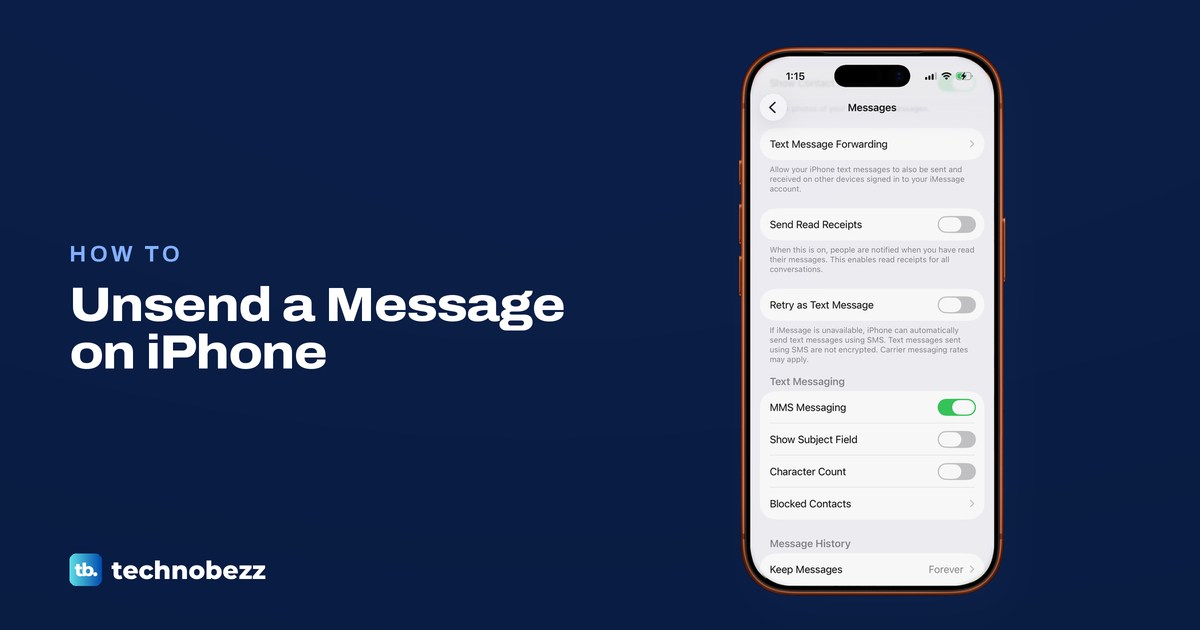
How to Unsend a Message on iPhone and Edit It
Touch and hold a blue iMessage within two minutes, then tap Undo Send. See what the recipient sees, how Edit works, and why Delete is different.
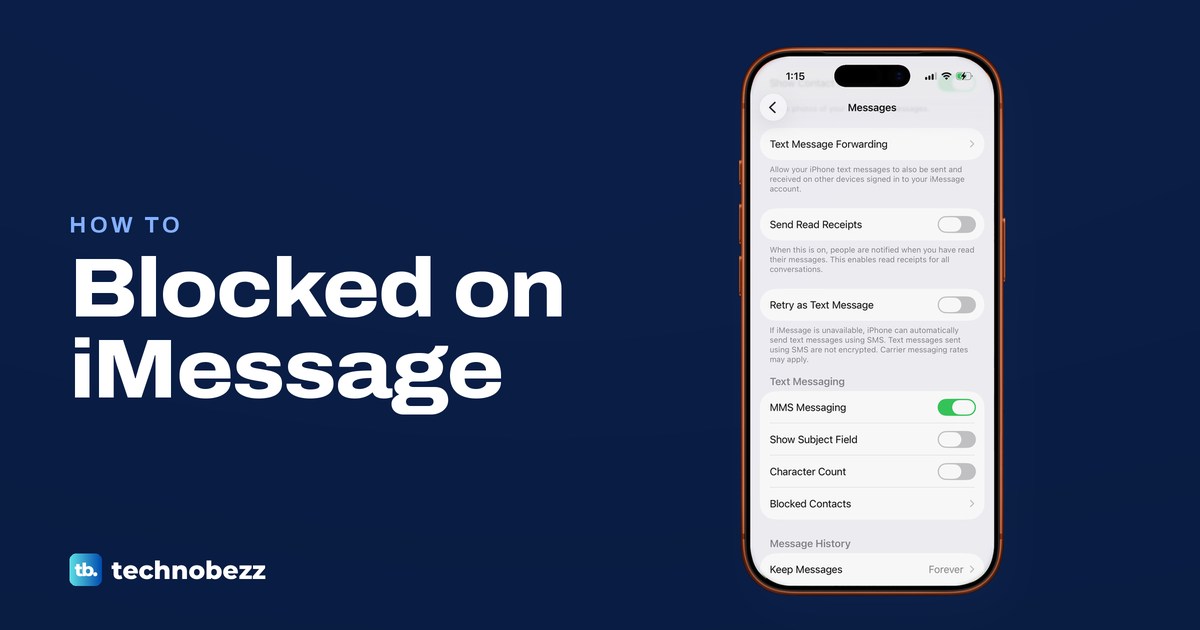
How to Know if Someone Blocked You on iMessage
Apple does not tell you if someone blocks you on iMessage. See what Delivered, Read, green bubbles, voicemail and Focus can and cannot show.
How to Screenshot on iPhone With or Without Buttons
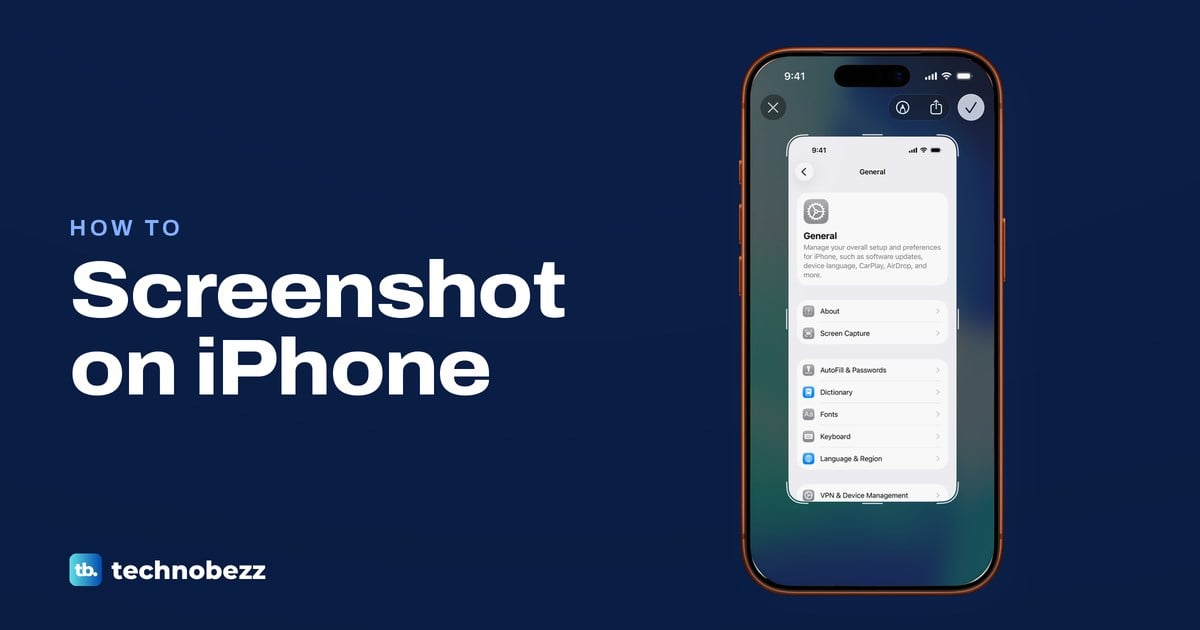
Press side and volume up together on a Face ID iPhone, or side and Home on a Home button iPhone, then crop, save or capture a full page.
How to Hard Reset Apple Watch and Erase It Safely
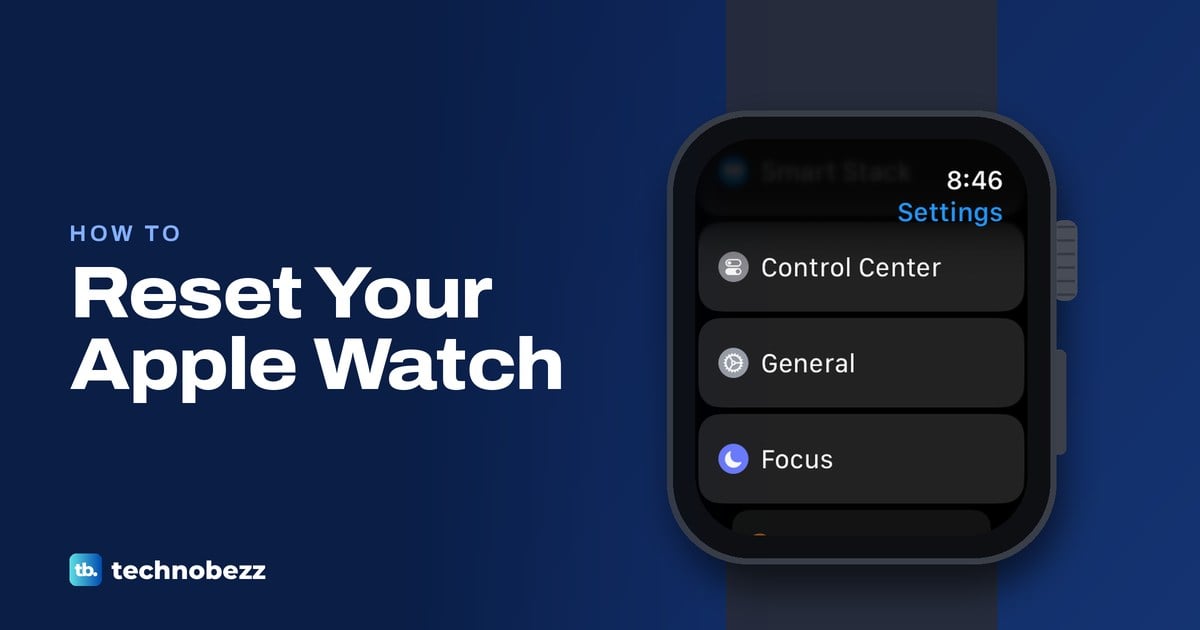
Hard reset can mean a force restart or a factory erase. Get the Apple Watch steps with or without an iPhone or passcode, plus backup and Activation Lock.
How to Transfer Photos from iPhone to Computer (PC or Mac)
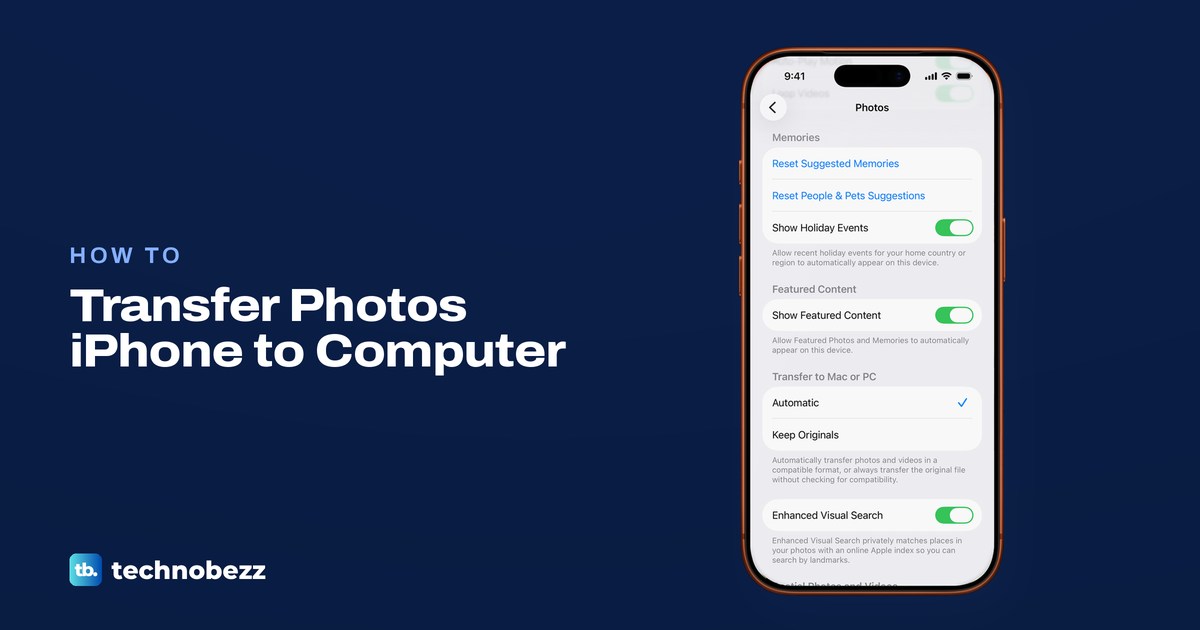
Connect an unlocked iPhone by USB, tap Trust and import with Photos on a Windows PC or Mac. No cable? Use iCloud or AirDrop, and keep the originals.
How to Change WiFi Password on Your Router or App
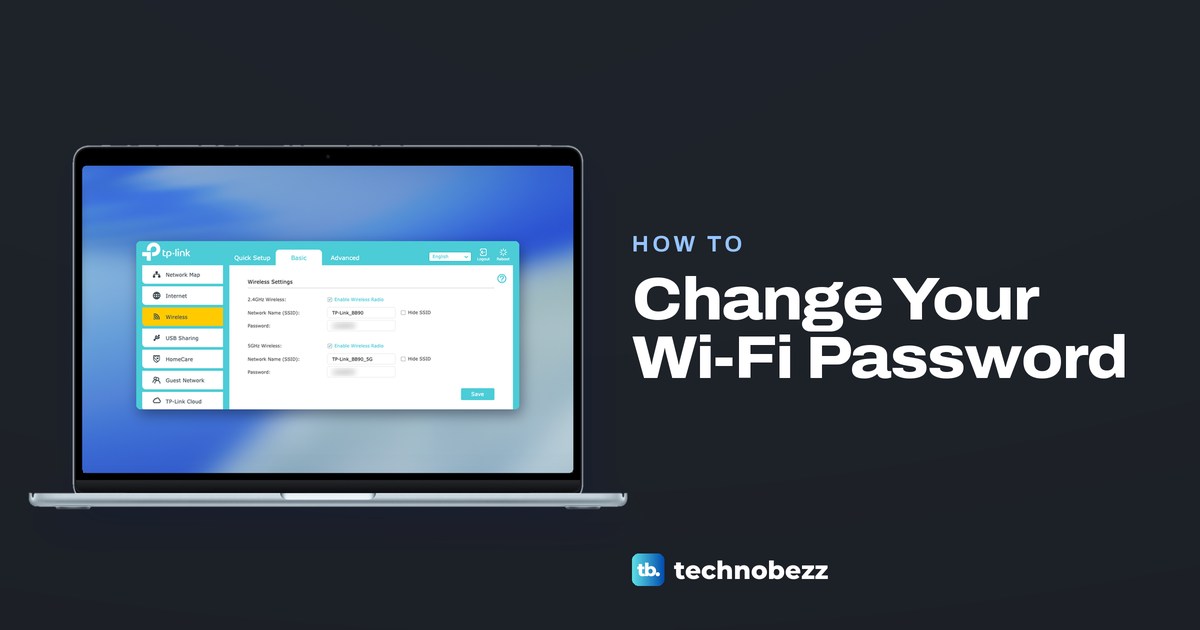
Sign in to your router or the app that runs it, open the Wi-Fi settings, enter a new password and save. Then reconnect your phones, TVs and printers.
How to Cancel Apple TV on Any Device or Plan
Cancel Apple TV at tv.apple.com under Settings, Subscriptions and Manage, or where you pay. What to do for a bundle, a free trial or a smart TV.
How to Cancel HBO Max Subscription on Any Device
Open HBOMax.com/subscription, check who bills you, then choose Cancel Your Subscription and Continue to Cancel, or cancel with your biller instead.