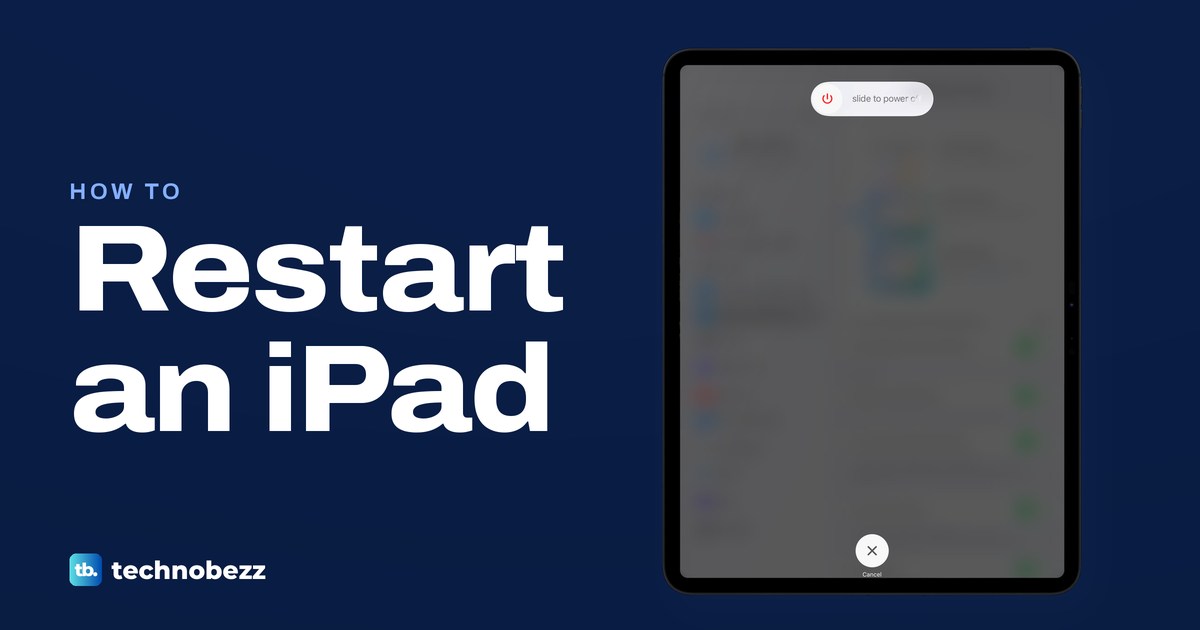
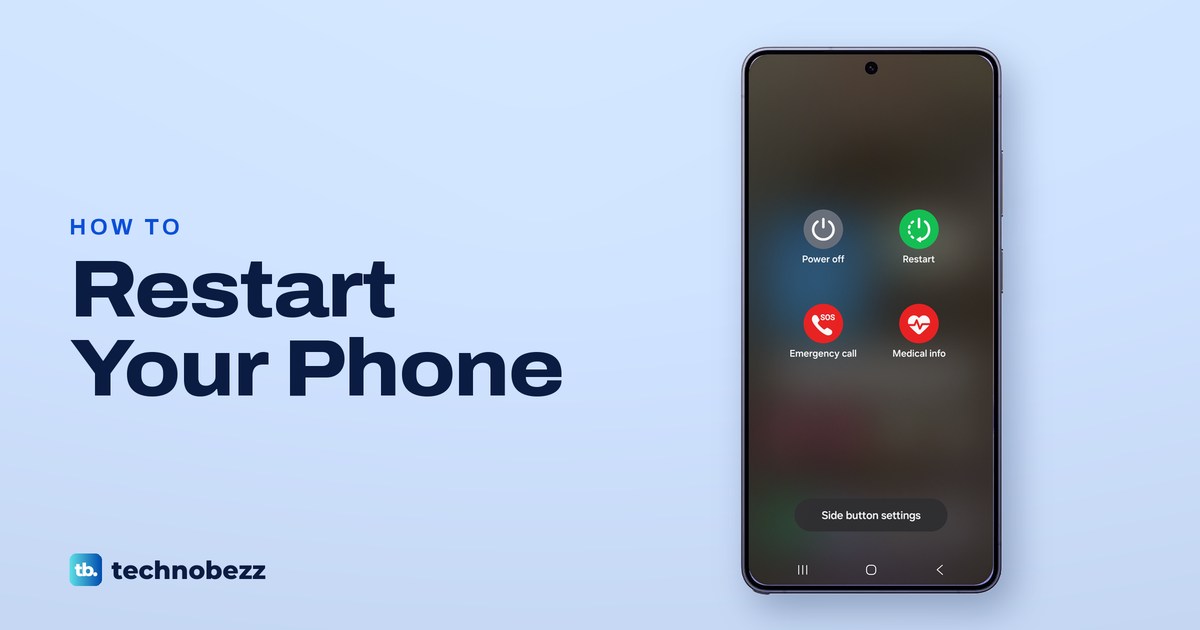
To restart an iPad, hold the top button and either volume button, drag the slider, then hold the top button. Home button iPad? Hold the top button alone.
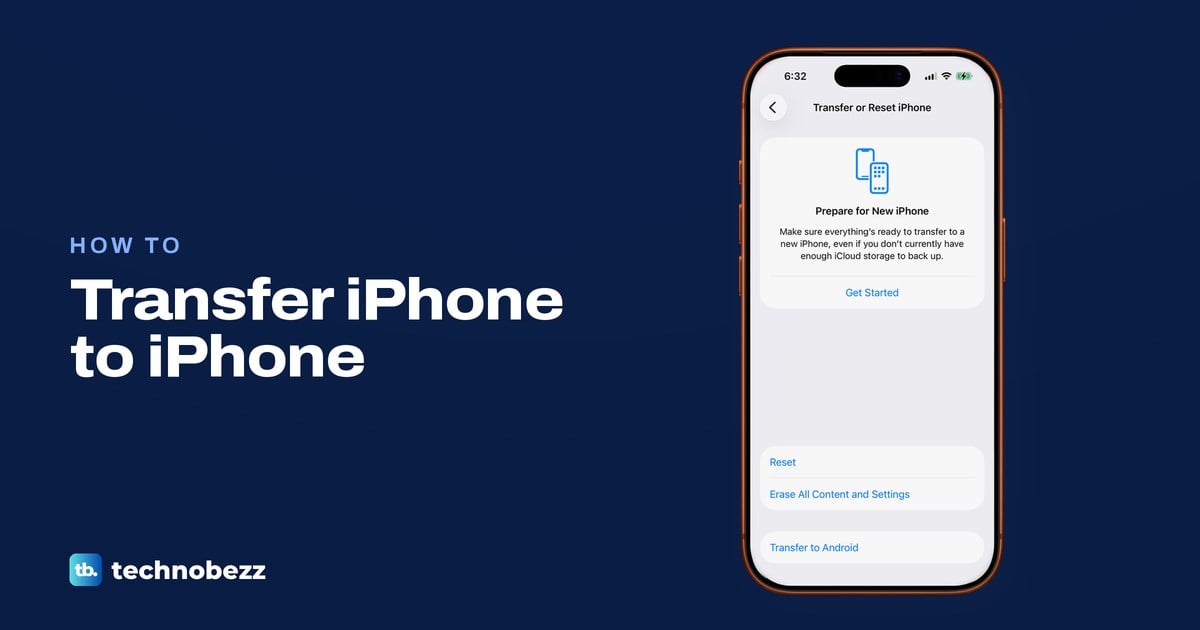
Transfer data from iPhone to iPhone with Quick Start, iCloud or a computer. Move your number and apps, then check everything before erasing the old phone.
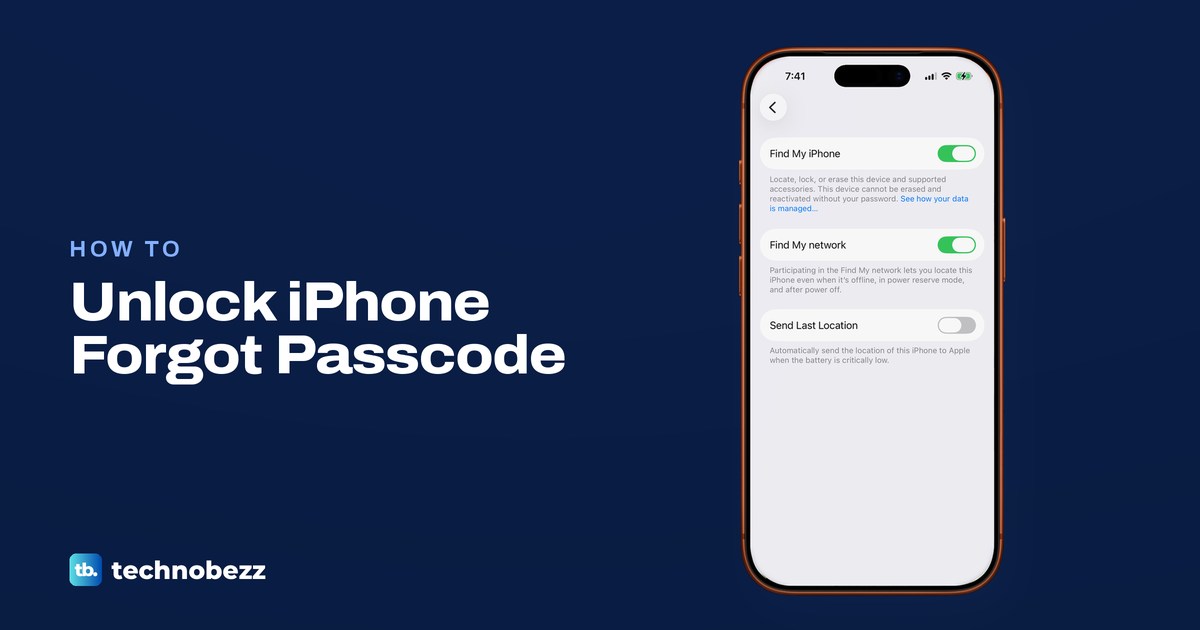
Forgot your iPhone passcode? On iOS 17 or later, try the old code within 72 hours. If not, erase via Forgot Passcode, Find My or a computer, then restore.
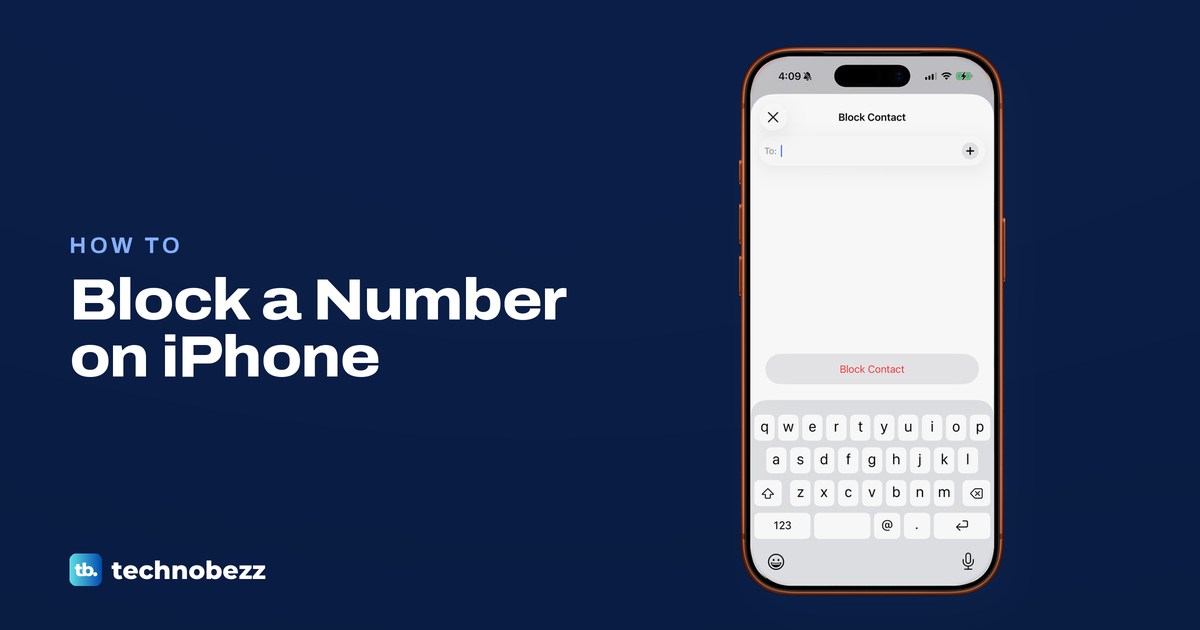
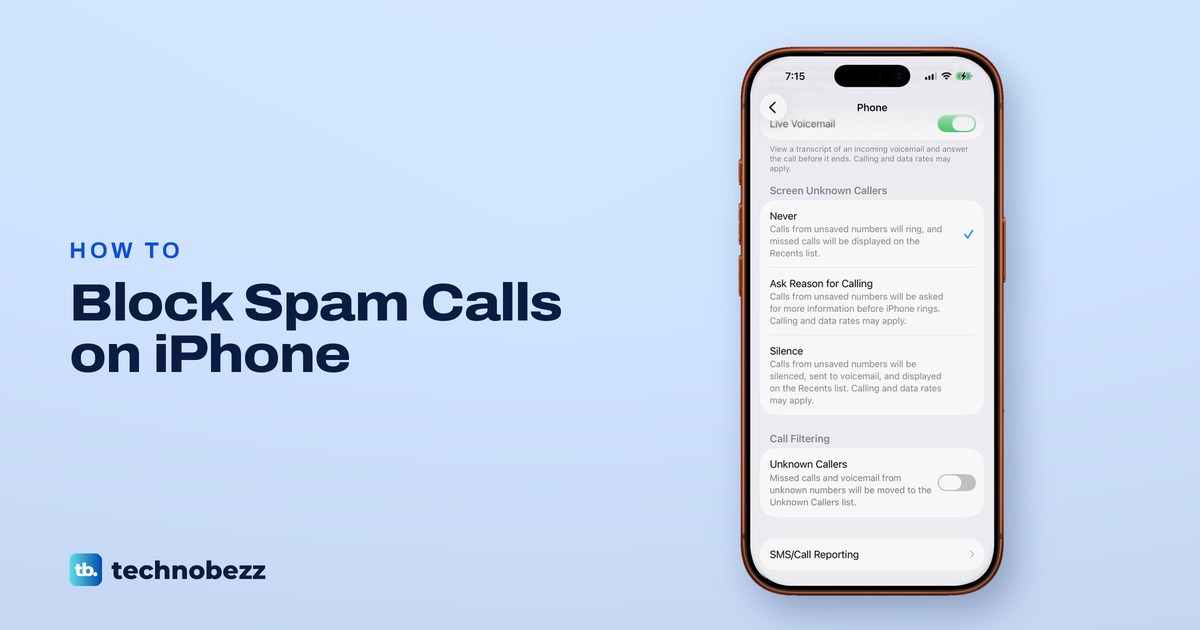
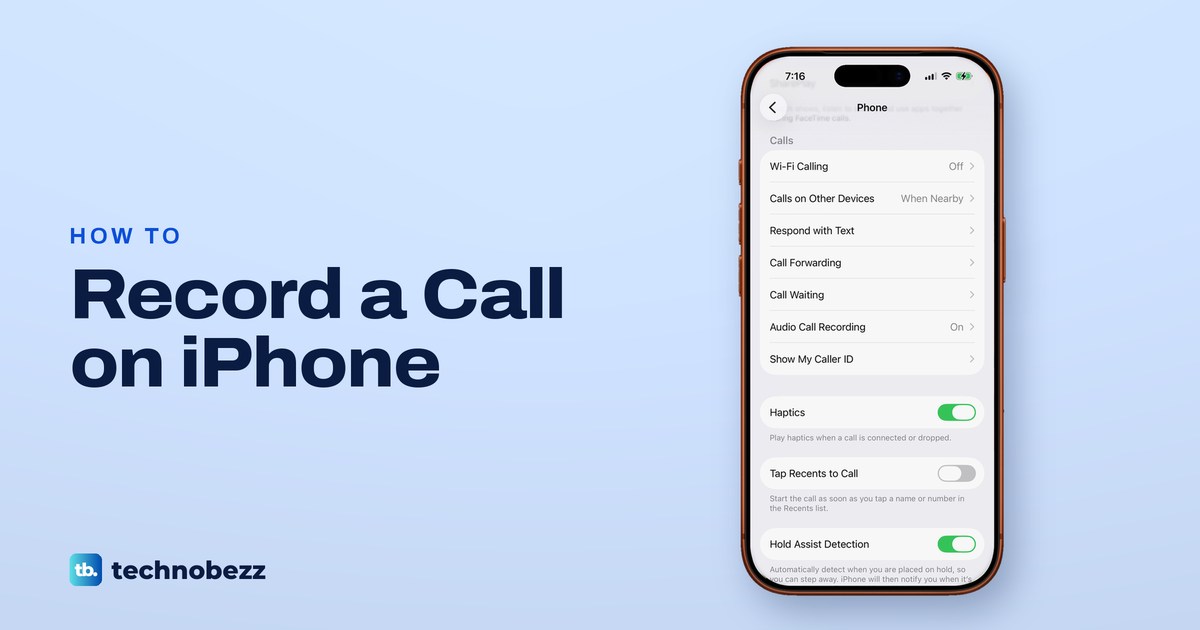
In Settings > Apps > Phone, set Screen Unknown Callers to Ask Reason for Calling or Silence, then block repeat numbers and turn on your carrier's filter.
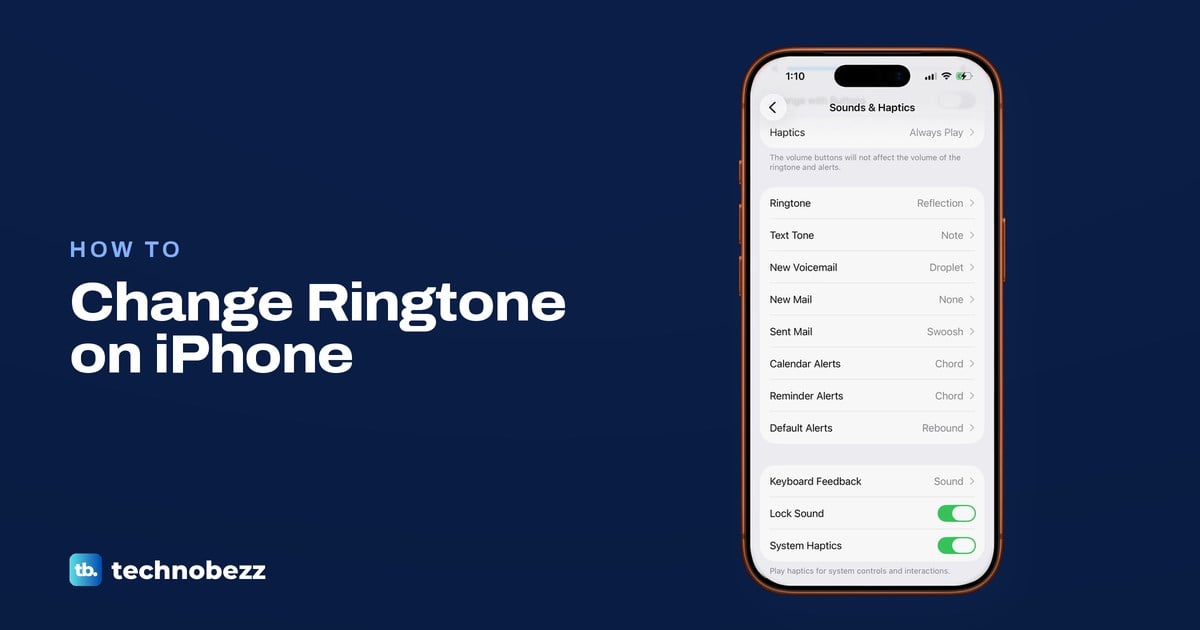
Change your iPhone ringtone in Settings > Sounds & Haptics > Ringtone, make a song your ringtone with GarageBand, and fix a ringtone that stays silent.
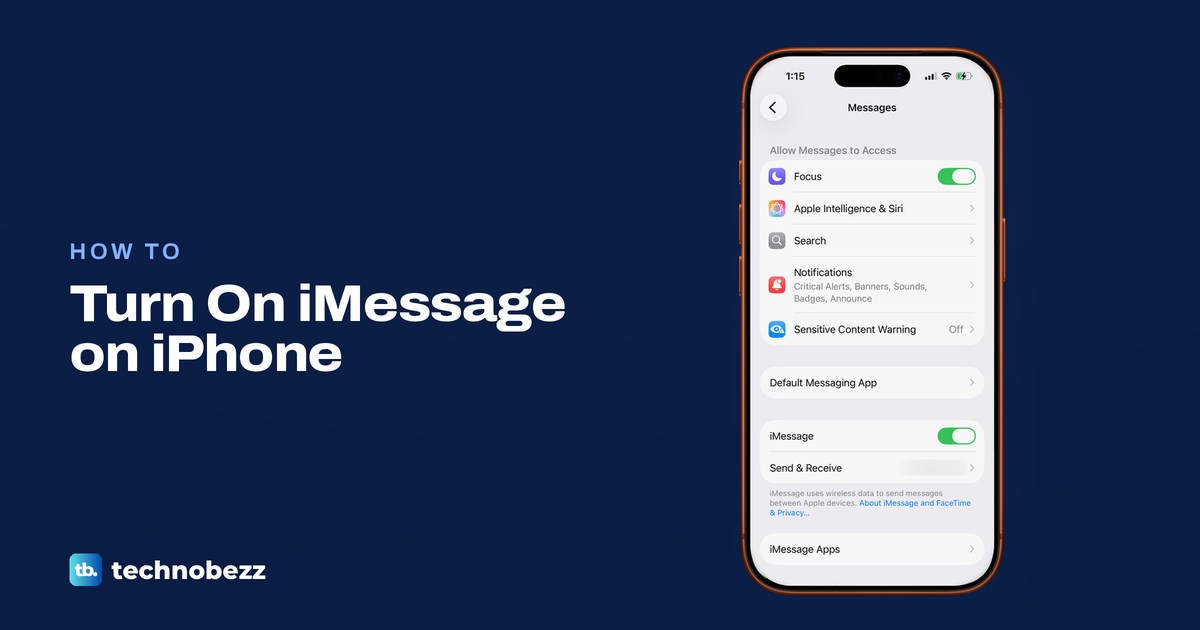
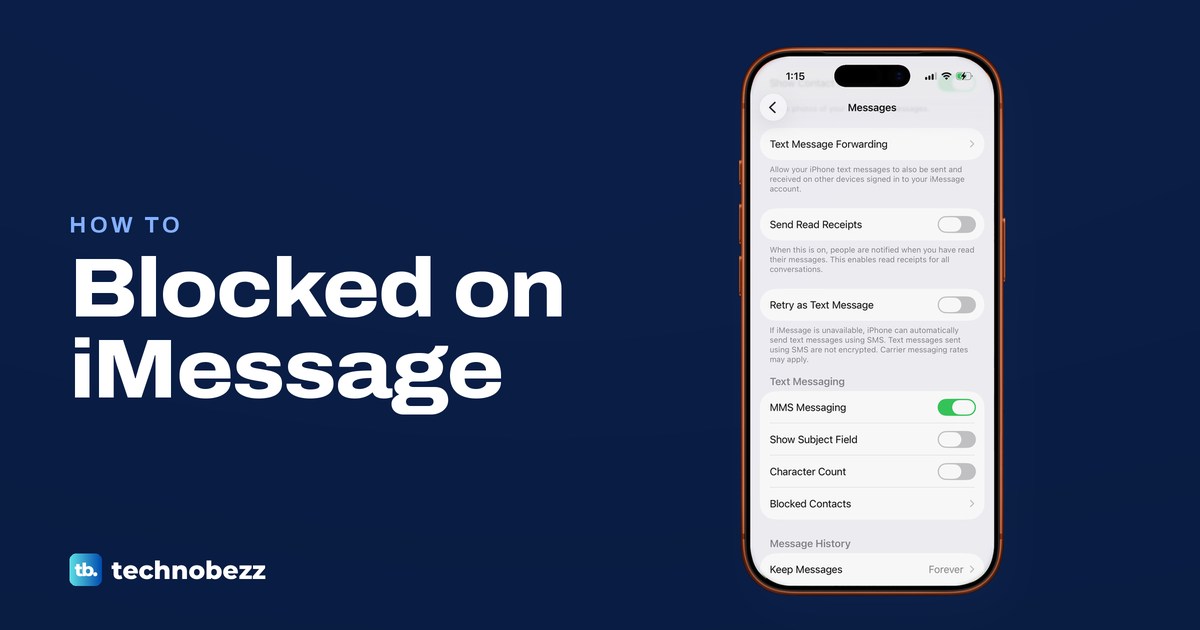
Turn on iMessage in Settings > Apps > Messages, pick your number in Send & Receive, learn the bubble colours and fix a number stuck waiting for activation.
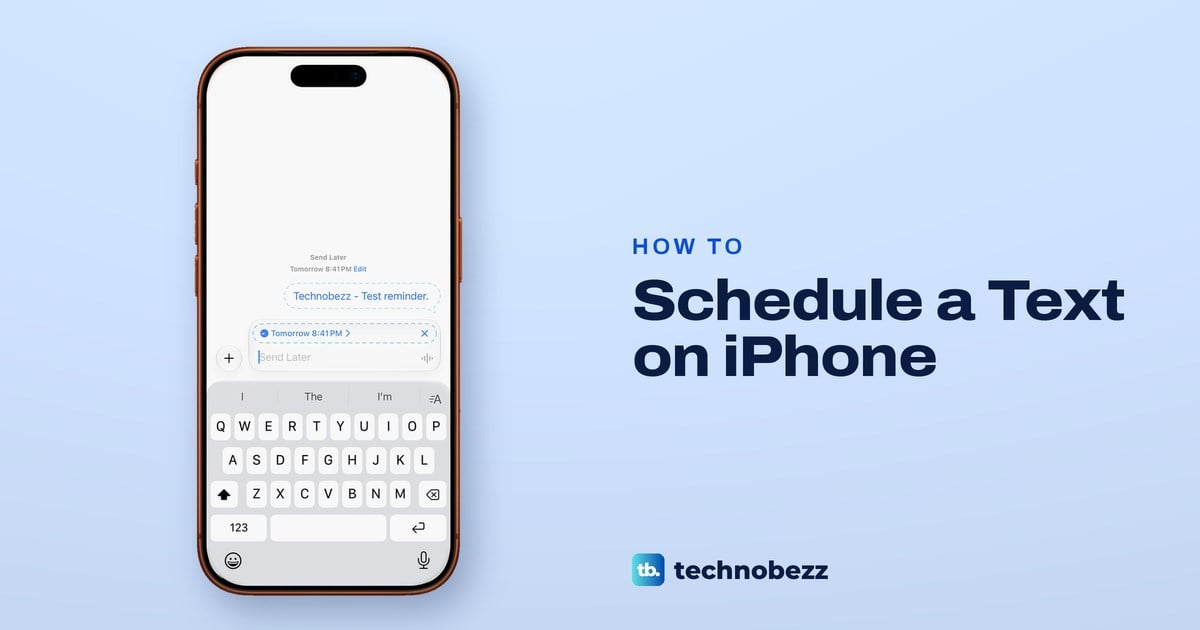
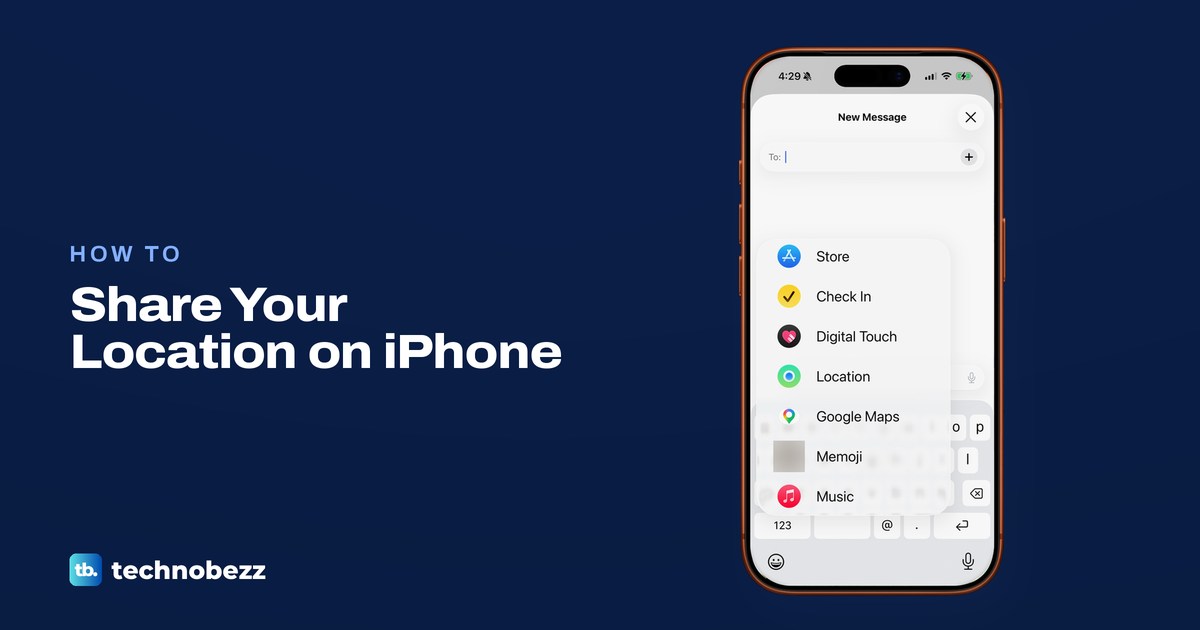
In an iMessage chat, tap +, then Send Later and pick a time up to 14 days ahead. Apple delivers it even if your iPhone is off. Green texts need Shortcuts.
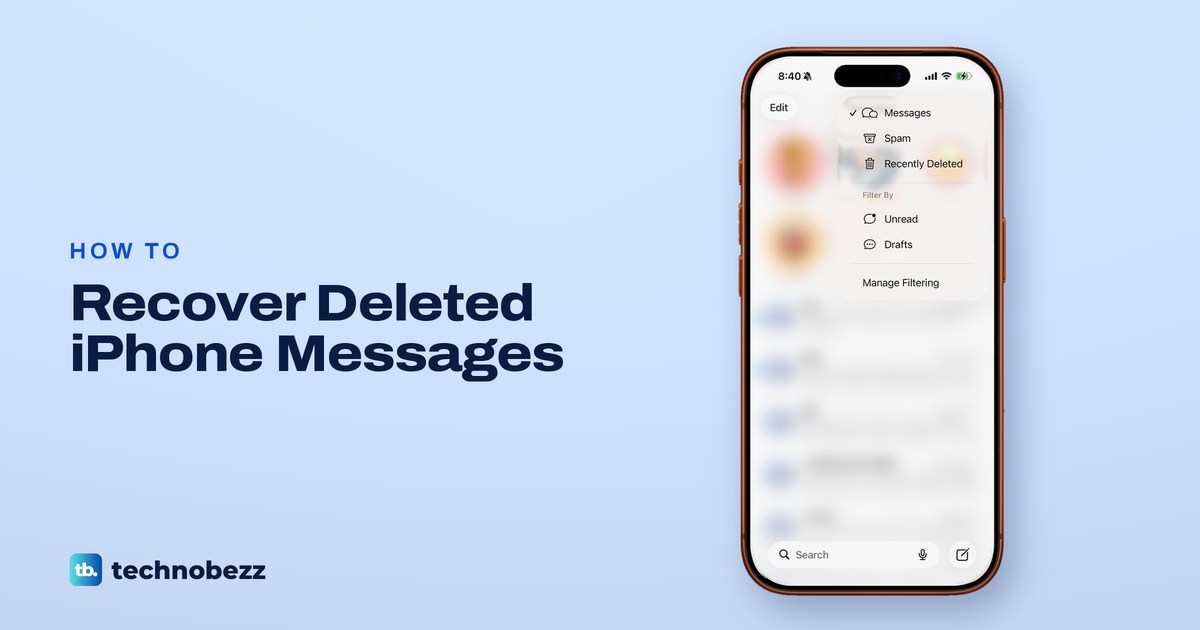
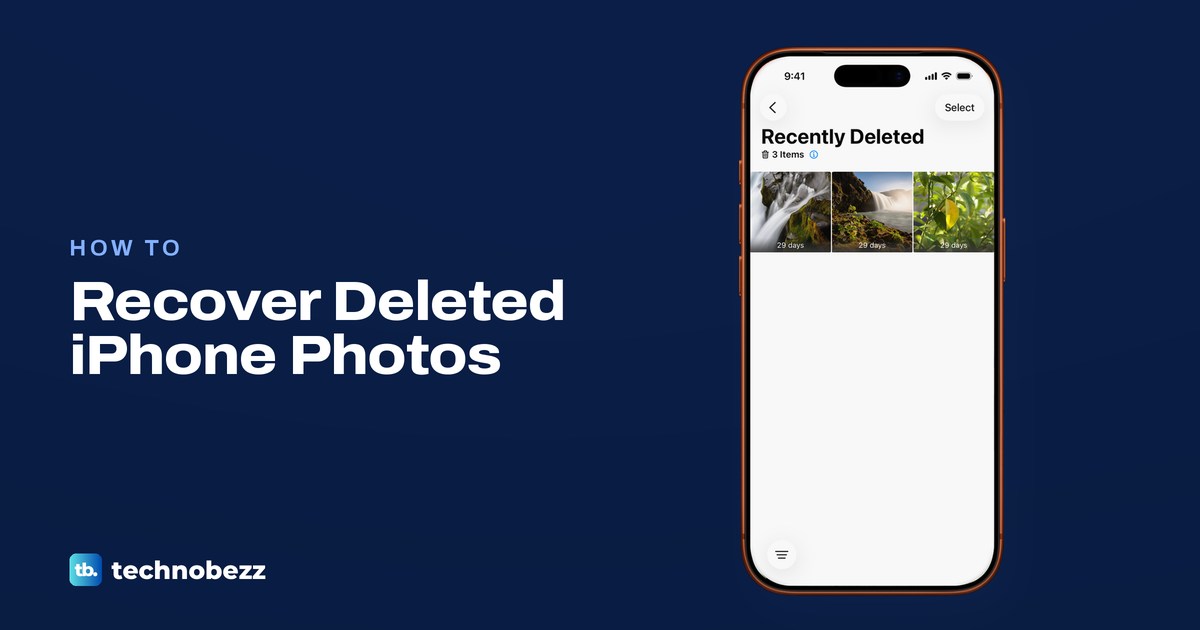
In Messages, tap Filters, then Recently Deleted to recover texts within 30 days (Edit on iOS 16 to 18). Older texts need a copy elsewhere, like a backup.
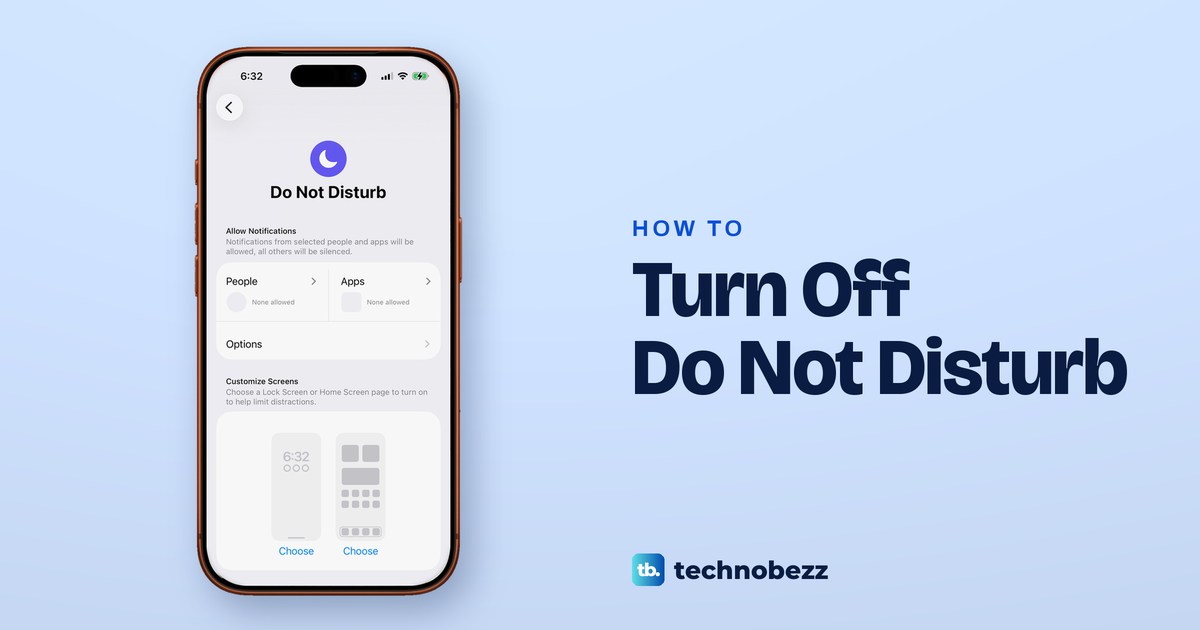
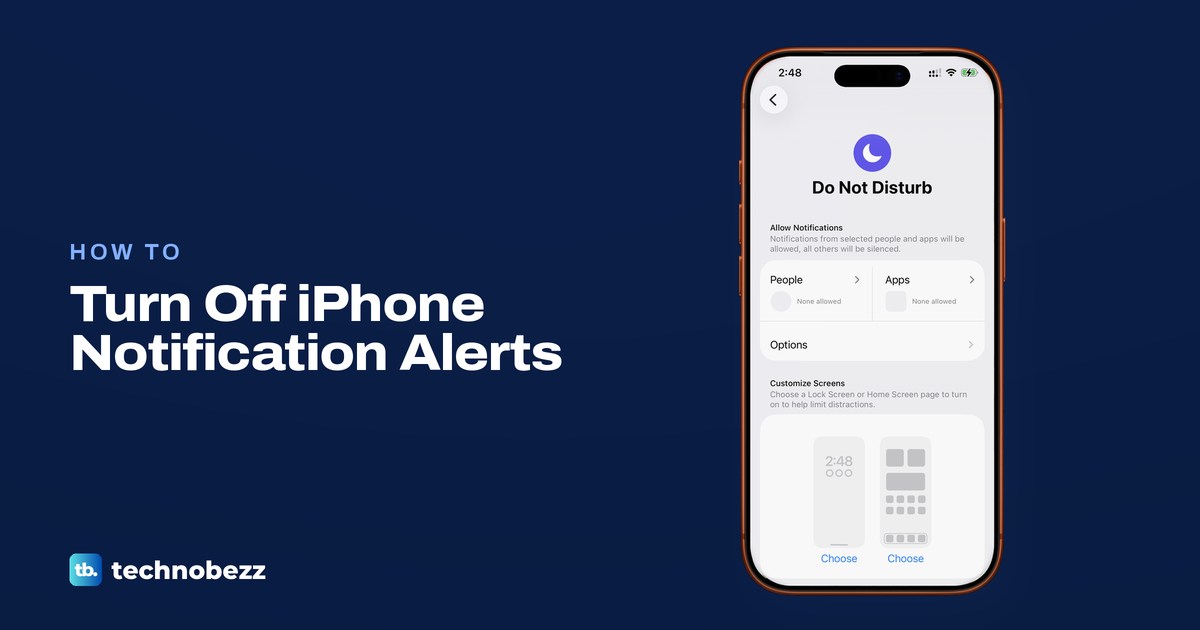
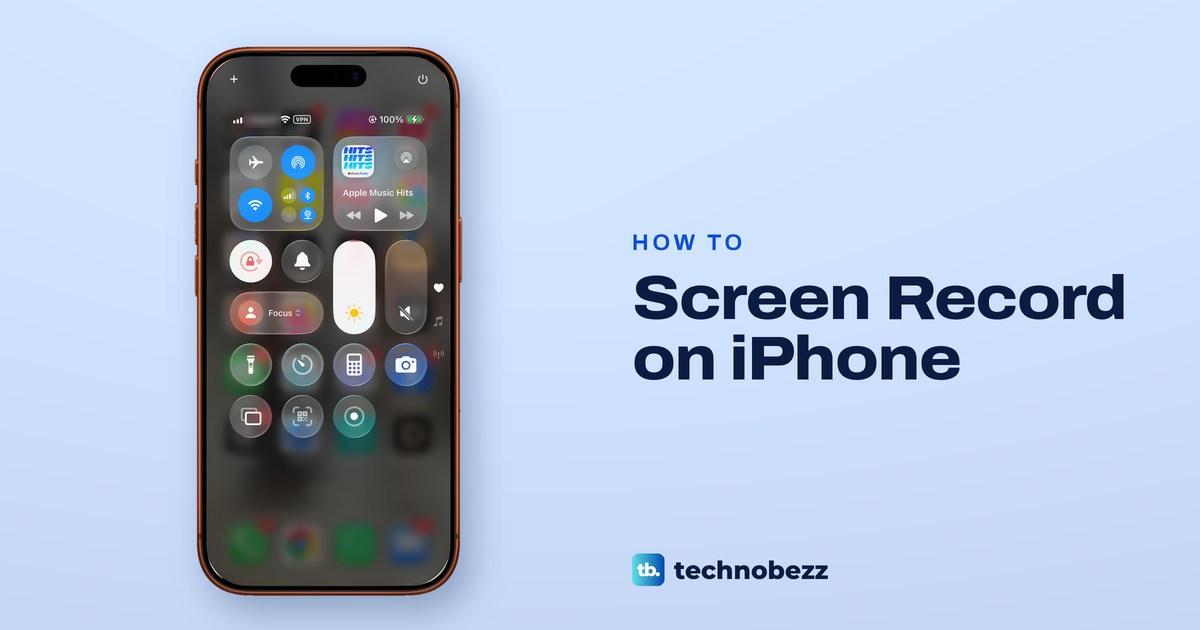
Open Control Center and tap the moon on the Focus button so it reads Focus. If it returns, something like a schedule, Sleep or Driving is switching it on.
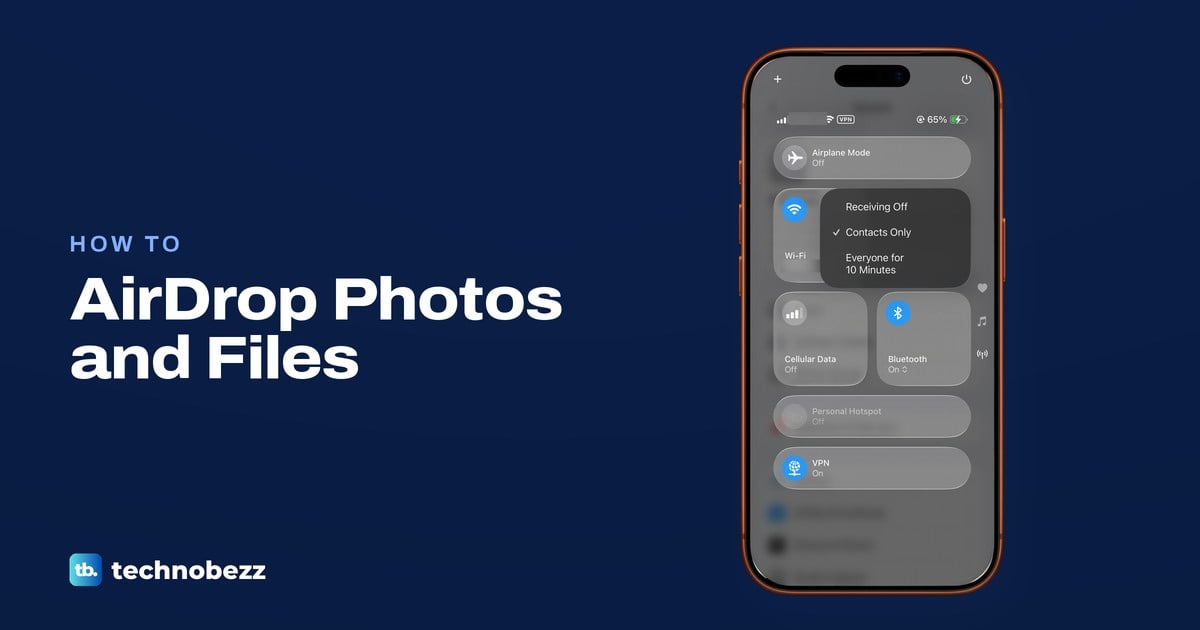
To AirDrop, turn on Wi-Fi and Bluetooth, set Contacts Only or Everyone for 10 Minutes, then tap Share, AirDrop and the person. Mac steps and fixes too.
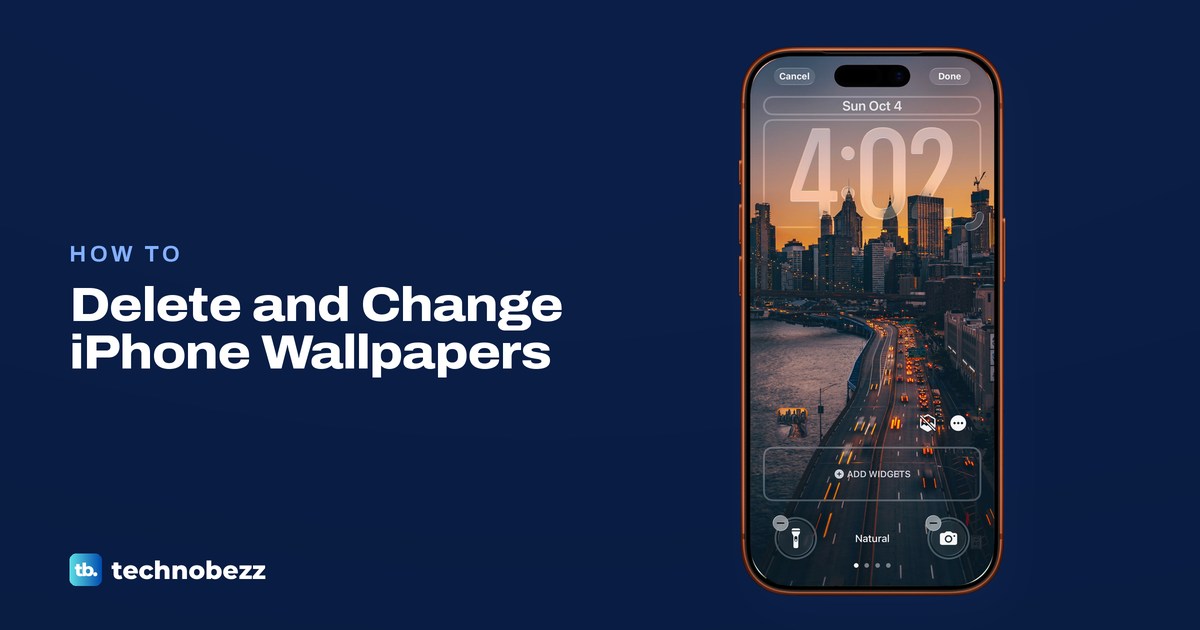
Touch and hold the Lock Screen, unlock, swipe up on a wallpaper, tap the trash icon, then Delete This Wallpaper. To change it, use Settings > Wallpaper.
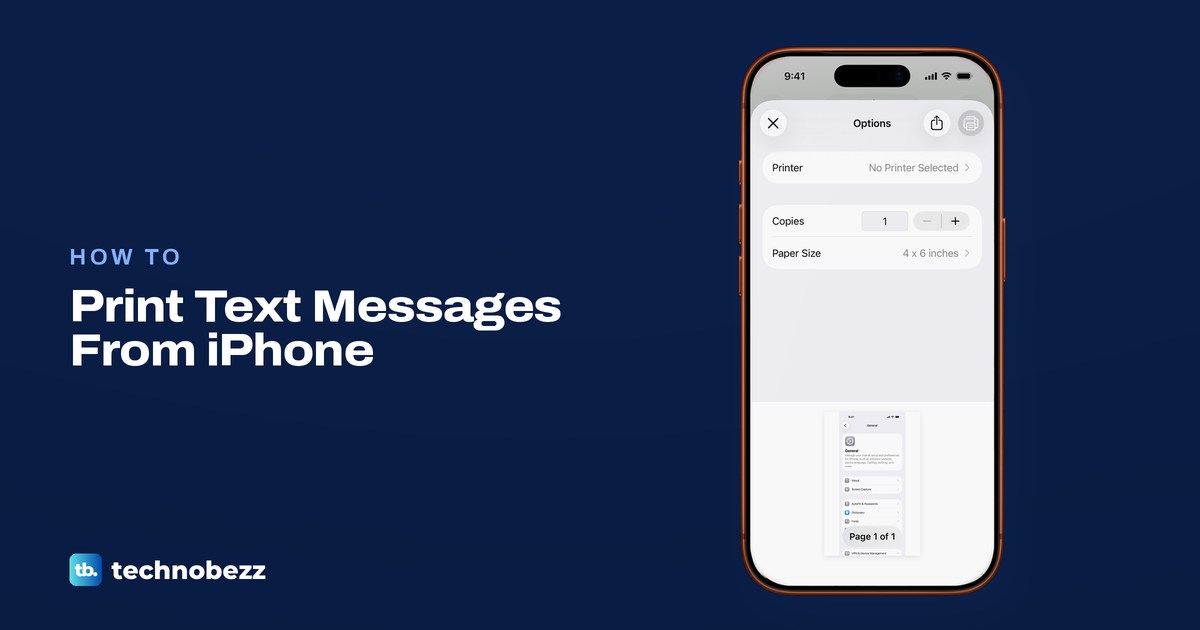
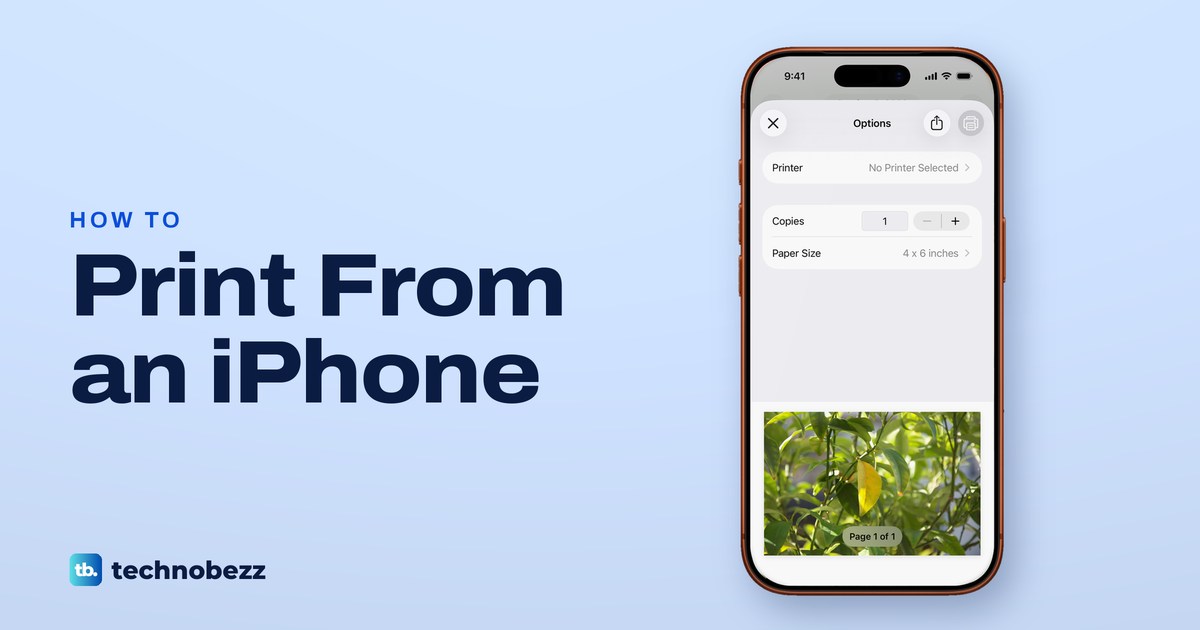
Print photos, web pages, emails and PDFs from iPhone with AirPrint, fix No AirPrint Printers Found, or try the maker's app if your printer lacks AirPrint.
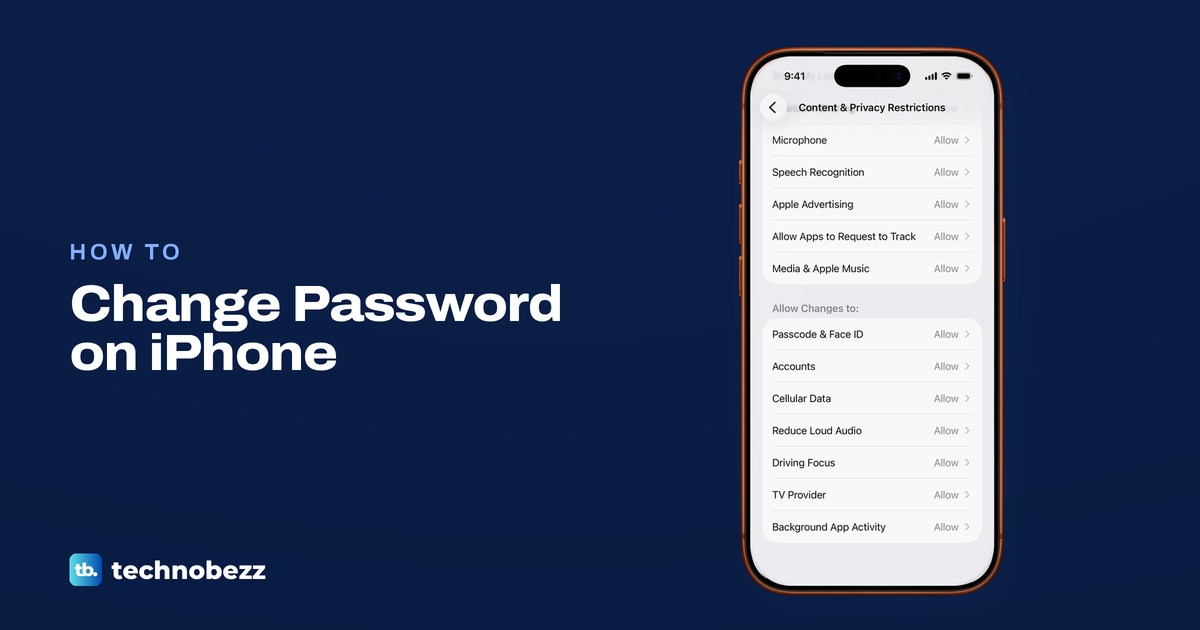
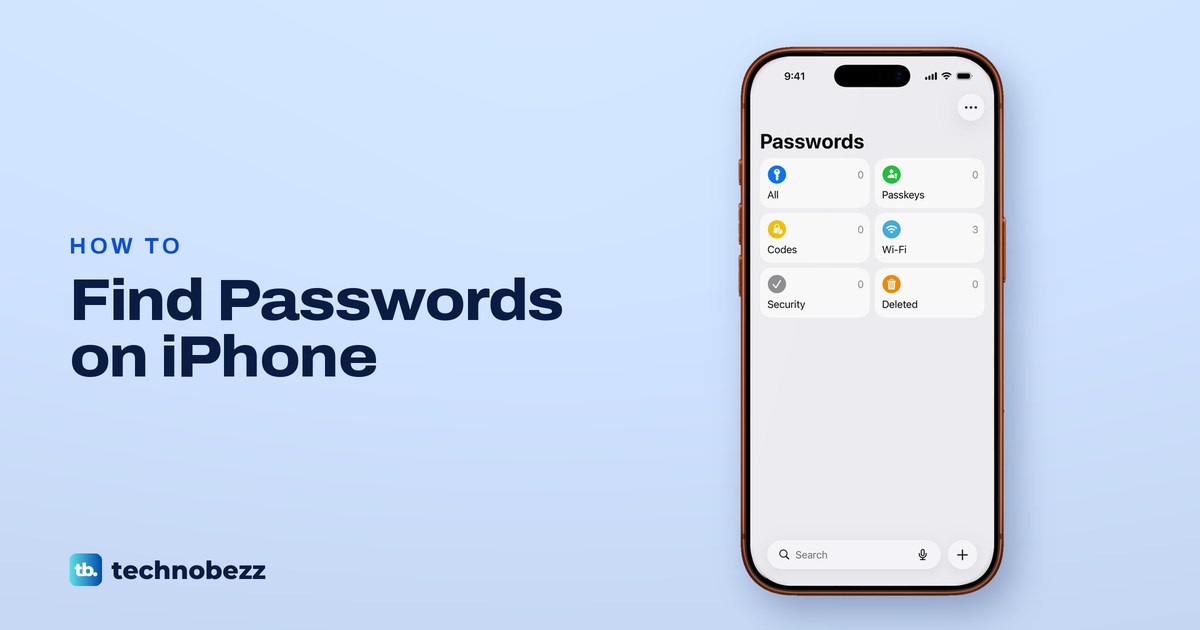
Change your iPhone passcode in Settings, Face ID & Passcode. Your Apple Account password is in Sign-In & Security, and saved logins start in Passwords.
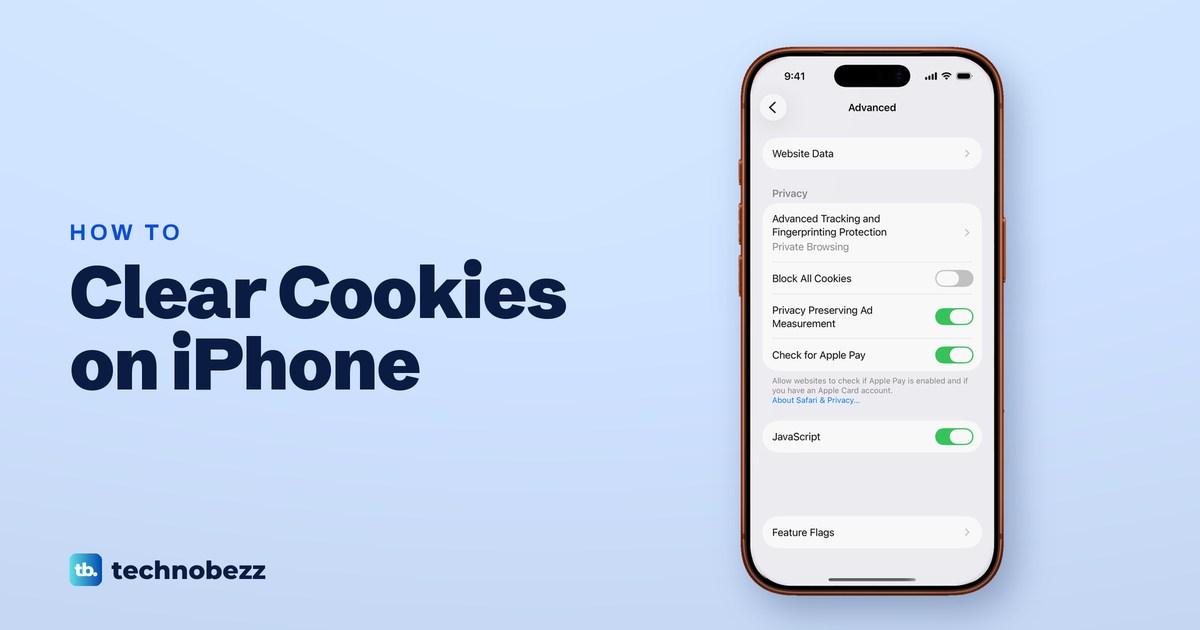
Open Settings, Apps, Safari, Advanced, Website Data and tap Remove All Website Data to clear cookies on iPhone and keep your history. Chrome is separate.
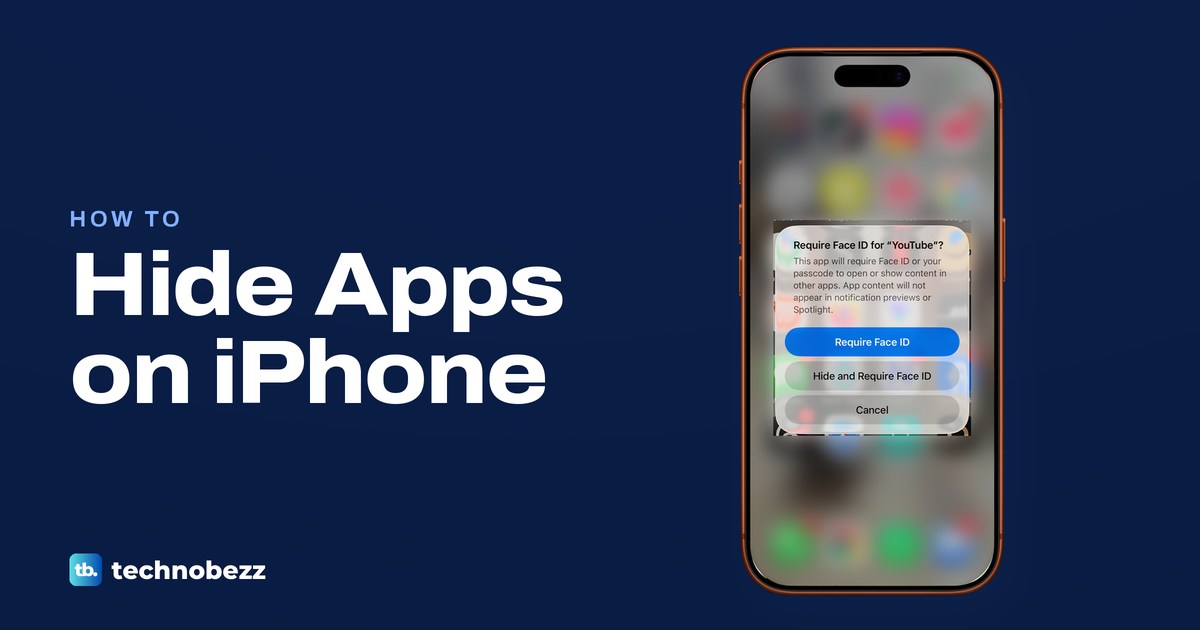
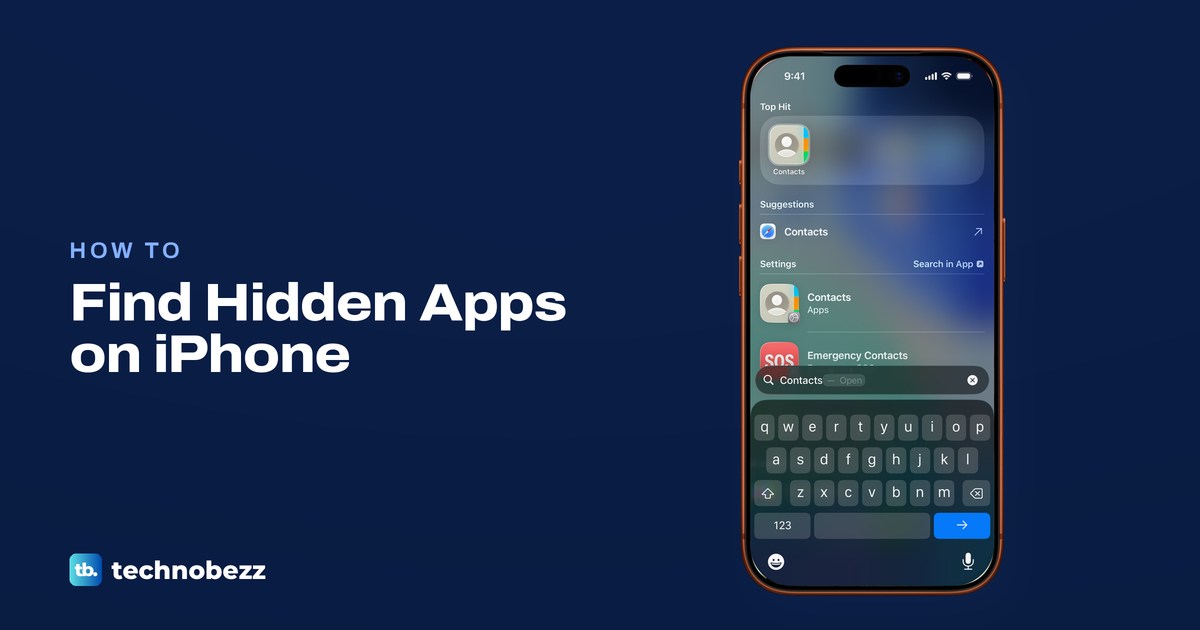
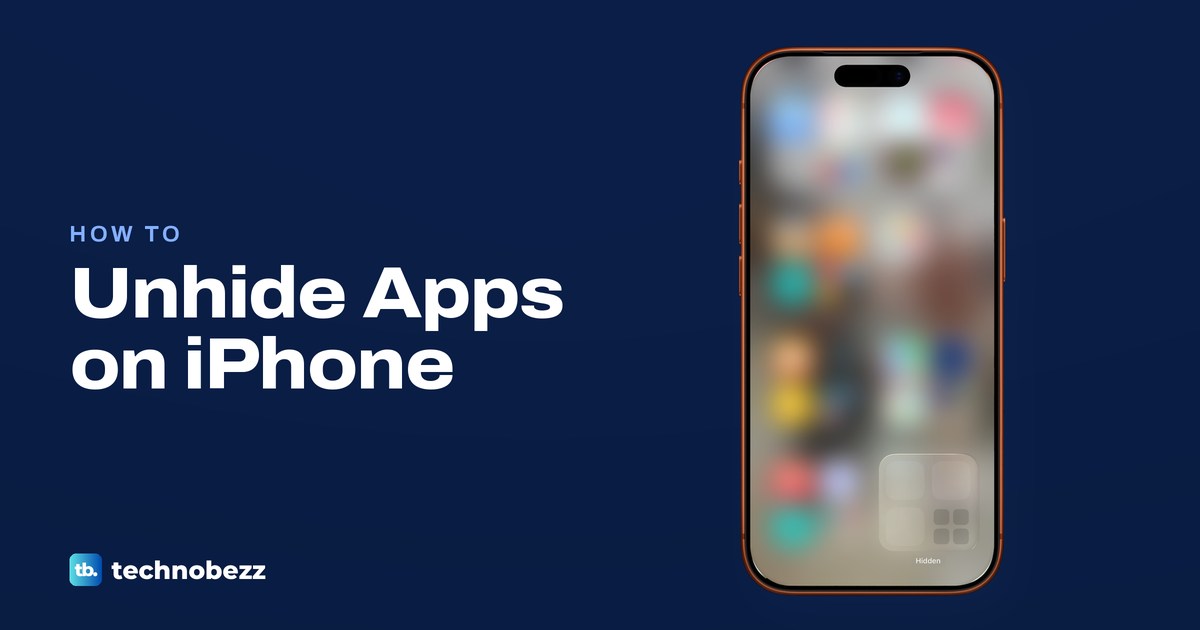
Open App Library, scroll to the bottom and tap Hidden, then use Face ID or the passcode. If Search finds the app, look in folders and hidden pages instead.
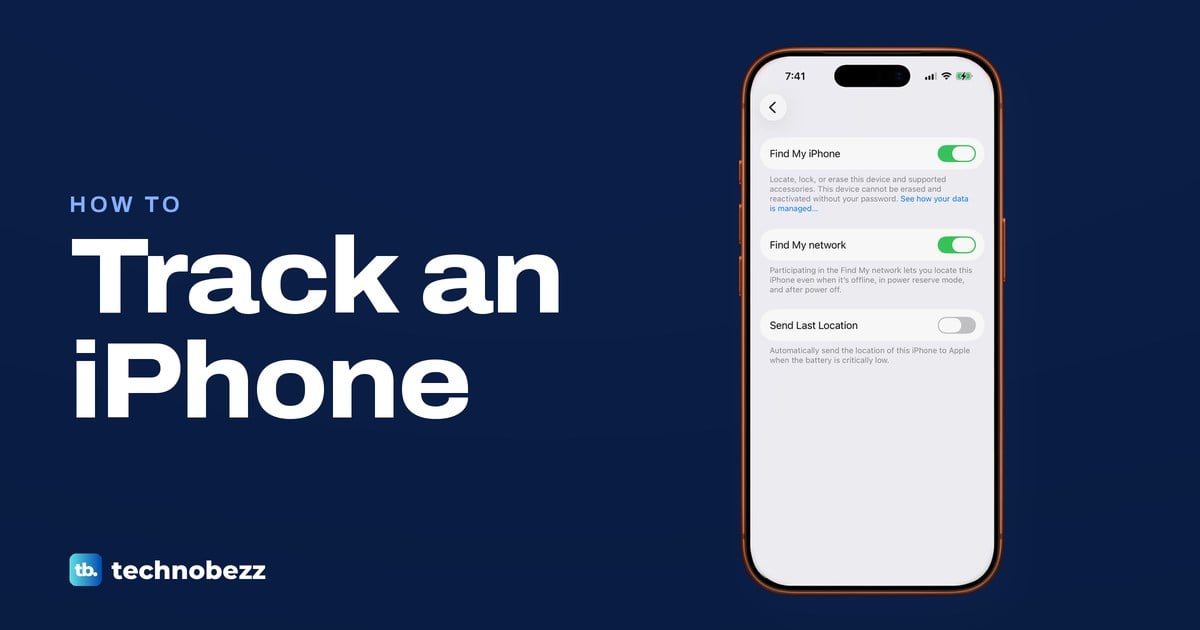
Open Find My on another Apple device, or sign in at icloud.com/find in a web browser, then pick your iPhone to see it on a map, play a sound or lock it.
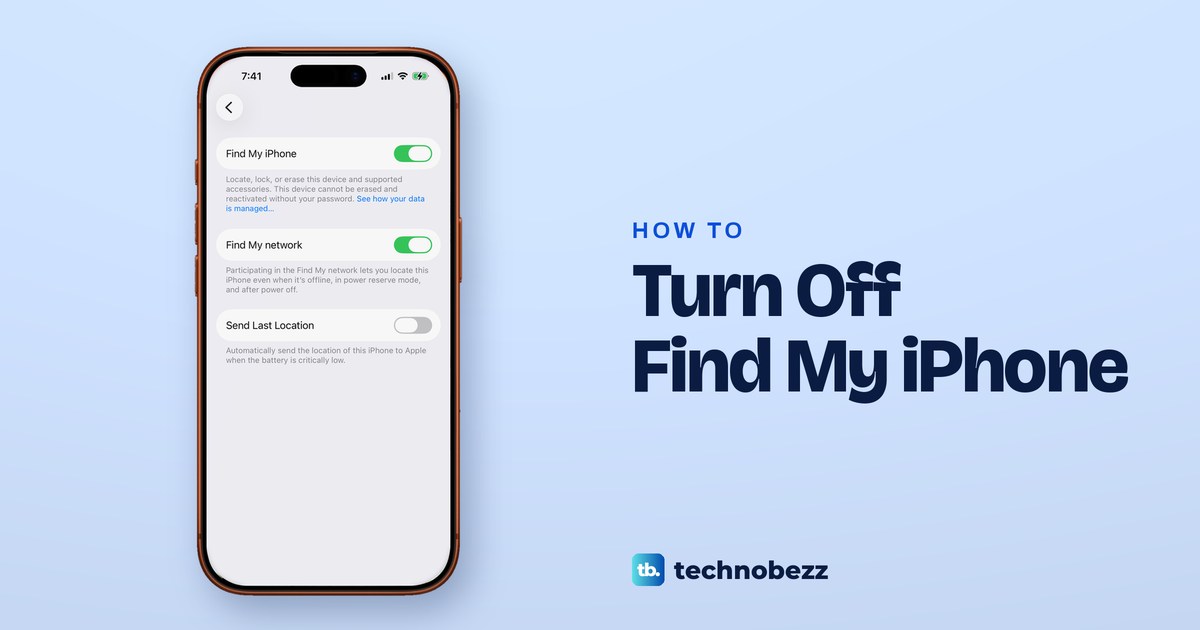
In Settings, tap your name > Find My > Find My iPhone, turn it off and enter your Apple Account password. Sold it? Erase, then remove at iCloud.com/find.
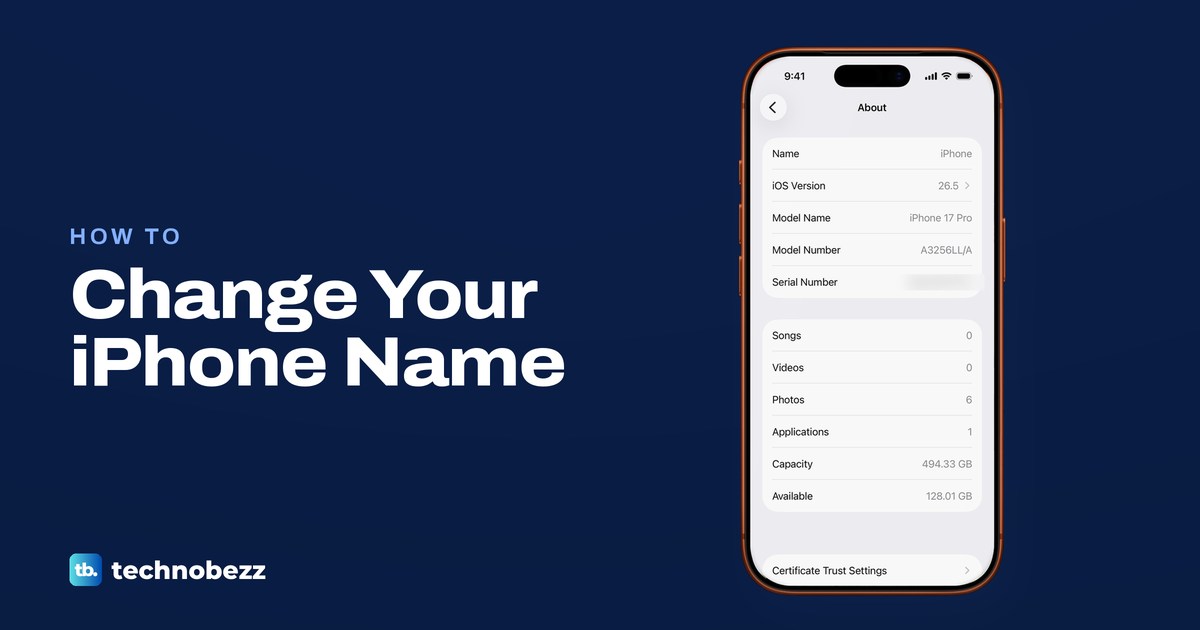
Go to Settings, General, About, Name, tap Clear Text, type a new name and tap Done. Bluetooth and Personal Hotspot use it, and AirDrop for non-contacts.
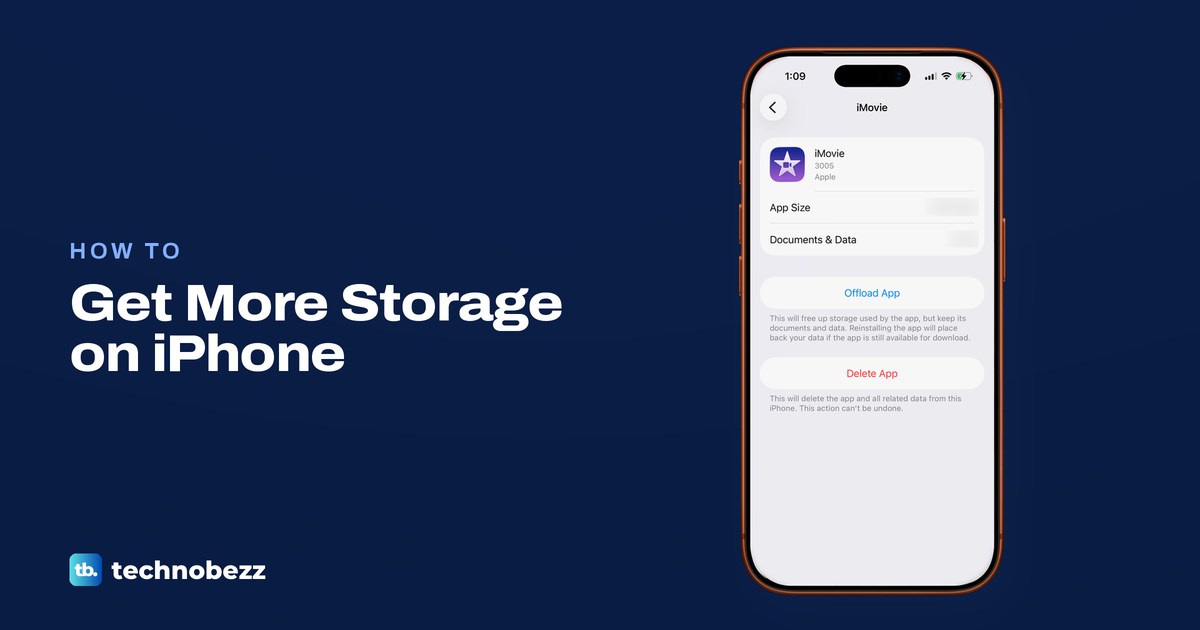
Open Settings > General > iPhone Storage, then offload unused apps, optimize iCloud Photos and remove downloads. iCloud+ adds cloud space, not phone space.
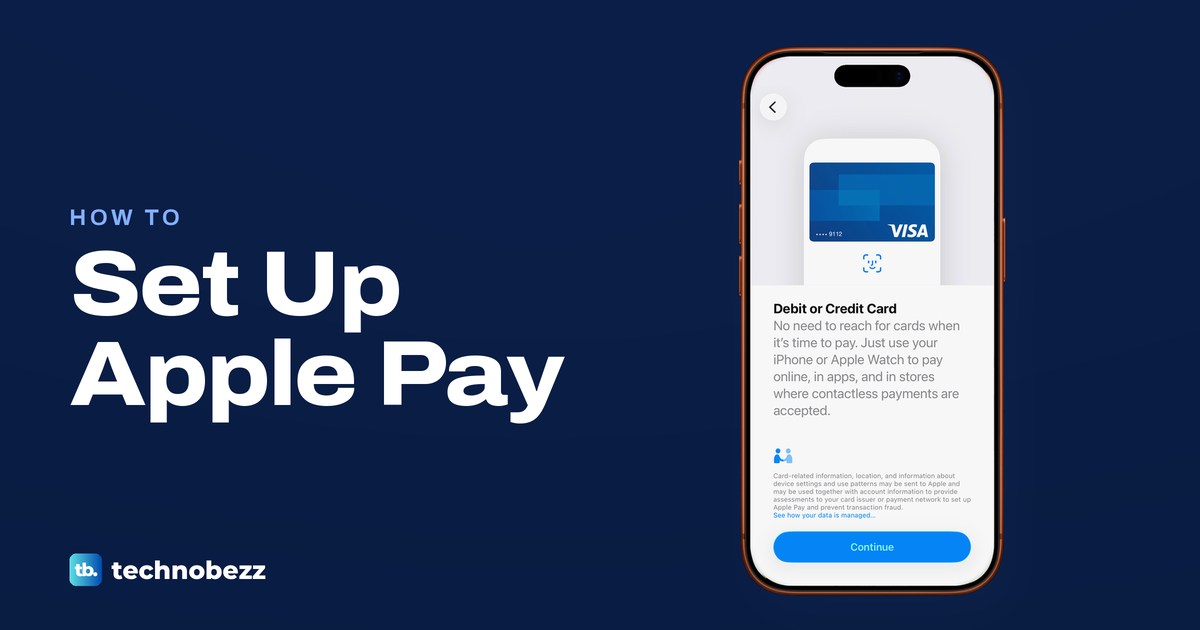
Open Wallet, tap Add Card, choose Debit or Credit Card and hold your iPhone to the card. Verify it with your bank, then pay with iPhone or Apple Watch.
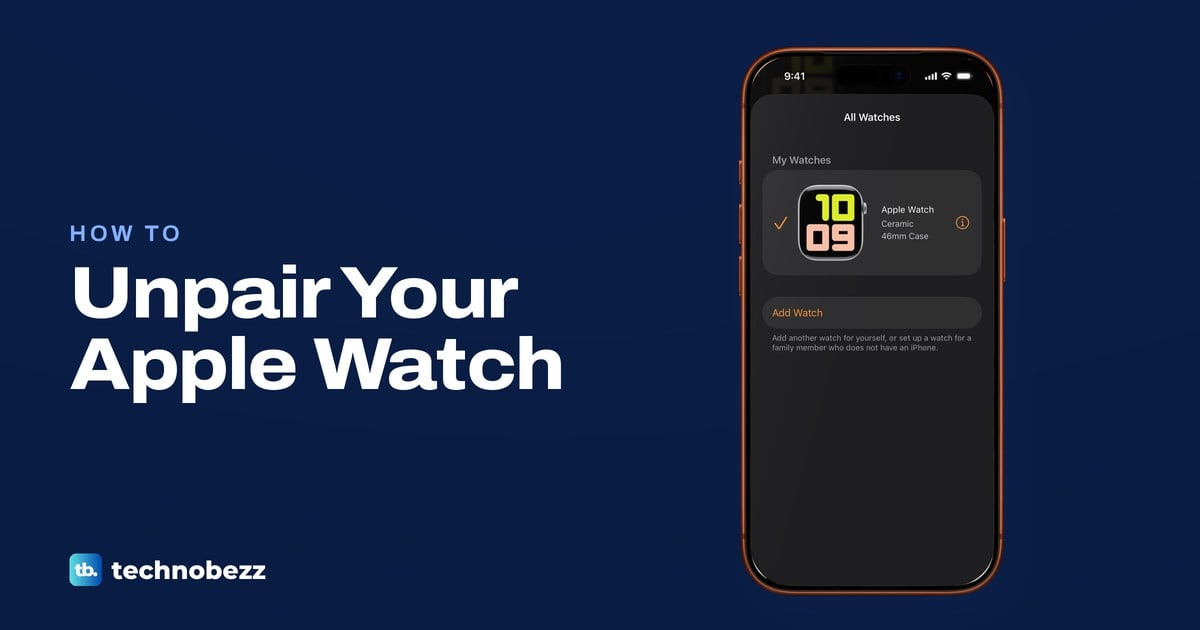
Open the Watch app on your iPhone, tap All Watches, the info button, then Unpair Apple Watch. No iPhone? Erase the watch and clear Activation Lock online.
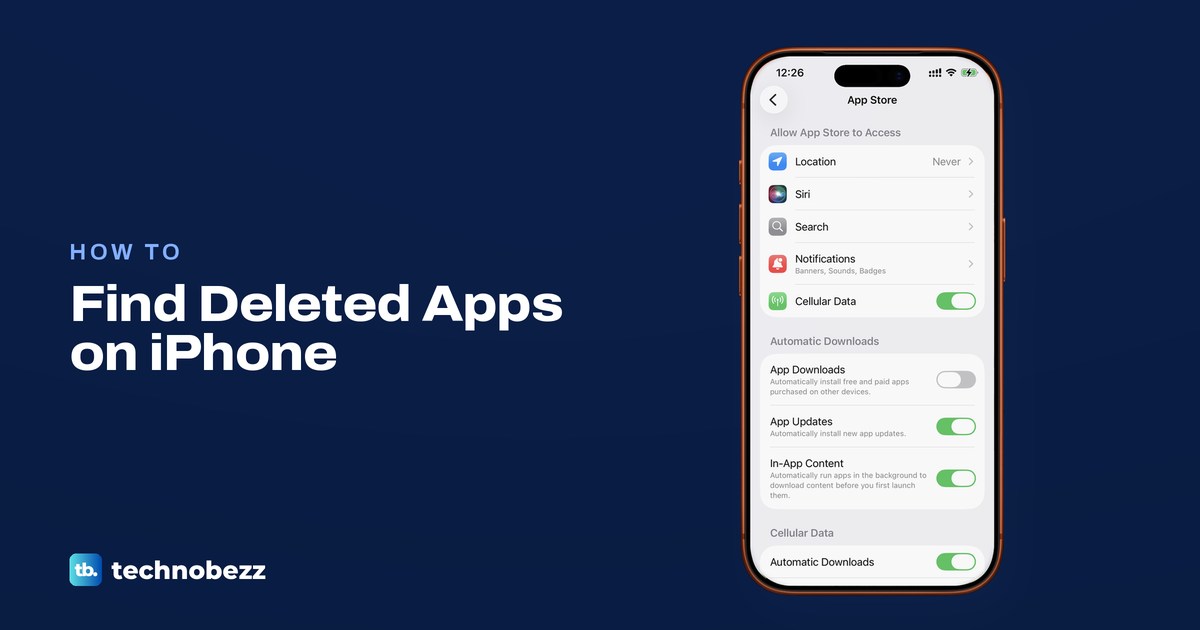
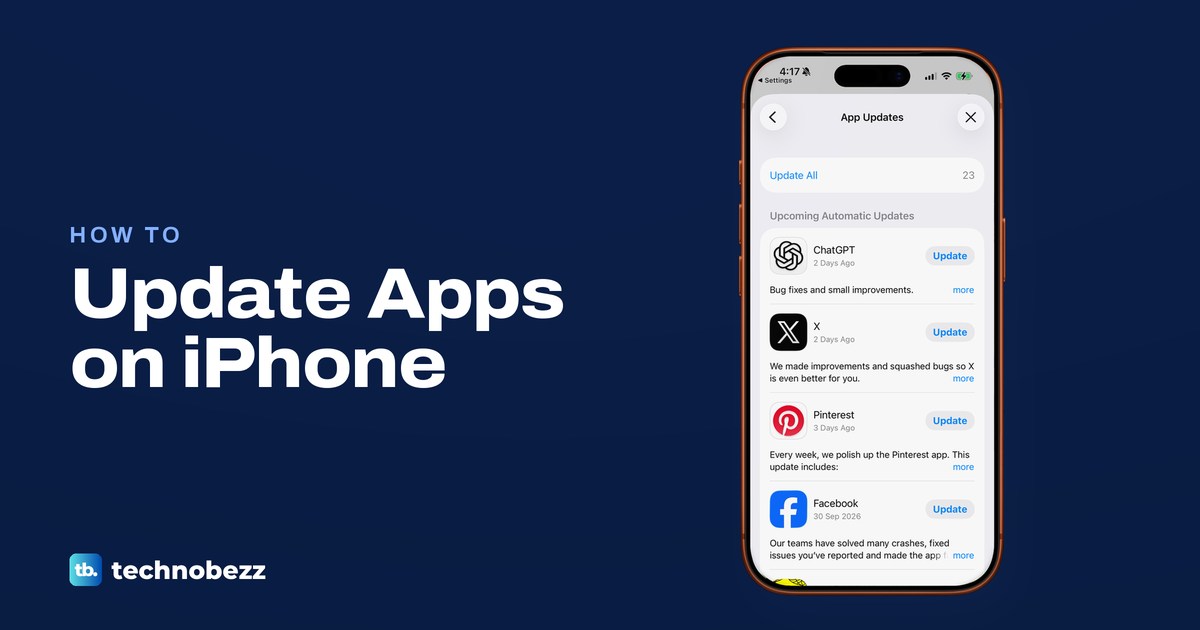
Open the App Store, tap your picture, then App Updates and Update All. Automatic updates are in Settings > Apps > App Store, plus fixes for stuck updates.