Guides and fixes for Fire TV, Roku, Chromecast and Vizio, covering resets, restarts, remotes and connection problems. Samsung TV has its own page.
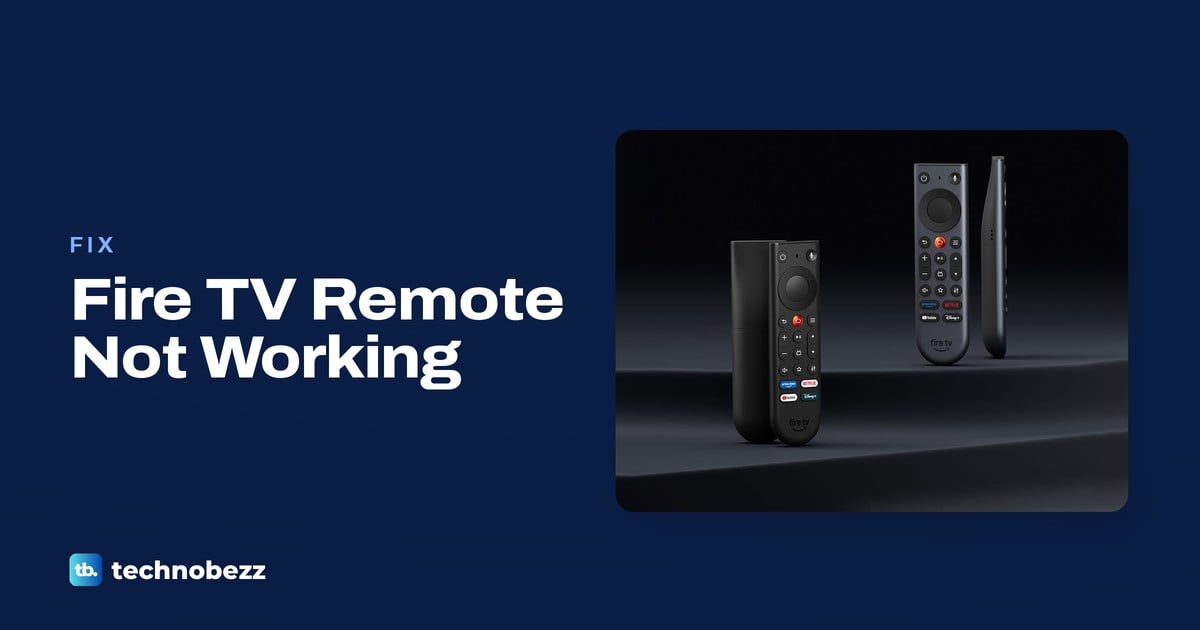
Fix a Firestick remote with fresh AAA alkaline batteries, hold Home for 10 seconds to pair it, or use the Fire TV app to regain control.
Factory reset your Firestick through Settings or hold Back and Right for 10 seconds. Use the Fire TV app if the remote is missing.
For a Firestick stuck on the loading screen, check the supplied power equipment, wait 25 minutes, then restart before trying a factory reset.
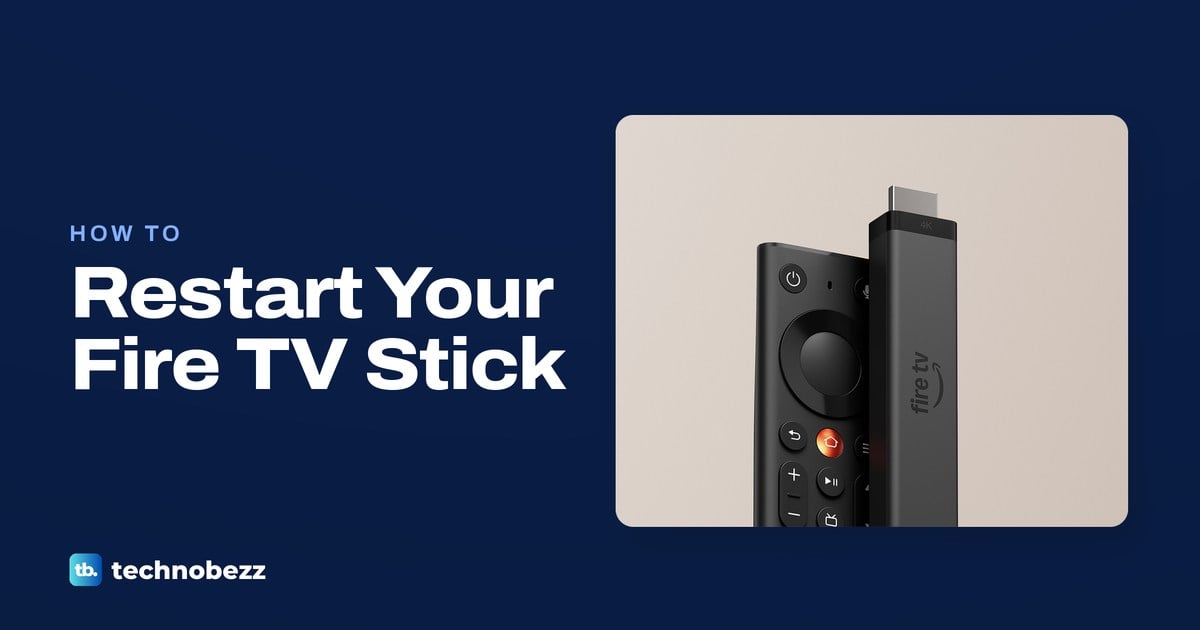
Reboot your Firestick through Settings and My Fire TV, hold Select and Play/Pause, or disconnect power if the screen is frozen.
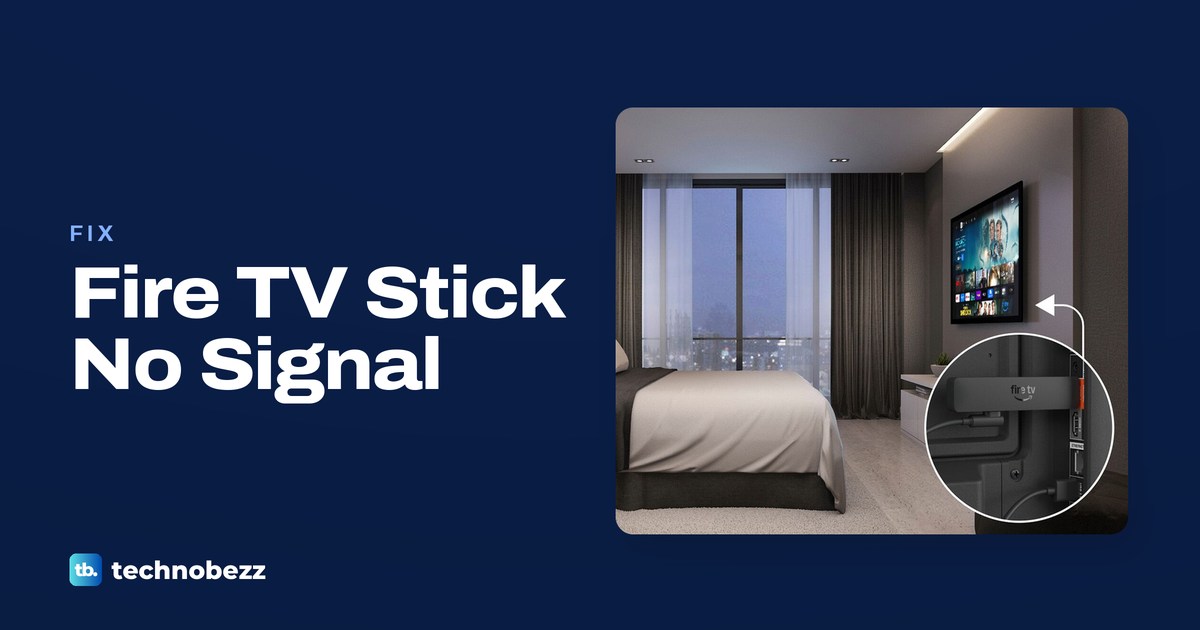
If your Firestick is not recognized by the TV, select the correct HDMI input, check its power cable and reconnect the HDMI connection.
Turn on AirPlay in Roku settings, connect both devices to the same Wi-Fi network, then choose your Roku in Screen Mirroring or an app.
Connect an online Roku TV with the Roku Remote app. If it is offline, restart the TV and router or use a compatible remote for WiFi setup.
To fix a Roku TV not connecting to WiFi, reconnect in Settings, check the password, and restart the TV and router before resetting.
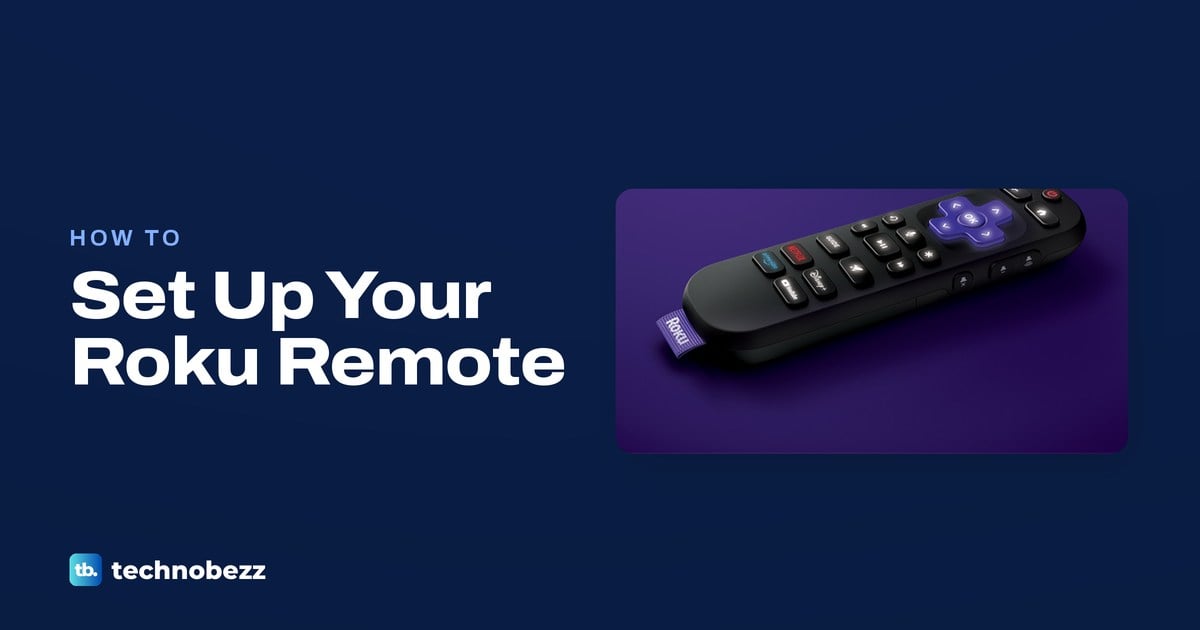
Sync a buttonless Roku voice remote by holding Back and Home for five seconds in pairing mode. Infrared remotes need batteries and a clear view.
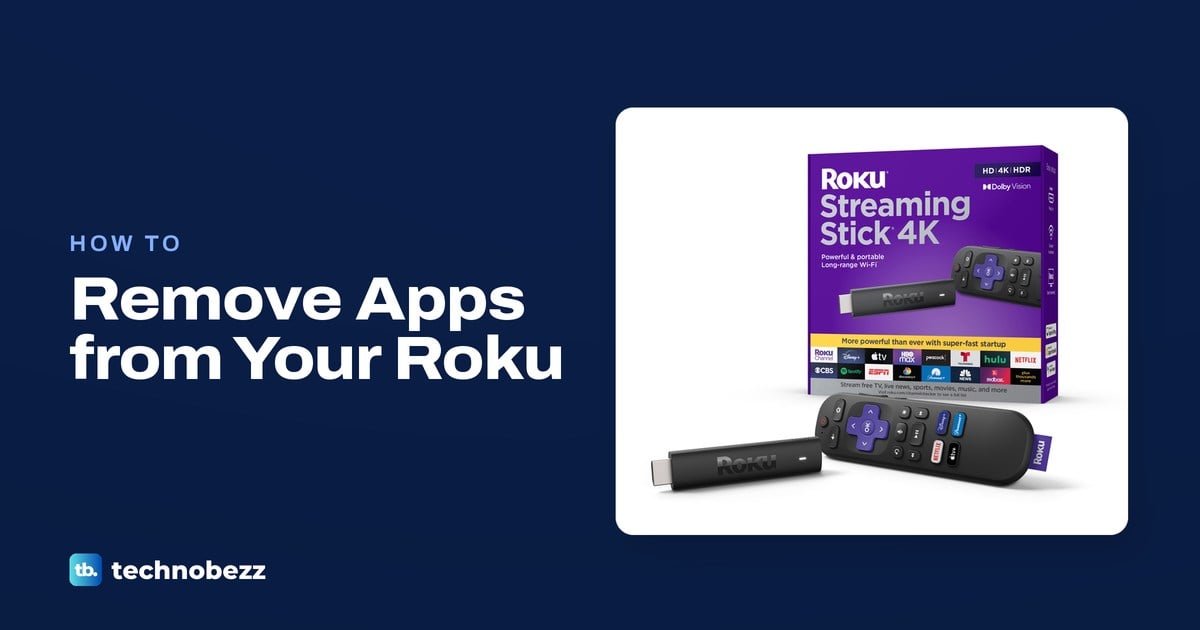
To delete apps on Roku, highlight an app on the Home screen, press Star and choose Remove app. You can also remove apps with your phone.
All how-to guides →