All guides
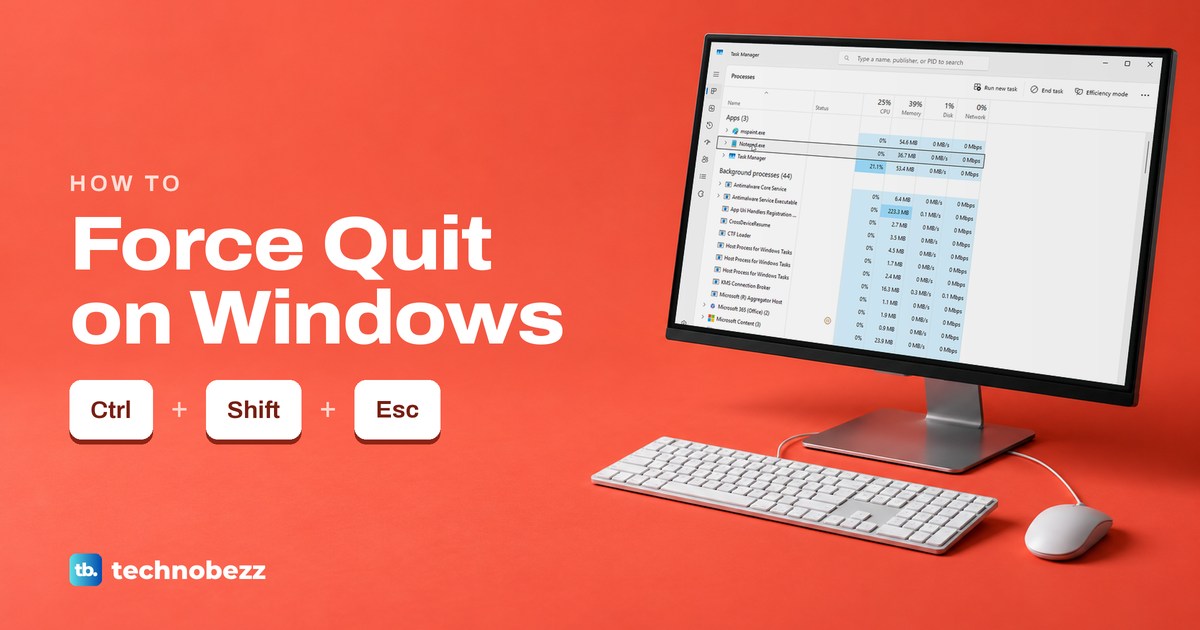
How to Force Quit on Windows (Close Any Frozen App)
To force quit a frozen app on Windows, press Ctrl + Shift + Esc and choose End task. Try Alt + F4 first, and see what each way does to unsaved work.
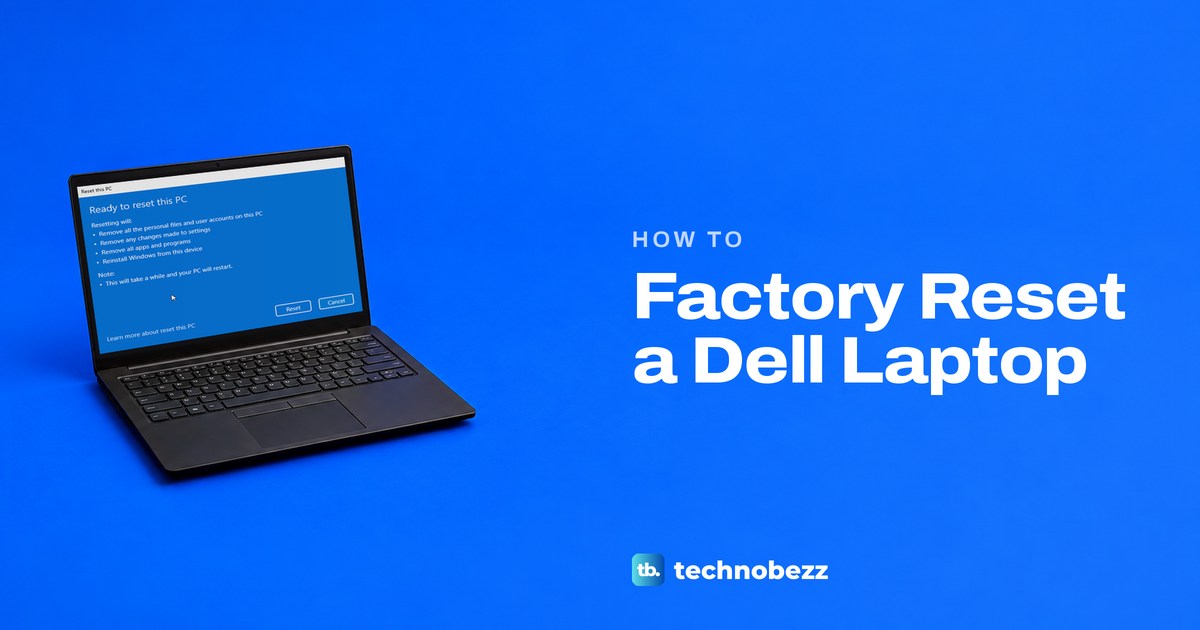
How to Factory Reset a Dell Laptop or Computer
Factory reset a Dell laptop with Reset this PC in Settings, or tap F12 at the Dell logo for SupportAssist OS Recovery. Locked out? Pick Remove everything.
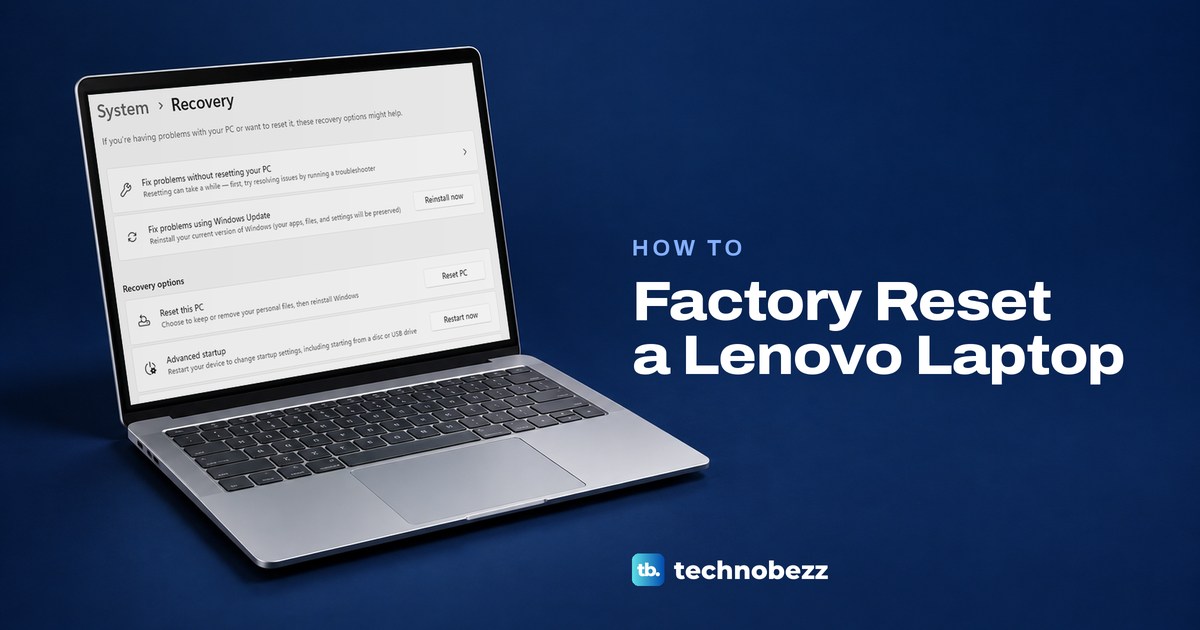
How to Factory Reset a Lenovo Laptop (IdeaPad or ThinkPad)
Open Settings > System > Recovery > Reset PC and choose Remove everything. Won't start or locked out? Use the Novo button or the recovery screen.
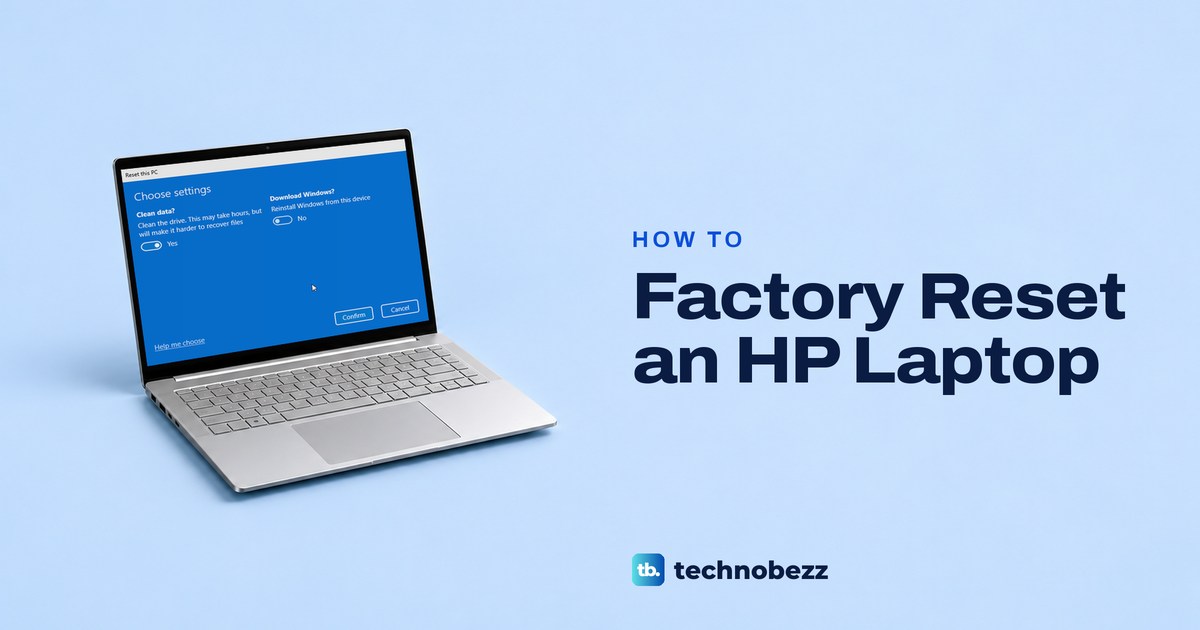
How to Factory Reset an HP Laptop, Even Without a Password
Go to Settings > System > Recovery > Reset PC > Remove everything. Locked out? Hold Shift and restart at sign-in. No Windows? Use f11 or HP Cloud Recovery.
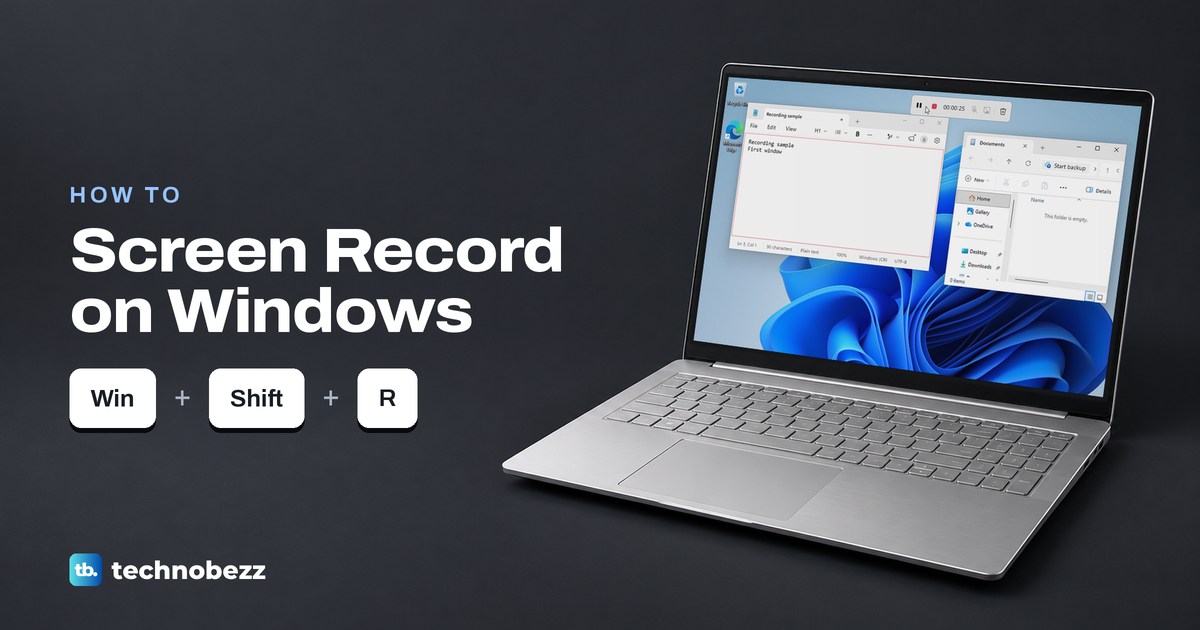
How to Screen Record on Windows With Sound
Press Windows + Shift + R on Windows 11 to record any area with Snipping Tool, or Windows + Alt + R for Game Bar. Add sound and find the saved MP4.
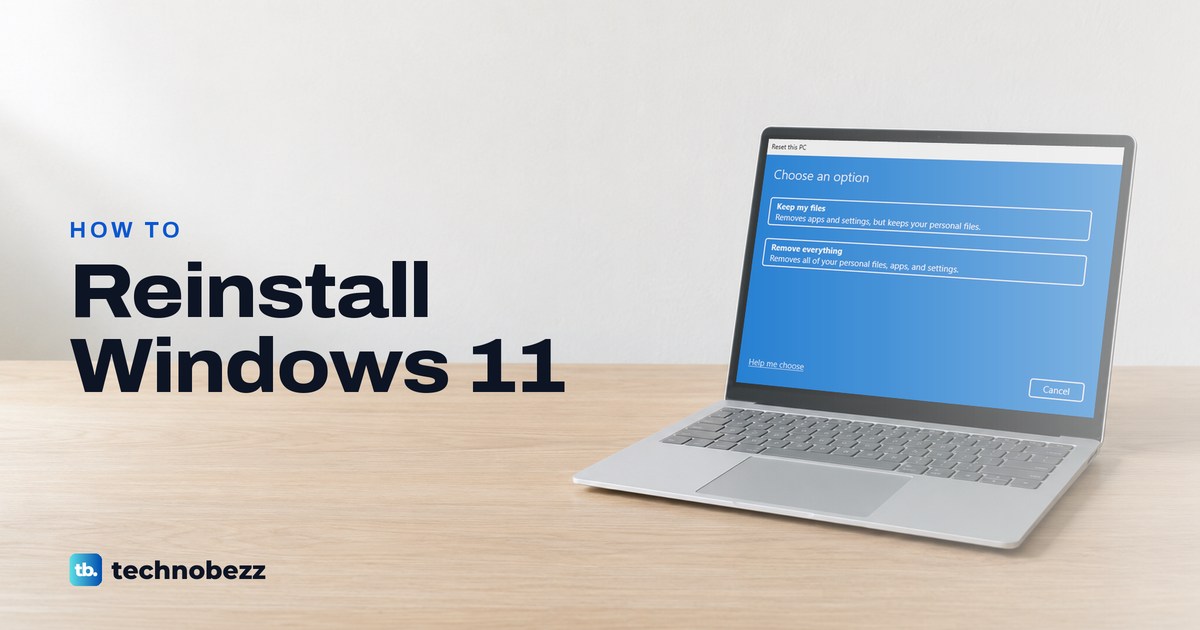
How to Reinstall Windows 11 and Choose What to Keep
Reinstall Windows 11 from Settings > System > Recovery and keep your apps, or reset it and choose what stays. Back up first, then follow each screen.
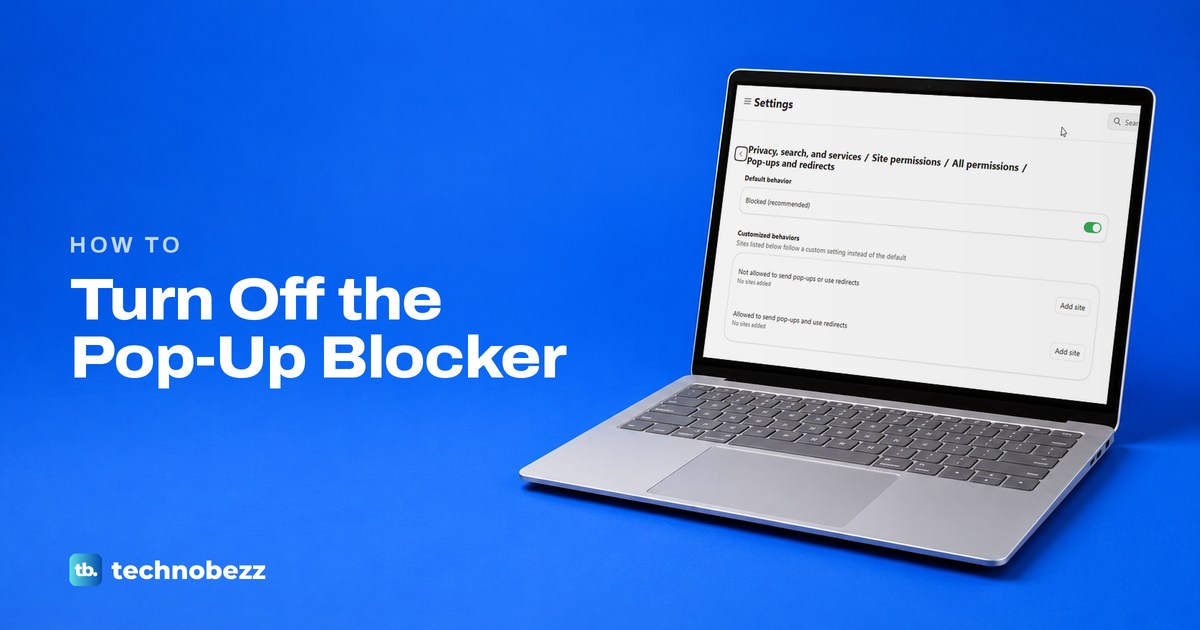
How to Disable Pop Up Blocker on Computers and Phones
To disable a pop-up blocker, allow the site in your browser's pop-up settings. Steps for Edge, Chrome, Firefox and Safari on computers and phones.
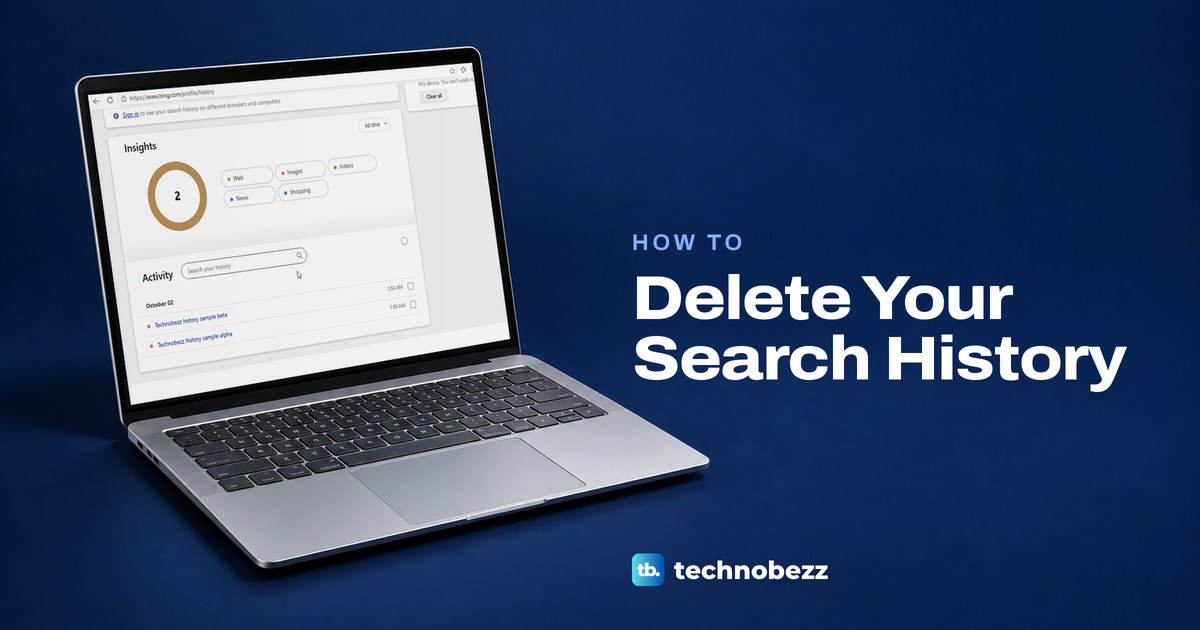
How to Delete Search History on Google and Bing
Delete Google searches in My Activity and Bing searches on its history page, then clear your browser's own history so old searches stop appearing.
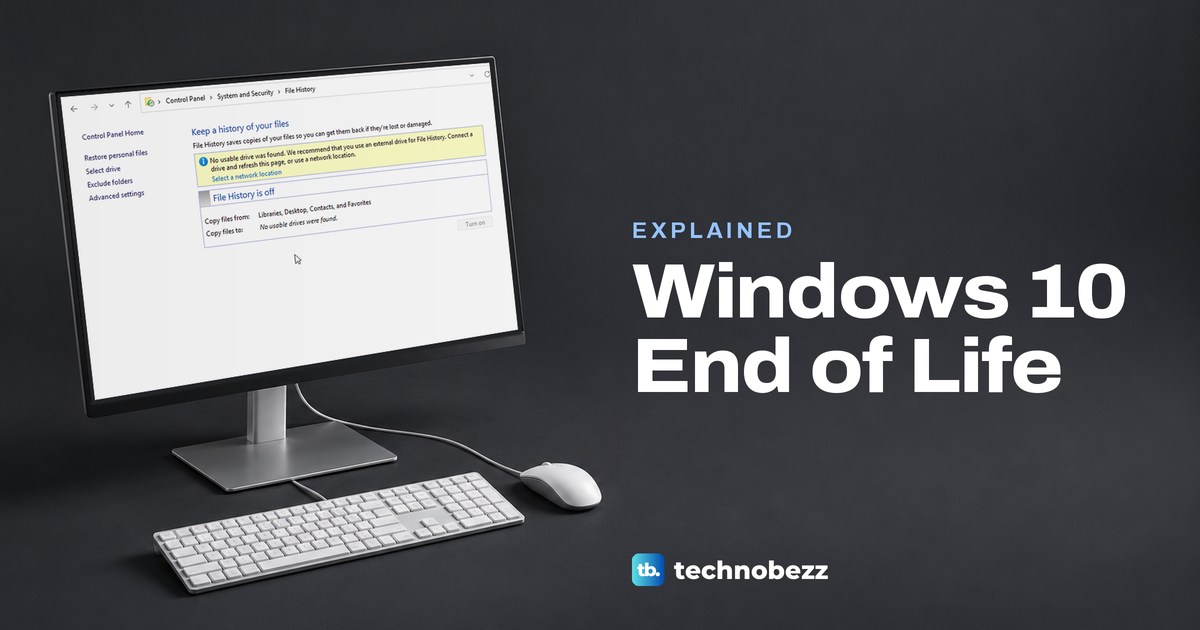
Windows 10 End of Life and What You Should Do Next
Windows 10 support ended October 14, 2025. Your PC still works, and eligible PCs enrolled in ESU get security updates through October 12, 2027.
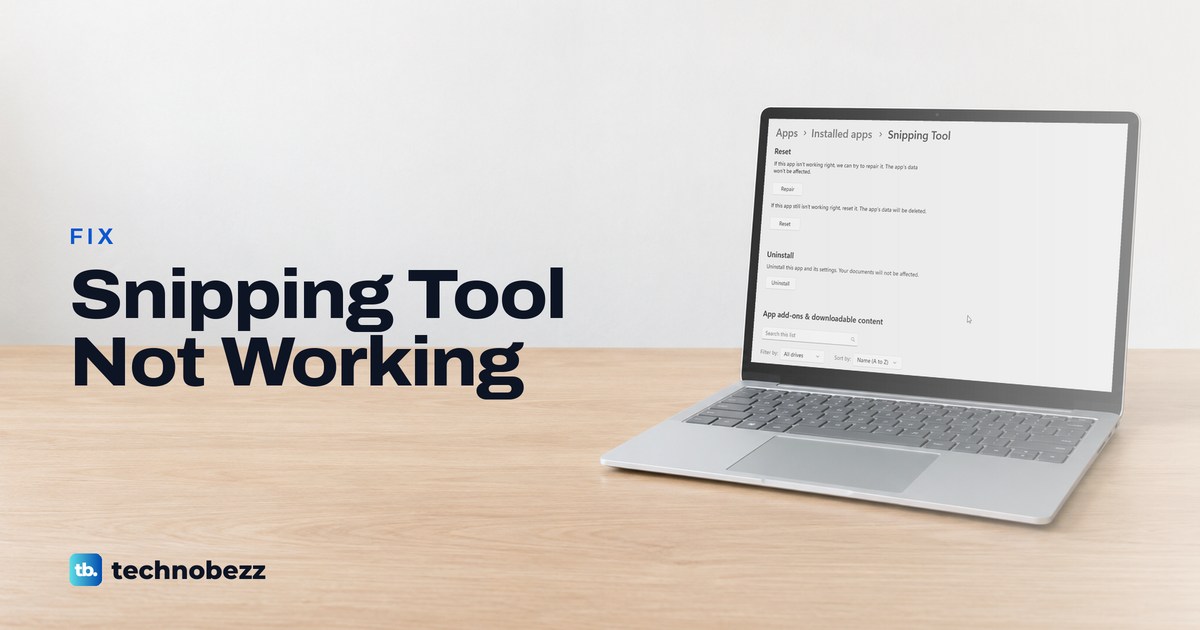
Snipping Tool Not Working or Not Opening in Windows 11
Snipping Tool not working or not opening in Windows 11? Check which part fails, then terminate, repair, reset or reinstall it. See what each step shows.
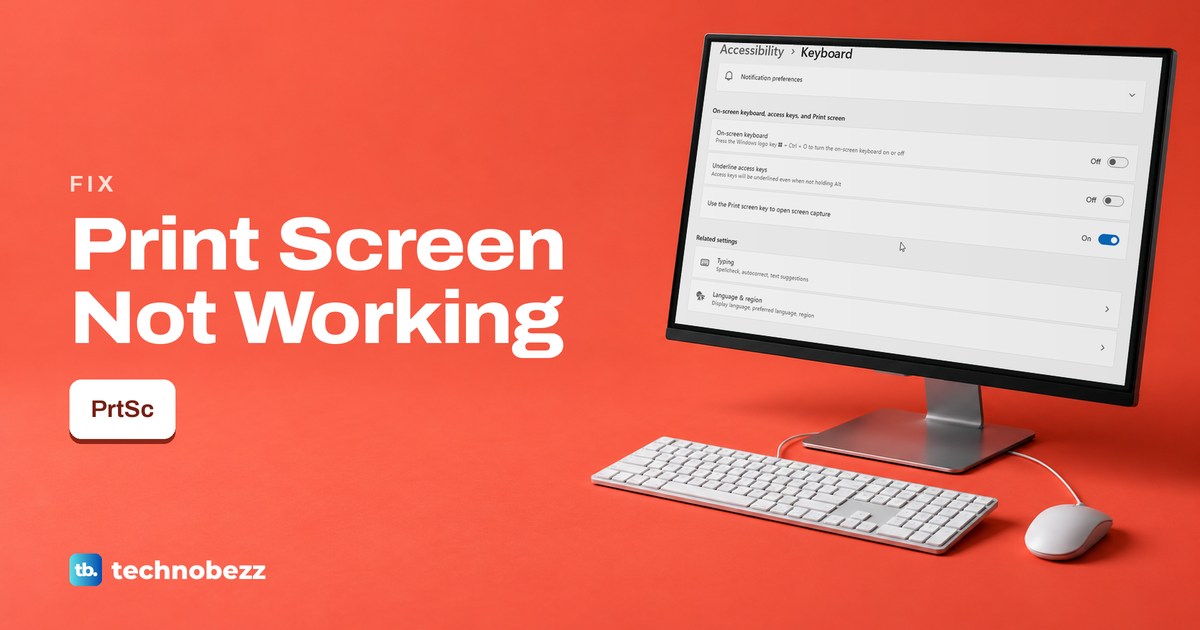
Print Screen Not Working on Windows 11 or 10 (Key Fixes)
Print Screen doing nothing on Windows 11 or 10? Paste to check for a silent copy, check the Print screen switch, try Fn, then test the key itself.
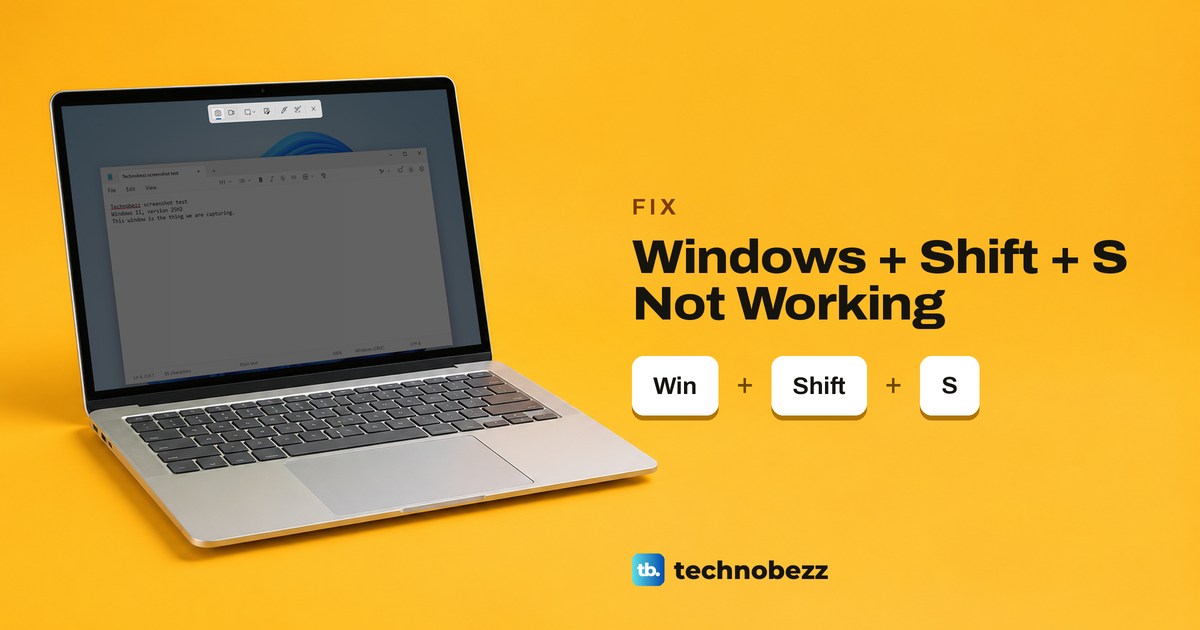
Windows Shift S Not Working (Win + Shift + S Fixes)
If Windows + Shift + S does nothing, test the Windows key first. If the bar opens but no pop-up follows, check notifications and the Screenshots folder.
Clipboard History in Windows 11 (How to Open and Use It)
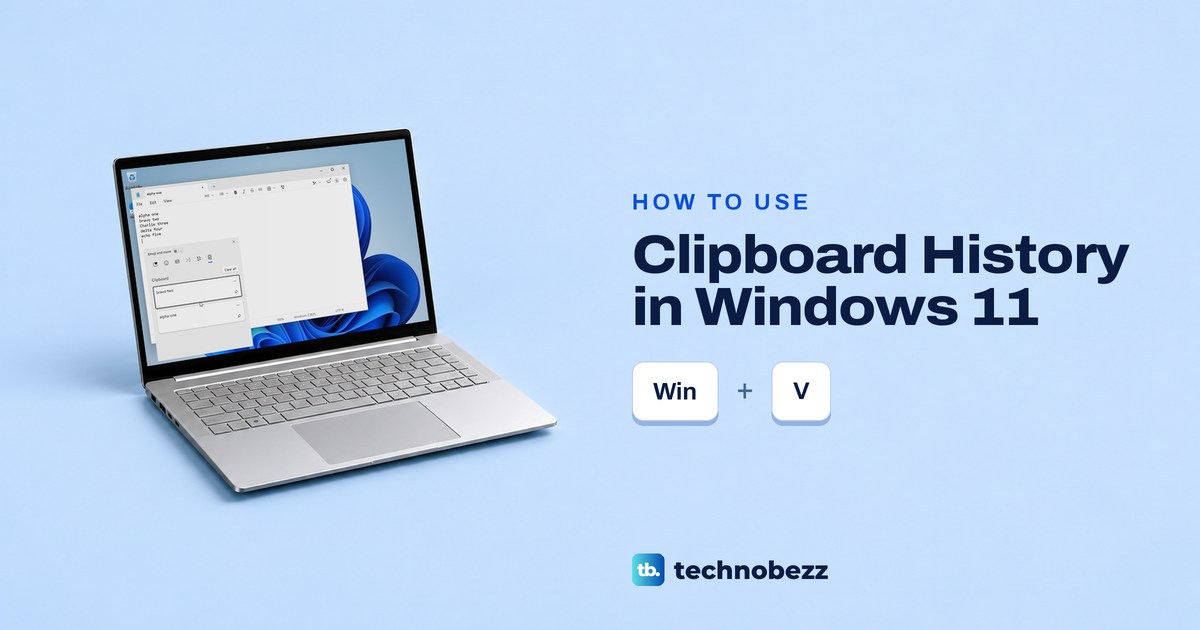
Press Windows + V to open clipboard history in Windows 11. Turn it on, paste older items, pin what you need and clear the list safely.
How to Take a Screenshot on Windows (PC or Laptop, 8 Ways)
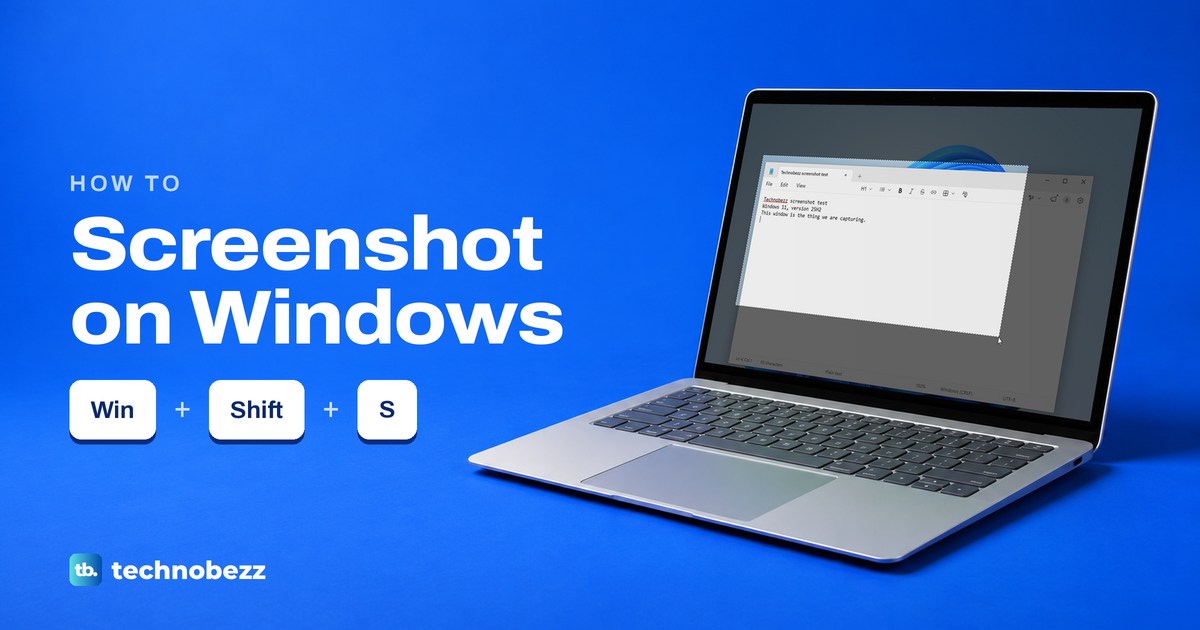
Press Windows + Shift + S to take a screenshot on Windows 11 or 10. See how to capture one window or the whole screen, paste it and find the saved file.
Where Do Screenshots Go on Windows and How to Find Them
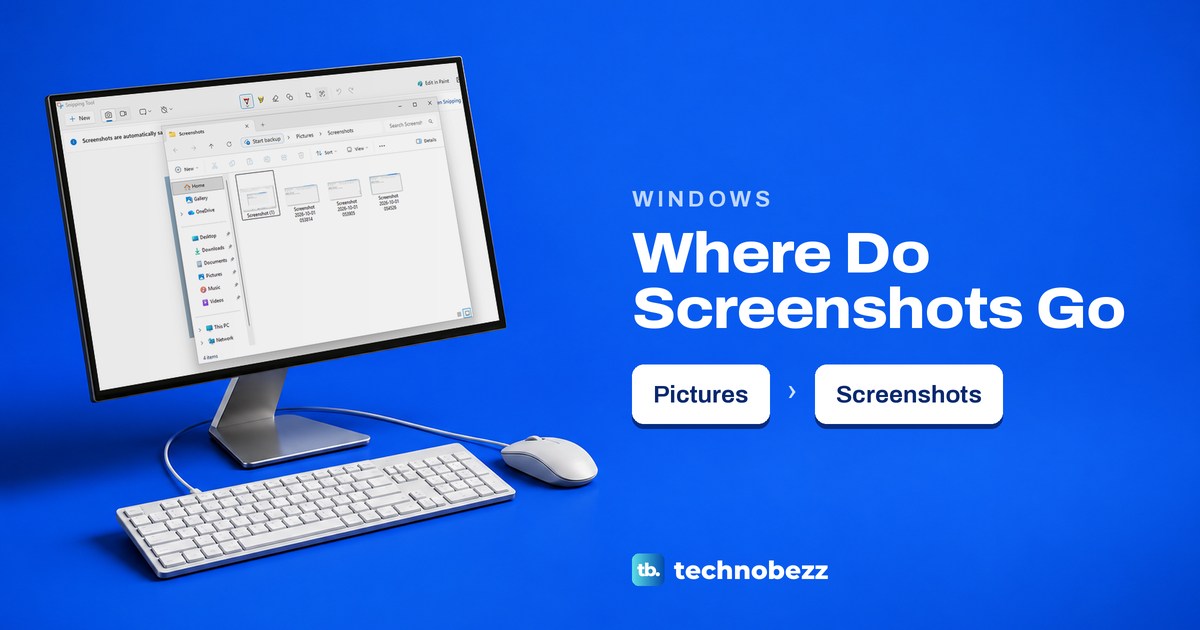
Windows 11 saves snips in Pictures > Screenshots by default. Find clipboard copies, Game Bar and Edge captures, or change the save folder.
Snipping Tool Shortcut Keys and How to Snip on Windows
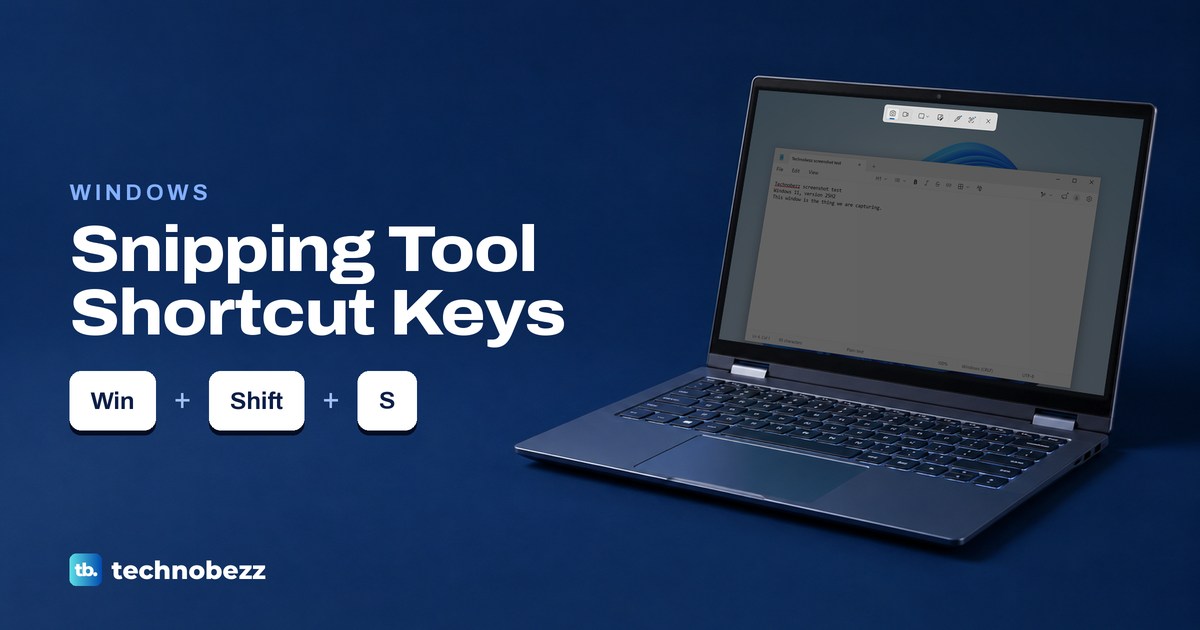
Press Windows + Shift + S and drag to snip on Windows. Here are the capture and editor shortcuts, plus how to copy text, find snips and record video.
How to Screenshot on a Lenovo Laptop or ThinkPad
Press Windows + Shift + S to screenshot on a Lenovo laptop. Find the PrtSc key on your ThinkPad, IdeaPad or Yoga and save the whole screen.