Google Sheets
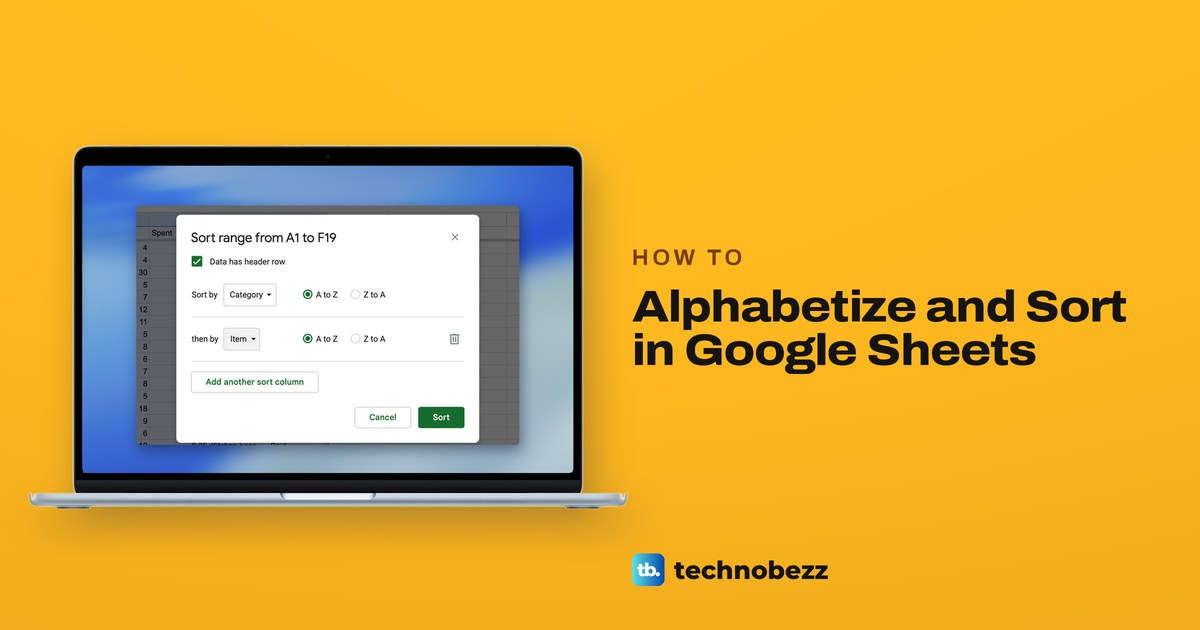
How to Alphabetize and Sort in Google Sheets
Select the whole table, choose Data > Sort range > Advanced range sorting options, tick Data has header row, pick a column and A to Z, then select Sort.
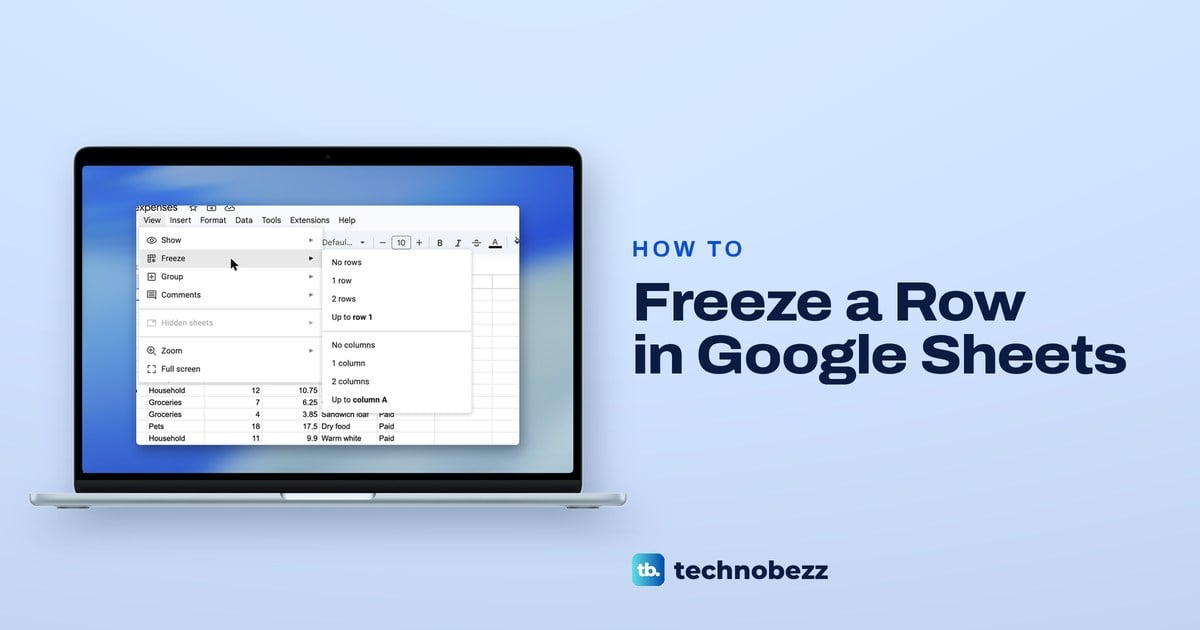
How to Freeze a Row in Google Sheets and Unfreeze It
To freeze a row in Google Sheets, click View > Freeze > 1 row. Use Up to row for more rows, No rows to unfreeze, and Repeat frozen rows to print.
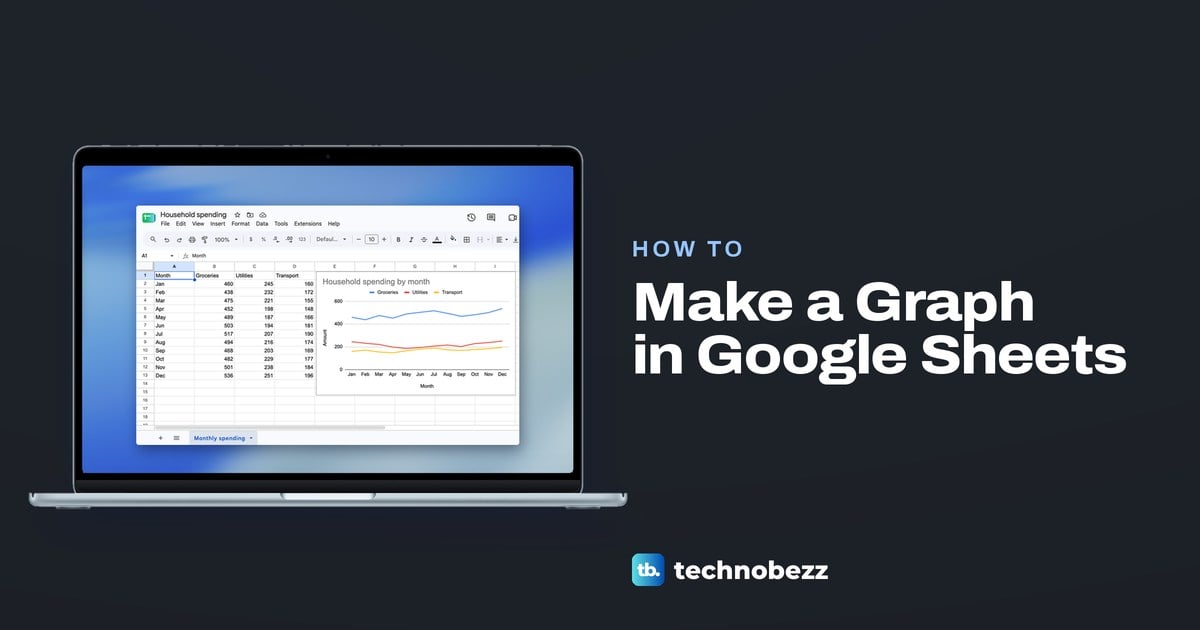
How to Make a Graph in Google Sheets Step by Step
Select your data with its headers, click Insert > Chart, then pick a line, column or pie chart in Setup. Plus how to bring back a missing line.
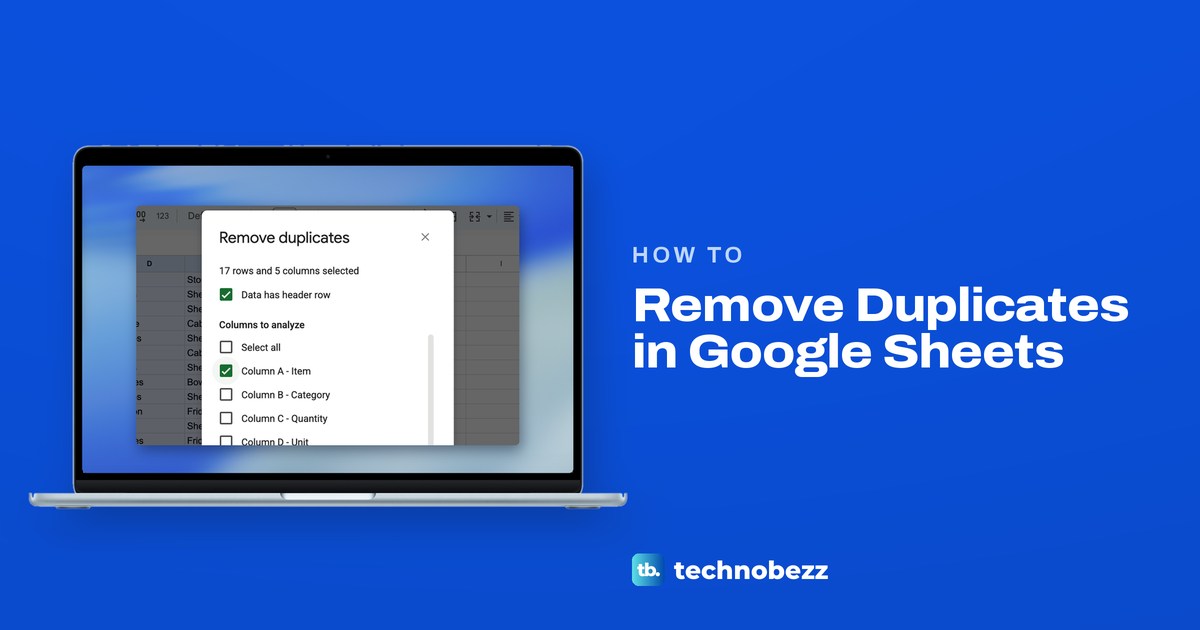
How to Remove Duplicates in Google Sheets
Select your table, open Data > Data cleanup > Remove duplicates, tick Data has header row if you have headings and pick columns. UNIQUE keeps the original.
Gmail
How to Block Emails on Gmail, One Sender or a Whole Domain
Open the email, select More next to Reply and choose Block. New mail from that sender goes to Spam. Use a filter to delete a whole domain.
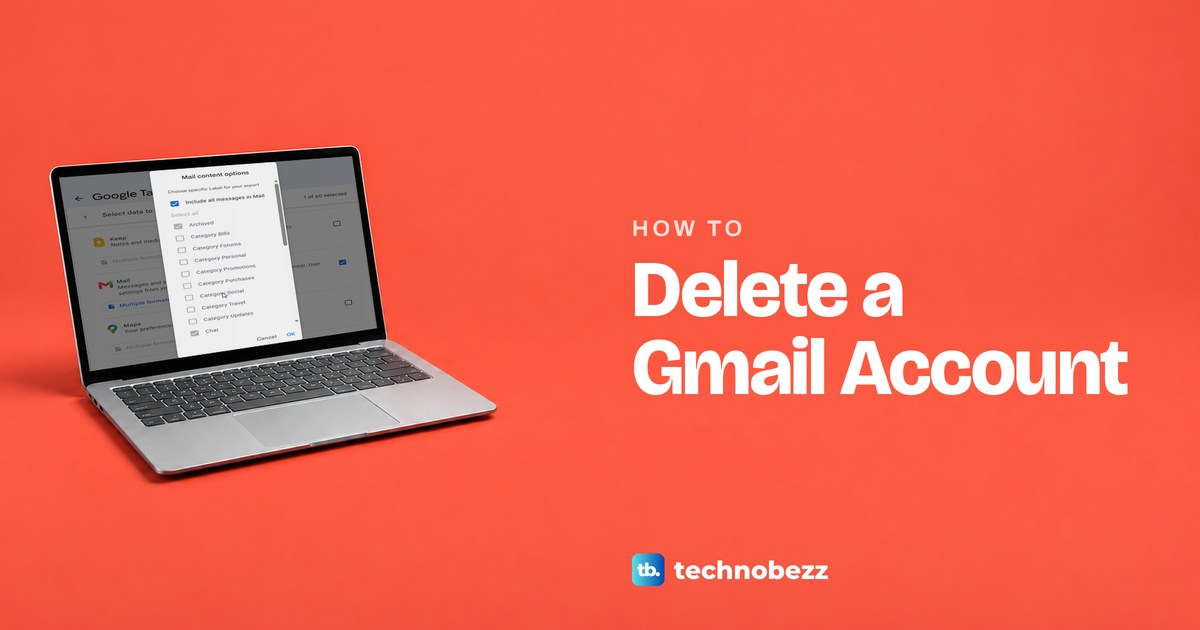
How to Delete a Gmail Account and Keep Your Google Account
Remove only Gmail and keep your Google Account. Download your mail first, then use Data & privacy in your Google Account. Mail is deleted after 30 days.