Your admin grants Full Access first. Then restart Outlook, and if the mailbox is missing, add it by hand in classic or new Outlook, the web, Mac or phone.
Open File > Options > Mail > Signatures in classic Outlook, or Settings > Account > Signatures on the web, then pick one for new messages and for replies.
Select emails and choose Archive, or press Backspace in classic Outlook. Microsoft 365 and Outlook.com mail goes to the Archive folder and frees no space.
Right-click a message and choose Rules > Create Rule in classic Outlook, or use Settings > Mail > Rules > Add rule on the web, then run it on older mail.
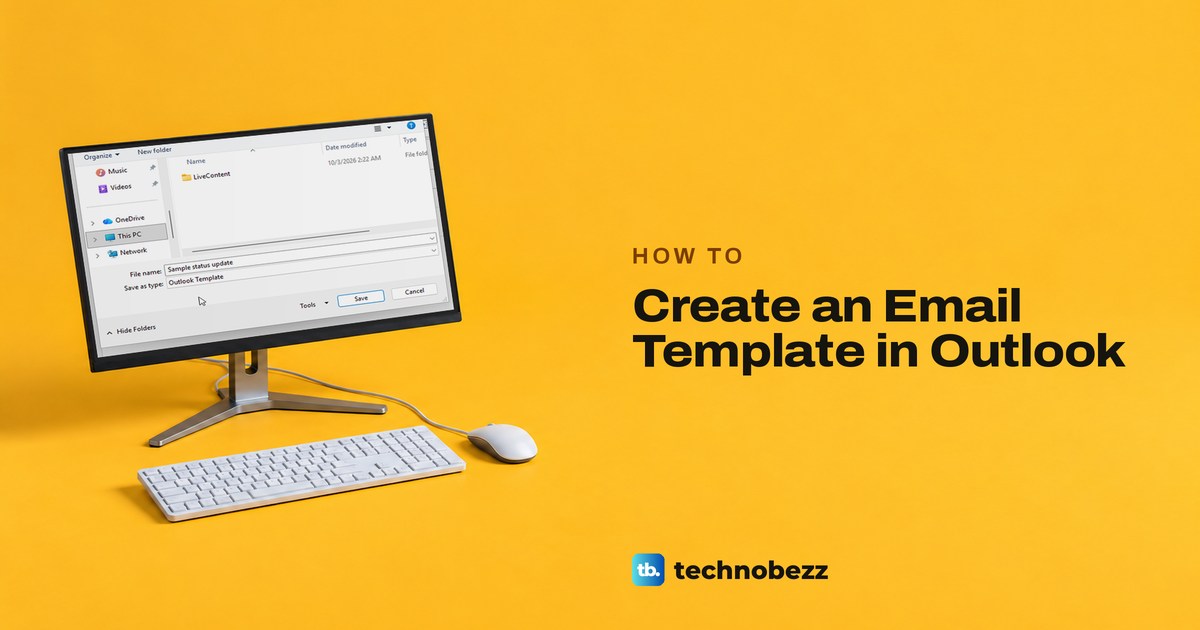
Write the email, then use File > Save As > Outlook Template in classic Outlook, or Mail template > Save email as template in new Outlook and on the web.
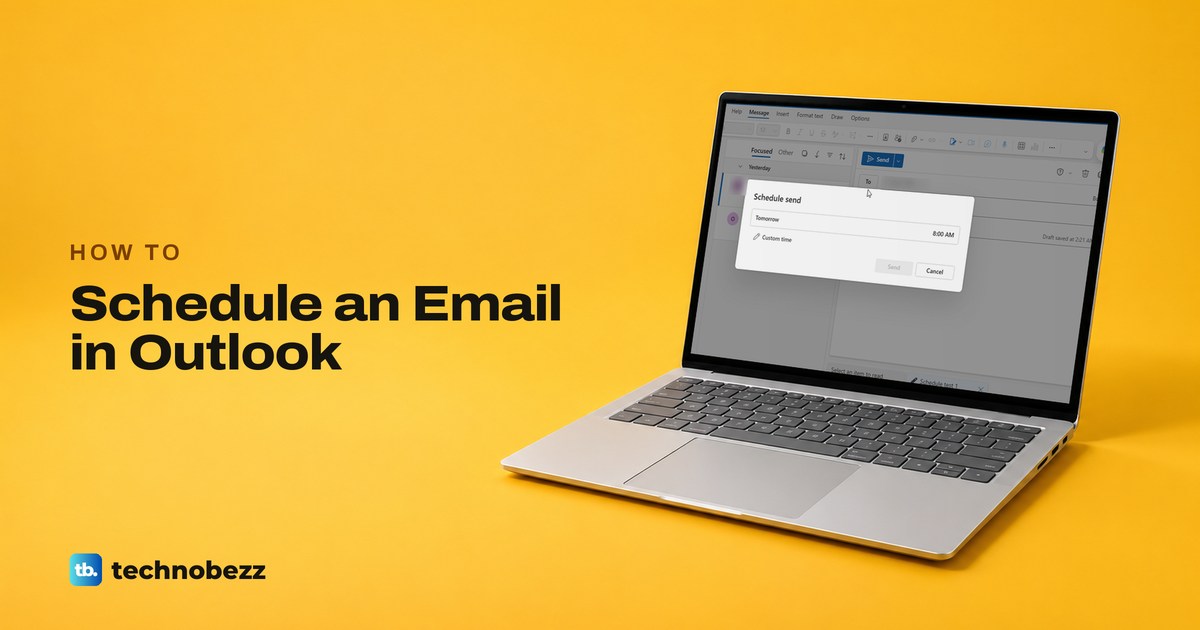
In Outlook on the web or the new Outlook, pick Schedule send from the arrow next to Send. In classic Outlook, use Delay Delivery and keep Outlook running.
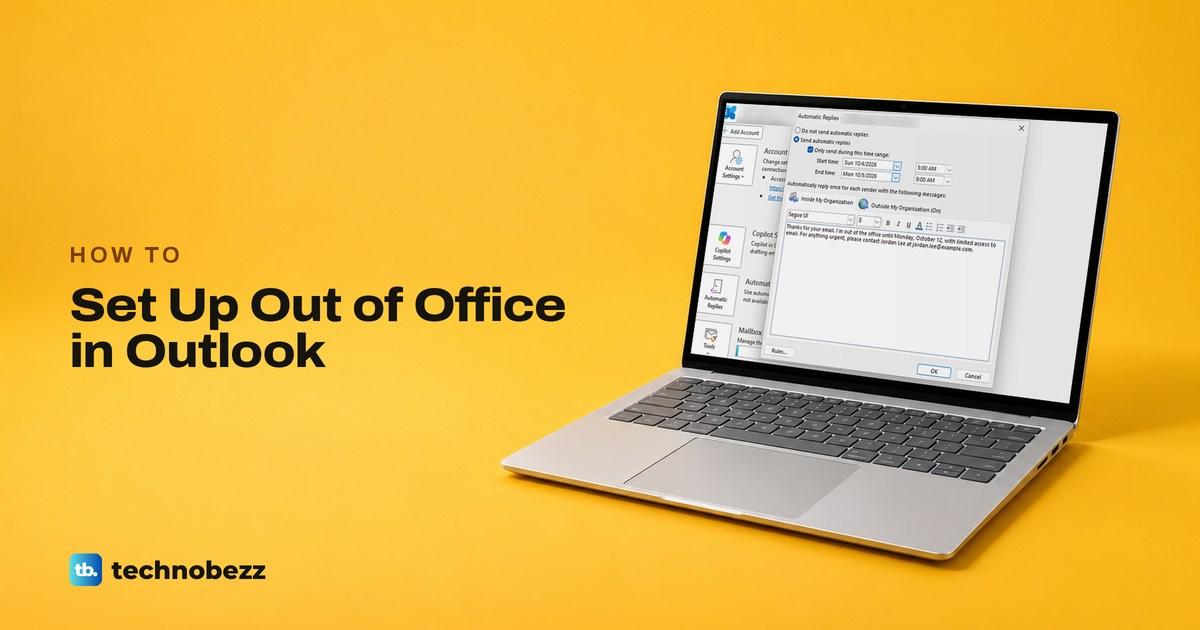
Choose File > Automatic Replies in classic Outlook, or Settings > Account > Automatic replies on the web. Set a time range, write the reply, then save it.
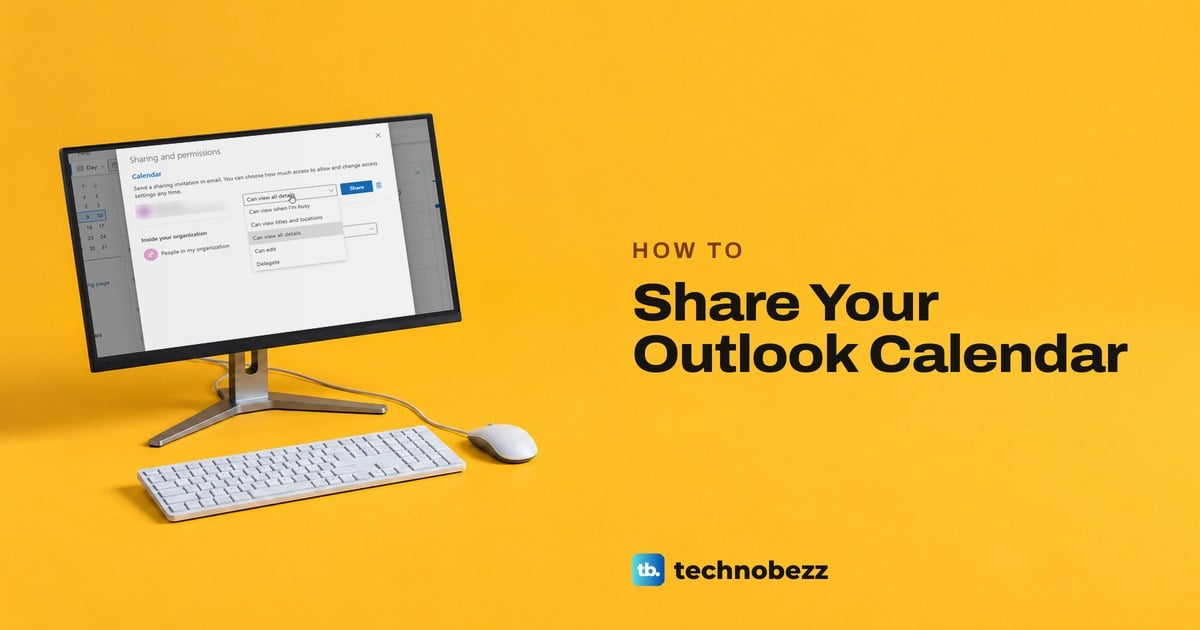
In Outlook, open Calendar, select Share, add the person and pick a level such as Can view all details or Can edit. They accept from an email invitation.