All guides
Samsung TV Won't Turn On? What to Check First
If your Samsung TV won't turn on, check the red standby light, test the remote and the TV's own button, then the outlet, and know when to call Samsung.
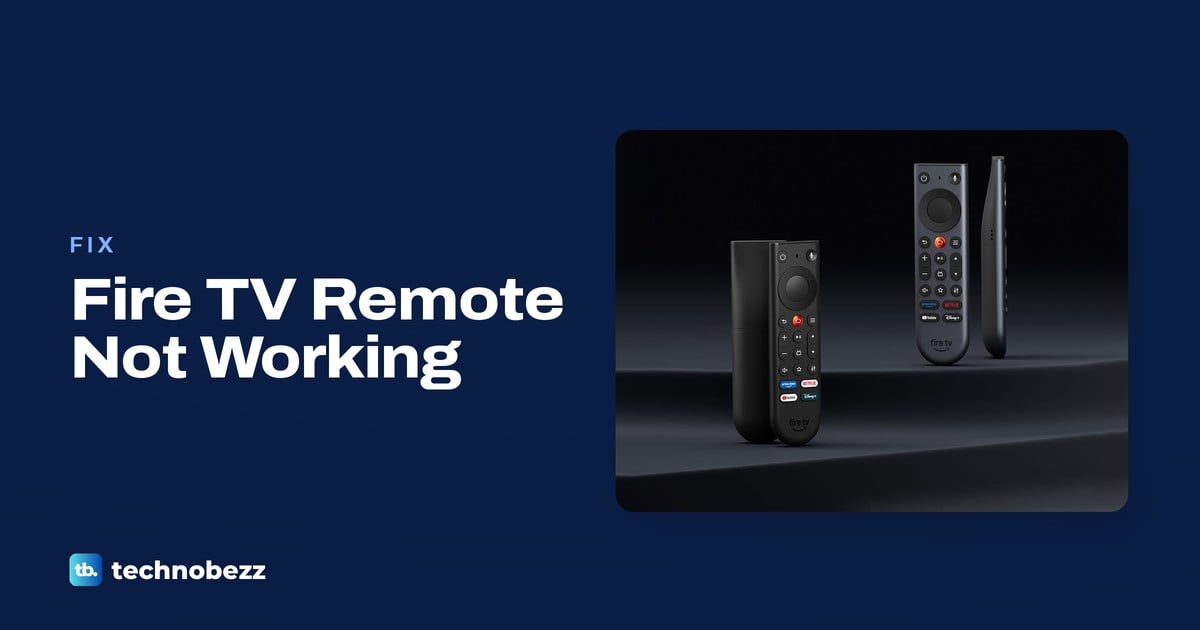
Firestick Remote Not Working? How to Fix It
Fix a Firestick remote with fresh AAA alkaline batteries, hold Home for 10 seconds to pair it, or use the Fire TV app to regain control.
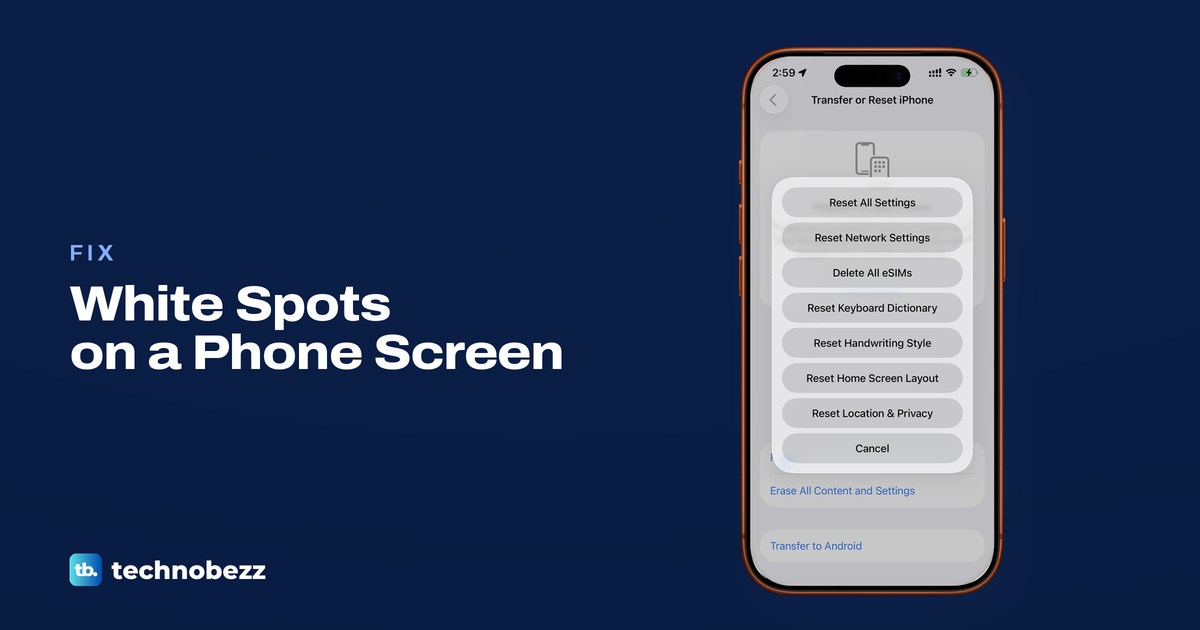
How to Fix White Spots on a Phone Screen
Remove the case and any removable screen protector, but leave a foldable's built-in film on. Clean the screen, then restart your phone.
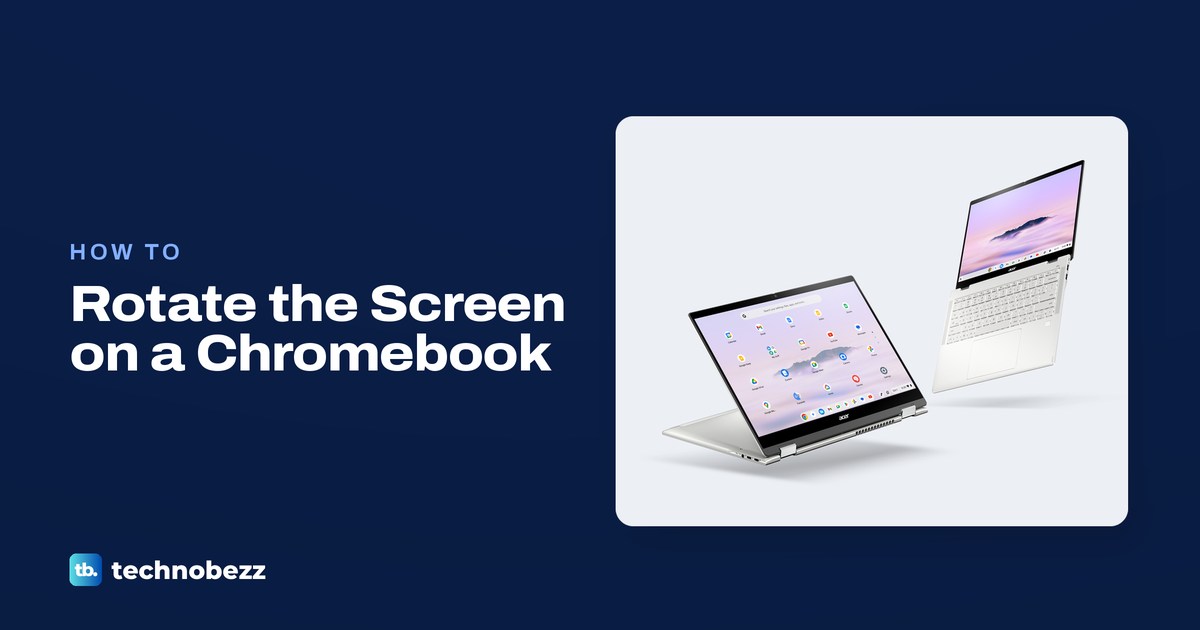
How to Rotate Your Screen on a Chromebook
Press Ctrl + Shift + Rotate to turn your Chromebook screen 90 degrees, or choose Orientation in Settings under Device and Displays.
How to AirPlay on Roku From an iPhone or Mac
Turn on AirPlay in Roku settings, connect both devices to the same Wi-Fi network, then choose your Roku in Screen Mirroring or an app.
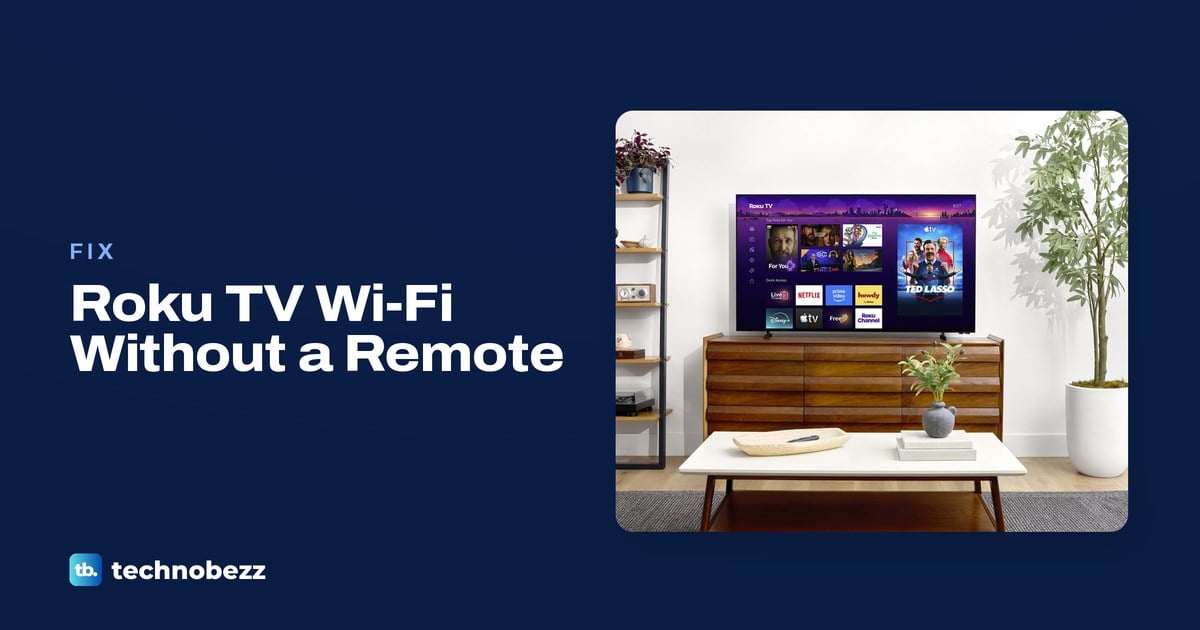
How to Connect a Roku TV to WiFi Without a Remote
Connect an online Roku TV with the Roku Remote app. If it is offline, restart the TV and router or use a compatible remote for WiFi setup.
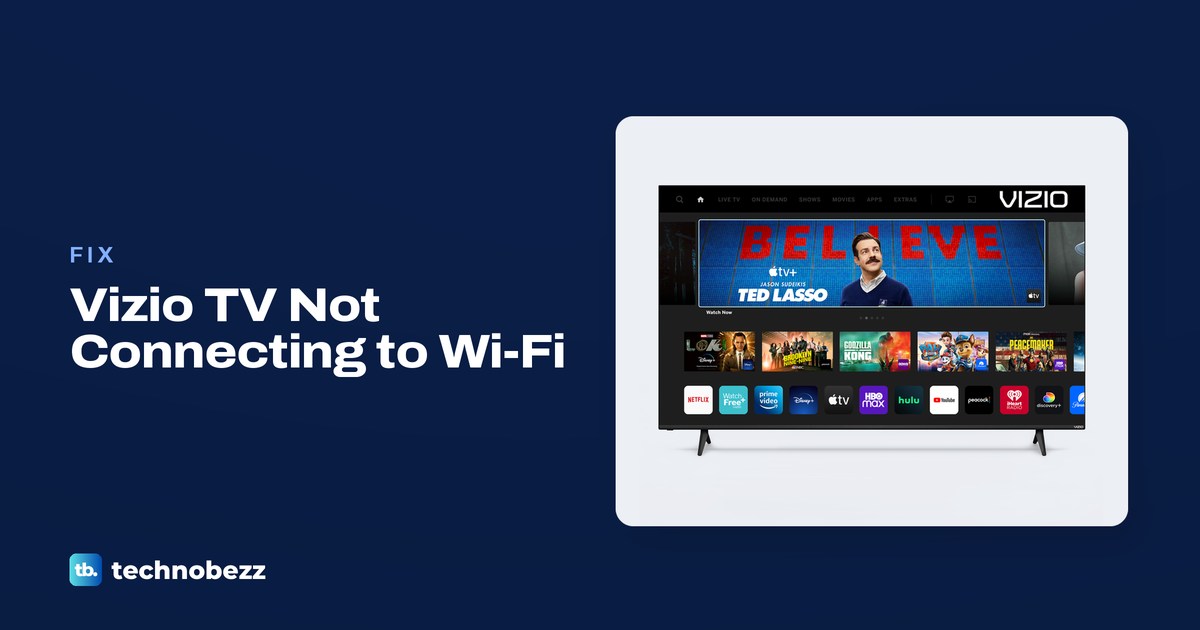
How to Fix a Vizio TV Not Connecting to WiFi
Reconnect your Vizio TV through Network with your WiFi password, then check other devices, restart equipment and review eero settings.
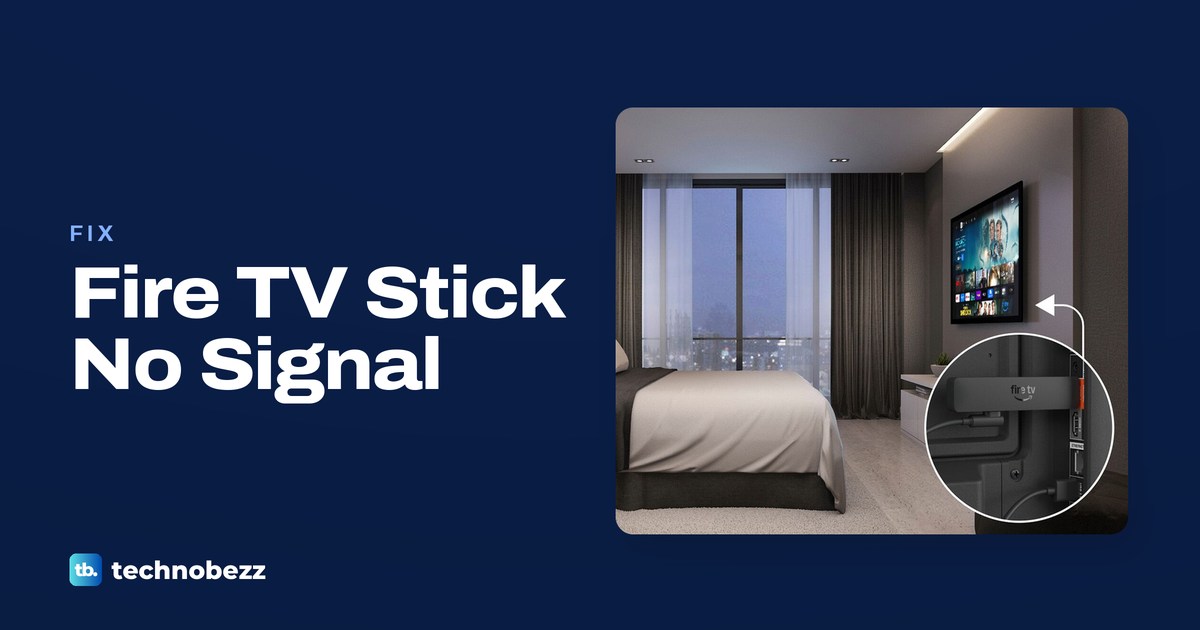
Firestick Not Recognized by Your TV? How to Fix It
If your Firestick is not recognized by the TV, select the correct HDMI input, check its power cable and reconnect the HDMI connection.
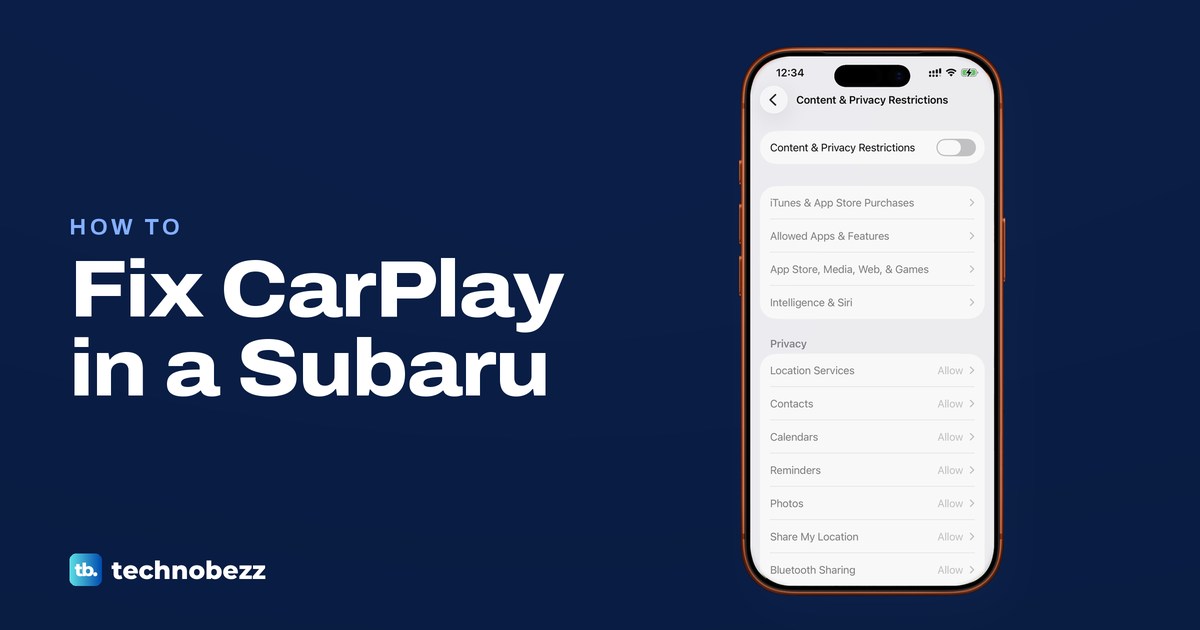
Subaru Apple CarPlay Not Working? How to Fix It
Reconnect your unlocked iPhone to Subaru's CarPlay USB port, or enable Bluetooth, Wi-Fi and Auto-Join for wireless CarPlay.
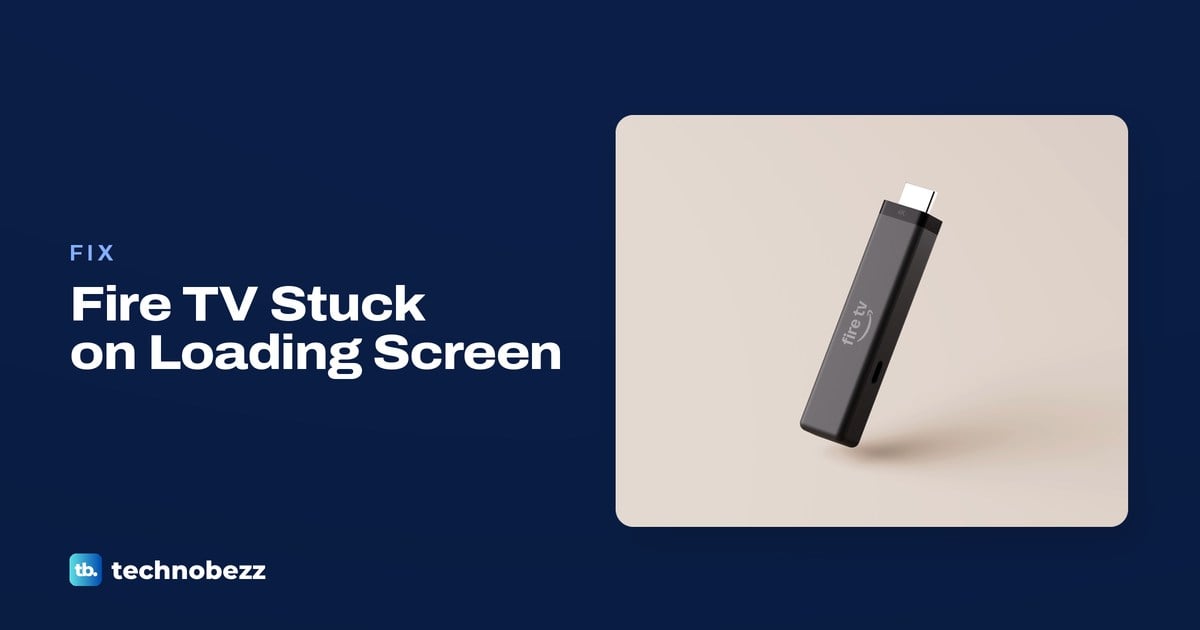
Firestick Stuck on the Loading Screen? How to Fix It
For a Firestick stuck on the loading screen, check the supplied power equipment, wait 25 minutes, then restart before trying a factory reset.
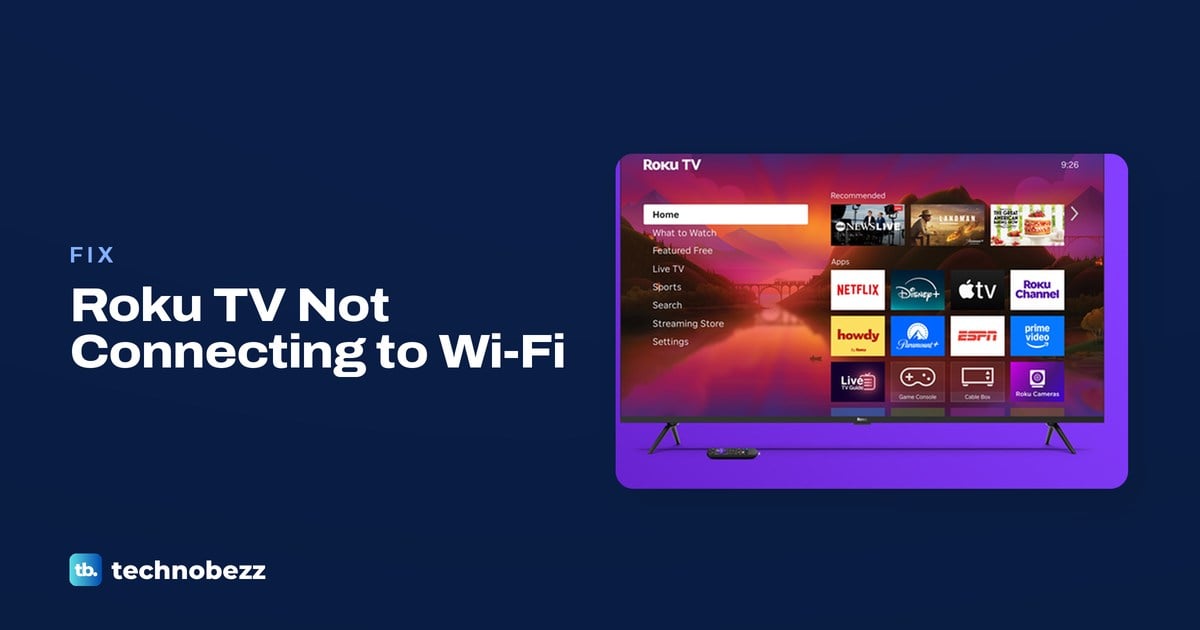
How to Fix a Roku TV Not Connecting to WiFi
To fix a Roku TV not connecting to WiFi, reconnect in Settings, check the password, and restart the TV and router before resetting.
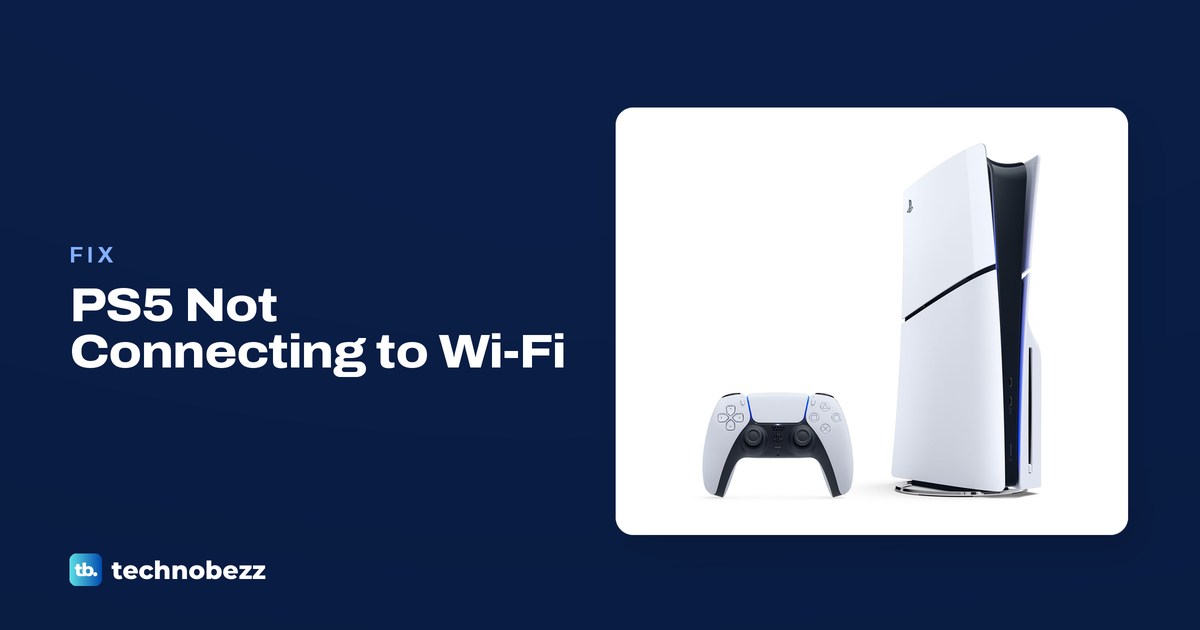
How to Fix a PS5 Not Connecting to the Internet
Open Settings, Network, Connection Status, then Test Internet Connection on your PS5. Check your WiFi password and restart the router.
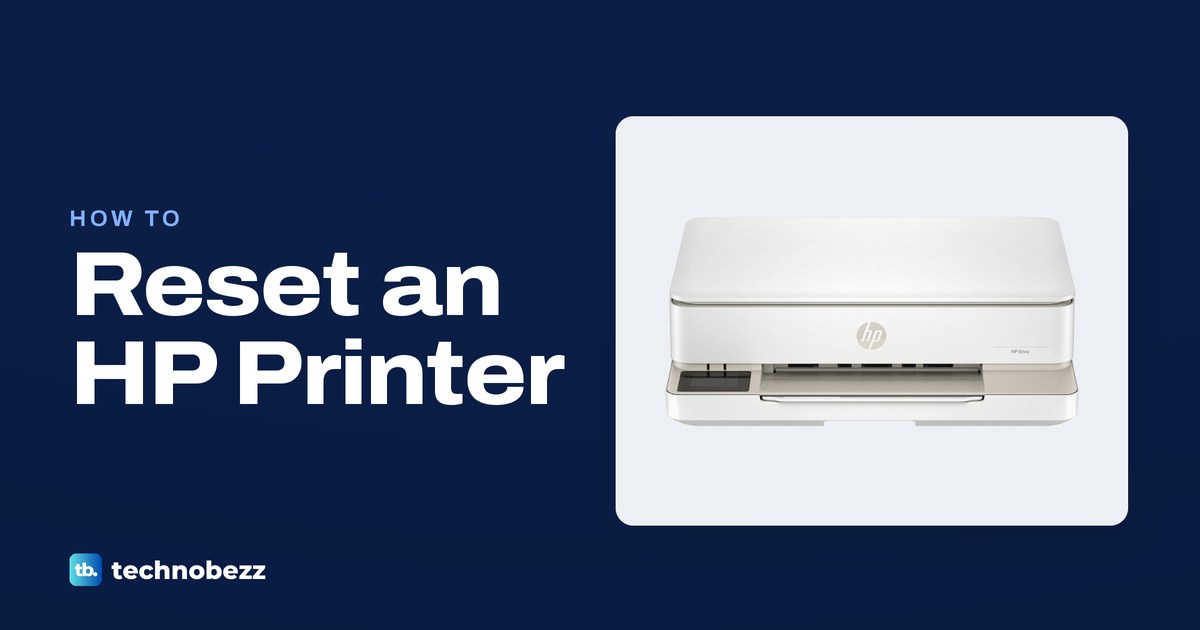
How to Factory Reset an HP Printer by Model
Factory reset an HP printer through its touchscreen or the HP app, then reconnect it to Wi-Fi. Try a power reset for printer errors.
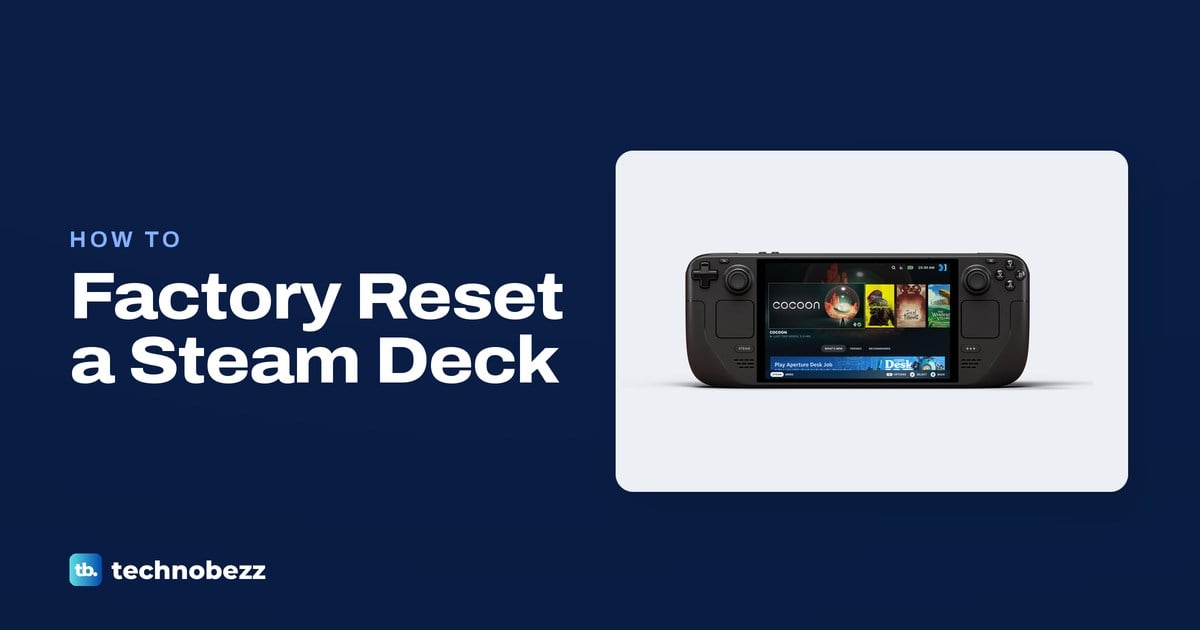
How to Factory Reset a Steam Deck and Reinstall SteamOS
Press the Steam button and open Settings, then System and Factory Reset to erase local data. Use USB recovery for a full SteamOS reinstall.
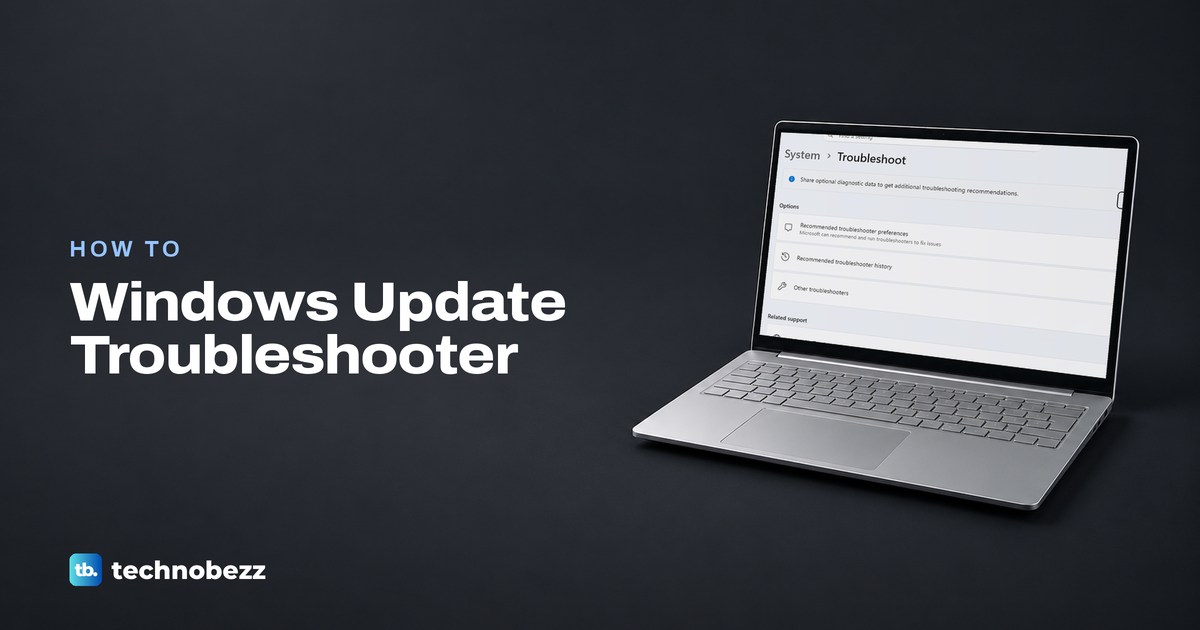
How to Run the Windows Update Troubleshooter
Open Get Help and search for windows update troubleshooter, or run it from Settings. Restart, then check for updates to retry.
How to Fix Input Signal Not Found on an HP Monitor
Fix an HP monitor showing Input Signal Not Found by waking the computer, choosing the matching input and checking the video cable.
How to Factory Reset a Firestick With Your Remote
Factory reset your Firestick through Settings or hold Back and Right for 10 seconds. Use the Fire TV app if the remote is missing.
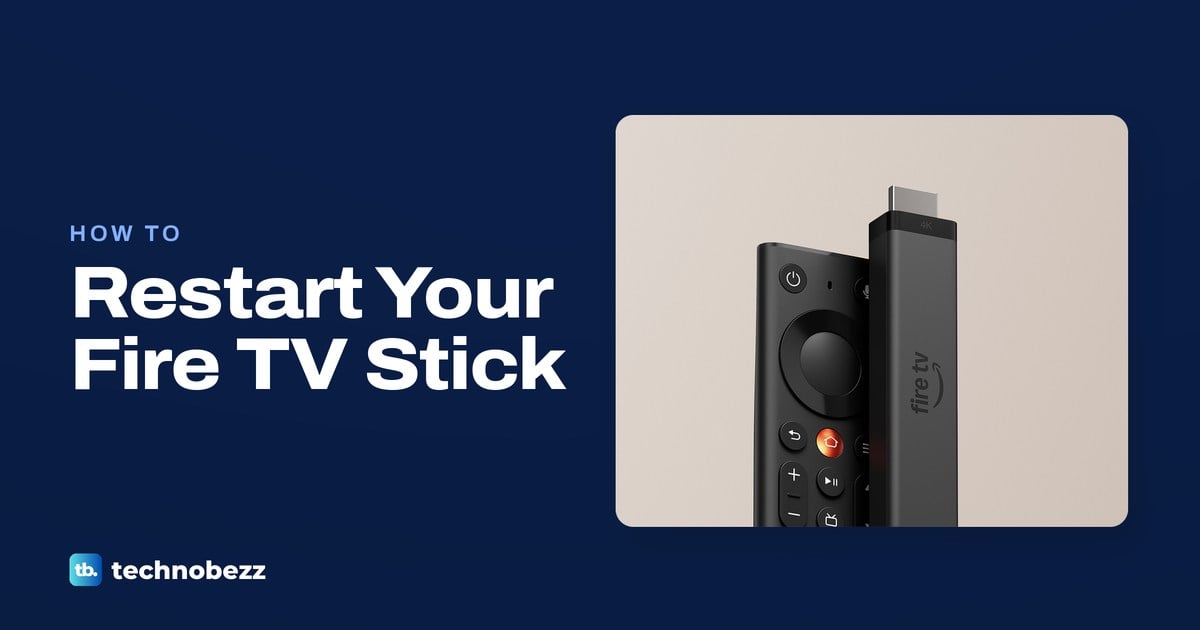
How to Reboot a Firestick With or Without a Remote
Reboot your Firestick through Settings and My Fire TV, hold Select and Play/Pause, or disconnect power if the screen is frozen.
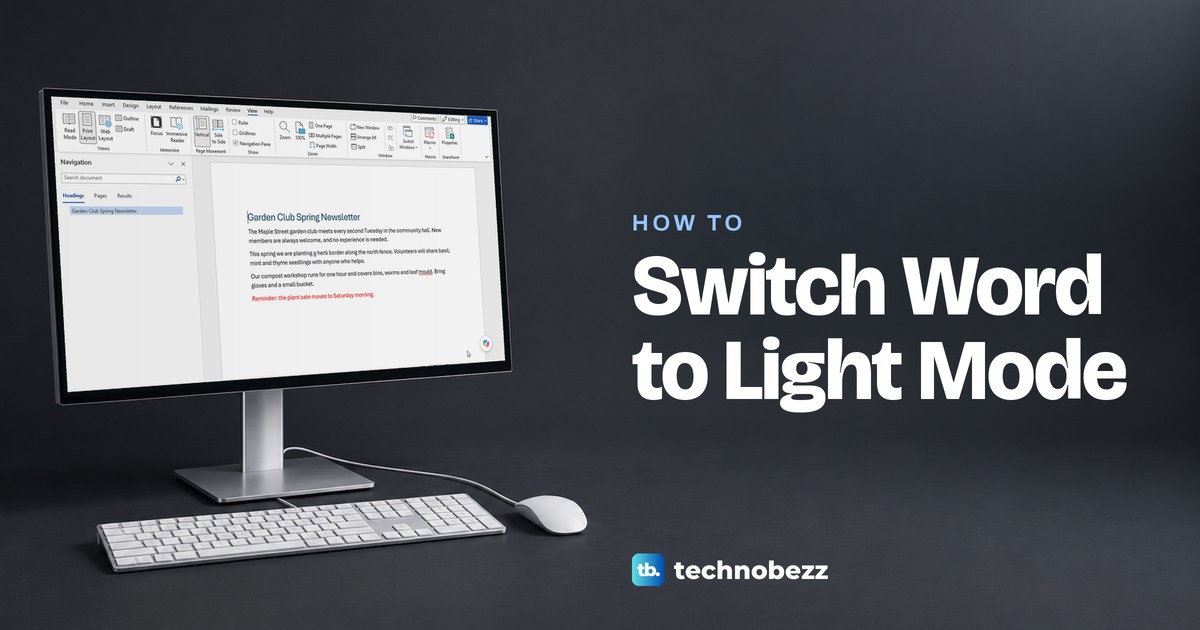
How to Change Microsoft Word to Light Mode on Any Device
Open File > Account in Word and set Office Theme to White. If only the page stays black, use View > Switch Modes or Design > Page Color > No Color.
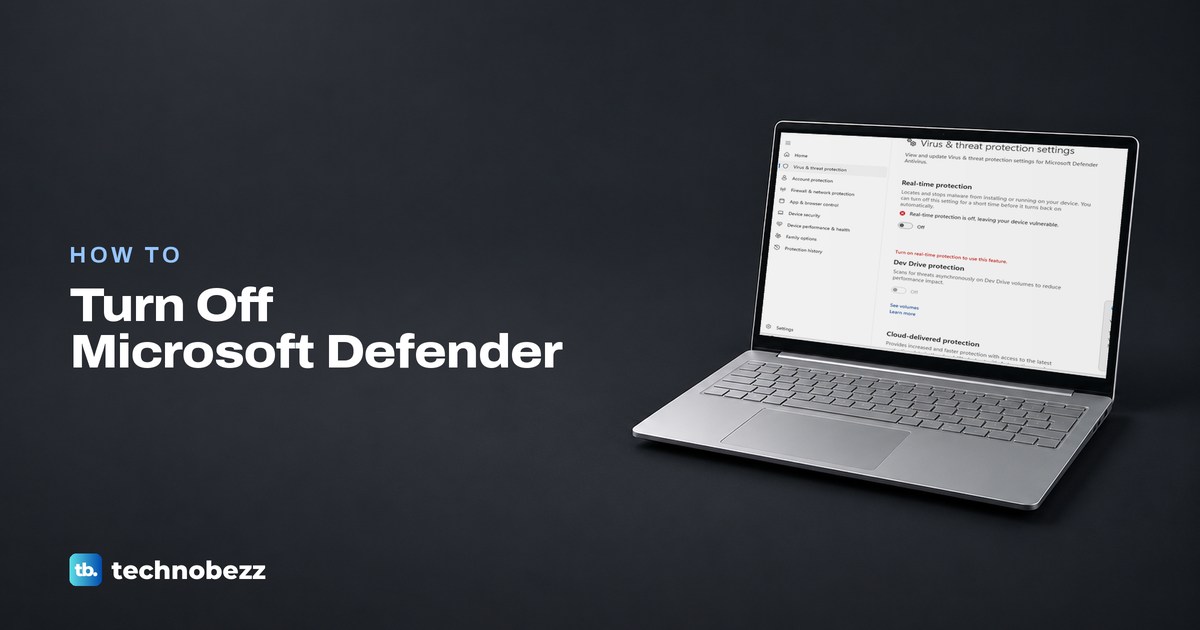
How to Disable Windows Defender and Turn It Back On
Turn off Real-time protection in Windows Security to pause Microsoft Defender. Switch it back on yourself, and use an exclusion for one blocked file.
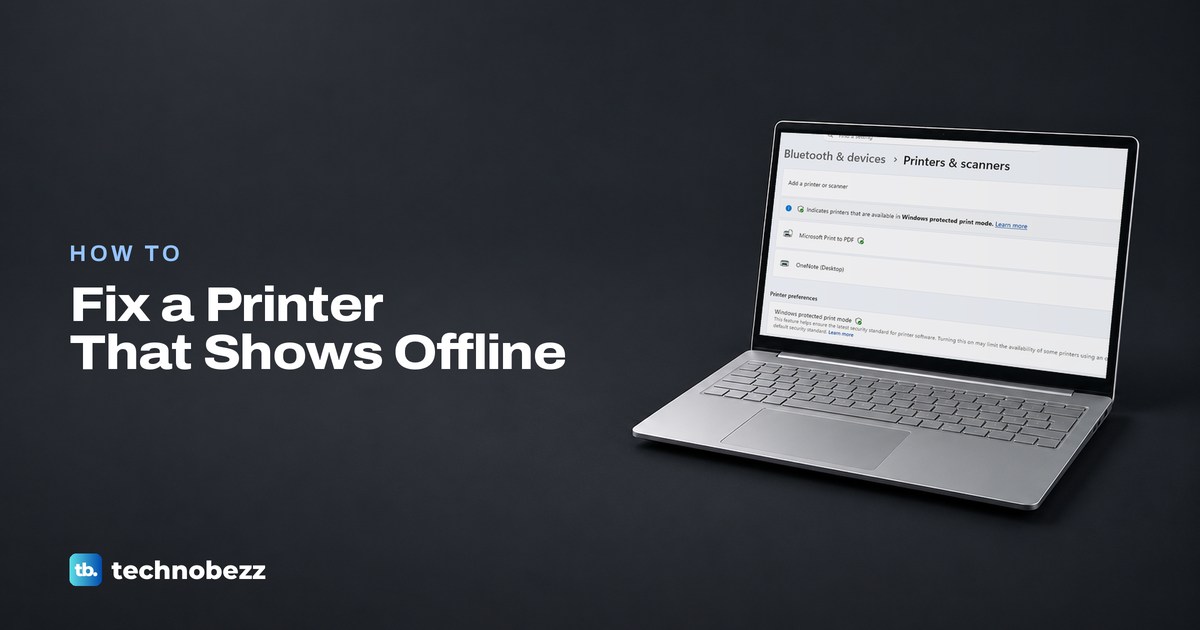
Printer Is Offline? How to Fix It and Print Again
If your printer is offline, check its power and connection, select the right printer, then clear the print queue on your device.
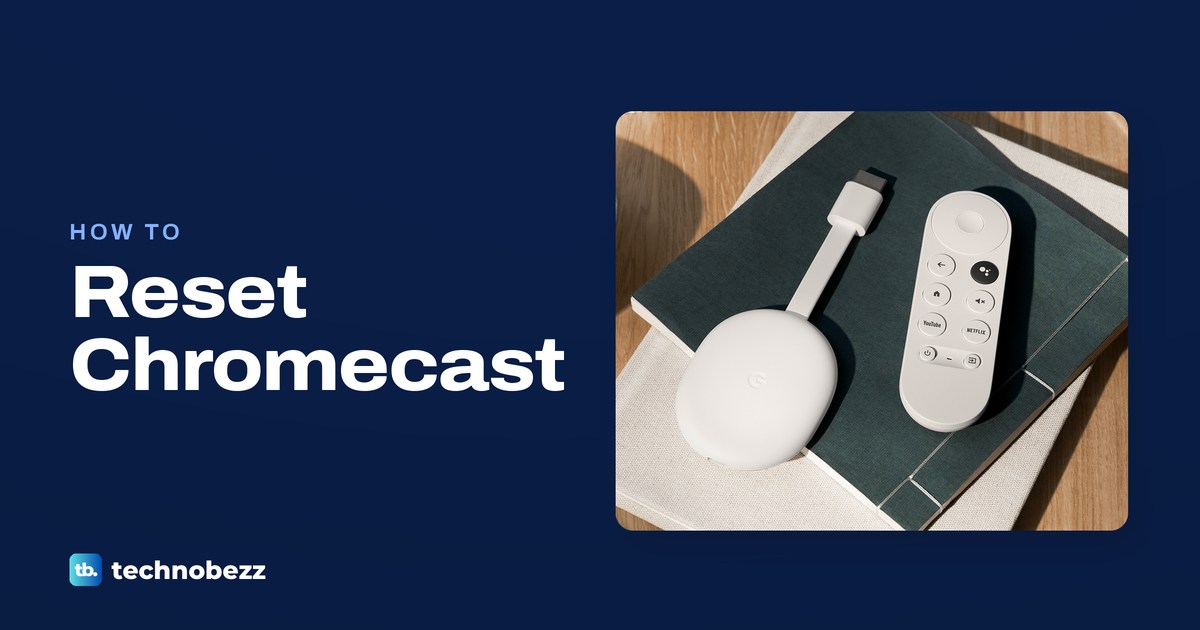
How to Factory Reset Chromecast With or Without a Remote
Factory reset Chromecast from TV settings, Google Home, or the device button. Choose the steps for your model before erasing its data.
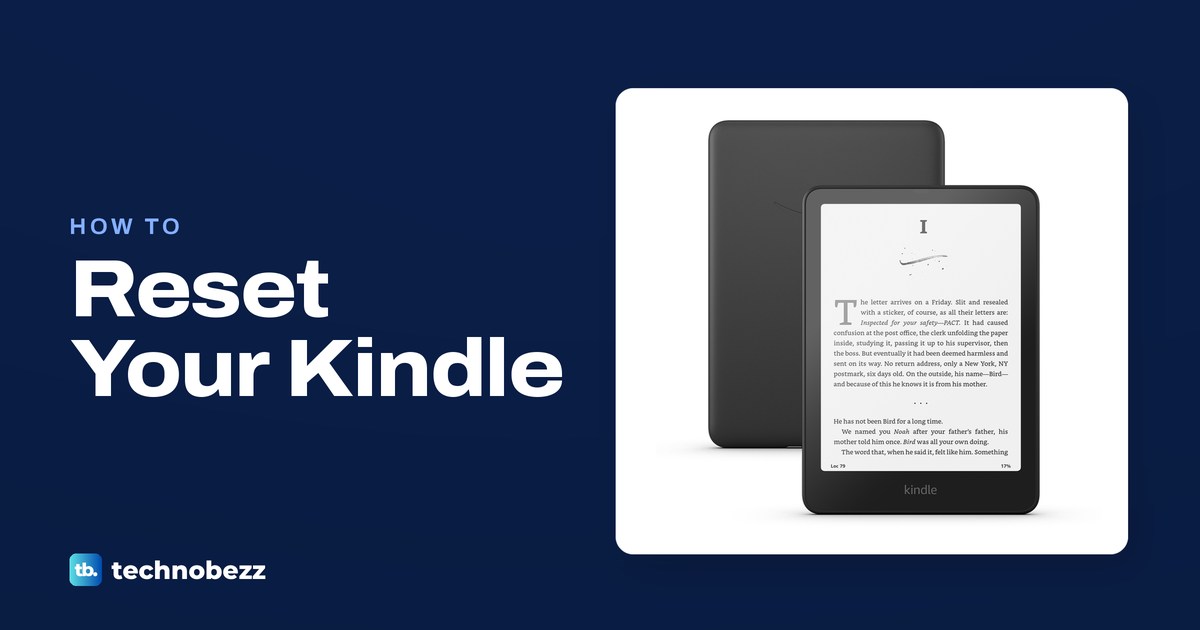
How to Factory Reset a Kindle Before Selling
To reset your Kindle, open Settings, choose Device Options or Menu, then Factory Reset or Reset Device on older models. Confirm to erase content.
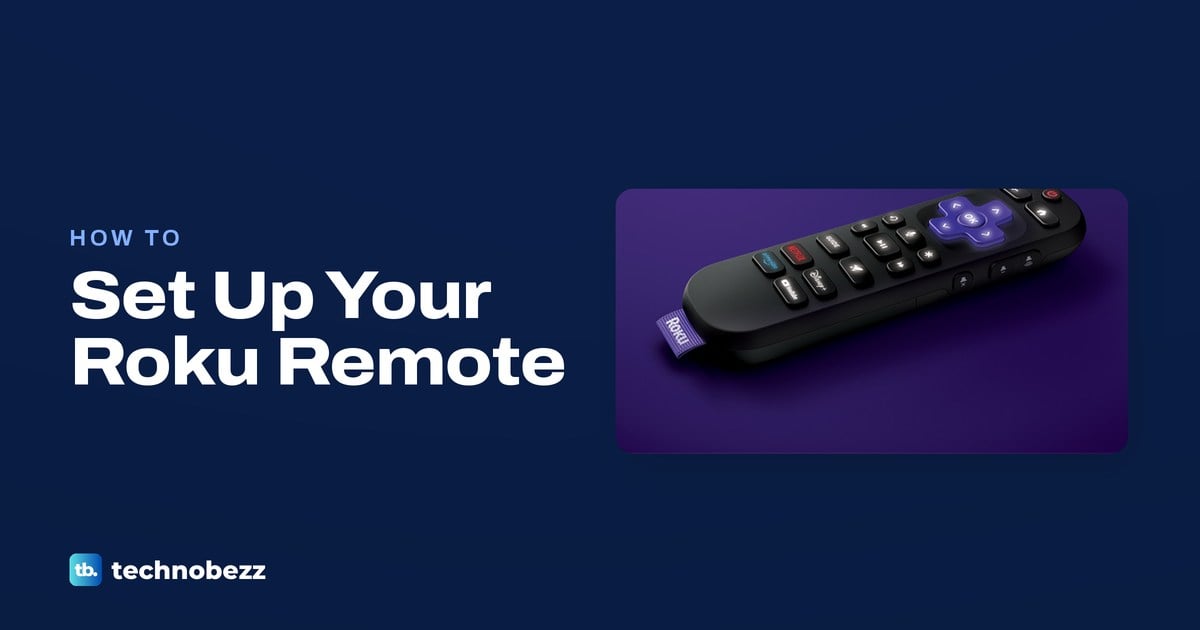
How to Sync a Roku Remote Without a Pairing Button
Sync a buttonless Roku voice remote by holding Back and Home for five seconds in pairing mode. Infrared remotes need batteries and a clear view.