All guides
How to Run Windows Apps on Mac
Learn how to run windows app on mac using Parallels, CrossOver, a free Windows virtual machine, or remote access to an existing PC.
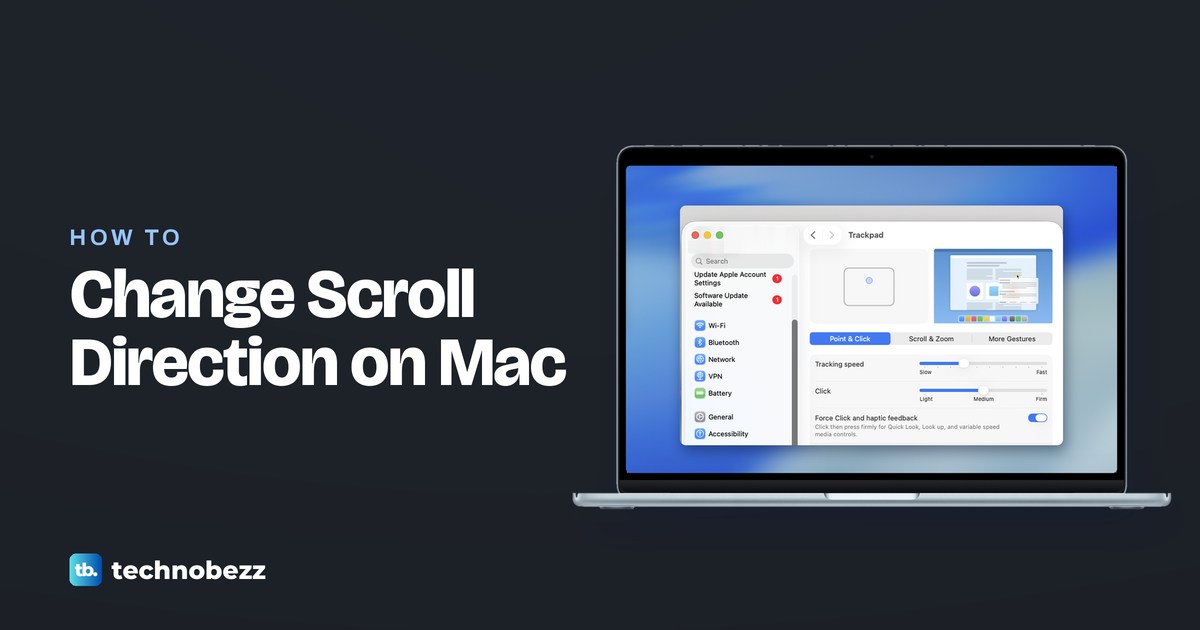
How to Change the Scrolling Direction on Mac
Learn how to invert scrolling on Mac in System Settings, reverse your mouse wheel, or keep your mouse and trackpad scrolling in different directions.
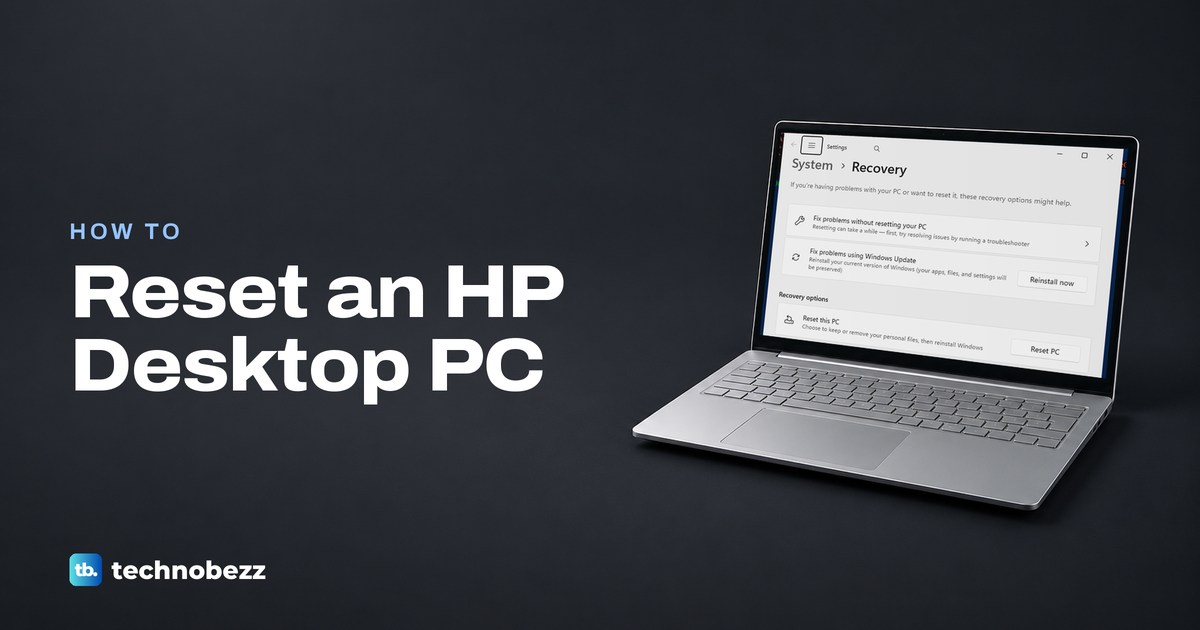
How to Reset an HP Desktop PC
Learn how to reset an HP desktop through Windows Settings, keep your files or erase everything, and use recovery when Windows won't start.
How to See How Much Money You've Spent on Steam
Here's how to see how much money you spent on Steam: open External Funds Used and read TotalSpend, then check purchase history for details.
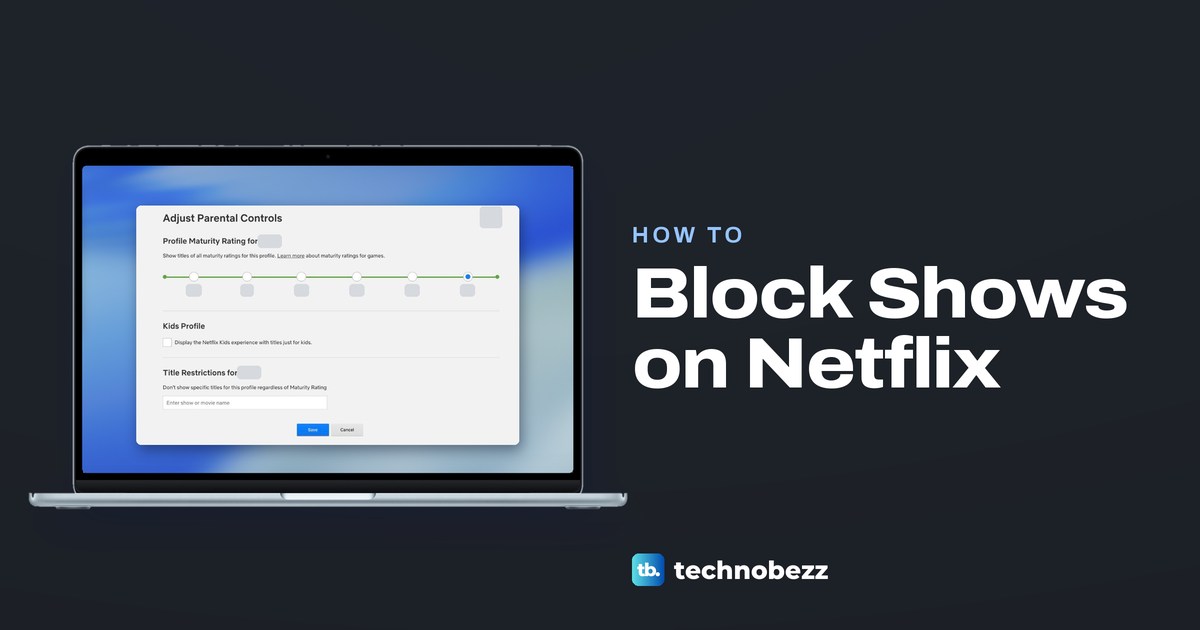
How to Block Shows on Netflix and Set Parental Controls
Block shows on Netflix by name, set a profile maturity rating or the Kids experience, and lock adult profiles with a PIN to keep children out of them.
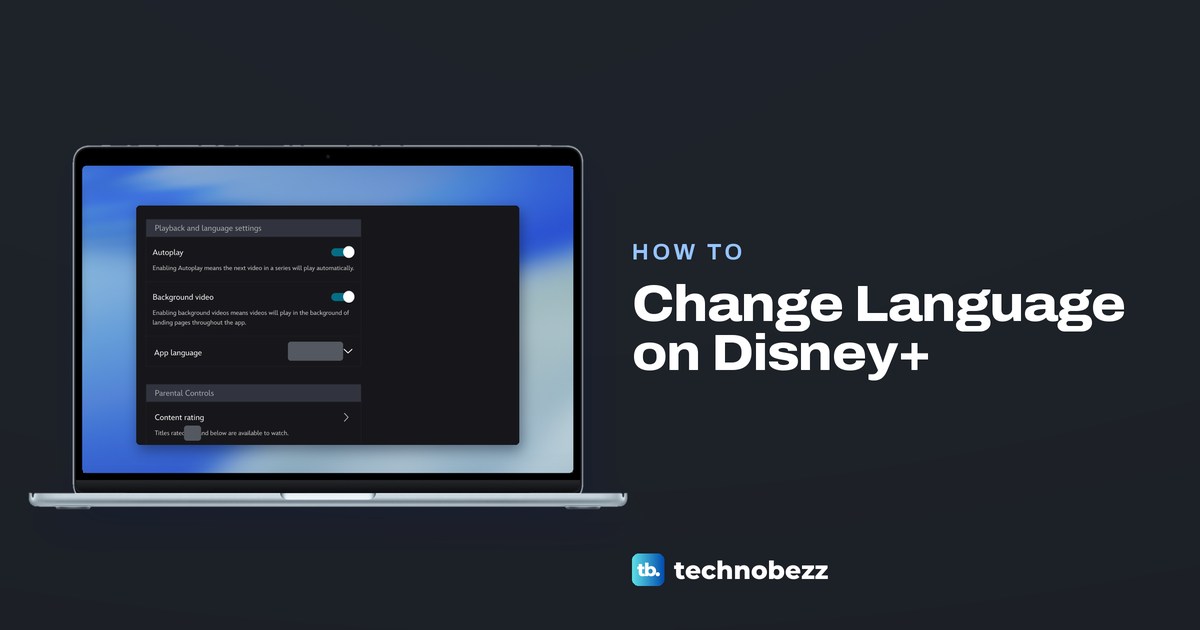
How to Change Language on Disney Plus and Turn Off Subtitles
Change Disney Plus app language in Edit Profiles, switch audio or subtitles in the player, and turn subtitles off on your phone, browser, or TV.
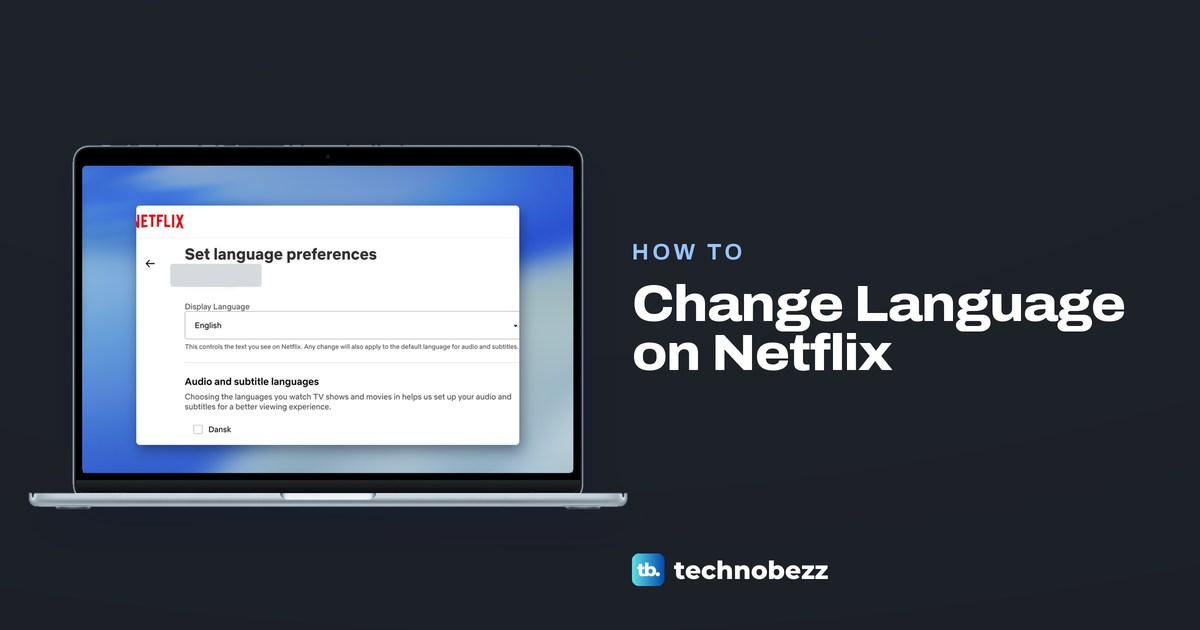
How to Change Language on Netflix for Menus and Audio
Change the Netflix display language on a TV, phone or browser, get the menus back to English, and set the audio and subtitle languages for each profile.
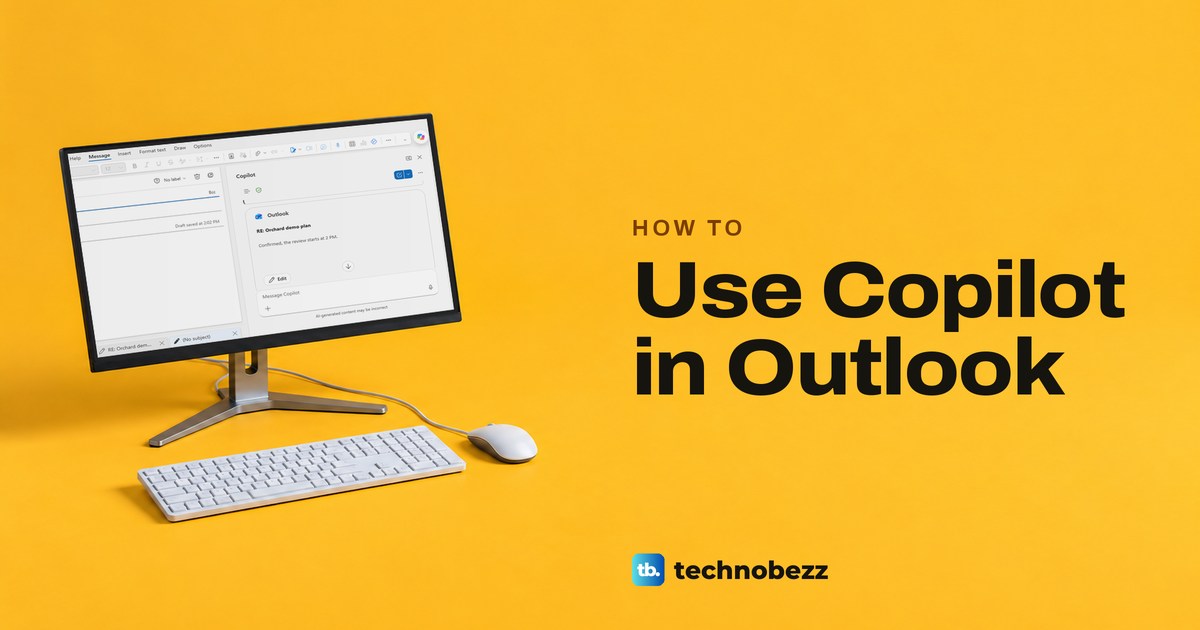
How to Use Copilot in Outlook for Email and Calendar
Use Copilot in Outlook to summarize threads, draft and check replies, ask about your inbox and calendar, and understand why a control may be missing.
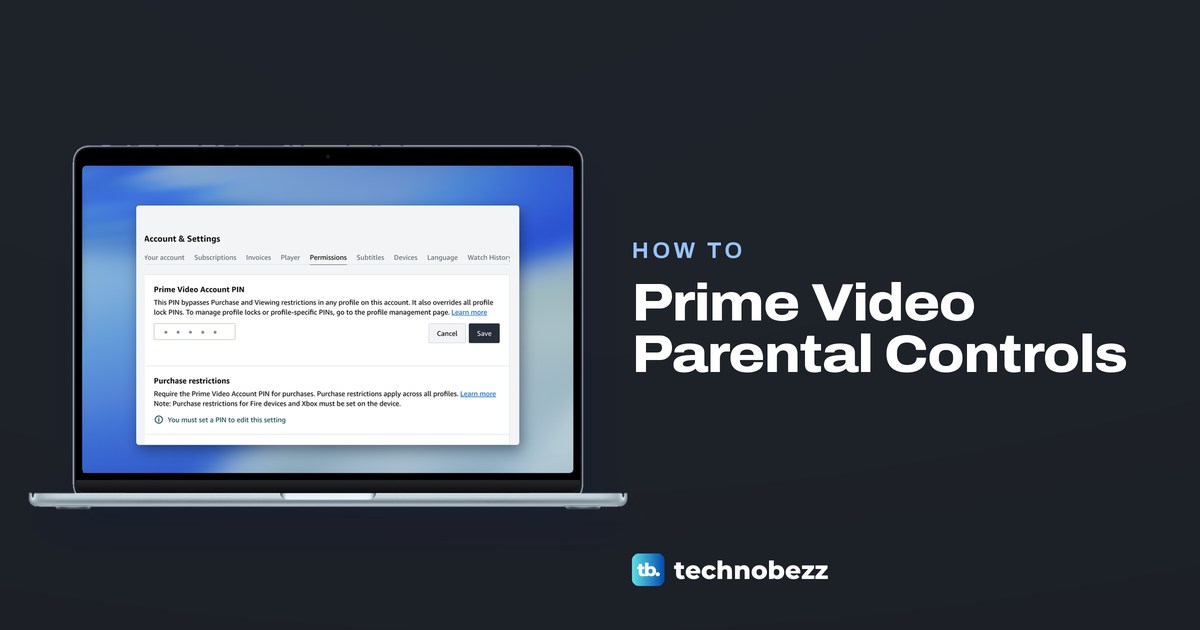
Prime Video Parental Controls and How to Set Them Up
Set up Prime Video parental controls with an Account PIN, purchase and viewing restrictions, a Kids profile, and separate Fire TV settings.
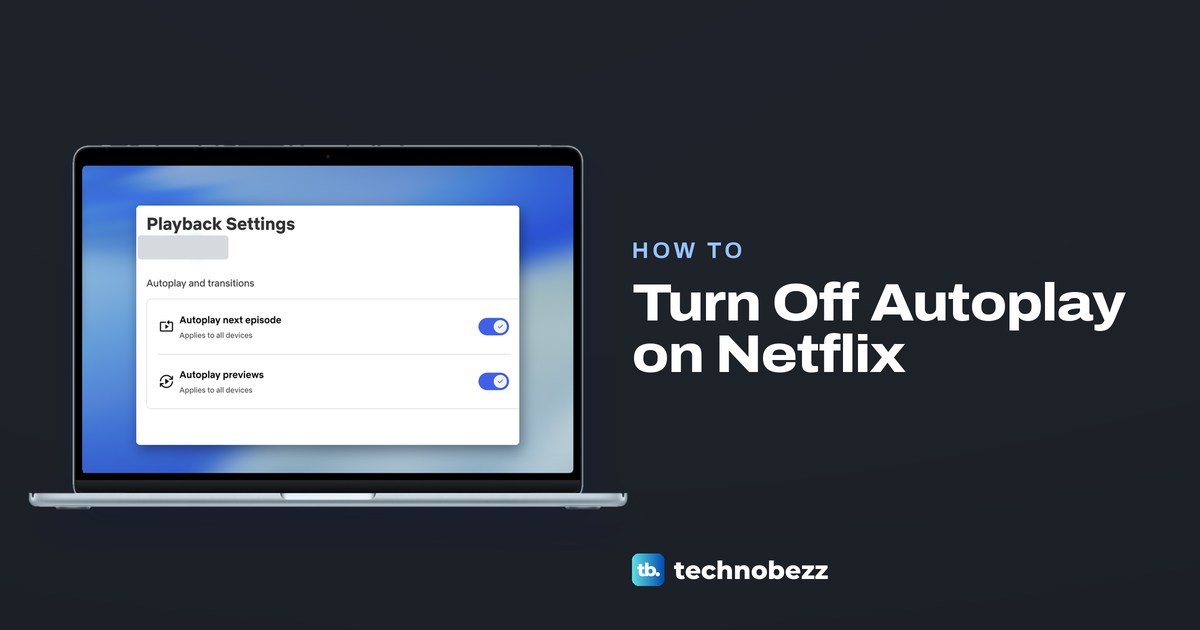
How to Turn Off Autoplay on Netflix for Your Profile
Turn off Netflix preview trailers or the next episode in each profile's Playback settings. Use the phone app or web, then refresh a TV if needed.
Hulu Parental Controls for Kids Profiles and PINs
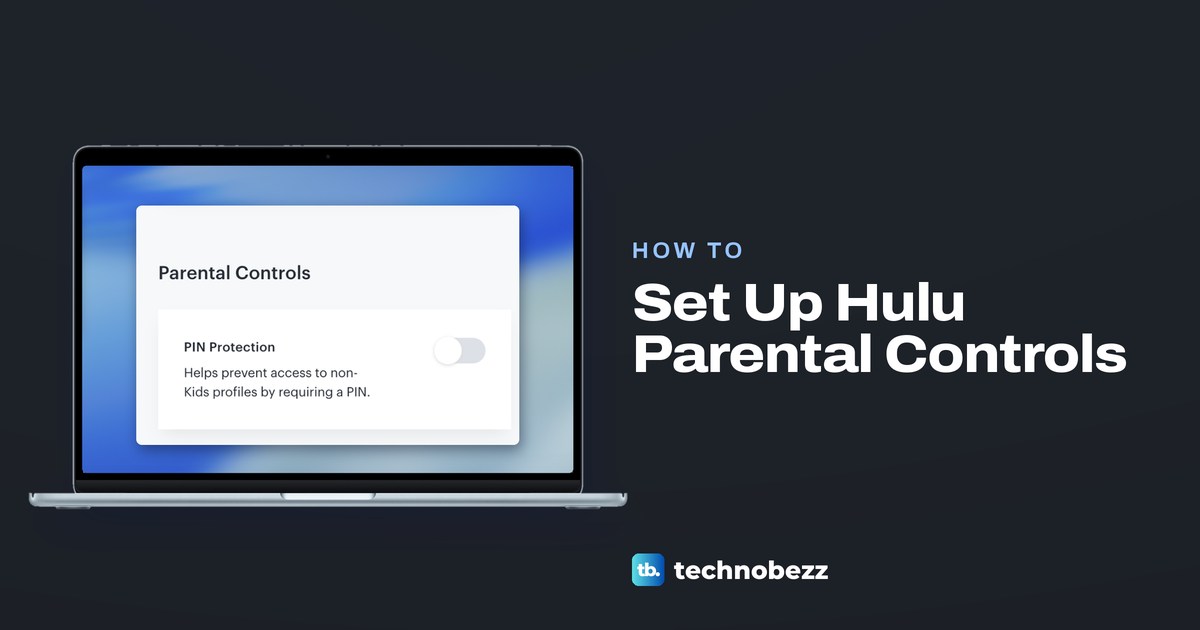
Set up Hulu parental controls with a Kids profile from your account's Profiles tab, then turn on PIN Protection so non-Kids profiles need a PIN.
How to Log Out of Prime Video on TV and Remotely
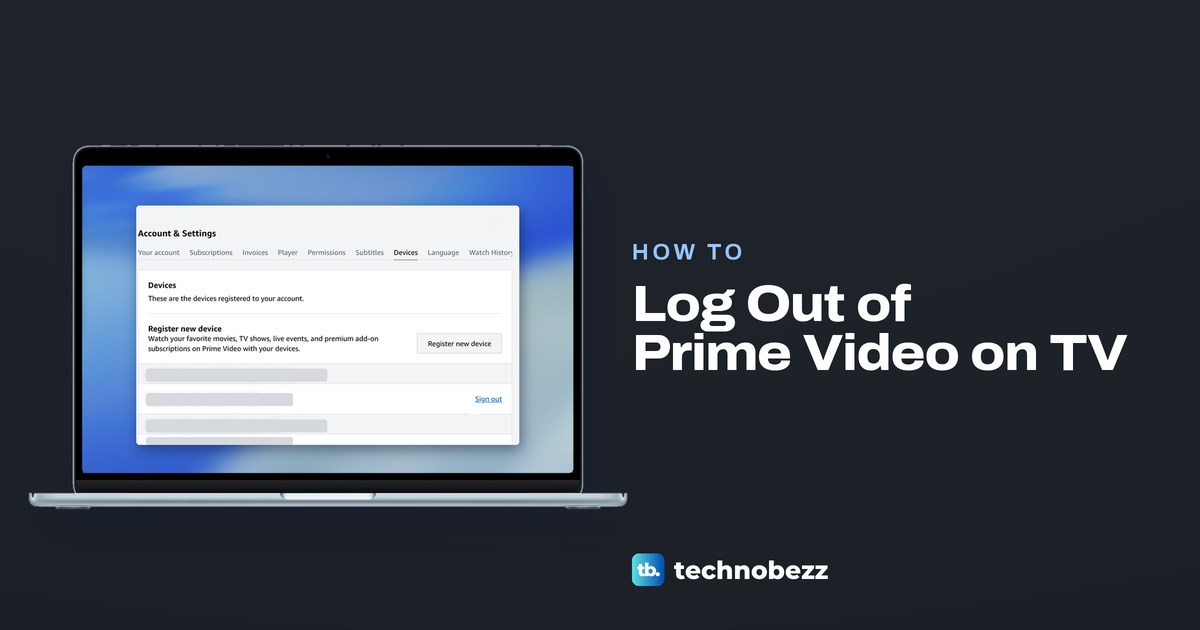
In Prime Video on your TV, choose Sign Out under Settings if it is there, or deregister a Fire TV. Otherwise use Account & Settings > Devices online.
How to Delete Netflix History and Hide Watched Titles
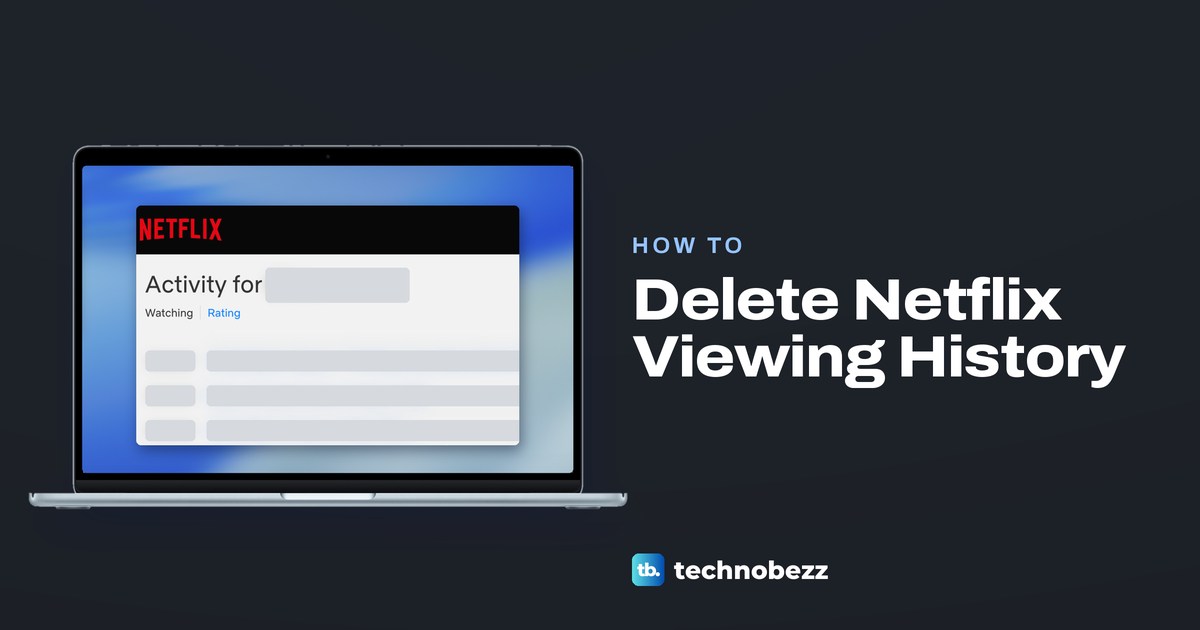
Hide one title, a series, or all Netflix viewing activity from Account and Profiles. See how to clear Continue Watching and download a history CSV.
How to Change Your Hulu Plan and Add Live TV
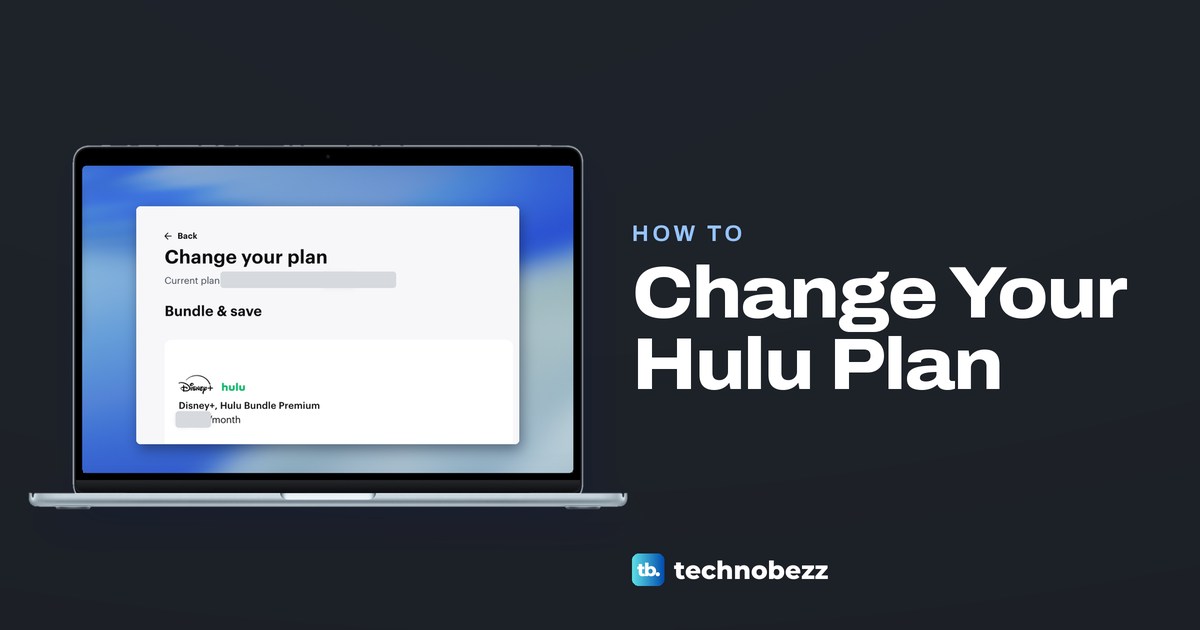
If Hulu bills you, open hulu.com/account, pick Change by Your Plan and check the total before Review changes. Disney+ or Apple billing? Change it there.
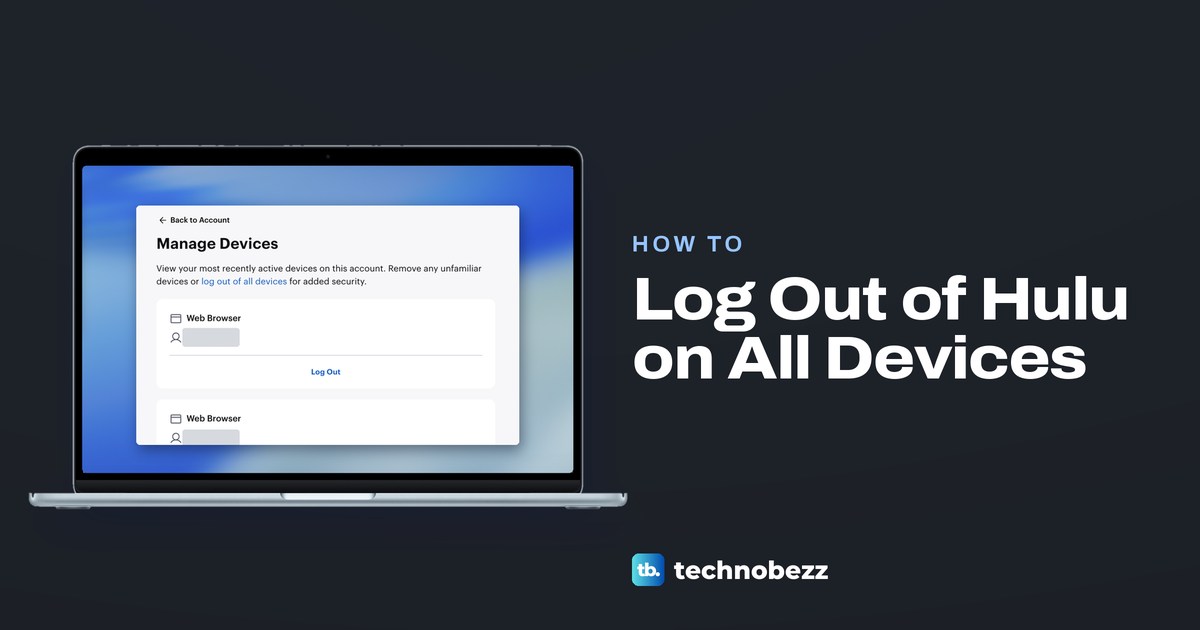
How to Log Out of Hulu on All Devices and TVs
Open your Hulu Account in a browser, select Manage next to Devices, then choose Log Out on one device's card or log out of all devices at the top.
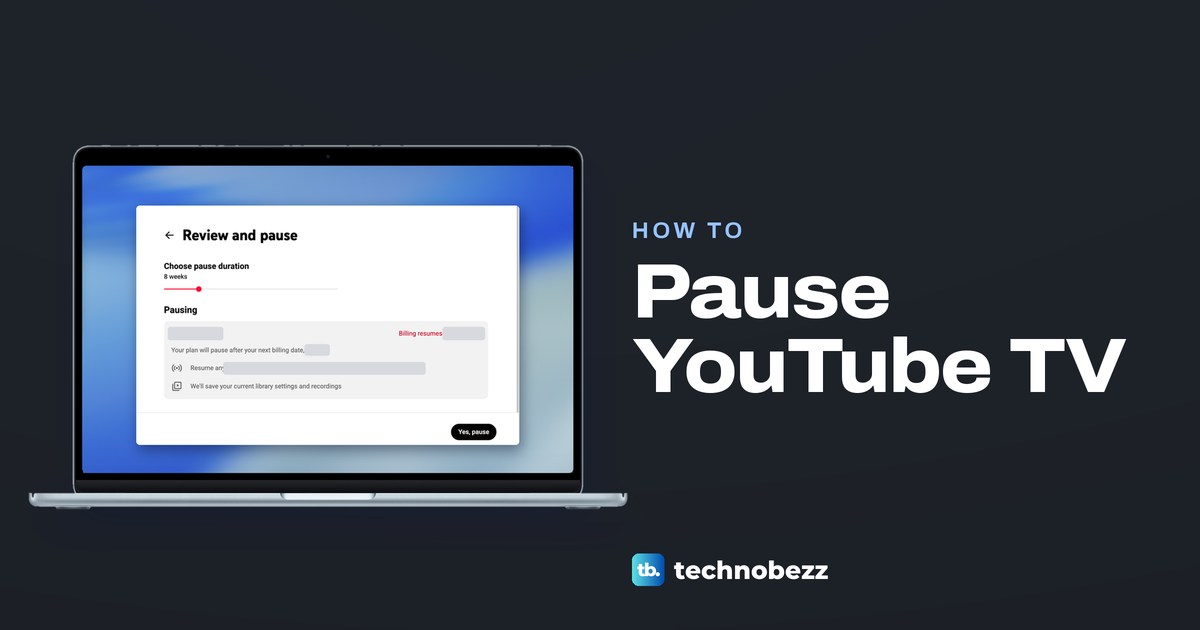
How to Pause YouTube TV and Resume It Later
Open tv.youtube.com, go to Settings > Membership > Manage > Pause, pick 4 weeks to 6 months and select Yes, pause. Billing restarts when the pause ends.
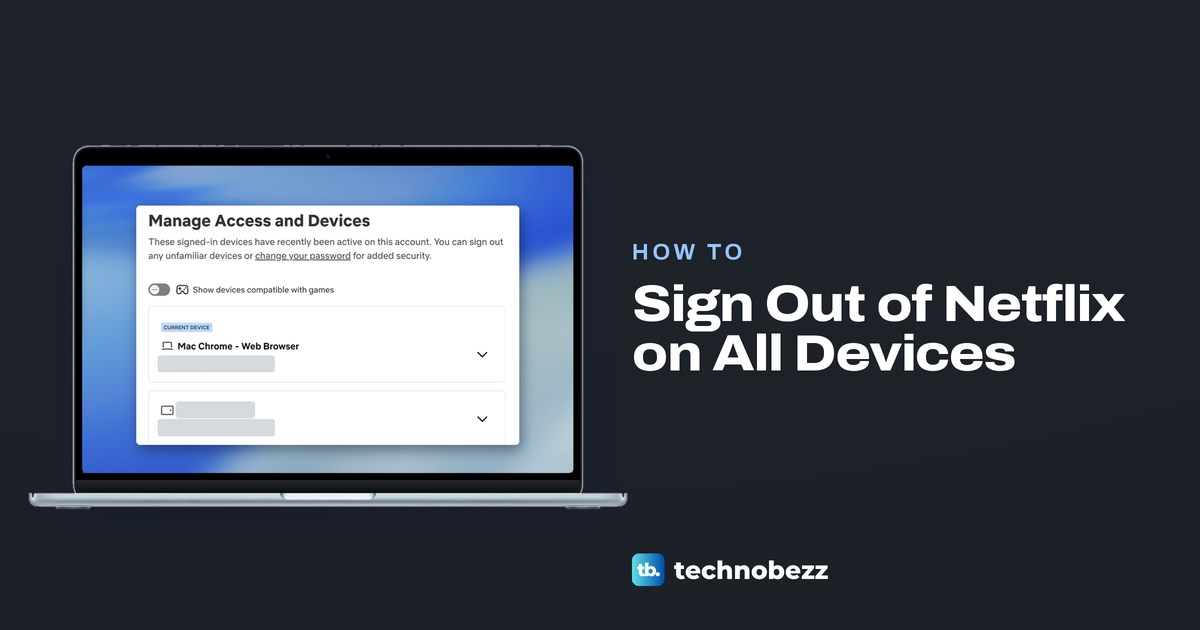
How to Sign Out of Netflix on All Devices
Sign out of Netflix on every device, remove just one TV or phone, and change your password so the old one can no longer be used to sign back in.
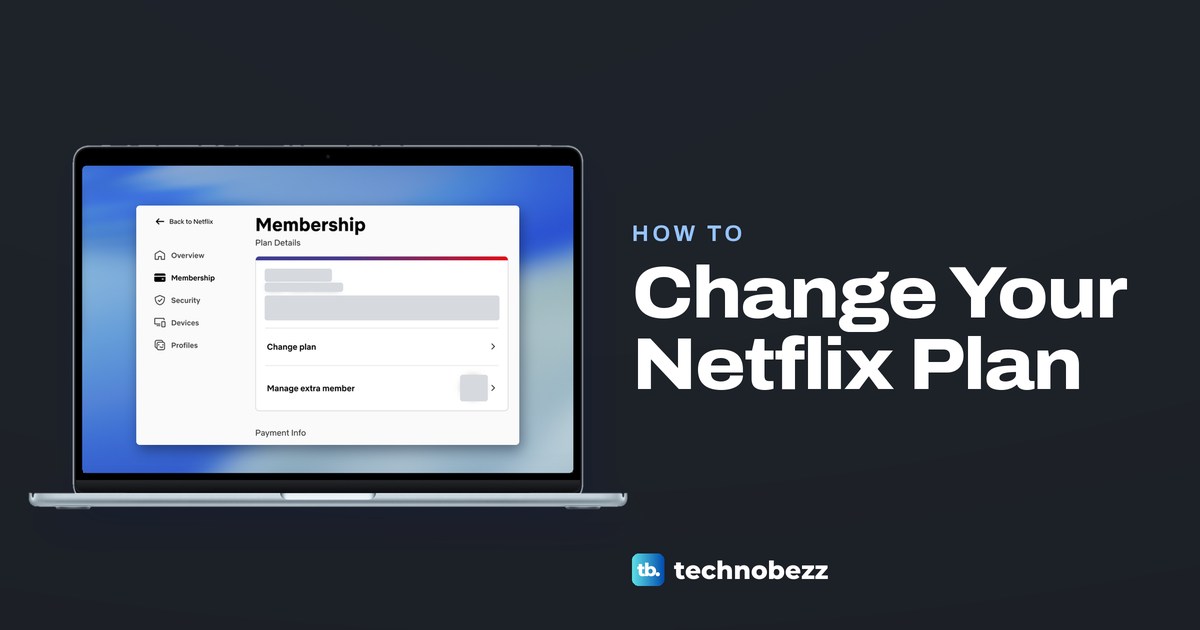
How to Change Netflix Plan and Choose the Right Tier
If Netflix bills you, open netflix.com/changeplan in a browser, pick a plan and confirm. Upgrades start at once, downgrades on your next billing date.
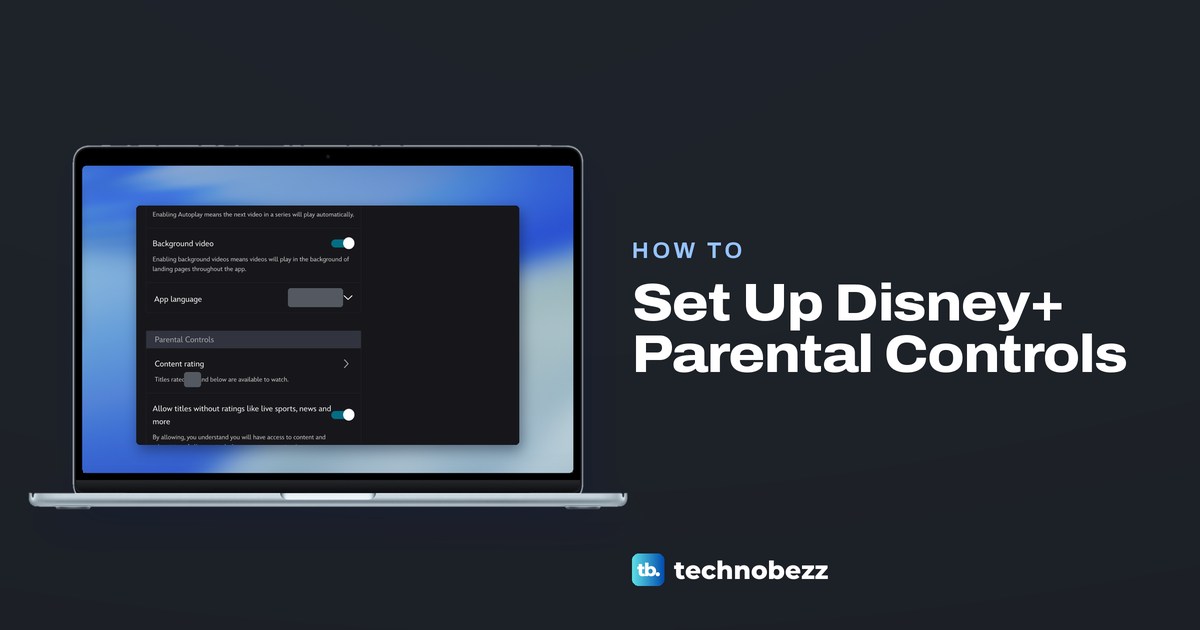
Disney Plus Parental Controls for Every Profile
Set Disney Plus parental controls in Edit Profiles with a content rating or Junior Mode, a Profile PIN on adult profiles and a password for new profiles.
How to Use Copilot in Word to Draft and Edit
Select the round Copilot button at the lower right of a Word document to draft, rewrite, build a table or get a summary, then check what it changed.
How to Superscript in Word and Format Exponents
Make text superscript in Word with the Home button or keyboard shortcut. Add subscript and exponents, insert symbols, and fix text that stays raised.
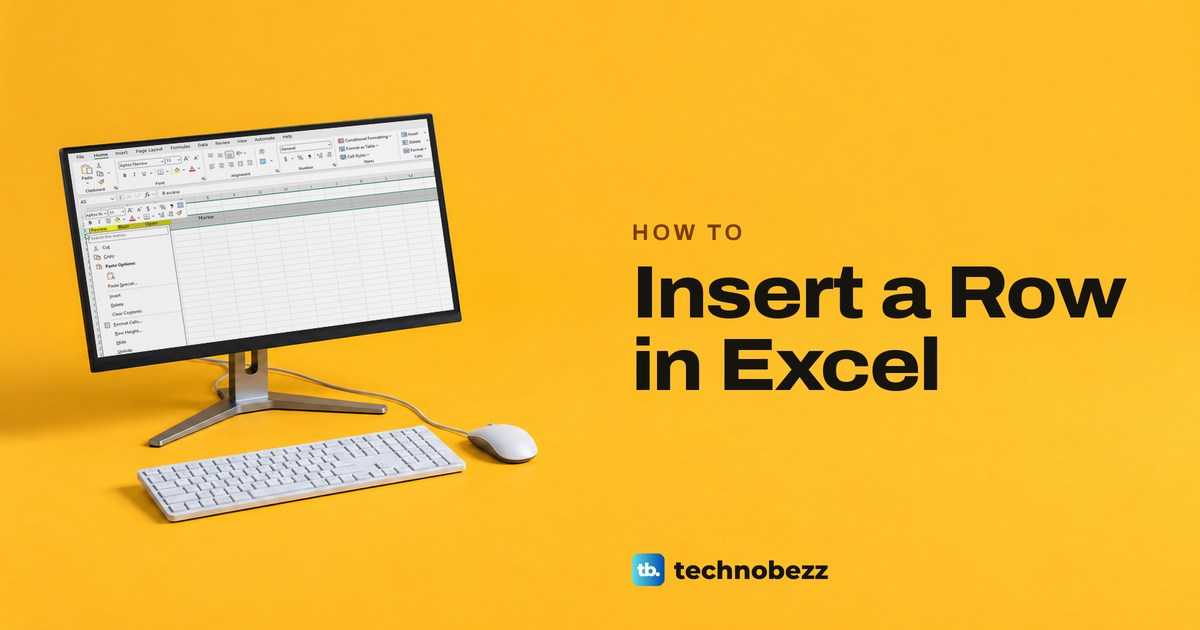
How to Insert a Row in Excel and Add Multiple Rows
Right-click the row number below the spot and choose Insert. Add multiple rows, use the shortcut, work in tables and fix a greyed out Insert command.
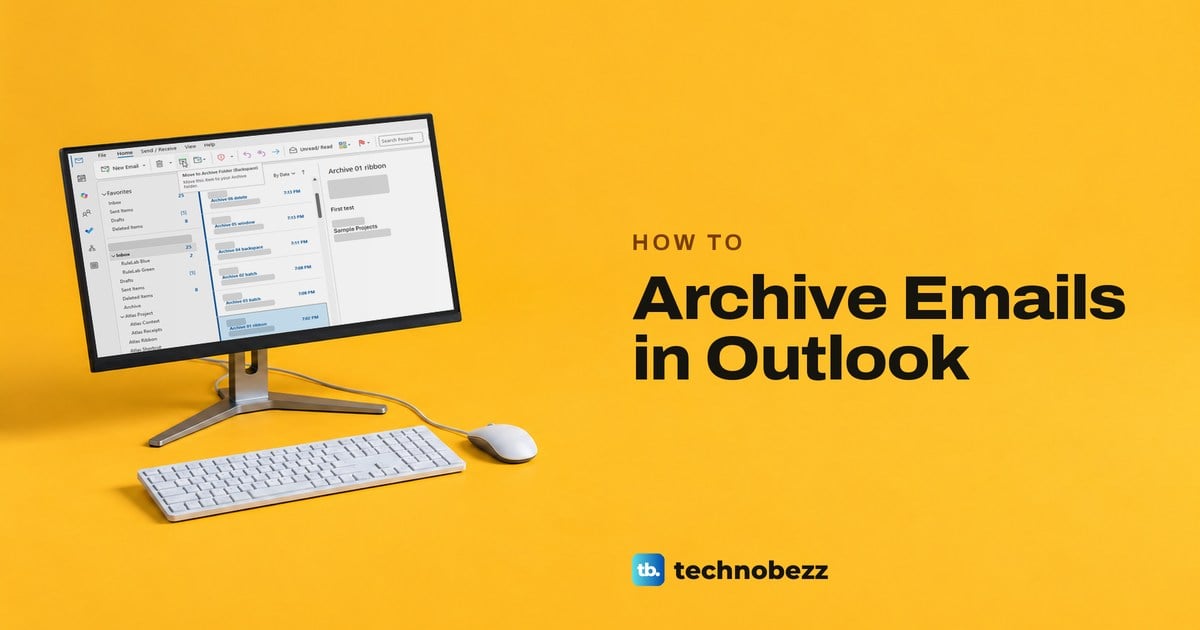
How to Archive Emails in Outlook and Find Them
Select emails and choose Archive, or press Backspace in classic Outlook. Microsoft 365 and Outlook.com mail goes to the Archive folder and frees no space.
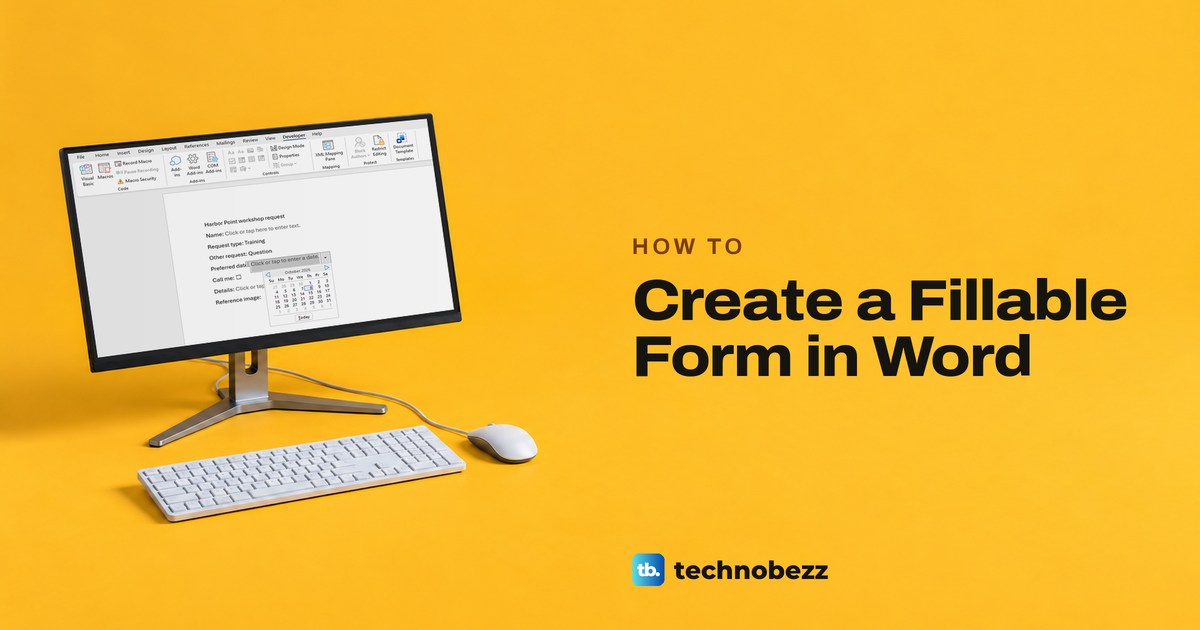
How to Create a Fillable Form in Word That Works
Show the Developer tab, add text, drop-down, date and check box fields, then protect the form with Filling in forms and save a reusable template.