All guides
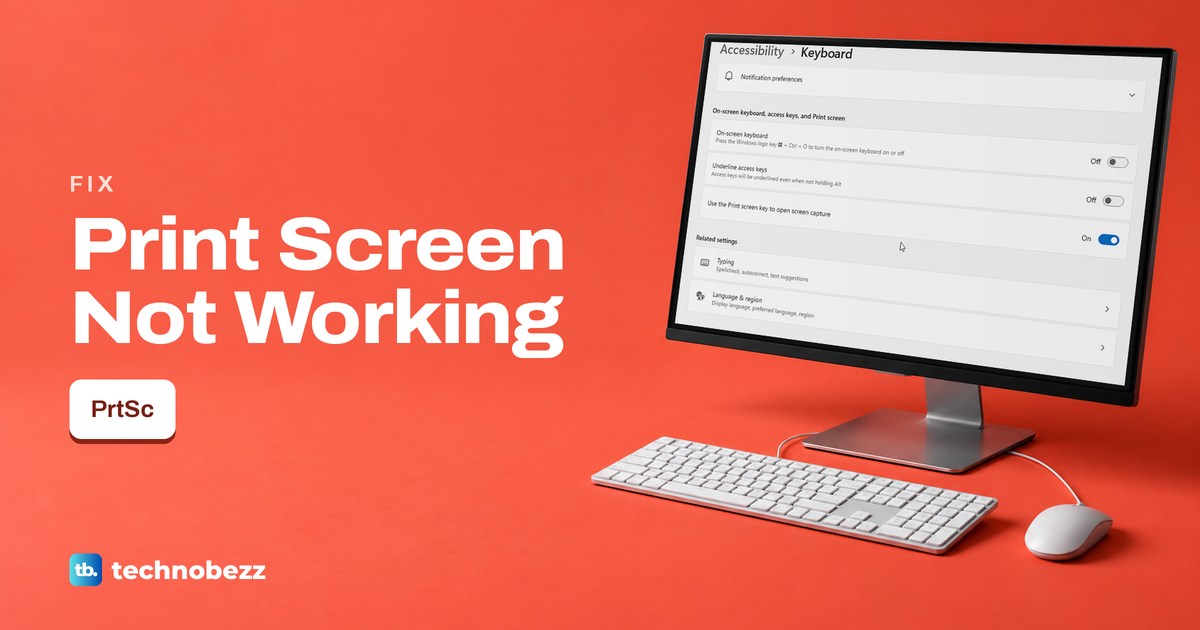
Print Screen Not Working on Windows 11 or 10 (Key Fixes)
Print Screen doing nothing on Windows 11 or 10? Paste to check for a silent copy, check the Print screen switch, try Fn, then test the key itself.
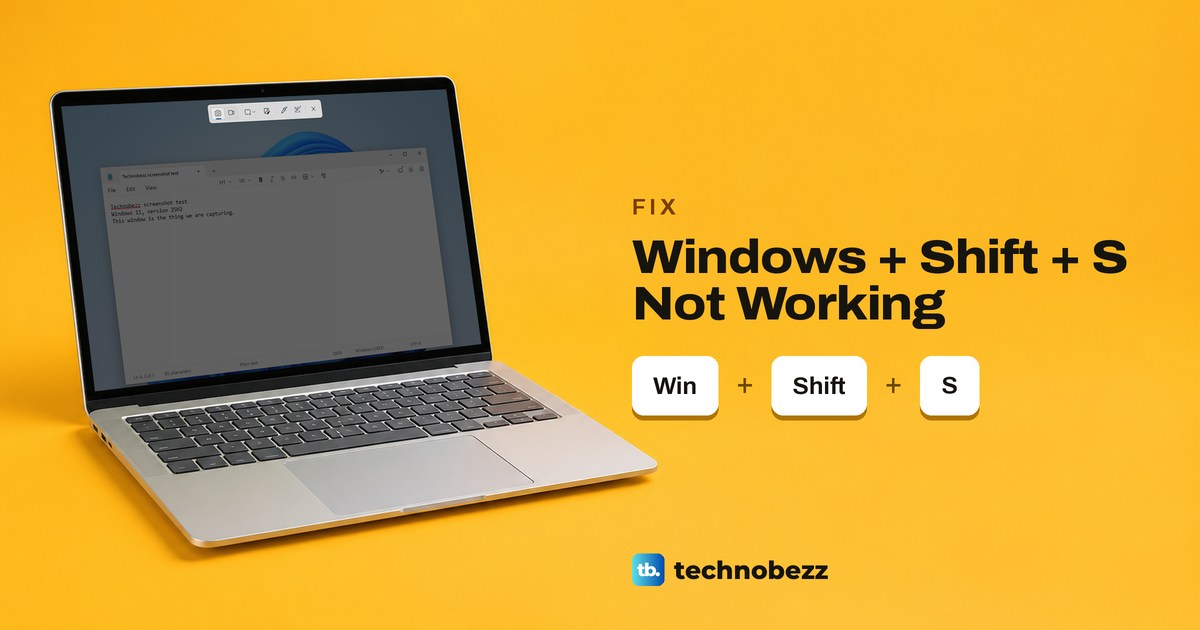
Windows Shift S Not Working (Win + Shift + S Fixes)
If Windows + Shift + S does nothing, test the Windows key first. If the bar opens but no pop-up follows, check notifications and the Screenshots folder.
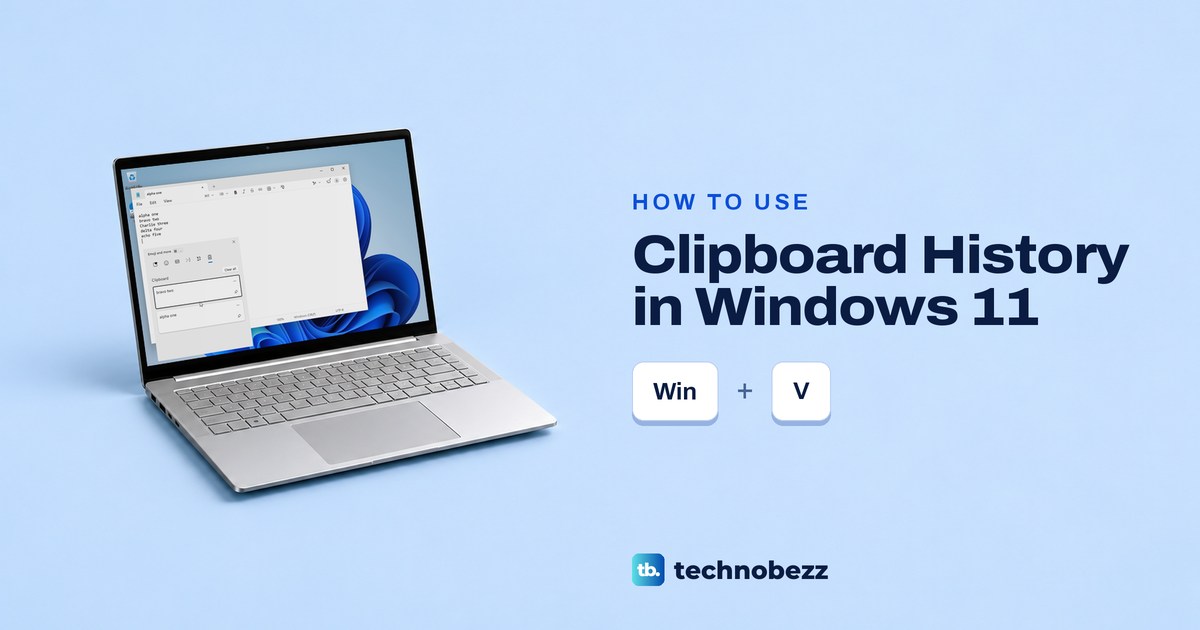
Clipboard History in Windows 11 (How to Open and Use It)
Press Windows + V to open clipboard history in Windows 11. Turn it on, paste older items, pin what you need and clear the list safely.
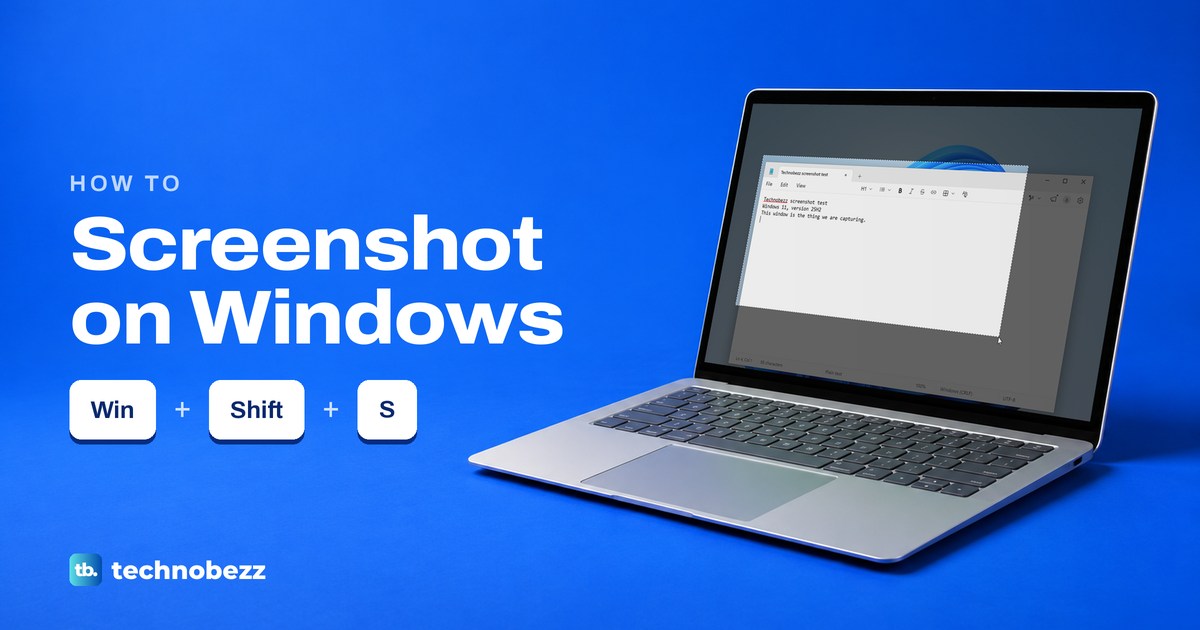
How to Take a Screenshot on Windows (PC or Laptop, 8 Ways)
Press Windows + Shift + S to take a screenshot on Windows 11 or 10. See how to capture one window or the whole screen, paste it and find the saved file.
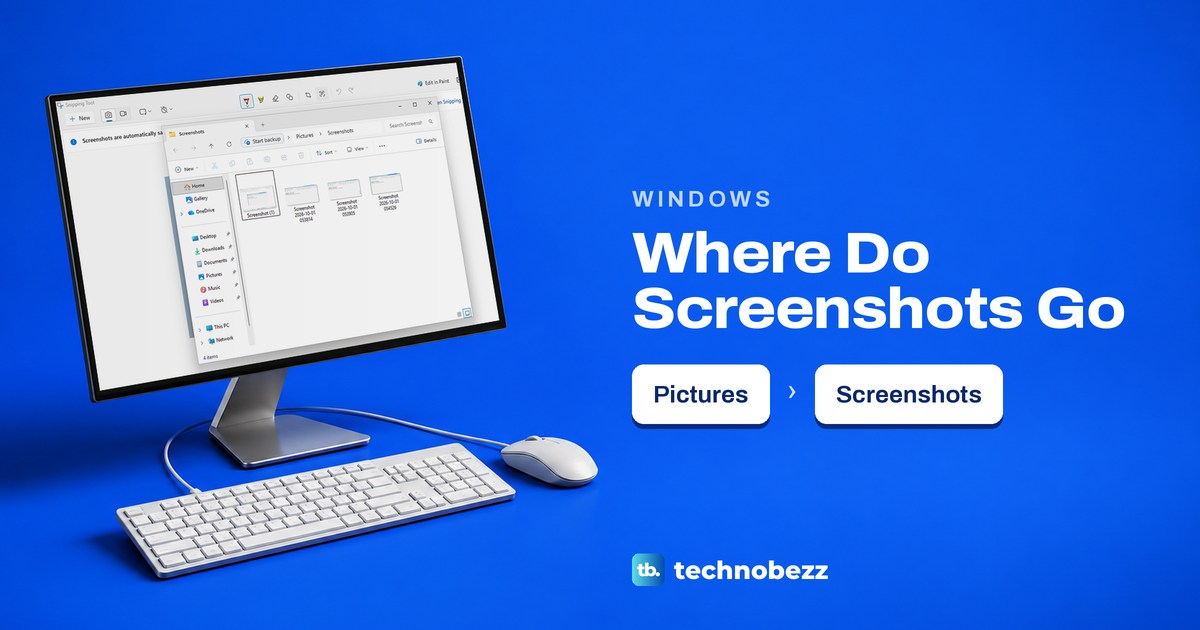
Where Do Screenshots Go on Windows and How to Find Them
Windows 11 saves snips in Pictures > Screenshots by default. Find clipboard copies, Game Bar and Edge captures, or change the save folder.
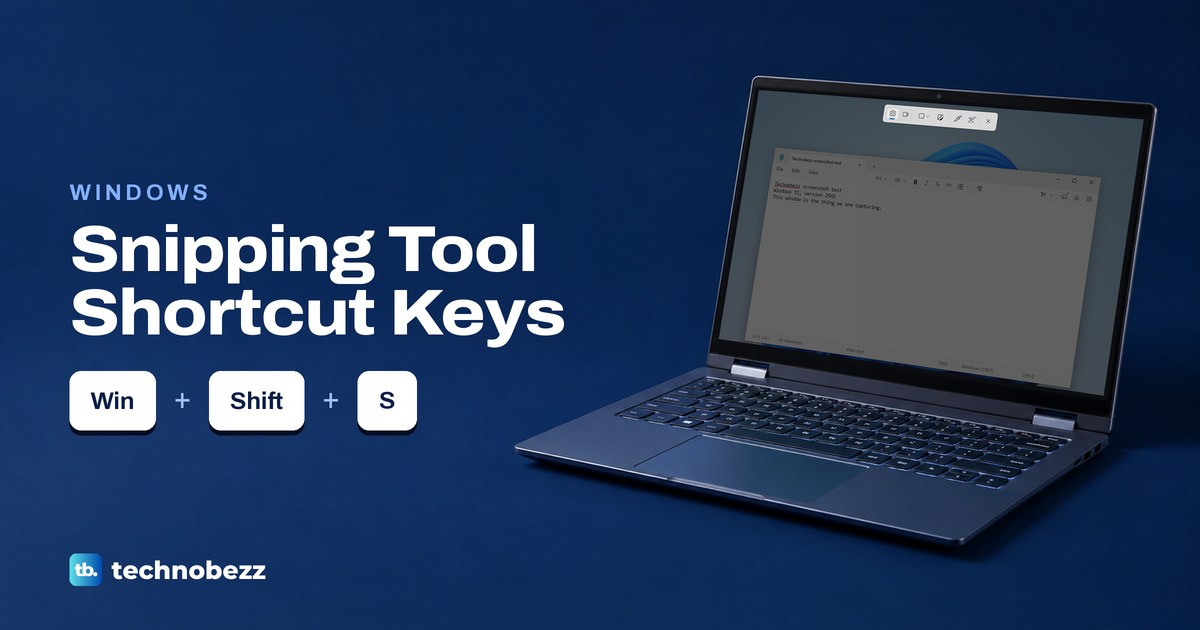
Snipping Tool Shortcut Keys and How to Snip on Windows
Press Windows + Shift + S and drag to snip on Windows. Here are the capture and editor shortcuts, plus how to copy text, find snips and record video.
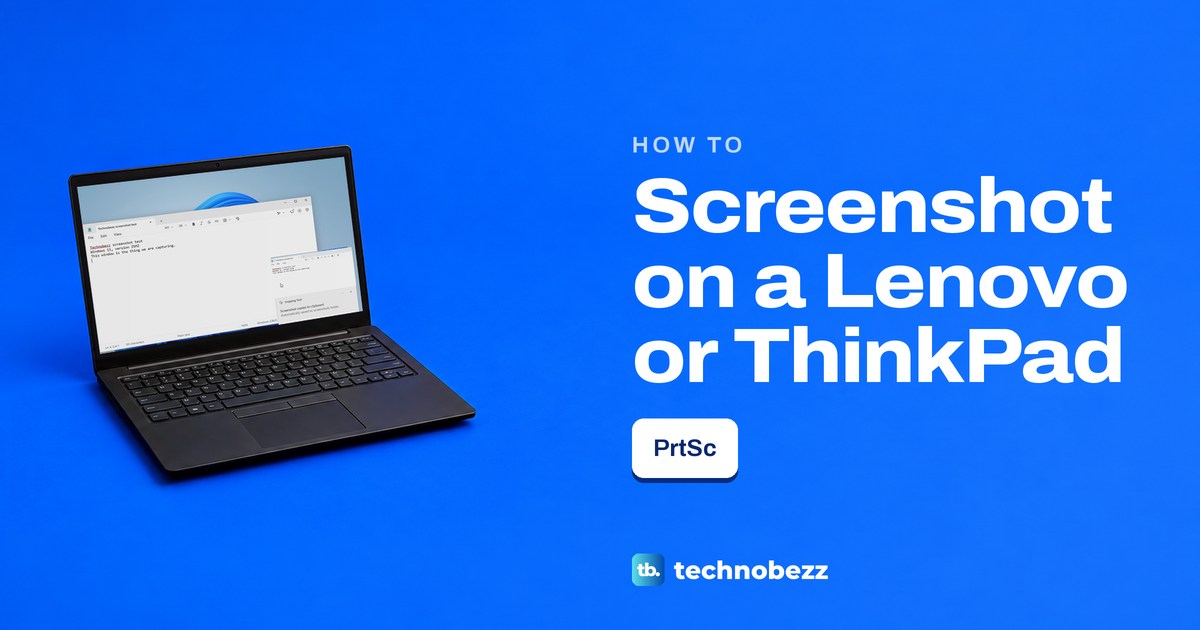
How to Screenshot on a Lenovo Laptop or ThinkPad
Press Windows + Shift + S to screenshot on a Lenovo laptop. Find the PrtSc key on your ThinkPad, IdeaPad or Yoga and save the whole screen.