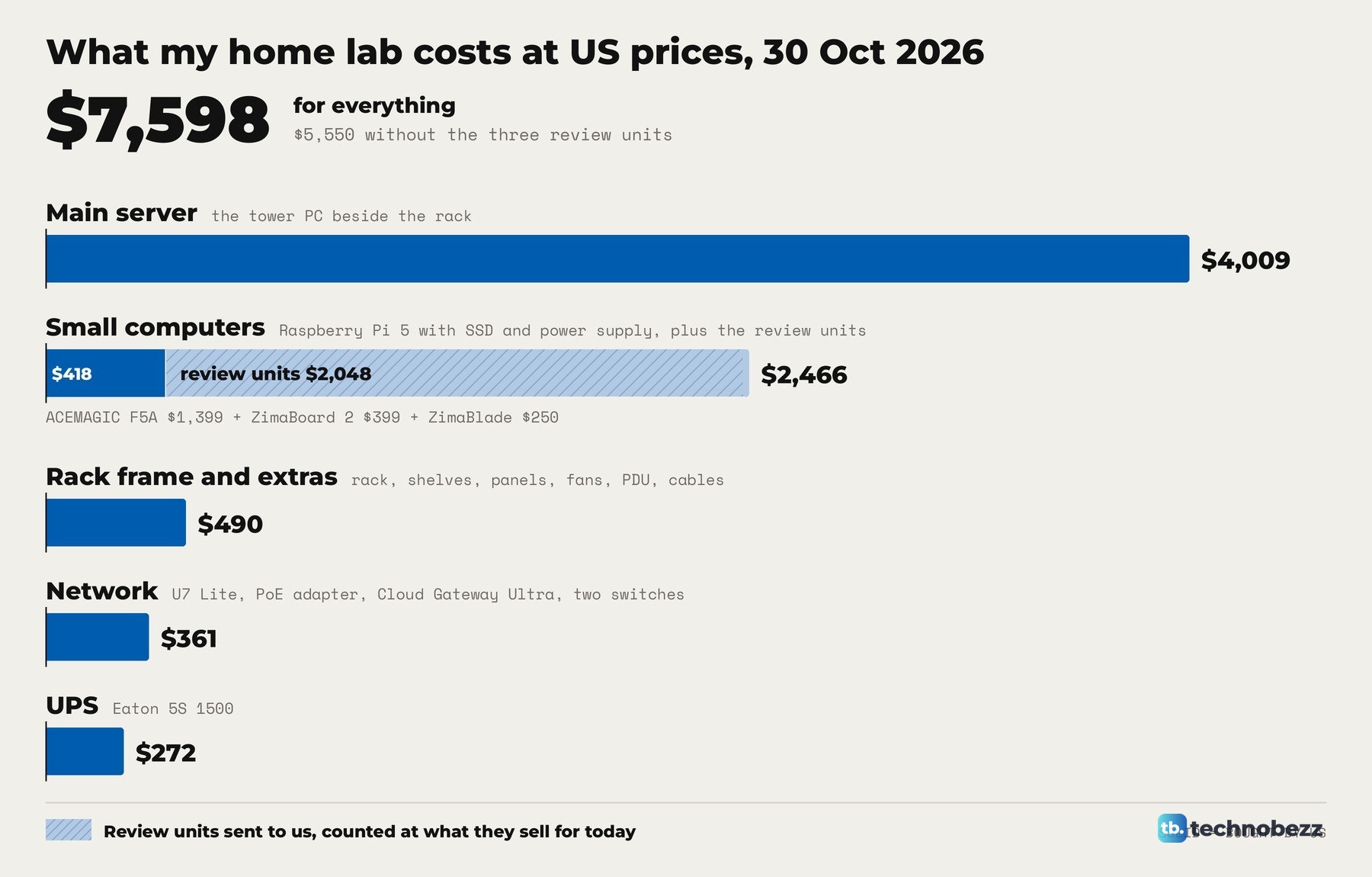
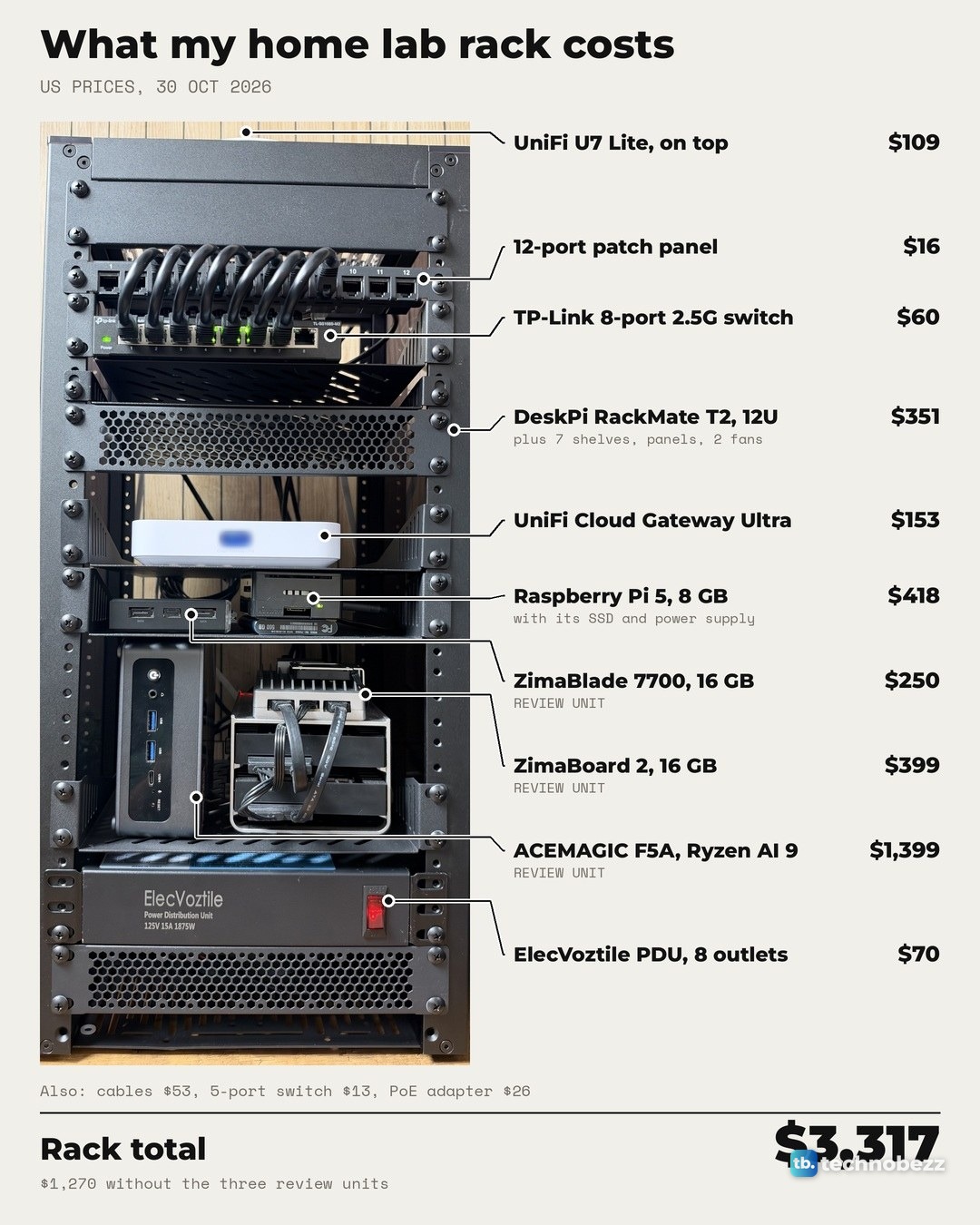
My home lab rack costs $3,317 to buy today, and the whole setup, with the main server and the UPS beside the rack, comes to $7,598. Those are US prices checked on 30 October 2026, part by part. Three of the small computers were sent to us for review. Without them, the rack comes to $1,270 and everything to $5,550.
The short version
- The 10-inch rack and everything in it: $3,317 at US prices on 30 October 2026, or $1,270 without the three review units.
- Rack, main server and UPS together: $7,598, or $5,550 without the review units.
- The main server ($4,009) and the small computers ($2,466) are most of the bill. The rack frame and its shelves, panels, fans, power strip and cables add $490.
- A lean starter from parts in this same rack (the rack, a Raspberry Pi 5, a 5-port switch and the power strip) adds up to $453 before boot storage, or $683 with a $230 Samsung T7 SSD.
- Several parts now cost more than their launch or earlier prices: the Raspberry Pi 5 8 GB launched at $80 and now sells for $175.
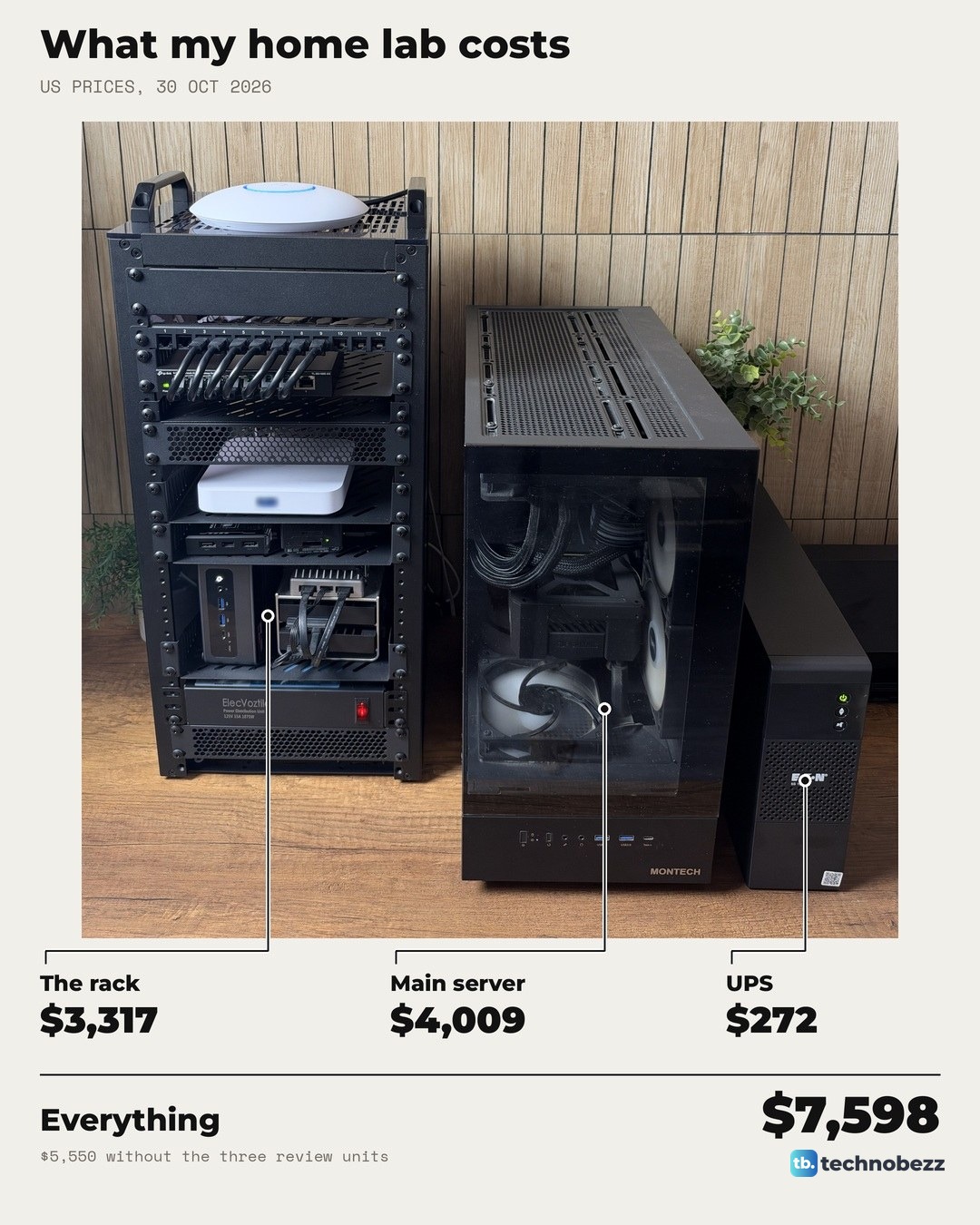
How much does a home lab cost, all in?
A home lab is whatever set of computers and network gear you keep at home to learn on and run your own things. If you are new to the idea, what a home lab is and what it is for covers the basics. The cost has no fixed answer, because a single Raspberry Pi counts as a home lab and so does a rack full of servers.
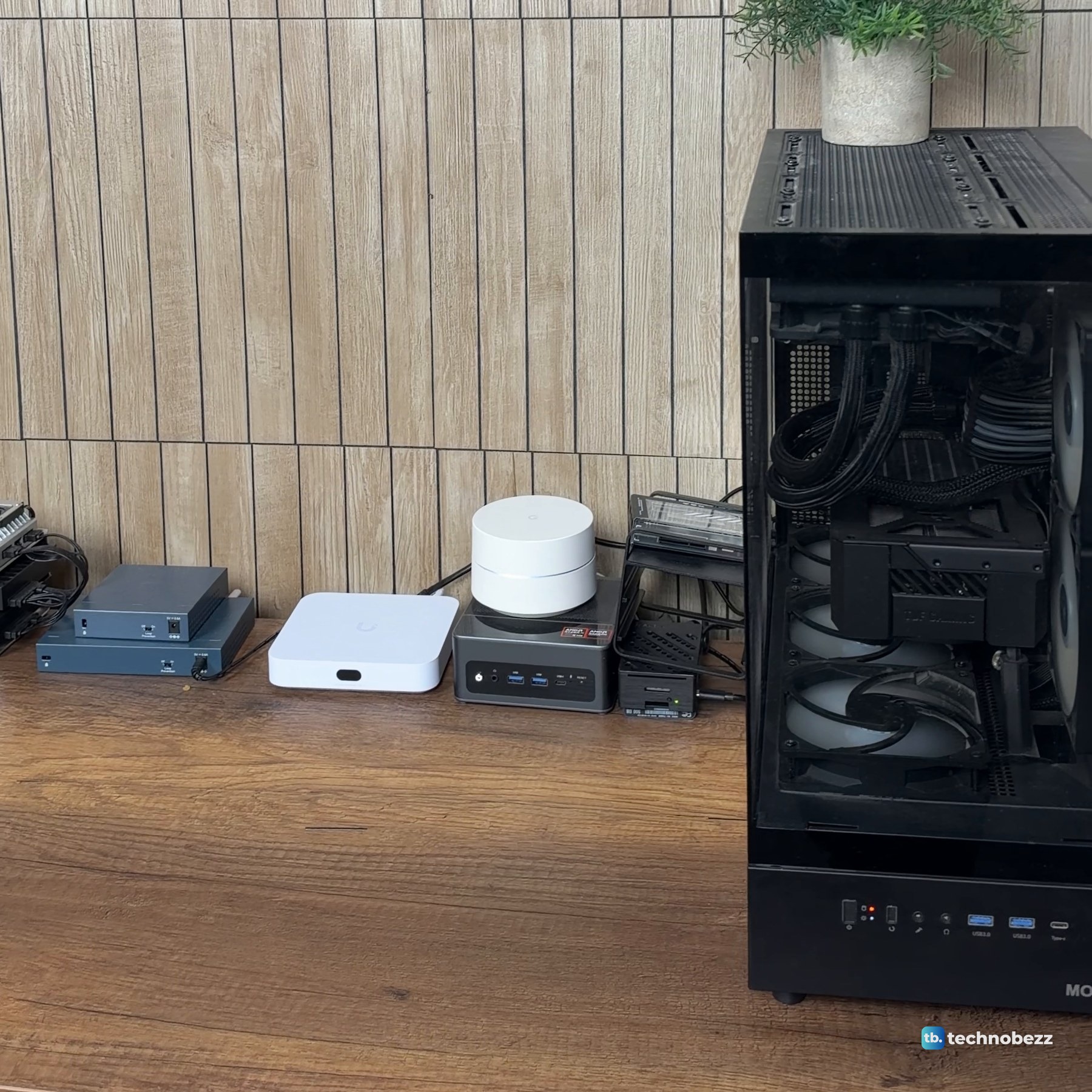
Mine is in three pieces. A 10-inch DeskPi RackMate T2 holds the network gear and four small computers. Beside it sits the main server, a tower PC running Proxmox, and next to that an Eaton UPS. The full tour is in what's inside my home lab rack, shelf by shelf.
The prices are what each part costs to buy new in the US on 30 October 2026, before tax, from the maker's own store or a big US retailer. Two parts, the UniFi Cloud Gateway Ultra and the PoE adapter, are counted at what I paid. Where the exact part I own is no longer sold, the price is for the closest current one.
The clip shows every part with its price and a running total at the top of the screen.
The home lab parts list, group by group
The ACEMAGIC F5A, ZimaBoard 2 and ZimaBlade were sent to us for review, and we bought everything else. The review units still count at what they sell for, because that is what you would pay.
Rack frame and extras, $490
The rack frame is $150. The shelves, panels, fans, power strip and short cables add another $340, so the extras cost more than twice the frame.
| Part | Where to buy |
|---|---|
| DeskPi RackMate T2, 12U, 10-inch | Amazon |
| Six GeeekPi 1U vented shelves | Amazon (two-pack) |
| GeeekPi 1U SBC shelf | Amazon |
| GeeekPi 12-port Cat6 patch panel | Amazon |
| GeeekPi 1U blank panels, 2-pack | Amazon (single panel) |
| GeeekPi 1U brush cable manager | Amazon |
| Two GeeekPi 120 mm USB fans | Amazon |
| ElecVoztile 10-inch PDU, 8 outlets | Amazon |
| Cat6 patch cables (0.5, 1, 3 and 5 ft packs) | Amazon (3 ft pack) |
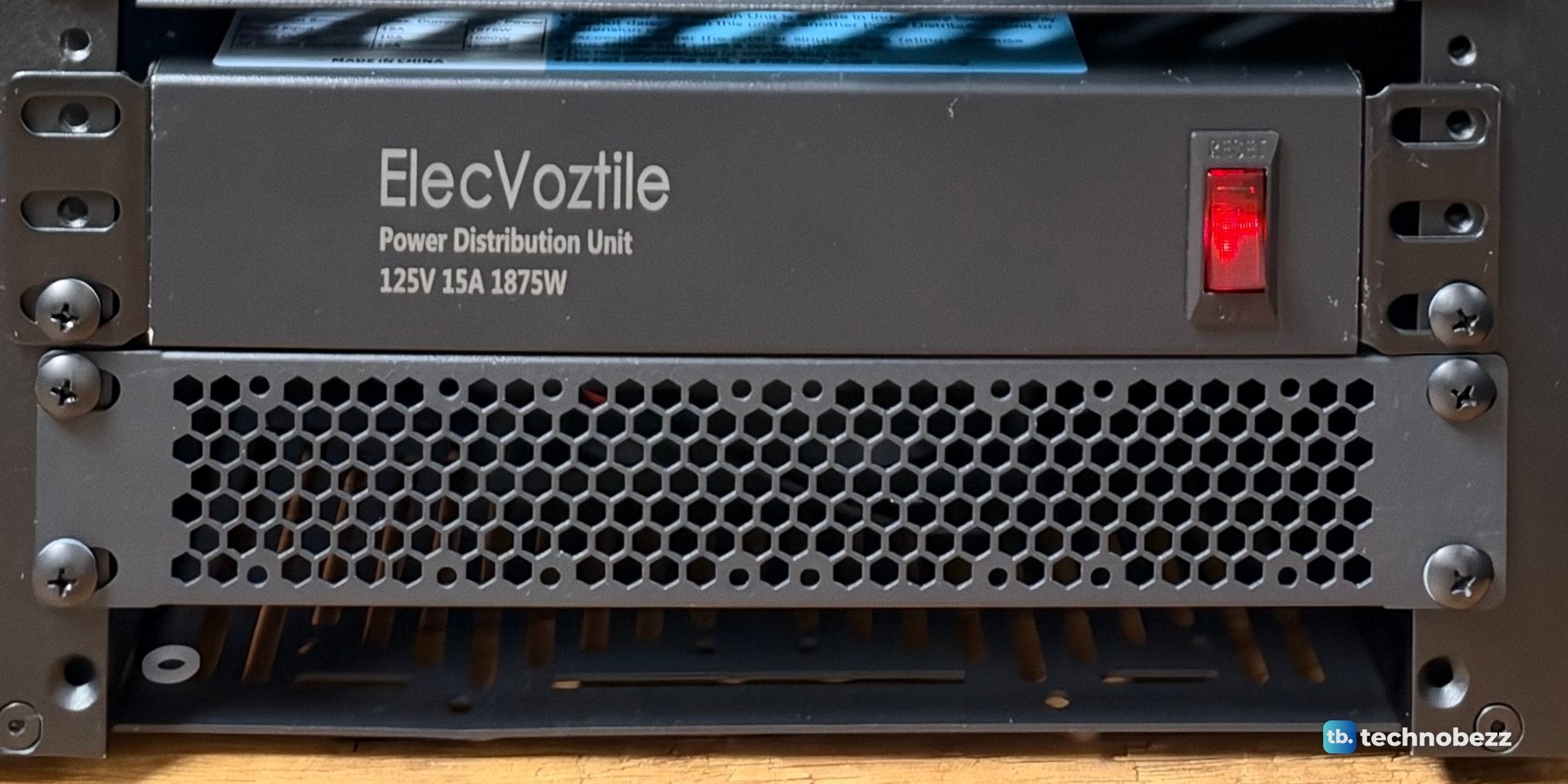
The power strip sits near the bottom of the rack with its eight outlets at the back. Every plug in the rack goes into it, and one front switch turns the lot on or off.
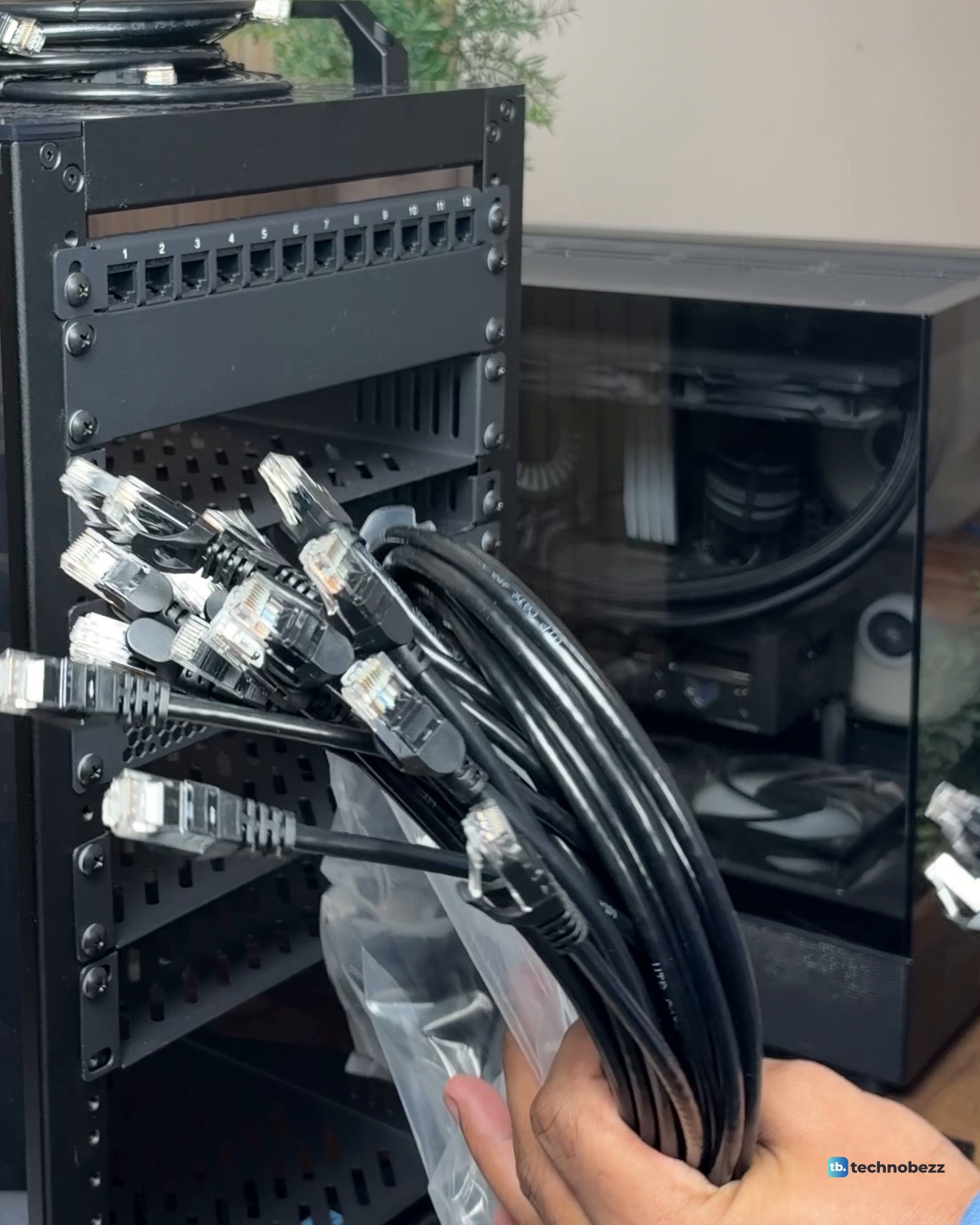
Five packs of short Cat6 cables come to $53, in 0.5, 1, 3 and 5 ft lengths. The short jumpers between the patch panel and the switch come out of these.
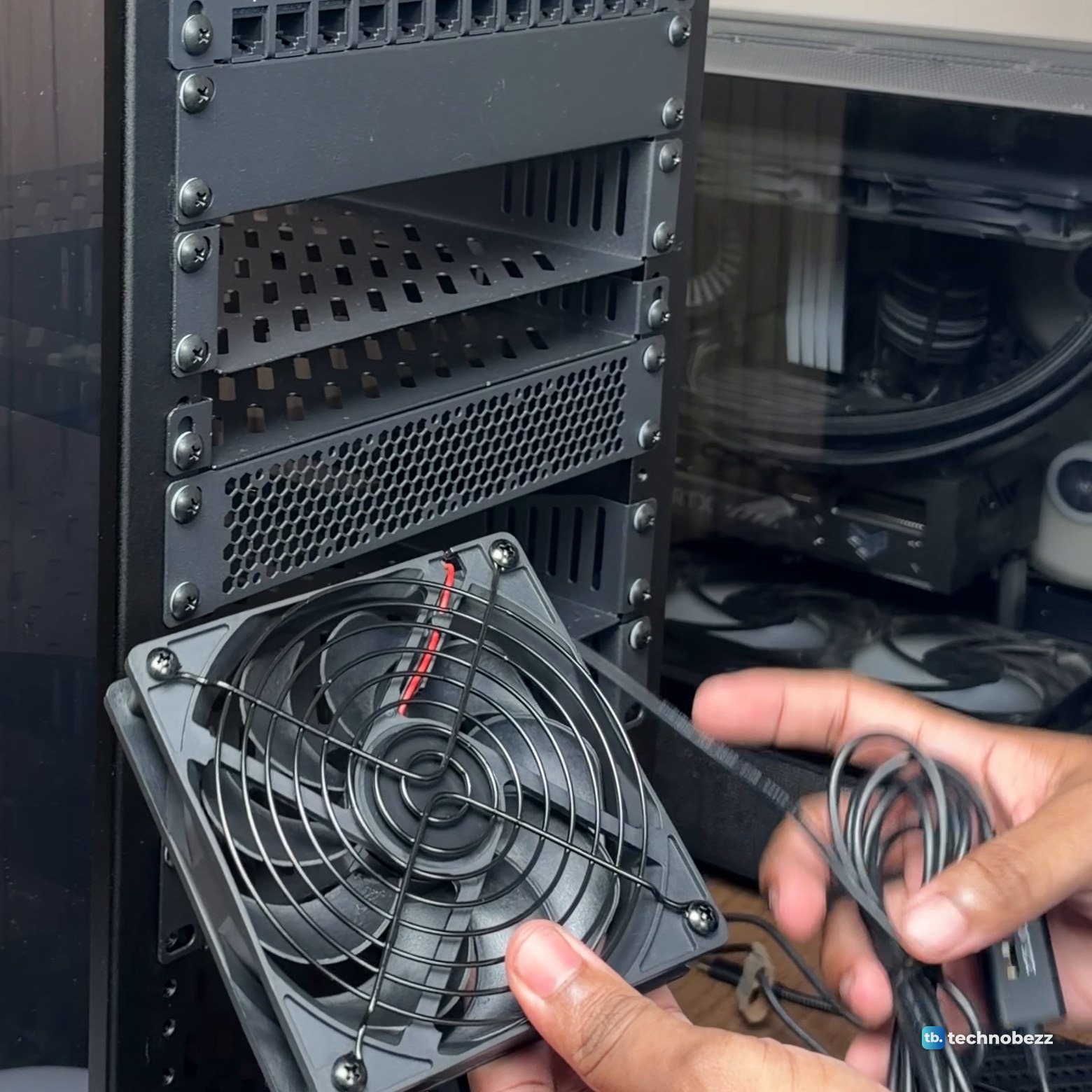
The two USB fans are $28 for the pair. One sits at the bottom of the rack blowing air in.
Network, $361
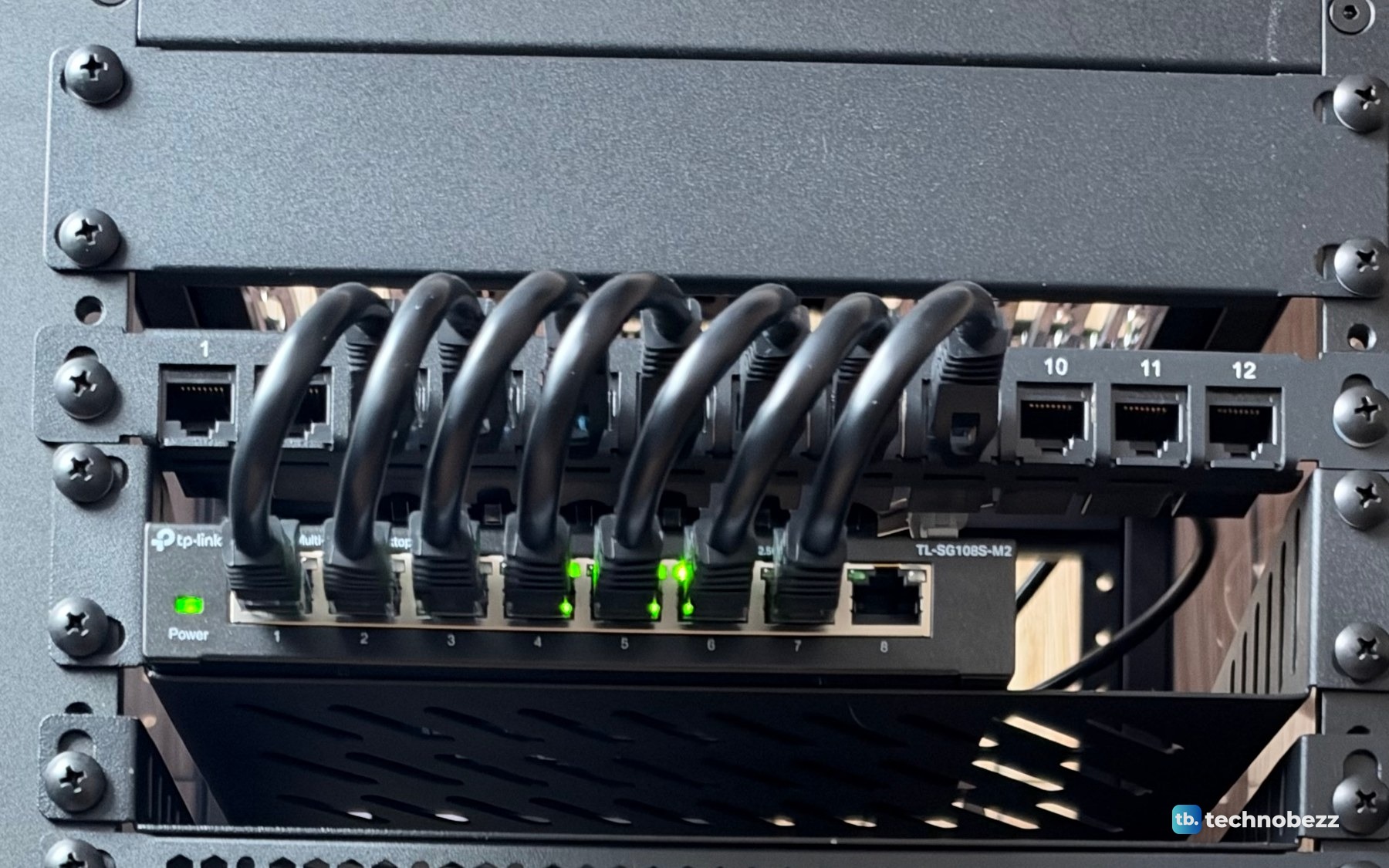
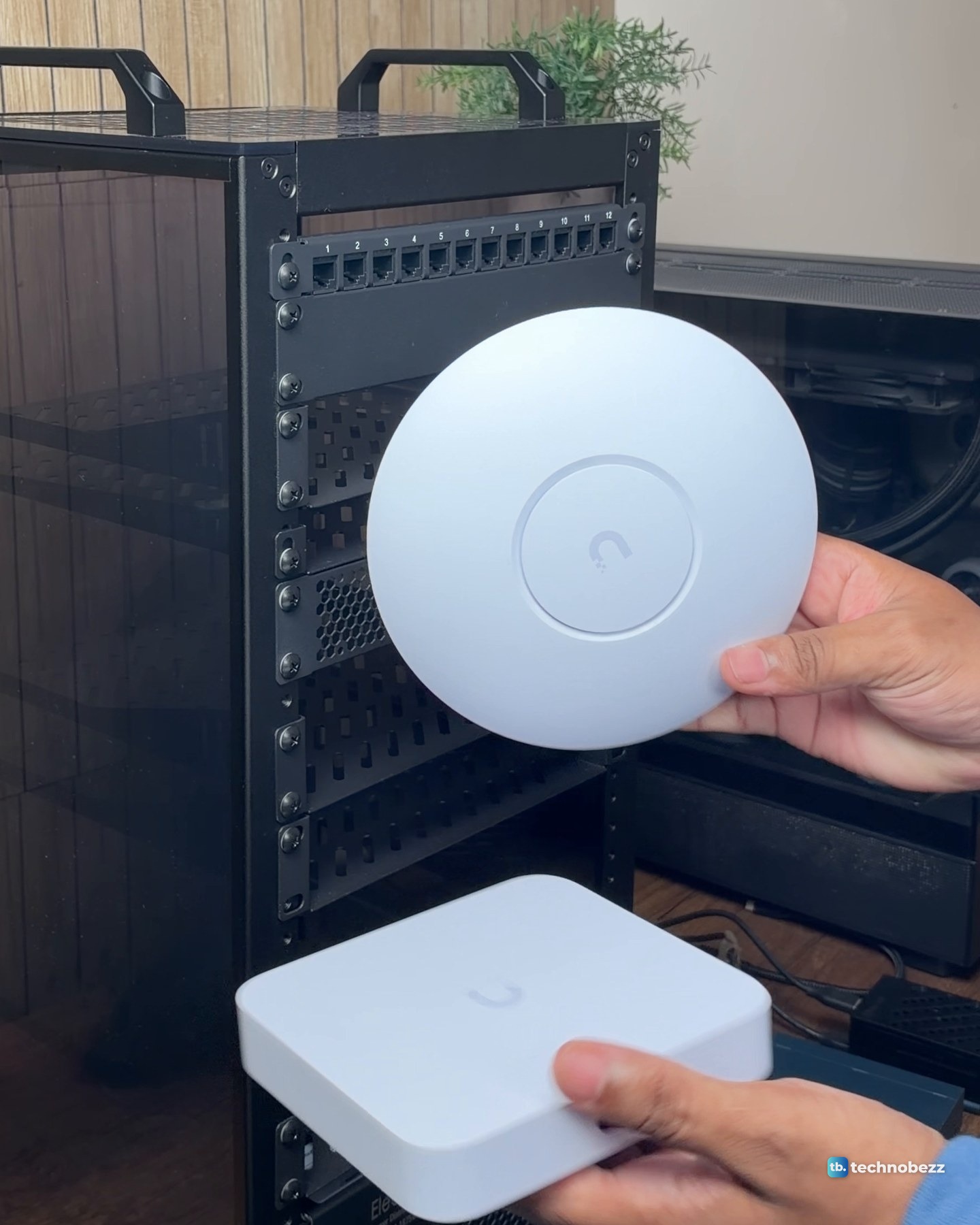
The network gear is a UniFi U7 Lite for Wi-Fi with its PoE adapter, the UniFi Cloud Gateway Ultra as the router, and two TP-Link switches. The 8-port 2.5 Gigabit switch earns its $60. In our own test, the machines with 2.5 Gigabit ports each moved a 1 GB file across the network at about 2,350 Mbps, which is the full line rate. The gateway's own LAN ports are 1 Gigabit, which is why the 2.5G switch carries the traffic between the machines. If you are shopping for one, our list of the best network switches is a good place to start.
| Part | Where to buy |
|---|---|
| UniFi U7 Lite (Wi-Fi 7 access point) | Amazon |
| UniFi 2.5G PoE+ adapter | Amazon |
| UniFi Cloud Gateway Ultra | Amazon |
| TP-Link TL-SG108S-M2, 8-port 2.5G switch | Amazon |
| TP-Link TL-SG105, 5-port Gigabit switch | Amazon |
The U7 Lite has no power plug of its own. It runs on Power over Ethernet from the $26 adapter, and the setup is in how to power a UniFi access point with a PoE adapter. Over the U7 Lite, a speed test on my Mac showed 347 Mbps down and 20 Mbps up, which is the full speed of my internet line, so the access point was not the limit.
Small computers, $2,466
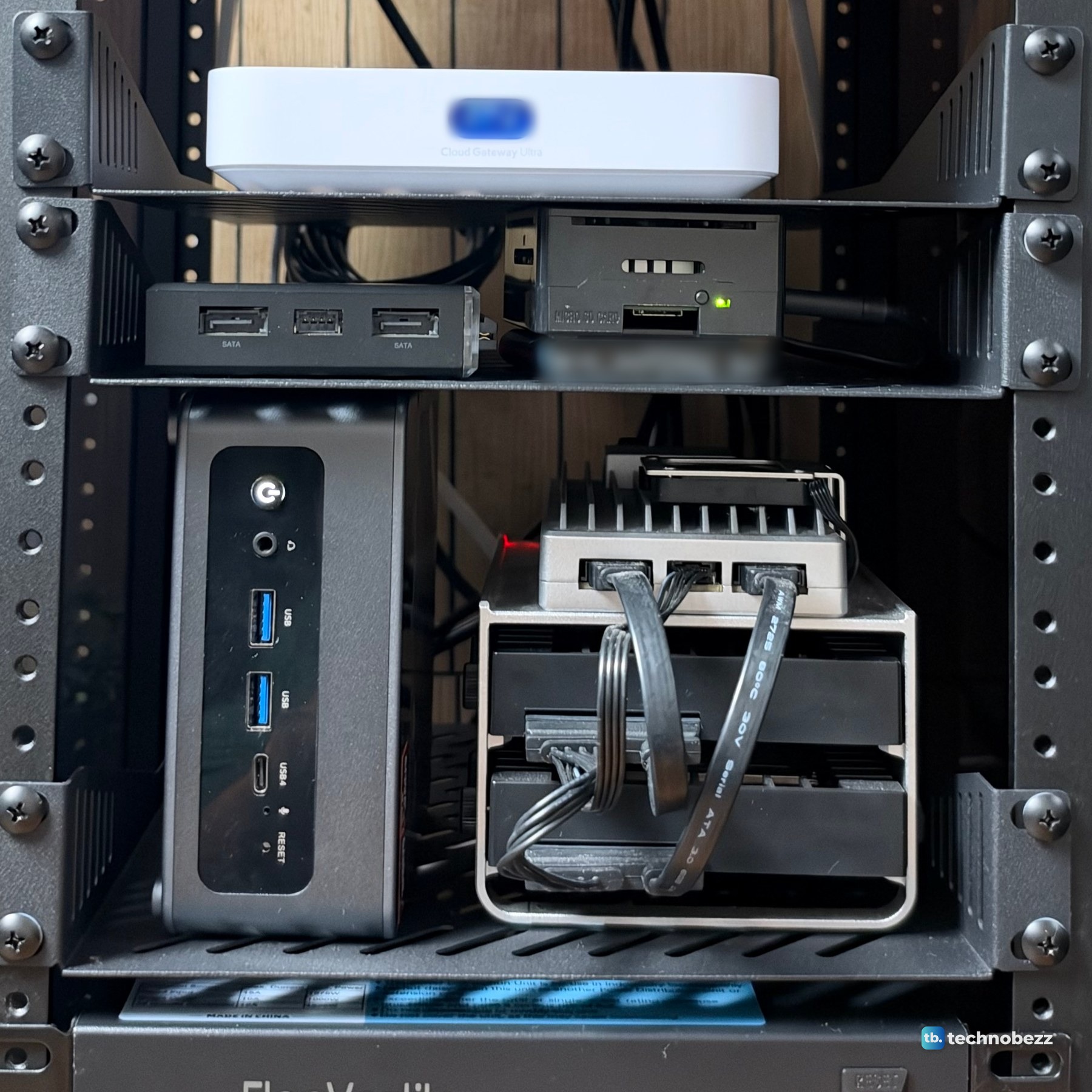
The small computers are where the bill climbs. Most of it is the three review units: the ACEMAGIC F5A, the ZimaBoard 2 and the ZimaBlade together come to $2,048 at today's prices. The Pi, its power supply and a current replacement SSD account for $418.
| Part | Where to buy |
|---|---|
| Raspberry Pi 5, 8 GB | Amazon |
| Raspberry Pi 27 W USB-C power supply | Amazon |
| Samsung T7 1 TB SSD (my T5 500 GB is discontinued) | Amazon |
| ZimaBlade 7700, 16 GB (review unit) | Amazon |
| ZimaBoard 2, 16 GB (review unit) | Amazon |
| ACEMAGIC F5A, Ryzen AI 9 HX 370 (review unit) | Amazon (current model) |
Mine is the 16 GB F5A, but no 16 GB version is on sale, so it is priced as the 32 GB and 1 TB model. The current F5A uses the newer HX 470 chip. The Pi's SSD is priced as a Samsung T7 1 TB, because the T5 500 GB in my rack is no longer sold.
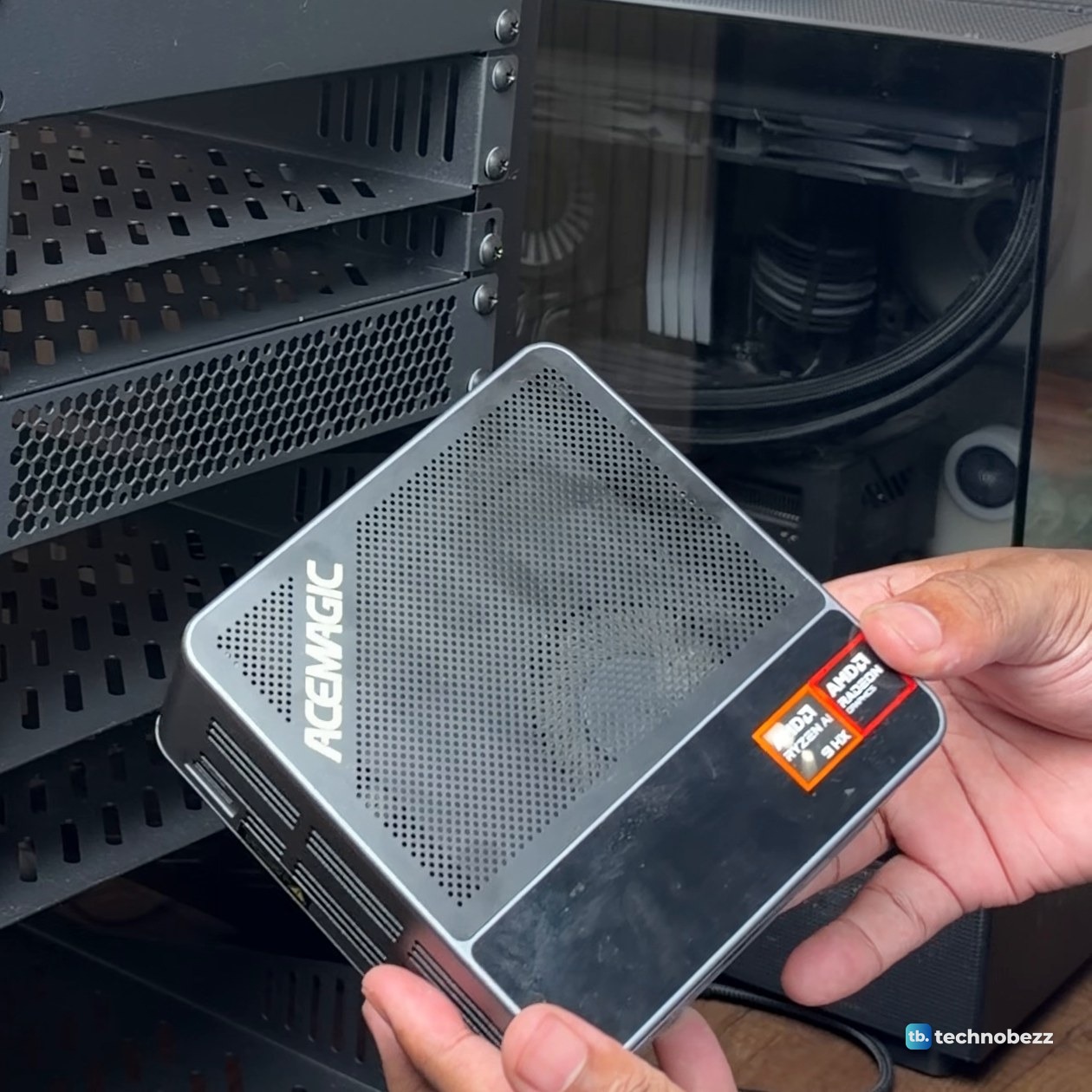
If you are weighing the F5A or the ZimaBoard 2 on its own, our ACEMAGIC F5A review and ZimaBoard 2 review go into how each one does.
Main server, $4,009
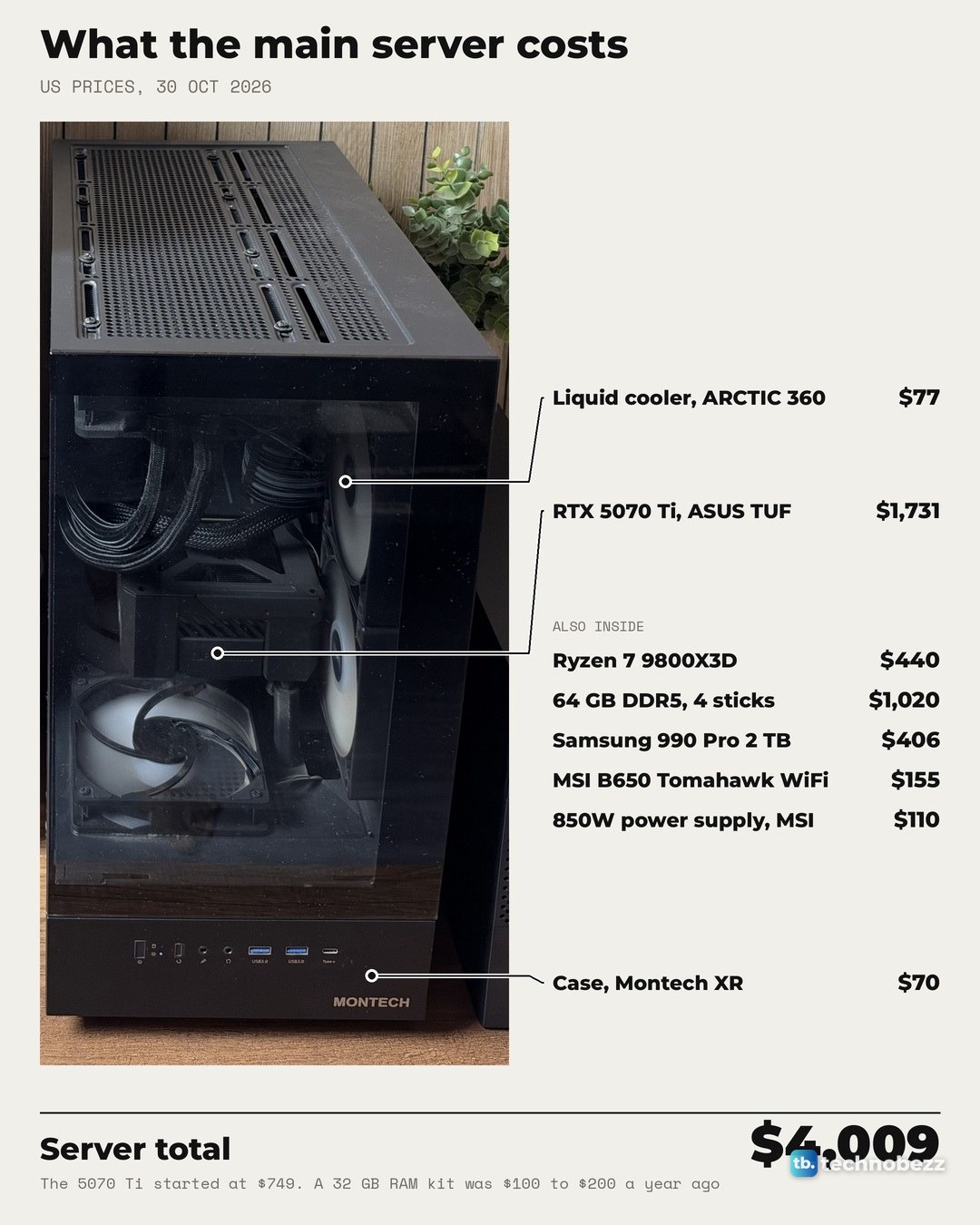
The main server sits beside the rack, not in it. It is a tower PC with a Ryzen 7 9800X3D, 64 GB of DDR5 and an RTX 5070 Ti, running Proxmox. The graphics card alone is $1,731, more than the whole rack costs without the review units.
| Part | Where to buy |
|---|---|
| AMD Ryzen 7 9800X3D | Amazon |
| ASUS TUF Gaming RTX 5070 Ti OC | Amazon |
| 64 GB DDR5, two Corsair Vengeance RGB 32 GB kits, 6000 CL36 | Amazon |
| MSI MAG B650 Tomahawk WiFi | Amazon |
| Samsung 990 Pro 2 TB | Amazon |
| MONTECH XR case | Amazon |
| MSI MAG A850GL 850 W power supply | Amazon |
| ARCTIC Liquid Freezer III Pro 360 A-RGB | Amazon |
UPS, $272
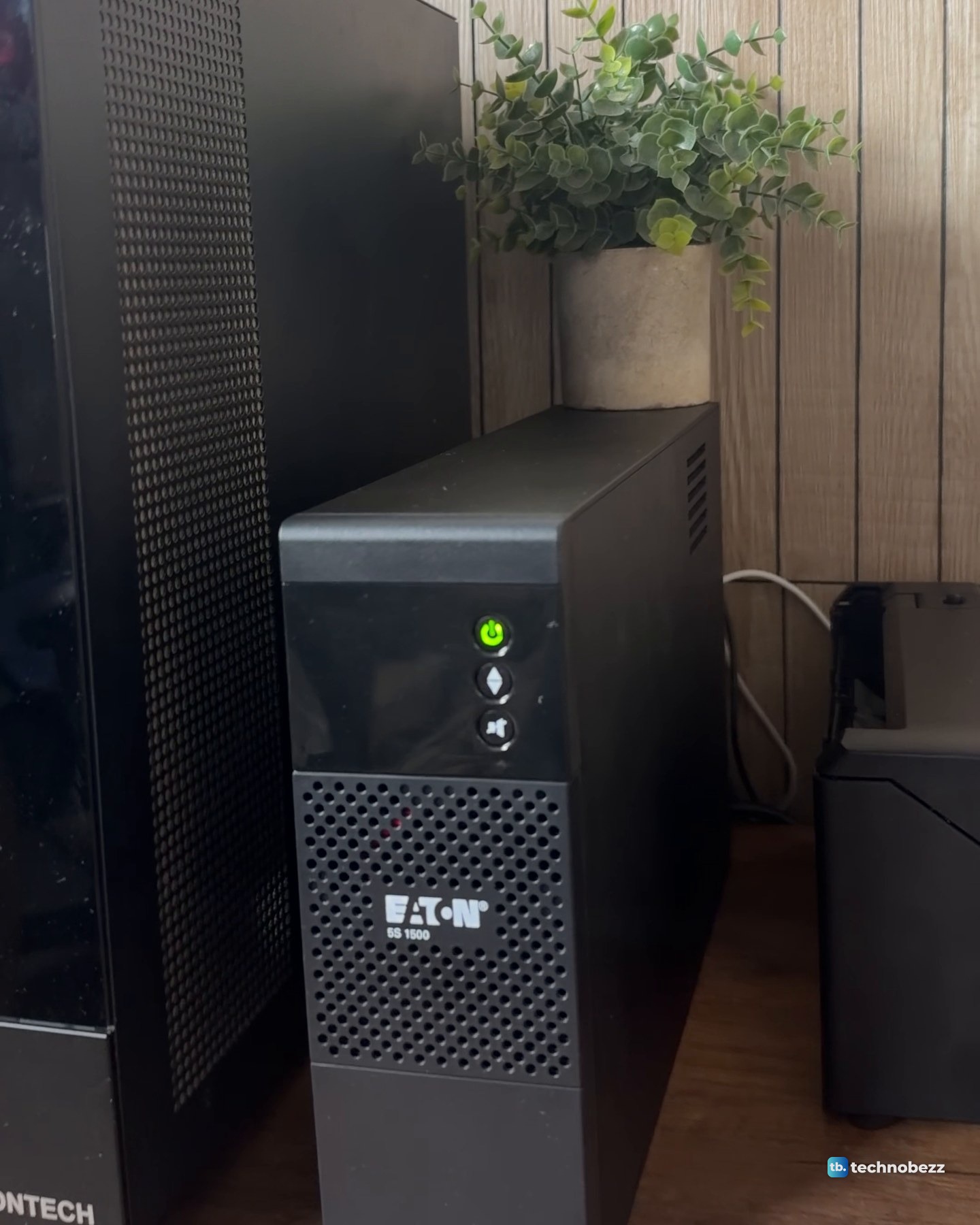
The last piece is an Eaton 5S 1500, which keeps all of it on when the power isn't. At $272 it is the cheapest of the three pieces. Setting one up for a rack like this is covered in how to connect a UPS to a home lab.
| Part | Where to buy |
|---|---|
| Eaton 5S 1500 UPS (5S1500LCD) | Amazon |
What drives the cost of a homelab setup
Two lines decide the total. The main server is $4,009, more than half of everything, and $2,751 of that is the graphics card and the memory. The small computers are $2,466, and $2,048 of that is the three review units. Take the review units out and the rack drops from $3,317 to $1,270.
The rest is small by comparison. The rack frame, shelves, panels, fans, power strip and cables are $490. The whole network, with the access point and its PoE adapter, the gateway and both switches, is $361. The UPS is $272.
Why home lab parts cost more right now
Several parts in my build sell for well above their launch or earlier prices.
| Part | Earlier price | US price (30 Oct 2026) |
|---|---|---|
| Raspberry Pi 5, 8 GB | $80 at launch | $175 |
| 32 GB DDR5 kit (2 x 16 GB) | About $100 to $200 a year ago | $510 |
| ZimaBoard 2 | $279 at launch | $399 |
| Samsung 990 Pro 2 TB | About $290 at launch | $406 (list $640) |
| RTX 5070 Ti | $749 starting price | $1,500 to $1,730 for the cards on sale |
Memory is the clearest case. My main server has two 32 GB kits at $510 each. Together, at $1,020, they cost more than the processor, the board, the case and the power supply put together. Even the U7 Lite now costs $109 from Ubiquiti with a surcharge included, up from $99.
How to build a cheaper home lab
You do not need most of this to start. Using only parts I bought for this build, at the same prices, a lean starter adds up like this: the DeskPi rack ($150), the SBC shelf ($18), a Raspberry Pi 5 8 GB ($175) with its power supply ($13), the TP-Link TL-SG105 5-port switch ($13), the ElecVoztile power strip ($70) and a 10-pack of 3 ft Cat6 cables ($14). That is $453 before storage. A working Pi also needs boot media, a card or drive holding its operating system, and adding the $230 Samsung T7 SSD brings this example to $683.
Adding the 2.5G switch ($60) and the patch panel ($16) to that list brings the parts to $529 before storage, or $759 with the SSD. The Pi's own Ethernet stays at 1 Gigabit, so the faster switch matters once you add machines with 2.5G ports. Skip the rack entirely and the same Pi, power supply, switch and cables come to $215 before storage, or $445 with the SSD, sitting on a desk. Mine ran like that before the rack, every box in its own spot with its own cable going somewhere.
My 10-inch DeskPi RackMate T2 has 12U of space for switches, single-board computers and mini PCs. Check the mounting needs of any larger server before choosing a rack. The trade-offs are in 10-inch vs 19-inch racks.
What the total does not include
The $7,598 leaves out a few things: the old drives inside the ZimaBoard's drive cage, the equipment for the internet line itself, the cables running from the rack to the rest of the desk beyond the packs listed, and sales tax. It also counts the review units at full price. Without them, everything comes to $5,550.
Home lab cost questions
How much does a home lab cost to run in electricity?
I have not measured the power draw of this setup yet, so I cannot give you a monthly figure. The Cloud Gateway Ultra is rated at 6.2 W maximum, the U7 Lite at 13 W and the TL-SG105 at 2.3 W. Those are ratings, not readings from my setup.
Does a home lab need a rack?
No. Everything in mine ran on the desk before it went into the rack. The rack is about order: every cable now runs to one patch panel and every plug to one strip, and the desk is a desk again. The frame is $150, but with the shelves, panels, fans, power strip and cables it comes to $490.
Is a UPS required?
Not to make anything work. Mine keeps the rack and the server on when the power isn't. A surge protector has no battery, so it guards against surges but cannot keep anything running through an outage. Our guides to the best UPS battery backups and the best surge protectors compare both.
How much does a homelab server cost?
Mine is $4,009 today, but it is a gaming-class tower with an RTX 5070 Ti. Without the graphics card it is $2,278, and the small computers in my rack show the other end: the Raspberry Pi 5 8 GB with its power supply is $188.
Technobezz may earn a commission when you buy through the Amazon links on this page.