Power outages can interrupt meetings, corrupt files, and kill productivity instantly when you work from home. The right UPS battery backup gives you enough time to save work and shut down properly, protecting your expensive electronics from surges and brownouts. Our top pick, the CyberPower CP1500PFCLCD, delivers pure sine wave power for modern computers with enough capacity for most home office setups.
Technobezz is supported by its audience. We may get a commission from retail offers.
7 Best UPS Battery Backups for Home Use in 2026
We tested 7 UPS battery backups for home offices. The CyberPower CP1500PFCLCD leads with pure sine wave power, with budget picks starting near $90.
T
Technobezz
Editorial Team
Updated September 5, 2026Sep 5, 2026
•9 min read

Get Deals Like These in Your Inbox
The best prices, reviewed weekly.
At a Glance
| Category | Product | Why We Picked It |
|---|---|---|
| Best overall | CyberPower CP1500PFCLCD | Pure sine wave output for modern PCs with active PFC power supplies |
| Best value | Amazon Basics Standby UPS 800VA | Affordable protection for basic home office needs |
| Best for reliability | APC BR1500G | Trusted brand with strong warranty and surge protection |
| Best for power saving | CyberPower EC850LCD Ecologic UPS | ECO-controlled outlets switch off idle peripherals |
| Best lithium battery | GOLDENMATE 1000 Pro UPS | 230.4Wh LiFePO4 battery with USB shutdown support |
| Also recommended | APC BR1500MS2 | 1500VA/900W pure sine wave output with AVR |
| Also recommended | CyberPower EC650LCD | Smaller pick with an LCD for networking gear |
How we chose
We evaluated UPS battery backups based on capacity, outlet configuration, protection features, and real-world performance for home office use. Our assessment considers factors like pure sine wave output compatibility with modern computers, automatic voltage regulation for brownout protection, and sufficient runtime to save work during outages. We prioritize products that offer good value while providing reliable protection for your electronics.
The best UPS battery backups right now
CyberPower CP1500PFCLCD - Best overall
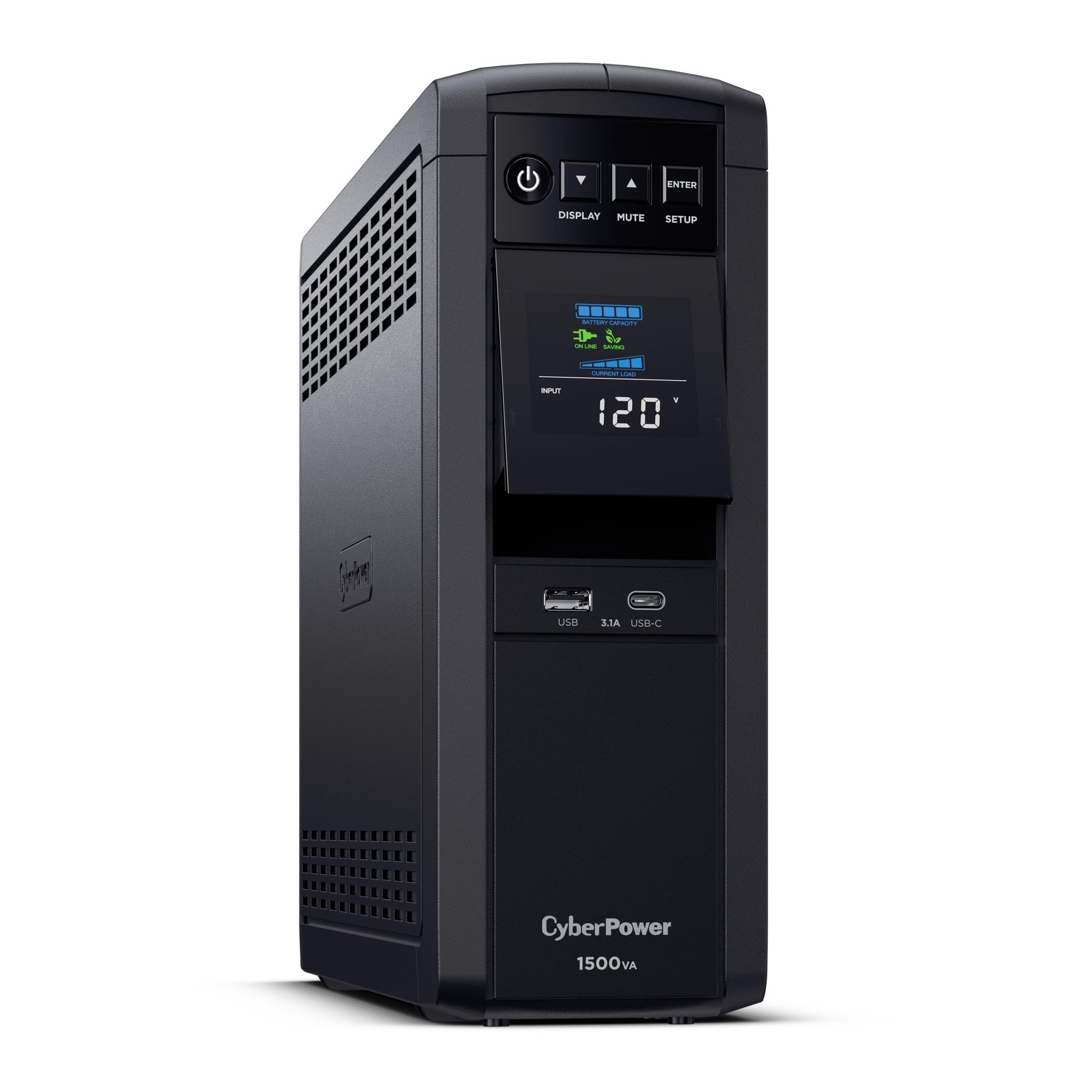
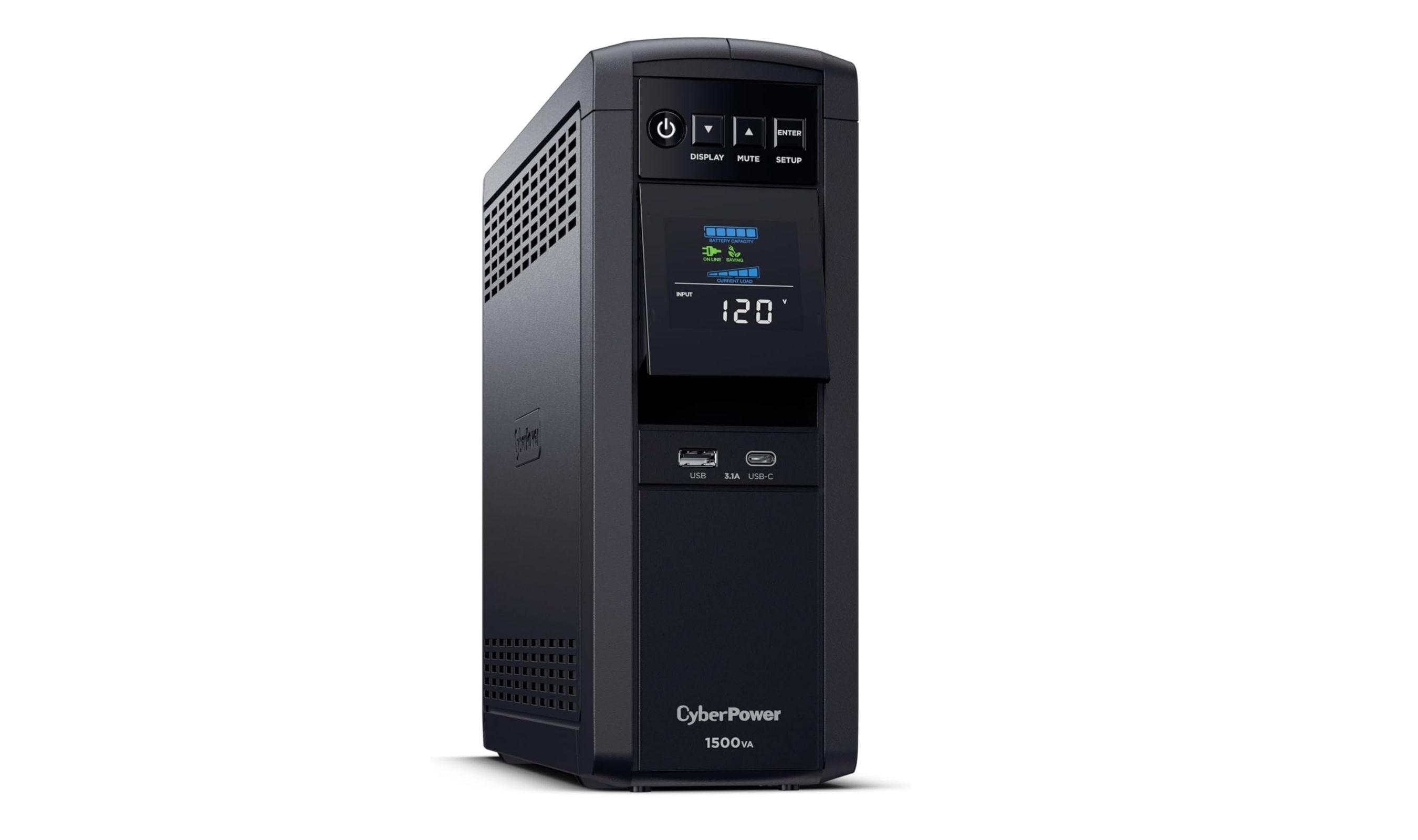
This 1500VA unit provides pure sine wave output that works perfectly with modern computers featuring active PFC power supplies, preventing compatibility issues that can cause shutdowns with cheaper units. It offers the right balance of capacity and features for most home office setups.
Key highlights
- Pure sine wave output compatible with modern PFC power supplies
- 1500VA/1000W capacity handles typical desktop, monitor, and networking gear
- LCD display shows real-time load, battery status, and input voltage
- 12 outlets total with 6 battery-backed and 6 surge-protected only
- Automatic voltage regulation corrects brownouts without switching to battery
Pros
- Works reliably with gaming PCs and workstations that have active PFC power supplies
- $500,000 connected equipment guarantee provides peace of mind
- USB-A and USB-C ports charge phones and tablets
- Three-year warranty includes full battery coverage
Cons
- Larger and heavier than basic models
- Pure sine wave units cost more than simulated sine wave alternatives
- Only six of the twelve outlets provide battery backup
Who it is for: Home office users with modern computers, gamers with active PFC power supplies, and anyone needing reliable protection for expensive electronics.
Skip if
You only need basic protection for a simple setup or have very limited space.
APC BR1500G - Best for reliability
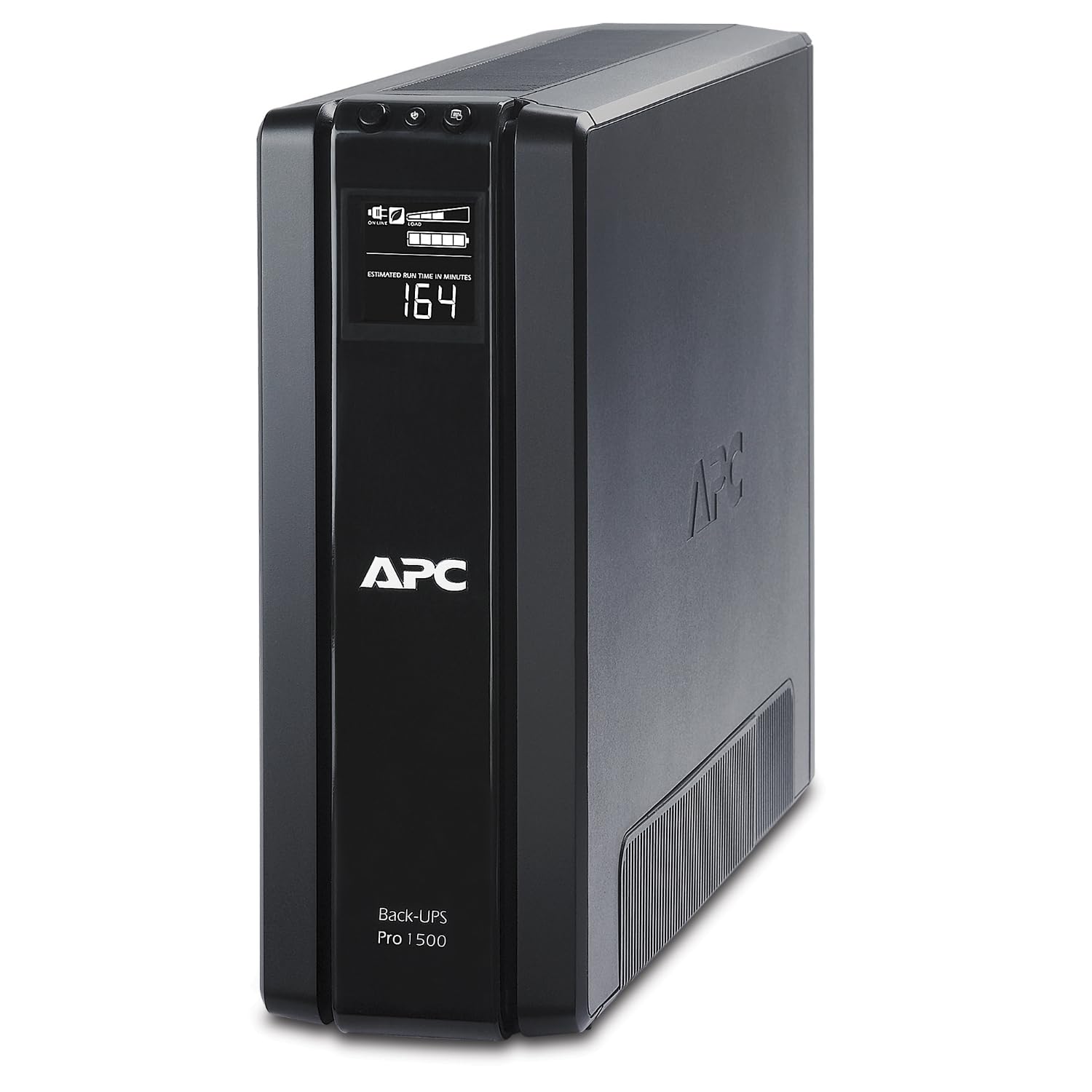
APC's Back-UPS Pro delivers solid protection with fewer frills but excellent reliability, backed by a strong warranty and trusted brand reputation. It's a straightforward choice for those who prioritize proven performance over advanced features.
Key highlights
- 1500VA/865W capacity suitable for typical home office loads
- Automatic voltage regulation handles minor power fluctuations
- 10 outlets total: 5 battery-backed and 5 surge-only
- Three-year warranty with connected equipment protection
- Supports the optional BR24BPG external battery pack
Pros
- Trusted brand with long history in power protection
- $150,000 connected equipment guarantee included
- Reliable performance with consistent user satisfaction
- Good balance of capacity and physical size
Cons
- Lacks pure sine wave output found in premium competitors
- Fewer outlets than some similarly priced models
- Simulated sine wave output (not pure sine wave)
Who it is for: Users who want reliable protection from a trusted brand without needing advanced monitoring features.
Skip if
You have a modern computer with active PFC power supply that requires pure sine wave output.
Amazon Basics Standby UPS 800VA - Best value
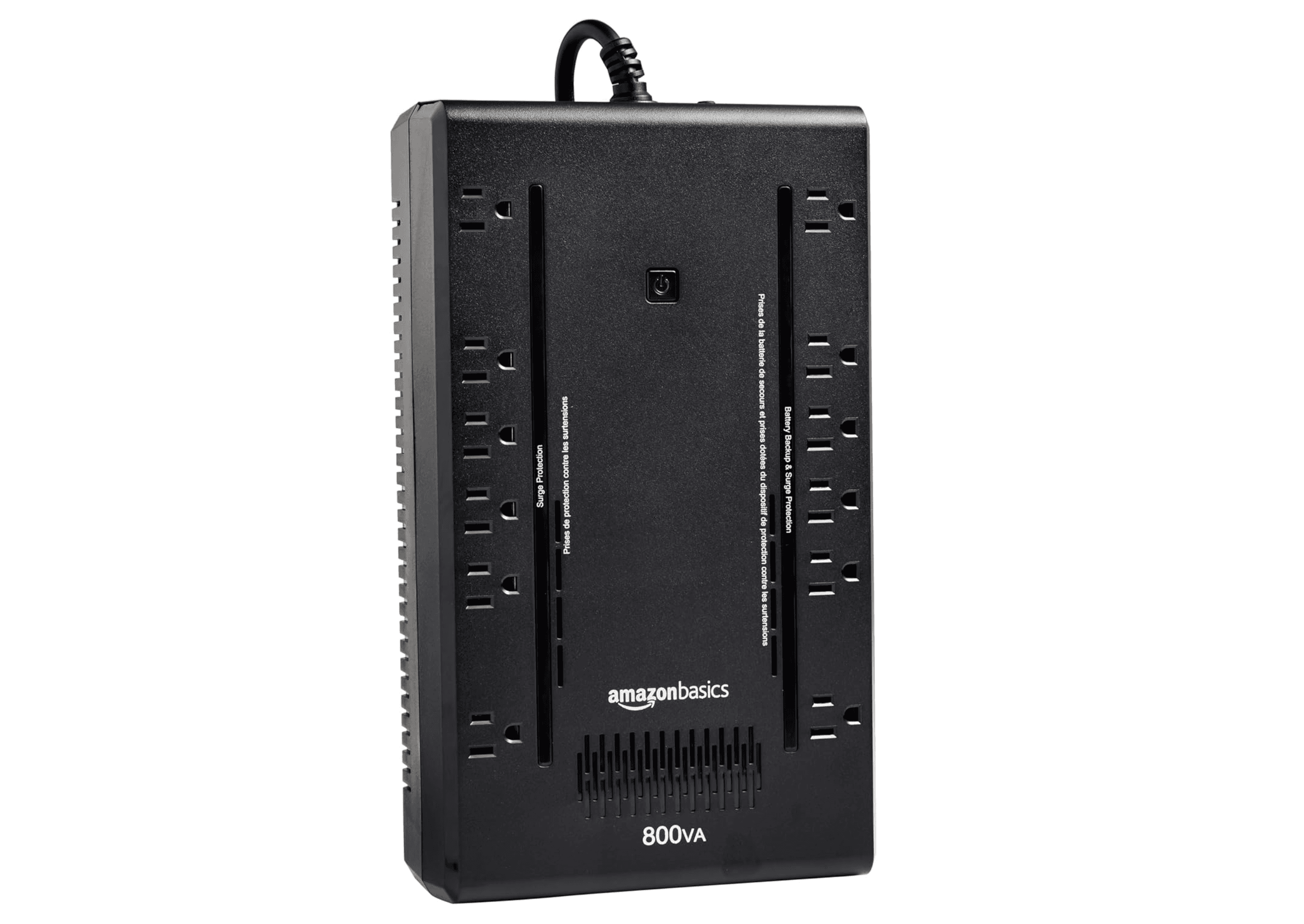
This compact UPS offers basic protection at an affordable price, making it ideal for simple home office setups that don't require extensive runtime or advanced features. It provides enough backup time to save work and shut down properly during brief outages.
Key highlights
- 800VA/450W capacity suitable for single computer setups
- Compact design saves space on or under desks
- 12 outlets total (NEMA 5-15R), consisting of 6 surge-protected outlets and 6 surge-protected/battery-backup outlets
- Affordable price point for budget-conscious users
Pros
- Excellent value for basic protection needs
- Compact size fits easily in home office environments
- Simple and reliable standby topology at budget price
- Simple setup with no complex configuration needed
Cons
- Limited capacity for multi-monitor or high-power setups
- Shorter runtime compared to higher-capacity models
- Basic features without advanced monitoring
Who it is for: Budget-conscious users with simple home office setups, students, or those protecting basic electronics.
Skip if
You have multiple monitors, high-power computers, or need extended runtime during outages.
CyberPower EC850LCD Ecologic UPS - Best for power saving
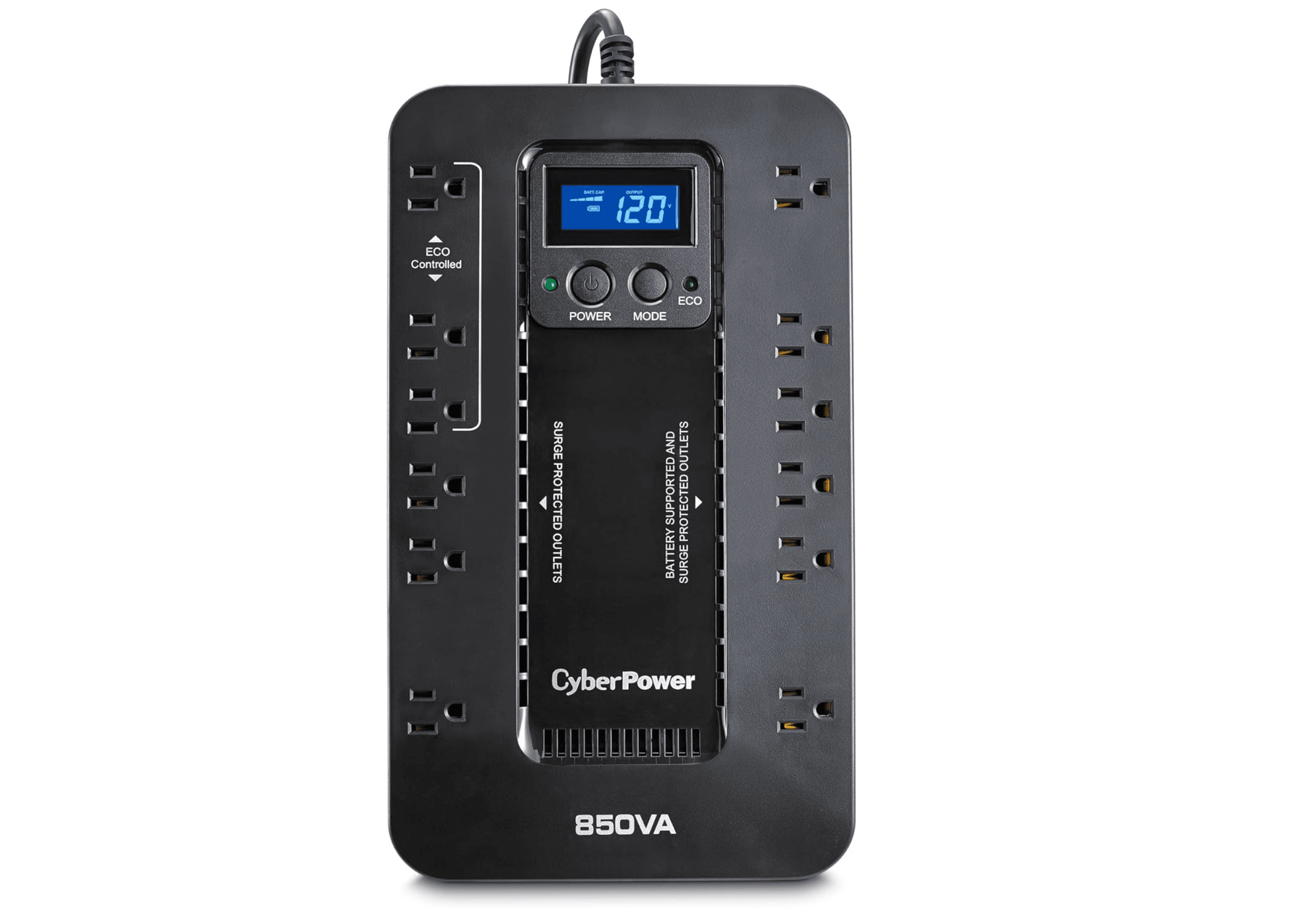
This standby UPS combines 12 outlets and an LCD with three ECO-controlled outlets that switch off connected peripherals when the computer is off or asleep. It suits home office setups that need battery backup and automatic peripheral power control.
Key highlights
- 12 surge-protected outlets with 6 battery-backed
- LCD display shows battery status, load, and runtime
- 850VA/510W capacity handles typical home office equipment
- Three ECO-controlled surge-only outlets switch off idle peripherals
- Includes PowerPanel software for computer communication
Pros
- ENERGY STAR certified with GreenPower high-efficiency design
- Three-year warranty includes the battery
- Software enables graceful shutdown during extended outages
- Good balance of capacity and physical footprint
Cons
- Not pure sine wave output (simulated sine wave)
- Some users report shorter battery life than expected
- Larger physical size than basic models
Who it is for: Users who need multiple outlets for peripherals and want monitoring features without paying premium prices.
Skip if
You require pure sine wave output for sensitive electronics or have very limited space.
GOLDENMATE 1000 Pro UPS - Best lithium battery
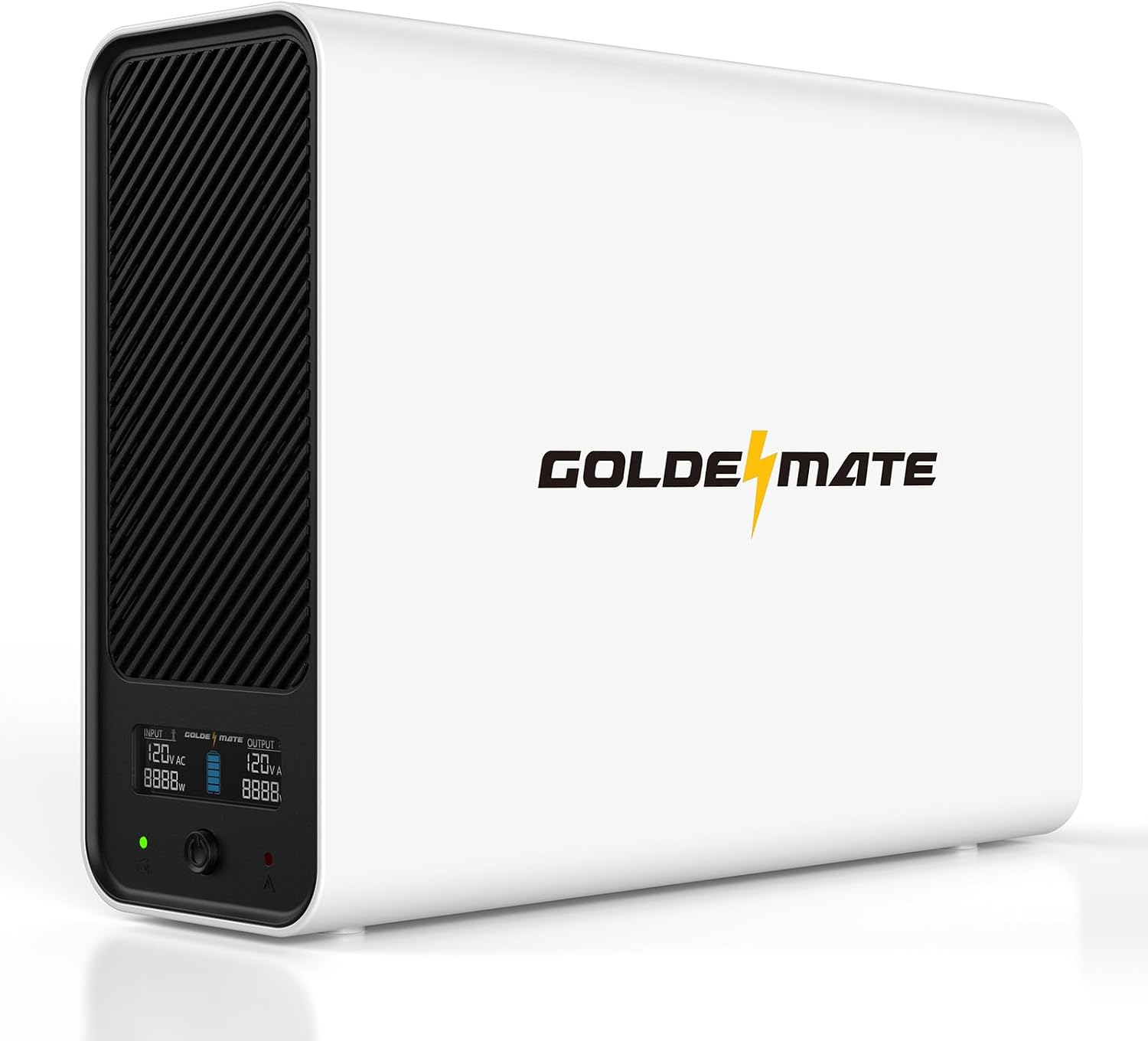
This 1000VA/800W Pro UPS combines a 230.4Wh LiFePO4 battery with pure sine wave output and a USB communication port for automatic shutdown on compatible computers and NAS devices. GOLDENMATE specifies up to 30 minutes at a 400W load; actual runtime depends on the connected equipment and battery condition.
Key highlights
- 1000VA/800W capacity with pure sine wave output
- 230.4Wh LiFePO4 battery
- Eight outlets provide battery backup and surge protection
- USB communication cable included for compatible PC, Mac, and NAS shutdown settings
- LCD shows battery and power conditions
Pros
- Battery backup on all eight outlets
- Supports automatic shutdown through compatible device settings
- Built-in battery management system monitors operating limits
Cons
- Published recharge time is 10 hours
- Cooling fan runs during heavy battery use
- No automatic voltage regulation
Who it is for: Users seeking a lithium-battery UPS with automatic shutdown support for compatible computers or NAS devices.
Skip if
You need AVR or frequent outages leave little time to recharge.
Also Good
- APC BR1500MS2 - 1500VA/900W pure sine wave output with AVR.
- CyberPower EC650LCD - smaller pick with an LCD for networking gear.
How to Choose
Consider these factors when selecting a UPS for your home office:
Total wattage: Add up your computer, monitors, and networking gear, then choose a UPS with at least 20-30% headroom. A typical desktop with one monitor might need 300-400W, while gaming setups can exceed 600W.
Outlet configuration: Look for enough battery-backed outlets for critical devices (computer, monitor, router) and surge-protected outlets for peripherals. Most home offices need 4-6 battery-backed outlets.
Pure sine wave vs. simulated sine wave: Modern computers with active PFC power supplies often require pure sine wave output to prevent shutdowns. Check your power supply specifications if you experience random shutdowns with a UPS.
Runtime needs: Consider how long you need to save work and shut down, then check the manufacturer's runtime chart at your total load. Battery chemistry alone does not determine backup time.
Additional features: Automatic voltage regulation handles brownouts without switching to battery, extending battery life. LCD displays provide useful status information, while communication ports enable automatic computer shutdown during extended outages.
FAQ
How long will a 1500VA UPS run my PC?
Runtime depends on the UPS model and total power draw. CyberPower rates the CP1500PFCLCD for about 10 minutes at 500W and 2.5 minutes at 1000W. Check the manufacturer's runtime chart for your load; battery age and condition also affect backup time.
Do I need pure sine wave output?
If you have a modern computer with an active PFC power supply (common in gaming PCs and workstations), pure sine wave is recommended to prevent random shutdowns. For basic office computers or networking equipment, simulated sine wave usually works fine.
What's the difference between VA and watts?
VA (volt-amps) measures apparent power, while watts measure real power. The ratio of watts to VA is the power factor, so there is no fixed conversion that applies to every setup. Keep the connected load within both the UPS's watt and VA ratings.
How often should I replace the battery?
Lead-acid batteries in UPS units typically last 3-5 years. Many units include self-test features that indicate when battery replacement is needed. Lithium battery units generally last longer but cost more upfront.
Can a UPS protect against lightning strikes?
While UPS units include surge protection, direct lightning strikes can overwhelm any protection system. For areas with frequent lightning, consider additional whole-house surge protection. The connected equipment guarantees provided by manufacturers offer additional peace of mind.
Published March 3, 2026 Last updated September 5, 2026
Share this article
More in News
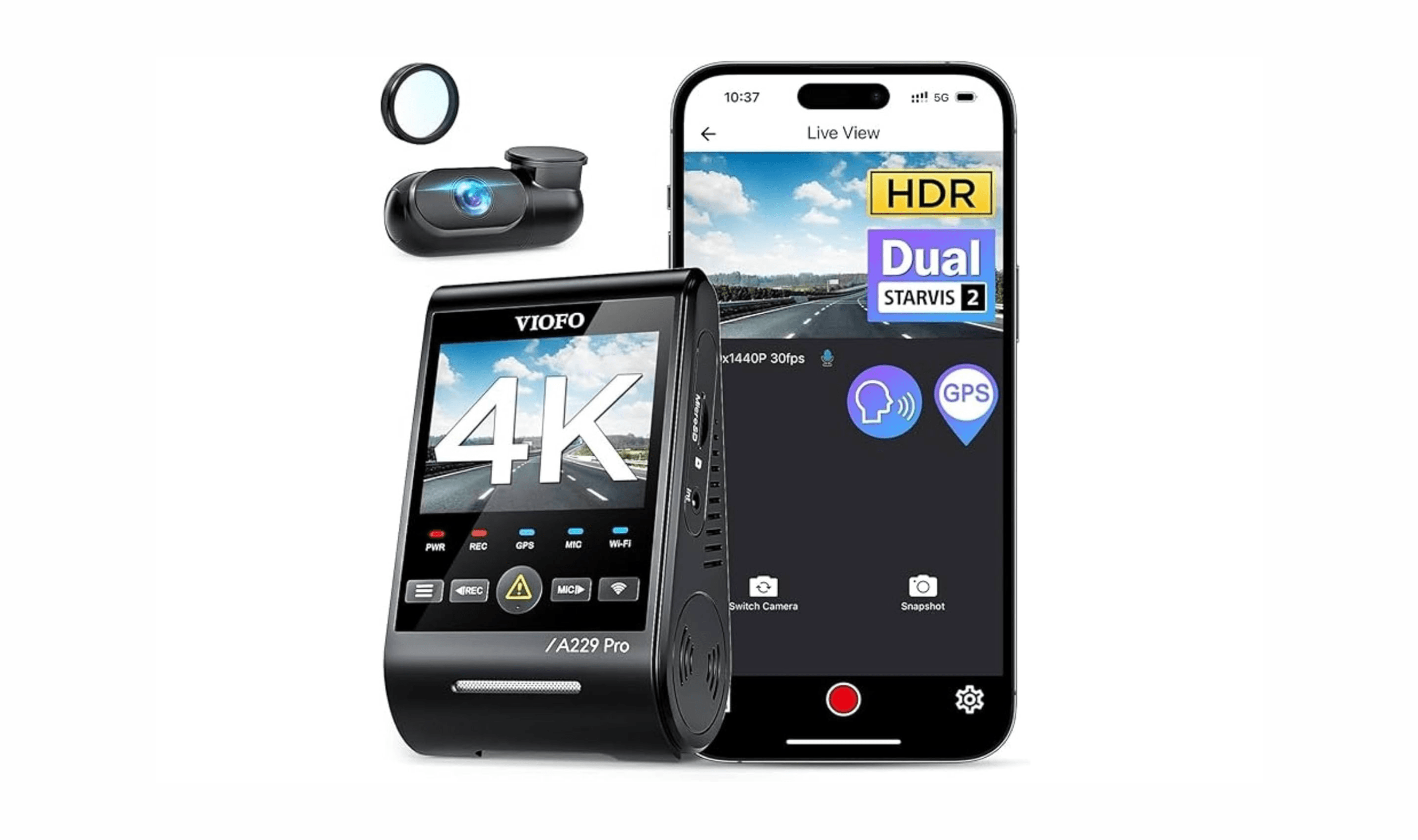
6 Best Dash Cams for 2026
VIOFO A329S 2CH is our top dash cam pick for sharp front and rear recording, Wi-Fi 6, GPS and SSD support.
4 min read
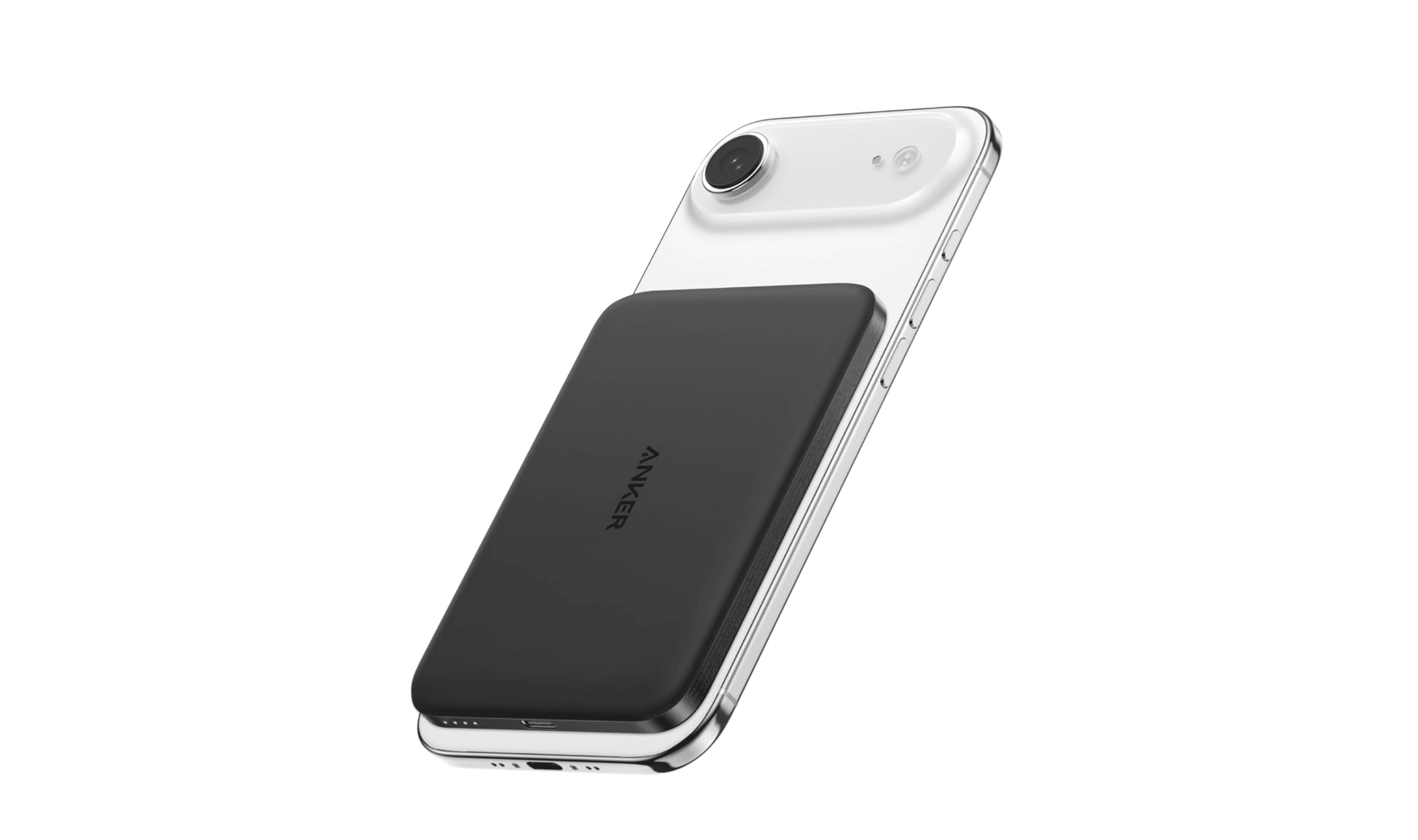
7 Best Power Banks for 2026
The Anker Laptop Power Bank 25K 165W is the top pick for laptop-ready travel power, built-in cables, and phone charging.
4 min read
7 Best Robot Vacuums in 2026
Dreame L60 Ultra PE is our top 2026 robot vacuum pick for strong suction, smart object avoidance, and dock automation.
5 min read
9 Best Ultrawide Monitors to Buy in 2026
Dell UltraSharp U3425WE leads our 2026 picks for the best ultrawide monitors, from premium productivity to immersive OLED gaming.
4 min read
8 Best Gaming Mice to Buy in 2026
5 min read
LG xboom Buds Lite by will.i.am Earbuds now selling for $59.99
4 min read

9 Best Laptops for Programming and Coding in 2026
5 min read

Best Gaming PCs for 2026
5 min read

Three of the cheapest TV deals today start at $277.99
3 min read
7 Best 3D Printers for 2026
5 min read
4 Best Camcorders for Family Videos and Travel
5 min read

Amazon Kindle Paperwhite Kids Larger glare-free display discounted to $169.99
4 min read