Network switches solve two common problems: not enough Ethernet ports and not enough wired speed for newer routers, desktops, NAS devices, and media gear.
Technobezz is supported by its audience. We may get a commission from retail offers.
10 Best Network Switches for 2026
The NETGEAR MS308 8-Port 2.5G is the top pick for fast, quiet wired expansion at home or in a small office.
T
Technobezz
Editorial Team
Updated September 5, 2026Sep 5, 2026
•15 min read

Get Deals Like These in Your Inbox
The best prices, checked by our editors.
The NETGEAR MS308 8-Port 2.5G is the top pick because it combines eight 2.5GbE ports, fanless operation, unmanaged setup, a 16K MAC table, and low stated power consumption.
The rest of the list covers low-cost gigabit expansion, stronger 2.5GbE value, smart management, PoE for cameras and access points, NAS upgrades, mixed 2.5G and 10G layouts, and full 10G desktop switching.
At a Glance
| Category | Product | Why We Picked It |
|---|---|---|
| Best overall | NETGEAR MS308 8-Port 2.5G | Quiet eight-port 2.5GbE with simple unmanaged setup |
| Best budget | TP-Link TL-SG108 8-Port Gigabit | Low-cost eight-port gigabit expansion with plug-and-play setup |
| Best 2.5G value | TP-Link TL-SG108S-M2 8-Port 2.5G | Eight 2.5GbE ports with loop prevention, QoS, and IGMP snooping |
| Best managed 2.5G | TP-Link Omada ES210X-M2 | Eight managed 2.5GbE ports with two 10GbE SFP+ uplinks |
| Best smart gigabit | TP-Link TL-SG108E 8-Port Gigabit Easy Smart | Gigabit switching with VLANs, port mirroring, and diagnostics |
| Best PoE starter switch | TP-Link TL-SG1005P 5-Port Gigabit PoE+ | Four PoE+ ports with a 65 W budget for small powered-device setups |
| Best for NAS upgrades | QNAP QSW-1108-8T-R2 8-Port 2.5G | Eight quiet 2.5GbE ports for a NAS and several fast clients |
| Best mixed 2.5G and 10G switch | TRENDnet TEG-S762 6-Port Multi-Gig | Two 10GbE RJ45 ports plus four 2.5G ports in one fanless switch |
| Best 10G desktop switch | TP-Link TL-SX105 5-Port 10G | Five-port 10GbE desktop switching with multi-gig support |
| Best warranty-backed gigabit switch | NETGEAR GS308 8-Port Gigabit | Eight-port gigabit expansion with NETGEAR warranty positioning |
How we chose
The strongest choices match a clear wired-network job: simple gigabit expansion, all-port 2.5GbE, compact 10GbE, PoE power, or basic management. Selection weighs port speed, usable port count, fanless design, power consumption, switching capacity, jumbo-frame support, PoE budget, VLAN and monitoring needs, and setup complexity. The top pick has to suit the widest range of modern home and small-office networks without forcing extra management work.
The best network switches right now
NETGEAR MS308 8-Port 2.5G - Best overall
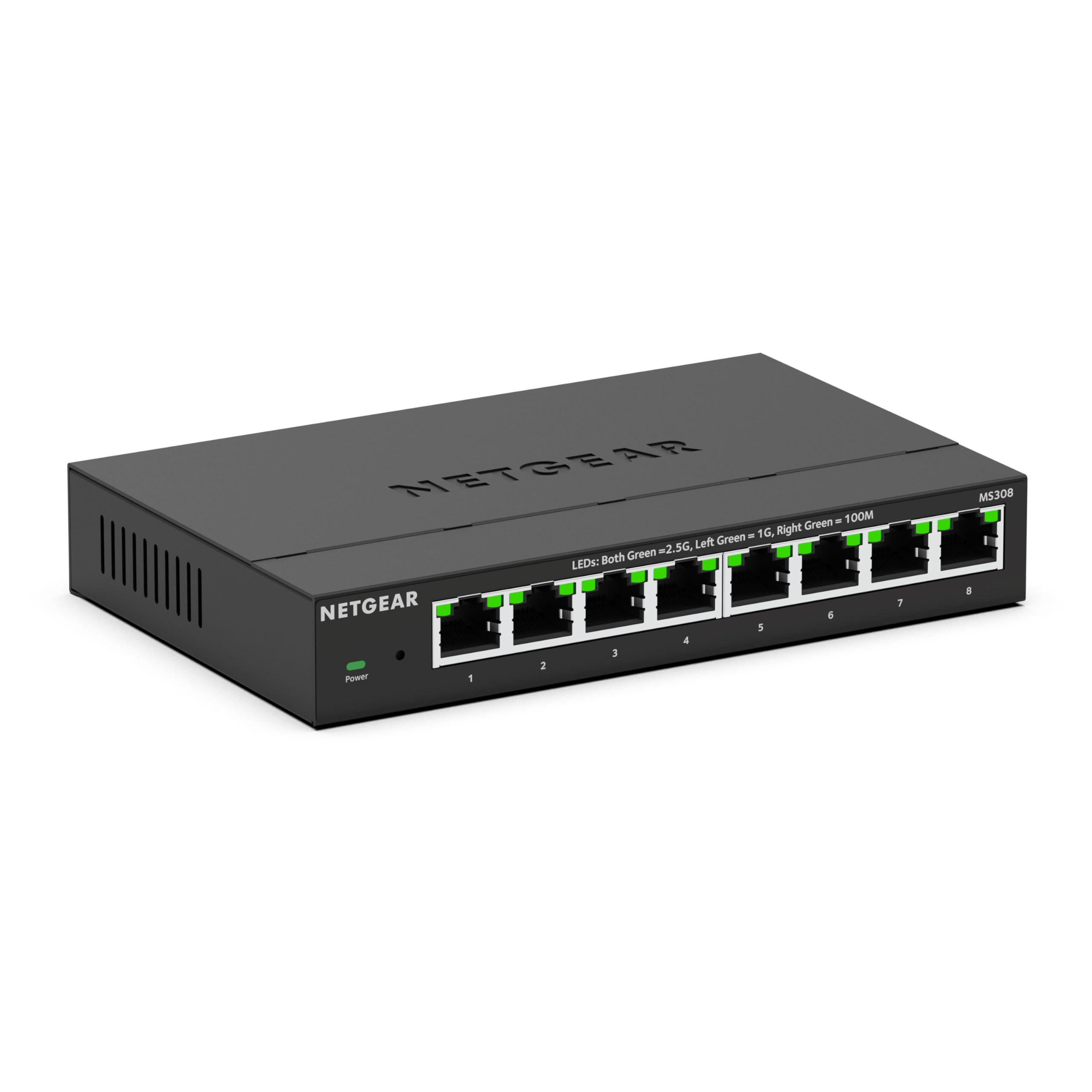
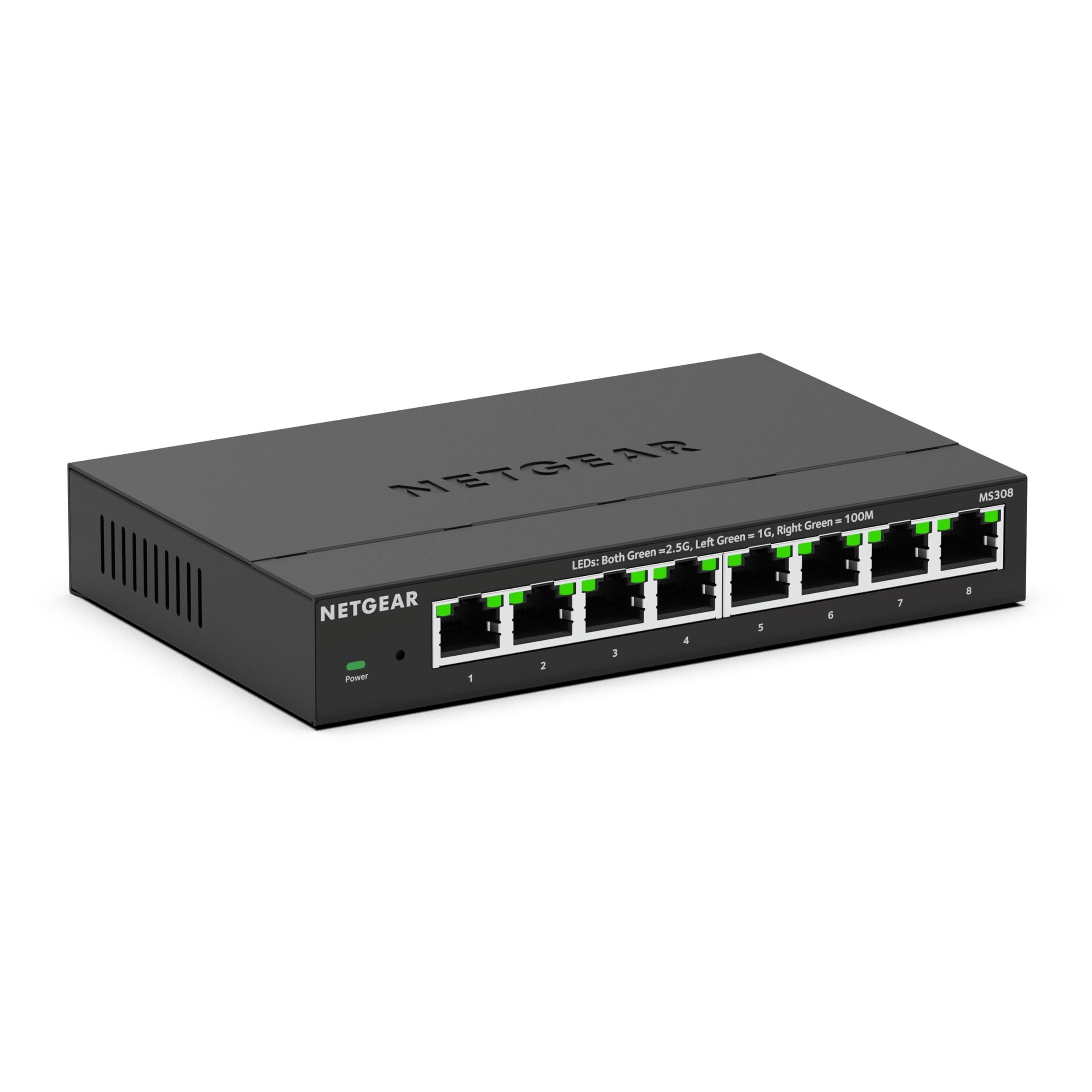
Eight 2.5GbE ports make the NETGEAR MS308 8-Port 2.5G the cleanest default upgrade for a busy home office or entertainment rack. Each port supports 100Mbps, 1G, and 2.5G Ethernet, so one box can handle a router, NAS, desktop PCs, and media gear.
The fanless metal design is suited to desks and living spaces, and the unmanaged setup keeps installation simple. Its 16K MAC table, 9,720-byte jumbo frame support, and 7.98W maximum power consumption give it strong spec headroom.
Choose it when you want quiet 2.5GbE expansion without an app, controller, PoE, or web interface.
Key highlights
- 8 x 100Mbps/1G/2.5G Ethernet
- 9,720-byte jumbo frames
- 16K MAC table
- 7.98W max power consumption
- Fanless cooling
Pros
- Eight 2.5GbE ports cover most home offices and entertainment racks
- Fanless metal design is suitable for desks or living spaces
- Current NETGEAR unmanaged 2.5GbE model with strong spec headroom
- Simple unmanaged setup with no app or controller required
Cons
- Costs more than basic gigabit switches
- No VLANs, port mirroring, or web management
- No PoE for access points or cameras
Who it's for
Best for homes or small offices upgrading a Wi-Fi 6E/7 router, NAS, desktop PCs, or media gear to quiet 2.5GbE.
Skip if
Choose another switch when PoE, VLANs, port mirroring, or web management are required.
TP-Link TL-SG108 8-Port Gigabit - Best budget
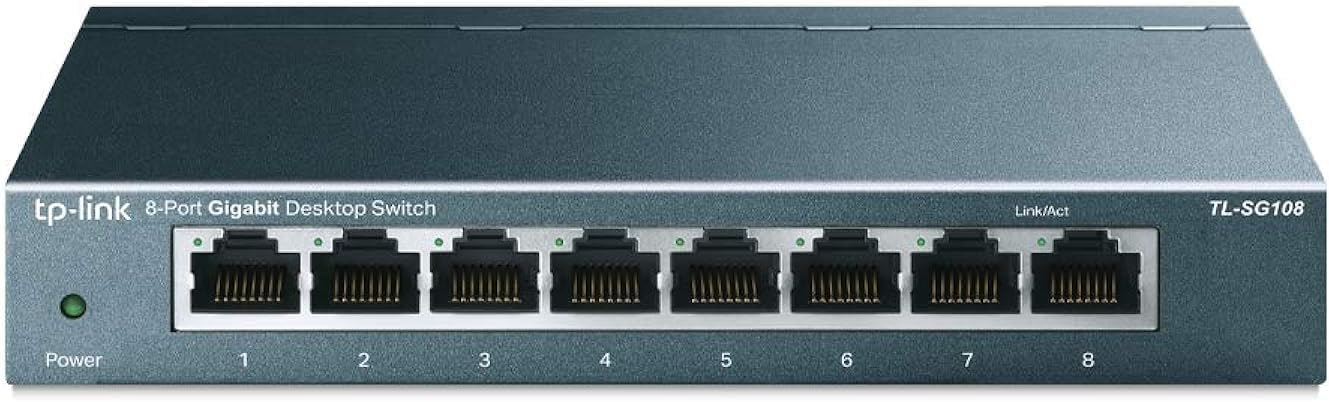
Simple gigabit expansion is the TP-Link TL-SG108 8-Port Gigabit's job. It adds eight 10/100/1000Mbps RJ45 ports for a router, TV, console, desktop, printer, and other everyday wired devices.
Because it is fanless, metal, and unmanaged, it works best as a drop-in switch with no configuration. The 16 Gbps switching capacity, 16 KB jumbo frame support, 4K MAC address table, and 3.75W maximum power consumption match ordinary gigabit networks.
Keep it on the shortlist when low-cost wired expansion matters more than multi-gig speed, PoE, or management.
Key highlights
- 8 x 10/100/1000Mbps RJ45
- 16 Gbps switching capacity
- 16 KB jumbo frame
- 4K MAC address table
- 3.75W max power consumption
Pros
- Inexpensive and widely available on Amazon US
- Eight ports are enough for most router, TV, console, and desktop setups
- Fanless metal housing feels sturdier than plastic mini switches
- Plug-and-play setup
Cons
- Limited to gigabit speeds
- No management interface
- No PoE
Who it's for
Best for buyers who need more wired gigabit ports at the lowest sensible price.
Skip if
A 2.5GbE or faster switch makes more sense for a multi-gig internet plan, NAS, router, or desktop.
TP-Link TL-SG108S-M2 8-Port 2.5G - Best 2.5G value
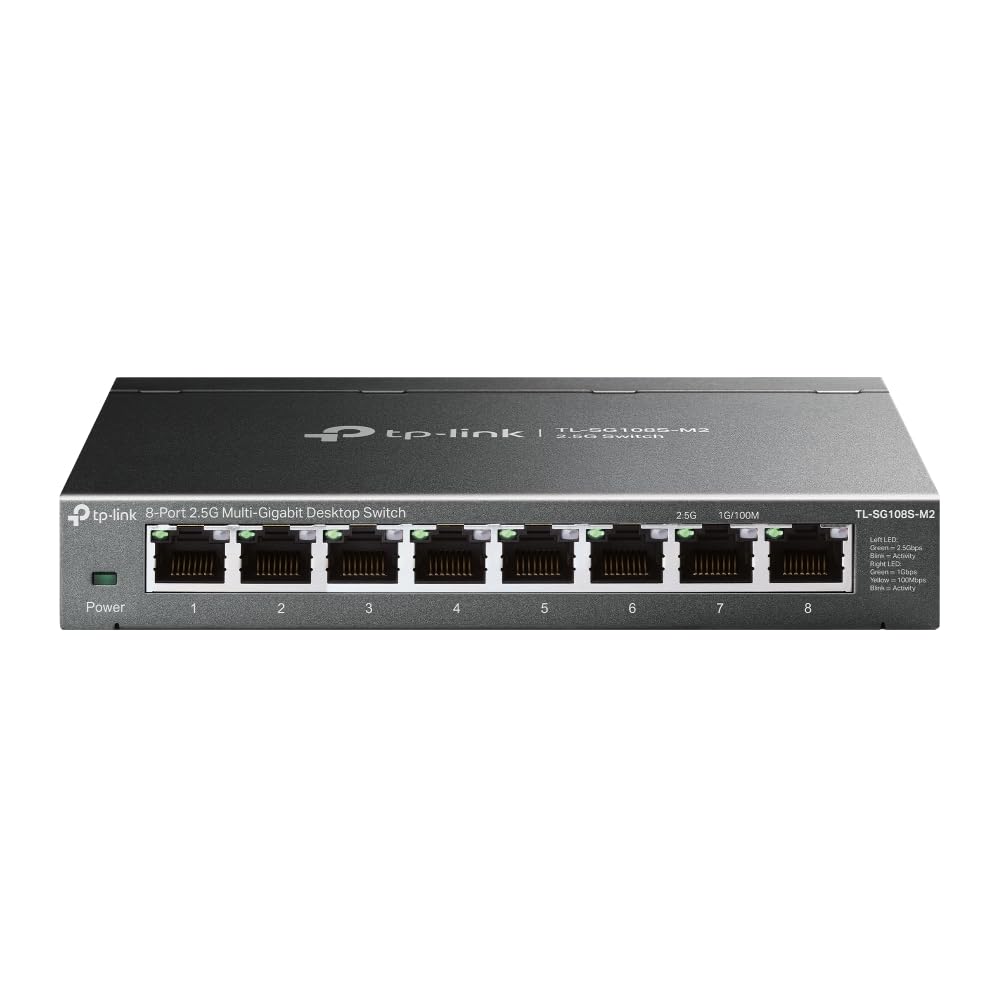
For an affordable move to 2.5GbE, the TP-Link TL-SG108S-M2 8-Port 2.5G gives every port the same 100Mbps, 1Gbps, and 2.5Gbps support. That makes it a straightforward fit for a home office or small media network built around faster wired clients.
It stays simple with unmanaged operation, fanless cooling, wall mounting, and support for Cat5e, Cat6, and Cat6a cabling. The 40 Gbps switching capacity, 29.76 Mpps packet forwarding rate, 12 KB jumbo frames, loop prevention, QoS, and IGMP snooping add useful traffic handling without a web UI.
Pick this model for eight-port 2.5GbE value, then move up only if VLAN configuration or 10GbE uplinks are required.
Key highlights
- 8 x 100Mbps/1Gbps/2.5Gbps RJ45
- 40 Gbps switching capacity
- 12 KB jumbo frame
- 29.76 Mpps packet forwarding rate
- 9.11W max power consumption
Pros
- Eight 2.5GbE ports for less than many managed alternatives
- Works with Cat5e/Cat6/Cat6a cabling
- Fanless and wall-mountable
- Includes loop prevention, QoS, and IGMP snooping
Cons
- Unmanaged, so no VLAN configuration
- No PoE
- MAC table is smaller than NETGEAR MS308's
Who it's for
Best for home offices and small media networks that want eight affordable 2.5GbE ports.
Skip if
Choose a different model for a web UI, VLANs, or 10GbE uplinks.
TP-Link Omada ES210X-M2 - Best managed 2.5G
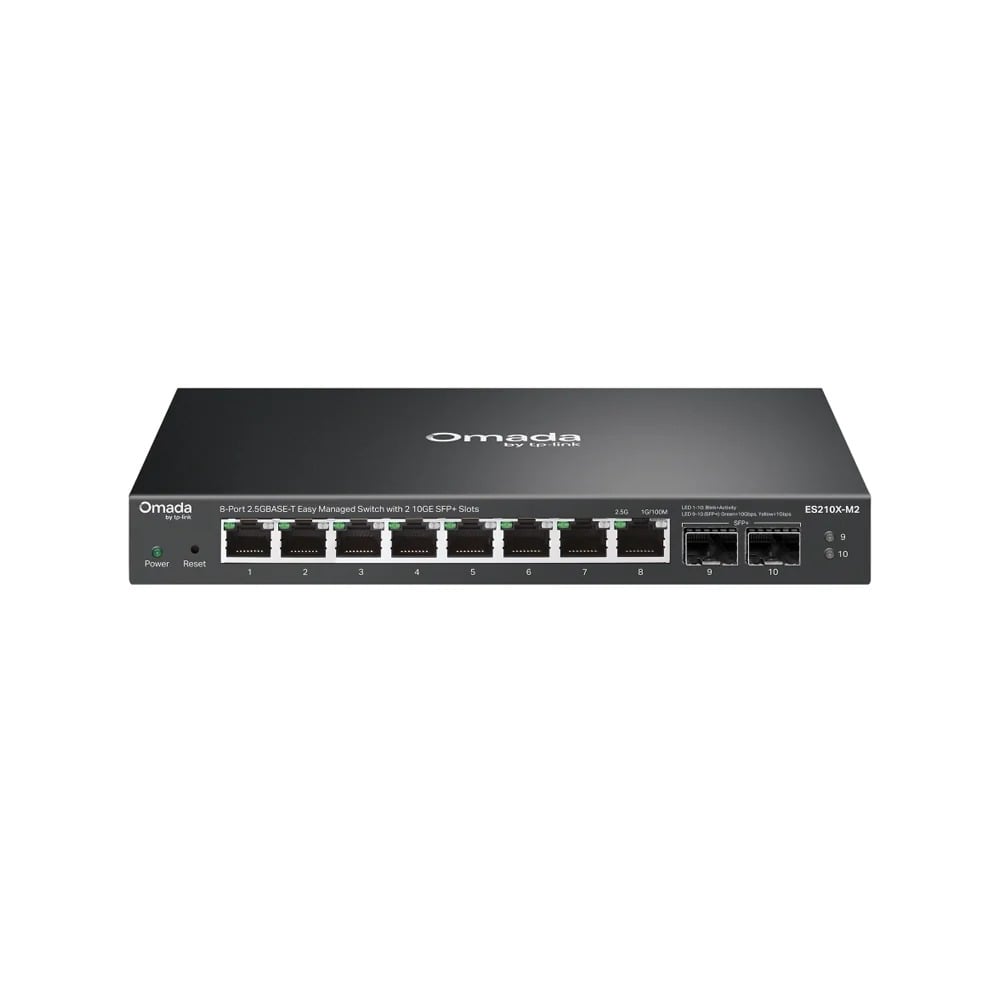
TP-Link Omada ES210X-M2 is the managed pick when eight 2.5GbE devices need faster uplinks and basic network controls. It combines eight 100Mbps/1Gbps/2.5Gbps RJ45 ports with two 10Gbps SFP+ slots.
Its 80 Gbps switching capacity supports the mixed port layout. Management works in standalone mode or through Omada, with VLAN, QoS, automatic loop prevention, and IGMP snooping available for structured home-office and small-business networks.
The fanless metal enclosure keeps it suitable for a desk or wall. It has no PoE, and the SFP+ slots may need separate modules or direct-attach cables.
Key highlights
- 8 x 100Mbps/1Gbps/2.5Gbps RJ45
- 2 x 10Gbps SFP+
- 80 Gbps switching capacity
- VLAN, QoS, loop prevention, and IGMP snooping
- Standalone or Omada management
- Fanless metal enclosure
Pros
- Eight 2.5GbE access ports plus two 10GbE SFP+ uplinks
- Useful VLAN, QoS, loop-prevention, and multicast controls
- Standalone or Omada centralized management
- Fanless metal enclosure
Cons
- No PoE
- SFP+ uplinks may require extra modules or DAC cables
- More configuration than an unmanaged switch
Who it's for
You want managed 2.5GbE access ports with fast 10GbE uplinks for a NAS or core switch.
Skip if
You only need plug-and-play ports or require PoE.
TP-Link TL-SG108E 8-Port Gigabit Easy Smart - Best smart gigabit
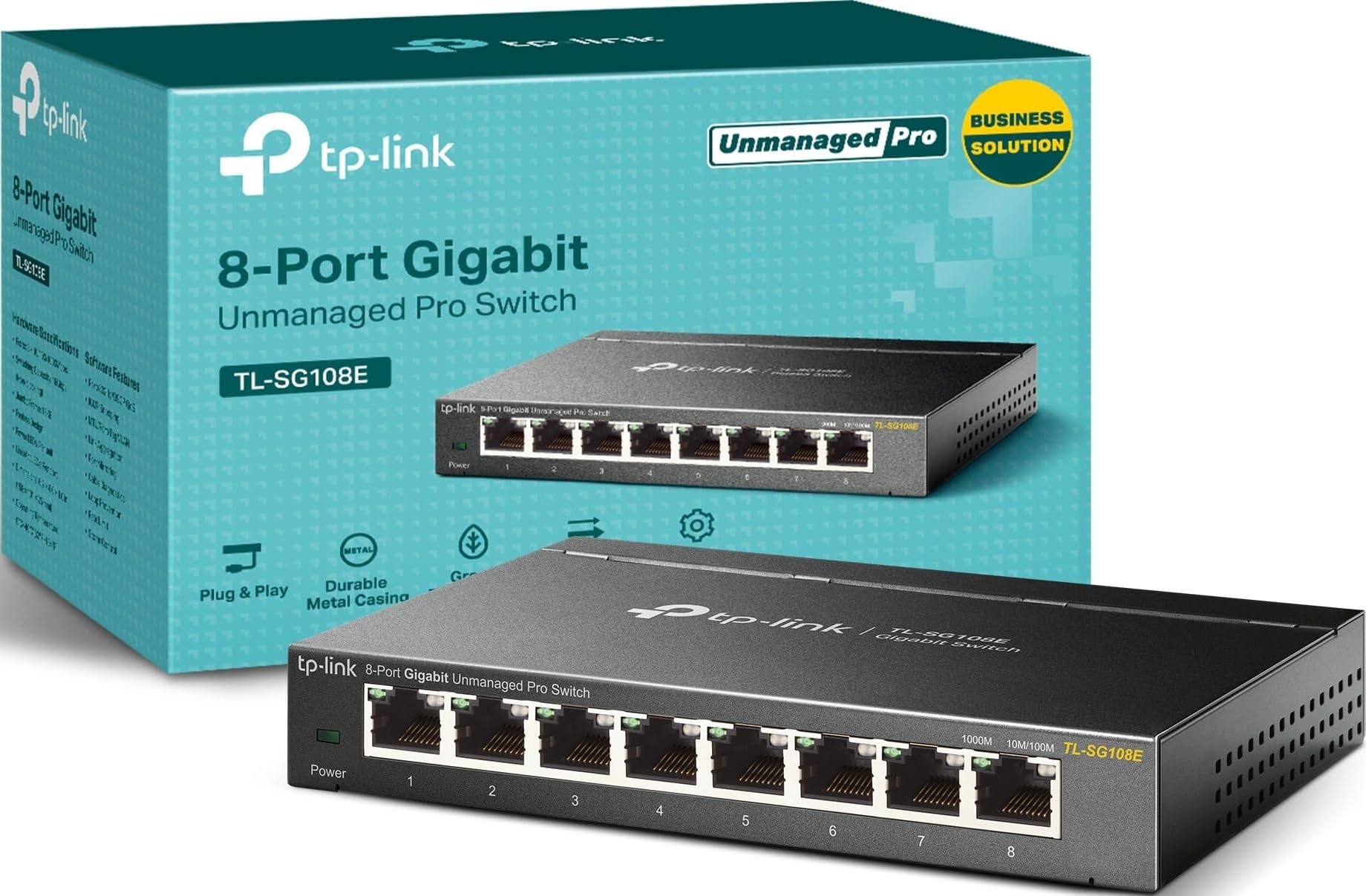
Gigabit networks that need segmentation should look at the TP-Link TL-SG108E 8-Port Gigabit Easy Smart. It has eight 10/100/1000Mbps RJ45 ports in a fanless metal box, then adds smart features that unmanaged gigabit switches skip.
VLAN support covers up to 32 VLANs simultaneously with MTU, Port, and Tag VLAN options. It also includes IGMP snooping, static link aggregation, port mirroring, cable diagnostics, and loop prevention, with 16 Gbps switching capacity and 2.7W maximum power consumption.
Use it for IPTV, guest networks, troubleshooting, or other gigabit jobs where port control matters more than 2.5GbE speed.
Key highlights
- 8 x 10/100/1000Mbps RJ45
- 16 Gbps switching capacity
- Up to 32 VLANs simultaneously
- IGMP snooping, static link aggregation, port mirroring, cable diagnostics, loop prevention
- 2.7W max power consumption
Pros
- Very affordable way to add VLANs and port mirroring
- Eight gigabit ports in a fanless metal box
- Useful for IPTV, guest networks, and troubleshooting
- Still easy enough for non-enterprise users
Cons
- Gigabit only
- Management utility lists Windows as a system requirement
- No PoE
Who it's for
Best for gigabit networks that need inexpensive VLANs or port mirroring.
Skip if
Move to 2.5GbE when your main clients are already being upgraded beyond gigabit.
TP-Link TL-SG1005P 5-Port Gigabit PoE+ - Best PoE starter switch
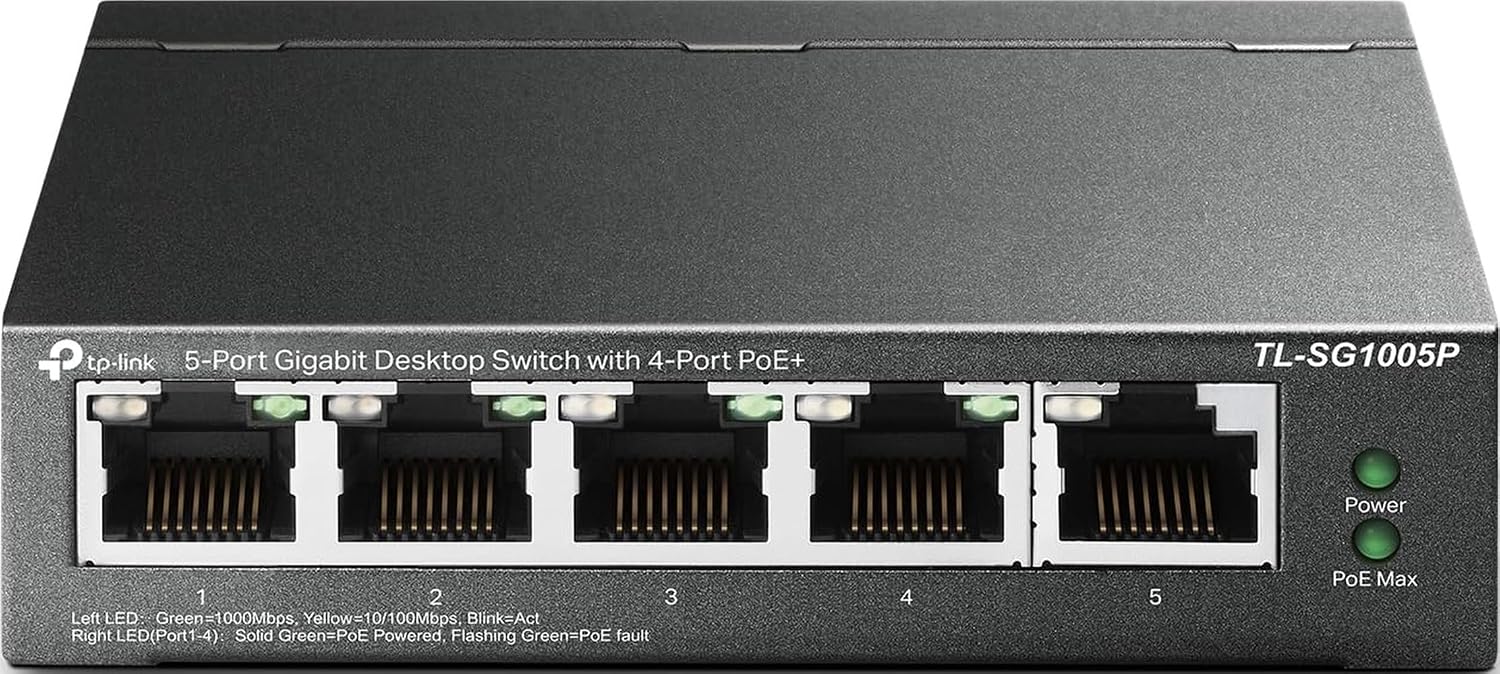
Small PoE installs need power budget more than port count, and the TP-Link TL-SG1005P 5-Port Gigabit PoE+ is built for that job. It has five 10/100/1000Mbps RJ45 ports, with ports 1 through 4 supporting IEEE 802.3af/at PoE.
The 65 W PoE power budget can feed cameras, VoIP phones, or access points, while the fanless desktop form factor keeps placement simple. A 10 Gbps switching capacity is enough for this compact gigabit PoE layout.
Treat it as a plug-and-play power switch for a handful of devices, not a managed PoE platform.
Key highlights
- 5 x 10/100/1000Mbps RJ45
- Ports 1 through 4 are IEEE 802.3af/at compliant
- 65 W PoE power budget
- 10 Gbps switching capacity
- Fanless cooling
Pros
- Simple way to power cameras, VoIP phones, or access points
- Four PoE+ ports and a useful 65W budget
- Fanless desktop form factor
- Plug-and-play setup
Cons
- Only five total ports
- Gigabit uplink can bottleneck multiple busy PoE devices
- No VLAN or PoE management controls
Who it's for
Best for a small camera, access point, or VoIP setup that needs power over Ethernet.
Skip if
Look elsewhere for 2.5GbE PoE, per-port PoE controls, or more than four powered devices.
QNAP QSW-1108-8T-R2 8-Port 2.5G - Best for NAS upgrades
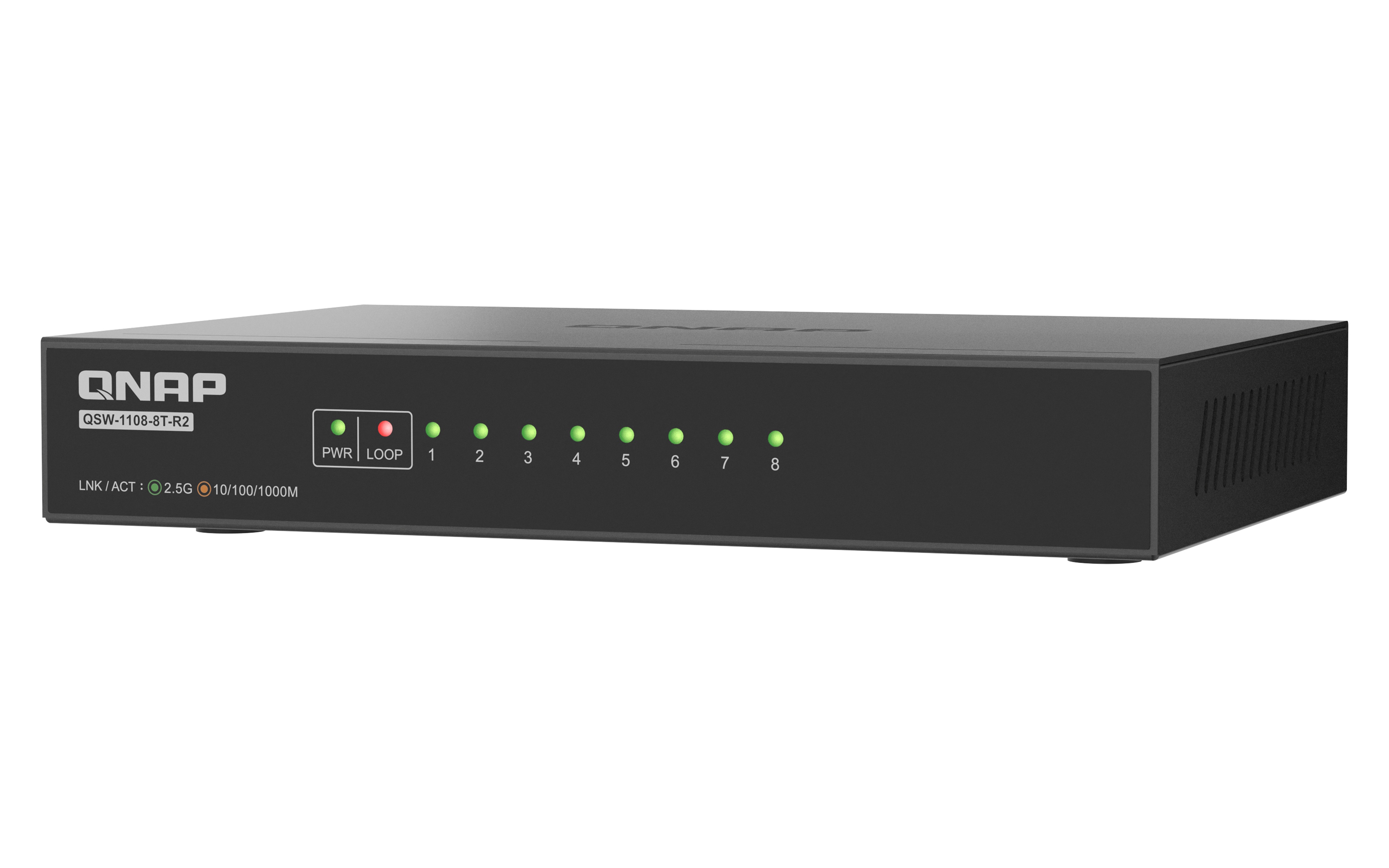
QNAP QSW-1108-8T-R2 8-Port 2.5G is the focused NAS upgrade when several local devices need more than gigabit speed. All eight RJ45 ports auto-negotiate at 2.5G, 1G, or 100M.
The unmanaged switch provides 40 Gbps switching capacity, 12K jumbo frames, and loop detection that can block a looped port. Those features suit backups, media editing, and multi-client transfers without adding a controller.
Fanless cooling keeps it quiet for desks and living spaces. It does not provide VLANs, PoE, or a 10GbE uplink.
Key highlights
- 8 x 2.5GbE RJ45
- 2.5G/1G/100M auto-negotiation
- 40 Gbps switching capacity
- 12K jumbo frames
- Loop detection and blocking
- Fanless unmanaged design
Pros
- Eight full 2.5GbE ports suit a NAS and multiple clients
- 40 Gbps switching capacity and 12K jumbo frames
- Fanless plug-and-play operation
- Loop detection adds protection unusual for an unmanaged switch
Cons
- No VLAN or web management
- No PoE
- No 10GbE uplink
Who it's for
You want a quiet eight-port 2.5GbE switch for a NAS, desktops, and a Wi-Fi access point.
Skip if
You need managed features, PoE, or a 10GbE uplink.
TRENDnet TEG-S762 6-Port Multi-Gig - Best mixed 2.5G and 10G switch
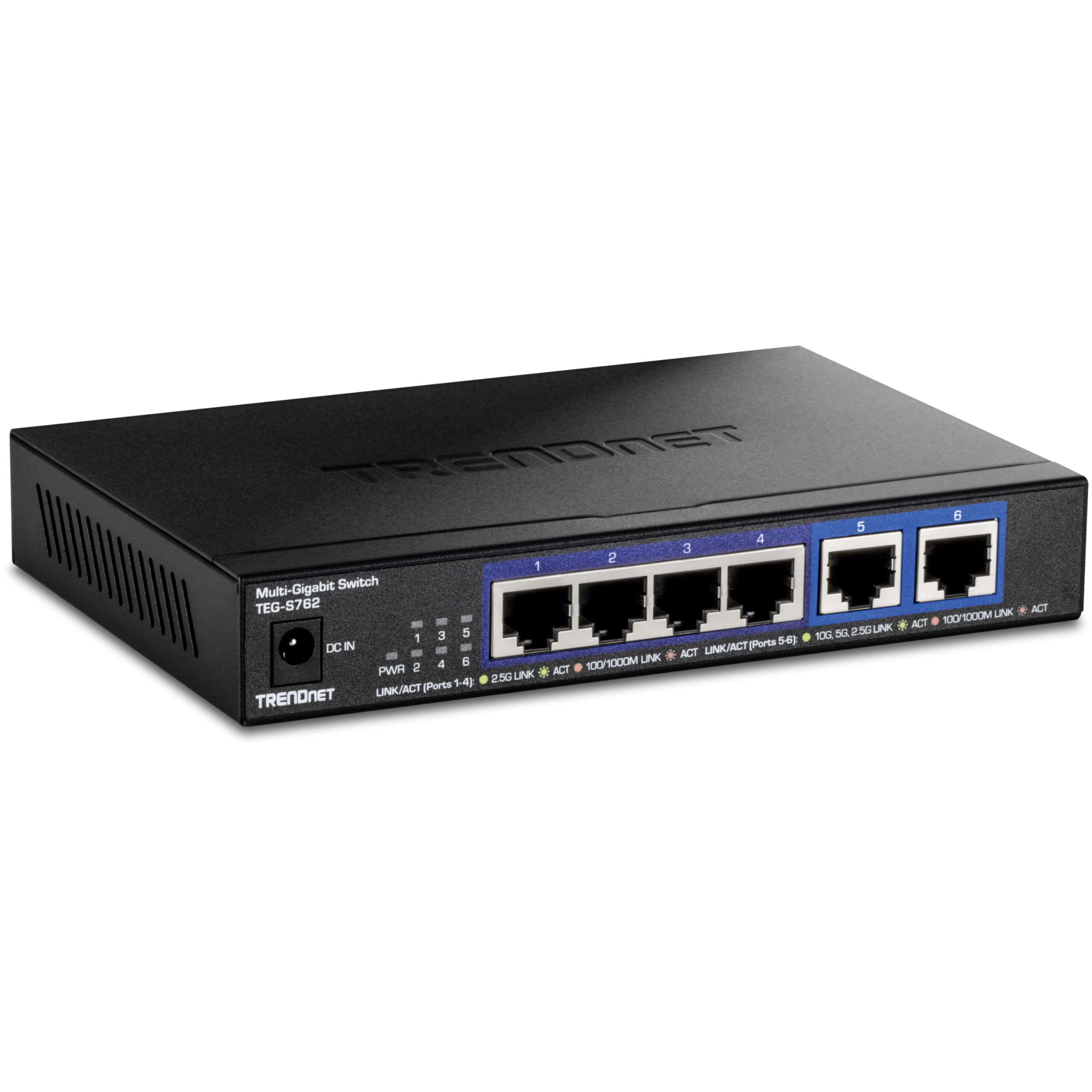
Mixed-speed desktop and NAS setups are the TRENDnet TEG-S762 6-Port Multi-Gig's lane. Four 2.5G RJ45 ports cover routers, access points, and desktops, while two 10G RJ45 ports suit a NAS and workstation.
The 60 Gbps switch fabric, 12 KB jumbo frames, 4K-entry MAC address table, and fanless metal design give it more flexibility than an all-2.5G desktop switch. It remains unmanaged, which keeps setup simple but leaves out VLAN controls.
Choose it when the two 10GbE ports have clear jobs and six total ports are enough.
Key highlights
- 4 x 2.5G RJ45 plus 2 x 10G RJ45
- 60 Gbps switch fabric
- 12 KB jumbo frames
- 4K-entry MAC address table
- Fanless cooling
Pros
- Two 10GbE RJ45 ports are useful for a NAS and workstation
- Four 2.5GbE ports cover routers, APs, and desktops
- Fanless metal design
- More flexible than all-2.5G switches for local file transfers
Cons
- Only six ports total
- 10GbE over copper can run warm and needs better cabling for distance
- Unmanaged only
Who it's for
Best for a small network with 10GbE roles for a NAS or main workstation plus 2.5GbE for other devices.
Skip if
An all-10GbE or managed switch is the better fit for fully 10G builds or VLAN control.
TP-Link TL-SX105 5-Port 10G - Best 10G desktop switch
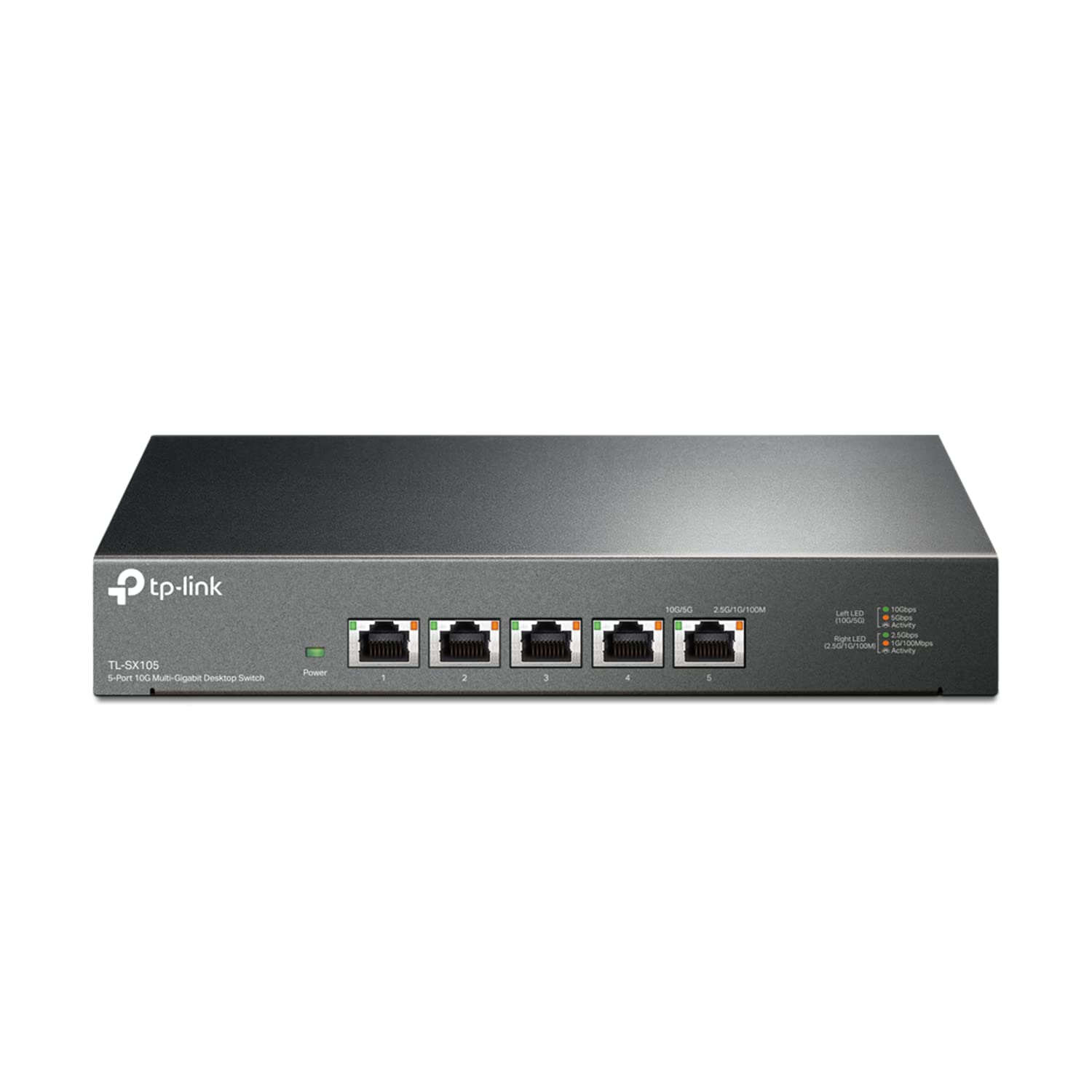
When every wired client can use real 10GbE, the TP-Link TL-SX105 5-Port 10G is the compact desktop answer. All five RJ45 ports support 100Mbps, 1Gbps, 2.5Gbps, 5Gbps, and 10Gbps speeds.
It backs that port layout with 100 Gbps switching capacity, a 74.4 Mpps packet forwarding rate, a 32K MAC address table, and fanless cooling. Mixed 1G, 2.5G, 5G, and 10G devices can share the same switch.
Use it for high-speed NAS, workstation, and local editing networks. It is too much switch for setups that are still mostly gigabit or 2.5GbE.
Key highlights
- 5 x 100Mbps/1Gbps/2.5Gbps/5Gbps/10Gbps RJ45
- 100 Gbps switching capacity
- 74.4 Mpps packet forwarding rate
- 32K MAC address table
- Fanless cooling
Pros
- All five ports support 10GbE with 5-speed auto-negotiation
- Great for high-speed NAS, workstation, and creator setups
- Fanless for office use
- Works with mixed 1G, 2.5G, 5G, and 10G devices
Cons
- Expensive for only five ports
- No management or PoE
- 10GbE copper cabling and adapters add cost
Who it's for
Best for 10GbE NAS, workstation, and local editing networks that can use five high-speed RJ45 ports.
Skip if
Gigabit or 2.5GbE networks should spend less on a lower-speed switch.
NETGEAR GS308 8-Port Gigabit - Best warranty-backed gigabit switch
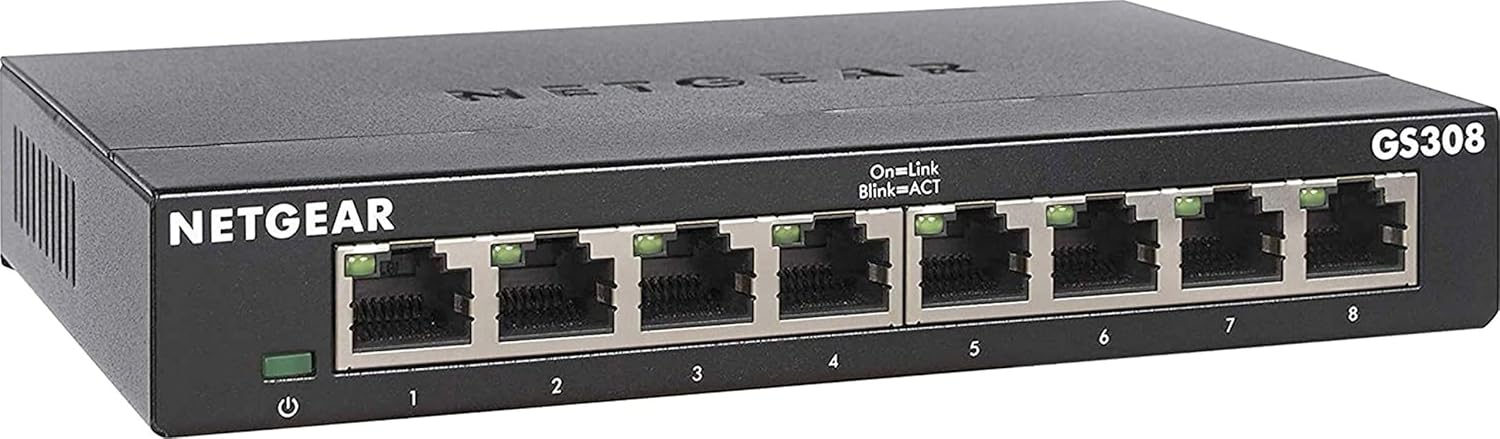
NETGEAR's GS308 8-Port Gigabit is the straightforward gigabit pick for buyers who value its support and warranty positioning. It provides eight Gigabit Ethernet ports for classic wired expansion without management or PoE.
The 0 dBA fanless metal case, 3.04W maximum power consumption, 9,216-byte jumbo frame support, and 8K MAC table keep the package simple and efficient. NETGEAR lists a limited lifetime hardware warranty on the product page.
Keep it for gigabit networks. Wi-Fi 7 routers, 2.5GbE NAS devices, and high-speed workstations call for a multi-gig switch.
Key highlights
- 8 Gigabit Ethernet ports
- 9,216-byte jumbo frame support
- 8K MAC table
- 3.04W max power consumption
- 0 dBA fanless cooling
Pros
- Reliable plug-and-play eight-port gigabit option
- Fanless metal case
- Low power consumption
- NETGEAR limited lifetime hardware warranty listed on product page
Cons
- No multi-gig speeds
- No management features
- No PoE
Who it's for
Best for buyers who prefer NETGEAR support and warranty positioning and only need gigabit expansion.
Skip if
A 2.5GbE or 10GbE switch is the better match for Wi-Fi 7 routers, 2.5GbE NAS devices, or high-speed workstations.
How to Choose
- Start with port speed. Gigabit is fine for TVs, consoles, printers, and sub-gig internet plans. Choose 2.5GbE if your router, desktop, NAS, or Wi-Fi 6E/7 access point supports it; choose 10GbE only when local file transfers justify the higher switch, adapter, and cabling cost.
- Count ports with room to grow. A five-port switch fills quickly once you connect the router uplink, desktop, TV, console, and NAS. Eight ports is the safer default for most homes.
- Decide whether you need management. Unmanaged switches are easiest for simple expansion. Smart or managed switches add VLANs, port mirroring, QoS controls, and diagnostics for guest networks, IPTV, home labs, and troubleshooting.
- Check PoE requirements. PoE is only needed when the switch must power access points, cameras, or VoIP phones. Match the device standard, such as 802.3af/at, and verify the total PoE power budget.
- Prefer fanless for living spaces. Fanless metal cases are ideal for desks, media cabinets, and bedrooms. Higher-power PoE or 10G models can run warmer, so placement matters.
- Match cabling to speed. For 2.5GbE, Cat5e or better is the practical target. 10GbE is more demanding, especially over distance, where Cat6a is the safer choice.
Do I need a managed switch at home?
For simple port expansion, no. Choose a smart or managed model only for VLANs, port mirroring, link aggregation, rate limits, or diagnostics.
Is 2.5GbE worth it over gigabit in 2026?
Yes when your router, NAS, desktop, mini PC, or access point has 2.5GbE. For TVs, game consoles, printers, and basic internet sharing, gigabit is enough.
Will a 2.5GbE switch work with older gigabit devices?
Yes. These 2.5GbE switches support 1GbE, and several also list 100Mbps support for older devices.
Do network switches reduce internet speed?
They do not reduce speed when the port speed is at least as fast as the connection path. A gigabit switch can bottleneck a 2Gbps fiber plan, while a 2.5GbE switch is the better match.
What is PoE and when do I need it?
PoE sends power and data over one Ethernet cable. Use it for devices such as ceiling access points, security cameras, and VoIP phones that are designed for Ethernet power.
Published August 25, 2026 Last updated September 5, 2026
Share this article
More in News
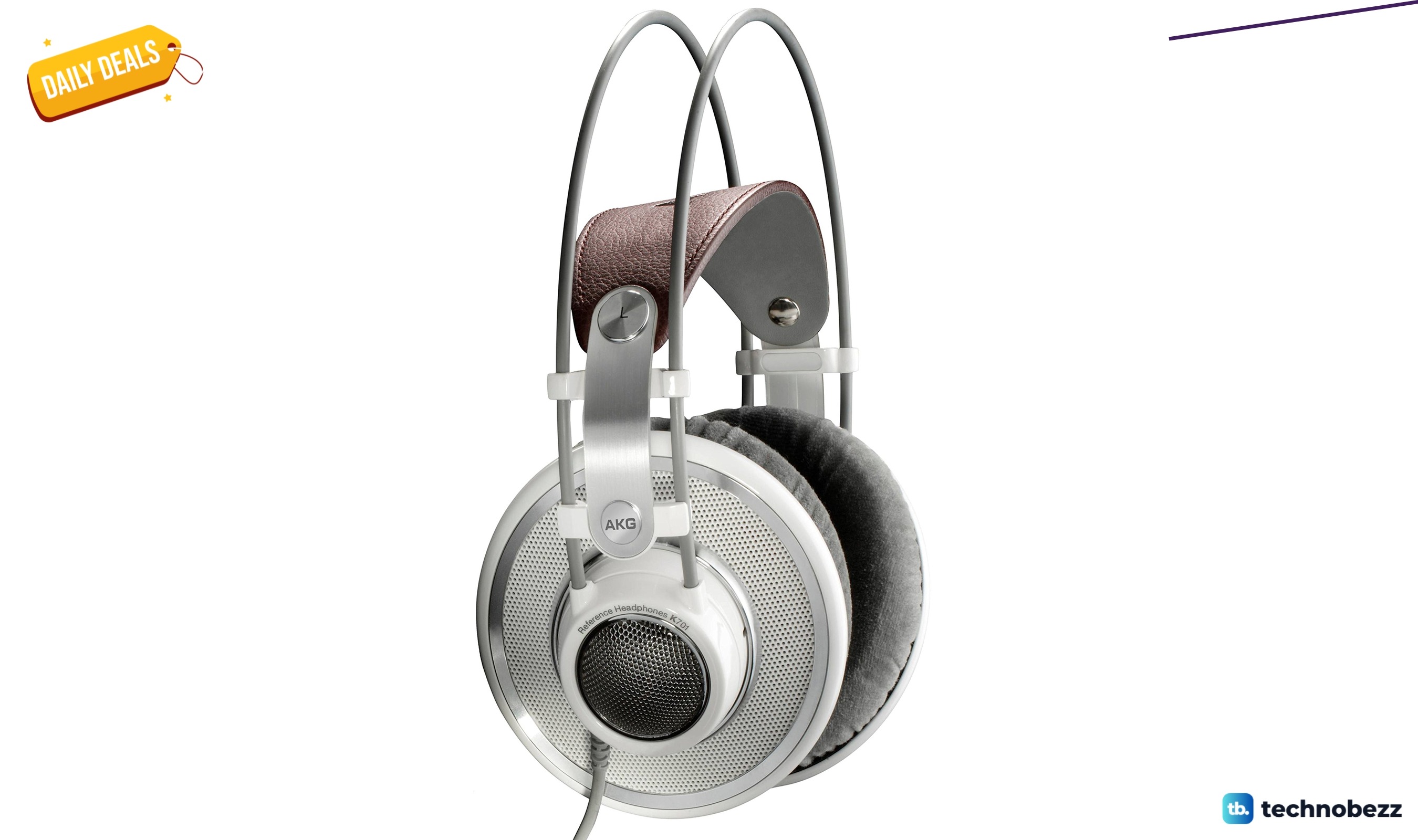
AKG K 701 Ultra Reference Class Stereo discounted to $247.37
AKG K 701 headphones drop to $247.37 on Amazon, a 47% discount that sits below recent 30, 90, and 180-day average prices.
5 min read

Apple Watch SE 3 GPS 40mm Smartwatch discounted to $189.97
Save $59.03 on the Apple Watch SE 3 GPS 40mm at Amazon, matching its lowest recorded price with health and sleep tracking.
5 min read
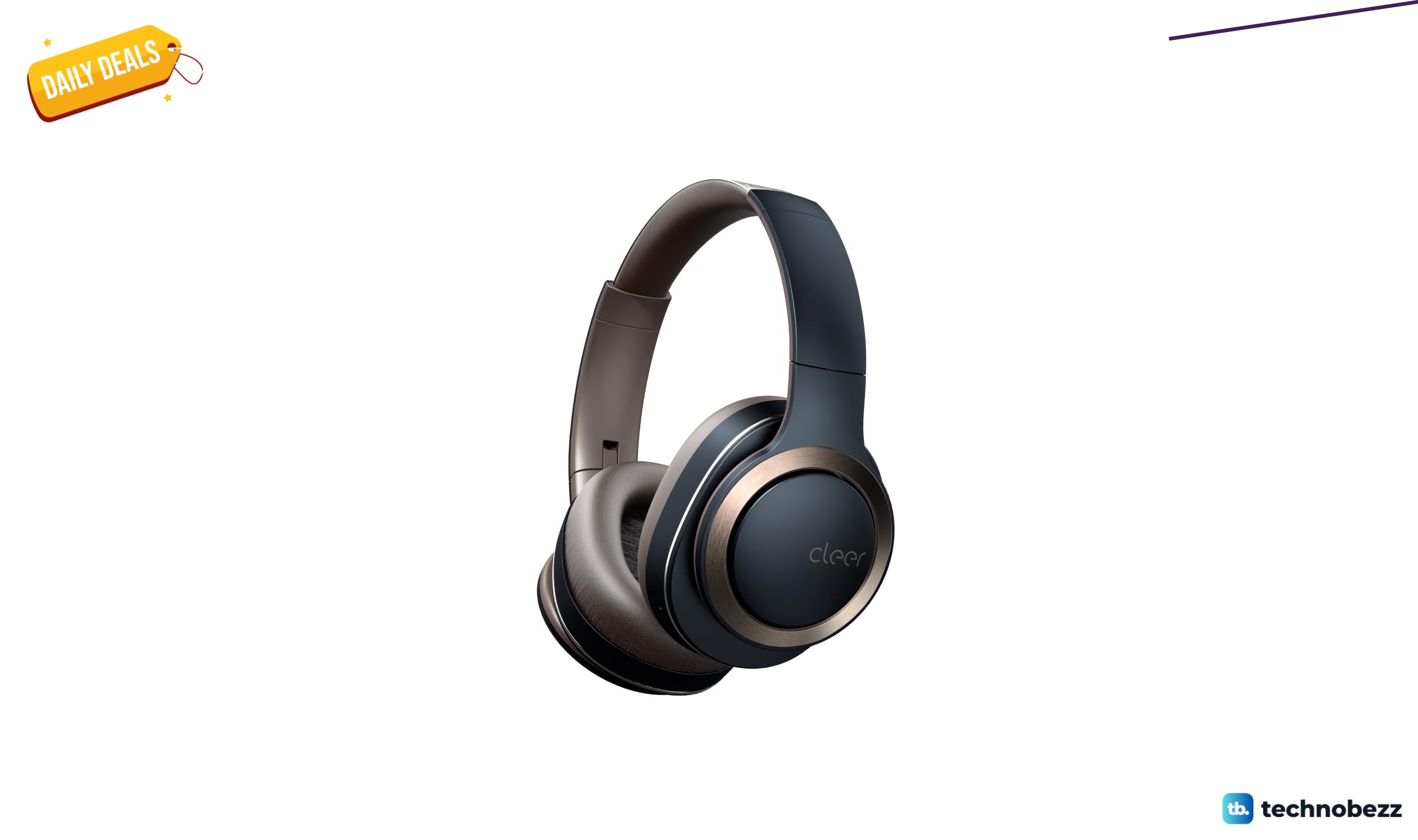
Cleer Audio Enduro ANC Noise Canceling Headphones price drops to $94.99
Save 47% on Cleer Audio Enduro ANC headphones at $94.99, with 60-hour battery, active noise cancellation, and multipoint Bluetooth.
3 min read
Lenovo coupon codes and deals
Browse 5 current Lenovo offers, including 3 coupon codes and 2 online deals.
5 min read

Woot coupon codes and deals
3 min read

Samsung coupon codes and deals
5 min read

Best tech coupon codes and online deals
4 min read
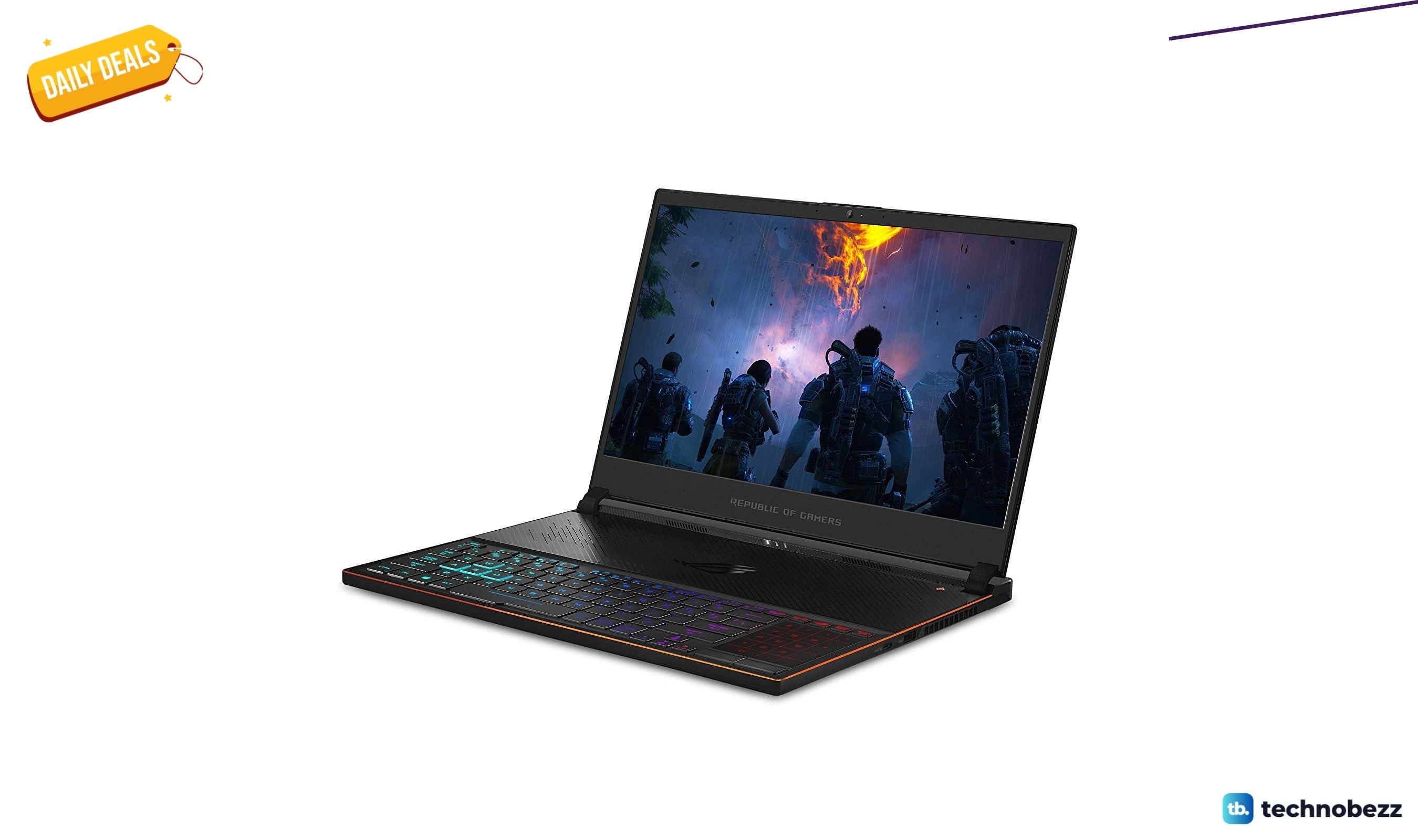
ASUS ROG Zephyrus S Ultra Slim Gaming gets a $660.95 price cut to $1338.05
5 min read
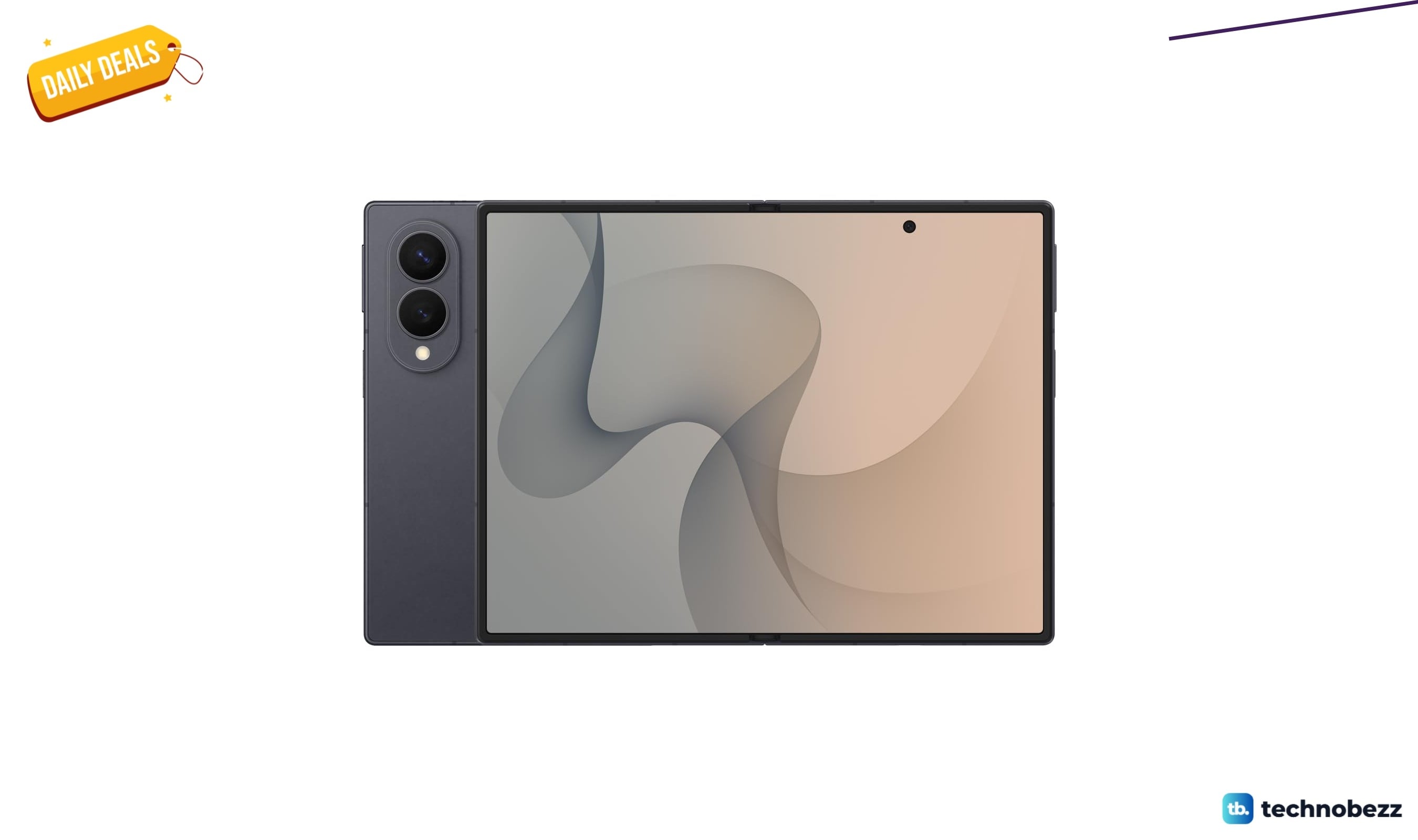
Samsung Galaxy Z Fold8 Unlocked Android Smartphone on sale for $1649.99
3 min read
We found 2 smartwatch deals from $219.99 that are actually worth it
5 min read
Sony WH-CH720 Noise Canceling Wireless Bluetooth Headphones now $87.94, down from $119.99
3 min read
TCL 75-inch F7D QLED 4K TV leads 2 TV deals from $499.99
5 min read