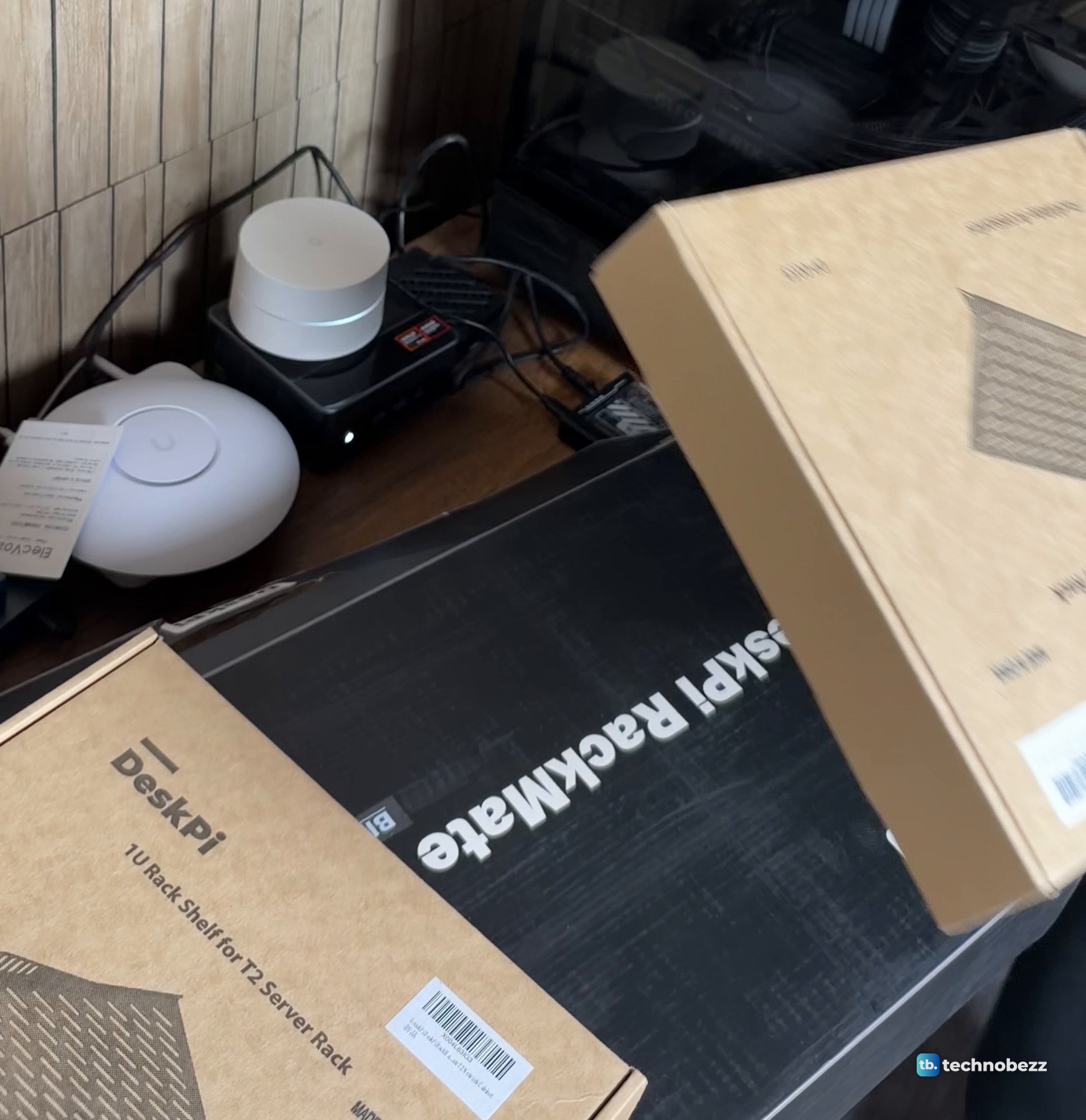
The DeskPi RackMate T2 comes flat-packed in one long black box marked "DeskPi RackMate T2 Black". The trays inside hold rails, black slotted panels, two smoked acrylic side panels, flat front panels, screw bags and a printed manual. The shelves and the power strip were not in that box. I bought the vented shelves separately from DeskPi, and the power strip is an ElecVoztile PDU, a different brand I bought on its own, so plan for both before you order.
The short version
- The RackMate T2 is a 12U, 10-inch rack. It measures 281 mm wide, 260 mm deep and 596 mm tall (629 mm with the handles).
- The rack box holds the frame parts, side panels, plates, front panels, hardware and a manual.
- The vented shelves are a separate DeskPi purchase, and the ElecVoztile power strip is a separate purchase from another brand.
- We have not weighed it yet.
The DeskPi RackMate T2 box
The rack box is black with a line drawing of the rack on top and "Black" printed under the name, which is the color version I ordered. On Amazon the same rack is sold under the GeeekPi name, as the "DeskPi RackMate T2 Rackmount". The vented shelves came in separate brown DeskPi boxes, and the ElecVoztile power strip, which I bought separately, came in its own box.
The shelf boxes are printed "1U Rack Shelf for T2 Server Rack", and each box I opened held one shelf.
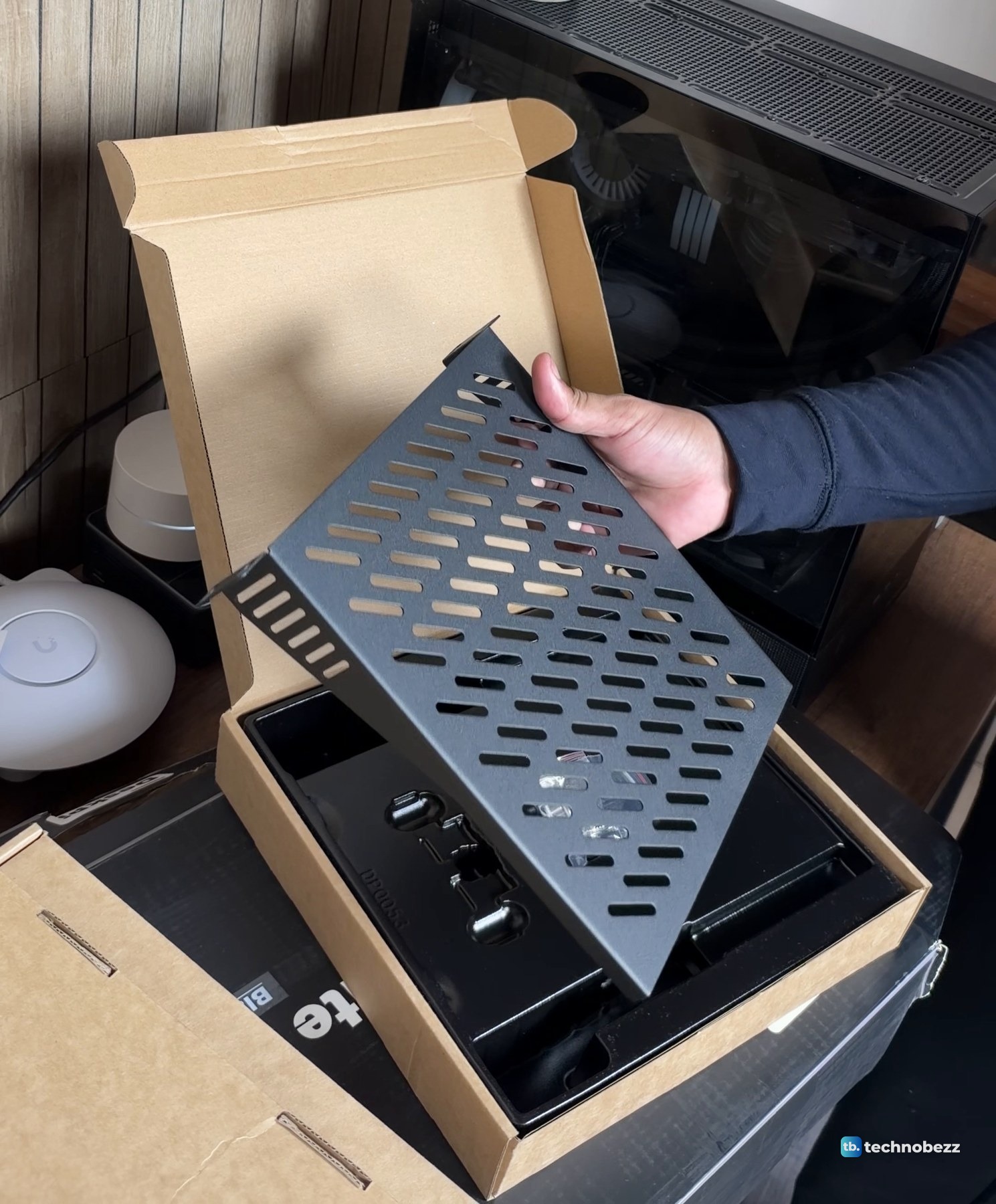
Each shelf is a black vented tray with raised sides.
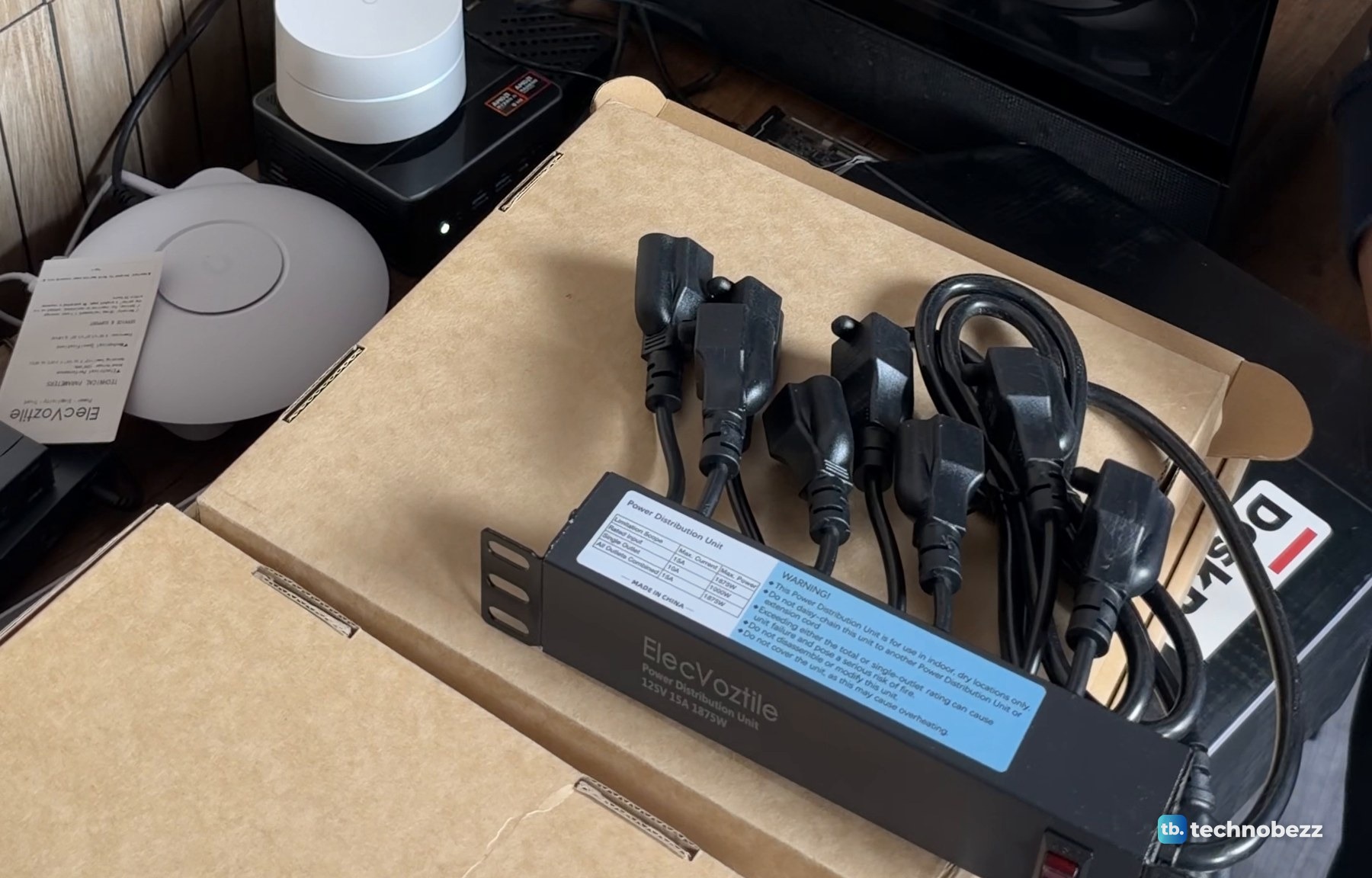
The power strip is not a DeskPi part. It is an ElecVoztile 10-inch PDU that I bought separately, rated 15 A, 125 V and 1875 W. A bundle of short black power cords sat on its box beside it.
What is in the box
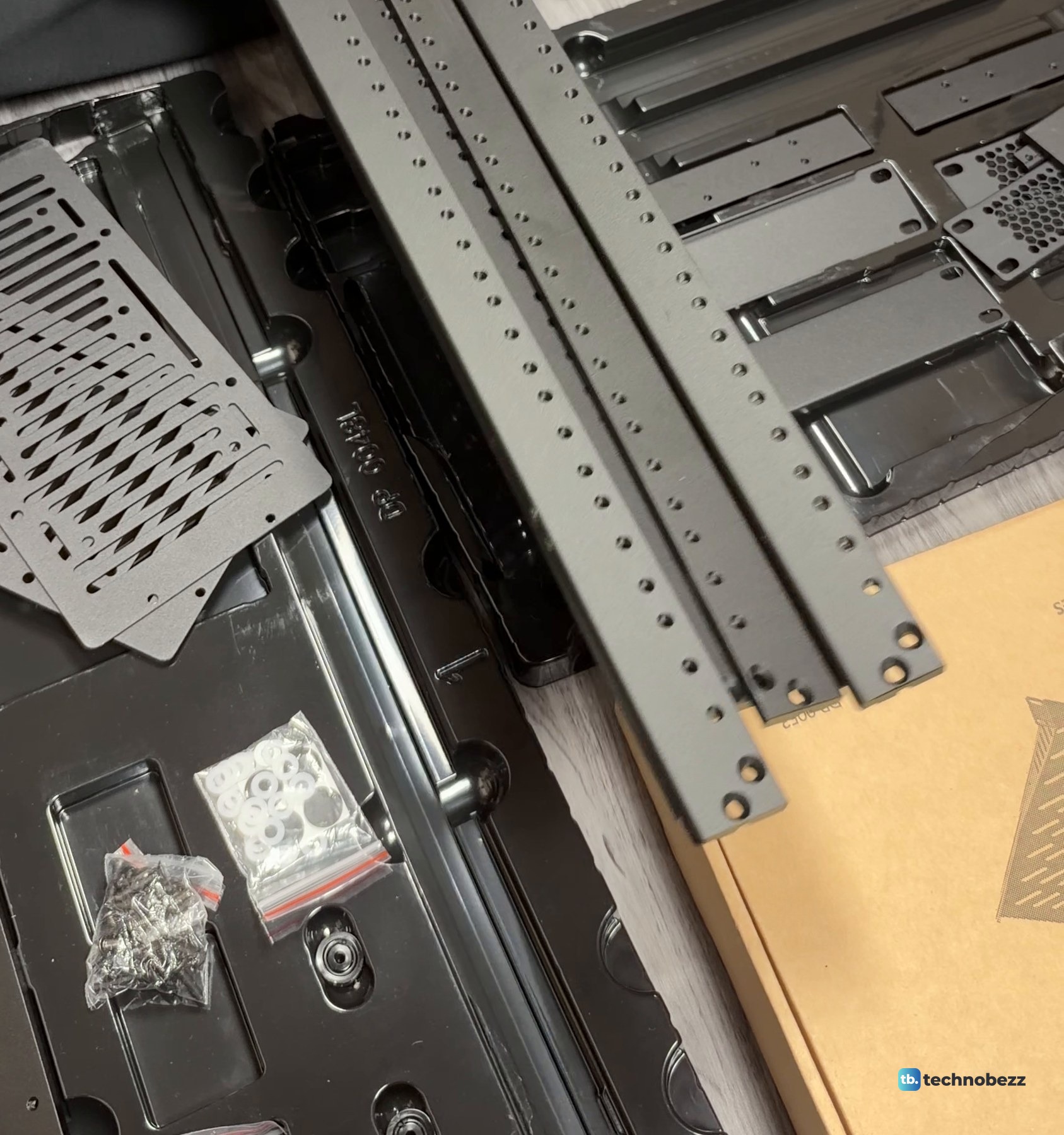
Lift the lid and a grey foam sheet covers a molded black tray. The top tray holds long rails and hardware bags, including a bag of white washers.

The black slotted panels lie stacked in the same tray.

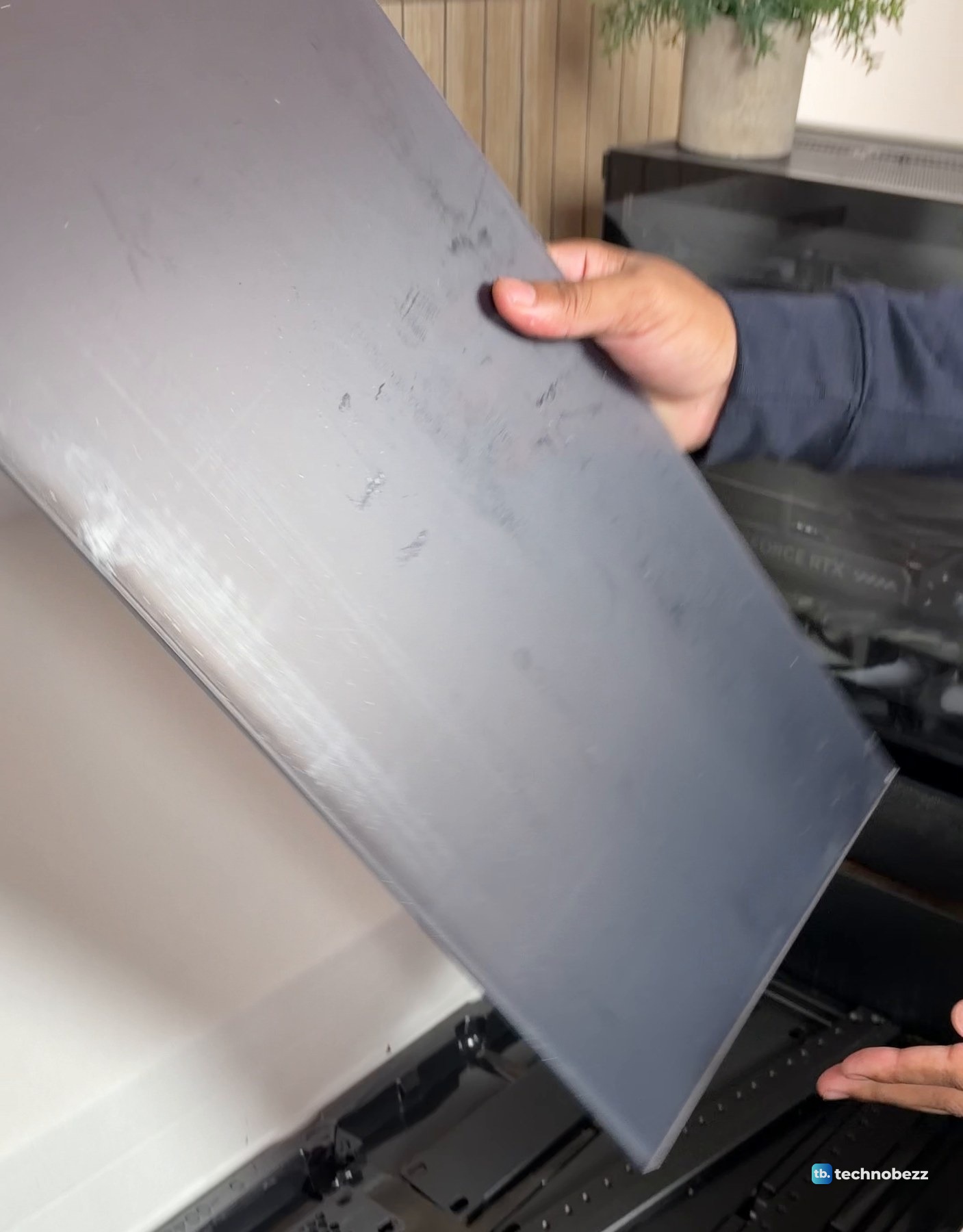
The two smoked acrylic side panels are the biggest pieces in the box. They are tinted but clear, so the components and their lights still show through.
The lower tray holds the flat black front panels and a panel with a hex vent pattern, along with more rails. The tray is marked with the DeskPi part number.

Unpacked on the floor and still in their trays, the parts include a black vented metal plate, a brown slotted plate, the rack rails and the screw bags.
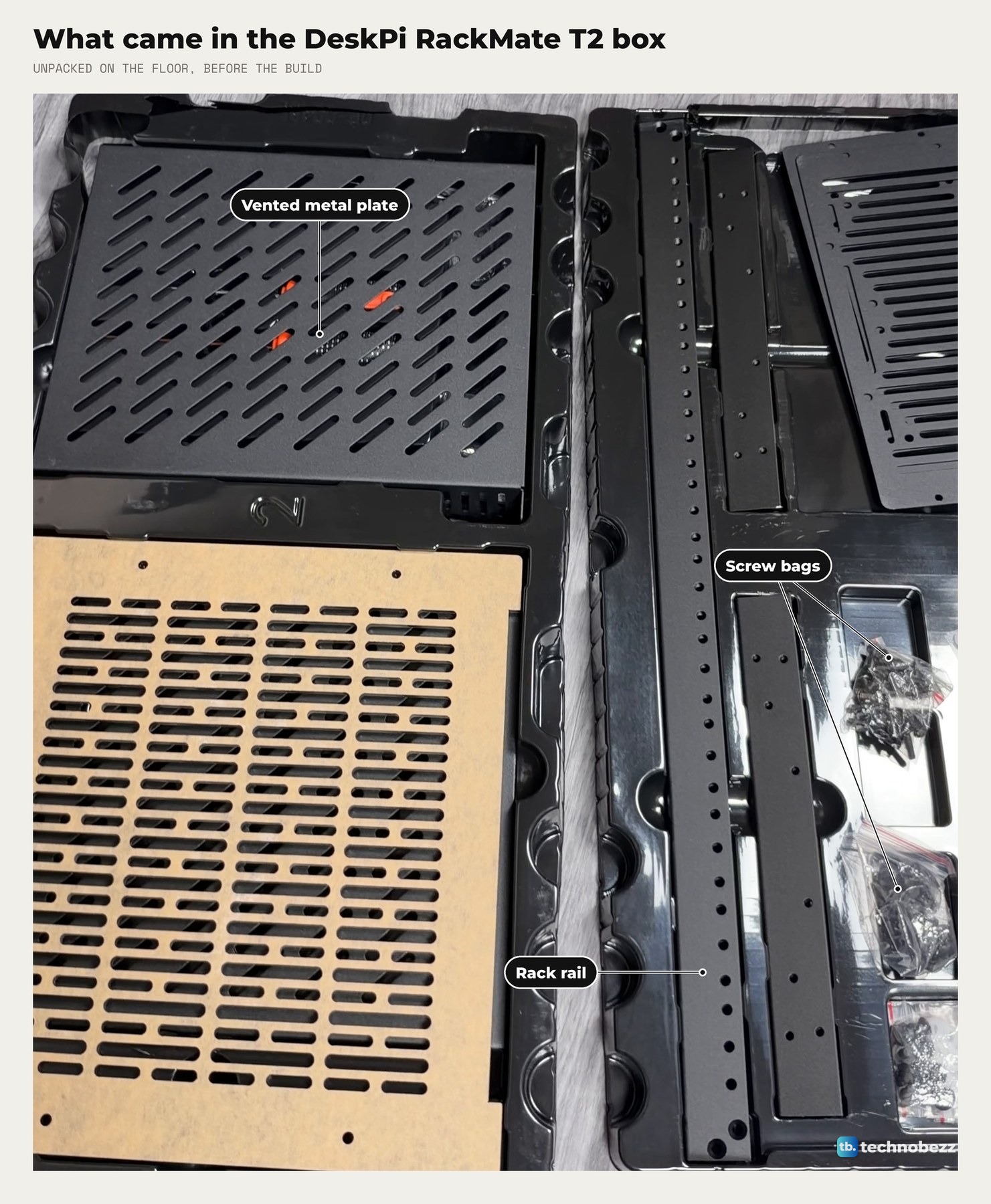
The rails are the long pieces with a row of holes down one face. These are what the shelves and front panels screw into.
The manual is a small printed booklet. Its installation pages show the rails joined at a corner and the side panel sliding into the frame. The two carry handles screw onto the top plate later in the build. The steps are in how to assemble the DeskPi RackMate T2.
Peel the protective paper first
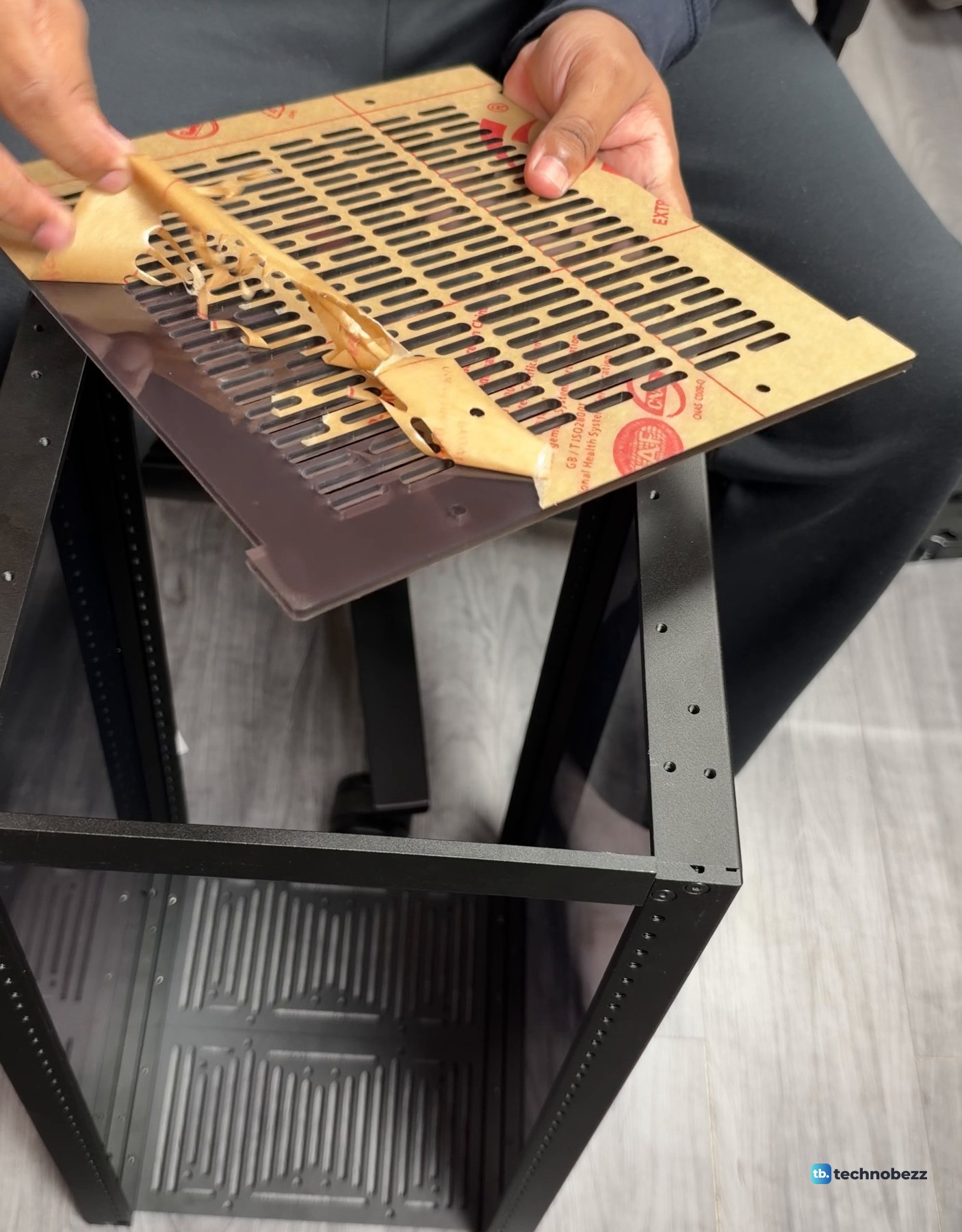
The brown plate is not brown underneath. It is covered in protective paper with red printing, which peels off from a corner. Peel it before you fit that plate on the rack.
DeskPi RackMate T2 specs and dimensions
The T2 needs a footprint of about 28 by 26 cm and stands about 63 cm tall with its handles.
| Spec | DeskPi RackMate T2 |
|---|---|
| Rack size | 10-inch |
| Rack height | 12U |
| External width | 281 mm (11.06 in) |
| External depth | 260 mm (10.23 in) |
| Chassis height | 596 mm (23.46 in) |
| Overall height with handles | 629 mm (24.76 in) |
| Internal width | 212 mm (8.34 in) |
| Side panels | Transparent tinted acrylic |
| Frame | Aluminum alloy and acrylic |
| Model | DP-0048-L, black |
| Weight | Not weighed yet |
We have not weighed ours yet, empty or loaded.
The T2 uses 10-inch rack mounting, so standard 19-inch equipment will not mount on it. My small computers sit on shelves. Our 10-inch vs 19-inch rack guide explains the difference.
What to buy alongside it
The rack is the frame. For this build I bought vented shelves, blank panels, a 12-port patch panel, a brush cable manager, two 120 mm USB fans and the ElecVoztile power strip. Shelves, blank panels, patch panels and power options made to fit the T2 are sold separately. How I arranged them is in home lab rack layout, and the patch panel guide covers the wiring.
The time lapse starts with this box and ends with the empty rack.
To see it built and loaded, read my DeskPi RackMate T2 home lab build, and what's inside my home lab rack for every device on every shelf. If you are pricing the whole thing, how much a home lab costs has the totals.
Where to buy
| Product | What it does here | Where to buy |
|---|---|---|
| DeskPi RackMate T2 12U 10-inch rack, black | The rack in this box | Check it on Amazon |
| GeeekPi 1U vented shelf, 10.23 in deep (2-pack) | Shelves for small computers | Check it on Amazon |
| GeeekPi 1U blank panel | Covers an empty space | Check it on Amazon |
| GeeekPi 12-port 0.5U Cat6 patch panel | Where network cables land | Check it on Amazon |
| GeeekPi 1U brush cable manager | A brush strip for cable entry | Check it on Amazon |
| GeeekPi RackMate 120 mm USB fan | Moves air through the rack | Check it on Amazon |
| ElecVoztile 10-inch PDU, 8 rear outlets | Power for everything in the rack | Check it on Amazon |
Technobezz may earn a commission when you buy through the Amazon links on this page.