Your phone's APN, or Access Point Name, tells it how to reach your carrier's mobile data network. Many phones and carriers set it up automatically, so you may never need to touch it. When a carrier does ask you to enter or change it, the exact values come from that carrier.
What an APN does
Apple describes the APN as the setting that defines the network path for all cellular data connectivity.
When you need to enter one yourself
Apple says some carriers require you to enter APN settings to set up your service. On an iPhone or iPad with iOS 16 or iPadOS 15 and later, a carrier that supports it can fill the settings in automatically. If you don't see an option to use carrier settings, you enter them by hand.
Carriers publish the exact values. Google Fi, for example, tells iPad owners with a data-only SIM to enter h2g2 as both the Cellular Data APN and the LTE Setup APN. Our guides list the settings for each carrier, including Straight Talk, Google Fi, Metro by T-Mobile, Visible, Cricket Wireless, Tracfone, Spectrum Mobile, Boost Mobile, Mint Mobile and US Mobile.
Why you shouldn't change it on a whim
Apple warns that entering incorrect APN settings can cost you cellular data connectivity and lead to additional charges. Its advice is not to edit the APN unless your carrier or your device administrator tells you to, and to check the correct values with your carrier first. On some plans you can't view or change the APN at all, because the carrier doesn't allow it.
Why your APN settings vanished after an update
On an iPhone, Apple says updating iOS resets any changes made to your APN settings, unless they came from a configuration profile. If you had edited your APN and mobile data stopped working after an update, re-enter your carrier's values.
How to reset your APN on an iPhone
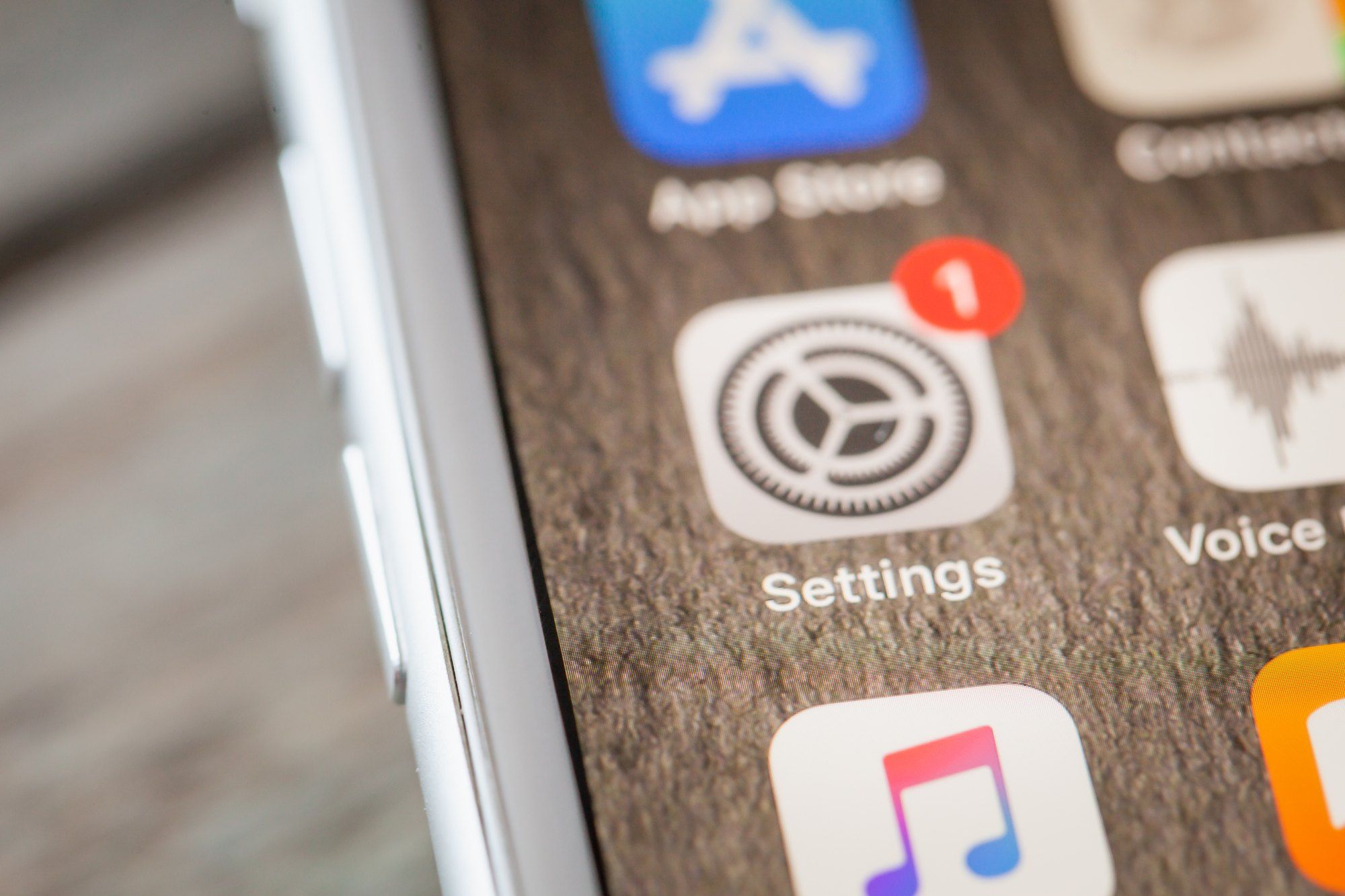
If you've changed the settings and want your carrier's defaults back, open the Settings app, tap Cellular, tap Cellular Data Network and then tap Reset Settings. If you installed a configuration profile, Apple says the profile's settings are used instead. On some iPhones the same settings sit under Settings, Mobile Data, Mobile Data Options, Mobile Data Network instead.