Price and screen size are only part of a TV deal. This year Matthew Manning and I tested three Hisense MiniLED TVs, the U6SF, the U6SF Pro and the M7SR, and these six checks are where our testing showed the real differences between TVs.
Hisense provided all three TVs for our reviews. Black Friday falls on 27 November this year, and these checks apply to any brand.
1. The exact model number
Two TVs can share most of a name and still differ in ways that matter. The U6SF and the U6SF Pro are a good example. The Pro adds a built-in subwoofer and IMAX Enhanced certification, and in our testing that subwoofer gave it bass the regular U6SF's speakers don't have.
So before you buy, match the full model number on the deal, including the screen size, to the one in the review you read. If they don't match, read up on the one on sale.
2. The panel's native refresh rate
This is the spec I'd look at first if you play games or watch a lot of sport. The U6SF has a native 144Hz panel, and it kept World Cup soccer and Gran Turismo 7 laps on a PS5 sharp and smooth. The M7SR uses a 60Hz panel. It still supports variable refresh rate and Auto Low Latency Mode, but it's a casual gaming TV rather than a competitive one.
The U6SF's 144Hz is a true panel spec rather than interpolated smoothing, and that is the distinction to look for on a spec sheet: the word "native" next to the number.
3. The ports, if you game
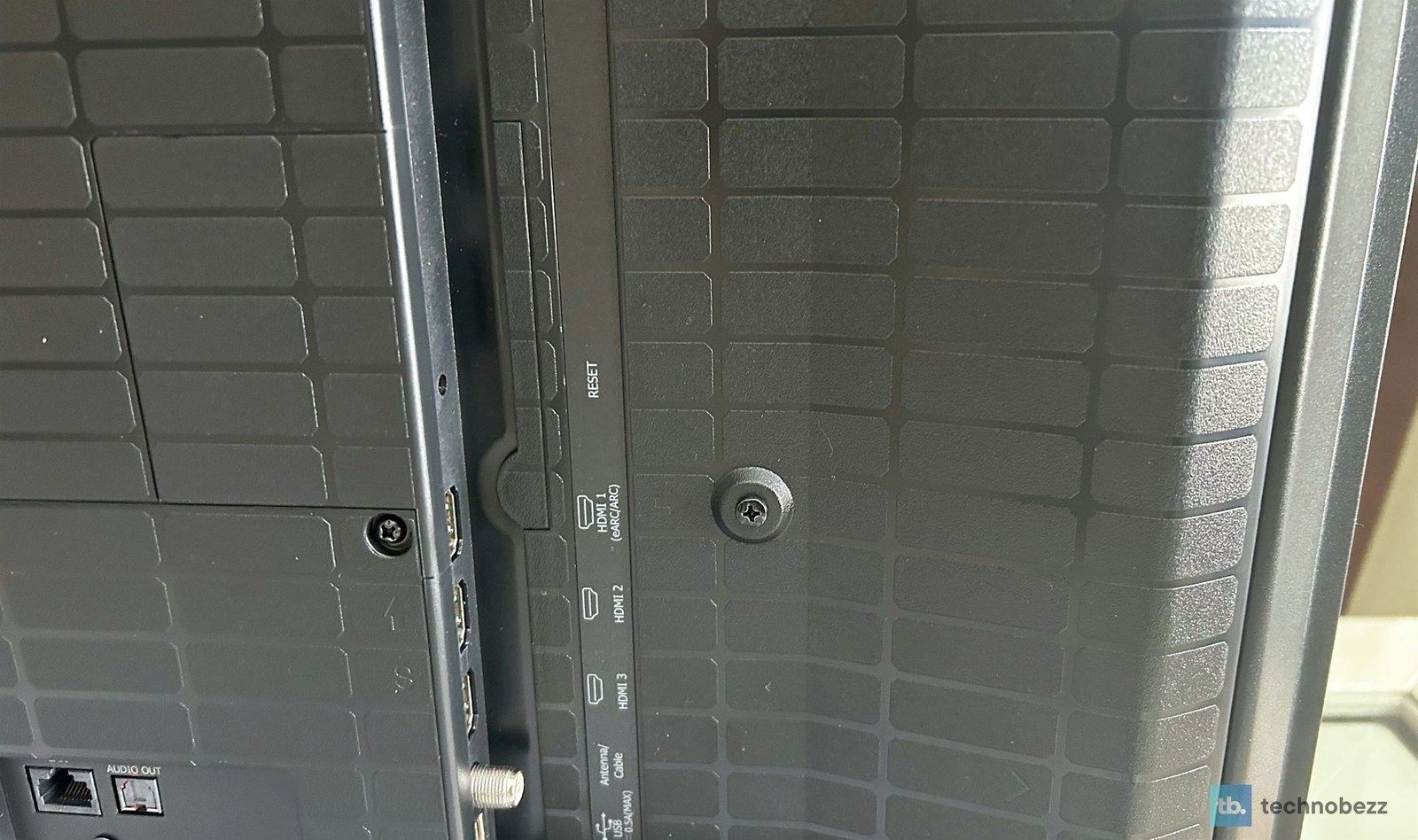
Count the HDMI 2.1 inputs, not just the HDMI ports. The U6SF has four HDMI inputs, and two of them are HDMI 2.1, which is what a PS5 or Xbox Series X needs for high-refresh 4K play. The M7SR has three HDMI 2.0 inputs. Both put eARC on HDMI 1 for a soundbar.
4. A smart platform you'll actually like
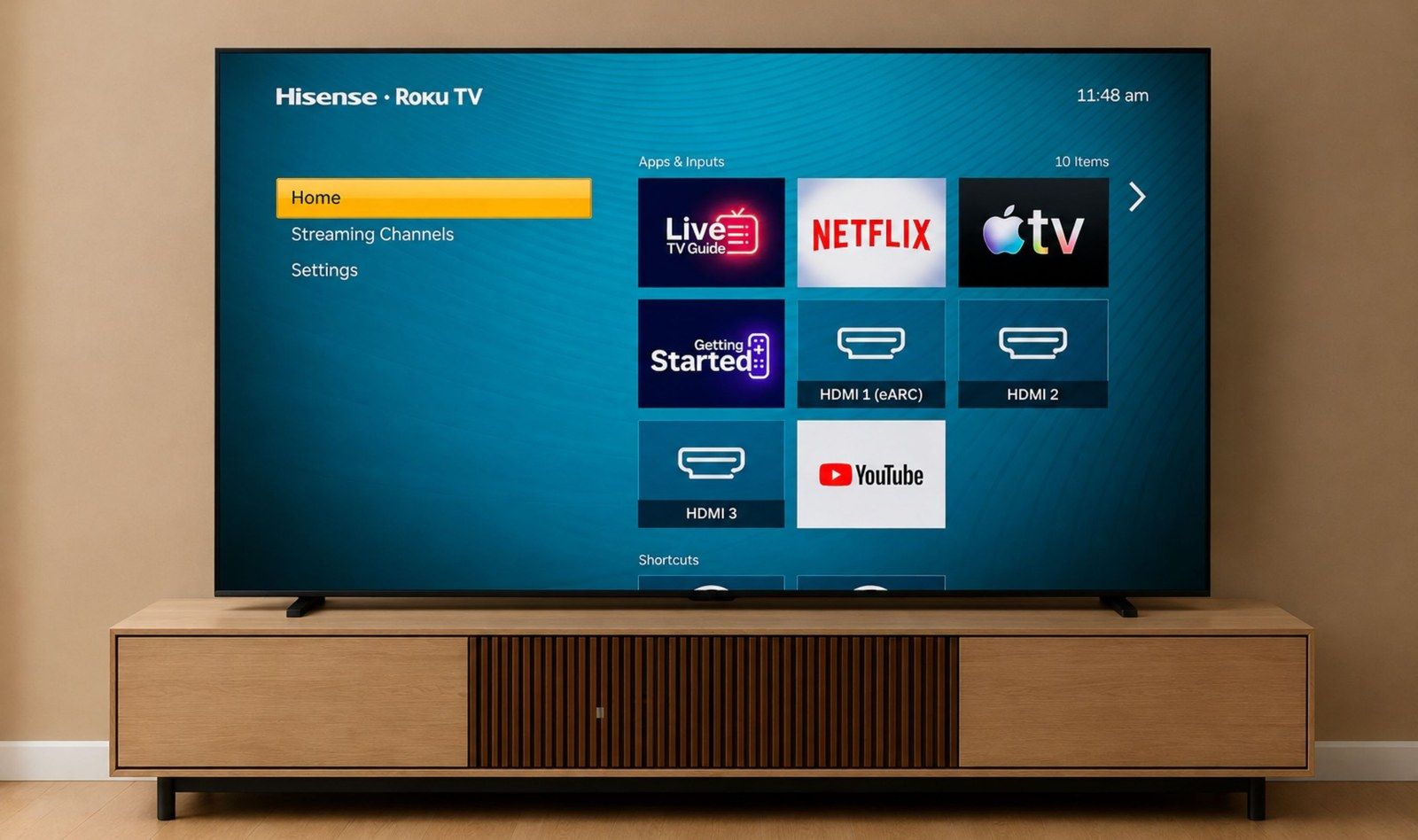
The smart platform is how you get to everything you watch, so it's worth choosing on purpose. The U6SF and U6SF Pro run Amazon Fire TV with Alexa, which was fast in our testing but leans into Amazon's own content. The M7SR runs Roku TV, which was simple for everyone in the house to use. If you already live in one ecosystem, the platform can be the deciding line on two otherwise similar deals.
5. A screen that handles your room's light
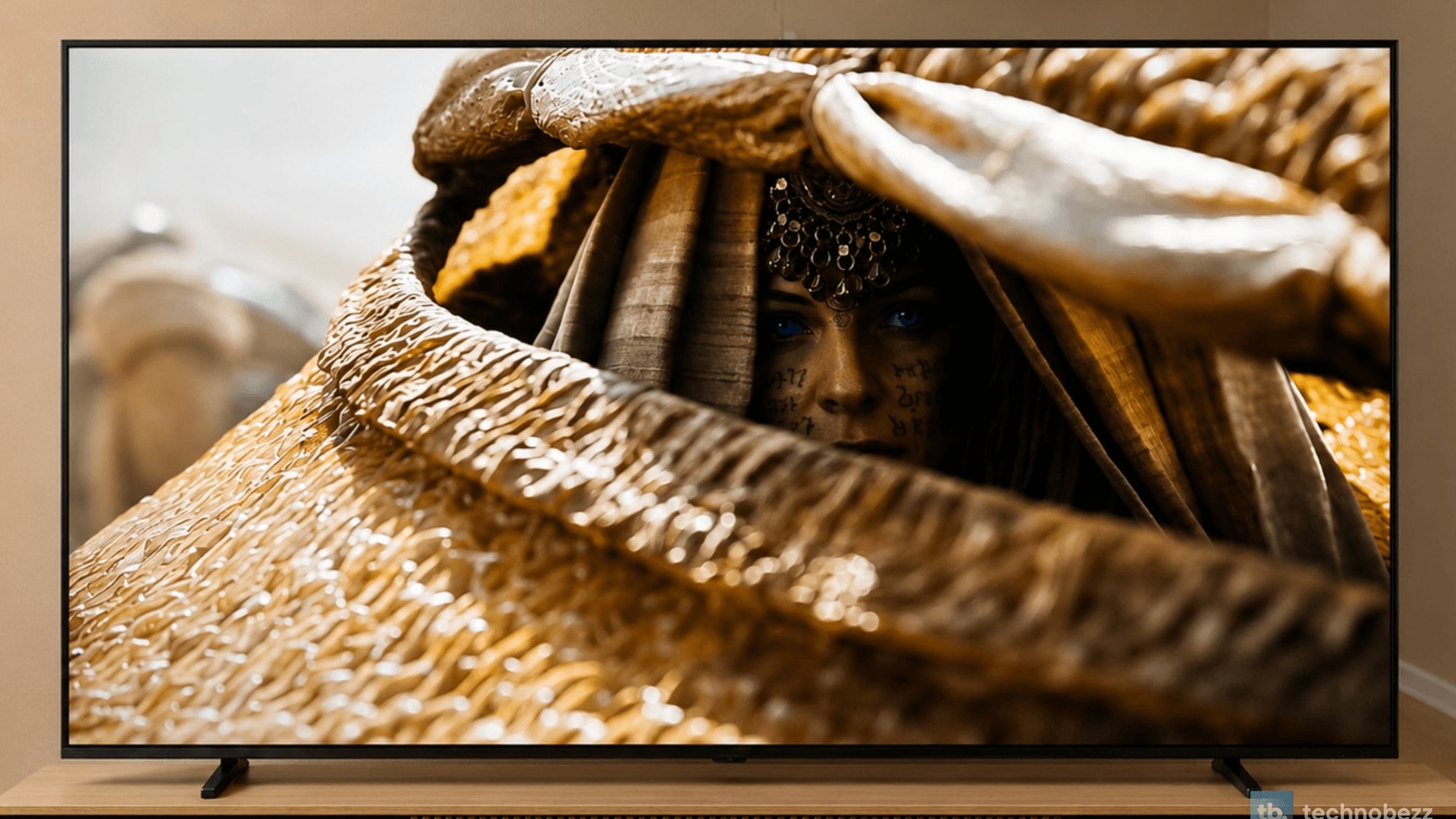
If your living room gets afternoon sun or you watch with the lamps on, look for an anti-glare screen. All three Hisense sets we tested have an Anti-Reflection and Glare-Free screen, and on the U6SF dark scenes stayed readable with the curtains open. If your TV mostly lives in a dark room, this matters less, and a premium OLED is still the pick for deep blacks, at a much higher price.
6. The sound, or the budget for a soundbar
The U6SF's 2.0-channel speakers handled everyday viewing well, but big movie nights made me want a soundbar for deeper bass. The U6SF Pro's built-in subwoofer covered that. If the deal is on a set without one, put a soundbar in the budget now rather than in January.
Is Black Friday a good time to buy?
It is if you've already picked the model and the deal matches it. It isn't if the price is doing all the deciding. Run the six checks above on any deal you're considering. Our full reviews of the Hisense U6SF, U6SF Pro and M7SR cover each one in detail. If you go with a Samsung and it looks too dark once it's on the wall, our guide on why a Samsung TV looks so dark walks through the settings to try first.