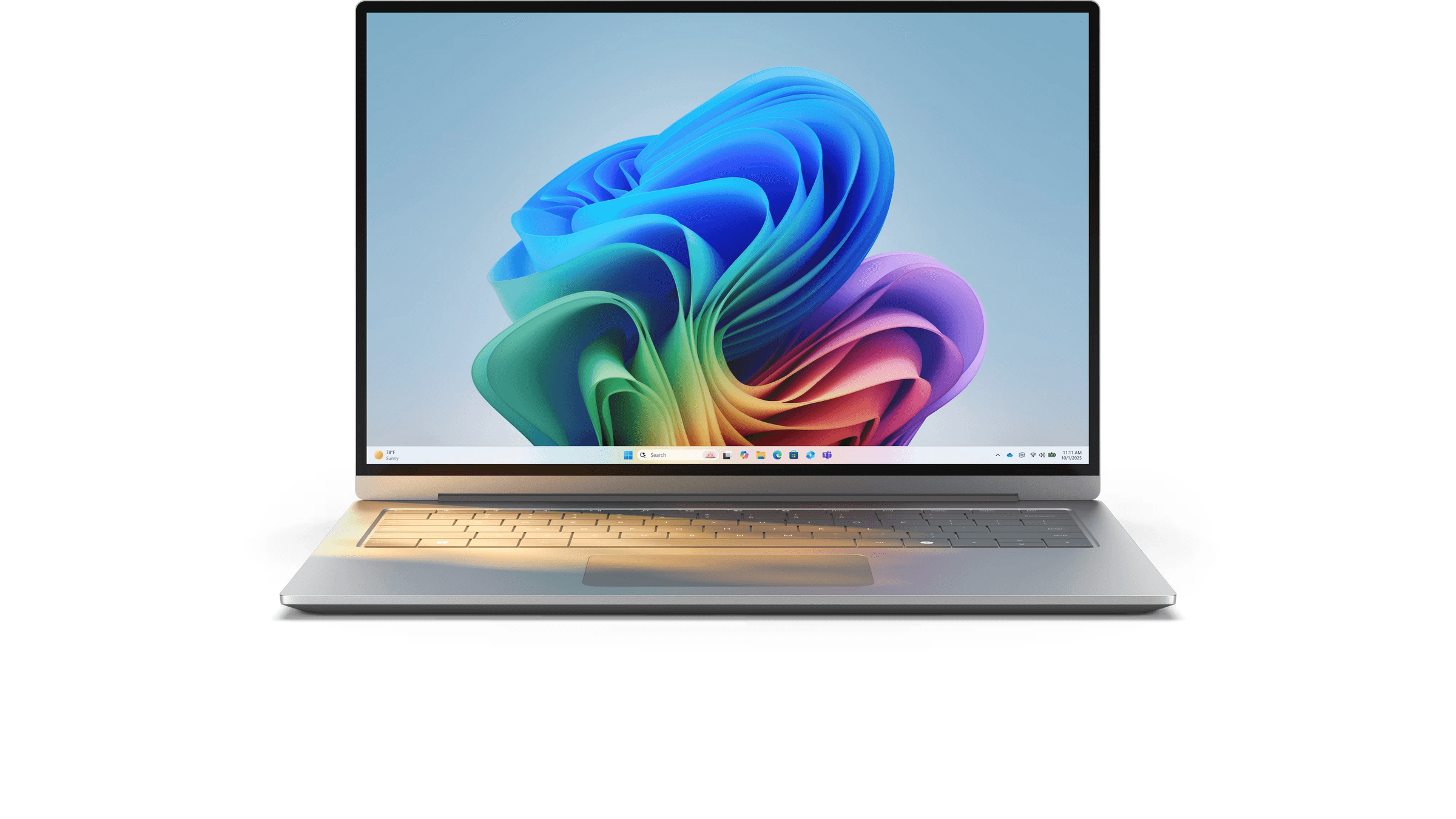
Windows 10 support ended on October 14, 2025. Windows 11 is the current release, and Microsoft says the upgrade from Windows 10 is free on a PC that meets the minimum requirements. A PC that does not meet them can keep running Windows 10, with paid or no-charge Extended Security Updates that currently run through October 12, 2027.
Where each version stands now
Microsoft says standard technical support, feature updates and security updates for Windows 10 ended on October 14, 2025. Installed PCs continue to function.
As of November 21, 2026, Microsoft's release table lists Windows 11 version 26H2 as the latest general release, available since September 29, 2026. Version 25H2 remains supported, with Home and Pro updates listed through October 12, 2027. Eligible PCs on 24H2 and 25H2 receive 26H2 through a small enablement package. These versions share a servicing foundation.
What Windows 11 needs from your PC
Microsoft's system requirements page and its Windows 11 specifications page list these minimums.
- Trusted Platform Module: TPM 2.0.
- Firmware: UEFI firmware capable of Secure Boot.
- Processor: a compatible 64-bit chip at 1 GHz or faster with at least two cores. Microsoft's requirements page also calls for a processor "appearing on our list of approved CPUs."
- Memory and storage: 4 GB of RAM and 64 GB of storage.
- Graphics and display: DirectX 12 graphics with a WDDM 2.0 driver, and a 720p display larger than 9 inches with 8 bits per color channel.
Microsoft publishes its processor lists per Windows 11 version, for new devices from PC makers. The 25H2 Intel list includes eighth-generation Core i3, i5, i7 and i9 families alongside later ones. The 25H2 AMD list covers Ryzen 3000 through 9000 series, with G and GE exceptions shown for the 3000 series.
For a PC you already own, Microsoft directs consumers to PC Health Check to find out whether it is eligible. Windows 11 Home, and Windows 11 Pro for personal use, require an internet connection and a Microsoft account during initial device setup.
What it costs to upgrade or to stay
Upgrading an eligible Windows 10 PC to Windows 11 is free, though Microsoft notes that download charges can apply on a metered internet connection. The upgrade keeps the same edition, so Windows 10 Home becomes Windows 11 Home. Microsoft's end-of-support FAQ names Windows 10 version 22H2 for the free upgrade, while its specifications page states version 2004 or later.
To keep receiving security updates on a Windows 10 PC, Microsoft offers optional Extended Security Updates, or ESU. Microsoft's regular price in the US is a one-time purchase of $30 before tax, as of November 2026. The same page lists two alternatives, which are enrolling at no additional charge by syncing your PC settings, or redeeming 1,000 Microsoft Rewards points. One license covers up to 10 eligible devices enrolled with the same Microsoft account.
ESU covers critical and important security updates, and it excludes other fixes, feature improvements, product enhancements and technical support. Eligible personal PCs need Windows 10 version 22H2 in the Home, Professional, Pro Education or Workstations edition, current updates, KB5126256, and a Microsoft account with administrator rights that is not a child account. Enrollment and coverage currently end on October 12, 2027.
What Microsoft lists as different
- File Explorer: tabs and the option to mark files as favorites are listed for Windows 11.
- Multitasking: Snap remembers window layouts in Windows 11, though some layouts depend on display settings.
- Phone Link: Microsoft's comparison page lists Windows 11 with Android and iPhone support and Windows 10 with Android only.
- Snipping Tool: screen recording, plus copying or redacting text in a screenshot, are listed for Windows 11.
- Windows Backup: Microsoft labels Windows 11 as backup and restore, and Windows 10 as backup only.
- Gaming: Auto HDR and optimizations for windowed games are listed for Windows 11. Auto HDR needs an HDR monitor and supported games on DirectX 11 or later.
- Security: Smart App Control, which screens apps by reputation, is listed for Windows 11.
- Accessibility: Live Captions, natural Narrator voices and voice access commands are listed for Windows 11. Windows 10 also supports voice typing.
Microsoft lists Live Tiles, Tablet Mode and Timeline among the features removed in Windows 11. It also lists S mode as available only in Windows 11 Home.
Which one fits
If PC Health Check says your PC is eligible and you want standard security updates to continue, Windows 11 fits that goal, because Microsoft says the upgrade is free and standard security updates for Windows 10 have ended. For iPhone pairing on Windows 11, see How to Connect Your iPhone to Windows 11 with Phone Link.
If your PC does not meet the Windows 11 requirements and you want security updates to continue on Windows 10, ESU is the option Microsoft lists, provided the PC and account meet the ESU eligibility terms above. Coverage currently ends on October 12, 2027. If you rely on Live Tiles, Tablet Mode or Timeline, weigh that before upgrading, because Microsoft lists all three as removed.