An operating system is the software that manages a device's apps, hardware, files and security. Windows 11, macOS, ChromeOS, Linux, iOS and Android are all operating systems.
What an operating system does
An operating system shares a device's hardware among the apps running on it. Much of that work happens in a part called the kernel. Google's Android architecture documentation calls the kernel the central part of any operating system and says it talks to the underlying hardware on a device. On Android, system services then let apps reach that hardware through framework APIs.
Apple's archived kernel programming guide, dated 2013, describes a component called Mach that manages processor resources such as CPU usage and memory, handles scheduling and provides memory protection. The Linux Foundation's kernel course covers hardware and memory management, process scheduling, system calls and device drivers.
Operating systems and the versions their makers list
- Windows 11: Microsoft's November 10, 2026 security update for Windows 11 version 26H2 is KB5132061, OS build 26300.9974. Microsoft also released a preview update, KB5132057, on November 19, 2026, with build 26300.10075.
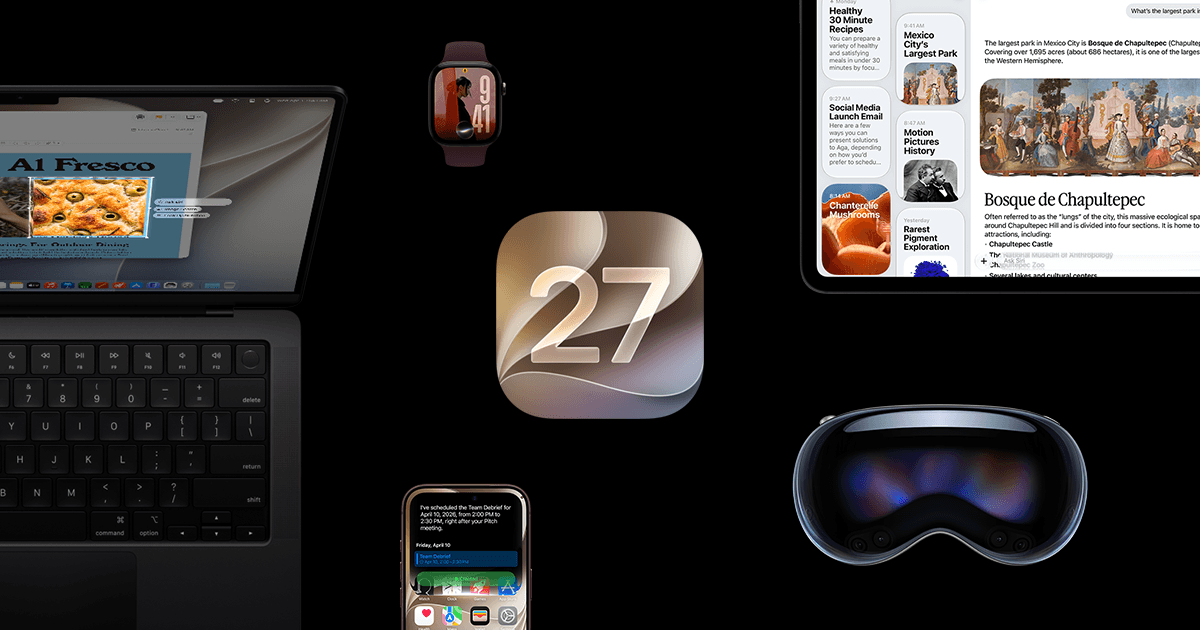
- macOS: As of November 2026, Apple lists macOS Golden Gate 27.2.1 as the latest version.
- ChromeOS: Google describes it as the operating system that powers every Chromebook.
- Linux: Linux comes in several distribution families. The kernel has its own numbering. As of November 2026, Kernel.org lists 7.3.5, released November 17, 2026, as the latest stable kernel, which is a kernel version and not a distribution version.
- iOS: Apple lists iOS 27.2.1 as the latest version, released November 9, 2026.
- Android: As of November 2026, Google's Android features page names Android 17. Google's Android help says update schedules vary by device, manufacturer and mobile carrier.
Microsoft says Windows 10 reached the end of support on October 14, 2025.
How to check which version you have
- Windows: right-click Start, open Settings, then select System and About. The edition and version appear under Windows specifications.
- Mac: open the Apple menu and choose About This Mac to see the macOS name and version. Click the version number to see the build number.
- Chromebook: select the time at the bottom right, open Settings, then select About ChromeOS. The installed version appears under Google ChromeOS.
- iPhone: open Settings, then General, then About. The software version sits next to iOS Version.
- Android: open Settings, tap About phone or About tablet, then Android version. The same screen shows security update information and the build number.
What to do with that information
If the About screen on your PC shows Windows 10, check the edition as well as the version. Microsoft's Windows 10 end of support page gives October 14, 2025 as the end of support date. A separate Microsoft update page says free support for Windows 10 Enterprise LTSC 2021 ends on January 12, 2027.
If your Android phone does not show Android 17 yet, the timing depends on the phone, because Google says update schedules vary by device, manufacturer and mobile carrier. For Android devices other than Pixel phones, Google's help says to contact the manufacturer or carrier for update info. If your Mac or iPhone shows a number below 27.2.1, Apple listed a newer version as of November 2026.
If you are choosing a phone, see iPhone vs Android, Which One Should You Buy? For Windows PCs, see How to Manage Automatic Driver Updates in Windows.