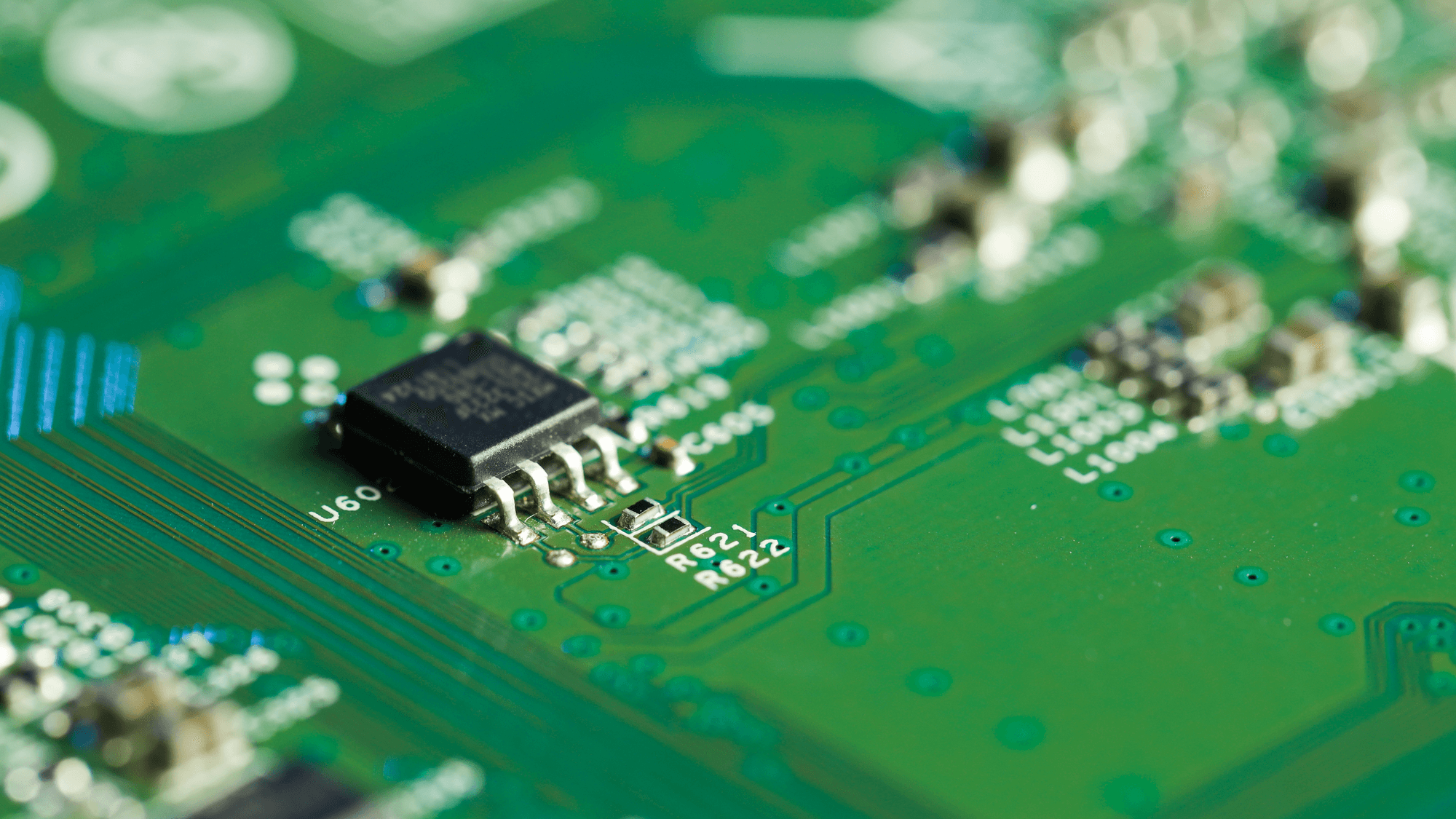
TPM 2.0 is version 2.0 of the Trusted Platform Module, which Microsoft describes as a secure crypto-processor. It generates and protects cryptographic keys and records security measurements of the boot process. Microsoft lists TPM version 2.0 among the minimum hardware requirements for installing or upgrading to Windows 11.
What a TPM does
The Trusted Computing Group (TCG), the body behind the standard, defines the TPM as a standardized hardware root of trust. In TCG's description, it protects keys, records platform measurements, and supports attestation and device identity. Microsoft says Windows Hello, BitLocker and System Guard rely on the TPM for key generation, protected storage, encryption, boot integrity measurements and attestation. As for what changed from TPM 1.2, TCG lists support for multiple cryptographic algorithms as a TPM 2.0 capability.
Discrete chips, firmware TPMs and Pluton
Microsoft's UK support page says TPMs can be separate chips on the motherboard or solutions integrated within the main processor.
- Intel PTT: Intel Platform Trust Technology is an integrated TPM that resides in the system firmware. Intel says it meets TPM 2.0 specifications and offers the capabilities of a discrete TPM.
- AMD fTPM: AMD's name for its firmware Trusted Platform Module.
- Microsoft Pluton: a secure subsystem built into the system-on-chip, paired with software written by Microsoft. Where it is configured as the system TPM, Microsoft says it supports the TPM 2.0 industry standard.
Microsoft says that beginning with silicon introduced in 2026, Pluton no longer serves as the TPM on AMD and Qualcomm platforms. Those platforms, like Intel platforms, use a vendor firmware TPM or a discrete TPM instead.
Microsoft adds that AMD and Qualcomm devices built on 2025 or earlier silicon that shipped with Pluton configured as the TPM remain serviced and supported. The change affects only Pluton's TPM functionality.
The Windows 11 requirement
Microsoft's Windows 11 requirements page lists Trusted Platform Module version 2.0 as a minimum for installing or upgrading. The same list calls for UEFI system firmware that is Secure Boot capable.
Windows 10 reached end of support on October 14, 2025. Microsoft says those computers keep functioning, but ordinary technical support, software updates, and security updates or fixes have ended.
As of November 2026, Microsoft's Consumer Extended Security Updates page says the program ends on October 12, 2027. Microsoft says it provides critical and important security updates for eligible devices on Windows 10 version 22H2. The same page says it does not come with technical support.
How to check for TPM 2.0 and turn it on
Microsoft's steps are to press the Windows key + R, type tpm.msc and select OK. If the console says the TPM is ready to use, look at Specification Version under TPM Manufacturer Information. Microsoft says it must read 2.0 to meet the Windows 11 TPM requirement.
Microsoft also documents a second route through Windows Security. Open the Device Security screen, choose Security processor details and confirm that Specification version is 2.0. Microsoft says a message that a compatible TPM cannot be found can mean the PC's TPM is disabled.
TPM settings live in the UEFI BIOS, and Microsoft notes they vary by device. Its guide to enabling TPM 2.0 gives the route from the Windows recovery menu as Troubleshoot, Advanced options, UEFI Firmware Settings, then Restart. Microsoft lists Security Device, Security Device Support, TPM State, AMD fTPM switch, AMD PSP fTPM, Intel PTT and Intel Platform Trust Technology as names the setting may carry.
Dell's support article says to navigate to the Security settings for the device. ASRock's instructions for Intel boards say to go to the Security page. For AMD boards, ASRock says to adjust the AMD fTPM switch option to AMD CPU fTPM.
What to do next
If tpm.msc shows Specification Version 2.0, the PC meets the TPM part of the Windows 11 requirements by Microsoft's own check. If it reports that a compatible TPM cannot be found, look in the UEFI settings before giving up on the hardware, because Microsoft says that message can mean the TPM is disabled. See How to Check TPM 2.0 and TPM Status in Windows and How to Enable TPM 2.0 on a Windows PC.
If you plan to stay on Windows 10 for now, Consumer ESU is a time-limited option, because Microsoft says it provides security updates for eligible 22H2 devices and ends on October 12, 2027. If Windows 11 already runs but reports a TPM problem, see How to Fix a Device TPM Problem in Windows 11.