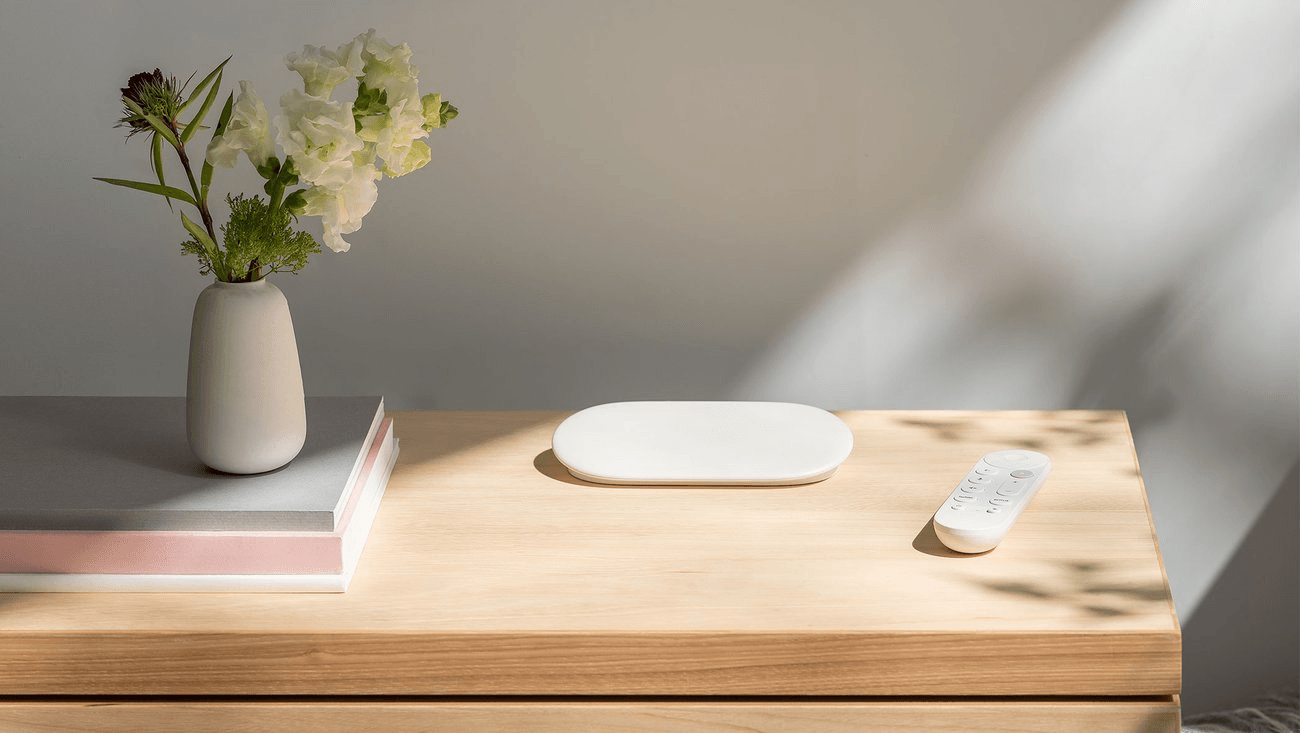
Google TV and Roku are both TV platforms that come either in a plug-in player or built into a TV. Google sells the Google TV Streamer (4K) at a regular price of $149.99, while Roku's players start at a regular price of $39.99, as of November 2026.
What each platform sells now
Google's store lists the Google TV Streamer (4K) with up to 4K HDR at 60 frames per second, Dolby Vision, HDR10, HDR10+, HLG and Dolby Atmos. It has 4 GB of memory, 32 GB of storage, gigabit Ethernet, Matter support and a Thread border router. A voice remote is included, but the required certified HDMI 2.1 cable is sold separately.
Roku's players page lists these models, shown here at Roku's regular prices. Roku announced Black Friday promotions for November 19 to 30, 2026, so its store may show lower figures.
- Roku Streaming Stick: HD, voice remote with TV controls, $39.99.
- Roku Streaming Stick Plus: 4K HDR, voice remote with TV controls, $59.99.
- Roku Streaming Stick 4K: 4K, HDR and Dolby Vision, $79.99.
- Roku Ultra: 4K, HDR and Dolby Vision, with a rechargeable, backlit Voice Remote Pro that has a lost remote finder, $149.99.
- Roku Streambar SE: a soundbar with 4K HDR streaming built in, $149.99.
Both platforms also come built into TVs. Google's featured models page shows Google TV sets from TCL, Hisense, Sony and Philips. Roku sells its own TVs: the Select Series lists from $119.99 for a 24-inch HD model to $1,149.99 for an 85-inch 4K QLED model, the Plus Series Mini-LED sets list at $449.99 to $799.99, and the Pro and Pro LX OLED sets list at $999.99 to $1,599.99. Roku's TV Finder also lists partner-built Roku TVs from TCL, Hisense, Philips and Pioneer.
Home screens, ads and privacy settings
Google TV sorts content and apps into tabs, which Google's help pages list as Home or For You, Apps, Library and Live. Roku's current home screen shows personalized recommendations, Quick Access tiles for apps and features used often, and an Apps grid farther down. Settings > Home Screen lets you change tile size and hide the recommendation rows or Quick Access.
Both show ads. Google says Google TV sometimes displays paid advertisements, labeled as advertisements. Its Apps only mode hides personalized recommendations, but sponsored content and teasers remain. Under Settings > Privacy > Ads you can reset or delete the advertising ID, and Google's ads settings page states that these controls cannot turn ads off.
Roku documents banner ads on the home screen and screensaver. Some can be hidden with Star > Hide this ad, and Roku's ad preferences page says a new ad then takes that spot. Signed-in users can turn off Personalized Ads, and Roku's privacy policy says ads will still appear but be less relevant. Roku describes automatic content recognition as opt-in and not enabled out of the box.
Free live TV
In the US, Google TV Freeplay offers free live channels with no app installation, sign-up or subscription, as long as the Google TV software is up to date. Google notes that Freeplay content providers may receive the device advertising ID and IP address to personalize ads.
Roku documents more than 500 free live streaming channels. On a Roku TV, connecting an antenna puts broadcast channels and streaming channels together in the Live TV guide. The Roku Channel adds free movies, shows, live news and children's TV, with optional paid subscriptions managed through the Roku account.
Casting and voice control
Google TV receives casts from phones, tablets and laptops through Google Cast. The sender and the TV must be on the same Wi-Fi network, and you need an updated Chromecast-enabled app or the Chrome browser. Compatible Roku devices support Apple AirPlay streaming and screen mirroring from an iPhone, iPad or Mac on the same wireless network. Roku's product pages list AirPlay and HomeKit on the current Streaming Stick and Streaming Stick Plus.
For voice, Google's store page says Gemini for TV is available on the Google TV Streamer. Google's help page adds that the Gemini experience depends on device model and software version. Roku Voice handles searches and device commands through compatible voice remotes or the Roku mobile app. Roku also documents control from a separate Alexa or Google Assistant device after account linking, with some Roku Voice functions left out.
Which one fits
If the lower regular price between the two makers' own players matters most, the Roku Streaming Stick fits, at $39.99 against $149.99 for the Google TV Streamer. If you send video from an iPhone, iPad or Mac, a compatible Roku device fits, because Roku says those devices support AirPlay. If your apps use Google Cast, Google TV fits, because Google says it receives casts from phones, tablets and laptops. If you want Matter and a Thread border router in the streaming box, the Google TV Streamer fits, because Google's specifications list both.
If you plan to use an antenna, a Roku TV puts those channels in one guide with streaming channels. See Apple TV vs Roku, Roku vs Fire TV Stick and What Is Fire TV?