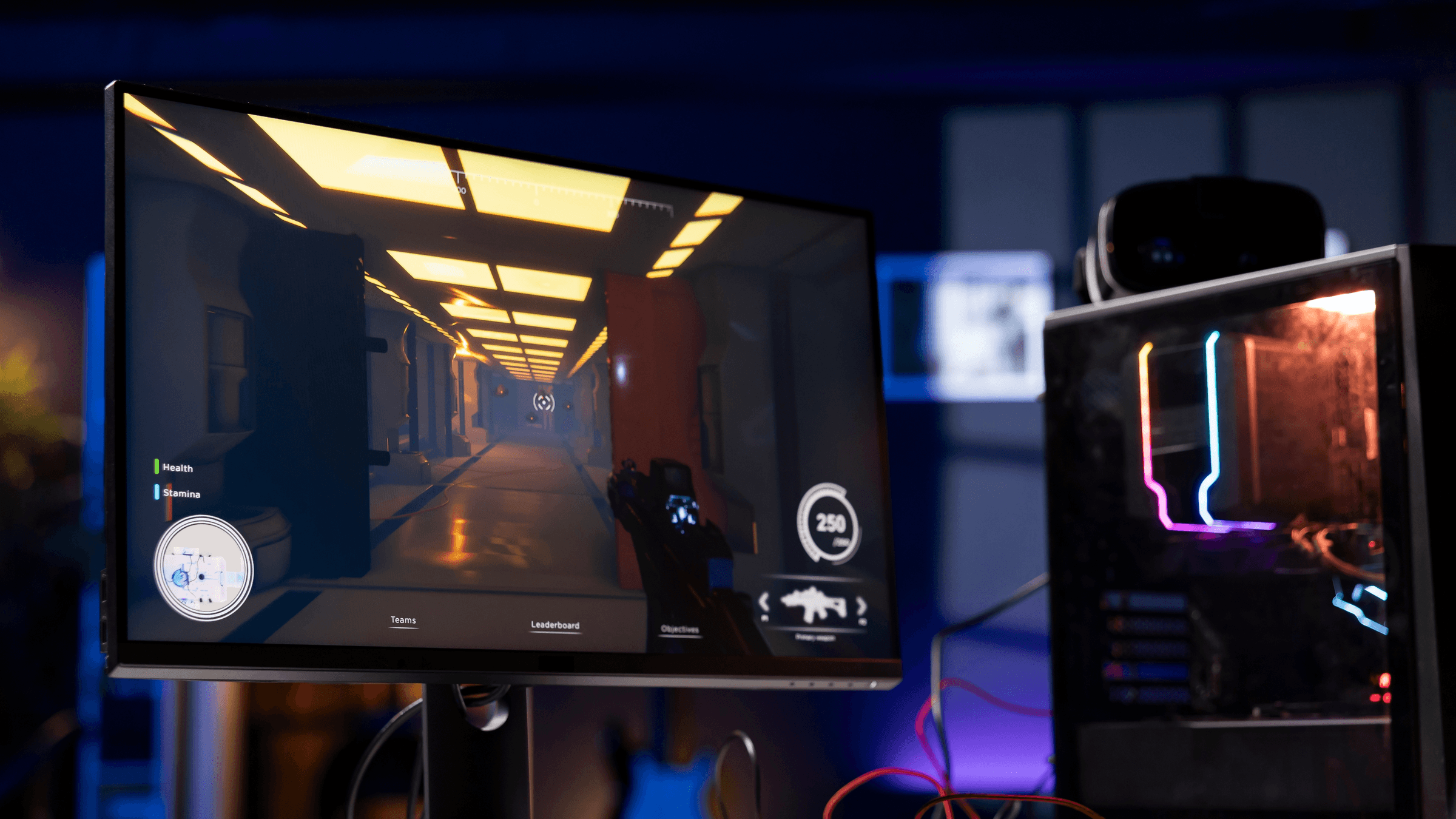
VSync, short for vertical sync, is a graphics setting that synchronizes a game's frame rate with the display's refresh rate. NVIDIA and AMD both say its purpose is to remove screen tearing. The trade-off NVIDIA names for traditional VSync is higher input latency.
What screen tearing looks like
Intel describes tearing as a horizontal discontinuity on screen, with slightly mismatched images above and below it. It can happen when the monitor reads the frame buffer while the graphics processor is overwriting the previous frame.
In its GeForce GTX 680 whitepaper, NVIDIA says tearing can also occur when the frame rate is below the display's refresh rate, although it describes tearing as more noticeable at higher frame rates.
How VSync works
NVIDIA's Nsight Systems documentation explains that VSync aligns the presentation of each frame with a display refresh boundary. A frame that misses that boundary waits a full refresh interval before it is shown.
AMD also calls the setting Vertical Refresh. AMD's support article says its Wait for Vertical Refresh driver control applies to OpenGL 3D applications, and that for DirectX and Vulkan games the VSync control sits in the game's own graphics settings.
The cost in input latency and stutter
NVIDIA's GeForce GTX 1080 whitepaper describes traditional VSync as applying backpressure through the rendering pipeline to the game engine, and names the downside as high input latency. Intel's input lag troubleshooting article also lists VSync as a possible contributor to input delay, and says a delay can appear when commands are sent faster than the display refreshes.
Intel says VSync can cause stuttering when the frame rate drops below its cap, and gives a drop from 60 FPS to 30 FPS as an example.
Intel describes input lag as different from network lag. For network lag, see What Is Latency?
Fast Sync, Adaptive VSync and Enhanced Sync
NVIDIA and AMD each offer driver modes aimed at those costs. NVIDIA documents its two in the NVIDIA Control Panel help.
- NVIDIA Adaptive VSync: turns VSync on only when the frame rate is faster than the refresh rate. NVIDIA describes this as eliminating tearing at high frame rates and stuttering at lower ones. It is limited to ULMB or Fixed Refresh Rate monitor modes.
- NVIDIA Fast Sync: separates rendering from display scanout. A Last Rendered Buffer holds the most recently completed frame for scanout. NVIDIA says Fast Sync improves latency without introducing tearing, and lists it for Pascal and later GPUs in single-GPU configurations.
- AMD Enhanced Sync: AMD says it gives a tear-free experience when the frame rate exceeds the display's refresh rate, while decreasing the latency and stutter of traditional VSync. AMD's FAQ lists support for DirectX 9, 10, 11, 12 and Vulkan games, and says it does not support OpenGL.
VSync vs G-SYNC, FreeSync and HDMI VRR
Variable refresh rate turns the idea around. VESA added Adaptive-Sync to DisplayPort 1.2a in 2014, and says it lets the display dynamically match the graphics processor's rendering rate, frame by frame. NVIDIA says G-SYNC synchronizes display refresh rates to the GPU to eliminate screen tearing and minimize display stutter and input lag. AMD says FreeSync synchronizes the display's refresh rate with the frame rate of compatible graphics cards, reducing or eliminating tearing, stuttering and input latency.
FreeSync works over both DisplayPort and HDMI. AMD says it builds on industry standards, including DisplayPort Adaptive-Sync and HDMI Variable Refresh Rate.
The HDMI organization describes HDMI VRR as letting a console or computer deliver video frames as fast as it can render them, and says it reduces or eliminates lag, judder and frame tearing. AMD lists Xbox One X and Xbox One S as supporting FreeSync, on the condition that the display supports FreeSync over HDMI with a bottom variable refresh rate below 60Hz.
AMD says VESA AdaptiveSync certification does not necessarily equal AMD FreeSync certification, because AMD runs a separate display certification program. See What Is FreeSync, G-SYNC and VRR?
What to do with the VSync setting
If tearing is what bothers you on a fixed refresh rate display, VSync is the setting NVIDIA and AMD both describe as the way to remove it. If controls feel delayed with it on, VSync is one of the possible causes Intel lists, so it is worth comparing the game with the setting off.
If you have an NVIDIA Pascal or later card in a single-GPU PC, and the game's frame rate far exceeds the monitor's refresh rate, Fast Sync fits because NVIDIA says it improves latency without introducing tearing. If you have a Radeon card, Enhanced Sync fits because AMD says it decreases the latency and stutter of traditional VSync. AMD names Polaris-based GPUs and newer for it, and its FAQ lists DirectX 9, 10, 11, 12 and Vulkan games. If your display and your graphics card or console both support G-SYNC, FreeSync or HDMI VRR, the makers describe that route as addressing tearing, stutter and input lag together.
VSync ties the frame rate to the display's refresh rate, so check what the display is set to first. See How to Change Your Display Refresh Rate.