Latency is the time data takes to make a round trip across a network. The FCC defines round-trip latency as the time a packet takes to travel from one network point to another and back. AT&T describes ping, or latency, as the time a connected device takes to send a message and get a response back, and T-Mobile notes it is usually expressed in milliseconds (ms).
How latency is measured
The FCC's Thirteenth Measuring Broadband America report measures round-trip latency by sending small UDP packets between the subscriber's router and a test server. It takes two kinds of reading. Idle latency is measured when no other traffic is detected entering or leaving the home. Working latency is measured during the FCC's 10-second download and upload tests, with latency probes sent at 10 packets per second.
M-Lab's ndt7 test records the minimum round-trip time observed during a measurement, in milliseconds. The FCC distinguishes the server with the shortest measured round-trip time from the geographically closest one, and says the two can differ.
Typical latency by connection type
The figures below come from the FCC and from providers' own disclosures. Each describes its own test conditions.
- Fiber: the FCC's 2024 Communications Marketplace Report cites measured median latencies of 7 ms to 14 ms, drawn from the Thirteenth Measuring Broadband America report. Verizon lists 3.97 ms for its Fios 1 Gig tier, with February 2026 as the testing period.
- Cable: 12 ms to 24 ms median in the same FCC report.
- DSL: 23 ms to 34 ms median in the same FCC report.
- 5G home internet: T-Mobile lists typical latency of 16 to 28 ms for its Amplified and All-In plans and 18 to 36 ms on 5G for Lite. Verizon lists 50 to 70 ms for its up-to-100-Mbps 5G Home plan on mid-band spectrum, and 35 to 55 ms for its up-to-300-Mbps plan on high-band spectrum and the listed 5G Home Ultimate tiers.
- Satellite: Starlink's specifications state 25 to 60 ms on land and 100+ ms in certain remote locations, including oceans, islands, Antarctica, Alaska and Northern Canada. Hughesnet says the roughly 45,000-mile trip to and from its satellite adds about half a second of delay.
The FCC numbers are historical measurements. T-Mobile and Verizon both say their ranges represent roughly the 25th and 75th percentiles of tests, and T-Mobile adds that customers can see latency outside them. Starlink also reported a median peak-hour latency of 25.7 ms across its US customers as of June 2025.
What affects latency
The FCC splits the causes into two groups. Distance, transmission speed and transmission technology are fixed factors. Routing variability and queuing delay from congestion add a variable amount on top.
For wireless service, T-Mobile lists cell-site distance and capacity, weather, terrain, building conditions, radio frequency interference, competing users and plan prioritization among the things that affect network performance. For satellite, Starlink names space propagation, ground-network routing, radio scheduling, processing delays, buffers and packet retries as contributors to latency.
Bufferbloat and jitter
Queuing delay from congestion can push latency up. A research paper hosted by M-Lab, Measuring Latency Variation in the Internet, uses the term bufferbloat for excess queueing latency. Starlink says it resized its network buffers to reduce bufferbloat and added fq_codel active queue management to its Wi-Fi router.
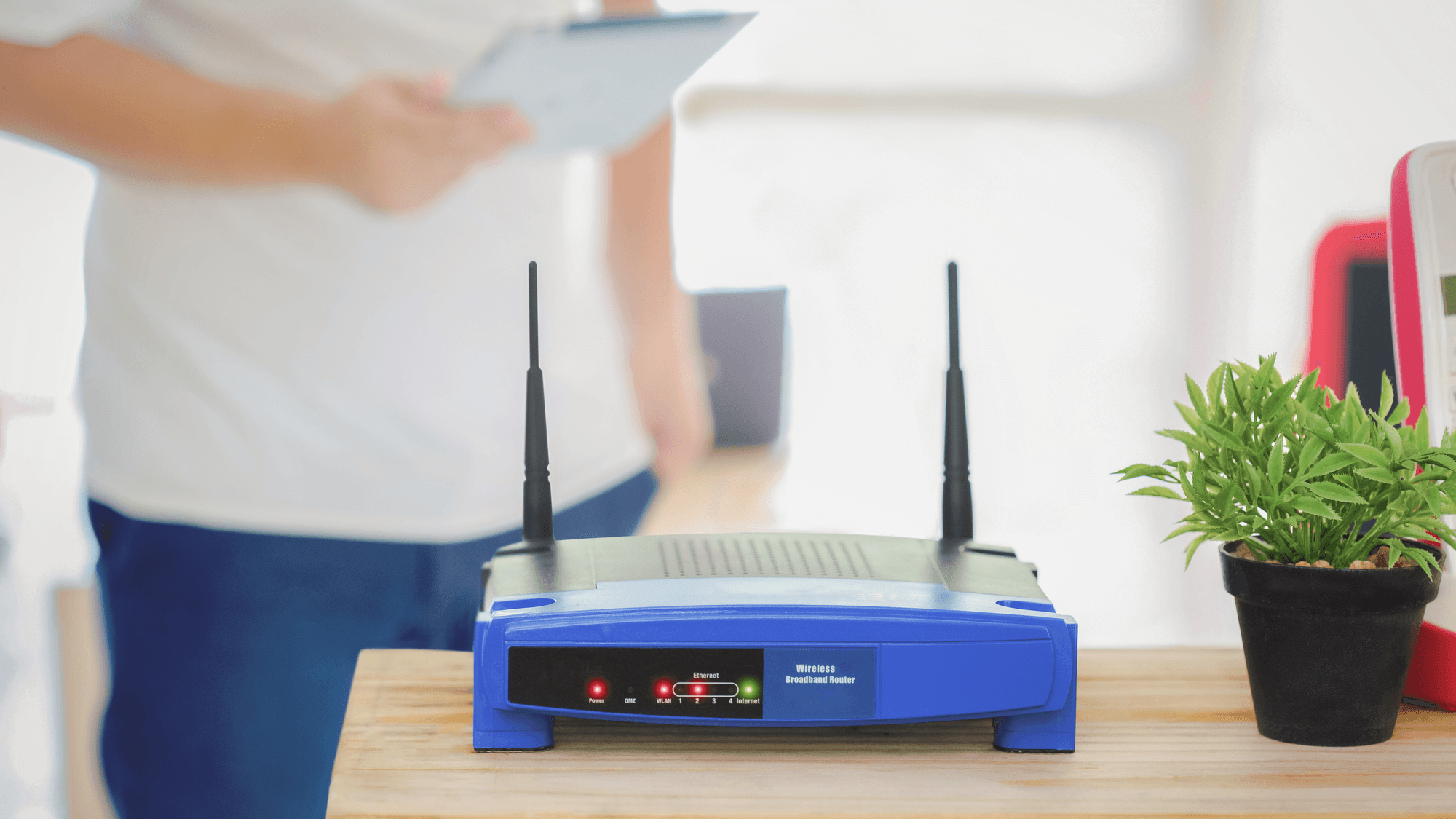
Jitter is a related measure. AT&T defines it as variation in network delay and says high jitter can disrupt online gaming, voice calls and video conferencing.
What to do if you play online
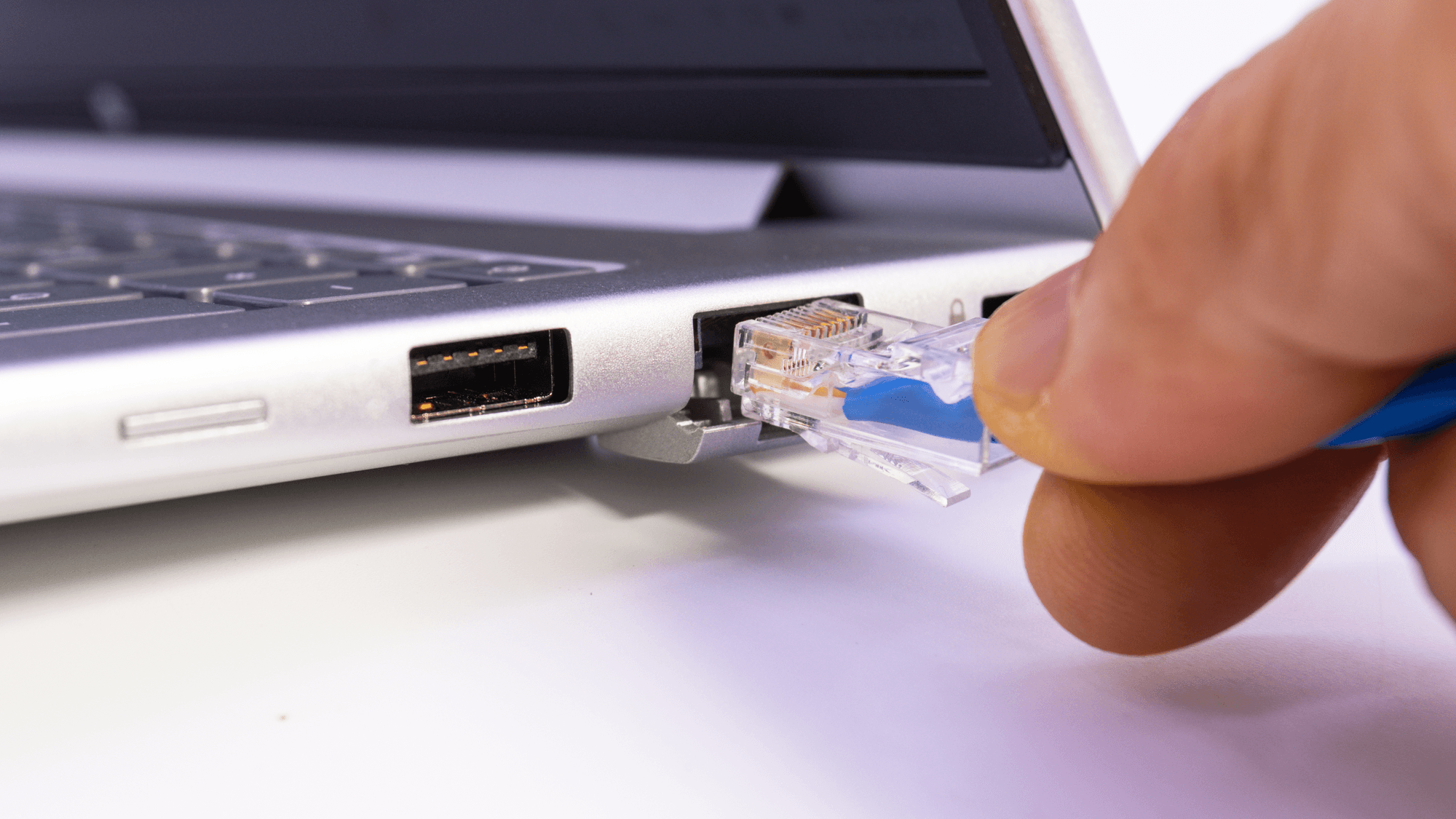
If lag appears while other people in the home are downloading, competing traffic is one documented cause. Hughesnet's gaming FAQ says lag is often caused by high network traffic or weak connections, and its steps include disconnecting unused devices and using a LAN connection. PlayStation's PS Portal troubleshooting page says to pause downloads on other devices on your Wi-Fi when the connection is unstable. For Remote Play connection problems, it suggests trying a wired connection for the PS5.
If low latency for gaming matters when you pick a plan, the T-Mobile and Verizon disclosures above list a latency range for each plan. Virgin Media's UK help page says the lower the latency, the better the connection will be for gaming.