




Disclosure: Hisense provided the M7SR for this review and is sponsoring its coverage. Every observation and opinion below comes from our own hands-on testing.
Technobezz is supported by its audience. We may get a commission from retail offers. Reviews ethics statement.
Hisense M7SR Review, an Easy First Step Into MiniLED
We tested the Hisense M7SR (65M7SR), the entry-level Hi-QLED MiniLED Roku TV with Dolby Vision, DTS Virtual:X, and an Anti-Reflection and Glare-Free screen, to see whether it is the right first…
Updated September 14, 2026Sep 14, 2026
•17 min read

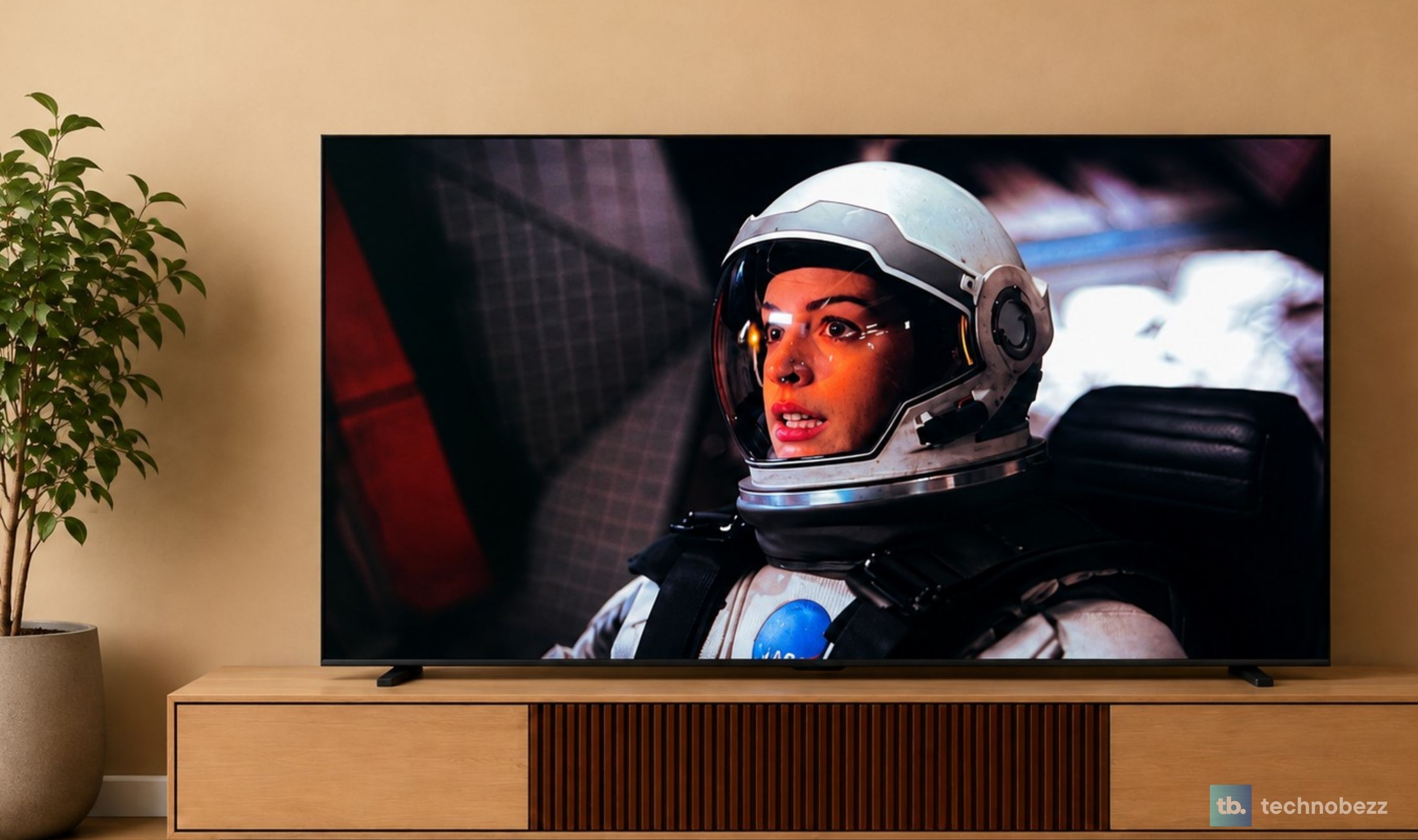
Credit: Technobezz
Get Deals Like These in Your Inbox
The best prices, straight to your inbox.
Add Technobezz on Google:Add as preferred source
9/ 10

Best for Families and first-time MiniLED buyers who want a bright, self-managing picture for everyday movies, shows, and sports in a real living room, with Roku simplicity and casual gaming covered.
Hisense 65" M7 MiniLED Series Hi-QLED 4K Roku TV
Screen Size65 inches tested (also 50, 55, 75, 85)
PanelHi-QLED MiniLED, direct-lit with dynamic local dimming
Resolution4K UHD (3840 x 2160)
Refresh Rate60Hz panel (Motion Rate 240)
HDR FormatsDolby Vision, HDR10, HLG
Picture ModesRoku Smart Picture, Low power, Standard, Vivid, Sports, and Movie presets; Filmmaker Mode support
For years, MiniLED was the tier you talked yourself into. The TV you bought was the regular LED one, and the MiniLED model sat a shelf higher, looking better and costing more, waiting for the next upgrade cycle. The Hisense M7SR is built for the moment that stops being true. It is the M Series set Hisense positions as the entry point into MiniLED, the one meant for a family living room rather than a sealed theater, and after living with it, that positioning is the honest way to describe it. This is a first MiniLED TV, and it behaves like one in the best sense.
What stood out is how little the M7SR asks of you. The Hi-QLED MiniLED backlight, the Anti-Reflection and Glare-Free panel, and the AI processing are not three features you manage, they are one picture system that manages itself, and the result is a screen that looks right at noon with the blinds open and at ten at night with a movie on. The trade-offs are the ones you would expect at this tier. The panel is 60Hz, so this is not the TV for competitive gaming, and the built-in speakers are good company rather than a home theater. Neither gets in the way of what this TV is for.
Hisense 65M7SR - Best for First MiniLED Buyers
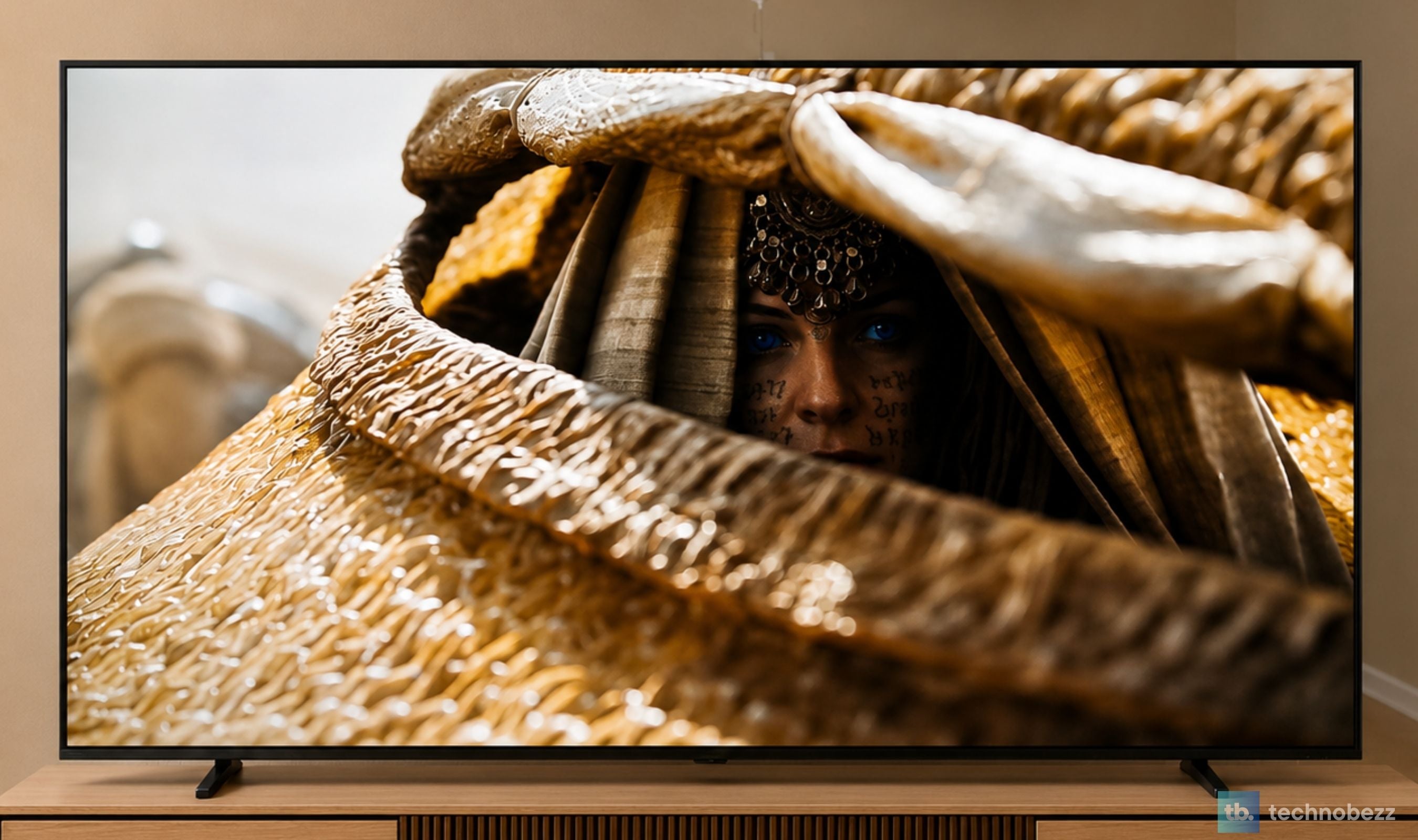
The Hisense M7SR is a 2026 Hi-QLED MiniLED 4K TV that runs Roku TV and is sold through Best Buy and Amazon in the US. You get local dimming, Dolby Vision, HDR10 and HLG, Filmmaker Mode, DTS Virtual:X sound from the built-in speakers, AI Picture with the AI 4K Upscaler, an Anti-Reflection and Glare-Free screen with a dual-layer treatment, and Game Mode Plus with VRR and ALLM, all in a Unibody Slim design. It comes in 50, 55, 65, 75, and 85 inches, and we tested the 65-inch model, the 65M7SR.
Where to Buy: Best Buy (65-inch, as tested). Other sizes at Best Buy: 55-inch, 75-inch, 85-inch
Key Highlights
- 65-inch 4K Hi-QLED MiniLED panel with local dimming
- Anti-Reflection and Glare-Free screen with an advanced dual-layer treatment
- AI Picture processing that tunes color, contrast, and noise reduction scene by scene
- AI 4K Upscaler for the cable, streaming, and older content that is not native 4K
- Dolby Vision, HDR10, and HLG support
- Filmmaker Mode for movies the way they were mastered
- DTS Virtual:X virtual surround from the built-in speakers
- Game Mode Plus with VRR and ALLM on the 60Hz panel
- Roku TV with voice search on the remote, Apple AirPlay 2, and Alexa, Apple Home, and Google Home compatibility
- Three HDMI 2.0 inputs with eARC on HDMI 1, plus USB, Ethernet, and optical out
- Unibody Slim design, 2.6 inches deep and 38.4 pounds without the stand
- Available in 50, 55, 65, 75, and 85 inches
Pros
- A real Hi-QLED MiniLED picture, with deep blacks and bright highlights, at the entry point of the range
- The Anti-Reflection and Glare-Free screen keeps daytime and lamp-lit viewing clean
- Backlight, panel, and processing work as one system, so you never touch the settings
- Dolby Vision and Filmmaker Mode support make movie nights look like the filmmaker intended
- The AI 4K Upscaler noticeably cleans up the everyday content families actually watch
- DTS Virtual:X gives dialogue and movie scores more room than the slim frame suggests
- Roku TV is fast, simple, and easy for everyone in the house to use
- Game Mode Plus makes casual gaming smooth with no menu diving
- Clean, slim design that looks good switched off
Cons
- The 60Hz panel is fine for casual play but not built for competitive gaming
Who It Is For
This is the TV for the household that has been watching on a conventional LED set and wants to see what MiniLED actually changes, without turning the purchase into a research project. It suits families who watch a bit of everything, a series after dinner, a movie on the weekend, sports on a Sunday afternoon with the curtains open, in rooms that have real windows and real lamps. It is also a strong first MiniLED TV for a bedroom, a den, or a first apartment, where the simplicity of Roku and a picture that tunes itself matter more than spec-sheet headroom.
Skip if
If gaming is the main reason you are buying a TV and you want a true high-refresh panel for a PS5, Xbox, or PC, step up to the Hisense U6SF, the everyday MiniLED set with a native 144Hz panel and HDMI 2.1. If movie audio matters as much as the picture and you would rather not add a soundbar, the U6SF Pro with its built-in subwoofer is the one to look at.
Hi-QLED MiniLED Lays the Foundation for Real Contrast
Everything the M7SR does well starts with its backlight. Hi-QLED MiniLED uses an array of small LEDs split into local dimming zones, and the point of that design is control. Where the scene is dark, the zones behind it dim down. Where there is a highlight, the zones behind it drive up. A conventional LED TV lights the whole screen more or less evenly, which is why dark scenes on an older set go gray and bright scenes look flat. On the M7SR, a night cityscape keeps its black sky while the windows and streetlights punch through it, and fireworks bloom against dark rather than against murk.
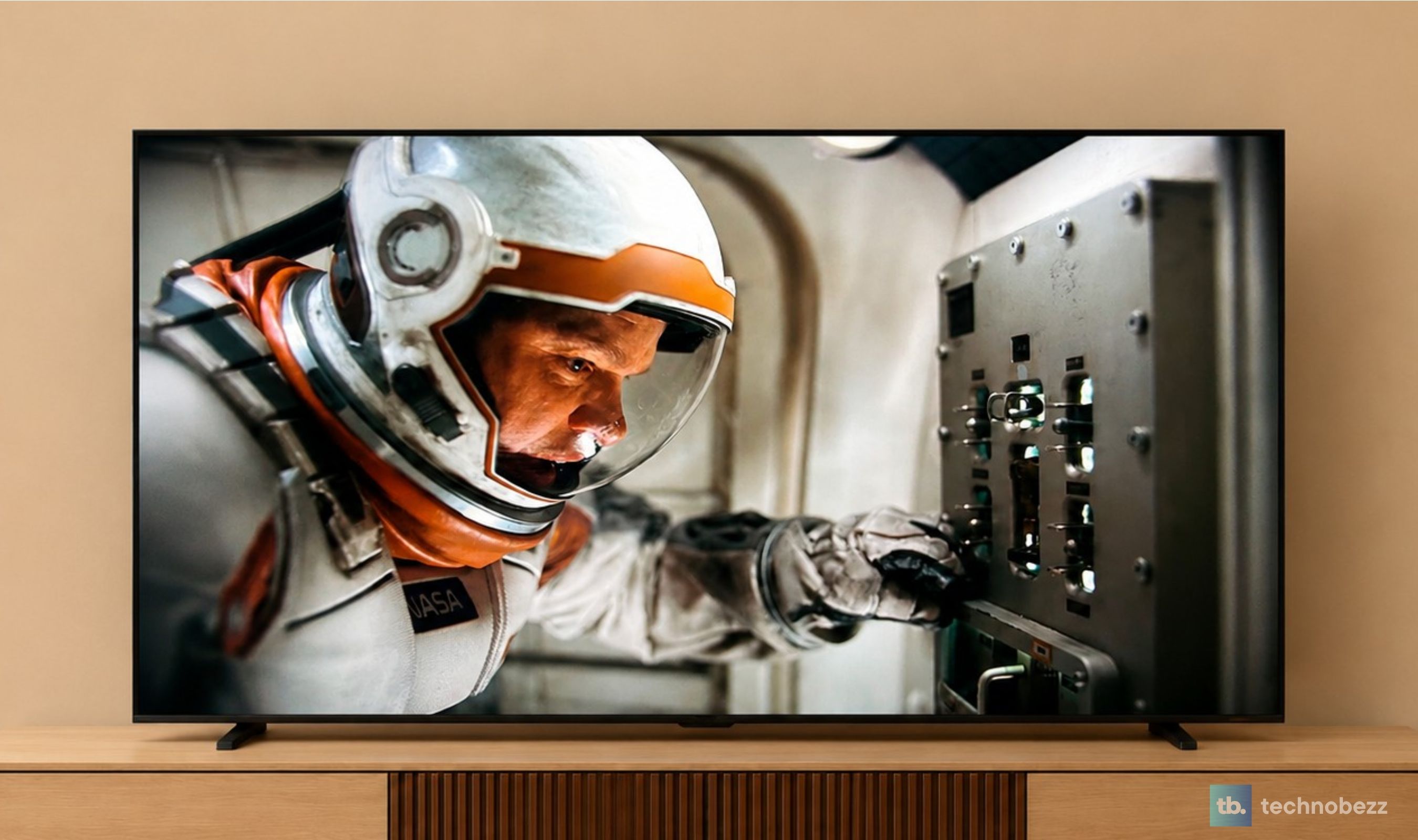
Hisense pairs the MiniLED backlight with Hi-QLED color, and that is the other half of the first impression. Colors are vivid without tipping into the oversaturated look that entry-level sets sometimes use to grab attention on a shop floor. Skin tones stay natural, greens and blues in nature footage look rich, and the contrast gives the image a sense of depth that flat-lit panels simply do not have. I am not going to dwell on zone counts or processing mechanics, because the point for a first-time MiniLED buyer is simpler than that. Dark scenes are dark, bright things are bright, and both happen in the same frame.
A Hi-QLED Panel Built for the Room You Actually Have
The second layer is the panel itself, and specifically how comfortable it stays in a room that is not a cinema. The M7SR uses an Anti-Reflection and Glare-Free screen with what Hisense describes as an advanced dual-layer treatment, and it is the feature that makes the MiniLED picture usable during the day rather than something you only see after sunset.
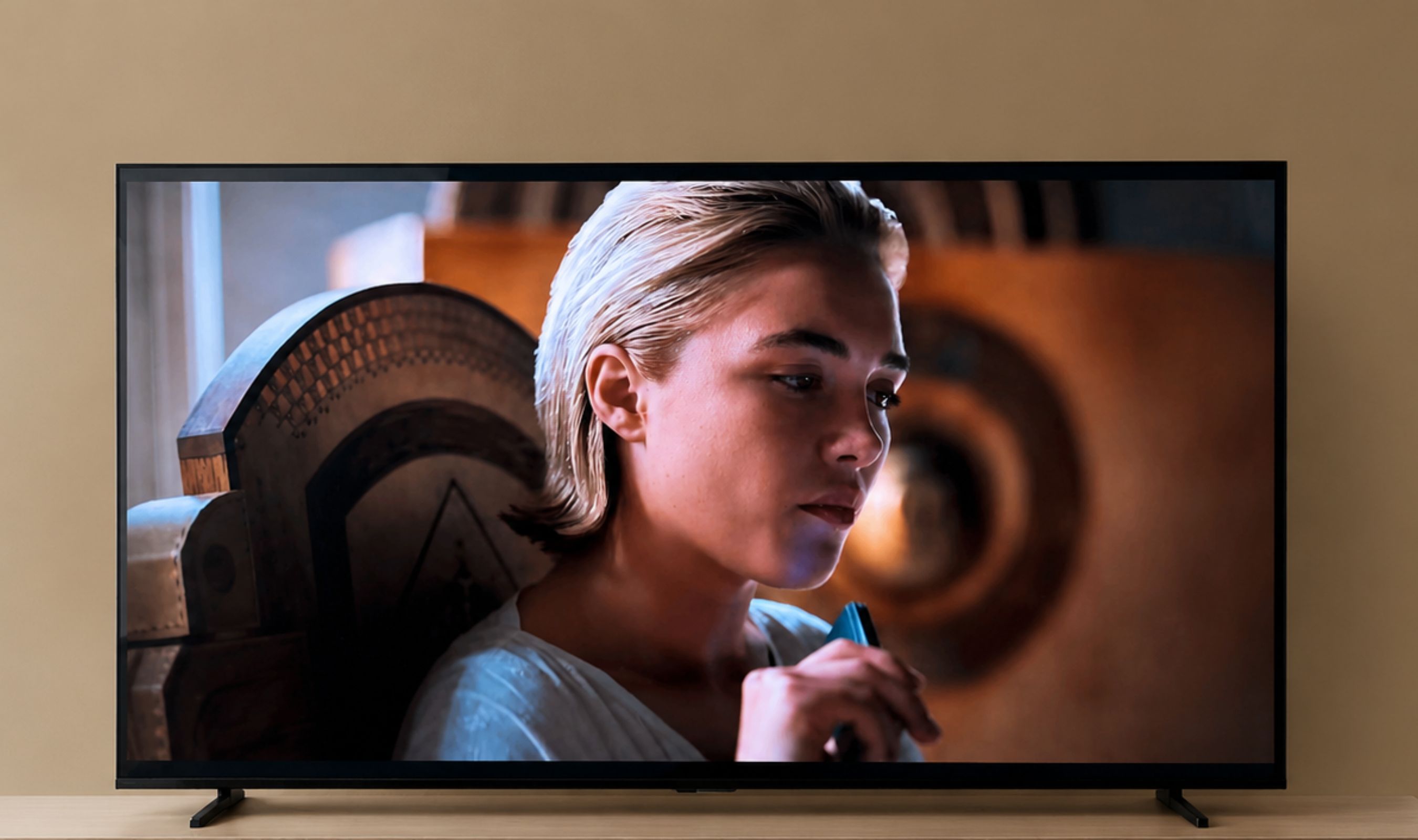
With afternoon light coming through the windows, dark scenes stay readable instead of turning into a mirror with a movie somewhere behind it. In the evening with lamps on either side of the room, the lights do not carve bright spots into the picture. It also matters for the way families actually sit. Nobody gets the center seat every night, and watching from the side of the sofa, the image holds its color and brightness well enough that the person at the far end is not watching a washed-out version of the same show. That is the kind of everyday pain point a spec sheet never mentions, and it is where this panel quietly earns its keep.
AI Picture and the AI 4K Upscaler Do the Tuning for You
The third layer is the processing, and this is the part of the system a first-time MiniLED owner will appreciate most without ever seeing it. AI Picture reads what is on screen and adjusts brightness, contrast, saturation, and noise on the fly, frame by frame, to suit both the content and the light in the room. Switch from a bright studio show to a dark-toned drama and the TV makes the change for you. There is no picture-mode ritual, no calibration weekend, no settings menu you feel obliged to visit.
The AI 4K Upscaler is the feature I would point a family to first, because most of what a household watches is not native 4K. Cable broadcasts, older sitcoms, YouTube, and lower-bitrate streams all get analyzed and rebuilt toward 4K, with textures sharpened and noise cleaned up. The difference is most obvious on older series, where soft, slightly noisy source material comes through cleaner and more defined than it has any right to on a screen this size. The M7SR also presents native 4K content with the detail intact, but it is the everyday, non-4K material where the upscaler changes the experience.
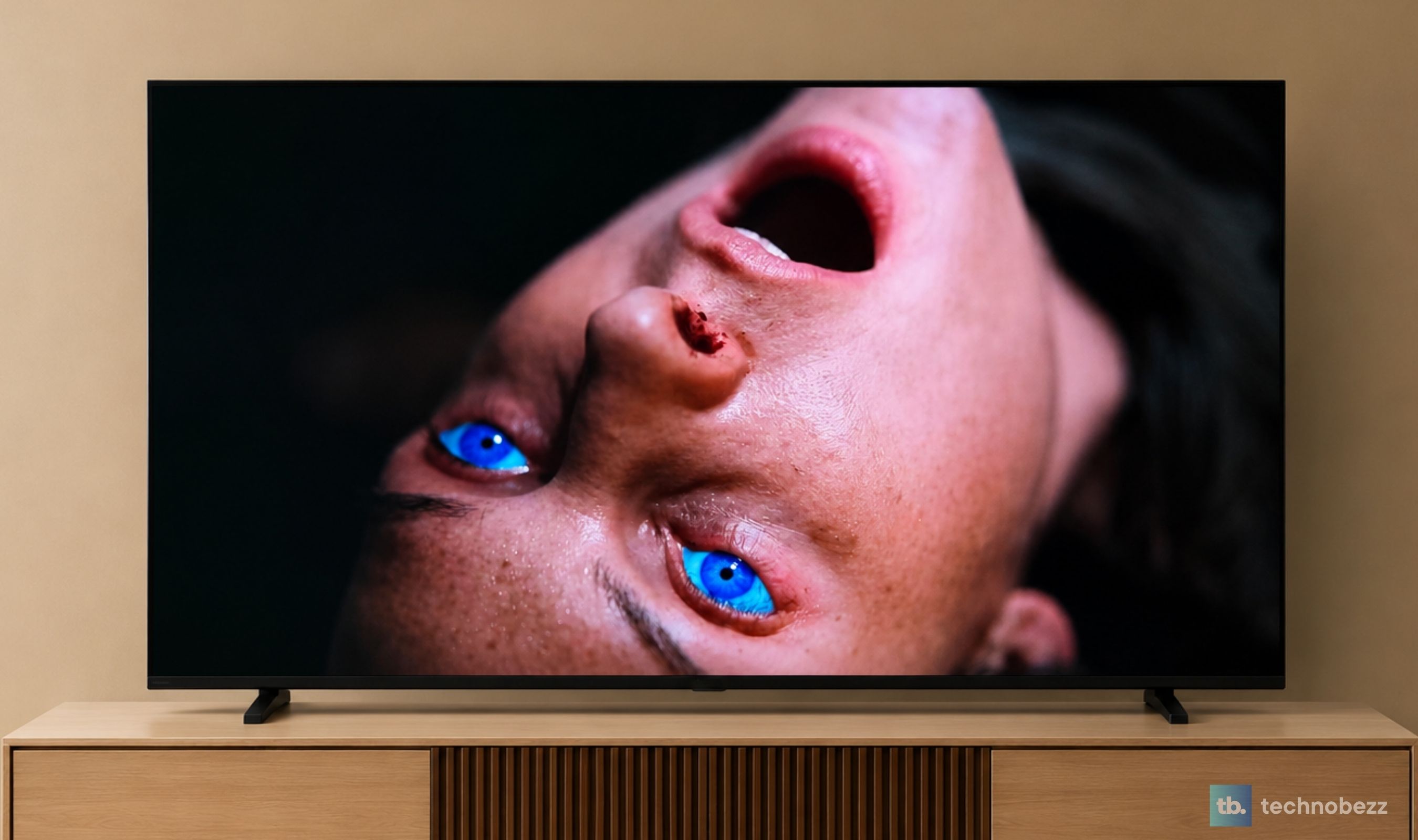
Put the three layers together and you get the point of the M Series. The backlight creates the contrast, the panel keeps it visible in a real room, and the processing keeps it looking right from one program to the next. None of those is a headline on its own. Together they are why the picture on this TV feels like a complete system rather than a list of features, and why it is an easy TV to recommend as someone's first MiniLED.
Dolby Vision and Filmmaker Mode for Movies the Way They Were Made
You do not watch a television. You watch movies, shows, and matches on it, and each of those arrives in a format chosen by whoever made it. The M7SR supports the ones that matter for a family living room. Dolby Vision handles the premium HDR streams from the big services with scene-by-scene tone mapping. HDR10 covers the broad base of streaming and disc content. HLG is the broadcast HDR standard, so live sports and events look the way the broadcaster intended. Filmmaker Mode switches off the extra processing and motion smoothing so a film plays at its original color, frame rate, and aspect ratio. And DTS Virtual:X takes care of the sound side of the same promise, which I will come back to.
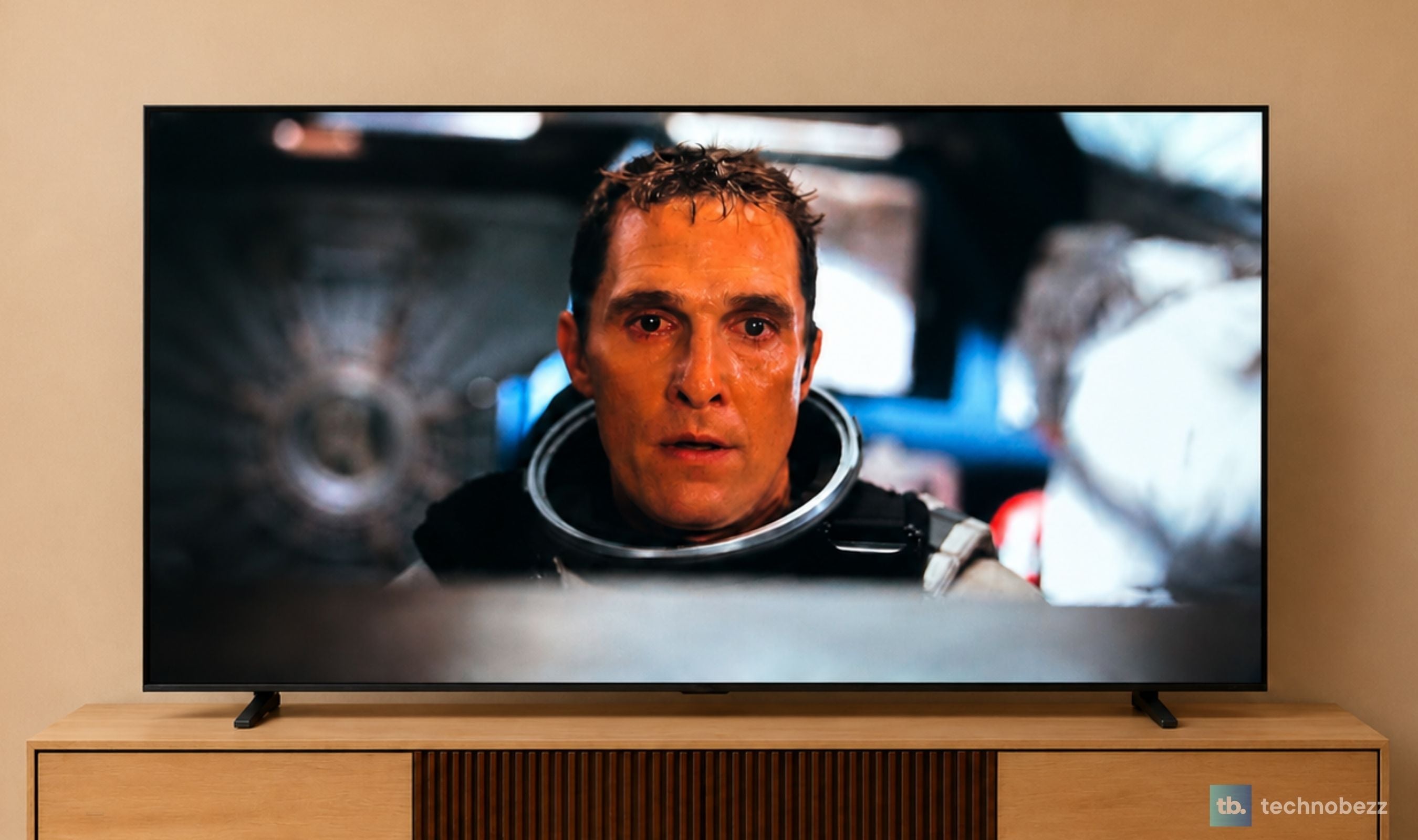
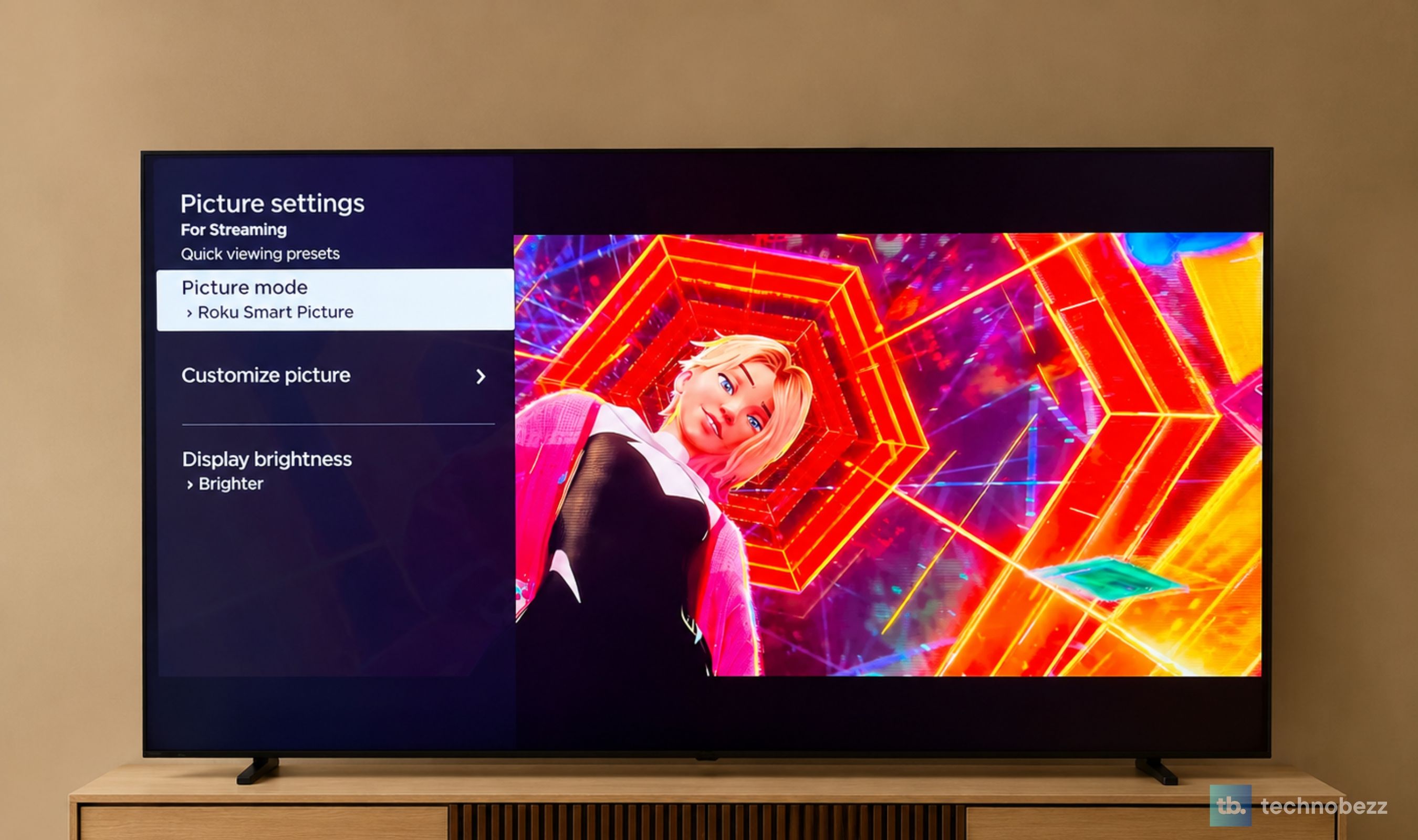
For movie nights I leaned on Dune: Part Two, Oppenheimer, and Interstellar, films that swing between blinding daylight and near-black interiors and that carry Dolby Vision grades. The desert sequences in Dune show off the Hi-QLED MiniLED contrast, with the sand glaring white while the shadows inside the stillsuits stay detailed, and Oppenheimer's dim, warm interiors hold their shape without the gray haze that a conventional LED panel puts over dark rooms. For films, the Movie preset is a one-step change from the Roku picture settings, and it is worth making. The image gets a little warmer and more natural, the motion stays filmic, and you are seeing something much closer to the grade the colorist signed off on.
AI Picture Through a Week of Everyday Family Viewing
The movie night is the showcase, but the real test of a family TV is the ordinary week, and this is where the entry-level positioning is proven rather than claimed. Across a mix of streaming series, daytime news, a weekend of live sport, and the kind of background television that is on while dinner happens, the M7SR stayed consistent. Bright daytime content looked clean with the blinds open. Evening drama looked rich with the lamps on. Sports looked natural, with grass and kits in believable colors and HLG broadcasts showing a bit more punch in the highlights.
What I noticed most was what I did not do, and two features deserve the credit. AI Picture analyzes what is on screen in real time and adjusts color, contrast, and noise reduction to suit it, so I did not change picture modes between programs, and I did not reach for the remote when the sun moved. The picture is tuned intelligently and automatically, with no manual adjustment, and after a week that stops feeling like a feature and starts feeling like the way a TV should behave.
The AI 4K Upscaler does the other half of the job, because almost none of an ordinary week arrives in native 4K. Cable news, an older sitcom in the afternoon, a 1080p stream after dinner, all of it is analyzed and rebuilt toward 4K with sharper textures and less noise, so everyday television looks like it belongs on a 65-inch screen rather than being stretched to fit one. I did not have to explain to anyone in the house how to make the picture look right, because it already did. For a first MiniLED TV in a busy living room, that matters more than any single headline feature, and it is the strongest argument for buying the M7SR over a conventional LED set in the same size.
Immersive Sound, Built Right In
The M7SR uses a 2.0-channel, 20-watt built-in speaker system with DTS Virtual:X processing, which simulates a wider, taller sound field, including virtual rear and height channels, without any external hardware. In practice, dialogue is clear and sits forward, movie scores spread wider than the slim frame suggests, and at normal living-room volume nothing turns thin or harsh. A big orchestral passage, the kind Hans Zimmer writes for films like Dune, has a genuine sense of scale to it, and a live concert stream has enough width that the room feels bigger than it is.
The honest note is bass. The low end has presence rather than weight, and for news, series, sport, and most streaming that is completely fine. For the big movie nights, the same ones where you switch to Movie mode, a soundbar is the natural upgrade down the line. Even so, the built-in sound is better than the entry-level label implies.
Living With Roku TV, Simple for Everyone in the House
The M7SR runs Roku TV, and for a family set that is a sensible choice. The home screen is a simple grid of apps, your services sit where you left them, and there is no learning curve for anyone who has used a streaming stick. Apps open quickly, navigation is responsive, and the remote is the clean, uncluttered Roku layout with a handful of buttons that everyone in the house understands. Voice search through the remote handles the jobs remotes are worst at, finding a title, jumping to an app, or pulling up a specific show with one sentence. It also plays nicely with the rest of the house. Apple AirPlay 2 and Apple Home are built in for sending video and photos from an iPhone or iPad, and the TV works with Amazon Alexa and Google Home for voice control through a speaker you already own.
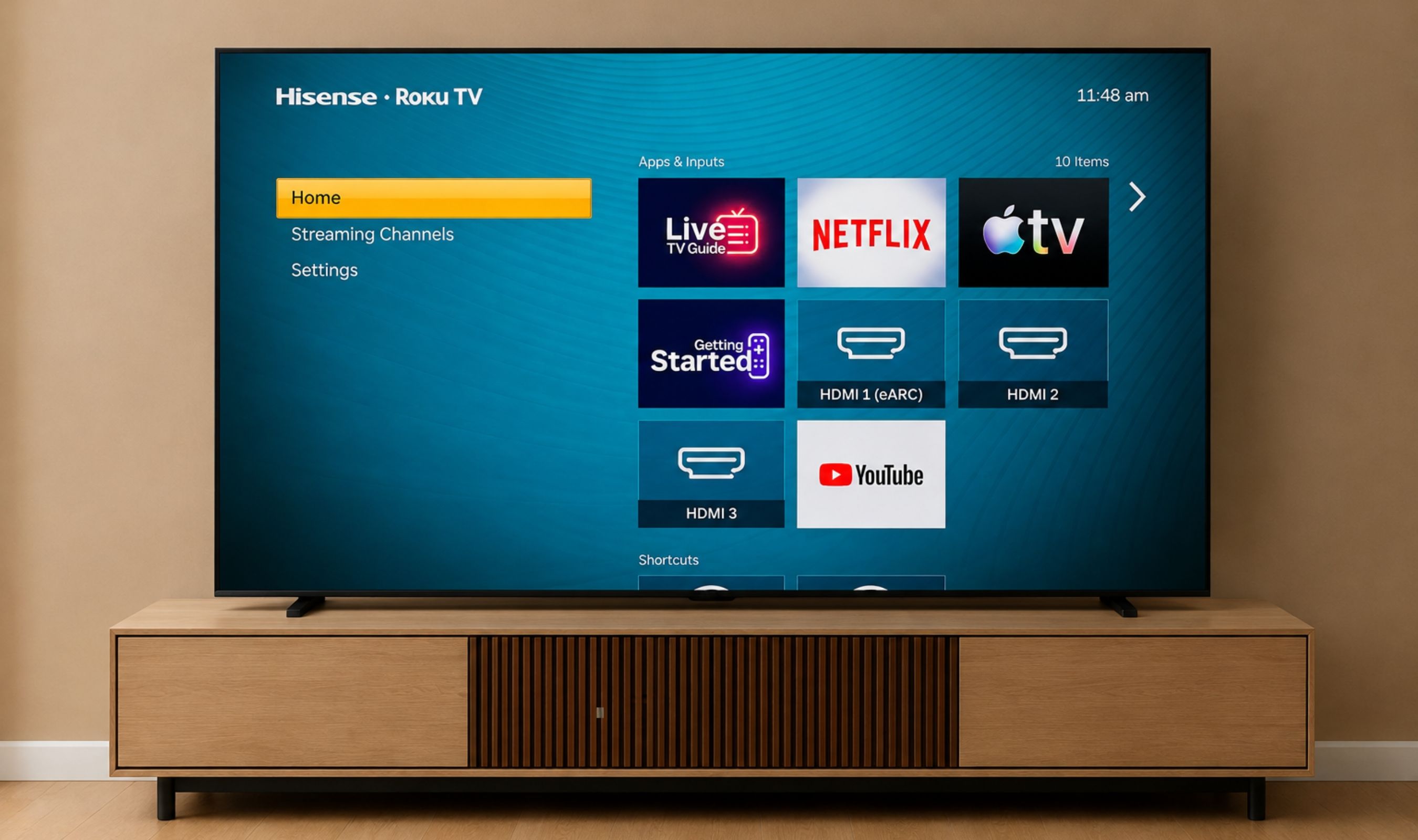
The usual Roku caveat applies. The home screen carries promoted content and an ad tile, and the interface is built around Roku's own channel store and recommendations. It is easy to ignore, and the trade is a platform that is fast, stable, and simple, which for a TV meant to be shared by a family is the right trade to make.
Game Mode Plus and a Quick Session of Casual Gaming
Gaming is not why you buy the M7SR, but it handles it well for the kind of play a family TV actually sees. Game Mode Plus switches the TV into its low-latency picture automatically when a console is detected, so there is no menu diving before a session, and VRR and ALLM keep the image smooth and tear-free. A few rounds of Mario Kart 8 Deluxe on a Nintendo Switch felt responsive and clean, with the bright, colorful art style suiting the Hi-QLED panel particularly well.
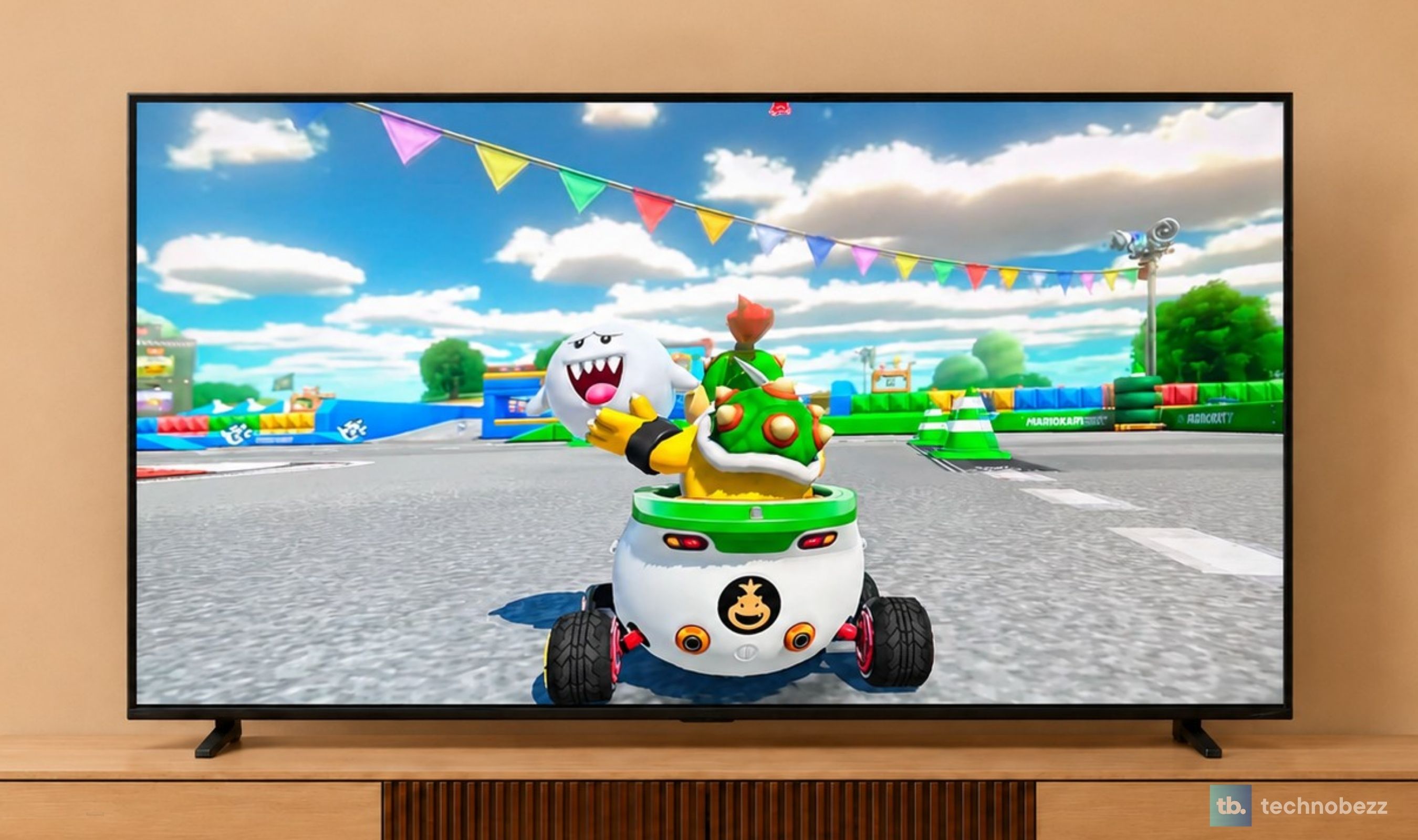
The panel is 60Hz, which is the one line to read twice if you are a serious gamer. Casual and family titles are exactly where it belongs. If you want a high-refresh panel for competitive shooters or a PC, the U6SF linked above is the Hisense to look at instead.
Unibody Slim Design, Set Up in Minutes
Out of the box, the M7SR is a clean, minimal television. The Unibody Slim design keeps the profile thin and the bezel tight, so the screen reads as a single dark rectangle when it is off, and the side profile is slim enough that it sits naturally against a wall or on a console without dominating the room. Setup is a matter of attaching the stand, following the Roku prompts, and signing into your services, and the whole process is quick enough to be done before the kettle boils.
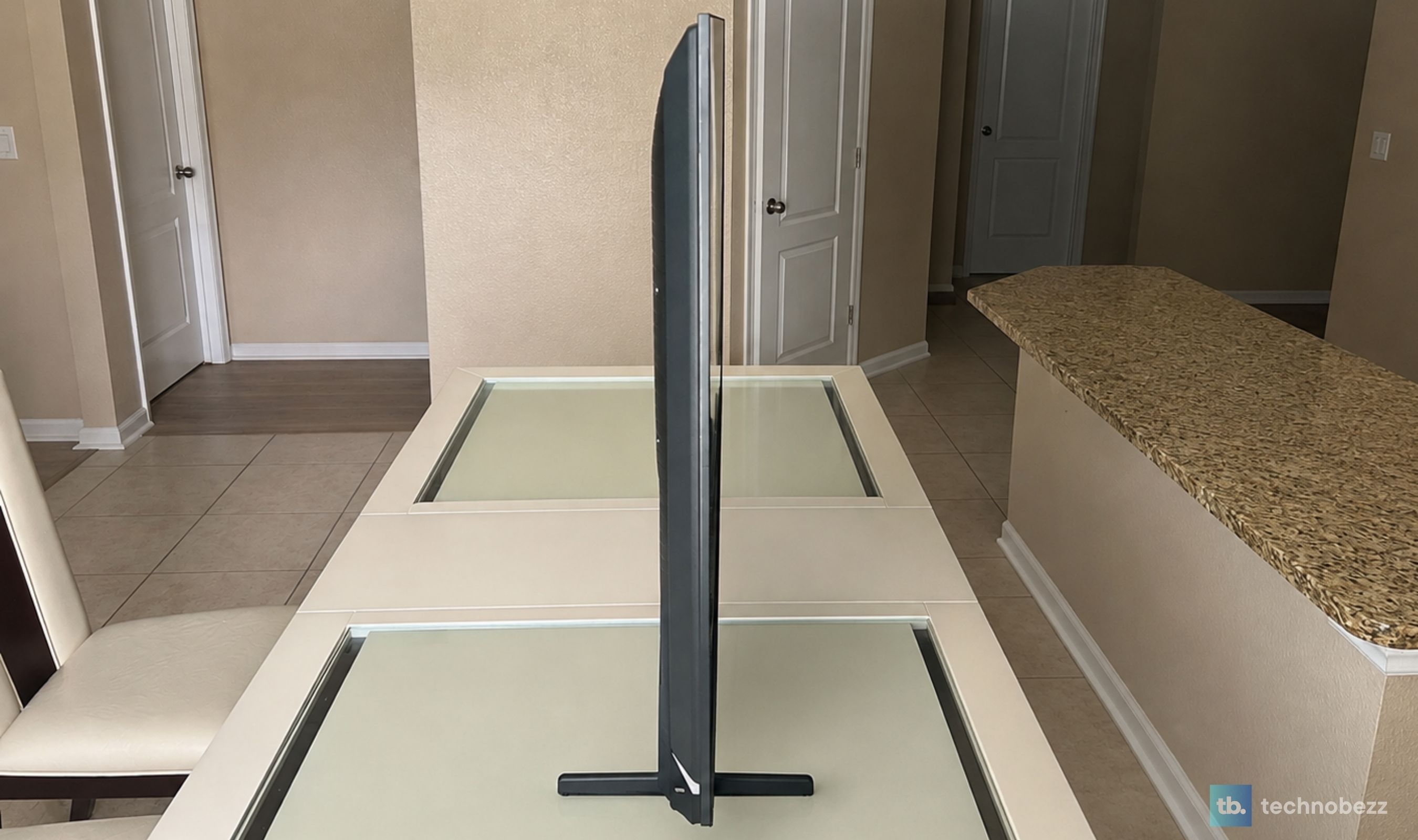
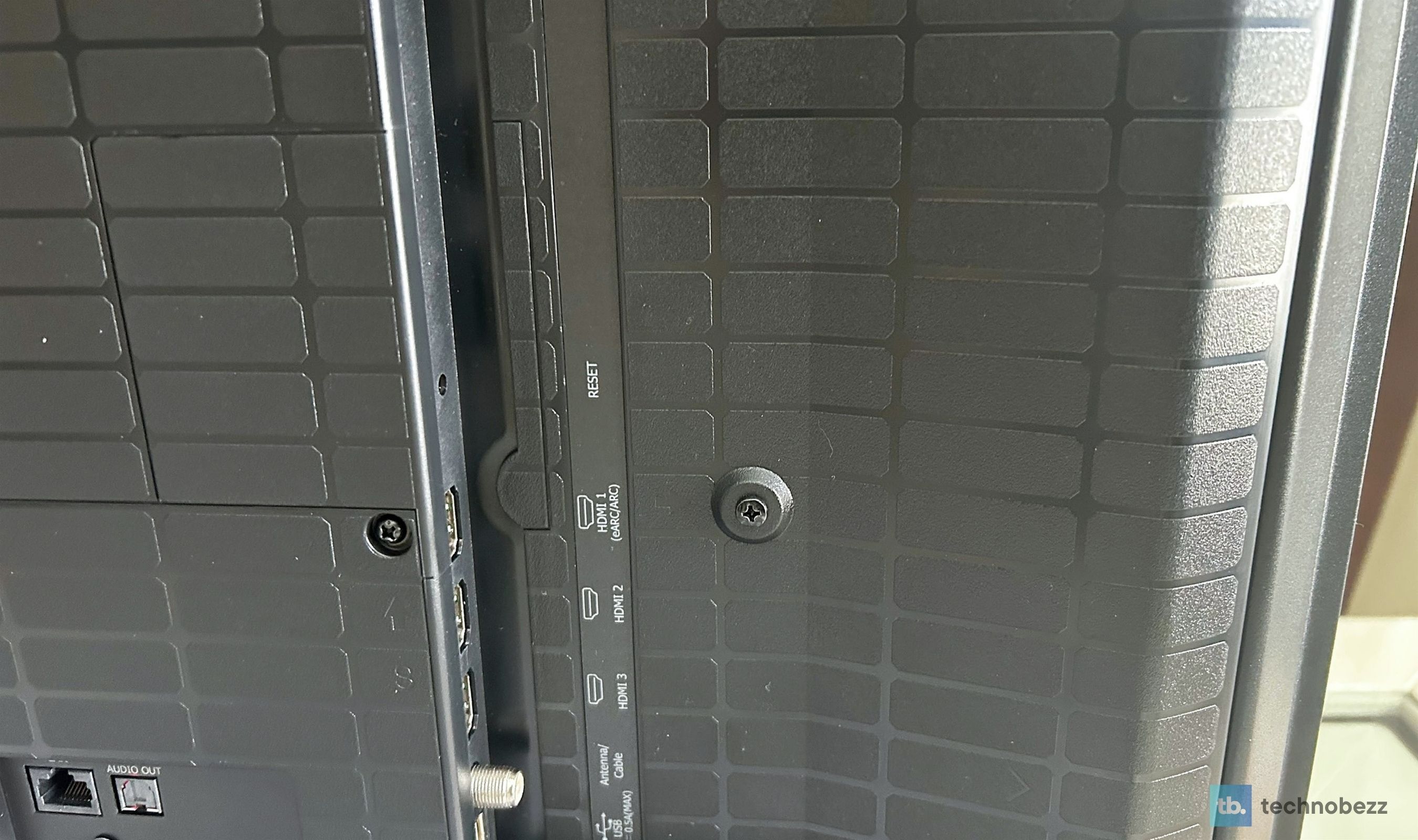
Around the back, the M7SR keeps connections simple. There are three HDMI 2.0 inputs, all carrying 4K at 60Hz, with HDMI 1 and 2 supporting VRR and ALLM for consoles and HDMI 1 doubling as the eARC port for a soundbar or receiver. Alongside them sit a single USB-A port for media playback, an Ethernet jack for a wired connection, an optical digital audio output, and the antenna and cable input for the built-in ATSC tuner. Wireless is Wi-Fi 5, and Bluetooth is not on the spec sheet, so headphones go through Roku's private listening in the mobile app rather than pairing directly to the set.
On the 65-inch model, the stand is a fixed-width pair of feet set 49.1 inches apart, so measure your console before the box arrives, because these feet do not move inward for narrower furniture. The 50-inch and 55-inch models use adjustable feet that can be brought in to suit a smaller stand. Wall mounters get a standard 400 x 300 VESA pattern with M6 bolts, and the set is easy to handle for its size at 38.4 pounds without the stand and 2.6 inches deep. Hisense covers the M7SR with a one-year parts and labor warranty, which is shorter than the two years on its U6 line and worth knowing going in.
Frequently Asked Questions
Is the Hisense M7SR a good first MiniLED TV?
That is exactly what it is built to be. It brings Hi-QLED MiniLED local dimming, Dolby Vision, and an Anti-Reflection and Glare-Free screen to the entry point of the range, and it manages its own picture, so someone moving up from a conventional LED TV sees the difference without having to learn anything new.
What is the difference between MiniLED and a regular LED TV?
A regular LED TV lights the whole screen at roughly the same level, so dark scenes look gray and bright scenes look flat. A MiniLED TV uses many small LEDs split into zones that dim and brighten independently, so blacks get deeper and highlights get brighter in the same frame. The M7SR pairs that with Hi-QLED color for a more vivid, more controlled picture.
Which HDR formats does the M7SR support?
Dolby Vision, HDR10, and HLG. That covers the premium streaming services, the broad base of HDR content, and live HDR broadcasts, plus Filmmaker Mode for watching films at their original settings.
Does the Anti-Reflection and Glare-Free screen really work?
Yes. With the curtains open in the afternoon or lamps on at night, the screen stays clean and the picture stays watchable, including from the side seats. It reduces reflections and glare rather than removing a bright light pointed directly at the screen, but in a normal living room it makes a real difference.
Do I need a soundbar?
Not for everyday viewing. Dialogue is clear and DTS Virtual:X gives the sound real width. If you want deep bass for movie nights, a soundbar is the natural upgrade later, or look at a Hisense model with a built-in subwoofer, such as the U6SF Pro.
How many HDMI ports does the M7SR have, and does it support eARC?
Three HDMI 2.0 inputs. HDMI 1 and 2 support VRR and ALLM at 4K 60Hz, and HDMI 1 is the eARC port for a soundbar or receiver. There is also one USB-A port, Ethernet, an optical audio output, and an antenna input.
Is the M7SR good for gaming?
For casual and family gaming, yes. Game Mode Plus, VRR, and ALLM keep things smooth and responsive with no setup. The panel is 60Hz, so competitive gamers who want a high-refresh screen should look at the Hisense U6SF instead.
Is the M7SR the Right First MiniLED TV
The Hisense M7SR does the thing an entry-level MiniLED TV needs to do, which is make the step up from a conventional LED set obvious the first evening you watch it. The contrast is real, the colors are rich but believable, the screen stays clean in a bright family room, and the processing keeps all of it looking right without anyone touching a setting. Dolby Vision and Filmmaker Mode give movie night a proper grade, DTS Virtual:X gives it more sound than the frame suggests, and Roku keeps the whole thing simple enough for every person in the house.
The limits are honest ones. It is a 60Hz panel, so it is a casual gaming TV rather than a competitive one, and the speakers are good rather than grand. Neither changes the recommendation. For a household that wants to experience MiniLED without stretching the budget and still get a well-balanced, complete picture, the M7SR is the right first MiniLED TV, and an easy one to live with after that.
Where to Buy: Best Buy (65-inch, as tested). Other sizes at Best Buy: 55-inch, 75-inch, 85-inch
Add Technobezz on Google:Add as preferred source
More reviews
Review
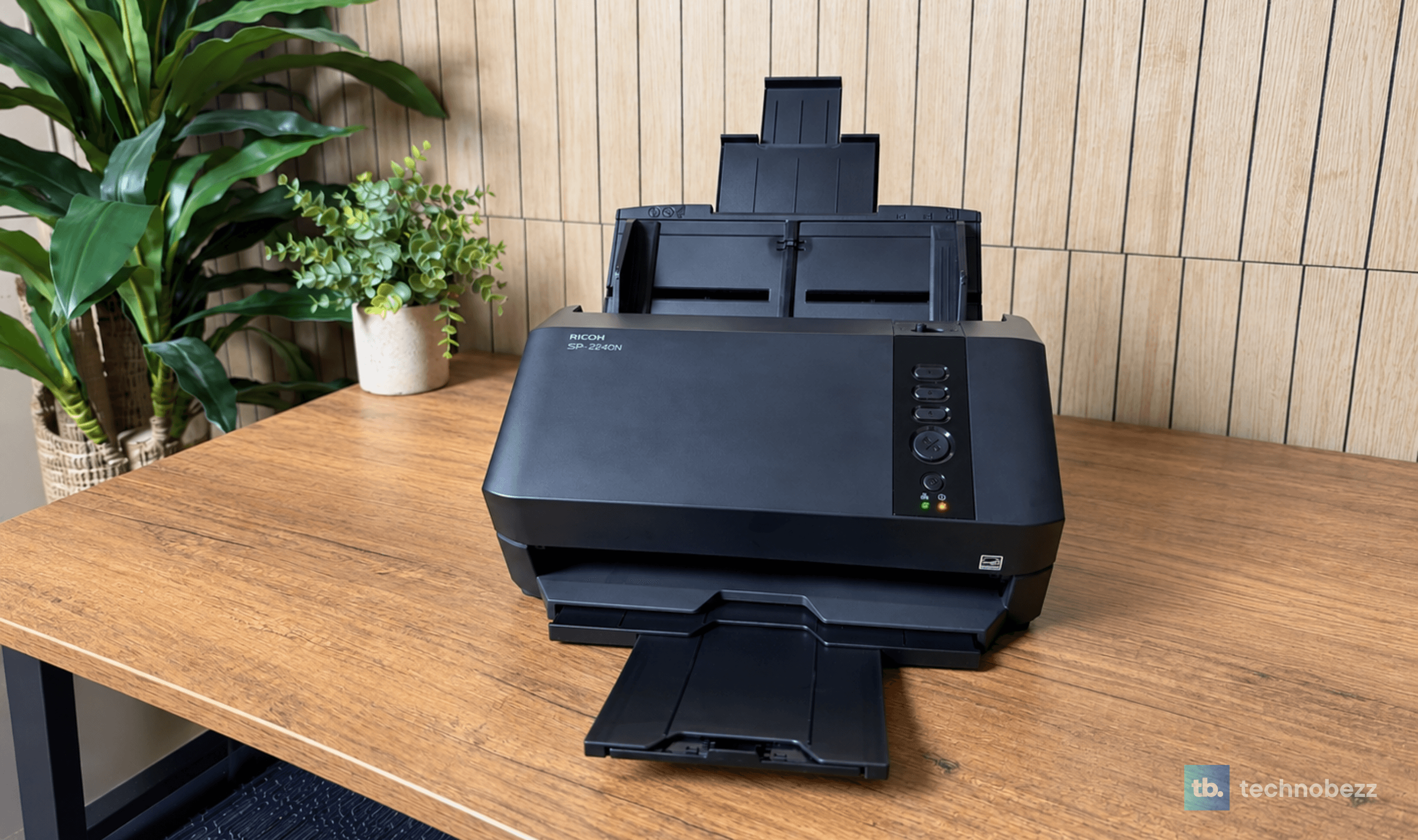
Ricoh SP-2240N Review, the Network Scanner My Whole Family Uses Without a PC
Review
Tribit PocketGo Review, a Small Speaker With Big Sound
Review
The Baseus Bowie MC2 Is the Open-Ear Pair I Keep Forgetting to Take Off
Review
The Dreame AirPursue PM20 Purifies, Heats, Cools and Follows You Around the Room
ReviewI Spent Weeks Looking for a Flaw in the HHKB Professional HYBRID Type-SReviewiPhone 18 Pro Max vs iPhone 17 Pro Camera Comparison in DaylightReviewDreame D20 Air Plus Review, Built Like a Robot That Costs Three Times as MuchReviewThe Boulies EP600 Moves in More Directions Than Any Chair We Have TestedReviewNarwal Freo 20 Edge Review, Reaching the Corners Without Dragging the DirtReviewKYY X90D Review, Two Extra Screens From One USB-C CableReviewI've Used the 15-inch MacBook Air M5 for Months, and It's the Best Laptop I've Ever OwnedReviewUltenic AC1 TriFlex Review, the Wet Dry Vacuum That Pulls Its Own Weight