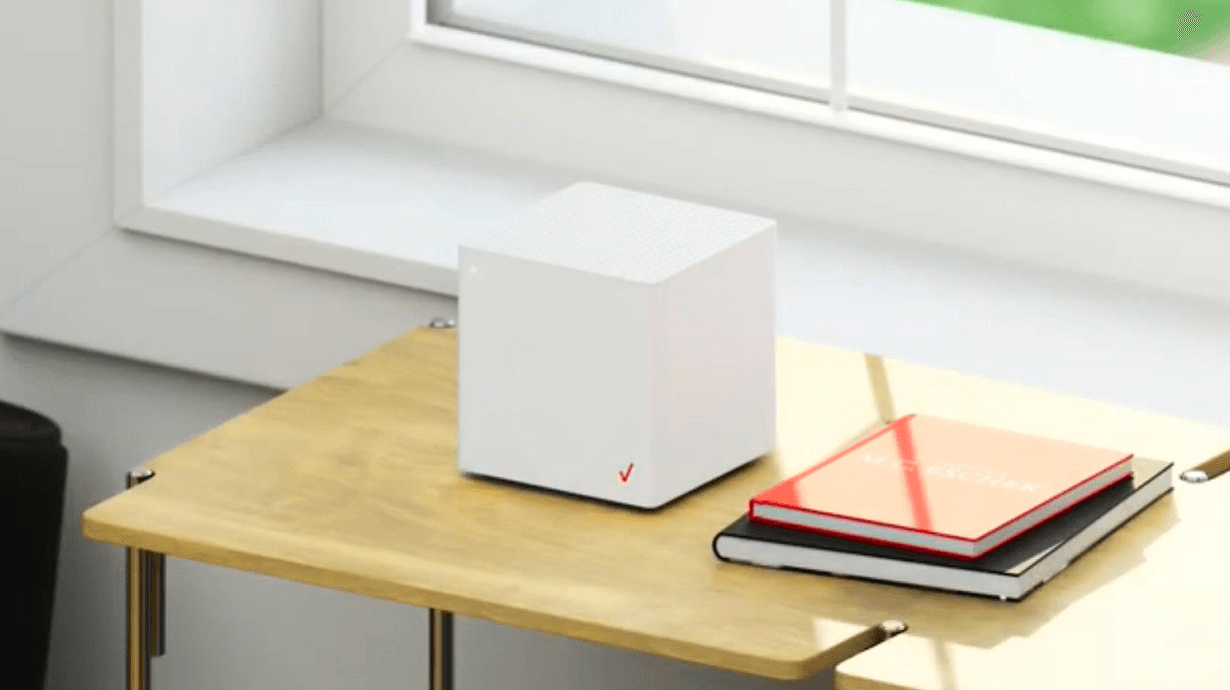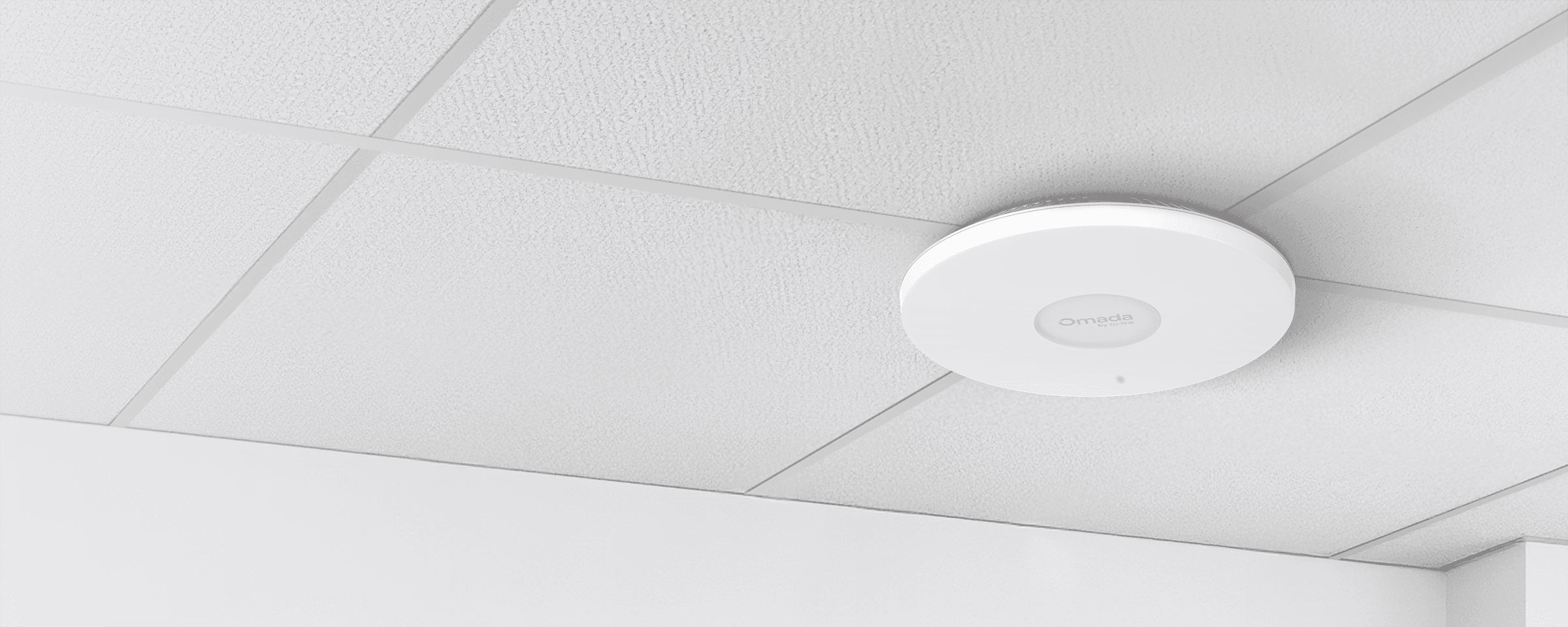
A wireless access point is a device that connects Wi-Fi devices to a wired network. Cisco describes it as a bridge that converts wireless signals into wired signals and back again. It is not a router on its own, although a wireless router has an access point built in.
Access point vs router
The two do different jobs. In Cisco's description, a router connects networks to other networks or to the internet, and a wireless router combines the networking functions of a wireless access point and a router. For a related comparison, see Modem vs Router, What Is the Difference?
A standalone access point leaves the routing side out. Netgear says a standalone access point does not have the firewall functions that protect a local network from internet threats. Ubiquiti says its UniFi access points are not integrated with routers and need a gateway or router for internet connectivity. The integrated exceptions it lists are UniFi Express, Dream Router, Dream Wall and Dream Machine.
Access point vs Wi-Fi extender
The difference is how each one reaches the router. TP-Link describes a range extender as picking up the wireless signal from the router and rebroadcasting it. Netgear's guide for its EX6400 says the same thing: an extender repeats the signals from an existing Wi-Fi router or access point.
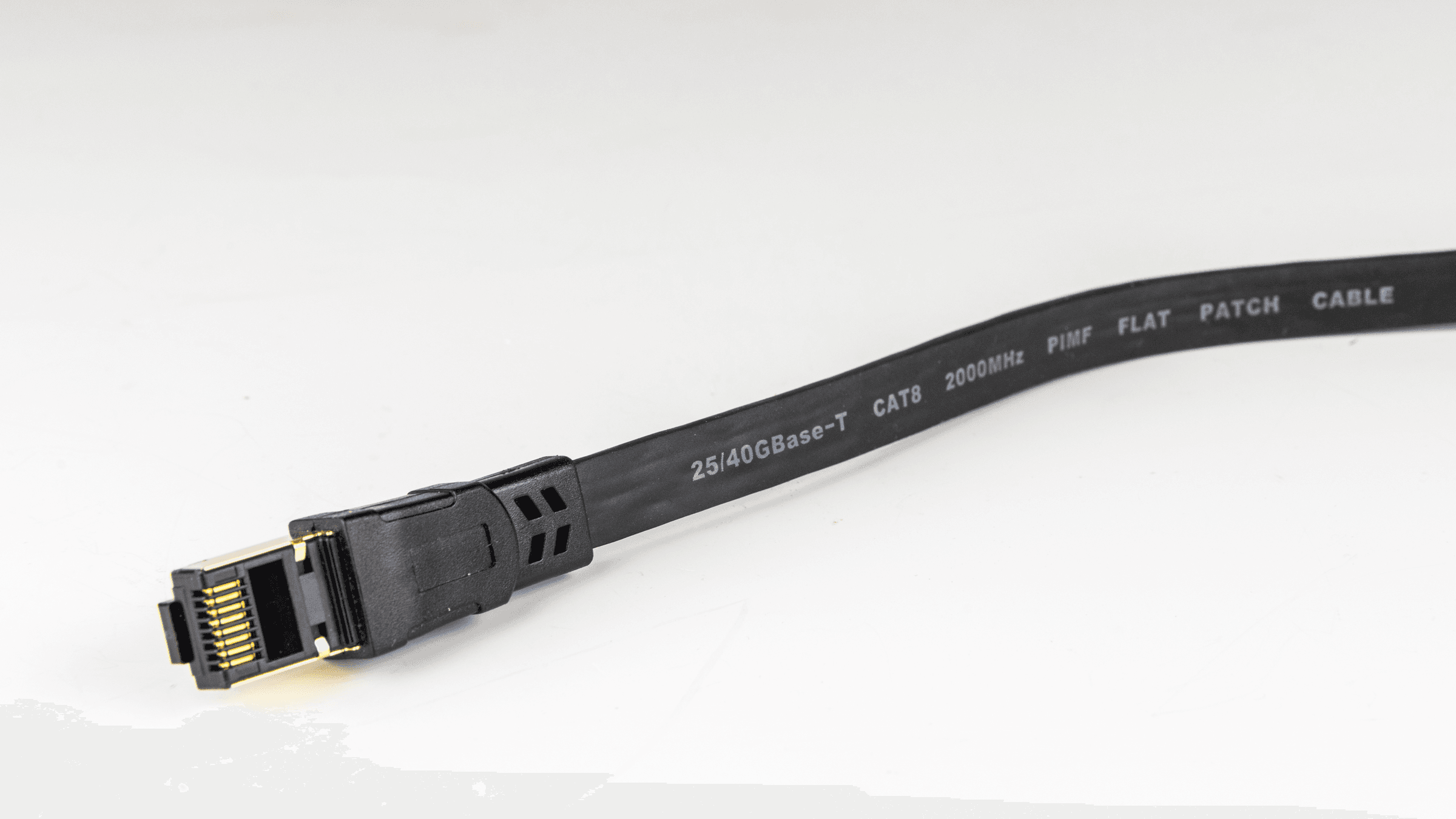
In a wired setup, an access point reaches the network by cable instead. Cisco's small business setup guide connects the access point to a router or network switch with an Ethernet cable.
Some products can do either job. The Netgear EX6400 can also run as an access point, creating a Wi-Fi hotspot over a wired Ethernet connection. In that setup, its Ethernet port goes to a router LAN port or a wall jack with LAN access. For more on extenders, see What Is a Wi-Fi Extender and How Does It Work?
Access point vs mesh node
Netgear says a typical mesh system has a single router unit and one or more satellite units that extend its coverage. It calls the communication between the router and its satellites backhaul. On supported Orbi systems, Netgear documents both wireless backhaul and wired backhaul over Ethernet.
Mesh is also a feature some access points have. Ubiquiti describes a wireless mesh as access points that are wirelessly connected to each other, and TP-Link describes Omada Mesh as wireless connectivity between access points for extended range. Netgear notes that some business access points have mesh features too.
Wireless links between access points have a cost. Ubiquiti states that every wireless hop between access points reduces available throughput.
How an access point gets power
Access points can take power through the network cable. Cisco explains that Power over Ethernet (PoE) uses a single cable to provide both power and data. Netgear says the power usually comes from a network switch or a PoE injector. Ubiquiti says the total power a PoE switch can distribute must be greater than the sum of all connected devices' power requirements.
- 802.3af: up to 15.4 W at the power source and up to 12.95 W to the device, in Ubiquiti's tables.
- 802.3at: up to 30 W at the power source and up to 25.5 W to the device, in the same tables.
- Examples: the TP-Link Omada EAP610 V1 supports 802.3at PoE or a DC power supply. The Netgear WAX220 requires 802.3at (PoE+) on its LAN port when no power adapter is used.
What to check before adding one
If a spare router is sitting in a drawer, check whether it has an access point mode first. TP-Link documents this for supported consumer routers: models with an Operation Mode menu can switch to Access Point Mode and finish with Quick Setup. Its help page also gives a manual method for other covered models, which includes disabling the second router's DHCP server. Netgear documents an AP Mode setting on supported routers, with menu labels that vary by model.
Expect to lose some features. TP-Link lists NAT forwarding, QoS and VPN as unavailable in its documented AP mode, and says the functions vary across devices. For the routers in Netgear's comparison, AP mode disables guest networking, website blocking, VPN Service and Remote Management.
If an Ethernet cable already reaches the room with weak coverage, an access point fits, because in that wired setup it uses the cable instead of repeating a wireless signal. If no cable is available, an extender or a mesh system is a wireless route. For those two, see Wi-Fi Extender vs Mesh, Which One Fixes Weak Coverage? If the access point will run on PoE, match its listed standard to the switch or injector before buying.