HDMI 2.1 is the version of the HDMI specification that raised maximum bandwidth to 48 Gbps, up from the 18 Gbps of HDMI 2.0. HDMI 2.1 supports video formats including 4K at 120 Hz and 8K at 60 Hz, where HDMI 2.0 was announced with 4K at 50 and 60 Hz. The 2.1 release lists VRR, ALLM, QMS and eARC among its features.
HDMI 2.0 vs HDMI 2.1 at a glance
The HDMI 2.0 release on hdmi.org, the site of HDMI LA, is dated September 2013. The HDMI 2.1 release is dated November 2017.
- Bandwidth: up to 18 Gbps for HDMI 2.0, up to 48 Gbps for HDMI 2.1.
- Video: 4K at 50/60 Hz for HDMI 2.0. HDMI 2.1 supports formats including 4K at 120 Hz and 8K at 60 Hz.
- Signaling: the HDMI 2.1 family uses a signaling technology called Fixed Rate Link, or FRL.
- Named features: the HDMI 2.1 release lists VRR, ALLM, QMS and eARC among its features.
HDMI 2.1 has also been revised. HDMI LA announced HDMI 2.1b on August 10, 2023, and described it as a general cleanup with clarifications to improve interoperability and incorporated errata.
What the HDMI 2.1 features do
HDMI LA describes the four features on hdmi.org as follows.
- VRR (Variable Refresh Rate): lets a gaming source deliver frames as they become ready. HDMI LA says this reduces or eliminates lag, judder and frame tearing.
- ALLM (Auto Low Latency Mode): lets a source signal the display to switch automatically into a low-latency mode for gaming.
- QMS (Quick Media Switching): uses the VRR mechanism to avoid a blackout when the video frame rate changes, as long as the resolution stays the same.
- eARC (Enhanced Audio Return Channel): sends audio from a TV to an AV receiver or soundbar through a single HDMI cable. See What Is HDMI ARC?
The cable that goes with it
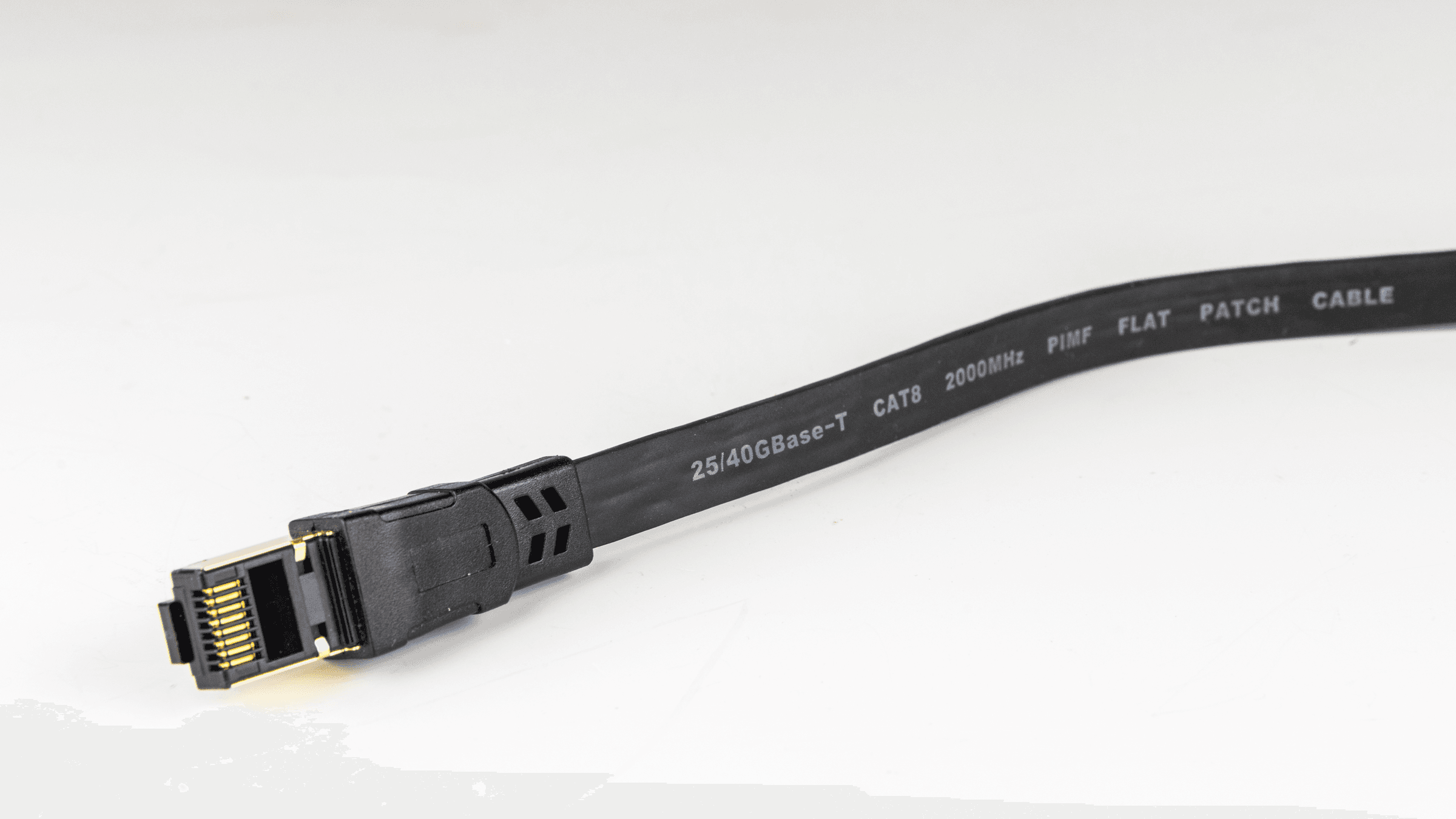
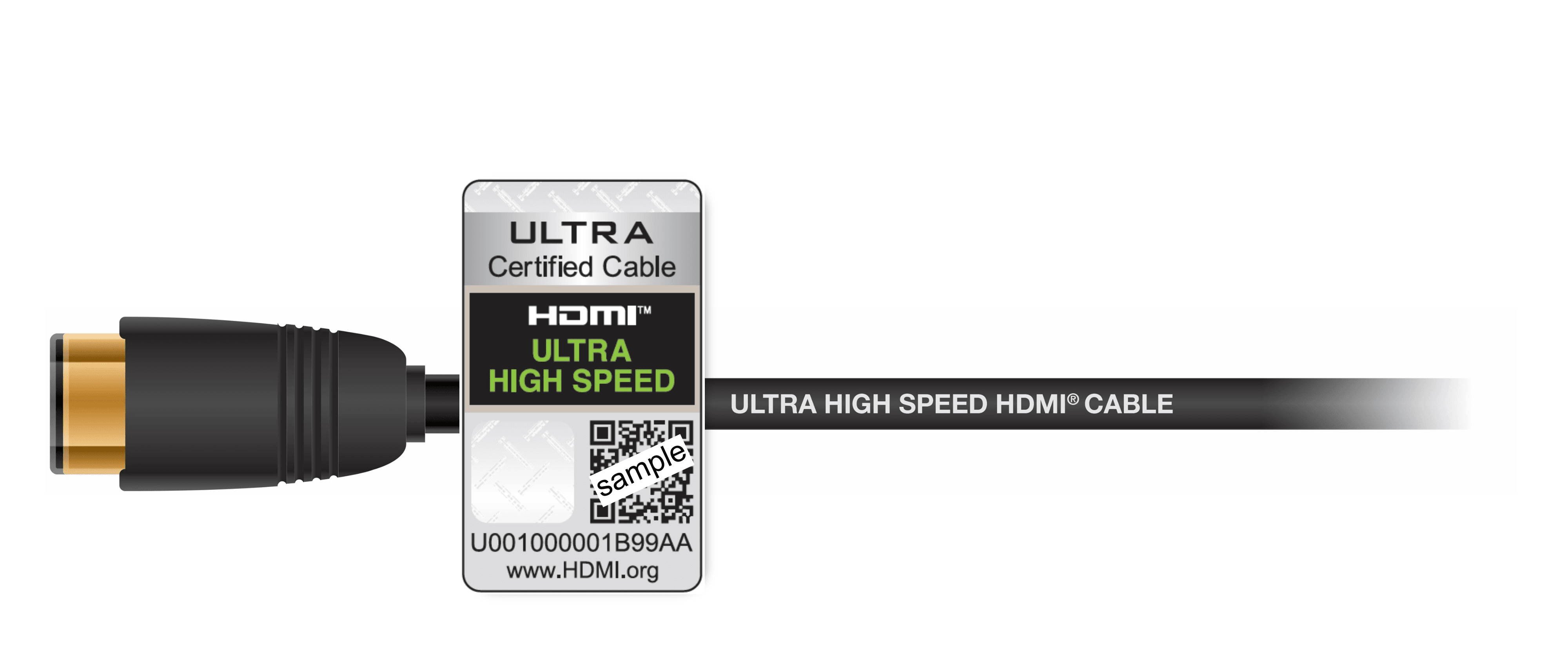
HDMI LA states that the Ultra High Speed HDMI Cable supports the 48 Gbps bandwidth and features from the HDMI 2.1b specification. Every Ultra High Speed cable model must pass certification testing at an HDMI Forum Authorized Testing Center, and the program requires every length of every cable to be tested and certified.
Certified cables must display the certification label on each package or unit of sale. HDMI LA says the certification labels include the official cable name logos. HDMI LA's Ultra High Speed cable page says the label can be scanned with a standard QR code app to verify that cable model's certification.
Console and TV examples
The xbox.com specifications for the Xbox Series X and the Xbox Series S each list one HDMI 2.1 port, and the Series X page lists Auto Low Latency Mode, HDMI Variable Refresh Rate and AMD FreeSync.
On TVs, the details vary by port. Sony's 65-inch BRAVIA 8 II (K-65XR80M2) has four HDMI inputs and lists 4K120, eARC, VRR and ALLM among its HDMI 2.1 features, but Sony specifies VRR on HDMI 3 and 4 only, while ALLM covers all four. LG's OLED77C5PUA lists four HDMI inputs that support 4K at 120 Hz, VRR, ALLM and QMS, with eARC on HDMI 2.
Some sets list higher input rates. Samsung's US specification sheet for the S95F gives a maximum input rate of 4K at 165 Hz on all four HDMI inputs. Samsung adds that 165 Hz is limited to 4K and requires compatible content connections from compatible PCs. See Samsung vs LG TVs in 2026.
What to check before you buy or plug in
HDMI 2.1 is no longer the newest version. As of November 22, 2026, HDMI LA identifies HDMI 2.2 as the most recent HDMI specification. The HDMI Forum released it on June 25, 2025, with bandwidth up to 96 Gbps.
HDMI LA's specification page says version numbers cannot be used by themselves to define a product's capabilities. If you want a specific feature such as VRR or 4K at 120 Hz, look for that feature by name on the maker's spec page, and check which ports carry it.
If you are connecting a console to a TV like the Sony above, the port matters, because Sony specifies VRR on only two of the four inputs. If you are adding a soundbar to a set like the LG C5, HDMI 2 is the input LG marks for eARC. If you are buying a cable for 48 Gbps gear, the Ultra High Speed certification label and its QR code are the things to look for on the package. If the screen is a PC monitor, see HDMI vs DisplayPort.