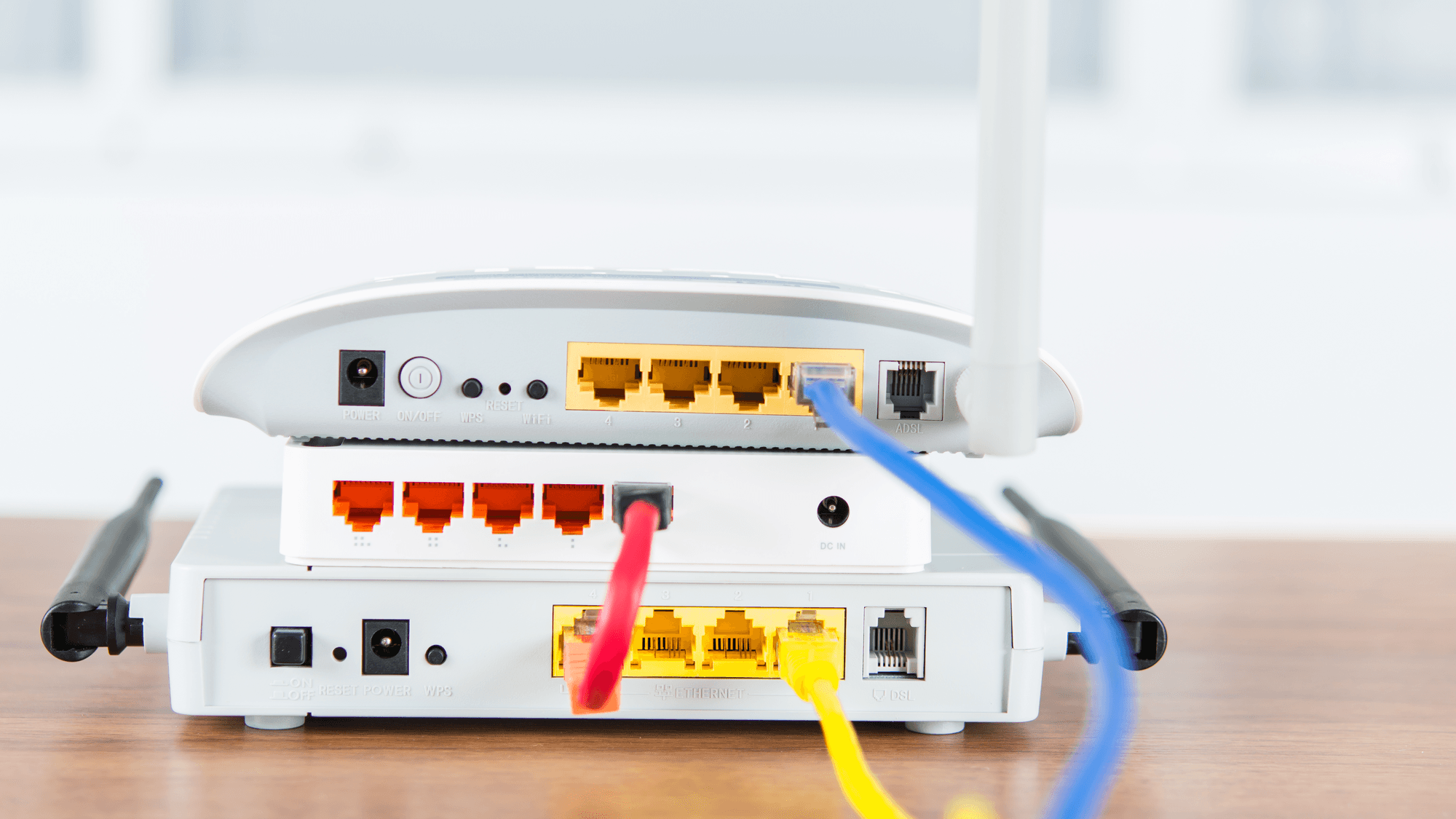
A modem connects your home to your internet provider and turns the provider's signal into an Ethernet connection. A router takes that single connection and shares it with multiple devices, over Wi-Fi and through wired Ethernet ports. If your provider handed you one box that does both jobs, that is a gateway.
What a modem does
NETGEAR's support pages describe a modem as the device that connects to the internet provider and converts its signal into an Ethernet connection. The type of modem follows the type of line. Cable modems use a coaxial cable connection, and DSL modems use a phone cable connection.
On fiber, Verizon names the connection device an Optical Network Terminal, or ONT. It converts the optical signal coming through the fiber into separate signals for television, voice and data, and it can sit on the outside or the inside of the home.
On cable, the ARRIS SURFboard S34 is one example of a DOCSIS 3.1 modem. CableLabs released the DOCSIS 3.1 specifications in 2013 for internet access over hybrid fiber-coax networks. The technology supports download speeds of up to 10 Gbps and upstream speeds of up to 1 Gbps, which describes the standard itself and not any home plan.
What a router does
A router allows multiple devices to share one internet connection, in NETGEAR's wording. Home Wi-Fi routers broadcast a Wi-Fi signal and add Ethernet connections for wired devices.
TP-Link describes Network Address Translation, or NAT, as letting devices on the home network talk to devices on the internet through the same public IP address. DHCP stands for Dynamic Host Configuration Protocol, and with its DHCP server enabled a router can automatically assign IP addresses to the devices on its network.
Modem vs router at a glance
- Modem: connects to the provider over coaxial cable or a phone line and outputs an Ethernet connection.
- Router: shares that connection with multiple devices, broadcasts Wi-Fi, and handles NAT and DHCP.
- Wi-Fi: AT&T's definition of a standalone modem says it does not have Wi-Fi to connect wireless devices.
- Gateway: Xfinity describes its WiFi Gateway as both a modem and a router in one device, Spectrum uses "gateway" for a modem/router combo, and AT&T says its Wi-Fi Gateway functions as both.
What providers charge for equipment
These are the equipment terms each provider lists on its own pages, as checked in November 2026.
- Xfinity: the WiFi Gateway is listed as included at no extra cost for new members on its latest monthly internet plans.
- Spectrum: the modem is included at no extra charge on current offerings, though customers on legacy packages may still be charged for a modem. Its Advanced WiFi router service is $10 per month when charged separately and is included with Spectrum Internet 1 Gig.
- AT&T: its consumer fee schedule, effective January 30, 2025, says home internet plans currently offered for sale do not carry an equipment fee. Certain older plans may carry $2, $4, $7 or $10 per month, depending on the plan and purchase date. A $150 non-return fee applies to the gateway after service is canceled.
- Verizon Fios: a router is included at no additional cost with every Fios plan, from 300 Mbps to 5 Gig. Verizon owns that router and wants it back within 30 days after disconnection to avoid charges.
Using your own modem or router
Xfinity allows customers to use their own compatible modem, router or gateway instead of renting equipment. Its compatibility page points to a My Device Info tool that shows whether a device is compatible and supports your internet speed. In Xfinity communities where fiber runs to individual units, the same page says any standard router compatible with your speed tier will do.
Spectrum requires an authorized modem. Under its DOCSIS modem policy, authorization takes CableLabs certification, FCC certification and Spectrum's own certification process.
ARRIS tells buyers to make sure a modem is listed as compatible with their subscribed speed plan. An Xfinity compatibility list last updated March 26, 2025 shows the ARRIS S34 under its Next Gen Speed Tier with wired downloads up to 2.32 Gbps and uploads up to 444 Mbps, and the NETGEAR CM3000 at up to 2.33 Gbps and 486 Mbps.
Which one fits
If your plan already includes the modem or gateway at no extra charge, there is no rental line to remove by buying your own. If you are on an older Spectrum package that still bills for a modem, a retail modem from Spectrum's authorized list is the option its policy describes, with limits it lists for some speed tiers and for Home Phone service.
If you buy a standalone cable modem and want Wi-Fi or more than one wired device, plan for a router too. ARRIS lists the S34 without built-in Wi-Fi, and a modem without Wi-Fi cannot connect wireless devices by itself, going by AT&T's description.
For setup help, see how to connect your router to the internet. For hardware, see the picks for cable modems and modem router combos.