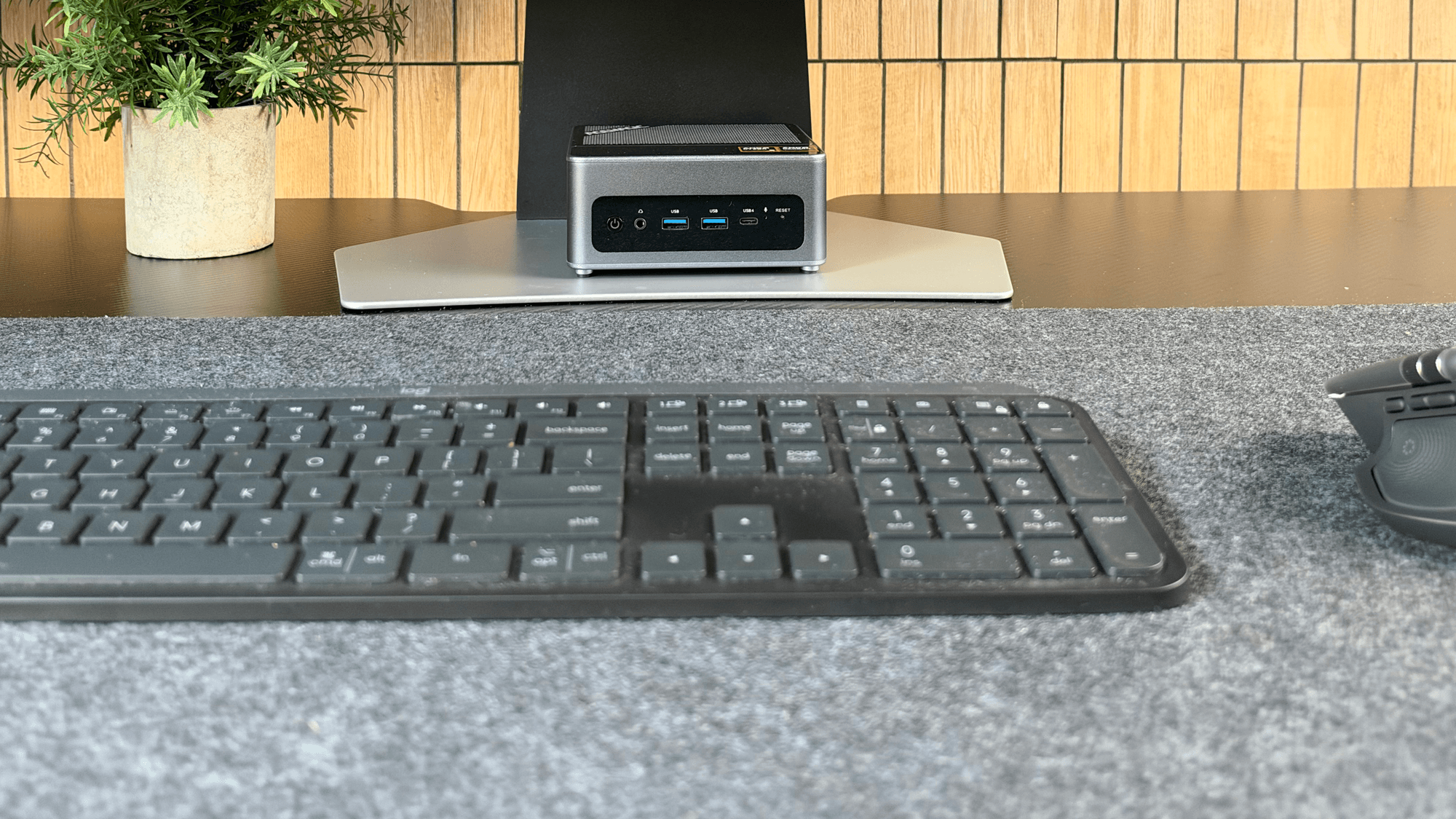
For a lot of people, a mini PC can now do the job of a desktop tower. The better ones handle everyday desktop work, drive a big monitor and still let you upgrade memory and storage, all from a box that fits in one hand. A tower still makes more sense in a few cases, mostly if you want a full-size graphics card. A mini PC, the ACEMAGIC F5A, was my daily desktop for two weeks while I reviewed it, and the main machine in our homelab is a desktop tower.
1. A mini PC takes almost no desk space
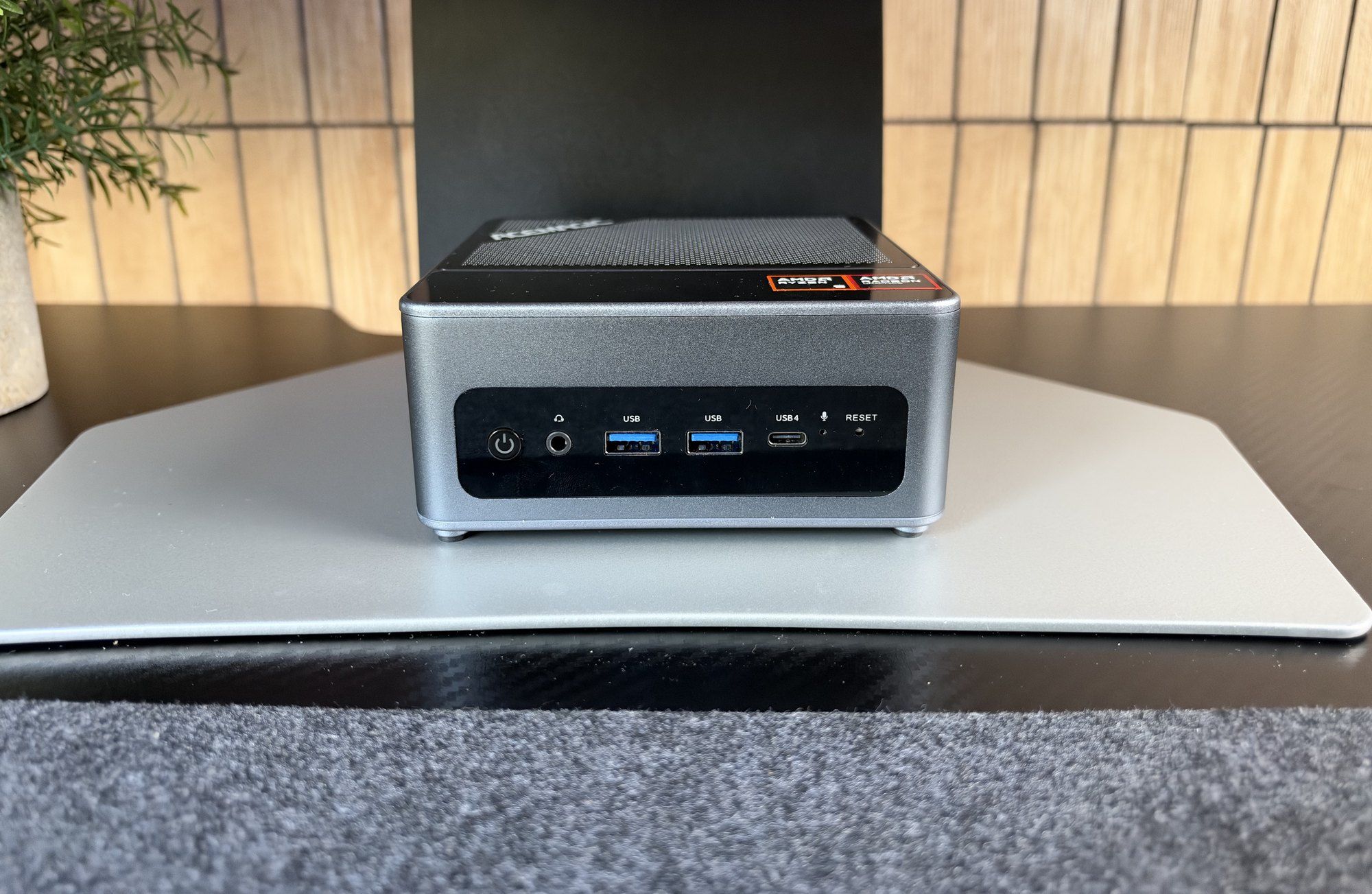
This is the clearest win. The one I used measures 132 x 130 x 61mm and sat on my monitor stand's base without getting in the way. It also came with a VESA mount, so you can hide the box behind the monitor and lose it completely. A tower, even a compact one, needs its own spot on the floor or desk.
2. It can handle everyday desktop work
The faster mini PCs use laptop-class processors with plenty of cores. The one I used had AMD's Ryzen AI 9 HX 370, with 12 cores and 24 threads, and it ran multi-hour rendering jobs and code compiles without significant thermal throttling. Its built-in Radeon 890M graphics handled light gaming and creative work without a separate graphics card. For browsing, office work, coding and photo editing, that's plenty. Not every mini PC has a chip this fast, so check the processor before you buy.
3. Small machines can run quiet and sip power
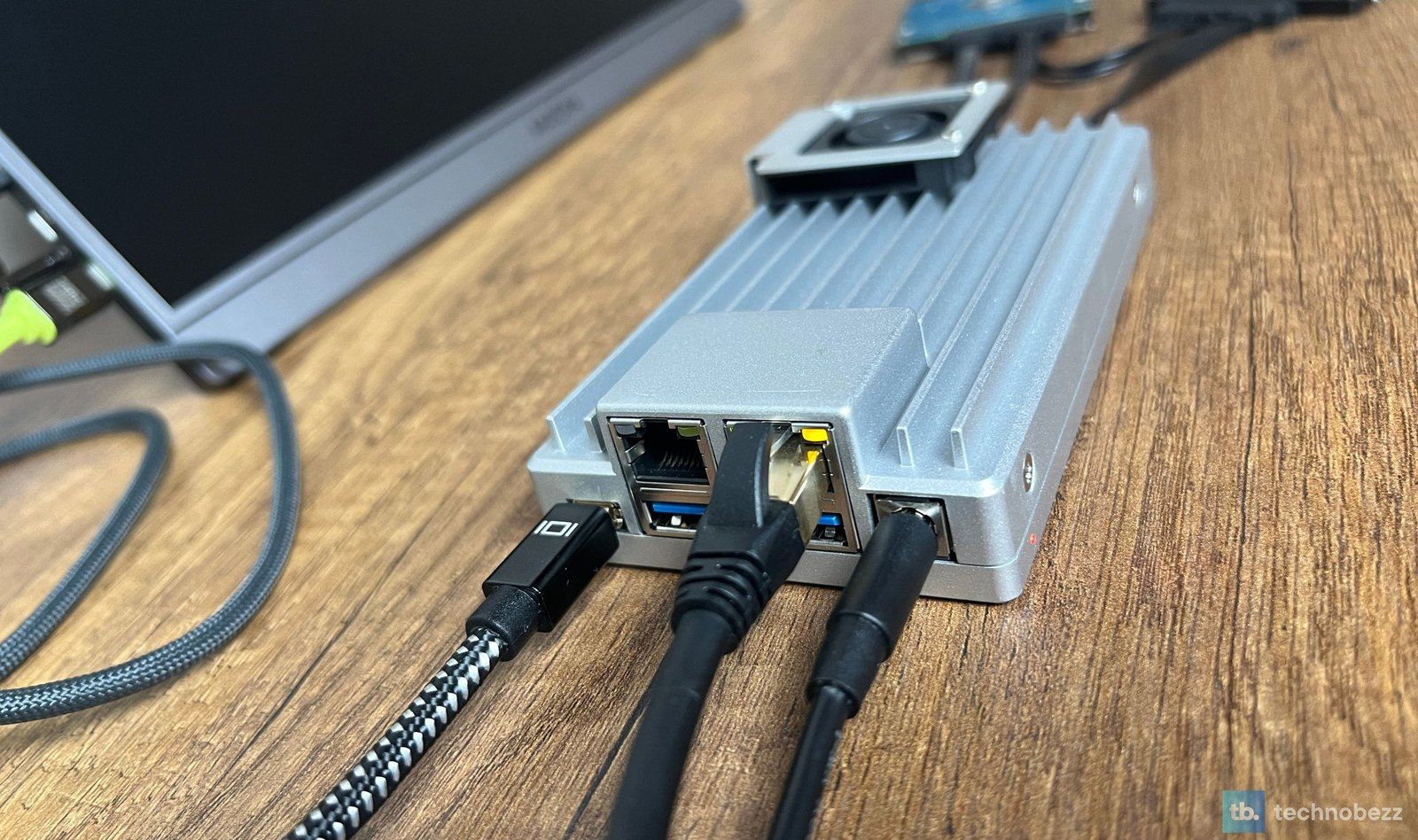
In my use, the mini PC was noticeably quieter than most full-size desktops. Its fans were barely audible while browsing, coding and on video calls, and only became noticeable under long heavy loads. Fanless designs go further. The ZimaBoard 2 server we tested has no fan at all, and it drew about 6 to 8 watts at idle with its Docker stack running and 12 to 15 watts under sustained load. Numbers like that matter for anything you leave on around the clock, because a small UPS can keep it running for hours during a power cut.
4. You can still upgrade a mini PC
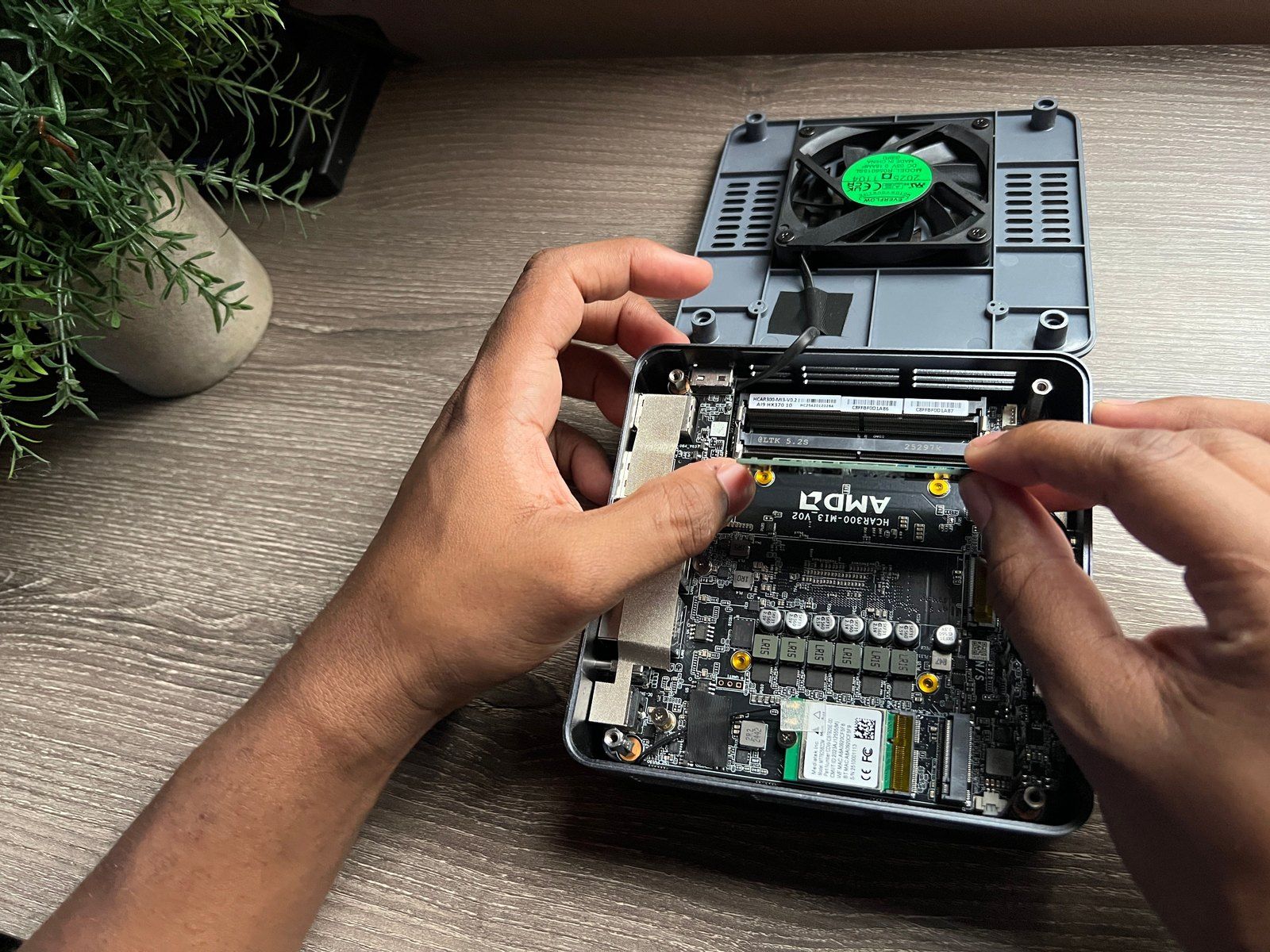
Not every mini PC is a sealed box, but check before you buy, because some have soldered memory. The one I used takes up to 128GB of non-soldered DDR5 and has two M.2 NVMe slots for up to 4TB of storage. I went with the barebones version and had it running with my own memory and drives within an hour, though getting the back panel open took more effort than I'd like. It also has an OCuLink port, which lets you add an external graphics card later.
5. Small boxes make good always-on servers
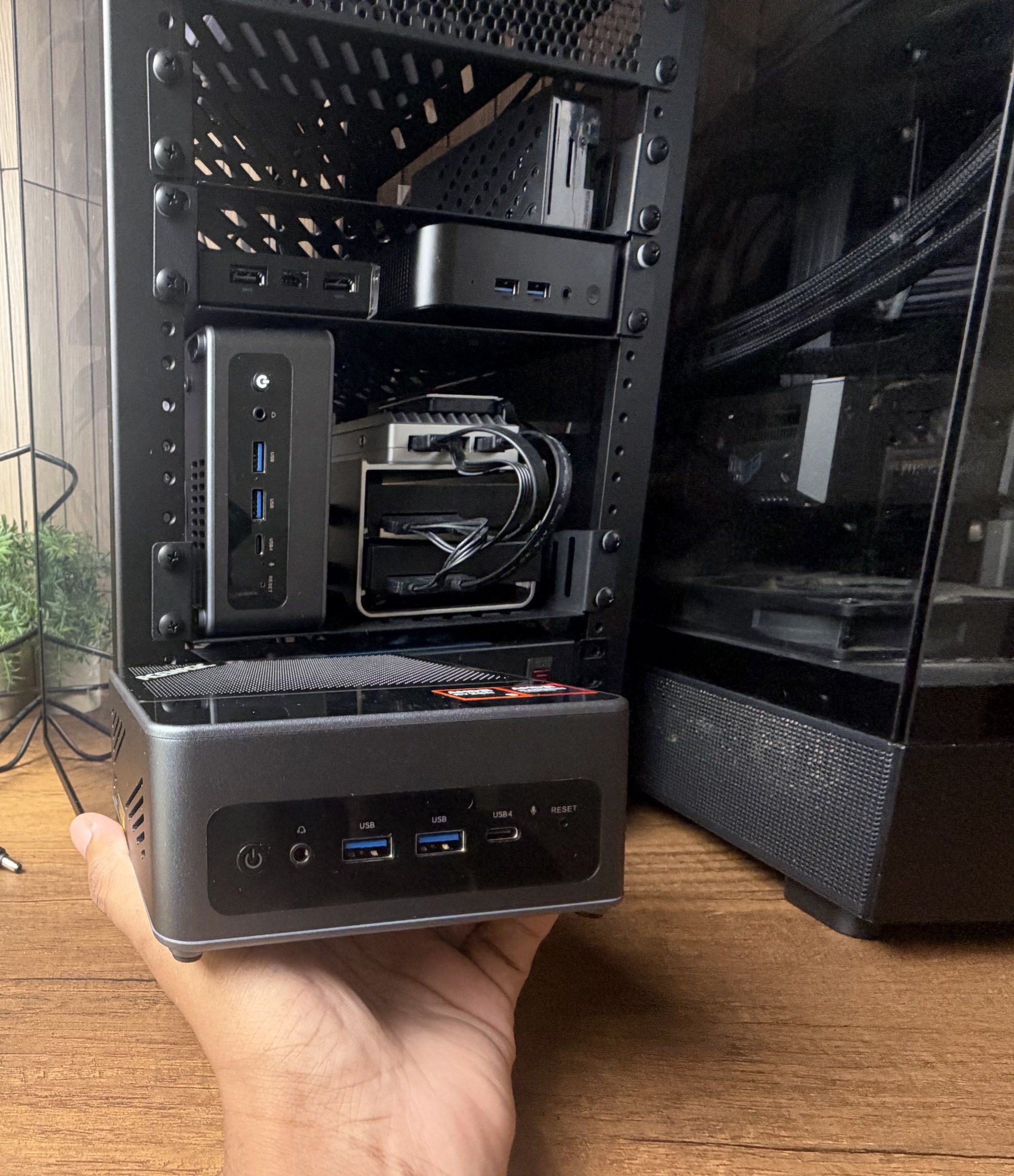
If you want a machine running 24/7 for files, backups or home automation, small and efficient is what you're after. Our homelab rack holds several small machines, and a mini PC is one of its always-on servers. Single-board servers are another route, with network ports, SATA ports for drives and a PCIe slot for expansion, all in a fanless case.
When a tower is still the better buy
A tower still wins if you want a full-size graphics card inside the case, room for several drives, or the easiest path to swapping parts over the years. Our homelab's main machine is still a tower. If you game seriously or run heavy 3D work, a tower's extra room for cooling is hard to match in a small box.
If none of that is you, a mini PC is worth a serious look. Our full reviews of the ACEMAGIC F5A and the ZimaBoard 2 go deeper on the two machines behind this piece.