A virus is one type of malware. Malware is the broader category, and the NIST glossary lists viruses alongside worms, Trojan horses and spyware as examples of it. So if a program is a virus it is also malware, but a piece of malware is a virus only if it spreads the way a virus does.
What malware means
The NIST glossary entry for malware includes a definition of it as software or firmware intended to perform an unauthorized process that adversely affects the confidentiality, integrity or availability of a system. CISA's malware tip card expands the word as malicious software. It describes software installed on computers or mobile devices and used, usually covertly, to compromise the integrity of the device.
Neither definition says how the software spreads. They describe intent and effect, which is why so many different kinds of program fit under the one word. The FTC names viruses, spyware and ransomware as common types of malware.
What makes a virus a virus
NIST's glossary describes a virus as a program that replicates itself by attaching to other programs or files, where it hides until activated. The glossary also explains that the host program must run for the virus to activate.
CISA calls a virus a program that spreads by infecting files or system areas of a computer or network router's hard drive, then making copies of itself. Both definitions describe a program that copies itself. NIST says it attaches to other programs or files, and CISA says it infects files or system areas.
Malware vs virus at a glance
- Malware: the umbrella term. NIST's examples include viruses, worms, Trojan horses and spyware.
- Virus: replicates by attaching to or modifying other programs or files, and needs its host program to run, per NIST.
- Worm: NIST describes a self-replicating program that spreads through networks to other computers without requiring a host program or any user intervention to replicate.
- Trojan horse: appears to have a useful function but contains a hidden, potentially malicious one, per NIST. A 2005 NIST bulletin calls Trojan horses self-contained, non-replicating programs, which is the difference from a virus. CISA says a Trojan disguises itself as a normal file to get downloaded and gain unauthorized access to a computer.
- Ransomware: CISA describes malware that restricts access to a computer until a payment is made. It adds that paying does not ensure the files will be unlocked.
- Spyware: CISA says it quietly gathers sensitive information, including browsing and computing habits, and reports it to unauthorized third parties. See What Is Spyware?
How malware reaches a device and the warning signs
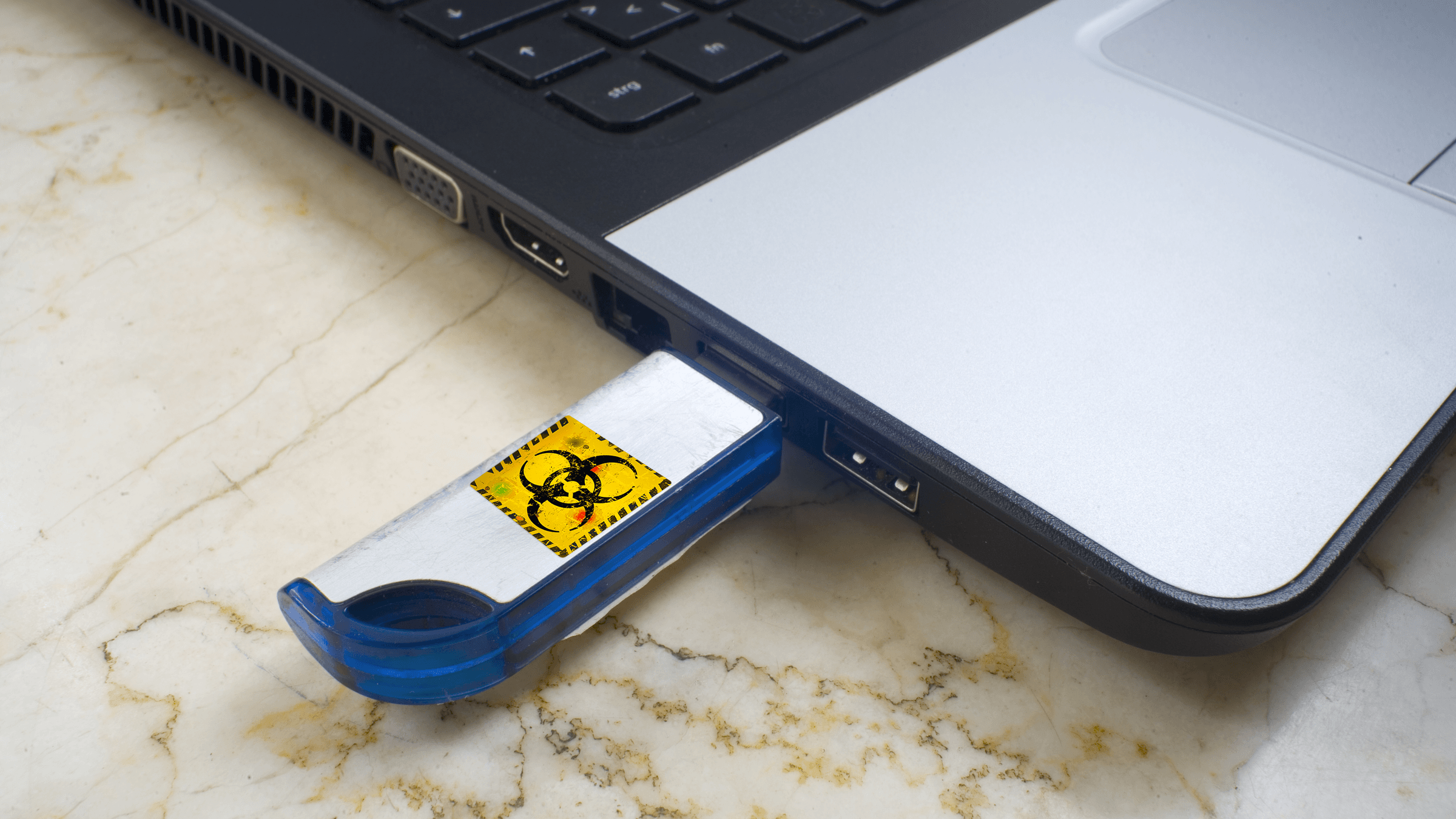
The FTC's consumer page on malware, dated April 2025, identifies several exposure routes and risks. They include phishing links and attachments that download malware, bogus software ads, unfamiliar download websites, peer-to-peer downloads and external storage. See How to Spot a Phishing Email Before You Click.
The FTC also lists possible signs of malware on a device:
- Performance: slowdowns, freezing or crashes, and repeated operating system errors.
- Browser changes: a changed homepage or redirects, unfamiliar toolbars or add-ons, and excessive or unexpected pop-ups.
- System tools: Task Manager or Activity Monitor that has been disabled.
- Accounts: emails or social posts the user did not create.
The FTC says these symptoms could be a sign of malware. They are possible indicators, not confirmation.
What to do
If the computer runs Windows 10 or 11, some protection is already there. Microsoft says Windows Security is built in and includes Microsoft Defender Antivirus, which protects against viruses, ransomware and other malware. On a Mac, Apple names XProtect as the built-in antivirus technology in macOS for signature-based detection and removal of malware. Apple says it updates those signatures automatically, independently of system updates.
For prevention, the FTC advises keeping security software updated and set to scan new files automatically, avoiding suspicious links and risky downloads, scanning external storage, and never calling a support number shown in a pop-up. CISA adds keeping browsers and operating systems updated, using stronger authentication, and backing up important files.
If you suspect an infection, the FTC advises stopping logins to sensitive accounts, updating security software and running a scan, then changing passwords and turning on two-factor authentication. For help, the FTC points to the device manufacturer, trusted technical support, or knowledgeable friends or family, and CISA advises consulting a reputable security expert or using legitimate software. See How to Check Your Computer for Malware in 2026 and What Is a Keylogger?