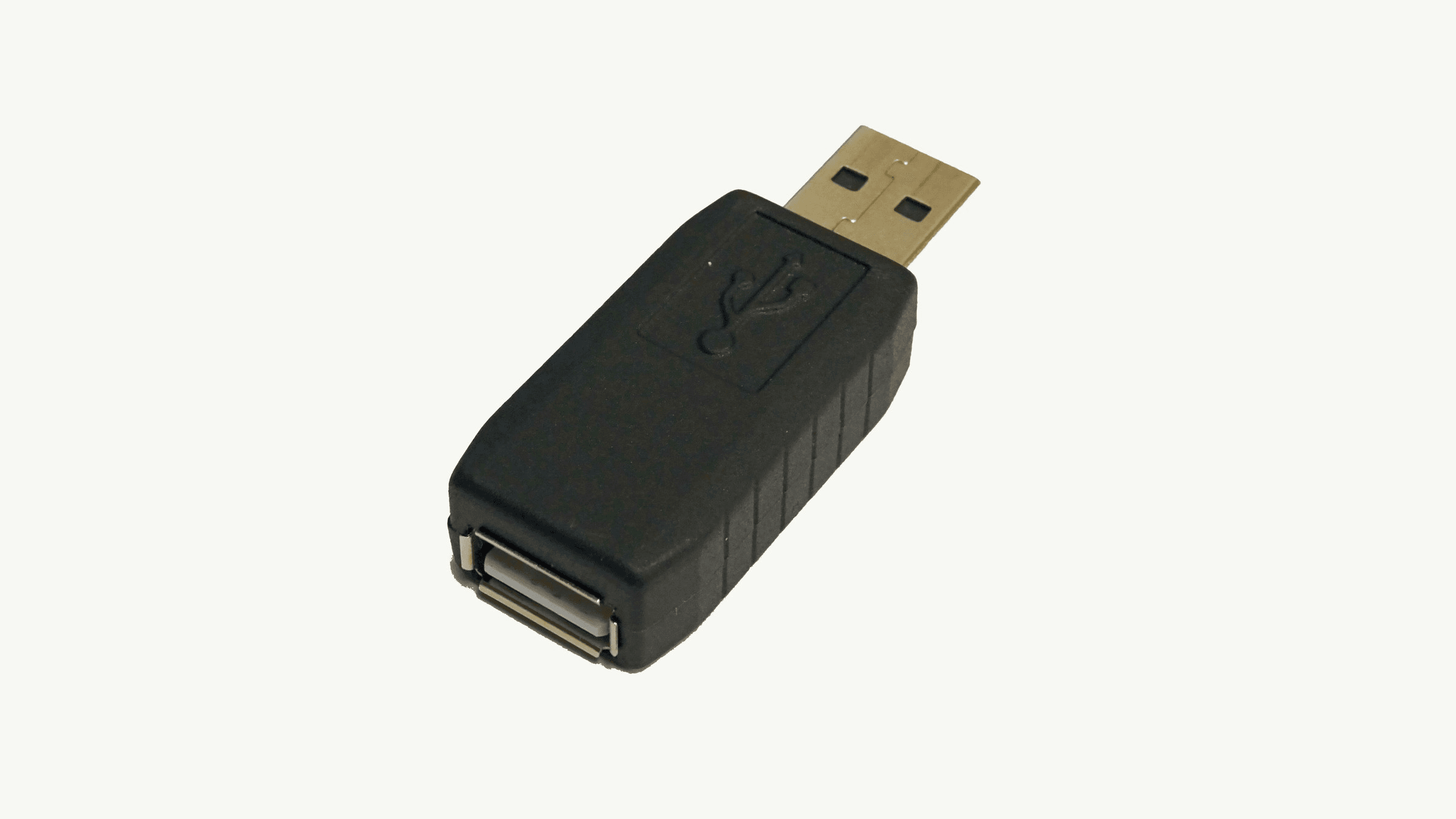
A keylogger is a tool that records what you type. The National Institute of Standards and Technology (NIST) defines a key logger as a program designed to record which keys are pressed on a computer keyboard, used to obtain passwords or encryption keys and bypass security measures. Keyloggers come as software and as small hardware devices.
How a keylogger works
NIST separately defines keystroke monitoring. That is viewing or recording both the keystrokes a computer user enters and the computer's responses during an interactive session.
A US-CERT paper on spyware, now hosted by the Cybersecurity and Infrastructure Security Agency (CISA), describes two kinds. The paper was first produced in 2005 and updated in 2008, so it is an older document.
- Software keyloggers: these capture keyboard events and record the keystrokes before the intended application processes them.
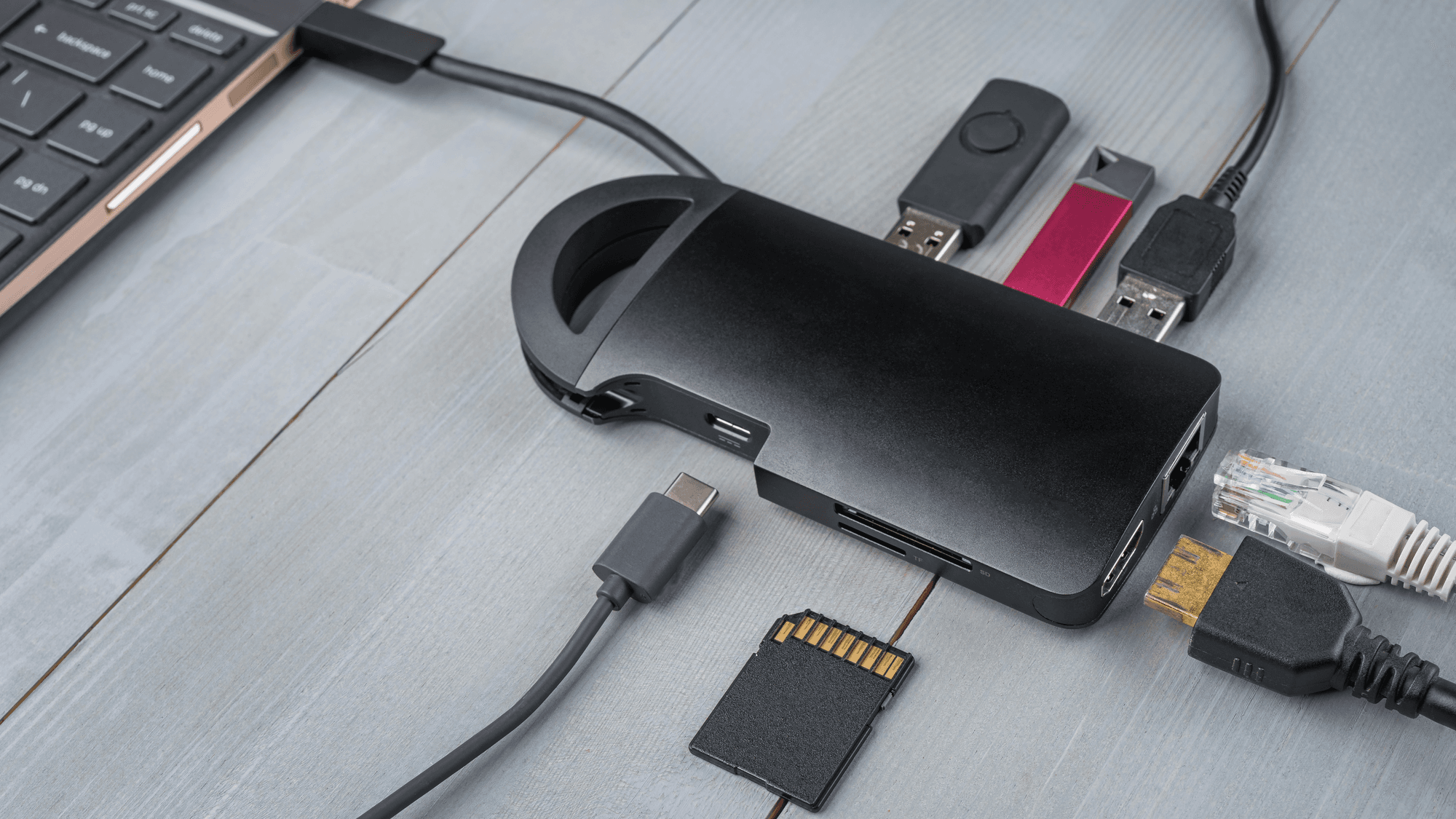
- Hardware keyloggers: these usually sit inline between the keyboard cable and the computer, or are hidden inside a keyboard. CISA's paper says installing or retrieving one requires physical access to the machine.
How malware reaches a device
The Federal Trade Commission (FTC) says deceptive phishing emails can get people to click links or open attachments that download malware.
CISA describes phishing in similar terms. An attacker poses as a trustworthy entity through email or malicious websites, either to get personal information or to get the target to download malicious software.
The US-CERT spyware paper describes attackers impersonating trusted contacts to get malicious code installed, including malware that emails itself to the address book of an infected person.
Malware warning signs the FTC lists
The FTC lists signs that a device may have malware. The list is about malware in general.
- Performance: the device slows down, freezes or crashes, or shows repeated system errors.
- Browser changes: redirects, a changed homepage, unfamiliar toolbars or excessive pop-ups.
- Disabled tools: system tools stop working.
- Messages you did not send: messages go out without your involvement.
The FTC states that malware might go undetected for a time even when security software is in use.
What Windows and macOS already include
Microsoft says the Windows Security app is built into Windows and includes Microsoft Defender Antivirus. According to Microsoft, Defender Antivirus continuously scans the device for potential threats and takes action to neutralize them. Its Windows Security help page also documents quick scans in the app and manual scans of single files or folders from File Explorer.
On a Mac, Apple describes XProtect as built-in antivirus technology for signature-based detection and removal of malware. Apple says XProtect automatically detects and blocks known malware from running and includes technology to remediate infections. Updates arrive automatically, and macOS checks for them daily by default.
Gatekeeper covers apps, plug-ins and installer packages downloaded from outside the App Store. It checks that the software is from an identified developer, is notarized by Apple and has not been altered, and it asks for approval before the software opens for the first time. Apple notes that users can override Gatekeeper policies unless device management restricts that.
What to do if you suspect one
If your device shows the signs above, the FTC's malware guidance starts with one step: immediately stop logging into accounts with passwords or other sensitive information, including shopping and banking. Its steps also include updating your security software and running a security scan to remove the malware. See How to Check Your Computer for Malware in 2026.
The FTC also lists changing your passwords and turning on two-factor authentication, in case malware exposed your accounts. See What Is a Password Manager?
A US-CERT recovery document for Trojan infections, dated 2008 and hosted by CISA, tells infected users to disconnect the computer from the internet to interrupt an intruder's access. It also lists scanning the machine, and it discusses rescue media because software installed on the computer may itself be compromised. See Is Malwarebytes Safe?