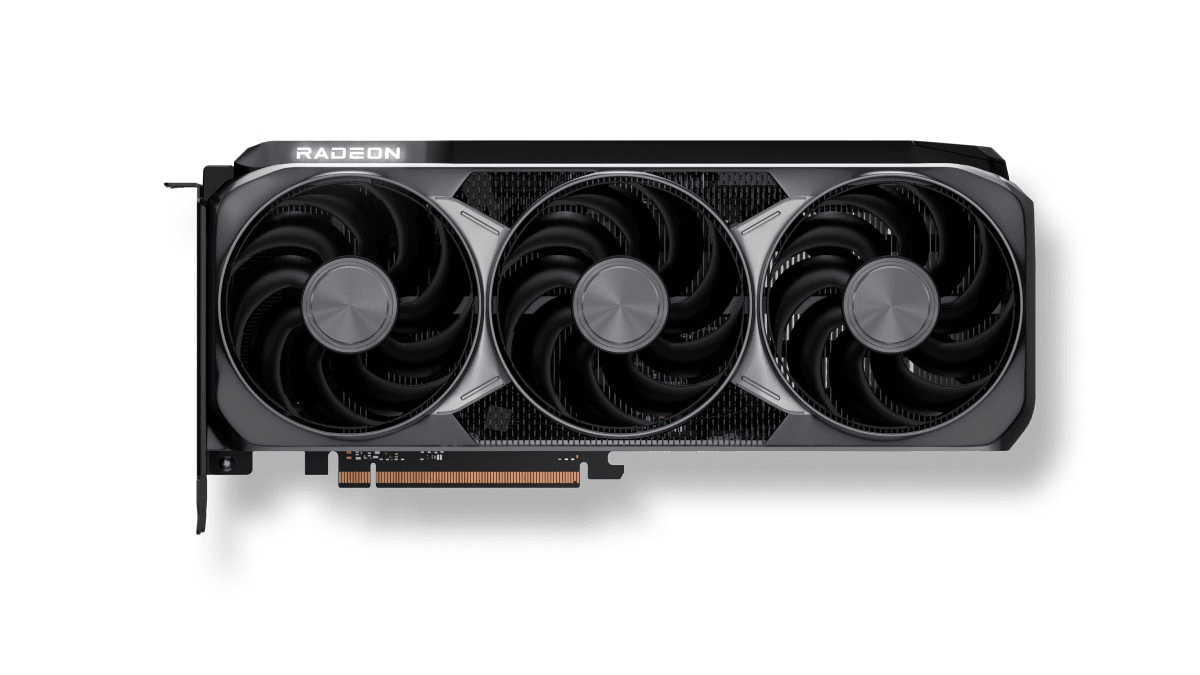
Frame generation adds synthesized frames between the frames a game actually renders. Intel describes the basic idea as creating an additional frame between two consecutive original frames. NVIDIA, AMD and Intel each ship their own version, and the supported graphics cards and latency features differ by maker and by version.
How frame generation works
The three makers describe similar ingredients. Intel says XeSS Frame Generation uses AI models, motion vectors from the game engine, depth data and optical flow to construct an interpolated frame. AMD describes FSR 3 as generating entirely new game frames using frame interpolation and optical flow. NVIDIA describes DLSS Frame Generation as using AI to generate frames.
The simplest form adds one frame at a time. NVIDIA says conventional DLSS Frame Generation introduced a 2X multiplier, meaning one generated frame per traditionally rendered frame. AMD says FSR 3 inserts one frame between existing ones, which it says enables up to twice the frame rate in supported games.
Newer versions add more than one. NVIDIA's DLSS page describes generating up to five additional frames per rendered frame on GeForce RTX 50 Series cards. NVIDIA puts the maximum multiplier at 4X for DLSS 4 Multi Frame Generation and 6X for DLSS 4.5. Intel says XeSS 3 introduces Multi Frame Generation with up to three AI-generated frames, available only on Intel devices.
The latency features paired with it
Intel's XeSS 2 paper says XeSS Frame Generation presents the interpolated frame first and delays the display of the game's original frame. NVIDIA, AMD and Intel each pair frame generation with a latency feature.
- NVIDIA Reflex: NVIDIA says Reflex Low Latency synchronizes the CPU and GPU pipelines for just-in-time rendering. It says DLSS 4.5 Multi Frame Generation combines its frame generation model with Reflex to limit the impact on responsiveness.
- AMD Radeon Anti-Lag 2: AMD pairs FSR Frame Generation with Anti-Lag 2 and FSR Upscaling, and describes the combination as maintaining low end-to-end system latency. AMD says Anti-Lag 2 requires game developer integration and supports select discrete and integrated graphics based on RDNA architecture and above.
- Intel Xe Low Latency (XeLL): Intel requires XeLL integration for XeSS Frame Generation on both Intel and non-Intel hardware. It describes XeLL as delaying input collection and coordinating CPU and GPU work, which shortens the gap between input collection and frame presentation.
Which graphics cards support it
Each maker lists its own supported cards. These lists are as of November 2026.
- NVIDIA DLSS Frame Generation: GeForce RTX 40 Series and RTX 50 Series. NVIDIA's hardware table does not mark support for RTX 20 Series or RTX 30 Series.
- NVIDIA DLSS Multi Frame Generation: GeForce RTX 50 Series. NVIDIA's developer page also names RTX PRO Blackwell Generation GPUs.
- AMD FSR 3 Frame Generation: Radeon RX 5000 Series graphics and above.
- AMD ML-based FSR Frame Generation: Radeon RX 9000 Series graphics cards and above, with an analytical fallback listed for GPUs that support Shader Model 6.2 or above.
- Intel XeSS Frame Generation: Arc GPUs on Alchemist and Battlemage, plus integrated Arc graphics on Arrow Lake H, Lunar Lake, Panther Lake and Meteor Lake, under DirectX 12. Iris Xe graphics are listed for super resolution only.
Intel's XeSS page also lists XeSS Frame Generation on other vendors' Shader Model 6.4 compatible devices under DirectX 12. It names NVIDIA 3000 Series and higher and AMD 6000 Series and higher as recommended hardware.
Driver-level frame generation and consoles
AMD Fluid Motion Frames (AFMF) takes a different route. AMD describes it as frame generation built into AMD Software: Adrenalin Edition, and its release notes describe it as adding frame generation outside the game's engine. AMD's product page lists AFMF 2.1 as available.
AFMF 2.1 support depends on the card. AMD lists Radeon RX 6000 Series desktop and mobile GPUs for exclusive fullscreen mode only, and RX 7000 Series and higher for borderless fullscreen and HYPR-RX as well. On integrated graphics, AMD lists Ryzen 7000 Series processors with Radeon 700M graphics and higher, with some models excluded.
AMD's Adrenalin 24.1.1 release notes recommend combining AFMF with Radeon Anti-Lag. Those notes also give a minimum in-game frame rate of 60 FPS as AMD's recommendation for that release. On consoles, AMD states that FSR 3.1.1 was tested and optimized for the Microsoft GDK for Xbox Series X/S.
What to check before turning it on
The support lists above name GPU series, Shader Model levels, DirectX 12 and Intel platform names. To match a PC against them, see How to Check Your GPU on Windows. If you have a GeForce RTX 30 Series card, NVIDIA's table does not mark it for DLSS Frame Generation, but Intel names NVIDIA 3000 Series and higher as recommended hardware for XeSS Frame Generation in games that include it.
If you want to follow the makers' own pairings, the latency features to look for are NVIDIA Reflex with DLSS Frame Generation and Radeon Anti-Lag 2 with FSR Frame Generation. Intel lists XeLL as a required part of XeSS Frame Generation. For more, see NVIDIA vs AMD Graphics Cards, Which One Fits Your PC? and What Is DLSS?