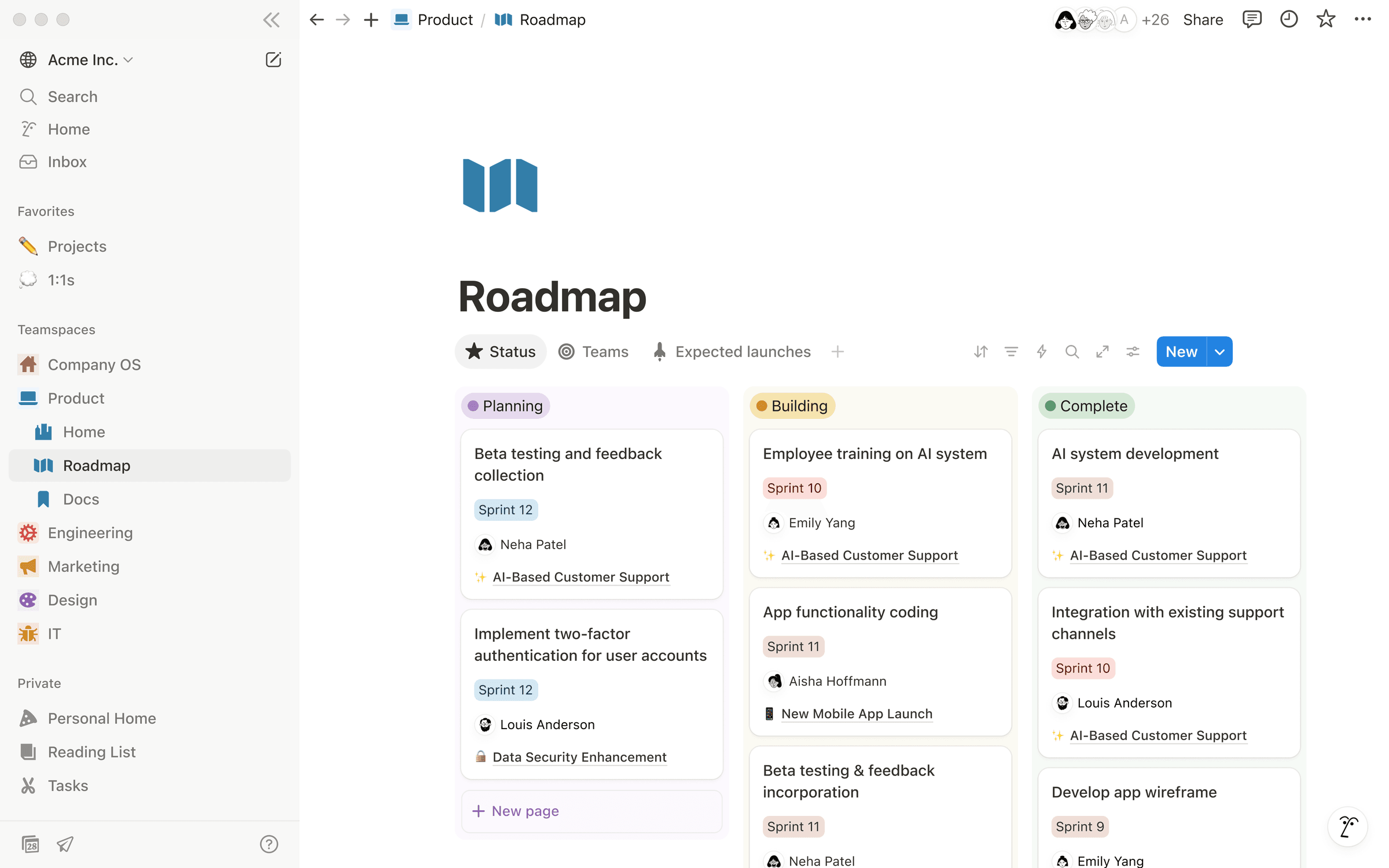
Evernote and Notion both have a free plan, but each one counts its limits differently. Evernote Free allows up to 50 notes and one notebook, on one connected device at a time. Notion Free lets a workspace with one person add up to 5,000 blocks, and Notion's paid plans are priced per member.
What each one costs
Evernote says it has retired its older Personal and Professional plans and replaced them with Starter and Advanced. As of November 2026, the Evernote plan FAQ lists Starter at $14.99 billed monthly or $99.00 billed yearly. Advanced lists at $24.99 billed monthly or $249.99 billed yearly.
The Free plan is $0 per member per month. Notion's pricing announcement from June 2024 lists Plus at $12 per member per month billed monthly, or $10 per member per month billed annually, and the Notion pricing page still shows $10. Business lists at $20 per member per month with annual billing, which works out to $240 per member per year. All of these are regular list prices in US dollars.
Free plan limits side by side
- Evernote notes: up to 50 notes and one notebook.
- Evernote devices: one connected device at a time.
- Evernote uploads: a 250 MB monthly upload allowance and 1 GB of total storage. The monthly allowance resets each month. The total storage does not.
- Evernote extras: the comparison table lists 200 attachments, 20 tags and five spaces.
- Notion blocks: a workspace with one person can add up to 5,000 blocks. A workspace with two or more people can add up to 1,000 blocks. Notion's help page says existing content stays viewable and editable after a Free workspace hits the cap.
- Notion file size: individual uploaded files up to 5 MB. Paid plans allow files up to 5 GB each.
- Notion storage: the file storage help page lists 512 MB total for Free, and notes that free plan limits may apply to workspaces created after November 23, 2026.
- Notion guests: an external guest limit of 10.
Databases, tables and web clipping
Notion lists databases on its Free plan, including subtasks, dependencies and custom properties. Evernote documents tables inside notes, with sorting, filtering, header rows and frozen columns. Its help page lists formulas and spreadsheet functions as unsupported table content.
Both have a web clipper. Evernote's saves web pages, articles and PDFs, and it can capture a complete page or a selected portion. Notion's desktop Web Clipper is a browser extension for Chrome and Safari, and on phones it works through the iOS and Android share sheets.
Offline use, sharing and apps
Evernote documents offline access to locally stored notes on Mac and Windows. On mobile, you can download individual notes or whole notebooks to view and edit offline. Notion supports downloaded pages offline in its desktop and mobile apps on all plans. Paid plans also download recently visited and favorited pages automatically, and offline access is not available in a browser.
For sharing, Evernote supports invitations with view, edit, or edit and invite permissions. Its public links can allow viewing or editing without an Evernote account. Notion documents page sharing permissions that include Full access, Can edit, Can comment and Can view.
Evernote lists apps for iOS, Android, Web, Windows and Mac. Notion has desktop apps for macOS and Windows, mobile apps for iOS and Android, and browser access, with Safari, Google Chrome and Microsoft Edge listed as fully supported.
Which one fits
If you want a free plan for more than a handful of notes, compare Notion's 5,000 block allowance for a single person with Evernote's cap of 50 notes, keeping in mind that the two are counted in different units. If you want structured databases with custom properties, Notion lists them on Free, while Evernote documents tables inside notes and lists formulas as unsupported in them.
If you clip a lot of PDFs and web pages and plan to pay, Evernote lists Starter at $99.00 billed yearly, while Notion lists its paid plans per member. If you share pages with a group and want comment only access, Notion documents that permission level. For Notion, see How to Use the Notion App as a Beginner and How to Fix Notion Not Working.