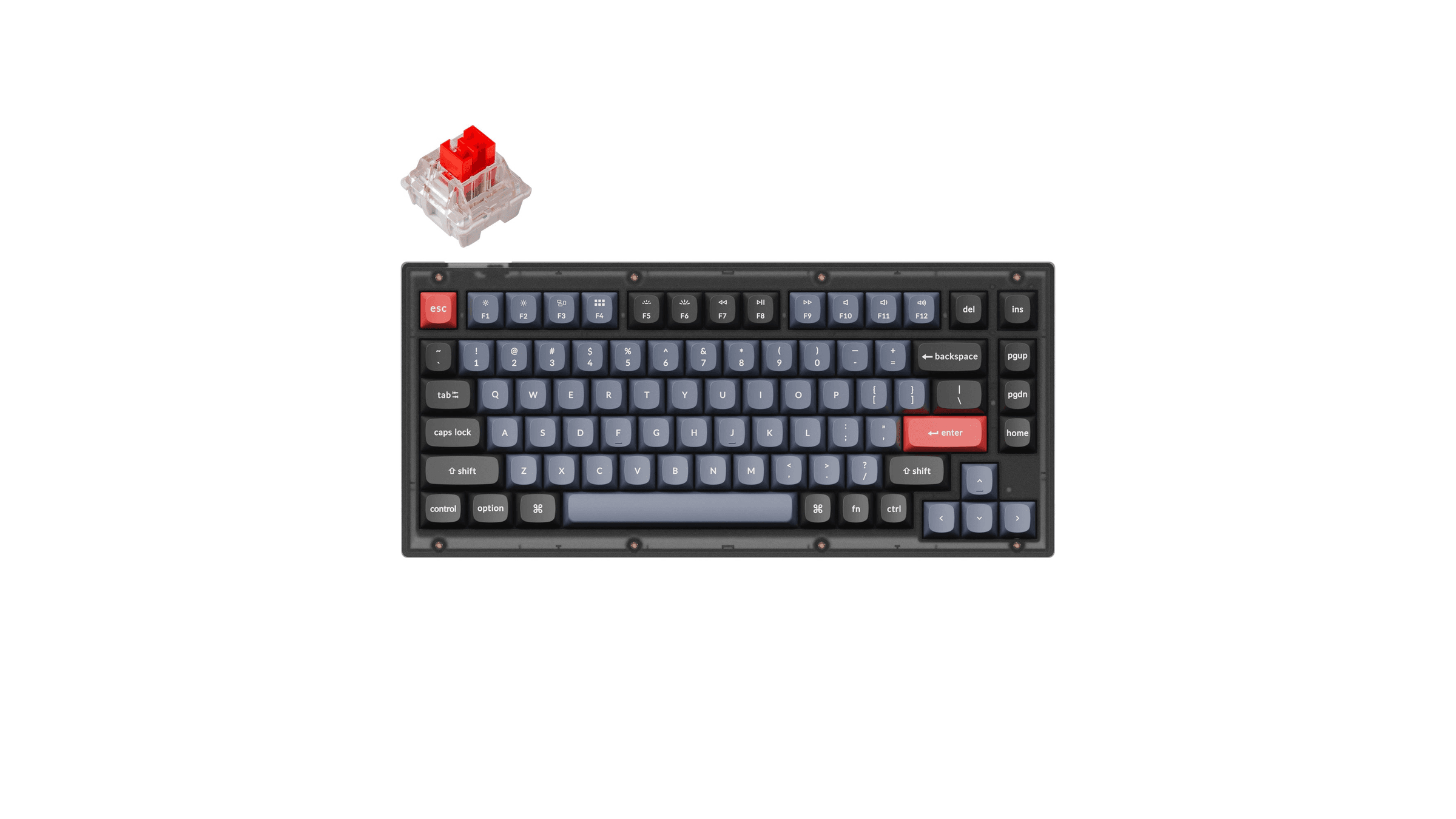
A membrane keyboard registers a key when a rubber dome under the keycap collapses and closes an electrical contact. A mechanical keyboard uses a switch with a stem and a spring under the keycap instead. If you want to pick how a key feels and sounds, or swap switches later, makers offer those options on mechanical keyboards.
How each one registers a key
CHERRY's membrane technology page explains that pressing the keycap compresses and inverts a rubber dome. The dome closes an electrical contact with the conductive layer beneath it, and that triggers the signal. When you let go, the dome returns to its original shape and the key is ready for another press.
On a mechanical keyboard, CHERRY describes a stem and a spring beneath the keycap. Pressing the key moves the stem, compresses the spring and brings two normally separated contacts together. That closes a circuit with the circuit board and signals the computer. On release, Razer says, the spring returns to its original position and resets the key.
CHERRY also states that a mechanical switch can trigger before the key is fully pressed, or bottomed out. Some keyboards sit between the two designs. Razer describes its Mecha-Membrane keys as a blend of membrane rubber domes and mechanical switches, with a cushioned press and a tactile click.
Linear, tactile and clicky switches
CHERRY's mechanical technology page sorts switches into three types. A linear switch gives neither tangible nor audible feedback at the actuation point. A tactile switch gives feedback you can feel but no click. A clicky switch gives both an audible click and tactile feedback.
CHERRY publishes force and travel figures for these switches on their product pages:
- MX2A Red: linear, 45 cN actuation force, 2.0 mm pre-travel and 4.0 mm total travel.
- MX2A Brown: tactile, 2 mm pre-travel and 4 mm travel. The properties table lists 45 cN actuation force, while the highlights on the same page state 55 cN operating force.
- MX2A Blue: tactile and clicky, 50 cN actuation force, 2.2 mm pre-travel and 4 mm travel. CHERRY's UK product page for the switch also states 60 cN operating force.
- MX2A Speed Silver: linear, 45 cN actuation force, 1.2 mm pre-travel and 3.4 mm travel.
Logitech uses the same three type names for the switches in its G915 X LIGHTSPEED. Its product page lists a 1.3 mm actuation point.
Hot-swappable switches
Razer defines a hot-swappable keyboard as one that lets you replace switches without taking the keyboard apart or desoldering anything. Its BlackWidow V4 75% includes a combined keycap and switch puller, and Razer says most standard 3-pin or 5-pin mechanical switches are compatible with it.
Keychron says its V1 has hot-swap sockets mounted on the circuit board, so you can install or change switches without soldering. That board supports 3-pin and 5-pin MX mechanical switches.
Keycap and layout terms on spec pages
- Doubleshot: Razer defines doubleshot ABS keycaps as two layers of plastic molded together, rather than painted.
- PBT: Razer identifies PBT as a thermoplastic used for keycaps.
- Shine-through: Razer says the translucent lettering on its PBT Keycap Upgrade Set lets lighting shine through. Keychron lists the assembled V1's keycaps as not shine-through.
- ANSI and ISO: Keychron says ANSI refers to the physical key layout, while QWERTY is the letter arrangement. A single-row Enter key indicates ANSI and an inverted-L Enter key indicates ISO, with typical full-size counts of 104 and 105 keys.
- Tenkeyless (TKL): Keychron's name for keyboards without a number pad.
- 75%: Razer calls this a more compact version of tenkeyless. Its BlackWidow V4 75% keeps a function row and arrow keys.
- 65%: Keychron says this layout removes the function row and number pad but keeps dedicated arrow keys, with a typical count of 67 to 68 keys. Function keys are reached by holding Fn with the number row.
- 60%: Razer says its Huntsman Mini has no function row, home cluster or numpad, and reaches those inputs through secondary functions and shortcuts.
See How to Use the Home Key on a 60 Percent Keyboard.
Which one fits
If you want to choose the feedback of each press, a mechanical keyboard fits that aim, because CHERRY, Razer and Logitech list linear, tactile and clicky switches, and CHERRY publishes the force and travel for the four MX2A switches above. If you expect to change switches later, check the spec page for the words hot-swappable and for 3-pin or 5-pin support, since Razer and Keychron state both.
If a cushioned press appeals to you, Razer's Mecha-Membrane fits that description, because Razer says those keys pair a cushioned press with a tactile click. If desk space matters, the layout label tells you which keys you give up, from the number pad on a tenkeyless board to the function row on a 65% or 60% one. See What Is a Mechanical Keyboard?