HDMI ARC and eARC both send sound from a TV to a soundbar or AV receiver over an HDMI cable. HDMI Licensing Administrator (HDMI LA) names Dolby Digital, DTS and PCM among the formats ARC supports. For eARC it lists DTS-HD Master Audio, DTS:X, Dolby TrueHD and Dolby Atmos.
ARC vs eARC at a glance
- Full name: ARC is Audio Return Channel. eARC is Enhanced Audio Return Channel.
- HDMI version: HDMI LA describes ARC with its HDMI 1.4 features and lists eARC among HDMI 2.1 capabilities. The HDMI 2.1 specification was released on November 28, 2017.
- ARC formats: Dolby Digital, DTS and PCM, which HDMI LA describes as traditional S/PDIF audio formats.
- eARC formats: DTS-HD Master Audio, DTS:X, Dolby TrueHD and Dolby Atmos, plus uncompressed 5.1 and 7.1 audio, up to 192 kHz and 24-bit, and 32-channel uncompressed audio.
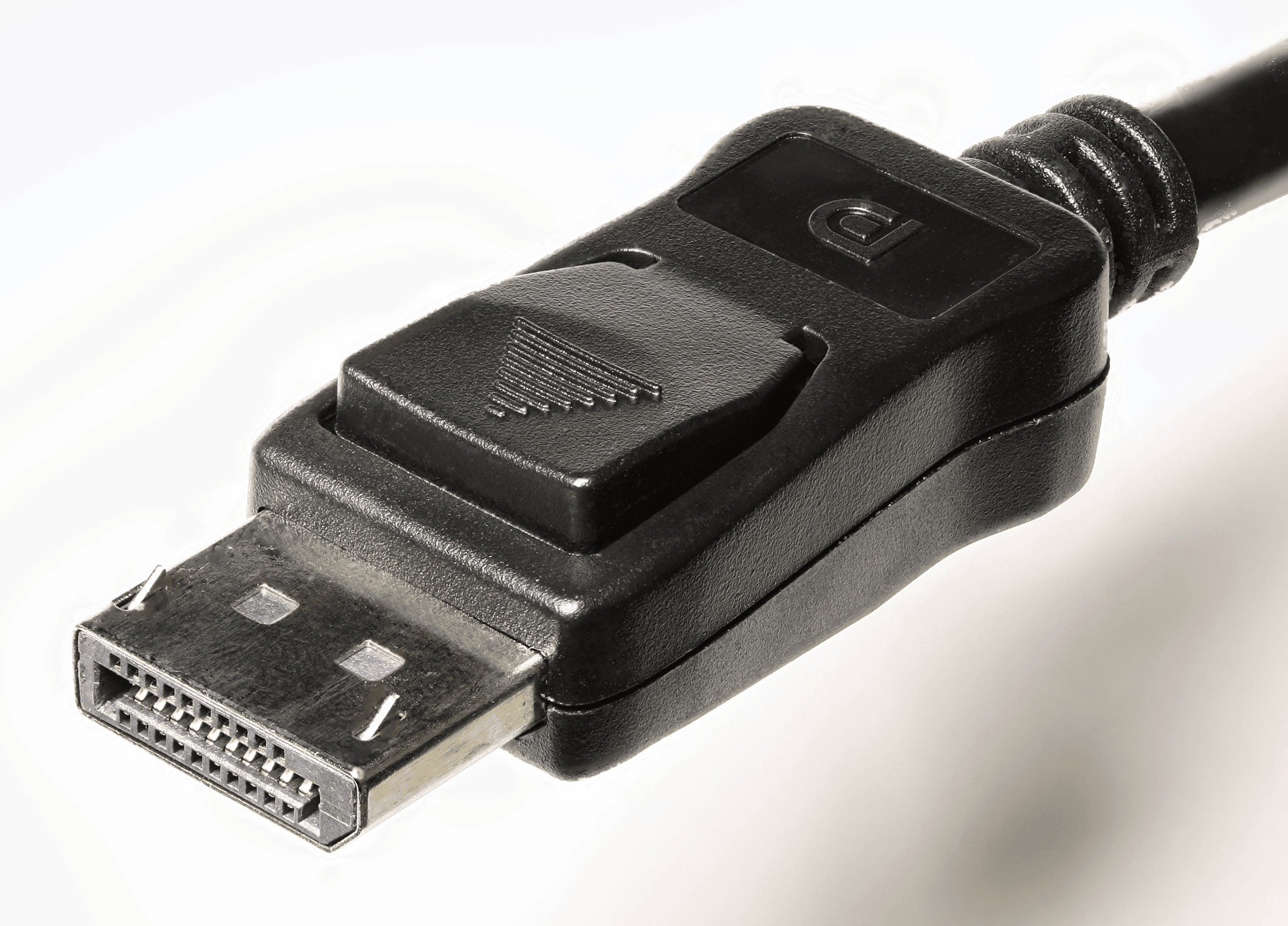
- Cable: ARC can use all existing categories of HDMI cables. HDMI LA names the Ultra High Speed HDMI Cable and Ultra96 HDMI Cable as designed to support eARC.
What each one does
ARC lets a TV send audio upstream to a soundbar or AV receiver through the HDMI connection, which removes the need for a separate audio cable. eARC advances that idea. HDMI LA's eARC page says it sends TV audio that starts from cable, satellite, streaming or connected sources to the receiver or soundbar through one HDMI cable.
HDMI LA says manufacturers can build both ARC and eARC into a product, but eARC itself is not defined as backward compatible with ARC.
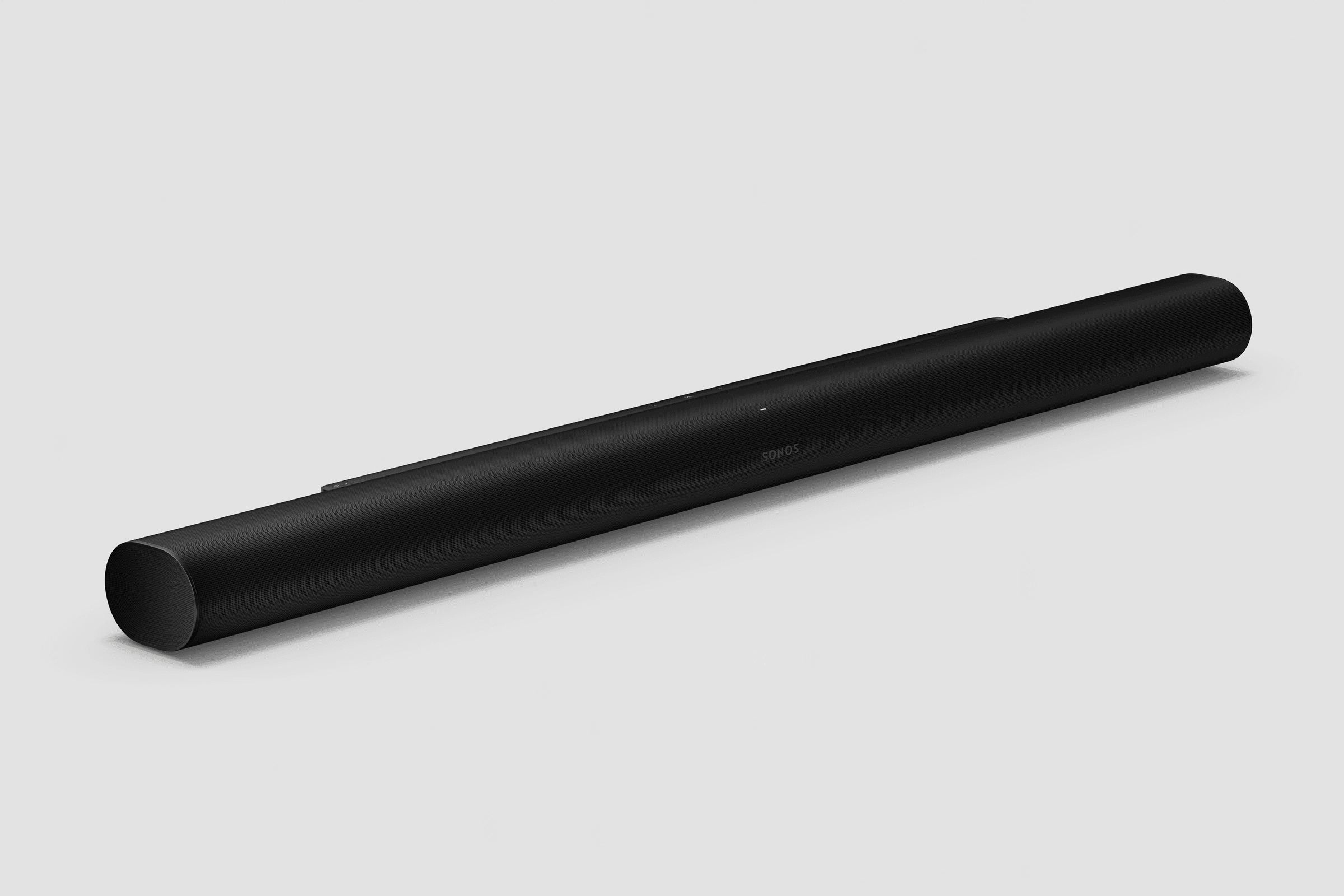
Sonos documents Dolby Atmos over HDMI ARC using Dolby Digital Plus, and says HDMI eARC is required for lossless Dolby Atmos using the Dolby TrueHD codec. For Arc, Arc SL, Arc Ultra, Beam (Gen 2) and Beam Ultra, its supported formats list also marks Multichannel PCM as requiring an eARC connection.
The cable each one needs
ARC has the looser cable requirement. HDMI LA's archived HDMI 1.4 feature descriptions say ARC-enabled devices can use all the existing categories of HDMI cables.
eARC is stricter. HDMI LA says both Ultra HDMI cables, the Ultra High Speed HDMI Cable and the Ultra96 HDMI Cable, are designed to support eARC. Its FAQ adds that a Standard HDMI Cable with Ethernet or a High Speed HDMI Cable with Ethernet might work, but those types are not certified for eARC operation.
How TV and soundbar makers label it
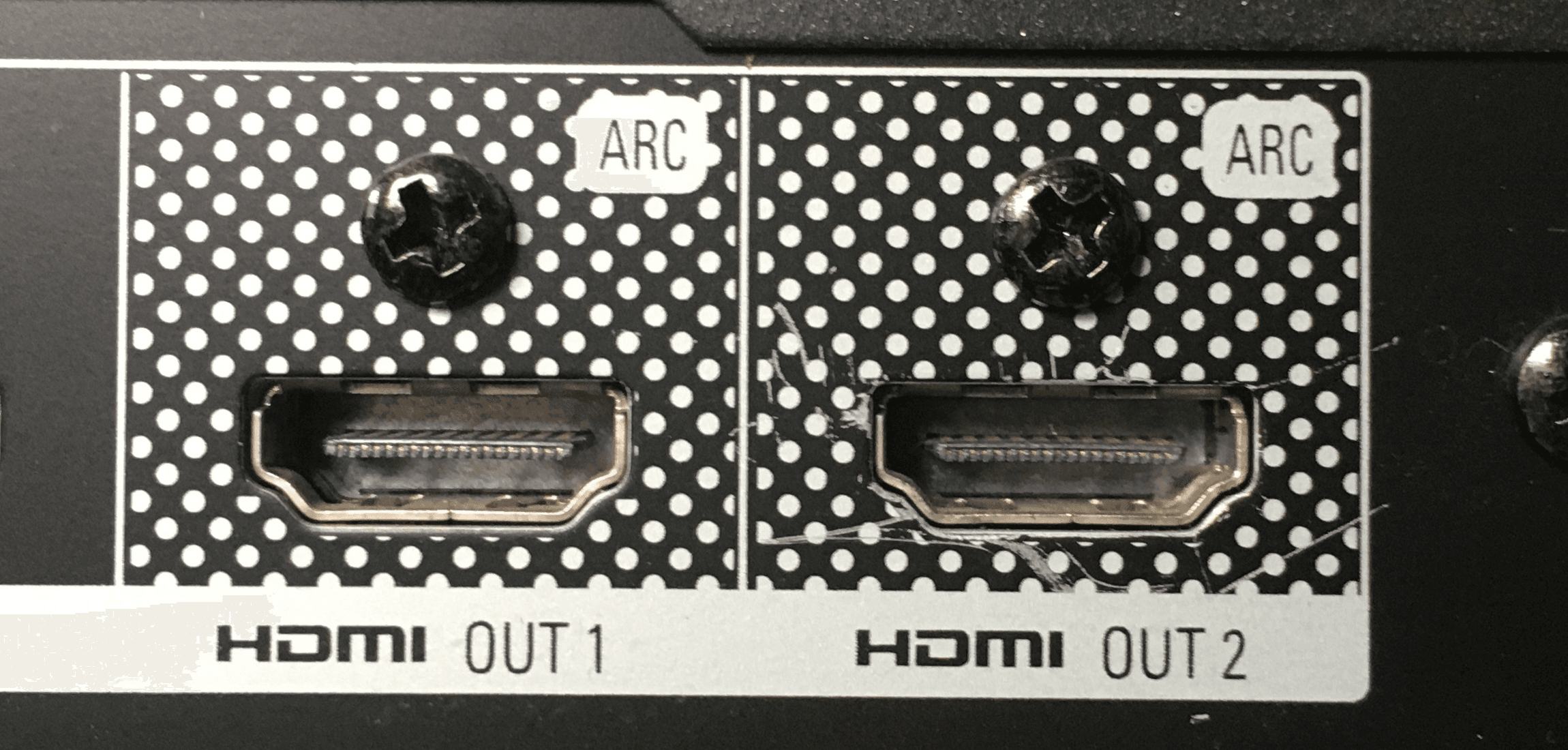
The port names differ by brand. Samsung documents connecting the TV's HDMI IN (ARC) port to the soundbar's HDMI OUT (TV-ARC) port, then selecting D.IN on the soundbar, after which its display shows TV ARC. LG labels the TV port HDMI (eARC/ARC), and its soundbars show ARC or E-ARC once connected. Sony uses eARC/ARC or ARC on the soundbar's HDMI output and notes that port locations depend on the model.
The makers' setup guides also bring in Consumer Electronics Control, or CEC, which goes by brand names. Samsung calls it Anynet+ and LG calls it Simplink, while Sony's ARC and eARC troubleshooting guide says to turn Control for HDMI on for both devices. Sonos says its home theater products connected over HDMI ARC support IR and RF remotes. For that connection, Sonos says the TV must have CEC enabled and the Sonos product must be plugged into the TV's HDMI ARC port.
The setup steps each maker documents:
- Samsung: enable Anynet+ (HDMI-CEC) under General > External Device Manager, then set HDMI eARC Mode to Auto under Sound > Expert Settings.
- LG: set the soundbar input to E-ARC or ARC, then pick the matching output under All Settings > Sound > Sound Out. LG says the settings menu may vary by model.
- Sony: go to Display & Sound > Audio output > Speakers > Audio system, then set eARC mode or eARC setting to Auto. Enable eARC on the soundbar too if it requires that.
- Sonos: Arc has to be set up in the Sonos app before it can play TV audio, and the app guides the cable and TV port choice.
Which one fits
If your TV and soundbar only use Dolby Digital or DTS, ARC fits, because HDMI LA names those formats for ARC and says ARC-enabled devices can use all existing categories of HDMI cables. HDMI LA also names PCM for ARC, but Sonos lists Stereo PCM and Multichannel PCM separately and marks Multichannel PCM as requiring an eARC connection on its listed soundbars. Check which PCM type your soundbar's format list names.
If you want Dolby TrueHD, DTS-HD Master Audio, DTS:X or uncompressed 5.1 and 7.1 audio, eARC is the connection to check for, because HDMI LA lists those formats under eARC. Sony's connection guide says supported audio formats differ, so confirm that the TV and the soundbar both list the format. For the cable, HDMI LA says the Ultra High Speed HDMI Cable and the Ultra96 HDMI Cable are designed to support eARC. If one device says ARC and the other says eARC, check both manuals before buying anything, because HDMI LA does not define eARC as backward compatible with ARC.