
Finding the right smartphone for seniors doesn't need to be complicated. The best options balance simplicity with modern features, focusing on large screens, clear audio, and straightforward interfaces. Our top pick, the Samsung Galaxy S26+, pairs a large screen with adjustable text and display settings for easier everyday use.
Technobezz is supported by its audience. We may get a commission from retail offers.
6 Best Phones for Seniors in 2026
Samsung Galaxy S26+ leads our picks for phones for seniors in 2026. Compare smartphones and flip phones for everyday calls, apps, and communication needs.
T
Technobezz
Editorial Team
Updated October 22, 2026Oct 22, 2026
•8 min read

Get Deals Like These in Your Inbox
The best prices, straight to your inbox.
At a Glance
| Category | Product | Why We Picked It |
|---|---|---|
| Best overall | Samsung Galaxy S26+ | A 6.7-inch display, adjustable text and seven years of software support |
| Best value | Samsung Galaxy A17 5G | A large AMOLED screen, expandable storage and six OS upgrades |
| Best for simplicity | Lively Jitterbug Smart5 | A list-based menu, call captioning and optional Urgent Response |
| Best with a stylus | Moto G Stylus (2026) | A built-in active stylus, 6.7-inch AMOLED screen and expandable storage |
| Best flip phone | Lively Jitterbug Flip3 | Physical buttons, a simple menu and Wi-Fi calling |
| Also recommended | Google Pixel 10a | An unlocked Android phone with Call Screen and a bright display |
How we chose
We chose these phones from current models sold new, using each maker's published specifications and features, plus price, to match every pick to a specific kind of buyer.
We compared each maker's published accessibility features, such as hearing-aid support, emergency SOS, voice commands and simplified launchers, along with screen size and rated battery life.
We prioritized phones that reduce friction and make communication reliable in everyday situations.
The best smartphones for seniors right now
Samsung Galaxy S26+ - Best overall
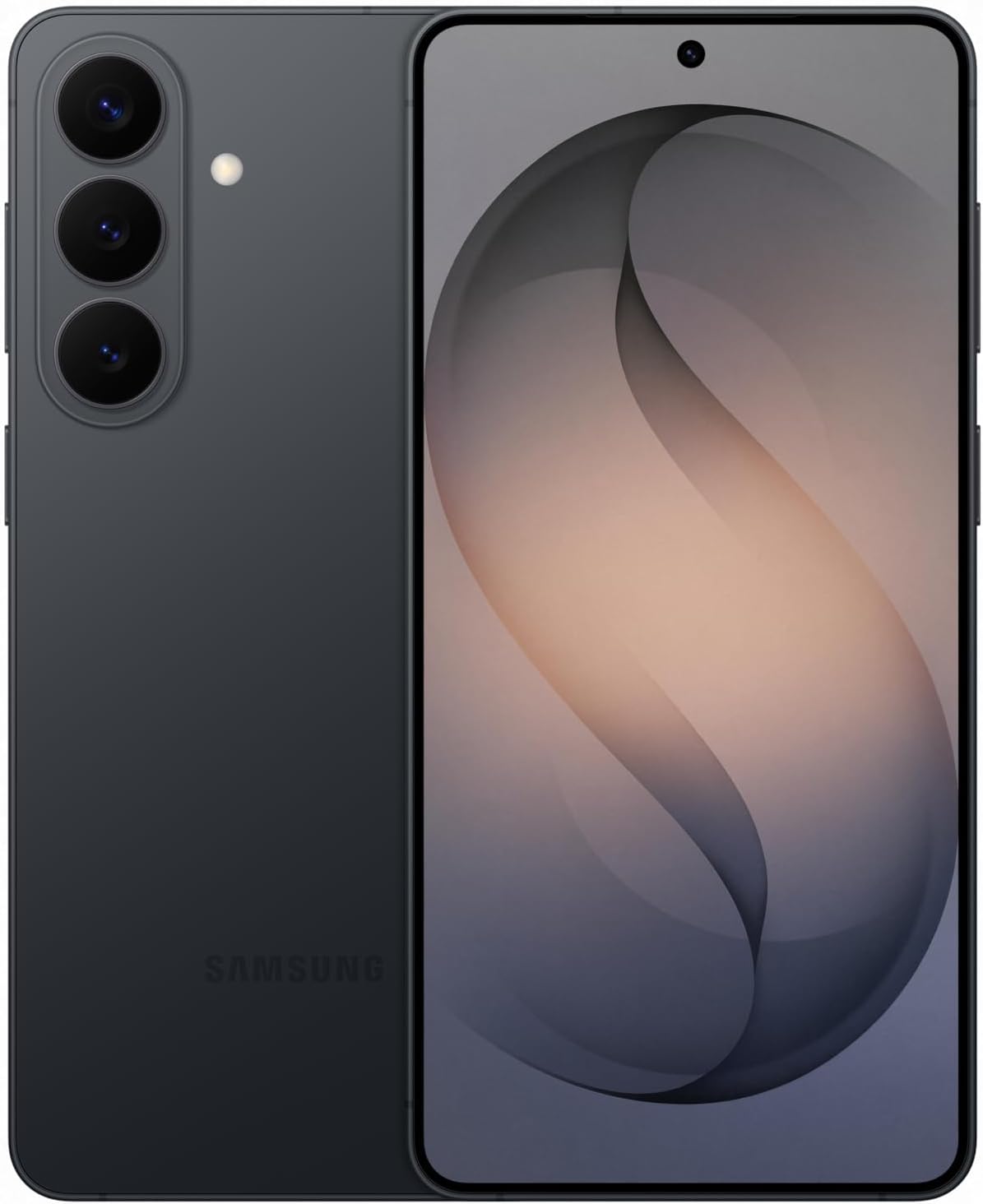
The Galaxy S26+ combines a 6.7-inch display with adjustable text size and screen zoom. It is our overall choice for seniors who want a full-featured Android phone and are comfortable setting it up around their needs.
Key highlights
- 6.7-inch QHD+ display with a 120Hz refresh rate
- 256GB storage and 12GB RAM in this unlocked US model
- Adjustable font size and screen zoom
- Seven OS upgrades and seven years of security updates
Pros
- Large display provides room for enlarged text
- Long software support commitment
- Unlocked model allows carrier choice
Cons
- Large screen may be awkward for one-handed use
- Full smartphone interface needs initial setup
- Switching from iOS requires learning Android
Who it's for
Seniors who want a large-screen Android phone with adjustable display settings and long software support.
Skip if
You prefer iOS or want a phone limited to basic calling and texting.
Samsung Galaxy A17 5G - Best value
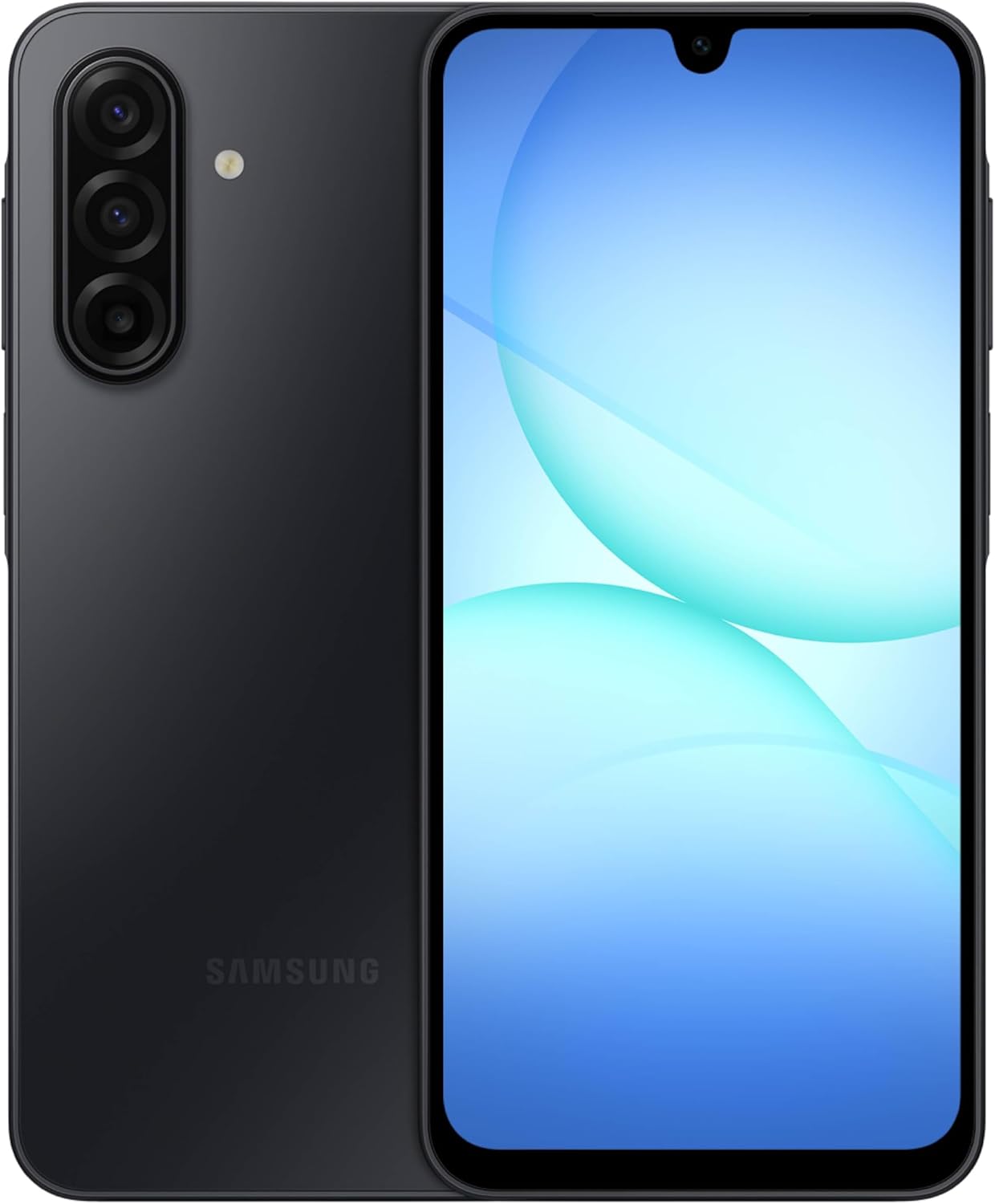
The Samsung Galaxy A17 5G pairs a 6.7-inch AMOLED screen with expandable storage and six generations of OS upgrades. It suits seniors who want a mainstream Android phone with a large display.
Key highlights
- 6.7-inch FHD+ Super AMOLED display
- 128GB storage with microSD expansion up to 2TB
- 50MP main camera with optical image stabilization
- Six OS upgrades and six years of security updates from launch
- IP54 splash and dust resistance
Pros
- Large display for reading and video calls
- Expandable storage for photos and files
- Unlocked US model with a one-year manufacturer warranty
Cons
- IP54 does not cover immersion in water
- 25W charger and microSD card are sold separately
- 4GB RAM is modest for heavy multitasking
Who it's for
Budget-conscious seniors who want a modern smartphone with good performance and customization options.
Skip if
You need the absolute best camera quality or prefer Apple's ecosystem.
Lively Jitterbug Smart5 - Best for simplicity
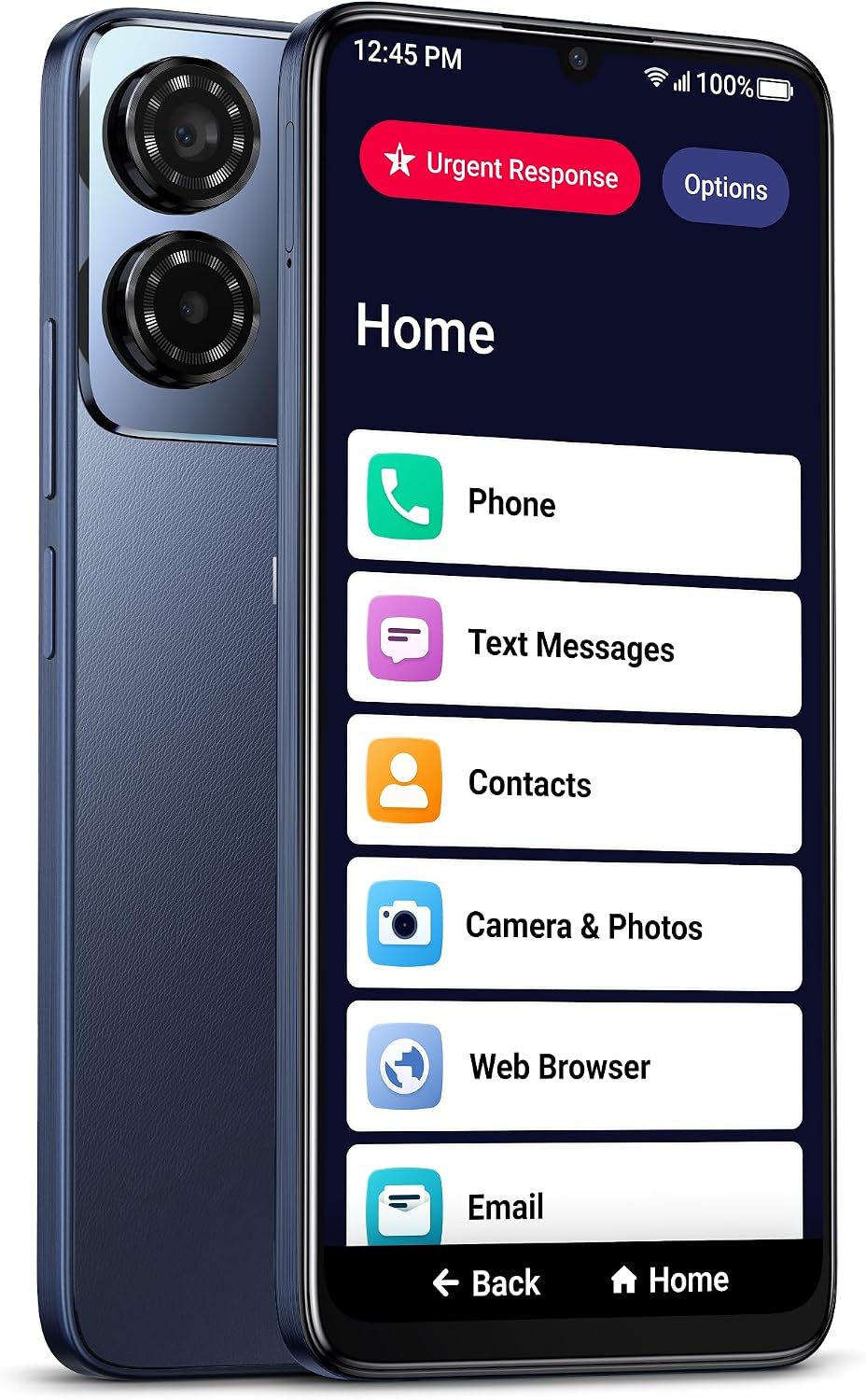
The Jitterbug Smart5 combines a list-based menu and a 6.75-inch screen with 5G, Wi-Fi calling and spam blocking. It requires Lively service, and Urgent Response is an optional paid service.
Key highlights
- 6.75-inch screen and list-based menu
- 5G and Wi-Fi calling
- 128GB storage and a 50MP camera
- Real-time call captioning and voice calling
- Spam blocking and an Urgent Response button
Pros
- Menu designed around straightforward navigation
- Dual speakers for calls and media
- Lively support is available around the clock after activation
Cons
- Requires a Lively service plan
- Urgent Response costs extra
- Full touchscreen may not suit people who prefer physical keys
Who it's for
Seniors who prioritize simplicity and safety over advanced smartphone features.
Skip if
You want to use another wireless carrier or prefer physical buttons.
Moto G Stylus (2026) - Best with a stylus
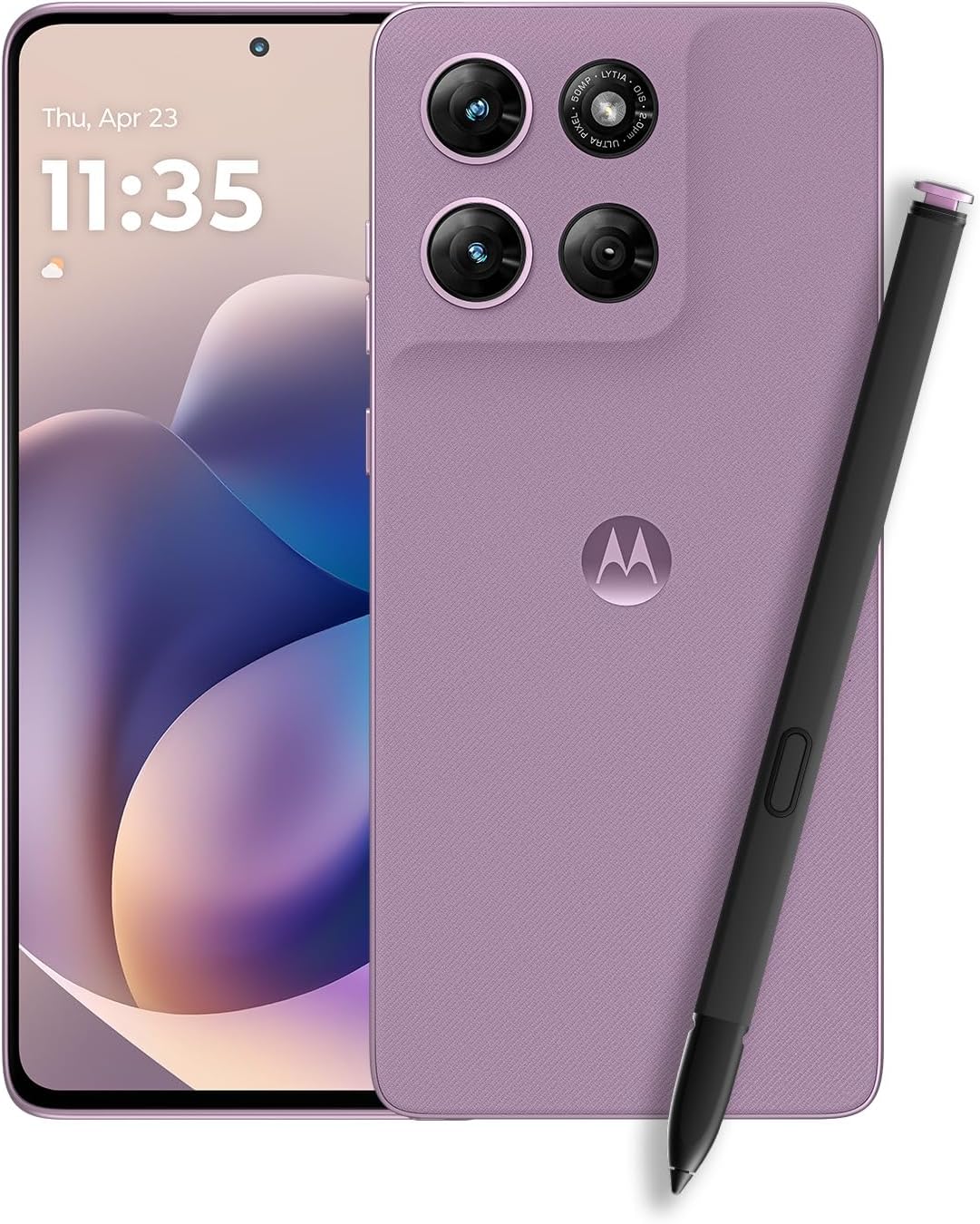
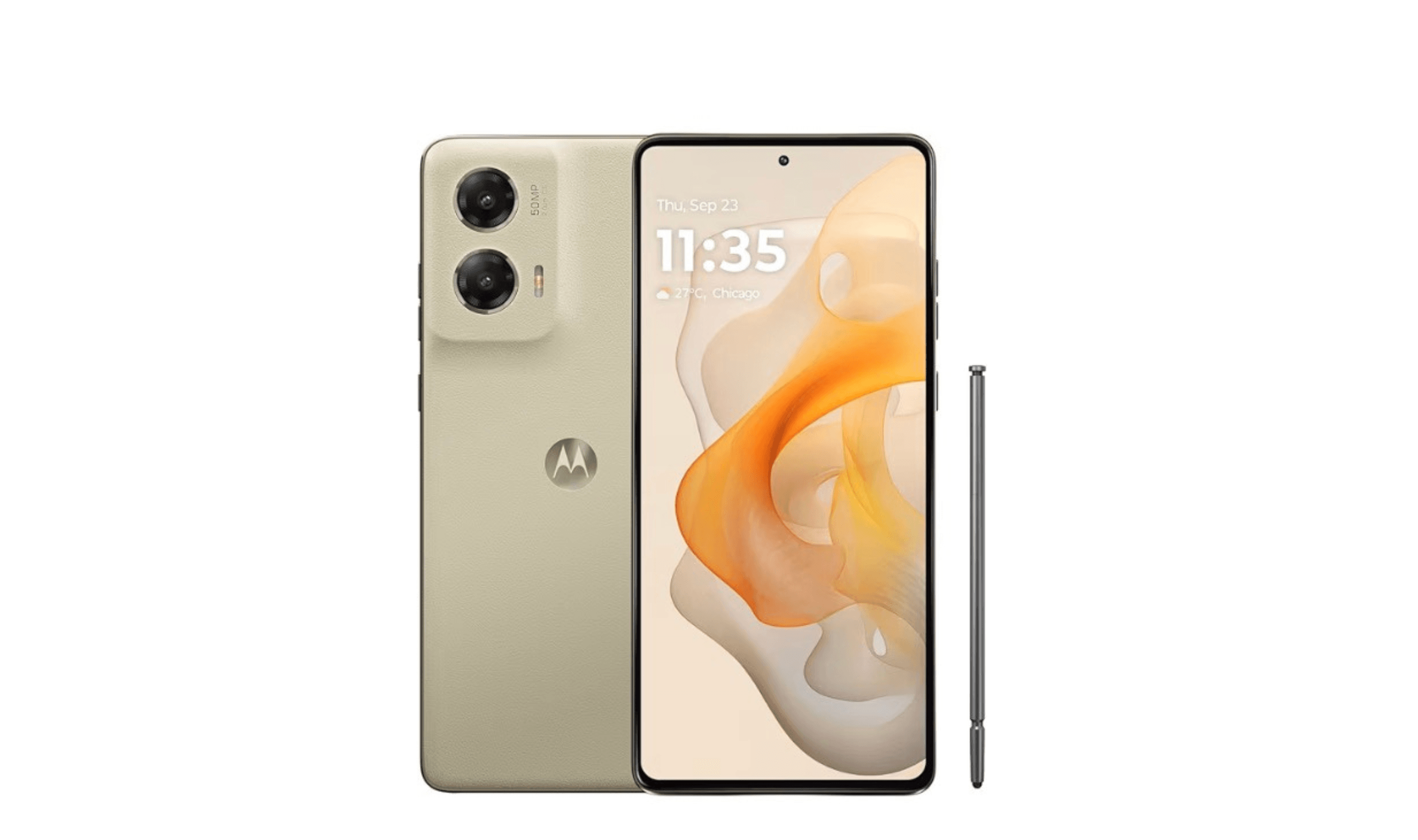
The Moto G Stylus (2026) pairs a built-in active stylus with a 6.7-inch AMOLED screen and 128GB of storage. It suits seniors who prefer a pen for touchscreen navigation and handwritten notes.
Key highlights
- Built-in active stylus for notes and navigation
- 6.7-inch AMOLED display with a 120Hz refresh rate
- 128GB storage and 8GB RAM
- IP68 and IP69 water and dust resistance
- 68W wired charging and 15W wireless charging
Pros
- Active stylus provides another way to navigate and write
- Large AMOLED display leaves room for enlarged text
- microSD expansion supports cards up to 1TB
Cons
- 68W wired charger and wireless charger are sold separately
- Large display may be awkward for one-handed use
- Stylus adds little if you only want calling and texting
Who it's for
Seniors who prefer using a pen for notes and touchscreen navigation.
Skip if
You prefer physical dialing buttons or do not expect to use the stylus.
Lively Jitterbug Flip3 - Best flip phone
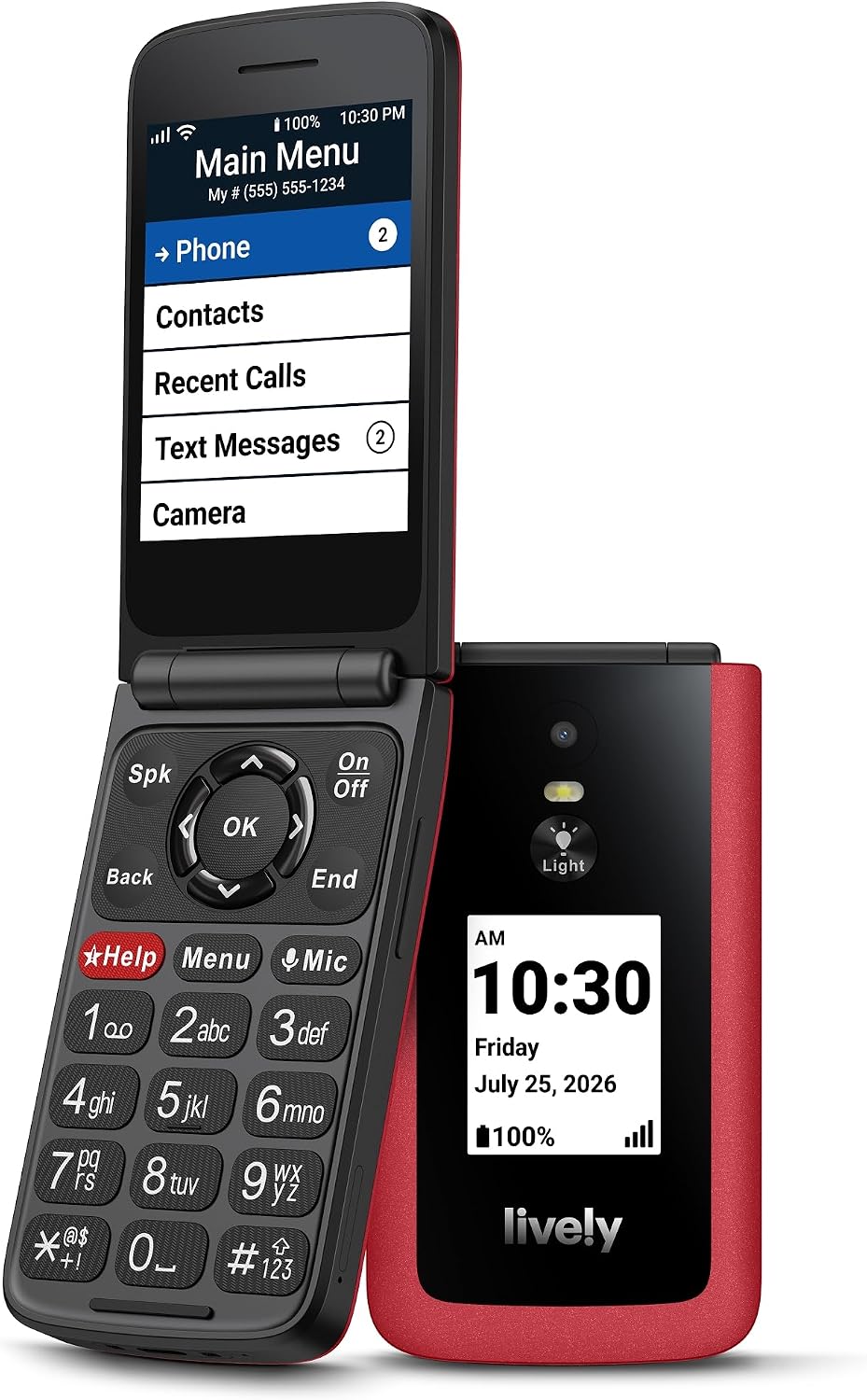
The Jitterbug Flip3 keeps physical buttons and a simple menu, adding 5G and Wi-Fi calling. It suits seniors who mainly call and text and are willing to use Lively service.
Key highlights
- 5G connectivity and Wi-Fi calling
- Backlit buttons and a high-contrast screen
- One-touch speed dial and voice calling
- Help button with optional paid Urgent Response
Pros
- Physical keys for dialing and texting
- Powerful speaker and a grip designed to resist slipping
- Lively support is available 24/7 after activation
Cons
- Works only with Lively service
- Urgent Response requires an additional paid service
- Designed for basic communication rather than smartphone apps
Who it's for
Seniors who want a simple phone for calling and texting without smartphone complexity.
Skip if
You need internet access, email, or smartphone apps.
Also Good
- Google Pixel 10a - an unlocked Android phone with Call Screen, a bright display and seven years of updates.
How to Choose
Consider these factors when selecting a smartphone for a senior:
- 1.Screen readability: Look for large screens (at least 6 inches) with adjustable text size and high brightness.
- 2.Audio clarity: Phones with loud speakers and hearing aid compatibility are essential. The Jitterbug Smart5 has dual speakers, while the Flip3 has a powerful speaker and physical buttons.
- 3.Interface simplicity: Interface options vary by phone; Samsung calls its simplified layout Easy mode. Consider which ecosystem the user is already familiar with.
- 4.Emergency features: Check which emergency services the phone supports and whether they require a subscription. Jitterbug phones offer optional paid Urgent Response.
- 5.Budget and carrier: Consider both the phone's upfront cost and monthly service plans. Some carriers offer plans aimed at older or light users, so compare plans before you buy.
FAQ
What's the easiest smartphone for seniors to learn?
The Jitterbug Smart5 uses a list-based menu designed for straightforward navigation. Familiarity also matters: someone already comfortable with iOS or Android may prefer to stay with that platform.
Do seniors really need 5G phones?
While not essential, 5G provides faster internet speeds and better future-proofing. It's worth considering for seniors who use video calling or browse the internet regularly.
How important are emergency features?
For seniors who want access to emergency assistance, an Urgent Response button can be useful. Check the service requirements and monthly cost before choosing a phone.
Should I get a flip phone or smartphone for a senior?
Flip phones work well for basic calling and texting needs, while smartphones offer video calling, internet access, and helpful apps. Consider the senior's comfort with technology.
What's the best carrier for senior phone plans?
Several carriers sell plans for customers 55 and older, and age rules and eligible lines vary by carrier. Look for unlimited talk and text with flexible data options that match actual usage patterns.
Published March 1, 2026 Last updated October 22, 2026
Share this article
More on phones
Buying guide
3 Best Smartphones Under $500 for 2026
Buying guide
6 Best Smartphones With the Longest Battery Life for 2026
Deal
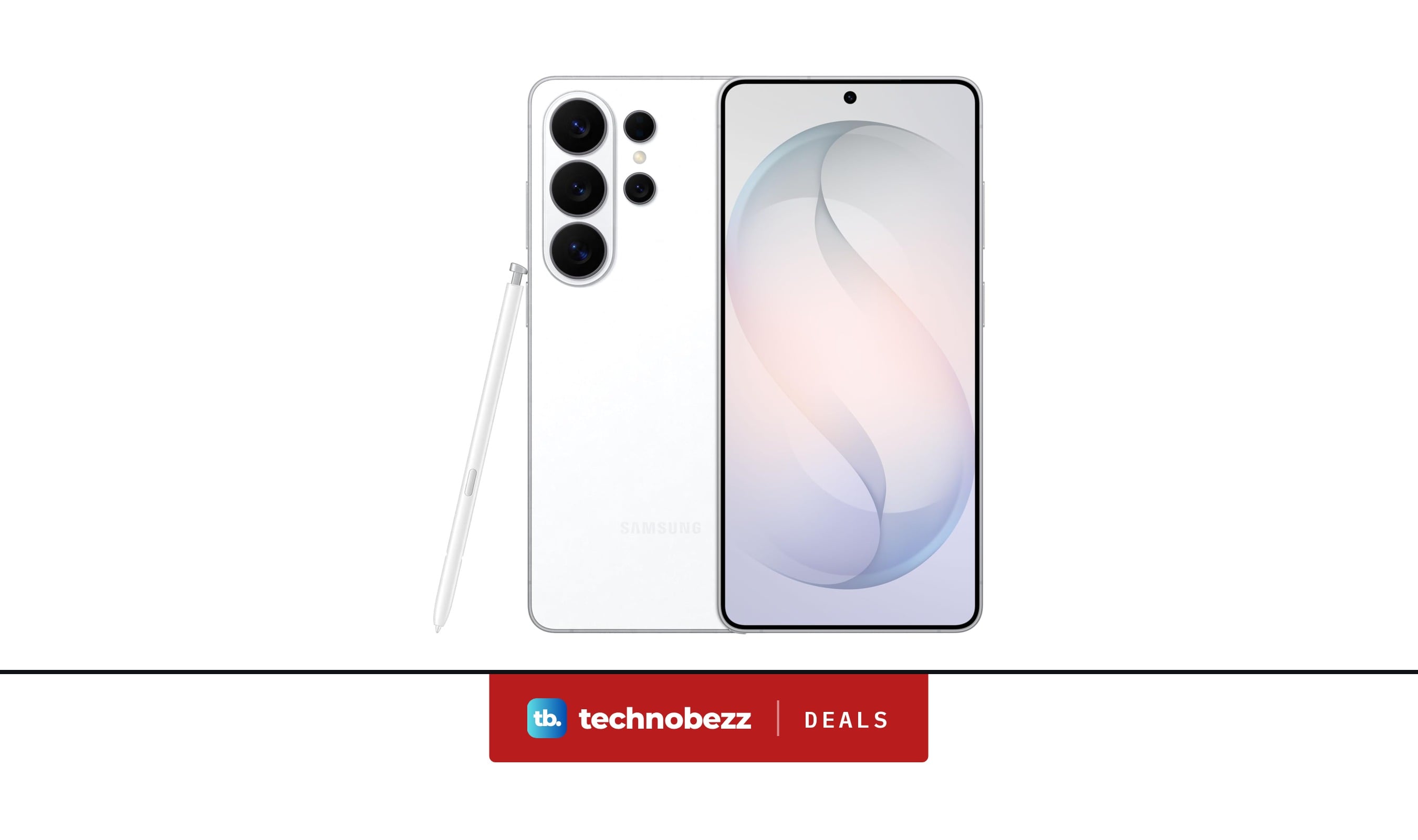
Samsung Galaxy S26 Ultra Smartphone gets a $454.99 price cut to $945
Deal
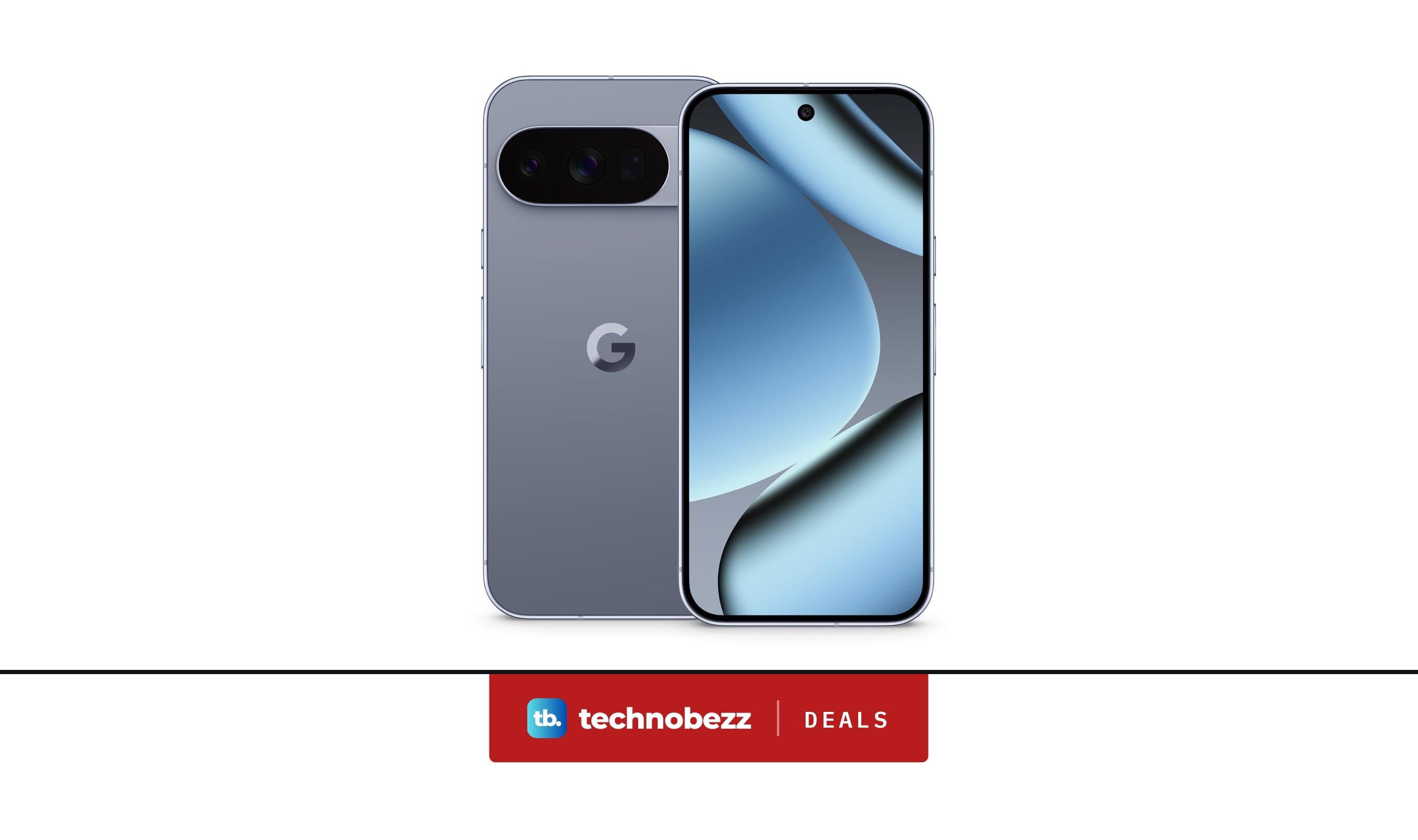
Google Pixel 10 Pro Unlocked Smartphone now $699, down from $999
More buying guides
Buying guide6 Best OLED TVs for 2026Buying guide7 Best 75-Inch TVs in 2026Buying guide7 Best 65-Inch TVs for 2026Buying guide8 Best Laptops for Home Use in 2026Buying guideBest Translation Earbuds for 2026Buying guide6 Best Travel Laptops From Budget Picks to Premium ModelsBuying guide9 Best Desktops Under $1500 for 2026Buying guide7 Best Laptops for High School Students in 2026