The right travel laptop balances portability, battery life, and enough power for everyday tasks. These picks include budget Windows laptops and a Chromebook alongside premium options for travelers who prioritize compact design or macOS.
Technobezz is supported by its audience. We may get a commission from retail offers.
6 Best Travel Laptops From Budget Picks to Premium Models
Discover the 7 best cheap travel laptops for 2026 : Our top pick, the Acer Aspire 3, offers the perfect balance of performance, portability, and value for your budget.
T
Technobezz
Editorial Team
Updated September 5, 2026Sep 5, 2026
•7 min read

Get Deals Like These in Your Inbox
The best prices, straight to your inbox.
On GoogleFollow Technobezz: add us as a preferred source.

At a Glance
| Category | Product | Why We Picked It |
|---|---|---|
| Best overall | Acer Aspire 3 | Excellent balance of performance and value |
| Best value | Acer Aspire Go 15 | Full HD IPS display and dual full-function USB-C ports |
| Best for ultra-portability | Dell XPS 13 | Premium compact design at a reasonable price |
| Best Chromebook | Asus Chromebook CX14 | Affordable ChromeOS simplicity |
| Best for Apple users | MacBook Air | Reliable macOS experience |
| Also recommended | Lenovo ThinkBook 16 Gen 7 | More screen and power for the budget-conscious traveler |
How we chose
We evaluated laptops based on travel-specific needs: weight and dimensions for easy packing, battery life for long flights or cafe work sessions, durability for life on the road, and performance for basic productivity tasks. Price was a primary consideration, with all picks offering strong value for their capabilities.
The best travel laptops right now
Acer Aspire 3 - Best overall
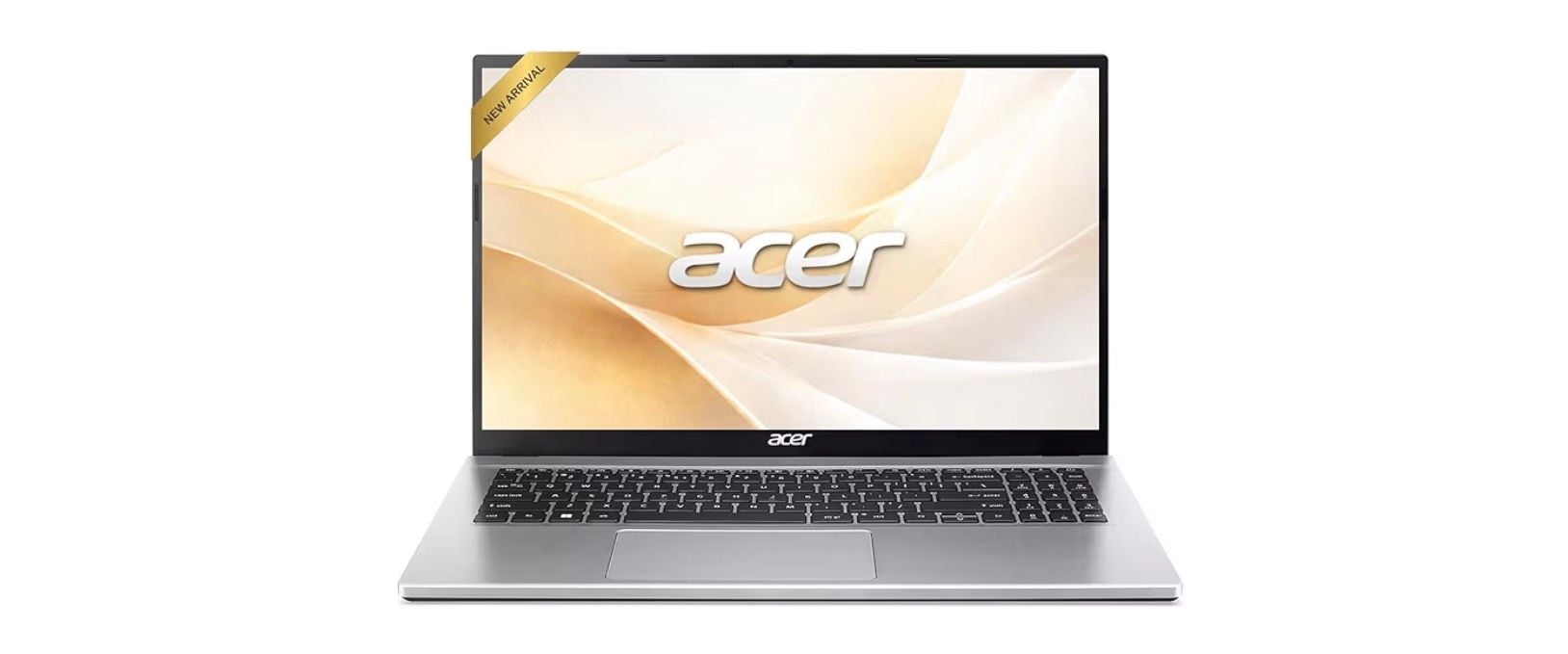
This Windows laptop hits the sweet spot for travelers who need reliable performance without the premium price tag. It handles everyday tasks smoothly while keeping weight and cost manageable.
Key highlights
- Snappy processing for web browsing and productivity apps
- Wi-Fi 6 support for better connectivity in hotels and cafes
- Long-lasting battery that can power through a full travel day
- 8GB RAM and a 256GB SSD in the linked configuration
- 15.6-inch display that's large enough for work but still portable
Pros
- Excellent value for the performance offered
- Good battery life for extended use away from outlets
- Modern connectivity options including USB-C
- Reliable build that can handle travel wear and tear
Cons
- Display quality is adequate but not exceptional
- Can feel slightly bulky compared to ultraportables
- Storage options may be limited at base configurations
Who it is for: Travelers who need a reliable Windows laptop for basic work, entertainment, and communication without spending a fortune.
Skip if
You need premium build materials, exceptional display quality, or gaming capabilities.
Acer Aspire Go 15 - Best value
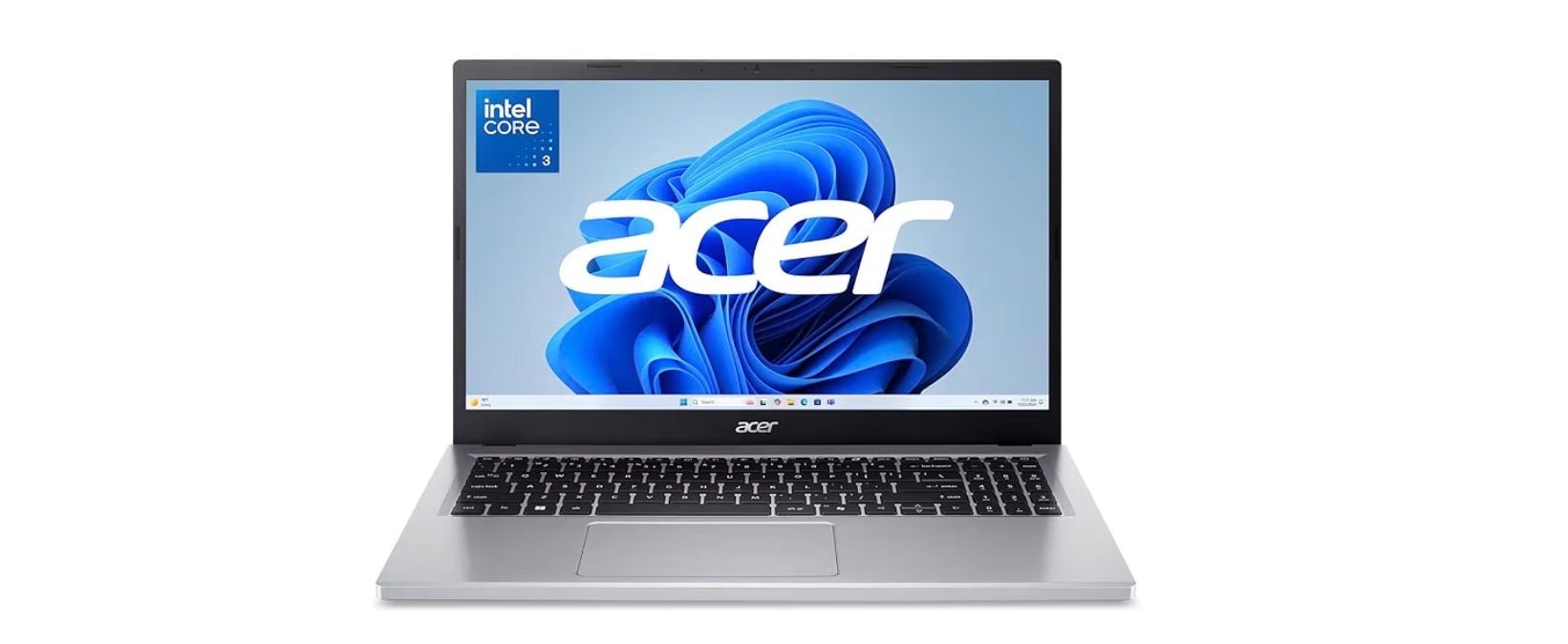
When every dollar counts, this laptop delivers surprising capability for its price. It proves you don't need to compromise on essential features just because you're on a tight budget.
Key highlights
- Surprisingly decent 15.6-inch 1920×1080 display
- USB-C charging instead of older barrel-style connectors
- 720p HD webcam with Acer TNR for low-light video calls
- 8GB DDR5 memory
- Solid battery life that gets through a work or class day
Pros
- Exceptional value with features usually found in more expensive models
- Good display quality for the price range
- Modern USB-C charging convenience
- Acer TNR and PurifiedVoice features for video calls
Cons
- Performance is adequate but not powerful
- Build quality reflects the budget price point
- May feel sluggish with multiple applications open
Who it is for: Budget-conscious travelers, students, and anyone who needs basic computing without frills.
Skip if
You regularly run demanding applications or need premium construction.
Dell XPS 13 - Best for ultra-portability
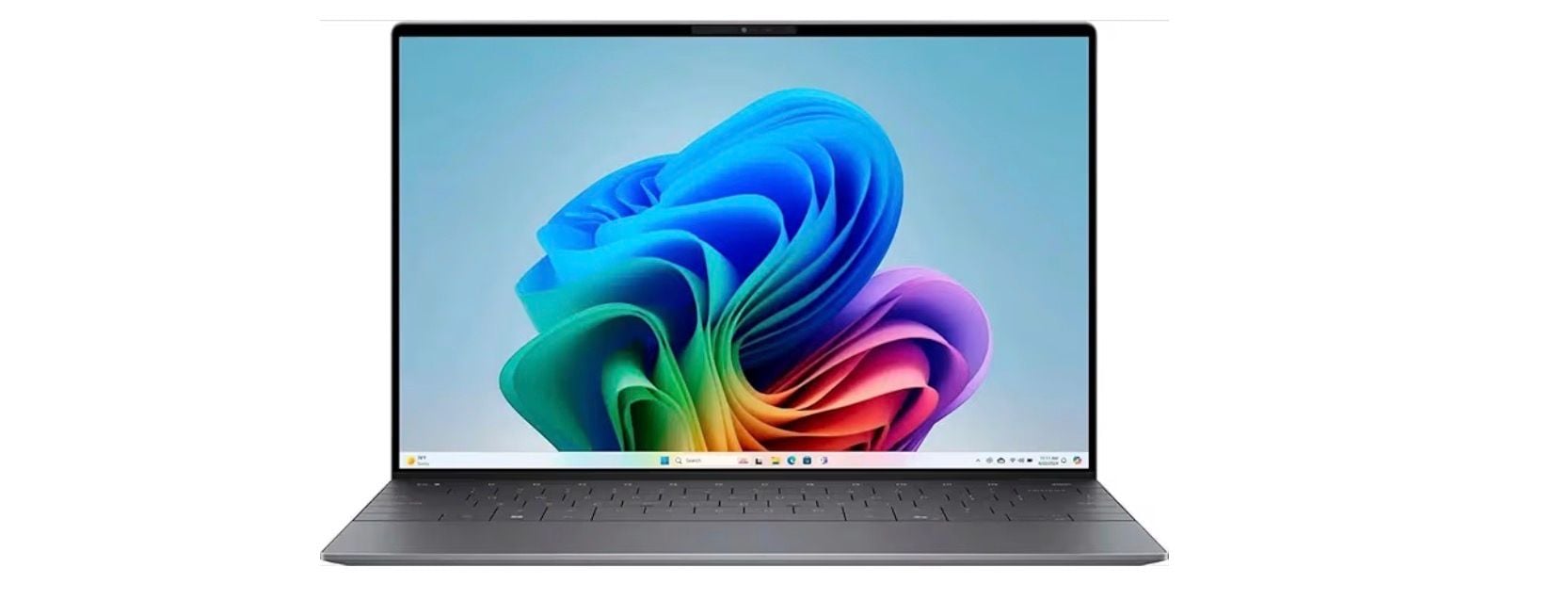
While not the absolute cheapest option, the XPS 13 offers premium portability in a compact design. The Dell XPS 13 (9345) model provides groundbreaking multi-day battery life and thin-and-light construction suitable for travelers who prioritize space and weight savings.
Key highlights
- Exceptionally compact and lightweight design
- Premium build quality that withstands travel
- Good performance in a small footprint
- Excellent battery life for all-day use
- High-quality display in a portable package
Pros
- One of the most portable Windows laptops available
- Premium construction that feels durable
- Strong performance for its size
- Good thermal management in compact form
Cons
- Higher price than basic budget laptops
- Limited upgrade options due to compact design
- Smaller keyboard may take adjustment
Who it is for: Frequent travelers who value compact size and premium build over absolute lowest price.
Skip if
You need maximum screen real estate or have a very tight budget.
Asus Chromebook CX14 - Best Chromebook
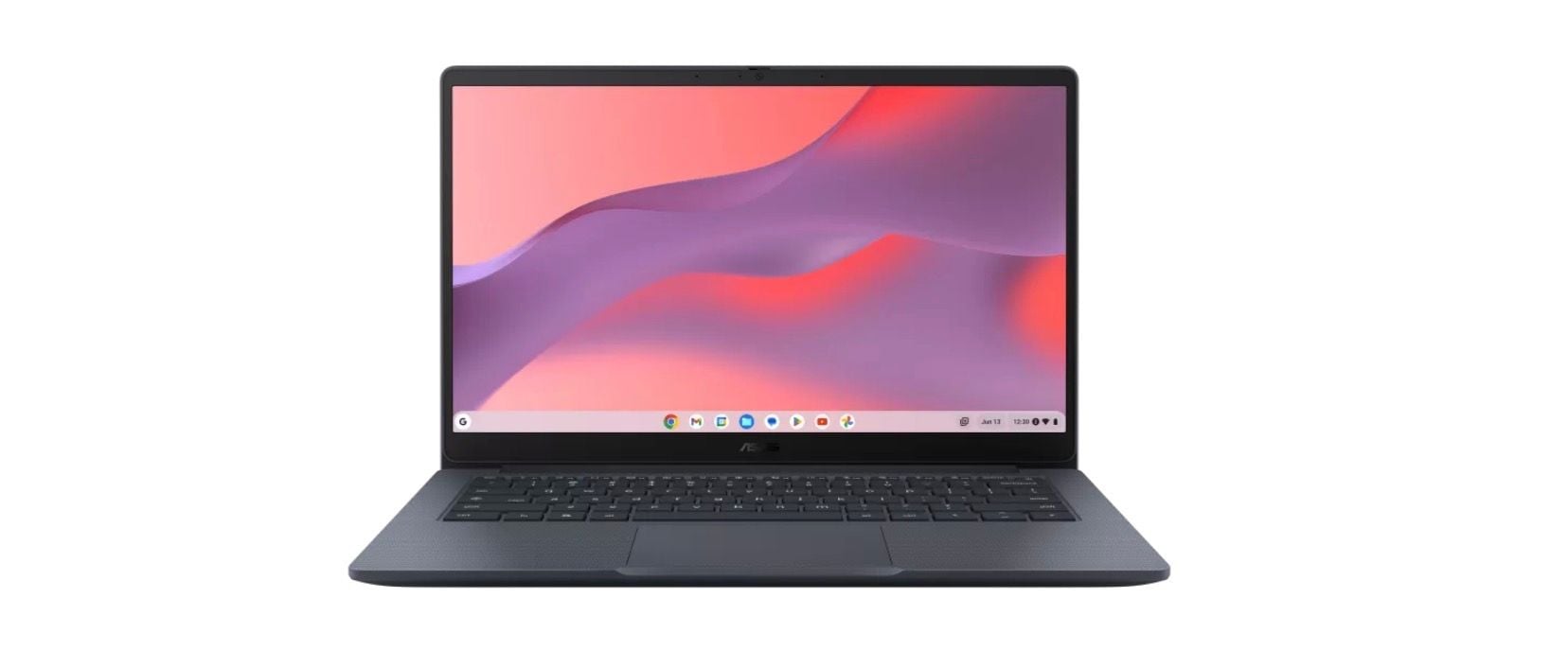
For travelers who live in the browser, this Chromebook offers simplicity and value. ChromeOS has matured enough to handle most travel computing needs while keeping costs low.
Key highlights
- ChromeOS simplicity with offline capability
- Lightweight and portable design
- Long battery life ideal for travel days
- Affordable price with decent performance
- Access to Android apps for additional functionality
Pros
- Extremely simple setup and maintenance
- Excellent battery efficiency
- Lightweight and easy to carry
- Good value for basic computing needs
Cons
- Limited to web-based and Android applications
- Not suitable for Windows or macOS specific software
- Storage may be limited for offline content
Who it is for: Travelers who primarily use web applications, Google services, and need simple, reliable computing.
Skip if
You need specific Windows or macOS applications or work extensively offline.
MacBook Air - Best for Apple users
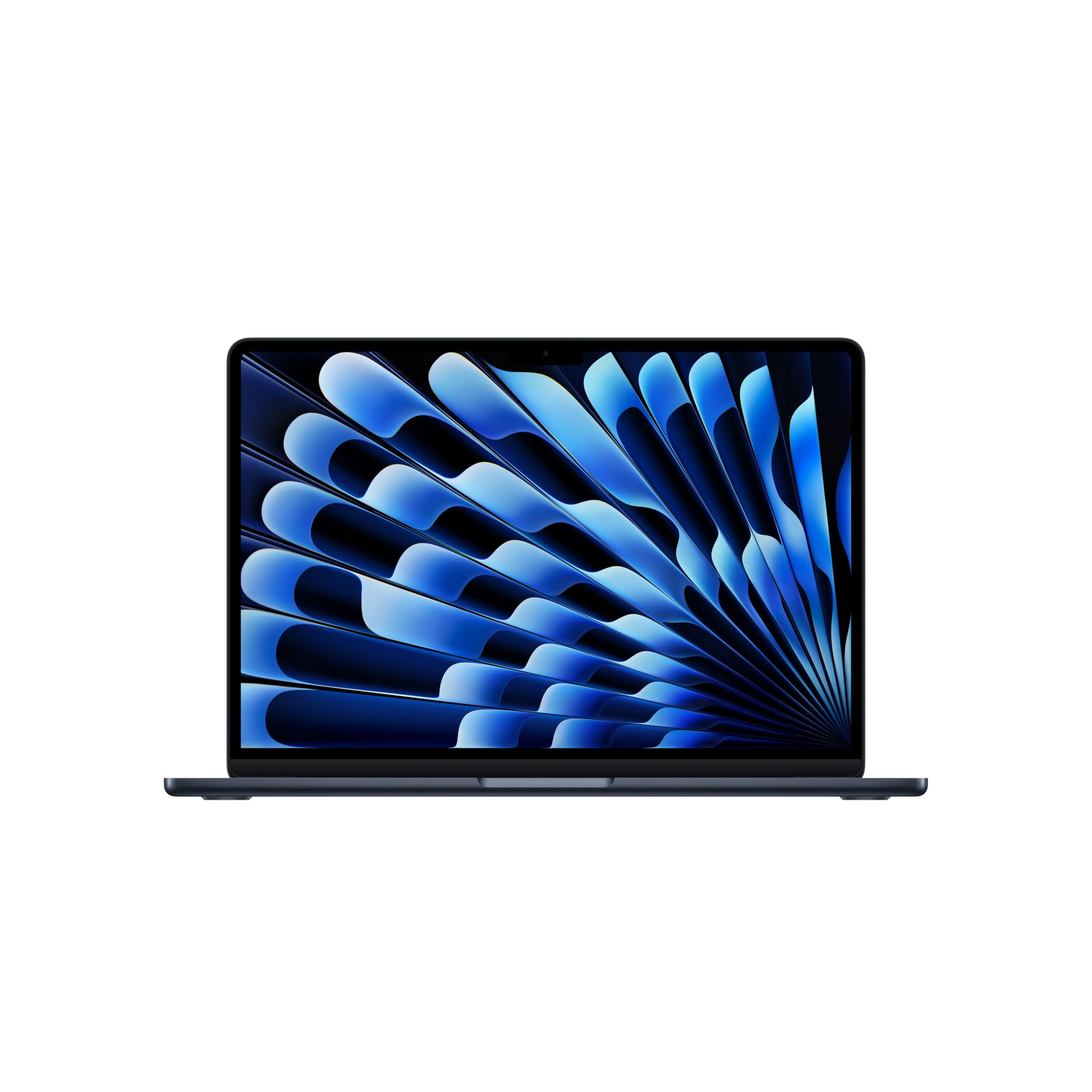
While Apple laptops rarely qualify as "cheap," the MacBook Air represents the best value in the macOS ecosystem. Its reliability and performance make it worth considering for travelers already invested in Apple's ecosystem.
Key highlights
- M5 chip with 16GB unified memory and a 512GB SSD
- Exceptional battery life that lasts through travel days
- Premium build quality that withstands travel
- Seamless integration with other Apple devices
- Lightweight and portable design
Pros
- Outstanding battery life for extended use
- Excellent performance for everyday tasks
- Premium construction that feels durable
- Great integration with iPhone and iPad
Cons
- Higher price than Windows or Chromebook options
- Limited port selection may require adapters
- Less upgradeable than some Windows laptops
Who it is for: Travelers already using Apple devices who want reliable performance and ecosystem integration.
Skip if
You're on a tight budget or need specific Windows applications.
Also Good
- Lenovo ThinkBook 16 Gen 7 - more screen and power for the budget-conscious traveler.
How to Choose
Consider these factors when selecting your travel laptop:
Weight and size: For frequent travelers, every pound matters. Look for laptops under 3.5 pounds if you'll be carrying it daily. Screen size between 13-15 inches offers the best balance of usability and portability.
Battery life: Aim for at least 8 hours of real-world use. This covers most flight durations and cafe work sessions without needing an outlet hunt.
Durability: Travel laptops face more bumps and shakes. Look for solid construction, and consider a protective case regardless of build quality.
Performance needs: Be honest about what you'll actually do. Basic web browsing, document editing, and video streaming require far less power than photo editing or gaming.
Operating system: Choose based on your comfort and needs. Windows offers the most flexibility, ChromeOS is simplest, and macOS integrates best with Apple devices.
FAQ
What's the ideal screen size for travel?
Most travelers find 13-14 inches ideal. It's large enough for comfortable work but small enough to fit on airplane trays and in crowded spaces.
Can I really get a good travel laptop under $500?
Yes, several options now offer solid performance, decent battery life, and portable designs under $500. You'll compromise on premium materials and some features, but core functionality remains.
How important is battery life for travel?
Very important. Look for laptops that can last through a long flight plus transit time. Battery life claims often overstate real-world performance, so check independent reviews.
Should I consider a Chromebook for travel?
If you primarily use web applications and Google services, Chromebooks offer excellent value, simplicity, and battery life. They're less suitable if you need specific Windows or macOS software.
What about gaming on travel laptops?
Most budget travel laptops aren't designed for gaming. If gaming is important, you'll need to increase your budget significantly for dedicated graphics and better cooling systems.
Published January 30, 2026 Last updated September 5, 2026
Share this article
More on laptops
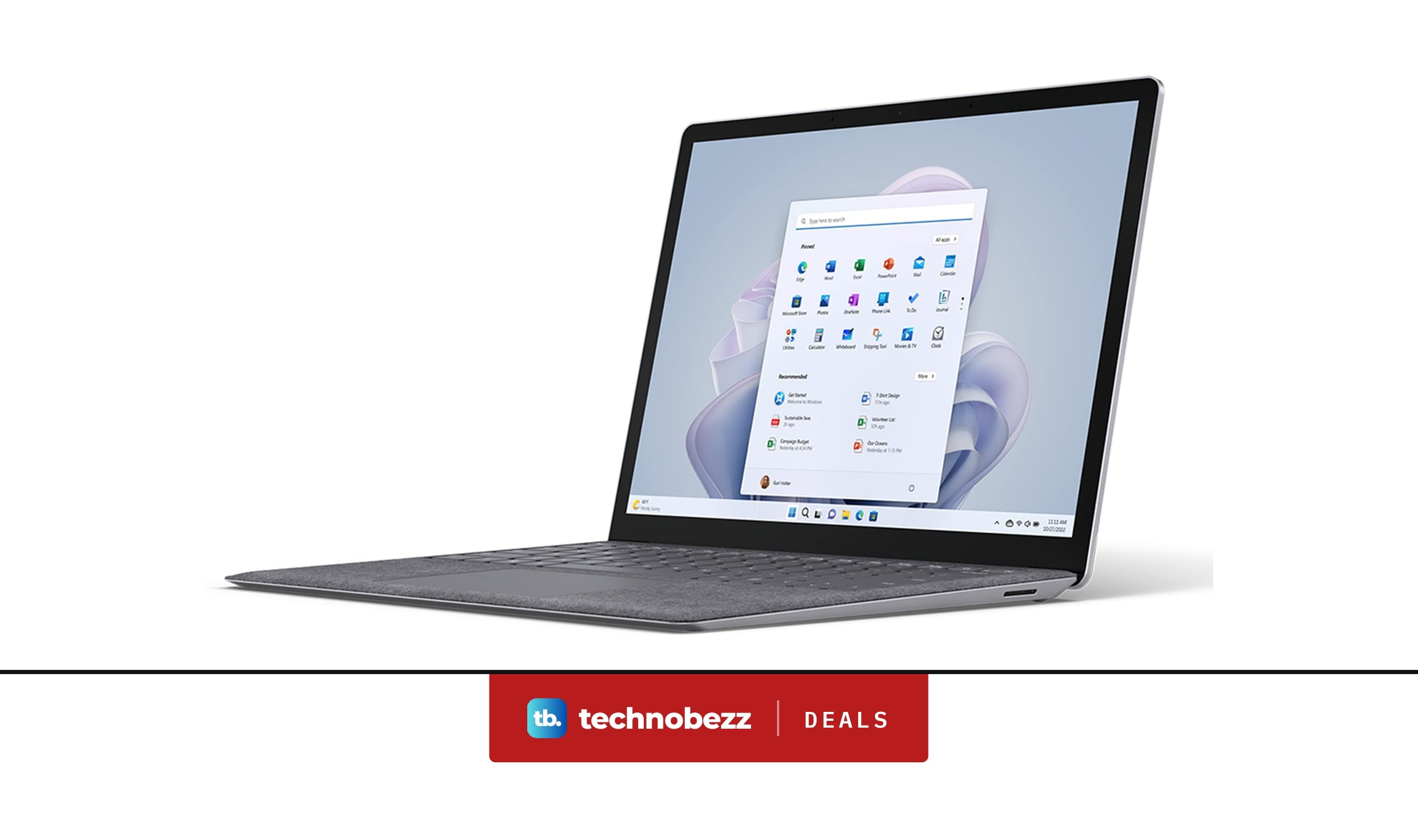
Deal
Microsoft Surface Laptop 5 slips to $608.84
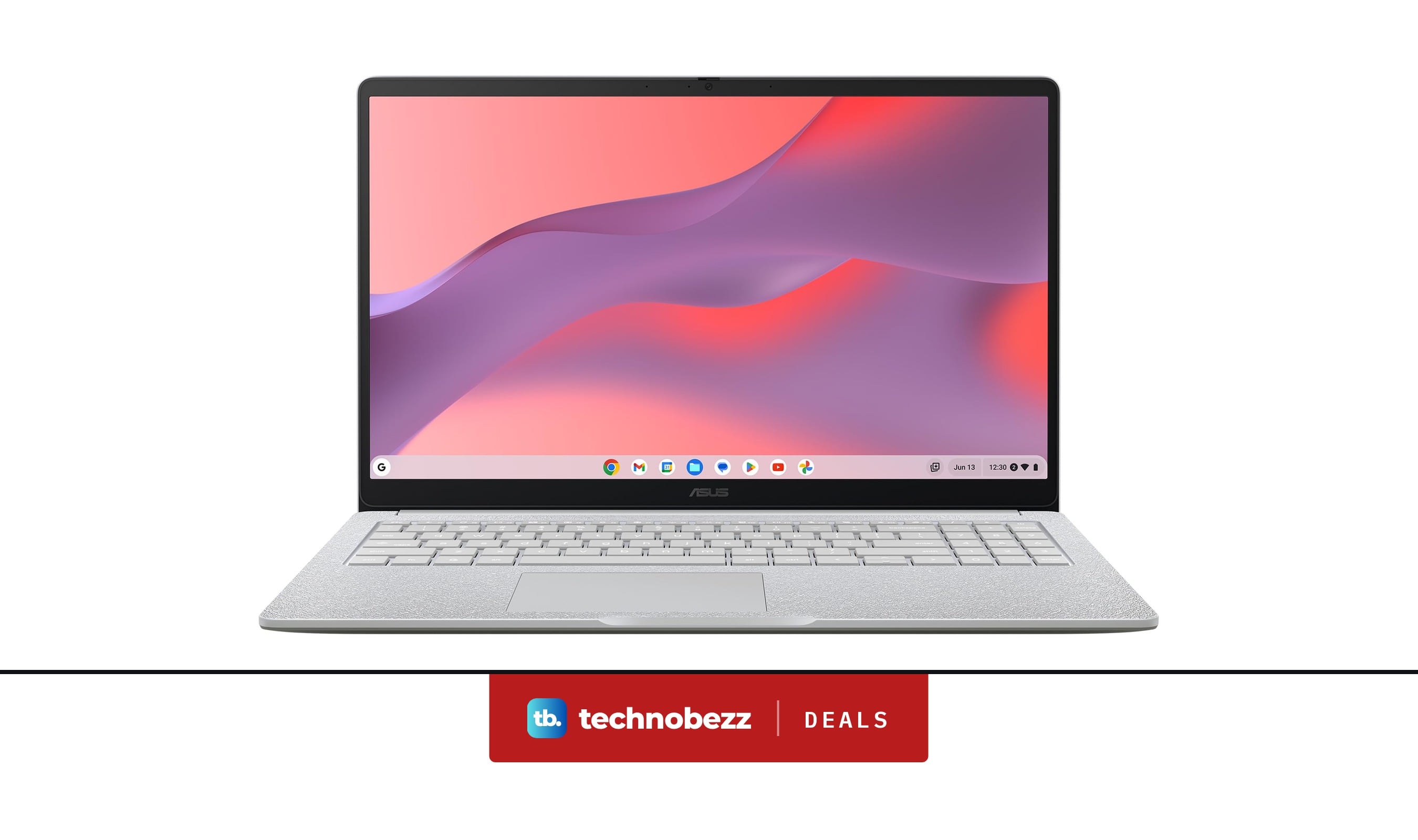
Deal
ASUS Chromebook CM15 dips to $370.99
Buying guide
7 Best Laptops for Interior Designers in 2026
Buying guide
4 Best Budget Laptops Around $300 for 2026
More buying guides
Buying guide9 Best Keyboards From Top Brands in 2026Buying guide8 Best 60 Percent Keyboards of 2026Buying guideTop 7 Home Theater Systems for 2026Buying guide6 Best Handheld Gaming Consoles for 2026Buying guide5 Spy Cameras for Home and Portable Monitoring (2026)Buying guide6 Best Tablets for Gaming in 2026Buying guide7 Gaming Consoles for Every Budget in 2026Buying guideBest Lenovo ThinkPad Laptops in 2026