Finding the right laptop for home use doesn't need to be complicated. The Dell 14 Plus is our best overall pick, and the Acer Swift Go 14 is our best value pick. This list focuses on laptops for everyday home use.
Technobezz is supported by its audience. We may get a commission from retail offers.
8 Best Laptops for Home Use in 2026
The Dell 14 Plus leads our picks for the best laptops for home use in 2026. Compare Windows and Mac options by screen, memory, storage and connections.
T
Technobezz
Editorial Team
Updated October 22, 2026Oct 22, 2026
•9 min read

Get Deals Like These in Your Inbox
The best prices, straight to your inbox.
Add Technobezz on Google:Preferred SourceGoogle Discover
At a Glance
| Category | Product | Why We Picked It |
|---|---|---|
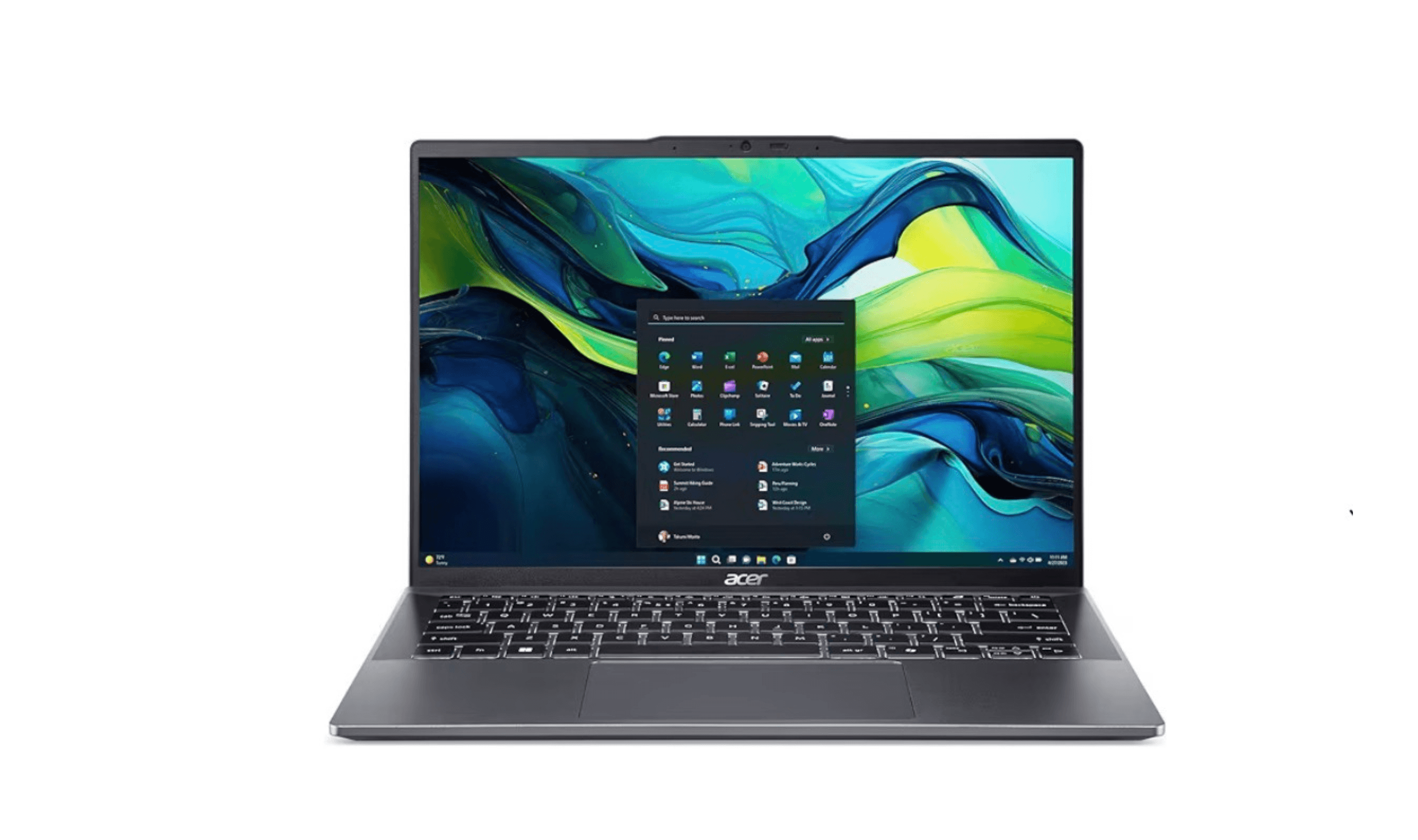
| Best overall | Dell 14 Plus | 32GB memory, 1TB SSD and a QHD+ display |
| Best value | Acer Swift Go 14 | IPS touchscreen, USB4 and HDMI |
| Best for Apple users | MacBook Air M5 | M5 chip, macOS and a fanless design |
| Best versatile design | Lenovo Yoga 9i | Versatile design with premium build |
| Best Windows experience | Microsoft Surface Laptop 8th Edition | Snapdragon X2 Elite performance and a 13.8-inch touchscreen |
| Also recommended | ASUS Vivobook 16 Flip (2026) | 16-inch OLED touchscreen, 32GB memory and a 1TB SSD |
| Also recommended | Acer Swift Go 16 AI | 16-inch OLED touchscreen and Core Ultra 5 Series 3 processor |
| Also recommended | Lenovo Yoga 7i | Affordable 2-in-1 with solid battery life |
How we chose
We chose these laptops from current models sold new, using each maker's published specifications and features, plus price, to match every pick to a specific kind of buyer. We compared display options, memory, storage and connections.
The best laptops for home use right now
Dell 14 Plus - Best overall

The Dell 14 Plus is our top pick for most home users. The linked configuration pairs an Intel Core Ultra 7 258V processor with 32GB of memory, a 1TB SSD and a 2560 x 1600 display.
Key highlights
- Intel Core Ultra 7 258V processor
- 32GB memory and a 1TB SSD
- 14-inch 2560 x 1600 non-touch display
- Thunderbolt 4, USB-C, USB-A and HDMI connections
- Windows 11 Home
Pros
- 32GB memory and a 1TB SSD
- 120 Hz display
- Aluminum lid and base
Cons
- Non-touch display
- Plastic bezel and palmrest
Who it's for
Home users who want Windows, a non-touch display and a 1TB SSD.
Skip if
You want a touchscreen or prefer macOS over Windows.
MacBook Air M5 - Best for Apple users

Apple's MacBook Air pairs the M5 chip with 16GB of unified memory and a 512GB SSD. It also has Wi-Fi 7 and a 12MP Center Stage camera.
Key highlights
- M5 chip with a 10-core CPU and an 8-core GPU
- 16GB Unified Memory and 512GB SSD
- Up to 18 hours of video streaming or 15 hours of wireless web browsing, according to Apple
- Wi-Fi 7
- 12MP Center Stage camera with Desk View support
Pros
- Fanless design runs silently under everyday workloads
- MagSafe 3 charging port
- Apple rates wireless web use at up to 15 hours
Cons
- Two Thunderbolt 4 (USB-C) ports
- 512GB SSD in this configuration
Who it's for
Home users who prefer macOS and a fanless laptop.
Skip if
You prefer Windows or need a wider port selection without adapters.
Acer Swift Go 14 - Best value

The Acer Swift Go 14 is our best value pick. It combines a Ryzen 7 8845HS processor with an IPS touchscreen, USB4 ports and HDMI.
Key highlights
- AMD Ryzen 7 8845HS processor
- 14-inch 1920 x 1200 IPS touchscreen
- Two USB4 ports and HDMI 2.1
- Wi-Fi 6E and Bluetooth 5.3
Pros
- Touchscreen
- HDMI 2.1 port for a TV or monitor
- microSD card slot
Cons
- 60 Hz display
- 1920 x 1200 resolution
Who it's for
Home users who want an IPS touchscreen with USB4, HDMI and a microSD slot.
Skip if
You prefer macOS or want an OLED screen.
Lenovo Yoga 9i 2-in-1 - Best versatile design

For home users who want flexibility, the Lenovo Yoga 9i offers premium 2-in-1 functionality with excellent build quality. The convertible design works well as both a laptop and tablet for different home use scenarios.
Key highlights
- Premium 2-in-1 convertible design
- Excellent OLED display with vibrant colors
- Intel Core Ultra 7 258V processor
- Premium build with aluminum construction
- Included stylus for note-taking and drawing
Pros
- Versatile design for different use cases
- Excellent display quality
- Premium build feels solid
- Good performance for most tasks
Cons
- More expensive than traditional laptops
- Battery life suffers with OLED display
- Heavier than some ultraportables
Who it's for
Home users who want tablet functionality alongside laptop capabilities, or those who appreciate premium build quality.
Skip if
You never plan to use tablet mode or need maximum battery life.
Microsoft Surface Laptop 8th Edition - Best Windows experience
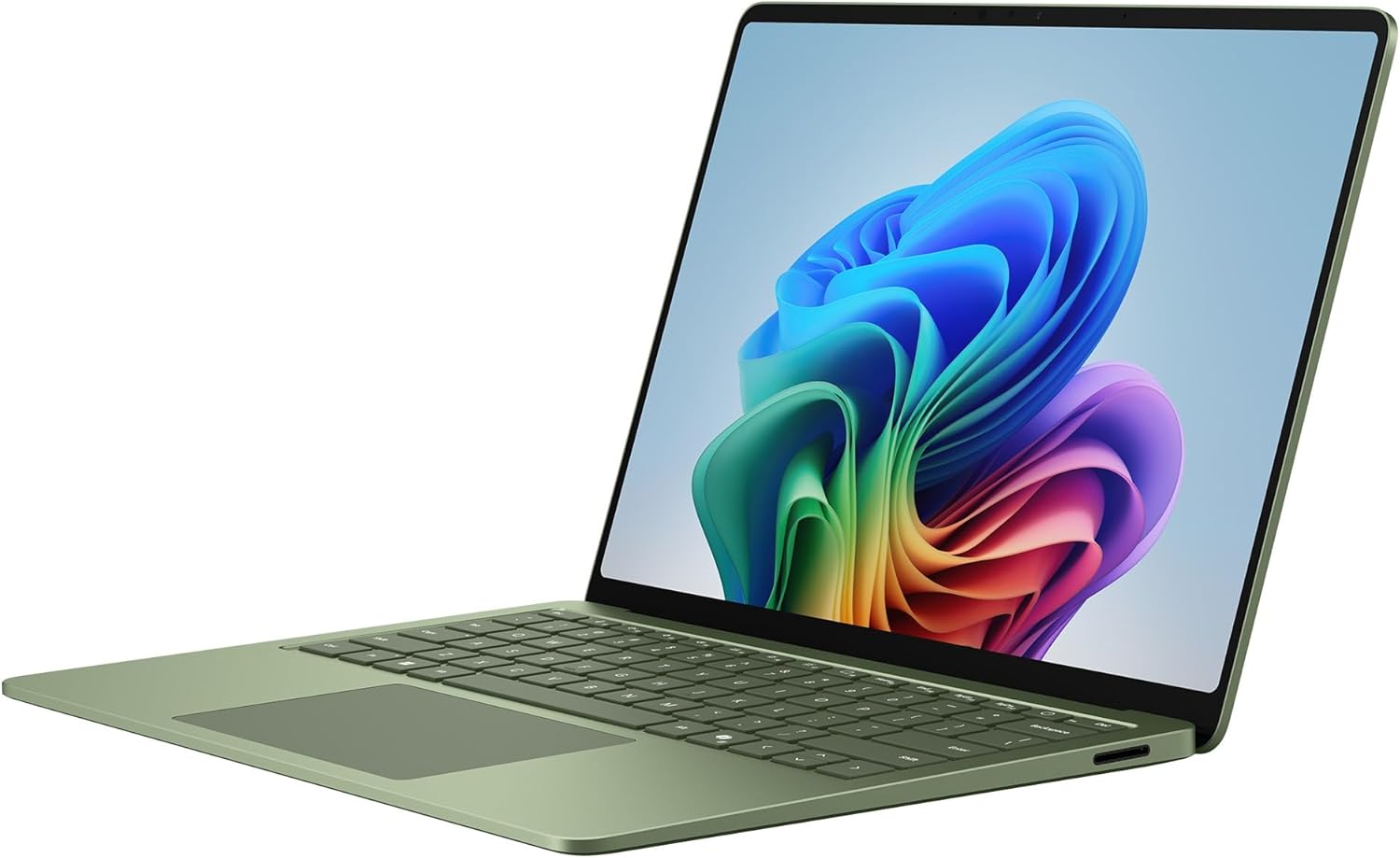
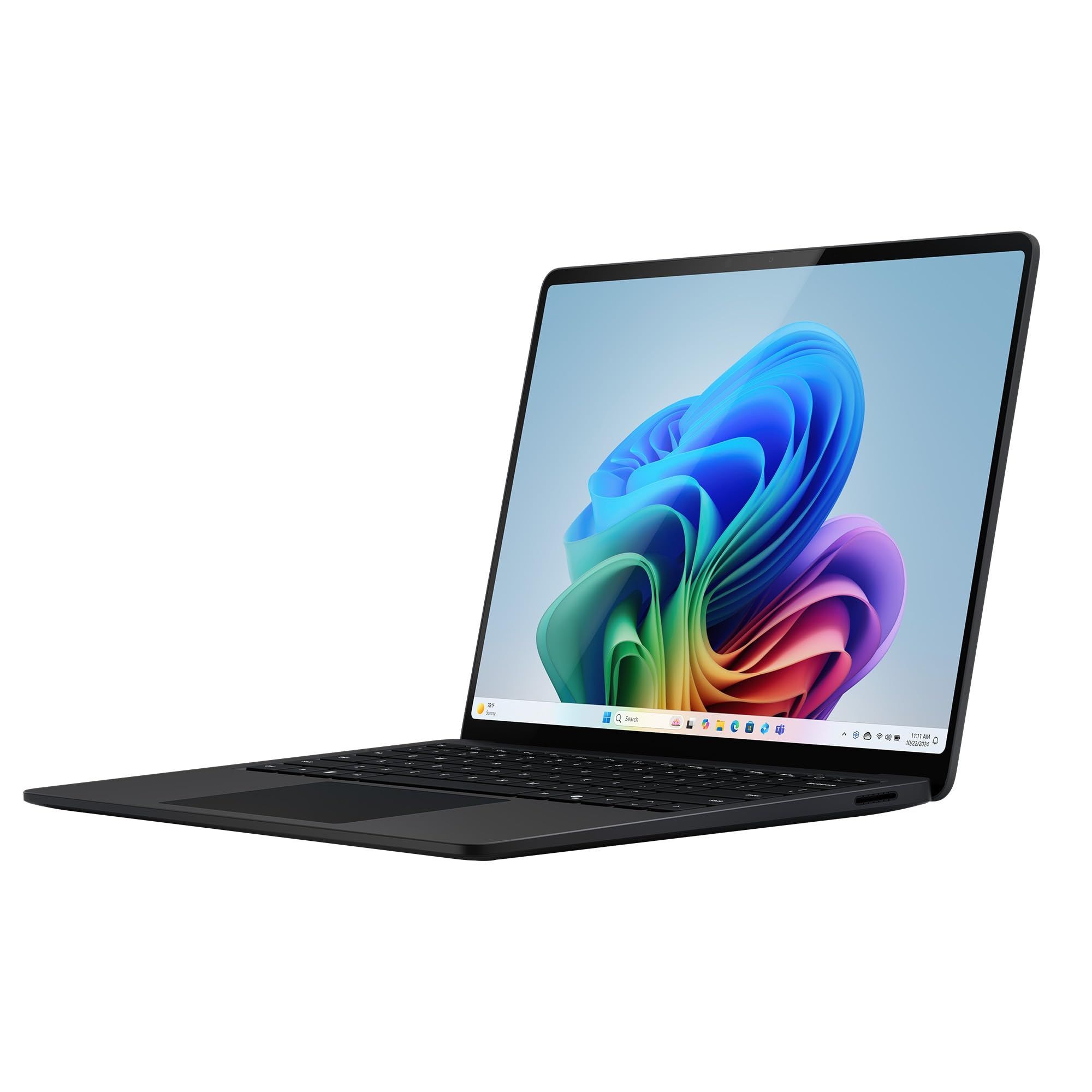
Microsoft's Surface Laptop 8th Edition pairs a Snapdragon X2 Elite processor with a 13.8-inch LCD touchscreen, 16GB RAM, and a 512GB SSD. It runs Windows 11 Home.
Key highlights
- Snapdragon X2 Elite processor with 12 CPU cores
- 13.8-inch PixelSense LCD touchscreen
- 16GB RAM and 512GB SSD
- Two USB-C ports with USB4 support
- Windows 11 Home
Pros
- Touchscreen supports direct navigation
- USB4 ports connect storage and desktop accessories
- USB-A 3.2 port
Cons
- 512GB storage may be limiting for large local media libraries
Who it's for
Home users who want a Windows laptop with a touchscreen and USB4 connections.
Skip if
You prefer macOS or an OLED screen.
Also Good
- ASUS Vivobook 16 Flip (2026) - a 2026 convertible with a 16-inch OLED touchscreen, Core Ultra 7 355 processor, 32GB RAM, and a 1TB SSD.
- Acer Swift Go 16 AI - a 16-inch OLED touchscreen laptop with a Core Ultra 5 322 processor, 16GB RAM, and a 512GB SSD for everyday home use.
- Lenovo Yoga 7i - affordable 2-in-1 with solid battery life.
Specs compared
| Laptop | Processor | Display | Selected connections |
|---|---|---|---|
| Dell 14 Plus | Intel Core Ultra 7 258V | 14-inch 2560 x 1600 non-touch, 120 Hz | Thunderbolt 4, USB-C, USB-A, HDMI 2.1 |
| MacBook Air M5 | Apple M5 | 13.6-inch 2560 x 1664 IPS | Two Thunderbolt 4 ports, MagSafe 3, headphone jack |
| Acer Swift Go 14 | AMD Ryzen 7 8845HS | 14-inch 1920 x 1200 IPS touch, 60 Hz | Two USB4 ports, HDMI 2.1, microSD |
| Lenovo Yoga 9i 2-in-1 | Intel Core Ultra 7 258V | 14-inch 3840 x 2400 OLED touch, 60 Hz | Two Thunderbolt 4 ports, USB-C, USB-A |
| Microsoft Surface Laptop 8th Edition | Snapdragon X2 Elite | 13.8-inch 2304 x 1536 LCD touch, 120 Hz | Two USB4 ports, USB-A 3.2, Surface Connect |
| ASUS Vivobook 16 Flip (2026) | Intel Core Ultra 7 355 | 16-inch 1920 x 1200 OLED touch, 60 Hz | Thunderbolt 4, USB-C, USB-A, HDMI |
| Acer Swift Go 16 AI | Intel Core Ultra 5 322 | 16-inch 1920 x 1200 OLED touch, 60 Hz | Two USB4 ports, USB-A, HDMI |
| Lenovo Yoga 7i | Intel Core Ultra 7 155U | 16-inch 1920 x 1200 IPS touch, 60 Hz | Two Thunderbolt 4 ports, USB-A, HDMI 2.1 |
How to Choose
Consider these factors when picking a laptop for home use:
Battery life matters if you move around: If the laptop stays on a desk near an outlet, battery life matters less. If you carry it between rooms or out of the house, compare maker ratings for the same activity, because makers rate different tasks. Apple rates the MacBook Air for up to 18 hours of video streaming or 15 hours of wireless web use.
Pick the screen size and type: A 14-inch laptop is easier to move around the house, while a 16-inch screen such as the Vivobook 16 Flip or Swift Go 16 AI gives more room for two windows side by side. OLED displays offer better contrast than IPS LCD screens, and a touchscreen lets you tap and scroll as you would on a phone.
Performance needs are usually modest: For web browsing, streaming and office work, you don't need the most powerful processor. The picks here use Intel Core Ultra, AMD Ryzen 7, Snapdragon X2 Elite and Apple M5 processors. Pay for more only if you edit video or play demanding games.
Match the operating system to your phone: If you use an iPhone, a Mac makes sharing files and messages between them easier. Windows laptops come from many more makers, in more sizes and designs.
Buy enough memory and storage up front: 16GB of memory is a sensible starting point. On many thin laptops, including the Lenovo Yoga models here, memory is soldered and cannot be upgraded later. A 512GB SSD leaves room for apps and files; choose 1TB if you keep a large photo or video library on the laptop.
FAQ
What is the best value for money laptop right now?
The Acer Swift Go 14 is our best value pick. It has a Ryzen 7 8845HS processor, a 1920 x 1200 IPS touchscreen, USB4 and HDMI.
How important is battery life for home use?
It depends on where you use the laptop. If it stays on a desk near an outlet, battery life matters less. If you move between rooms or take it out, compare maker ratings for the same activity. Apple rates the MacBook Air for up to 18 hours of video streaming or 15 hours of wireless web use.
Should I get a 2-in-1 or traditional laptop?
Only if you will use tablet mode, for example to read, draw or watch video. The Lenovo Yoga 9i 2-in-1 and Yoga 7i 2-in-1 are 2-in-1 designs with touchscreens, while the Dell 14 Plus is a traditional laptop with a non-touch screen.
Mac or Windows for home use?
Both work well for home use. Choose a Mac if you use an iPhone or other Apple devices and want them to work together. Choose Windows if you want more choice of makers and designs, or need specific Windows software. On this list, the MacBook Air runs macOS, and the Dell 14 Plus, Swift Go 14 and Surface Laptop run Windows 11 Home.
How much RAM do I really need?
16GB is a sensible minimum for a new home laptop. 8GB can cover basic use but leaves less room for many browser tabs and apps at once. The MacBook Air starts with 16GB and can be configured with 24GB or 32GB, and the Dell 14 Plus configuration here has 32GB.
Published January 31, 2026 Last updated October 22, 2026
Add Technobezz on Google:Preferred SourceGoogle Discover
More on laptops
Deal
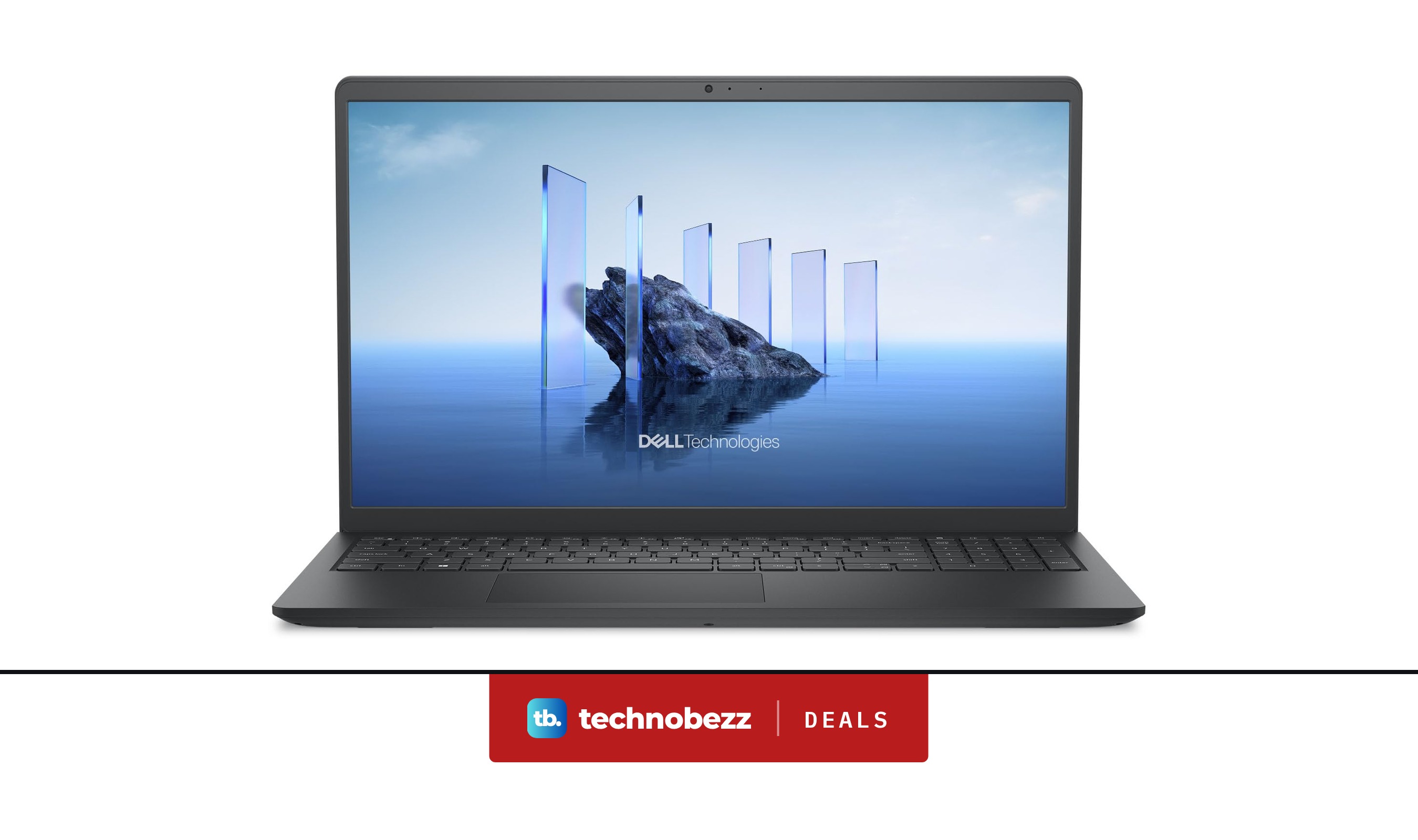
Dell leads 2 laptop deals today, starting at $399.99 on Amazon
Buying guide
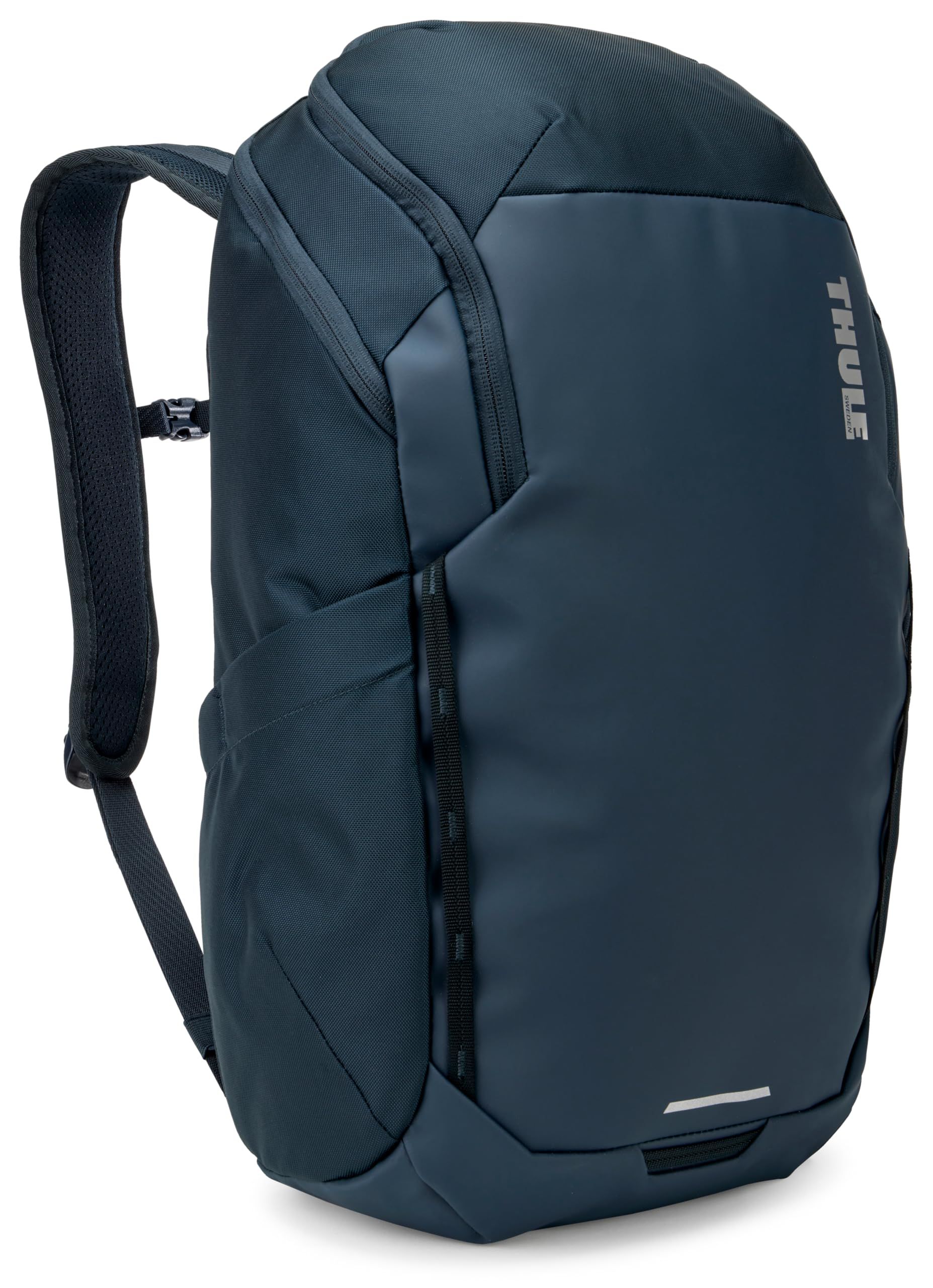
7 Best Laptop Backpacks in 2026
Buying guide
6 Best Windows Laptops in 2026
Deal
Acer Aspire Go 15 AI Ready FHD Laptop is $299.99 ahead of Black Friday
More buying guides
Buying guide7 Best Keyboards for Mac in 2026Buying guide6 Best Home Security Systems in 2026Buying guide6 Best Home Weather Stations in 2026Buying guide6 Best Samsung Tablets in 2026Buying guide7 Best Kindles in 2026Buying guide5 Best External Hard Drives in 2026Buying guide6 Best Smart Locks in 2026Buying guide6 Best Baby Monitors in 2026